Вовед
Ова упатство дава детални упатства за поставување, работа, одржување и решавање проблеми на вашиот ViewSonic VP2768a 27-inch IPS 1440p Monitor. Please read this manual thoroughly before using your monitor to ensure proper functionality and to maximize your viewискуство.
1. Поставување
1.1 Што има во кутијата
Проверете дали сите компоненти се присутни во пакувањето:
- Екран VP2768a
- Кабел за напојување
- DP во DP кабел
- USB-кабел од типот C
- USB Type B Uplink Cable
- Водич за брз почеток
- Фабрички калибриран извештај

Слика 1: Содржина на ViewSonic VP2768a monitor box. Includes the monitor, power cable, DisplayPort cable, USB-C cable, USB-B uplink cable, quick start guide, and factory calibration report.
Video 1: Unboxing the ViewSonic VP2768a 27-inch QHD Professional Display. This video demonstrates the unboxing process and highlights the included accessories.
1.2 Склоп на мониторот
The monitor stand is designed for easy assembly. The stand column is pre-attached to the display. To attach the base:
- Carefully remove the monitor from its packaging, keeping the display protected.
- Locate the stand base and align it with the bottom of the stand column.
- Secure the base to the column, typically by tightening a captive screw on the underside of the base. This is a tool-less design, allowing for hand-tightening.
- Once assembled, carefully place the monitor on a stable, flat surface.
Video 2: Monitor assembly demonstration. This video shows how to attach the monitor base to the stand column.
1.3 Поврзување на вашиот монитор
The VP2768a offers versatile connectivity options. Ensure your computer is powered off before making any connections.
- Поврзување за напојување: Connect the provided power cable to the monitor's power input and then to a power outlet.
- USB-C поврзување: For a simplified setup, connect your laptop or device to the monitor using the supplied USB Type-C cable. This single cable can deliver video, audio, data, and up to 90W of power to charge your connected device.
- Поврзување со DisplayPort: Use the provided DisplayPort (DP to DP) cable to connect your computer's DisplayPort output to the monitor's DisplayPort input for high-resolution video.
- HDMI поврзување: Alternatively, connect your computer's HDMI output to the monitor's HDMI 1.4 input using an HDMI cable (not included).
- USB Type B Uplink: If not using USB-C, connect the USB Type B Uplink cable from your computer to the monitor to enable the monitor's integrated USB Type A ports.
- RJ45 етернет: Connect an Ethernet cable to the monitor's RJ45 port for a stable wired network connection, especially useful when using USB-C with a laptop.

Слика 2: Заден дел view of the monitor highlighting the connectivity ports. This includes HDMI 1.4, DisplayPort In, DisplayPort Out (DaisyChain), 2x USB Type A, 1x USB Type B, 1x 65W Powered USB Type C, and 1x Ethernet LAN (RJ45).
2. Ракување со вашиот монитор
2.1 Power On/Off and OSD Menu
To power on the monitor, press the power button, usually located on the backside or bottom edge. The On-Screen Display (OSD) menu allows you to adjust various settings such as brightness, contrast, color modes, and input sources. The OSD menu buttons are located on the backside of the monitor for a clean front bezel design.
2.2 Ергономски прилагодувања
The VP2768a features an advanced ergonomic stand for optimal viewудобност:
- Прилагодување на висината: Подигнете го или спуштете го екранот во висина на очите.
- Навалување: Adjust the screen's vertical angle to reduce glare and improve viewинг.
- Завртување: Rotate the screen horizontally to share content or adjust your viewинголен агол.
- Стожер: Rotate the screen 90 degrees for portrait mode, ideal for document viewing или web прелистување
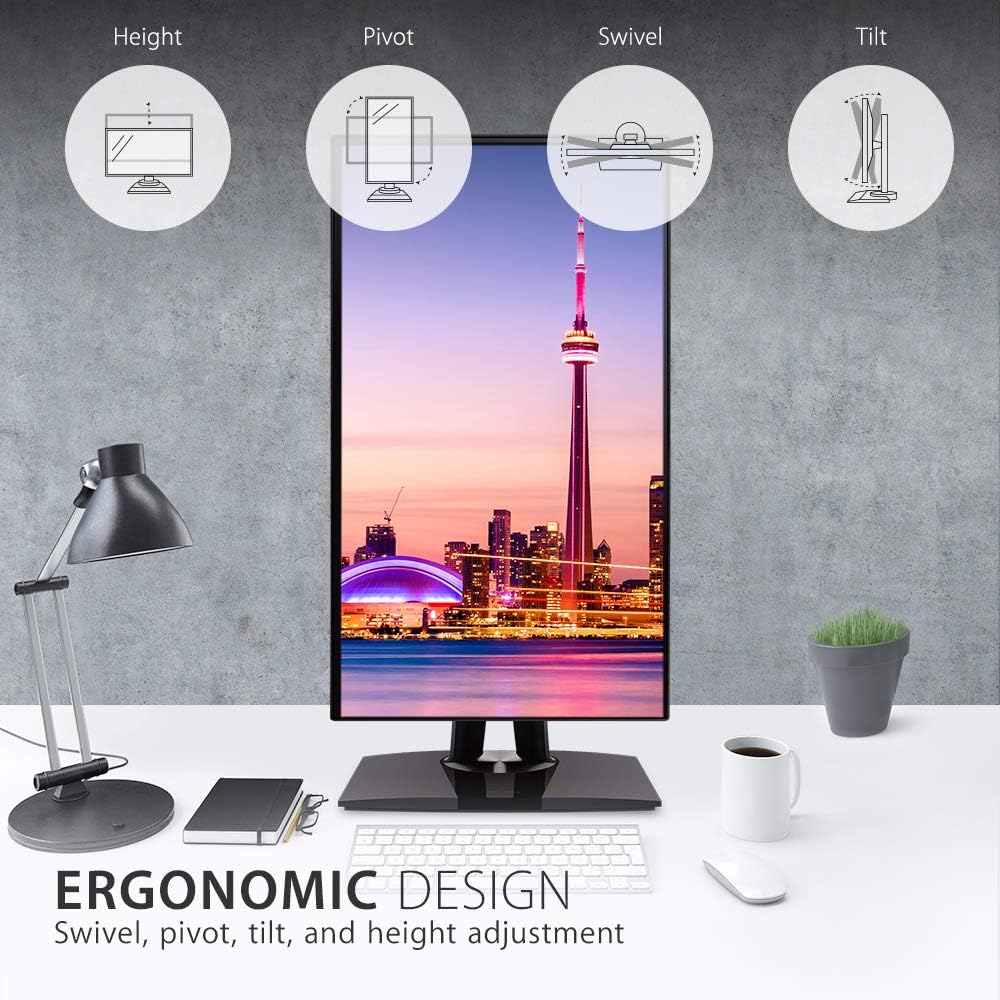
Figure 3: Ergonomic design features of the monitor, illustrating height, pivot, swivel, and tilt adjustments.
2.3 Color Accuracy and Calibration
This monitor is designed for professional color-critical applications:
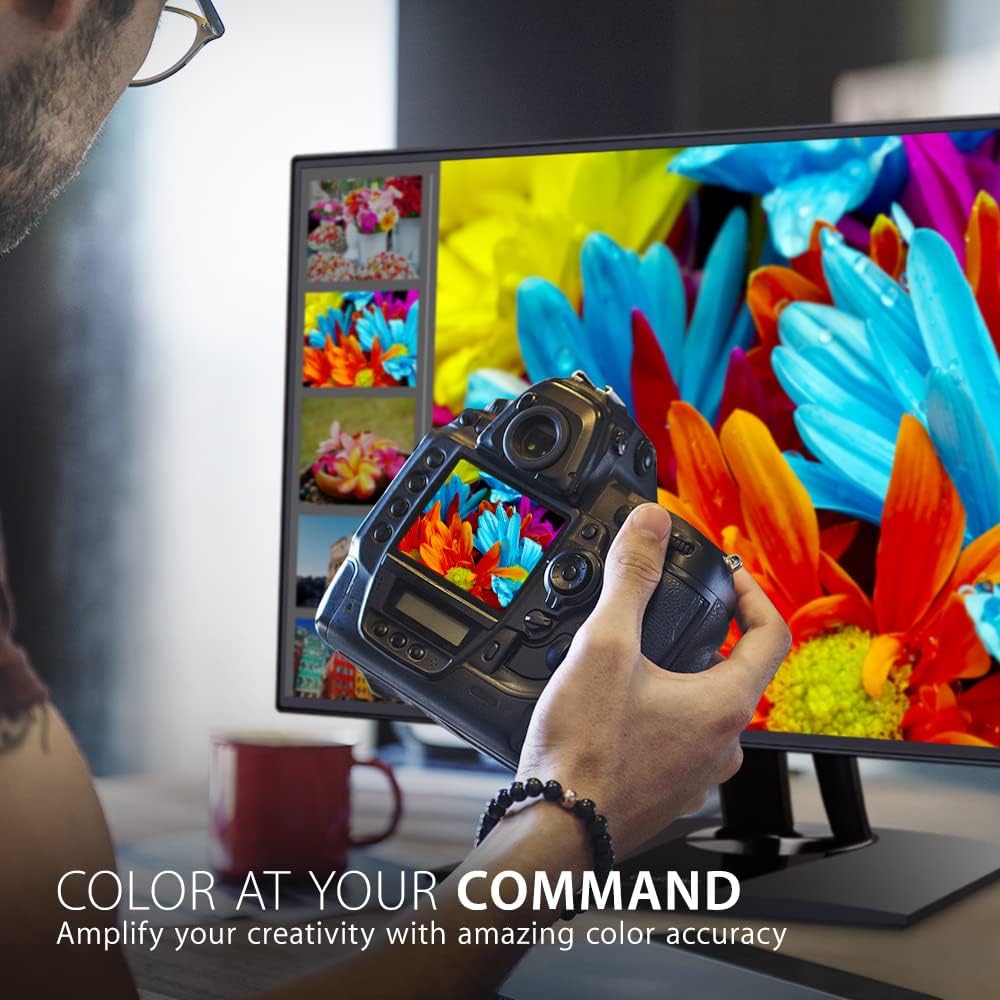
- Фабричка калибрација: Each monitor is factory calibrated to achieve an impressive Delta E<2 value, ensuring high color accuracy right out of the box.
- Color Spaces: Supports 100% sRGB, EBU, SMPTE-C, Rec. 709, and DICOM-SIM color spaces.
- 14-битен 3D LUT: A 14-bit 3D Look-Up Table generates a smooth palette of 4.39 trillion colors for precise color reproduction.
- 6-Axis Color Adjustment: Provides advanced control over color settings.
- Униформност на бојата: An integrated function ensures consistent chromaticity across the entire screen.
- Калибрација на хардвер: For the most precise color management, hardware calibration is available with the optional ViewSonic Colorbration Kit (sold separately).
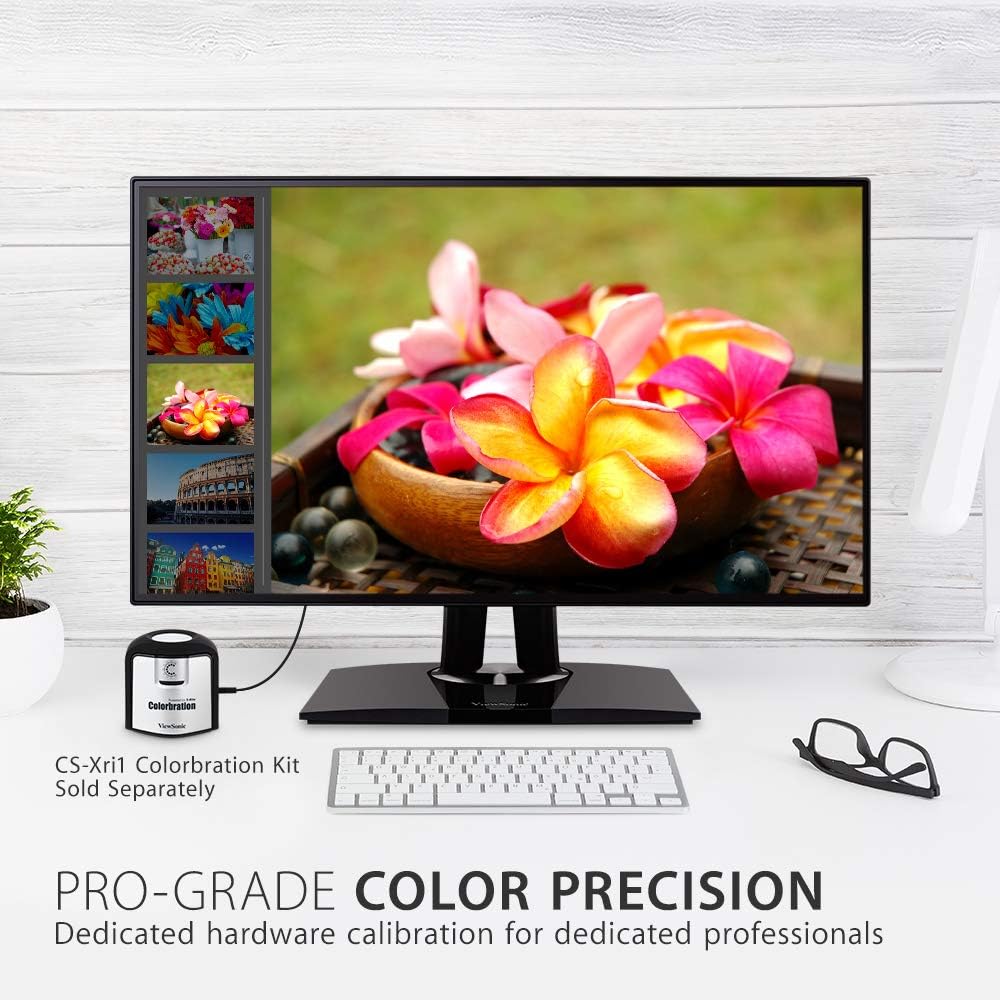
Слика 4: Мониторот прикажуваasing its color precision, with an optional Colorbration Kit for hardware calibration.
2.4 Технологија за нега на очите
The monitor incorporates Flicker-Free technology and a Blue Light Filter to minimize eye strain and fatigue during extended use.
2.5 Врзување на маргаритки
The DisplayPort out feature allows for seamless daisy-chaining of multiple monitors. Connect your primary monitor to your computer via DisplayPort, then connect the primary monitor's DisplayPort out to the DisplayPort in of a second monitor. This reduces cable clutter and simplifies multi-monitor setups.
2.6 Функционалност за поврзување со USB-C
The USB-C port on the VP2768a acts as a powerful docking station. A single USB-C cable from your laptop can provide:
- Испорака на енергија од 90 W: Charges your connected laptop or device.
- Видео сигнал: Transmits high-resolution video to the monitor.
- Аудио сигнал: Transmits audio.
- Пренос на податоци: Enables data transfer for connected USB peripherals.
- RJ45 етернет: Provides a stable wired network connection through the monitor's integrated Ethernet port.

Figure 5: USB-C connectivity for power, video, audio, and data, simplifying your workspace.
3. Одржување
To maintain the performance and appearance of your monitor:
- Чистење на екранот: Нежно избришете го екранот со мека крпа што не остава влакненца. За тврдокорни дамки, лесно избришете гоampИзмијте ја крпата со вода или со специјализирано средство за чистење екрани. Избегнувајте употреба на груби хемикалии или абразивни материјали.
- Чистење на Casing: Користете мека, сува крпа за да го избришете мониторот casing.
- Вентилација: Осигурајте се дека отворите за вентилација на мониторот не се блокирани за да спречите прегревање.
4 Смена на проблеми
4.1 No Image or Intermittent Display
- Проверете ја моќноста: Осигурајте се дека кабелот за напојување е безбедно поврзан и со мониторот и со штекерот.
- Проверете ги видео каблите: Verify that the video cable (USB-C, DisplayPort, or HDMI) is firmly connected to both the monitor and your computer.
- Влезен извор: Потврдете дека е избран точниот влезен извор во OSD менито на мониторот.
- USB-C Connectivity Issues: Some users have reported intermittent display cut-outs or erratic behavior when using USB-C with other USB devices. If you experience this, try using a different USB-C cable, or connect via DisplayPort/HDMI and use a separate USB hub for peripherals.
4.2 Color or Brightness Issues
- Поставки за OSD: Access the OSD menu to adjust brightness, contrast, and color settings.
- Ресетирање на фабриката: If color issues persist, consider performing a factory reset through the OSD menu.
- Калибрација: For professional use, ensure your monitor is properly calibrated using the factory calibration report or an optional hardware calibration kit.
5. Спецификации
| Карактеристика | Детал |
|---|---|
| Големина на екранот | 27 инчи |
| Резолуција | QHD широко 1440p (2560 x 1440 пиксели) |
| Тип на панел | IPS |
| Сооднос на аспект | 16:9 |
| Гама на бои | 100% sRGB, Rec. 709 |
| Точност на бојата | Делта Е<2 |
| Осветленост | 350 nits (типично) |
| Поврзување | 1x HDMI 1.4, 1x DisplayPort In, 1x DisplayPort Out (DaisyChain), 2x USB Type A, 1x USB Type B, 1x 90W USB Type C, 1x Ethernet LAN (RJ45) |
| Ергономија | Висина, навалување, вртење, стожер |
| Нега за очи | Flicker-Free Technology, Blue Light Filter |
| Тежина на ставката | 15.17 фунти |
| Димензии на производот | 16.1 x 8.5 x 24.1 инчи |
Слика 6: Клучни димензии на ViewSonic VP2768a monitor.
6. Гаранција и поддршка
Вашиот ViewSonic VP2768a monitor comes with a 3-year warranty. For technical assistance or warranty claims, please contact ViewSonic customer support. US-based customer support is available to assist you with any product-related inquiries.

Слика 7: Готовоview of ViewSonic's commitment to warranty, support, and product features.