1. Вовед
Thank you for choosing the AUNA CDC 200 Portable DAB+/FM CD Player. This device combines the versatility of a portable CD player with the advanced capabilities of DAB+ and FM radio. Designed for on-the-go listening, it features a rechargeable battery, an anti-skip function, and supports various audio formats. Please read this manual carefully to ensure proper use and maintenance of your device.

Image 1.1: AUNA CDC 200 Portable DAB+/FM CD Player. This image shows the compact design of the device.
2. Карактеристики на производот
- DAB+ and FM Radio Tuner: Пристапете до широк спектар на дигитални и аналогни радио станици.
- Репродукција на ЦД: Supports CD, CD-R, CD-RW, and MP3-CD formats.
- Преносен дизајн: Компактен и лесен за лесен транспорт.
- Батерија на полнење: Integrated 1000 mAh battery for extended mobile use.
- LC дисплеј: Clear Liquid Crystal display for track information and radio station details.
- Anti-Skip Function: Ensures stable audio playback during movement.
- Засилување на басот: Enhances low-frequency audio for a richer sound experience.
- Микро USB порта: За полнење на уредот.
- 3.5 мм приклучок за слушалки: За приватно слушање.
3. Содржина на пакетот
Ве молиме проверете го пакувањето за следните ставки:
- AUNA CDC 200 Portable DAB+/FM CD Player
- Слушалки за во уво
- Микро USB кабел за полнење
- Упатство за употреба (овој документ)
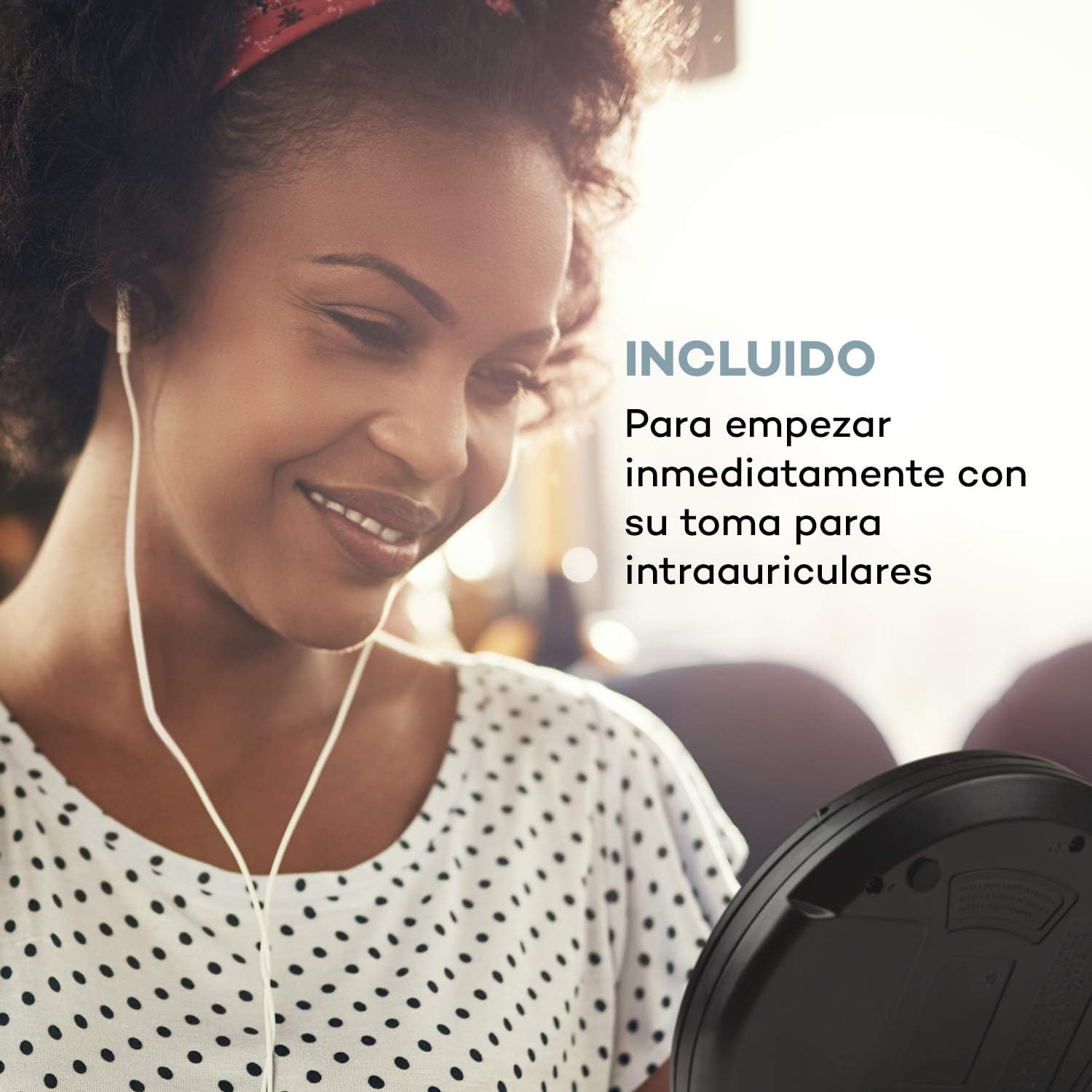
Image 3.1: The AUNA CDC 200 includes a pair of in-ear headphones for immediate use.
4. Контроли и врски
Familiarize yourself with the buttons and ports on your AUNA CDC 200:
- Прекинувач OFF/ON: Го вклучува или исклучува уредот.
- Play/Pause Button (►/−): Започнува или паузира репродукција на CD.
- Stop Button (■): Ја запира репродукцијата на ЦД.
- Копчиња за прескокнување/пребарување (◀◀ / ►►): Skips tracks or fast forwards/rewinds during CD playback. In radio mode, tunes to the next/previous station.
- Копче MENU: Пристапува до опциите на менито.
- P-MODE Button: Selects playback modes (e.g., repeat, random).
- Копче SOURCE: Switches between CD and Radio modes.
- Копче SCAN: Initiates station scanning in radio mode.
- Копче ИНФО: Displays additional information (e.g., radio station details).
- Копче ENTER: Ги потврдува изборите во менијата.
- TU+/TU- Buttons: Adjusts tuning in radio mode or navigates menu options.
- Микро USB порта: За поврзување на кабелот за полнење.
- 3.5 мм приклучок за слушалки: За поврзување на слушалки.

Слика 4.1: Готовоview of the AUNA CDC 200's top panel with control buttons and LC display.
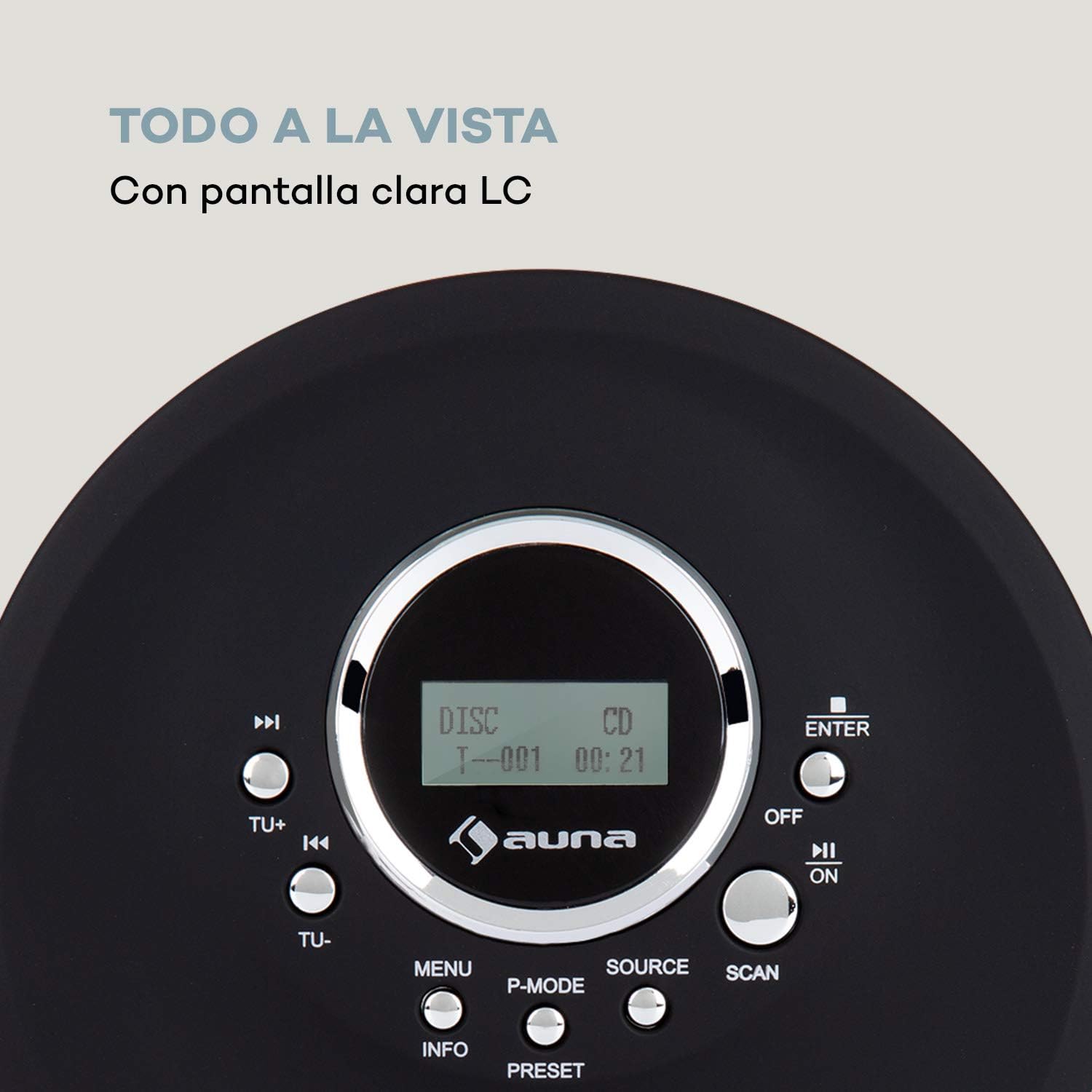
Image 4.2: The clear LC display shows track information and operating status.
5. Поставување
5.1 Полнење на батеријата
Before first use, fully charge the integrated 1000 mAh battery. Connect the supplied Micro USB cable to the device's Micro USB port and the other end to a USB power source (e.g., a computer USB port, a USB wall adapter, or a power bank). The charging indicator will illuminate during charging and turn off when fully charged.
Image 5.1: The AUNA CDC 200 can be charged via Micro USB from various power sources.
5.2 Поврзување слушалки
Insert the 3.5mm jack of your headphones into the headphone port on the side of the device. Ensure the connection is secure for optimal audio output.
5.3 Вметнување на CD
- Лизнете го прекинувачот OPEN за да го отворите капакот на преградата за CD.
- Carefully place a CD (audio CD, CD-R, CD-RW, or MP3-CD) onto the spindle with the label side facing up.
- Нежно притиснете го CD-то додека не кликне на своето место.
- Цврсто затворете го капакот на преградата за ЦД додека не се заклучи.

Image 5.2: The CD compartment supports various disc formats including CD, CD-R, CD-RW, and MP3-CD.
6. Упатства за работа
6.1 Вклучување/исклучување
Лизгајте го ИСКЛУЧЕНО/ВКЛУЧЕНО switch to the 'ON' position to power on the device. Slide it to 'OFF' to power off.
6.2 Репродукција на ЦД
- Ensure a CD is inserted and the device is powered on.
- Притиснете го ИЗВОР button to select CD mode. The display will show 'CD'.
- Притиснете го Play/Pause (►/−) копчето за да започнете со репродукција. Ќе се прикажат бројот на песната и изминатото време.
- Притиснете Play/Pause (►/−) again to pause playback. Press it once more to resume.
- Притиснете Прескокни/Пребарај (►►) to skip to the next track. Press Прескокни/Пребарај (◀◀) за да отидете на почетокот на тековната песна или на претходната песна.
- Притиснете и задржете Прескокни/Пребарај (►►) or (◀◀) to fast forward or rewind through the current track.
- Притиснете го Стоп (■) копче за запирање на репродукцијата.
Anti-Skip Function
The AUNA CDC 200 features an integrated anti-skip function to prevent interruptions during playback, especially when the device is in motion. This function is automatically active during CD playback.
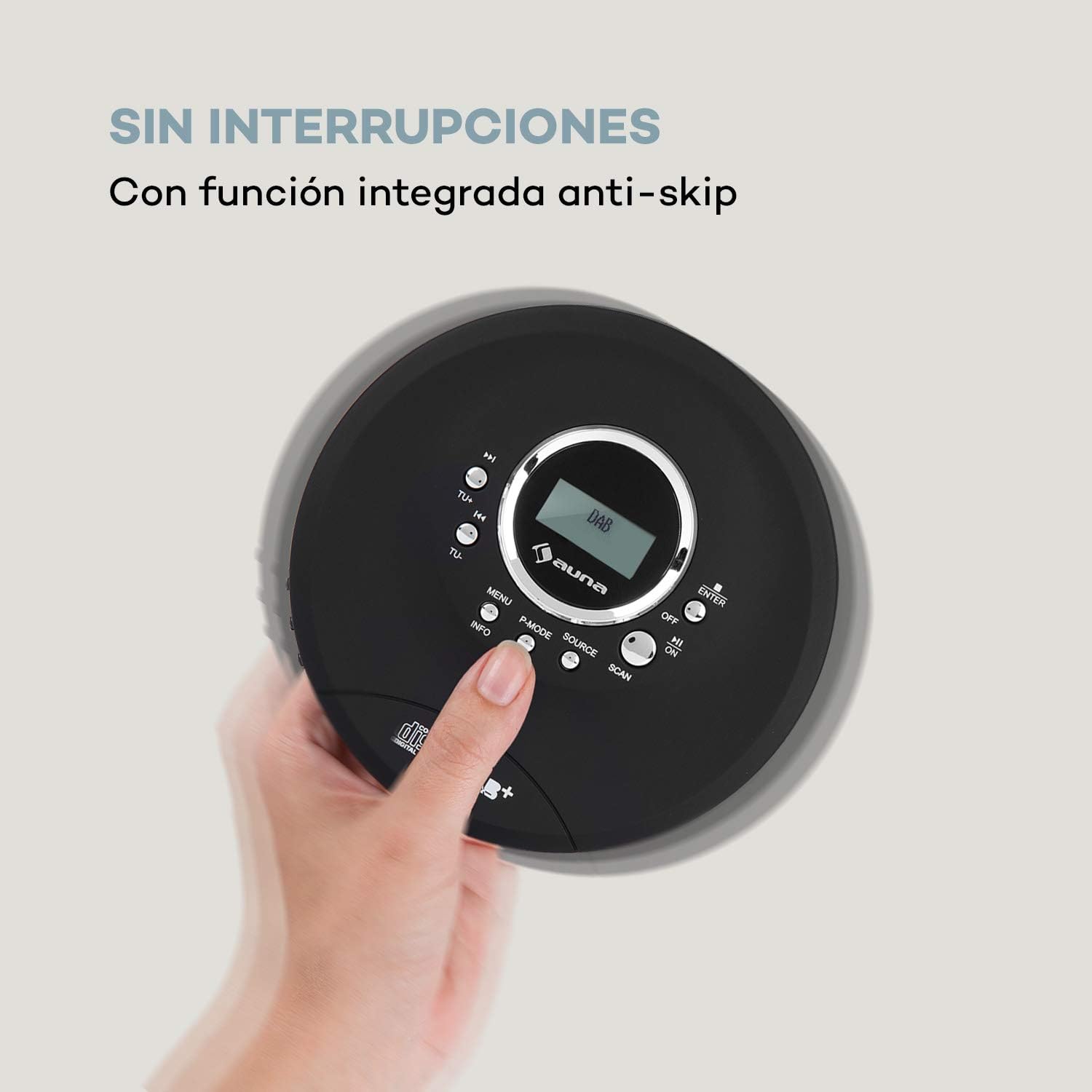
Image 6.1: The anti-skip function ensures uninterrupted audio playback.
Playback Modes (P-MODE)
Притиснете го P-MODE button repeatedly to cycle through different playback modes such as Repeat One, Repeat All, Random, or Program Play (if available).
6.3 Работење со радио (DAB+/FM)
- Притиснете го ИЗВОР button to select Radio mode. The display will show 'DAB' or 'FM'.
- Автоматско скенирање: Притиснете го СКЕНИРАЊЕ button to automatically search for available DAB+ or FM stations. The device will store found stations.
- Рачно подесување: Користете го ТУ+ or ТУ- копчиња за рачно подесување на одредена фреквенција.
- Избор на станици: After scanning, use the Skip/Search (◀◀ / ►►) buttons to navigate through the stored stations.
- Приказ на информации: Притиснете го ИНФОРМАЦИИ копчето за да view additional information about the current radio station (e.g., program type, signal strength).

Image 6.2: The AUNA CDC 200 features a DAB+ and FM radio tuner for diverse listening options.
6.4 Функција за засилување на басот
The AUNA CDC 200 includes a bass boost feature. To activate or deactivate it, refer to the device's menu options by pressing the МЕНИ button and navigating with ТУ+/ТУ- и ENTER.
7. Одржување
7.1 Чистење
- Избришете ја надворешноста на уредот со мека, сува крпа.
- Не користете абразивни средства за чистење, восоци или растворувачи.
- To clean the CD lens, use a specialized CD lens cleaning kit. Do not touch the lens directly.
7.2 Грижа за батерии
- Избегнувајте често целосно празнење на батеријата.
- Доколку уредот нема да се користи подолг временски период, полнете го периодично за да ја одржите состојбата на батеријата.
- Не го изложувајте уредот на екстремни температури.
8 Смена на проблеми
If you encounter issues with your AUNA CDC 200, refer to the following table:
| Проблем | Можна причина | Решение |
|---|---|---|
| Уредот не се вклучува. | Батеријата е испразнета. Прекинувачот за напојување е исклучен. | Charge the battery. Slide the power switch to ON. |
| Нема звук од слушалките. | Headphones not connected properly. Volume too low. Faulty headphones. | Ensure headphones are fully plugged in. Increase volume. Try different headphones. |
| CD-то прескокнува или не се репродуцира. | CD is dirty or scratched. CD inserted incorrectly. Device is subject to strong vibrations. | Clean or replace the CD. Reinsert the CD correctly. Ensure the anti-skip function is active and minimize movement. |
| Лош радио прием. | Слаб сигнал. Пречки. | Relocate the device to an area with better reception. Avoid sources of electronic interference. |
9. Спецификации
- Бренд:
- АУНА
- Број на модел:
- CDC 200 (Manufacturer Reference: MG3-90400-jfhg)
- Compatible Audio Formats:
- ЦД, ЦД-Р, ЦД-РВ, МП3-ЦД
- Радио приемник:
- DAB+, FM
- Извор на енергија:
- 1000 mAh Rechargeable Battery, Micro USB (Electric Cable)
- Поврзување:
- USB (for charging), 3.5mm Headphone Jack
- Прикажи:
- LC дисплеј
- Компатибилни уреди:
- Слушалки
- Стил:
- Пренослив
- Опции за боја:
- Црно, црвено
10. Информации за безбедност
- Не го изложувајте уредот на дожд, влага или екстремни температури.
- Избегнувајте паѓање или изложување на уредот на силни удари.
- Не обидувајте се сами да го расклопите или поправите уредот. Обратете се кај квалификуван сервисер.
- Чувајте го уредот подалеку од силни магнетни полиња.
- Отстранете ја батеријата и уредот според локалните прописи.
11. Гаранција и поддршка
For warranty information and technical support, please refer to the documentation provided with your purchase or visit the official AUNA webстраница. Зачувајте го доказот за купување за какви било гаранциски побарувања.