Вовед
This manual provides comprehensive instructions for the installation, operation, and maintenance of the HID Signo 40 40TKS-00-000000 Multi-Technology, Mobile Ready Smart Card Reader. The Signo 40 is designed for secure electronic access control, offering versatility and advanced connectivity for various credential technologies.
Информации за безбедност
Please read all safety instructions before installing or operating the device. Failure to follow these instructions may result in injury, damage to the device, or void the warranty.
- Уверете се дека напојувањето е исклучено пред инсталацијата или одржувањето.
- Инсталирањето треба да го врши само квалификуван персонал.
- Не го изложувајте уредот на екстремни температури, влага или корозивни средини.
- Користете само одобрени додатоци и напојувања.
Содржина на пакетот
Проверете дали сите артикли се присутни во пакувањето:
- HID Signo 40 Smart Card Reader
- Хардвер за монтирање (завртки, сидра)
- Водич за инсталација (овој документ)
Поставување и инсталација
The HID Signo 40 reader is designed for wall switch mounting applications. Follow these steps for proper installation:
1. Монтирање на читачот
- Choose a suitable location for wall switch mounting.
- Secure the mounting plate (if applicable) to the wall using the provided hardware.
- Attach the reader securely to the mounting plate or directly to the wall box.
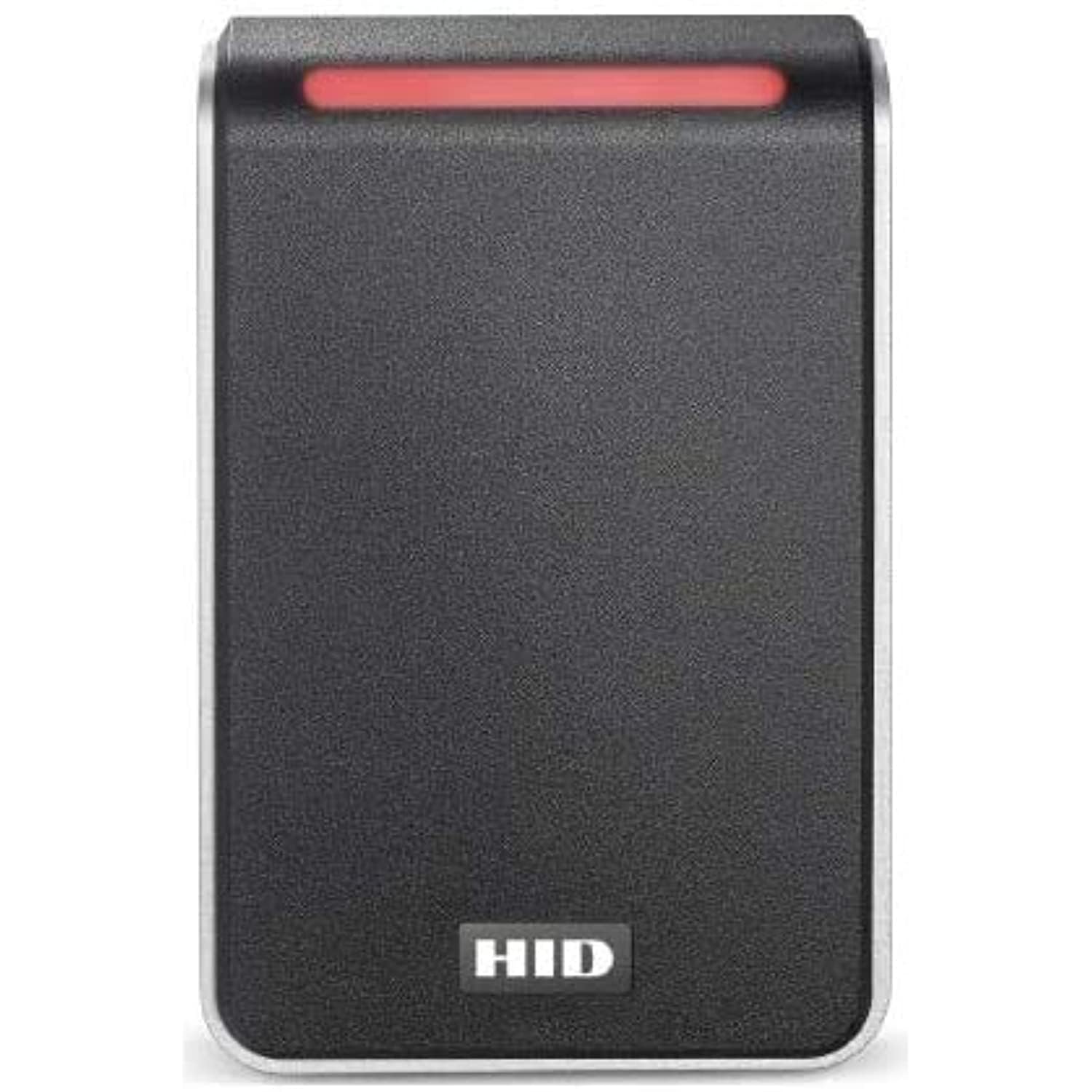
Image: The HID Signo 40 Smart Card Reader, typically mounted on a wall for access control. This image shows the sleek design suitable for wall switch applications.
2. Приклучоци за жици
The Signo 40 features a terminal strip wiring option for secure and reliable connections.
- Refer to the wiring diagram provided with the reader for specific pin assignments.
- Connect power, data (OSDP), and any auxiliary inputs/outputs to the terminal strip.
- Осигурете се дека сите врски се сигурни и изолирани.
3. Првично вклучување и конфигурација
Once wired, apply power to the reader. The reader will perform a self-test. For advanced configuration, including OSDP settings and credential profiles, refer to the HID Signo Configuration Guide available on the HID Global webсајт.
Упатства за работа
The HID Signo 40 reader supports a wide range of credential technologies.
1. Presenting Credentials
- Physical Cards/Fobs: Present your compatible smart card or fob directly to the reader's surface.
- Mobile Devices (HID Mobile Access): Ensure your mobile device has HID Mobile Access enabled via Bluetooth or NFC. Present the device near the reader.
- Apple Wallet (ECP): For credentials stored in Apple Wallet, ensure Enhanced Contactless Polling (ECP) is active on your device and present it to the reader.
The reader will indicate a successful read (e.g., LED indicator change, audible beep) if the credential is valid.
2. Read Range Optimization
The Signo 40 features surface detection for automatic recalibration and optimization of read range performance. This ensures consistent and reliable credential reading.
Одржување
The HID Signo 40 reader is designed for minimal maintenance.
- Чистење: Use a soft, dry cloth to clean the reader's surface. Avoid abrasive cleaners or solvents.
- Ажурирања на фирмверот: The reader is designed for remote management, allowing for firmware updates without physical interaction. Consult your system administrator or HID Global documentation for details on remote updates.
- Инспекција: Periodically inspect the reader and its connections for any signs of damage or wear.
Решавање проблеми
If you encounter issues with your HID Signo 40 reader, consider the following:
| Проблем | Можна причина | Решение |
|---|---|---|
| Reader not powering on. | Нема напојување или неправилно поврзување. | Проверете ги приклучоците за напојување и осигурајте се дека јачината на звукот е точна.tage. Verify wiring to the terminal strip. |
| Credential not recognized. | Invalid credential, incorrect presentation, or reader configuration issue. | Ensure the credential is valid and compatible. Present the credential correctly. Consult system administrator for reader configuration. |
| Short read range. | Environmental interference or reader recalibration needed. | Ensure no metallic objects are interfering with the reader. The reader should automatically recalibrate; if not, check for obstructions. |
For persistent issues, contact HID Global technical support or your system integrator.
Спецификации
| Карактеристика | Детал |
|---|---|
| Димензии на производот | 7.2 x 4.84 x 1.73 инчи |
| Тежина на ставката | 12 унци |
| Производител | СКРИЕЛЕ |
| Број на модел | Signo 40 |
| Поврзување | Bluetooth, NFC, OSDP |
| Поддршка за акредитиви | Cards, Fobs, Mobile Devices (HID Mobile Access, Apple ECP) |
| Жици | Терминална лента |
Гаранција и поддршка
HID Global products are backed by a limited warranty. For specific warranty terms and conditions, please refer to the official HID Global webстраницата или контактирајте го вашето место за купување.
For technical assistance, product support, or to report issues, please visit the HID Global Support Portal or contact your authorized HID Global distributor.


