Вовед
Ви благодарам за купувањетоasing the DELTACO GAMING Chair, Model GAM-080. This ergonomic gaming chair is designed to provide comfort and support during long gaming sessions, featuring adjustable components and integrated RGB lighting. Please read this manual carefully before assembly and use to ensure proper operation and longevity of your chair.
Информации за безбедност
- Уверете се дека сите компоненти се добро прицврстени пред употреба.
- Не стојте на столот.
- Не го користете столот ако некои делови се оштетени или недостасуваат.
- Држете ги рацете и прстите подалеку од подвижните делови за време на прилагодувањето.
- This chair is designed for a maximum weight of 120 kg (264 lbs). Exceeding this limit may cause damage or injury.
- The RGB lighting requires a USB power source. Ensure the cable is not pinched or damaged.
Содржина на пакетот
Пред да започнете со склопување, проверете дали сите делови се присутни и неоштетени. Доколку недостасуваат или се оштетени некои делови, ве молиме контактирајте ја службата за корисници.
- Наслонот за грб
- База на седишта
- Потпирачи за раце (2)
- Starвездена база
- Кастери (5)
- Цилиндар за подигнување на гас
- Покривка за лифт за гас
- Плоча на механизмот
- Лумбална перница
- Перница за потпирач за глава
- Хардвер за склопување (шрафови, подлошки, шестоаголен клуч)
- RGB далечински управувач
- USB Power Cable for RGB
Поставување и склопување
Please follow these steps carefully for proper assembly. It is recommended to assemble the chair on a soft, clean surface to prevent damage.
- Прикачете ги тркалата на ѕвездената основа: Вметнете ги петте тркала во дупките на крајот од ѕвездената основа додека не кликнат безбедно на своето место.
- Вметнете гасен лифт: Ставете го цилиндарот за подигнување на гас во централната дупка на ѕвездената основа. Покријте го со капакот за подигнување на гас.
- Прикачете ја механистичката плоча на основата на седиштето: Align the mechanism plate with the pre-drilled holes on the underside of the seat base. Ensure the front of the mechanism plate faces the front of the seat. Secure with screws.
- Прикачете ги потпирачите за раце на основата на седиштето: Secure the armrests to the sides of the seat base using the provided screws. Ensure they are firmly attached.
- Прикачете го потпирачот за грб на основата на седиштето: Align the backrest with the mounting brackets on the seat base. Secure with screws.
- Поврзете го седиштето со гасниот лифт: Внимателно поставете го склопеното седиште и потпирачот за грб на цилиндарот за гасно подигнување, осигурувајќи се дека е центриран и стабилен.
- Attach Headrest and Lumbar Cushions: Secure the headrest pillow and lumbar cushion to the chair using their respective straps.

Image: The DELTACO GAMING Chair fully assembled, showcasing its ergonomic design and RGB lighting strips along the edges.
Упатства за работа
Прилагодување на висината
To adjust the chair's height, pull the lever located on the right side of the seat upwards. While seated, lift your weight off the chair to raise it, or remain seated to lower it. Release the lever to lock the height.
Потпирач за грб
The backrest can be reclined between 90 and 180 degrees. Pull the recline lever, typically located on the right side of the chair, and lean back or forward to achieve your desired angle. Release the lever to lock the backrest in position.

Image: An illustration demonstrating the chair's ability to recline from an upright position to a nearly flat position, indicated by an orange arrow.
RGB Lighting Operation
The chair features integrated RGB lighting with 332 LED modes. To activate the lighting, connect the chair's USB cable to a 5V USB power source (e.g., a power bank, computer USB port, or USB wall adapter). Use the included remote control to change colors, modes, and brightness.
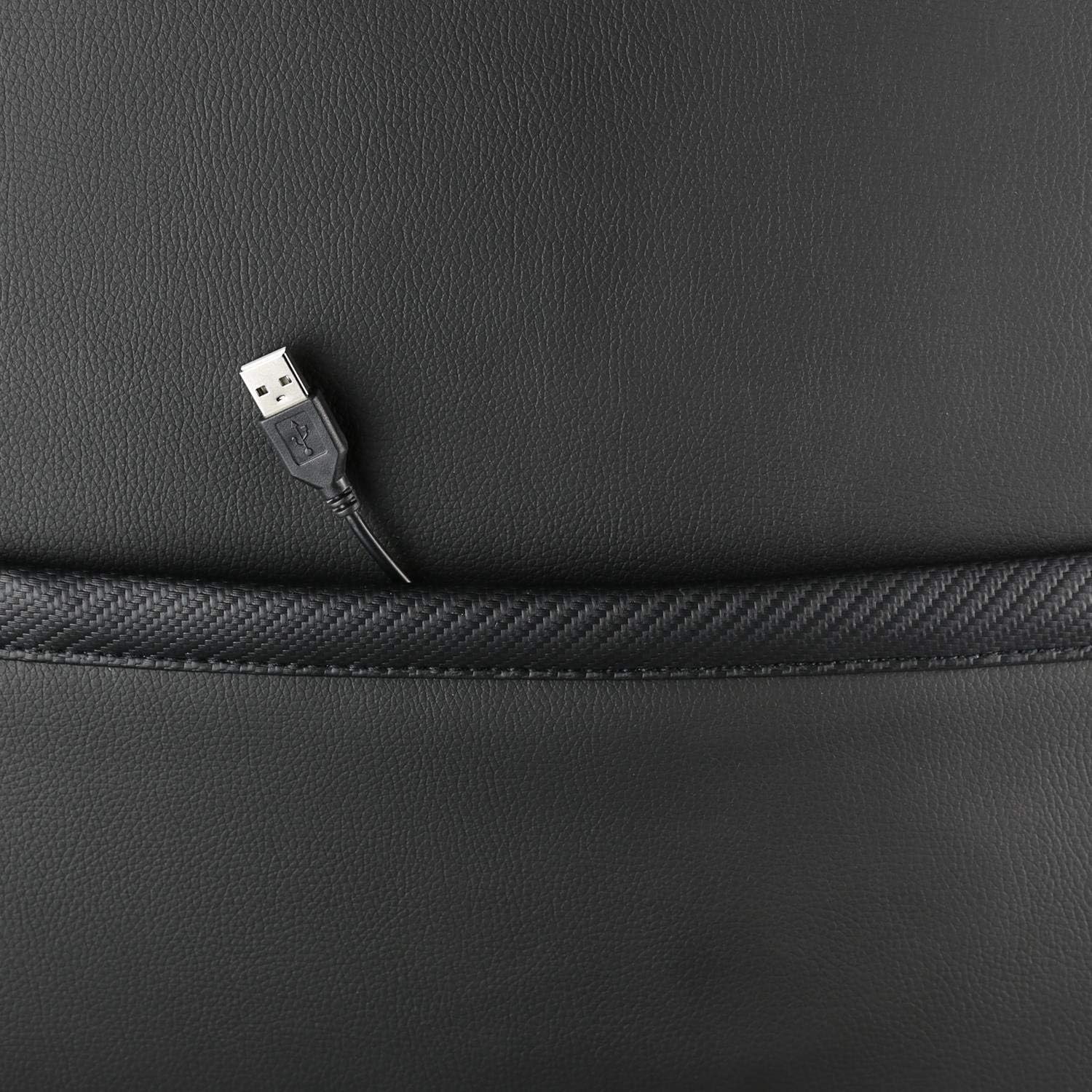
Слика: Крупен план view showing the USB power cable emerging from a pocket on the chair, used to power the RGB lighting.

Слика: Надview image of the DELTACO GAMING RGB Gaming Chair highlighting features such as remote control for RGB lights, adjustable headrest, included lumbar cushion, and adjustable backrest from 90-180 degrees, along with 332 LED modes.
Одржување и нега
- Чистење: Избришете се со рекламаamp cloth. Do not use harsh chemicals or abrasive cleaners, as this may damage the faux leather.
- Инспекција: Периодично проверувајте ги сите завртки и клинови за да се осигурате дека се стегнати. Затегнете ги повторно доколку е потребно.
- Складирање: Чувајте го столот на ладно и суво место, подалеку од директна сончева светлина, за да спречите оштетување на материјалот.
- USB кабел: Ensure the USB power cable for the RGB lighting is not kinked or damaged.
Решавање проблеми
| Проблем | Можна причина | Решение |
|---|---|---|
| Столот не се прилагодува во висина. | Дефект на цилиндерот за подигнување на гас или рачката не е вклучена. | Проверете дали рачката за прилагодување на висината е целосно повлечена. Ако проблемот продолжи, можеби ќе треба да се замени гасниот лифт. |
| Наслонот за грб не се спушта ниту се заклучува. | Механизмот за навалување е заглавен или рачката не е вклучена. | Check for obstructions around the recline mechanism. Ensure the recline lever is fully engaged. |
| RGB осветлувањето не работи. | USB power not connected, cable damaged, or remote control battery low. | Verify the USB cable is securely connected to a working 5V power source. Check the cable for damage. Replace remote control battery if necessary. |
| Столот е нестабилен. | Loose screws or casters not fully inserted. | Tighten all assembly screws. Ensure all casters are fully inserted into the star base. |
Спецификации
| Карактеристика | Детал |
|---|---|
| Име на моделот | ГАМ-080 |
| Бренд | DELTACO GAMING |
| Боја | Црното |
| Материјал | Faux leather, Foam |
| Препорака за максимална тежина | 120 килограми (264 фунти) |
| Димензии на производот (Д x Ш x В) | 22.44 x 26.77 x 57.87 инчи |
| Тежина на ставката | 46.2 фунти |
| Посебни карактеристики | RGB Lighting, Adjustable Backrest (90-180°), Adjustable Height, Lumbar Cushion, Headrest Pillow |
| Power Source for RGB | USB 5V |
Гаранција и поддршка
This DELTACO GAMING Chair (Model GAM-080) comes with a 1-year spare part availability duration within the EU, as per manufacturer specifications.
For technical support, warranty claims, or inquiries regarding spare parts, please contact DELTACO GAMING customer support. Refer to your purchase documentation for specific contact details or visit the official DELTACO GAMING webсајт.
Note: Proof of purchase may be required for warranty services.