Вовед
This manual provides essential information for setting up, operating, and maintaining your LG NanoCell 80 Series 50" 4K Smart TV (Model 50NANO80UPA). Please read this manual thoroughly before using the product to ensure safe and optimal performance.

Предна страна view of the LG NanoCell 80 Series 50" 4K Smart TV.
Поставување
1. Распакување и содржина на пакувањето
Carefully remove the TV and all components from the packaging. Ensure all items listed below are present.

Image showing the TV dimensions and included accessories: 50" TV with Stand, User Manual, Power Cable, and LG Magic Remote.
- LG NanoCell 80 Series 50" 4K Smart TV
- Магијата далечински
- Батерија за далечински управувач (AA)
- Кабел за напојување
- Водич за брз почеток
- E-Manual (digital)
2. Физичка инсталација
Install the TV on a stable surface using the provided stand or mount it on a wall using a compatible VESA wall mount (sold separately). Refer to the Quick Start Guide for detailed stand assembly instructions.
Димензии (Ш x В x Д):
- Without stand: 44.1 x 25.7 x 1.9 inches
- With stand: 44.1 x 28.3 x 10.1 inches
- Stand footprint: 37.2 x 2.6 x 8.2 inches
3. Поврзување
Connect your external devices to the TV using the available ports. The TV supports various connectivity options including HDMI, USB, Ethernet, and Wi-Fi.

Заден дел view of the TV highlighting the various input ports for external devices.
- HDMI влез (HDCP 2.2): 4 (страна)
- HDMI аудио повратен канал (ARC): eARC (HDMI 2)
- USB порти (v 2.0): 1 (заден дел) / 1 (странично)
- Влез за поврзување RF (антена/кабел): 1 (Rear, RF)
- Влез на етернет: 1 (назад)
- Дигитален аудио излез (оптички): 1 (назад)
- Стандарден Wi-Fi: Сертифициран Wi-Fi 802.11ac
- Поддршка за Bluetooth: Верзија 5.0
4. Првично вклучување
Connect the power cable to the TV and a wall outlet. Press the power button on the remote control or the TV to turn it on. Follow the on-screen instructions for initial setup, including language selection, network connection, and channel scanning.
Ракување со вашиот телевизор
1. Користење на магичното далечинско управување
The LG Magic Remote provides intuitive control over your TV. It features a motion-sensing pointer, scroll wheel, and dedicated buttons for popular streaming services. Point the remote at the screen to move the cursor, or use the directional pad for navigation.
The LG Magic Remote, designed for easy navigation and control.
2. Picture Modes
Оптимизирајте го вашиот viewing experience by selecting the appropriate picture mode. Access picture settings via the Magic Remote to choose from various presets:
- Живописно: Enhances brightness and sharpness for a dynamic picture.
- APS (Auto Power Save): Adjusts settings to reduce power consumption.
- Кино: Optimizes picture for movie viewing, providing a more cinematic feel.
- Игра: Го намалува доцнењето на влезниот сигнал за понежно искуство со играње.
- Режим на филмаџија: Preserves the original aspect ratios, colors, and frame rates of content, allowing you to experience movies as the director intended.
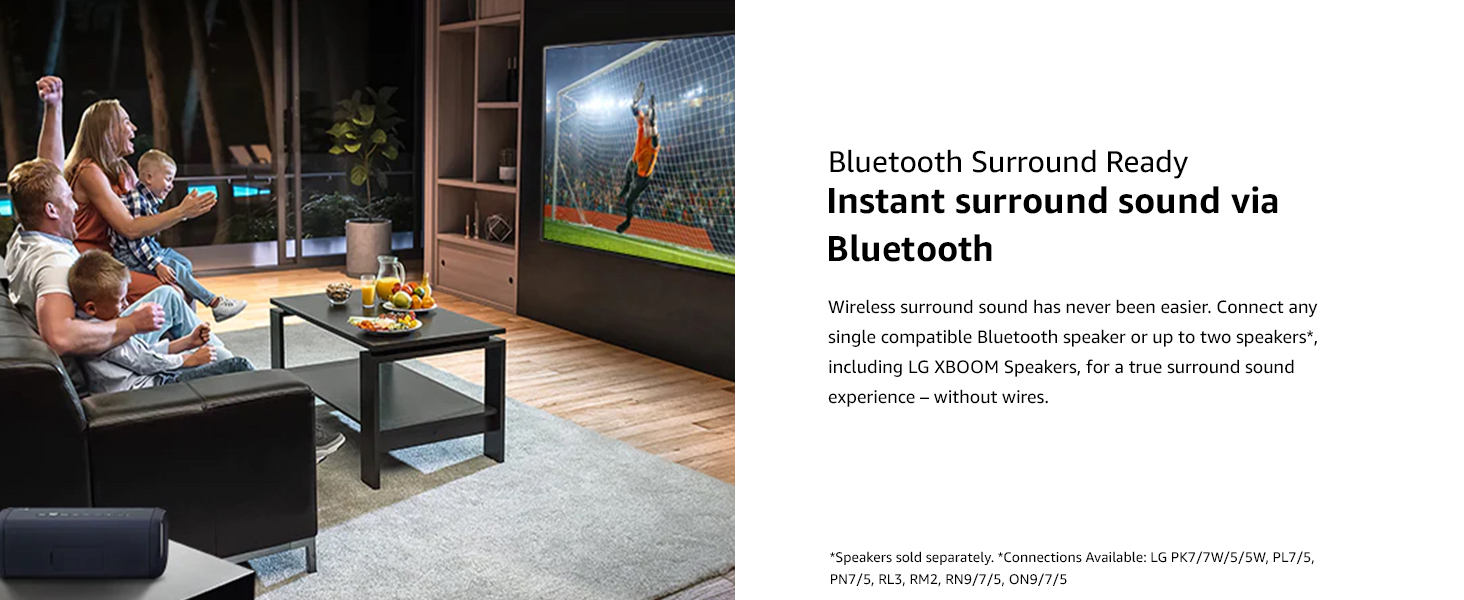
Filmmaker Mode ensures content is displayed as intended by the creators.
3. Smart TV Features (ThinQ AI)
Your LG NanoCell TV is equipped with ThinQ AI, allowing you to control your TV and other smart home devices using voice commands. It also integrates with Google Assistant and Alexa.
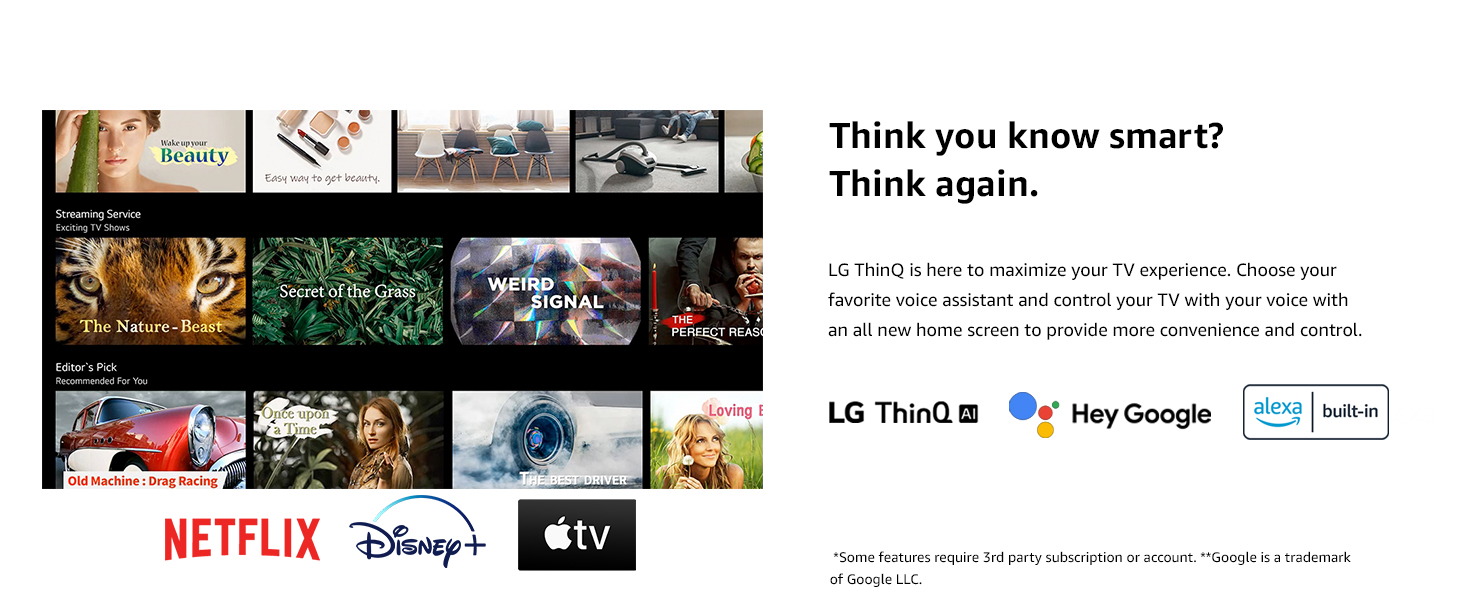
LG ThinQ AI provides smart control and integration with voice assistants.
Access popular streaming services like Netflix, Prime Video, Apple TV+, Disney+, Hulu, Vudu, and YouTube directly from your TV's home dashboard.
4. Enhanced Picture Quality with Quad Core Processor 4K
The Quad Core Processor 4K enhances contrast, color, and black levels, providing a smooth and crisp viewing experience. It also features noise reduction, dynamic color, and 4K upscaling for non-4K content.
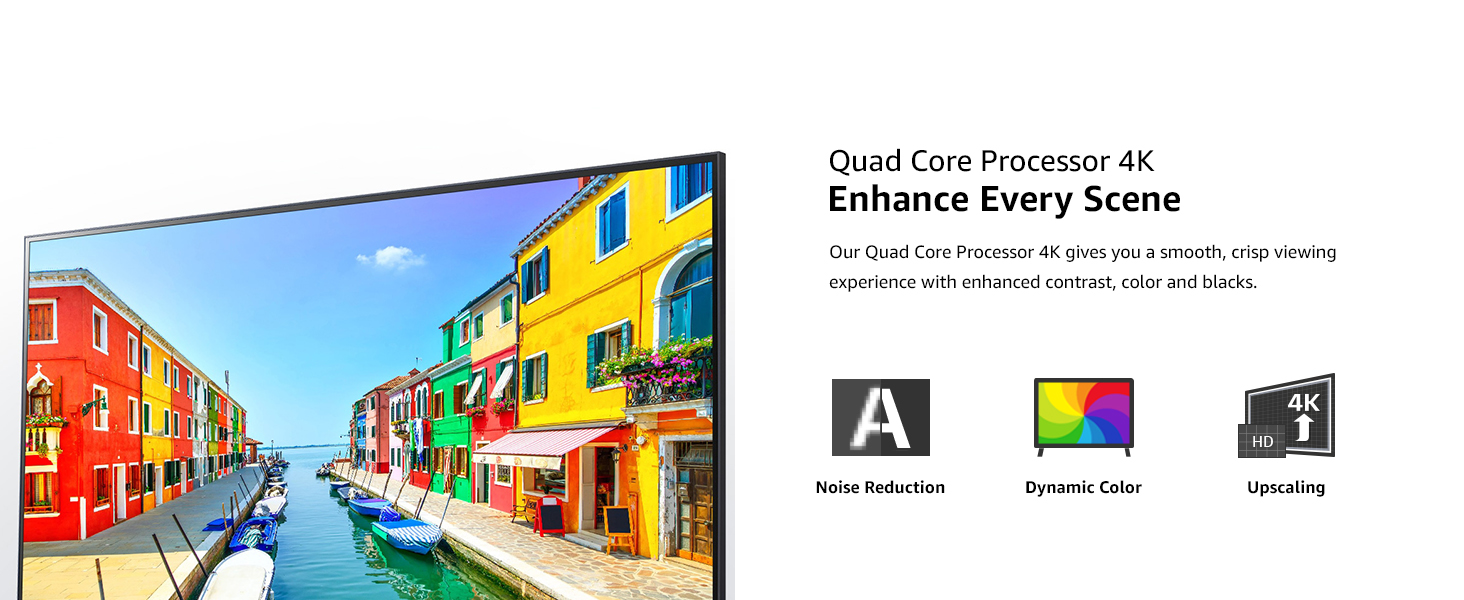
The Quad Core Processor 4K improves image quality with noise reduction, dynamic color, and upscaling.
5. Карактеристики за игри
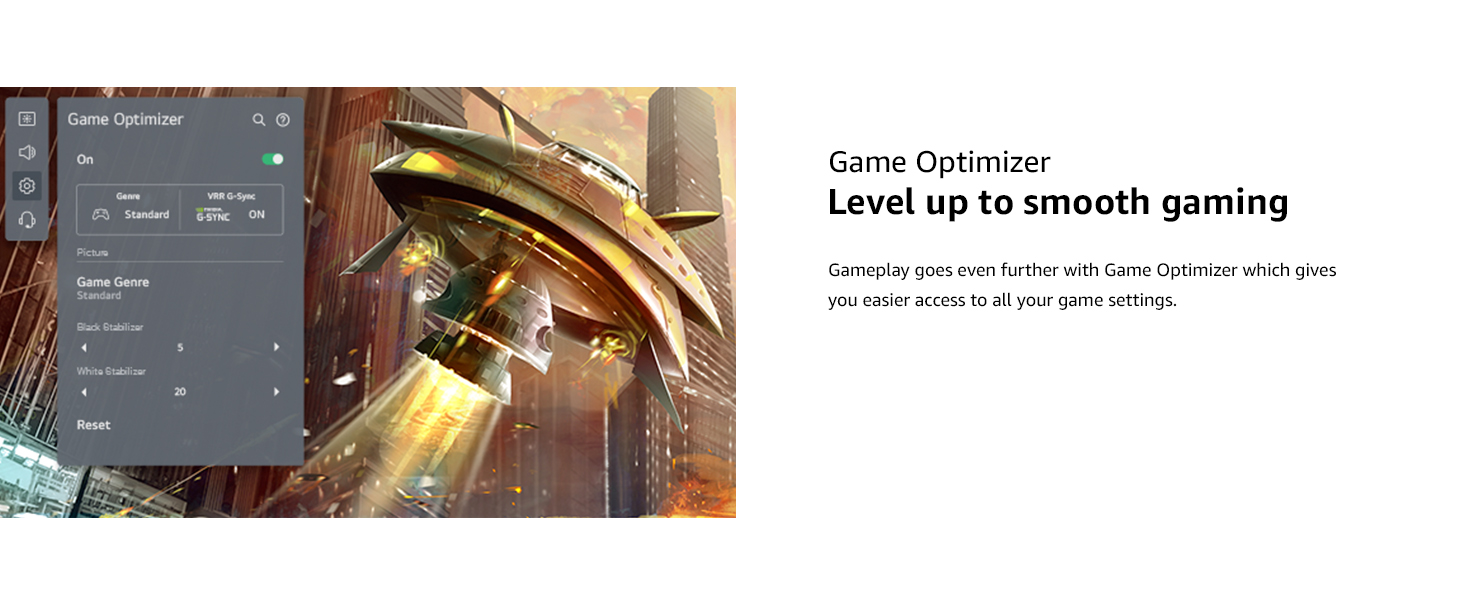
For gamers, the TV includes Game Optimizer, which provides easy access to game settings, Auto Low-Latency Mode (ALLM), and dynamic gaming with HGiG for an optimized gaming experience.
Game Optimizer provides quick access to settings for an improved gaming experience.
6. Audio Settings and Bluetooth Surround
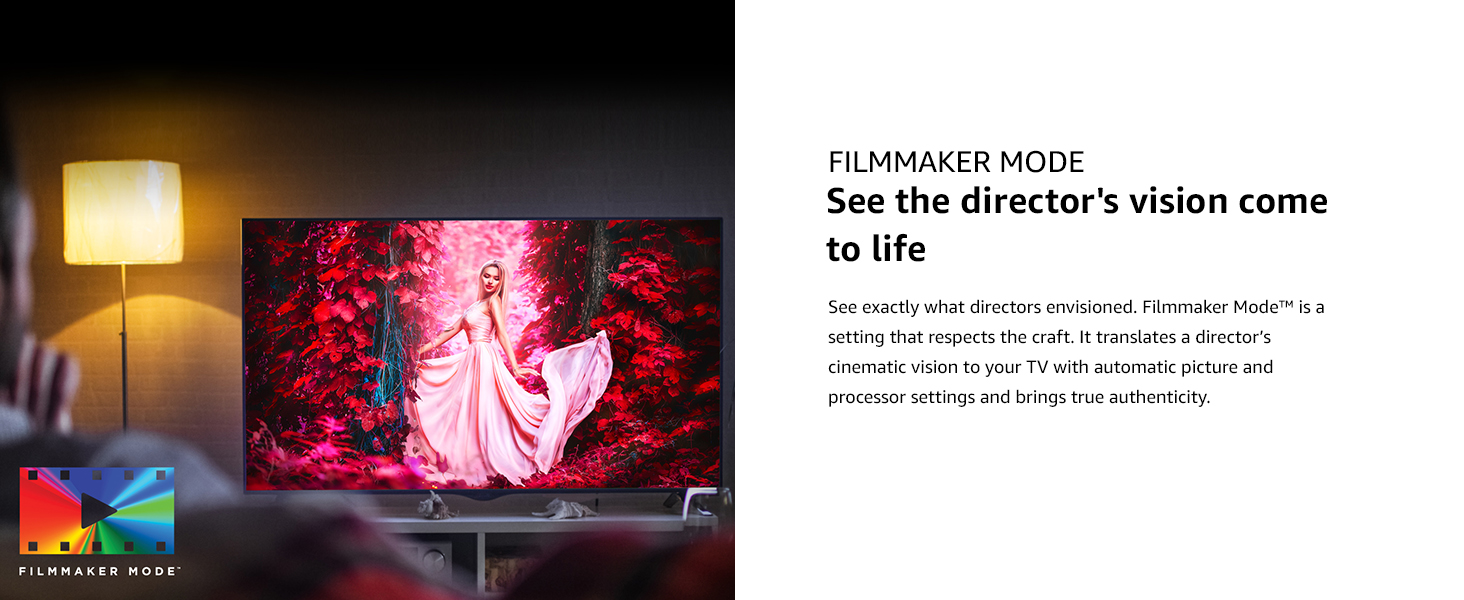
The TV features built-in speakers. You can also connect compatible Bluetooth speakers for a wireless surround sound experience. Refer to the TV's sound settings menu to configure audio output.
Connect compatible Bluetooth speakers for an immersive surround sound experience.
Одржување
1. Чистење на телевизорот
- Секогаш исклучувајте го телевизорот од струја пред чистење.
- Користете мека, сува крпа за да го избришете екранот и надворешните површини.
- За тврдокорни траги, лесно дampИзмијте ја крпата со вода или со специјализирано средство за чистење екрани (уверете се дека е безбедно за ТВ екраните). Не прскајте течност директно врз екранот.
- Избегнувајте користење абразивни средства за чистење, восоци или растворувачи.
2. Софтверски ажурирања
Periodically check for software updates to ensure your TV has the latest features and performance improvements. You can usually find this option in the TV's settings menu under "Support" or "About This TV."
Решавање проблеми
Доколку наидете на проблеми со вашиот телевизор, погледнете ги следните вообичаени решенија пред да контактирате со поддршката.
| Проблем | Можно решение |
|---|---|
| Нема моќ | Ensure the power cable is securely connected to the TV and a working electrical outlet. Check if the outlet has power. |
| Нема слика, но звукот е присутен | Check the input source. Ensure external devices are properly connected and powered on. Try a different HDMI cable. |
| Нема звук, но сликата е присутна | Check the volume level and mute status. Verify audio output settings in the TV menu. Ensure external audio devices are connected correctly. |
| Далечинскиот управувач не работи | Replace the batteries. Ensure there are no obstructions between the remote and the TV. Re-pair the Magic Remote if necessary (refer to the Quick Start Guide). |
| Проблеми со Wi-Fi конекцијата | Restart your router and modem. Reconnect to the Wi-Fi network from the TV's settings. Ensure the TV is within range of your Wi-Fi signal. |
Спецификации
| Карактеристика | Детал |
|---|---|
| Бренд | LG |
| Број на модел | 50NANO80UPA |
| Големина на екранот | 50 инчи |
| Технологија на прикажување | LED (Наноклеточна) |
| Резолуција | 4K (3840 x 2160) |
| Стапка на освежување | 60 Hz |
| Процесор | Четири јадрен процесор 4K |
| Посебни карактеристики | Active HDR, HDR10, HLG, Filmmaker Mode, Game Optimizer, HGiG, Auto Low Latency Mode, LG App Store, Gallery Mode, Home Dashboard, Sports Alert, ThinQ AI, Google Assistant Built-in, Alexa Built-in |
| Тип на звучник | Вграден |
| Технологија за поврзување | Wi-Fi (802.11ac), Bluetooth (v5.0), HDMI (4 ports, eARC on HDMI 2), USB (2 ports), Ethernet, Optical Digital Audio Out |
| Поддржани интернет услуги | Hulu, Netflix, Prime Video, Vudu, YouTube, Apple TV+, Disney+ |
| Димензии на производот (со држач) | 44.1 x 10.1 x 28.3 инчи |
| Тежина на ставката | 31.7 фунти |
| Voltage | 240 волти (AC) |
Гаранција и поддршка
За информации за гаранцијата и техничка поддршка, ве молиме погледнете ја гарантната картичка што е вклучена во вашиот производ или посетете ја официјалната страница на LG. webстраница. Можете исто така да контактирате со службата за корисници на LG за помош при регистрација на производот, решавање проблеми и барања за услуги.
Онлајн ресурси:
- Официјално на LG Webсајт: www.lg.com
- Customer Support: Refer to the contact information provided in your Quick Start Guide or on the LG webсајт.