1. Вовед
This manual provides essential information for setting up, operating, maintaining, and troubleshooting your Google Pixel 6 Pro smartphone. The Pixel 6 Pro is a powerful 5G Android device featuring the custom Google Tensor processor, an advanced camera system, and enhanced security features, designed to deliver a smart and fast mobile experience.
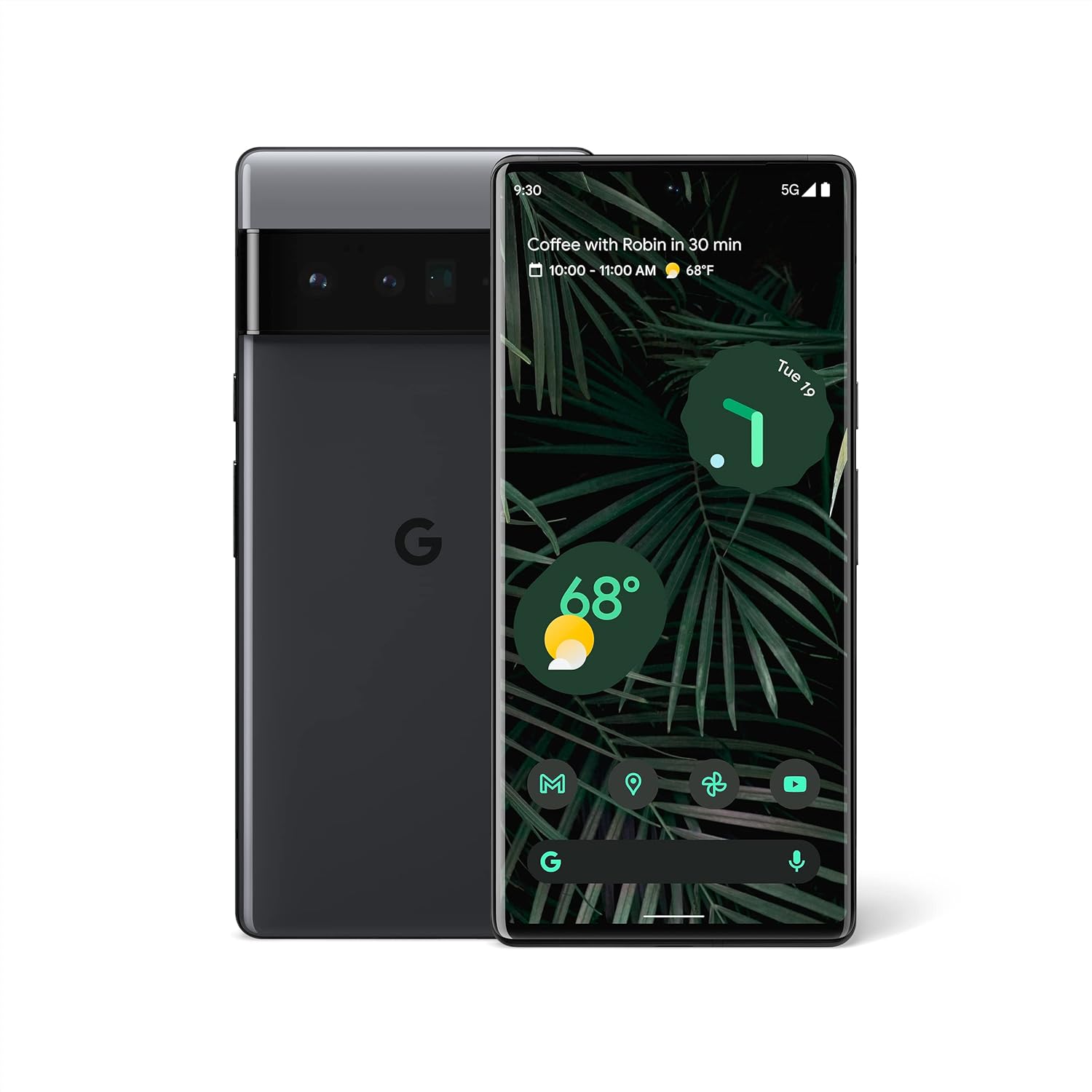
Слика 1.1: Напред и назад view of the Google Pixel 6 Pro in Stormy Black. The front displays the home screen with time, weather, and app icons, while the back shows the distinctive camera bar and Google logo.
2. Водич за поставување
2.1 Распакување и првична инспекција
По отварањето на пакувањето, проверете дали се присутни сите компоненти:
- Google Pixel 6 Pro Cell Phone
- Кабел USB-C на USB-C
Проверете го уредот за какво било физичко оштетување пред да продолжите.
2.2 Вметнување на SIM картичката
- Locate the SIM card tray on the side of your Pixel 6 Pro.
- Вметнете ја алатката за исфрлање на SIM картичката (или мала спојувалка за хартија) во малата дупка на фиоката и нежно притискајте додека фиоката не испадне.
- Place your Nano-SIM card into the tray with the gold contacts facing down and the notched corner aligned.
- Внимателно турнете ја фиоката назад во отворот додека не кликне на своето место.
2.3 Вклучување и почетна конфигурација
- Press and hold the Power button (located on the right side) until the Google logo appears on the screen.
- Follow the on-screen prompts to select your language, connect to a Wi-Fi network, and sign in with your Google Account.
- You will be guided through setting up security features like fingerprint unlock and screen lock.
2.4 Transferring Data from Your Old Phone
The Pixel 6 Pro offers a seamless way to transfer your messages, contacts, photos, and other data from your previous device during the initial setup process. Use the provided USB-C cable and follow the on-screen instructions.

Figure 2.1: A Google Pixel 6 Pro connected via USB-C cable to another smartphone, illustrating the data transfer process. The Pixel's screen shows options to copy messages, contacts, photos, and other data.
3. Operating Your Pixel 6 Pro
3.1 Карактеристики на екранот
The Pixel 6 Pro features a 6.7-inch LTPO QHD+ Smooth Display with a resolution of 1080 x 2340 pixels and a 120Hz refresh rate for fluid scrolling and responsiveness. The display is protected by Corning Gorilla Glass Victus for enhanced durability.
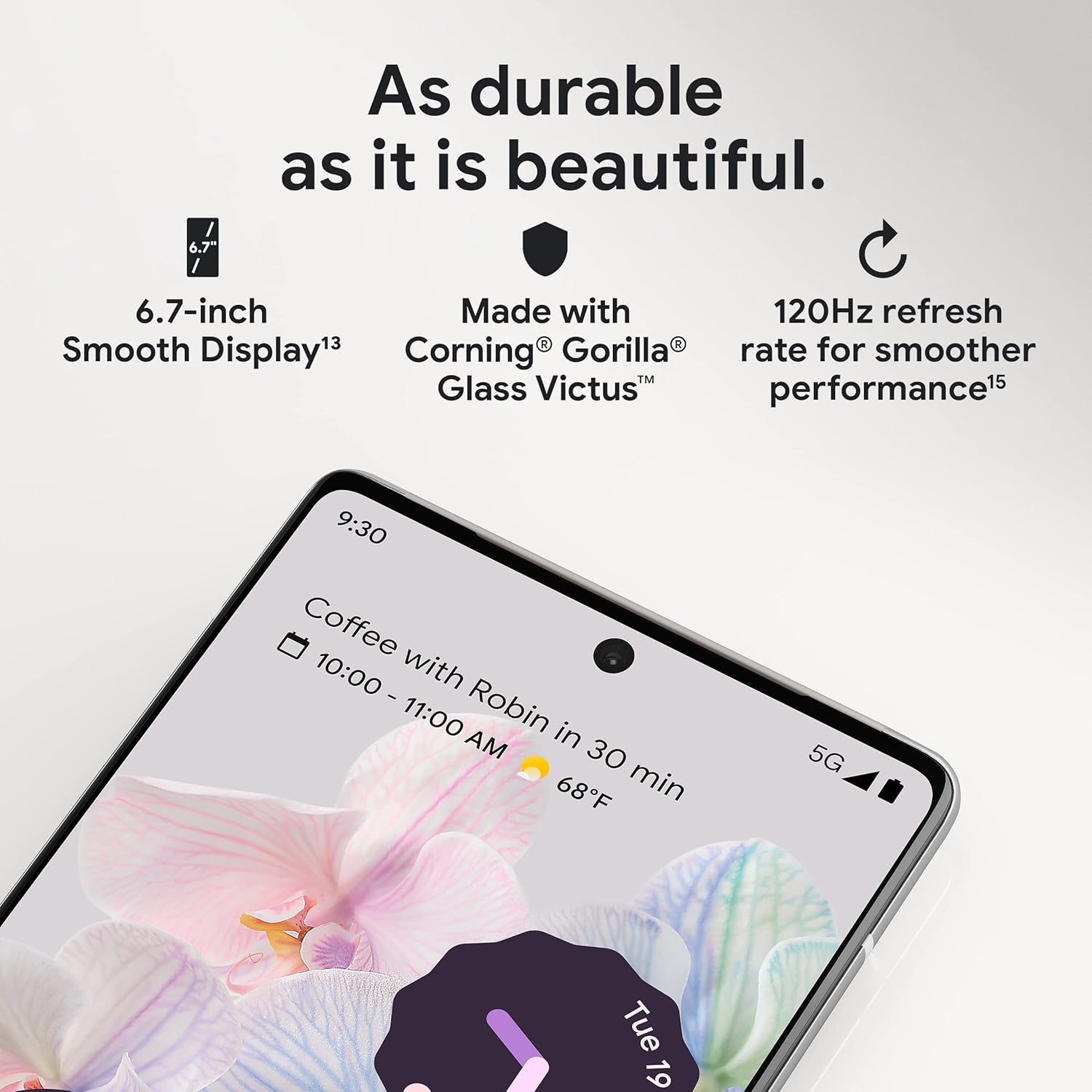
Слика 3.1: Крупен план view of the Pixel 6 Pro's display, highlighting its durability with Corning Gorilla Glass Victus and the smooth performance enabled by its 120Hz refresh rate.
3.2 Систем за камери
The Pixel 6 Pro is equipped with an advanced camera system:
- 50 MP Wide Camera: Captures 150% more light for detailed photos.
- 48 MP Telephoto Camera: Offers 4x optical zoom for distant subjects.
- 12 MP Ultrawide Camera: For expansive landscape and group shots.
- Предна камера: За висококвалитетни селфиња и видео повици.
Key camera features include:
- Магична гума за бришење: Removes unwanted objects or people from your photos.
- Режим на движење: Creates dynamic long-exposure shots.
- Режим на портрет: Artfully blurs backgrounds for professional-looking portraits.

Слика 3.2: Внатрешен view of the Pixel 6 Pro's camera array, detailing the 50 MP wide camera, 48 MP telephoto camera with 4x optical zoom, and 12 MP ultrawide camera.

Figure 3.3: Visual demonstrations of the Pixel 6 Pro's advanced camera tools: Magic Eraser removing background elements, Motion Mode capturing light trails, and Portrait Mode creating a blurred background effect.
3.3 Перформанси
The Pixel 6 Pro is powered by the custom-built Google Tensor processor, which provides a significant boost in performance compared to previous Pixel models. This chip enables advanced on-device AI capabilities and contributes to maximum battery efficiency.
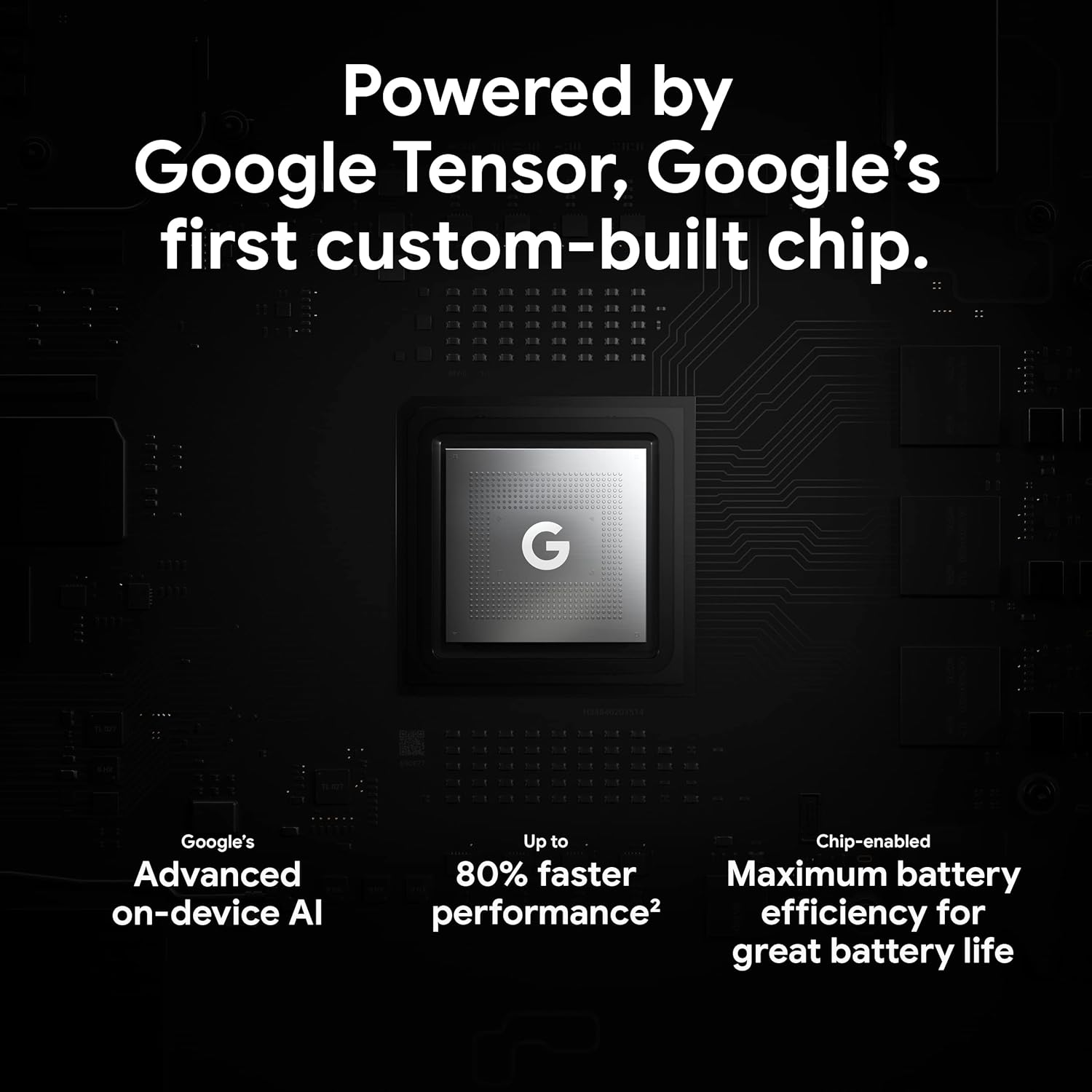
Figure 3.4: An illustration of the Google Tensor chip, highlighting its role in providing advanced on-device AI and up to 80% faster performance for improved battery efficiency.
3.4 Безбедносни карактеристики
Your Pixel 6 Pro is built with robust security:
- Titan M2™ chip: Provides next-generation hardware security.
- Безбедносни ажурирања: Guaranteed 5 years of security updates to protect against threats.
- IP68 Water and Dust Protection: Offers resistance against water and dust ingress.
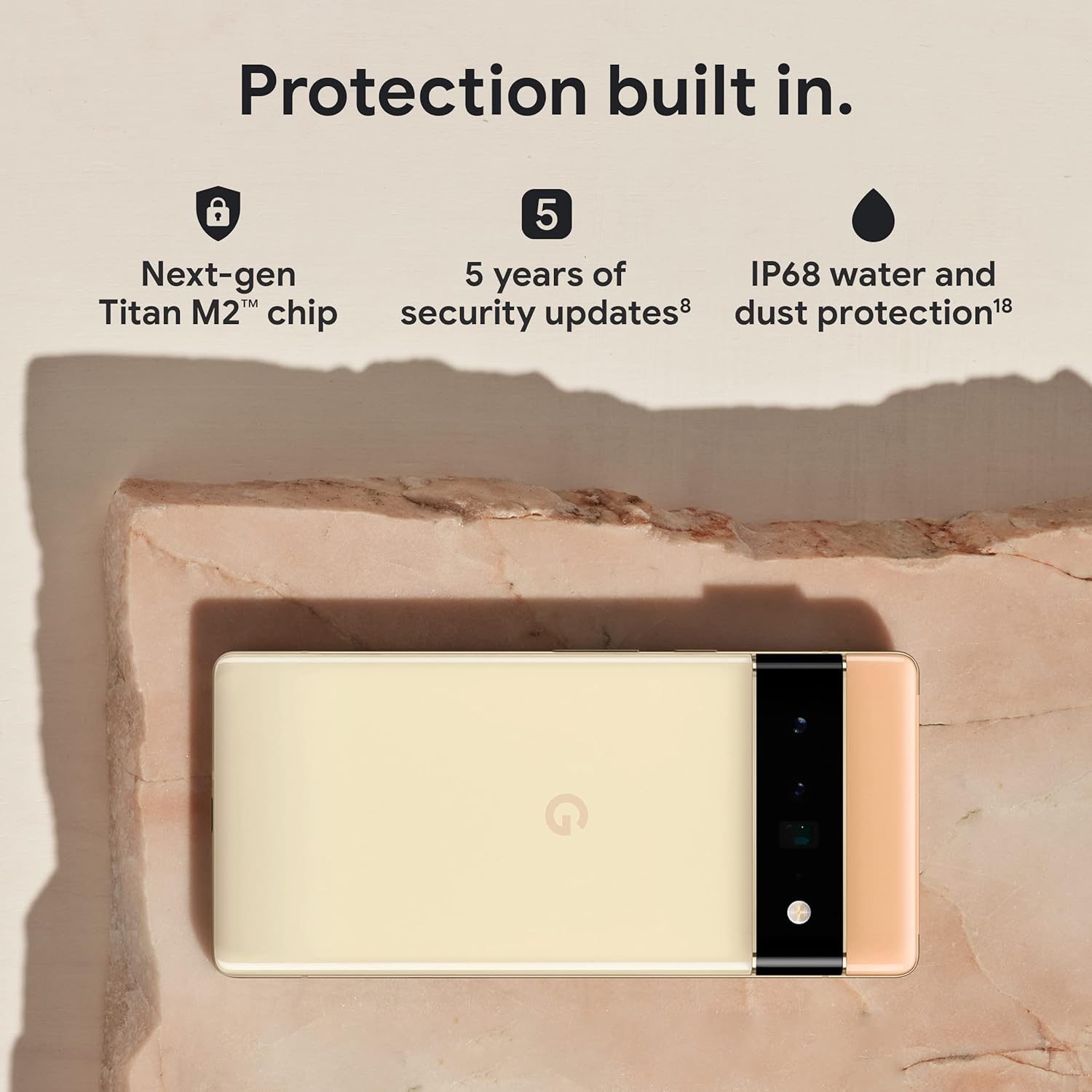
Figure 3.5: The Pixel 6 Pro shown alongside icons representing its built-in security features: the Titan M2 chip, 5 years of security updates, and IP68 water and dust protection.
3.5 Батерија и полнење
The device is equipped with a large 5003 mAh battery. It supports fast wired charging (with a compatible 30W USB-C charger, sold separately) and adapts to your usage patterns to save power for frequently used applications, extending battery life beyond 24 hours.

Слика 3.6: Надземен товар view of a person using the Pixel 6 Pro, with icons illustrating the phone's battery capabilities: super-fast charging, power saving for frequently used apps, and extended battery life.
3.6 Software and User Interface
The Pixel 6 Pro runs on the Android 12 operating system, offering a modern and intuitive user interface. It includes features like Material You for personalized themes and enhanced privacy controls.
3.7 Translation Capabilities
The device comes with Google Translate pre-installed, allowing you to translate private chats, messages, and live video captions in up to 55 languages directly on your phone.
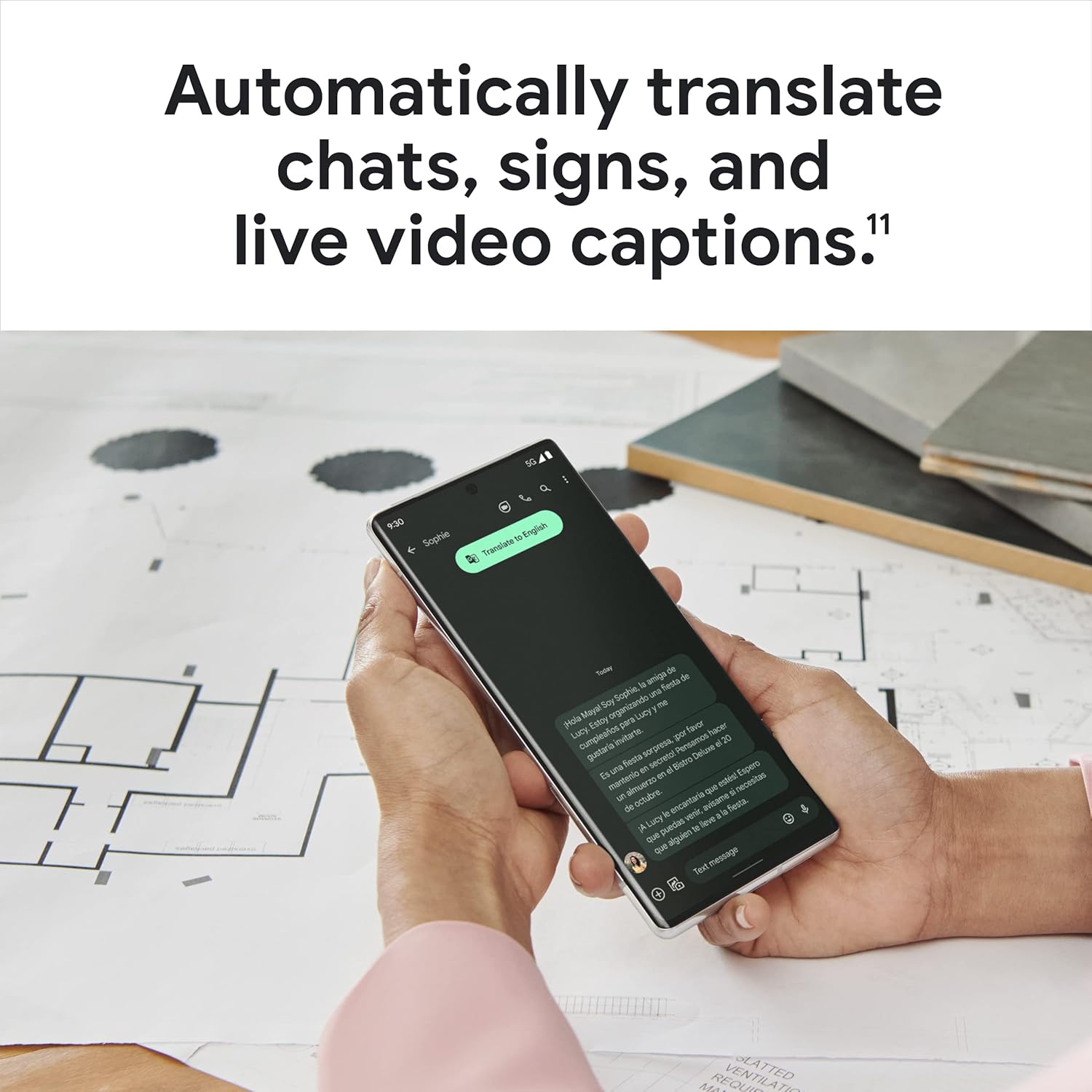
Figure 3.7: A user holding the Pixel 6 Pro, which displays a live translation of text on its screen, demonstrating the device's automatic translation capabilities for chats, signs, and live video captions.
3.8 Поврзување
The Pixel 6 Pro supports various connectivity options for seamless integration with other devices and services:
- USB: За полнење и пренос на податоци.
- Wi-Fi: За безжичен пристап до интернет.
- Bluetooth: За поврзување на безжични додатоци.
- NFC: За бесконтактни плаќања и брзо спарување.
4. Одржување
4.1 Општа нега
- Keep your device away from extreme temperatures, direct sunlight, and excessive moisture.
- Avoid dropping the phone or exposing it to strong impacts.
- Use a screen protector and a protective case to minimize damage from drops and scratches.
4.2 Чистење на вашиот уред
To clean your Pixel 6 Pro:
- Исклучете го уредот пред чистење.
- Use a soft, lint-free cloth (e.g., microfiber cloth) to gently wipe the screen and body.
- За тврдокорни дамки, малку дampИзбришете ја крпата со вода или со средство за чистење екрани специјално дизајнирано за електроника. Избегнувајте груби хемикалии или абразивни материјали.
4.3 Ажурирања на софтверот
Regularly check for and install software updates. These updates often include performance improvements, new features, and critical security patches that keep your device running optimally and securely.
5 Смена на проблеми
5.1 Уредот не се вклучува
- Проверете ја батеријата: Ensure the battery is charged. Connect the phone to a charger for at least 15-30 minutes.
- Присилно рестартирање: Притиснете и задржете го копчето за вклучување околу 30 секунди.
- Check Charger/Cable: Try a different charger and USB-C cable to rule out faulty accessories.
5.2 Проблеми со мрежната поврзаност
- Рестартирајте го телефонот: Едноставно рестартирање често може да реши привремени мрежни проблеми.
- Вклучи/исклучи режим на авион: Turn Airplane Mode on for a few seconds, then turn it off.
- Проверете ја SIM картичката: Проверете дали SIM картичката е правилно вметната.
- Ресетирајте ги мрежните поставки: Go to Settings > System > Reset options > Reset Wi-Fi, mobile & Bluetooth. Note: This will erase saved Wi-Fi passwords.
5.3 Паѓање или замрзнување на апликации
- Force Close App: Swipe up from the bottom of the screen, find the problematic app, and swipe it away to close.
- Исчисти кеш/податоци: Go to Settings > Apps > See all apps, select the app, then Storage & cache > Clear cache. If the issue persists, try Clear storage (this will delete app data).
- Ажурирај апликација: Осигурајте се дека апликацијата е ажурирана на најновата верзија од Google Play Store.
- Рестартирајте го телефонот: A full device restart can often resolve app-related issues.
5.4 Брзо празнење на батеријата
- Identify Usage: Одете во Поставки > Батерија > Користење на батеријата за да видите кои апликации трошат најмногу енергија.
- Прилагодете ја осветленоста на екранот: Намалете ја осветленоста на екранот или овозможете адаптивна осветленост.
- Оневозможете ги неискористените функции: Turn off Wi-Fi, Bluetooth, GPS, or NFC when not in use.
- Освежување на апликацијата во заднина: Limit apps running in the background.
6. Спецификации
| Карактеристика | Спецификација |
|---|---|
| Димензии на производот | 6.45 x 2.98 x 0.35 инчи |
| Тежина на ставката | 7.4 унци |
| Број на модел на ставка | ГА03149 |
| Оперативен систем | Андроид 12.0 |
| RAM меморија | 12 GB |
| Капацитет за складирање на меморија | 128 GB |
| Големина на екранот | 6.7 инчи |
| Резолуција | 1080 x 2340 |
| Стапка на освежување | 120 Hz |
| Капацитет на батеријата | 5003 mAh |
| Време за разговор на телефон | 25.5 часа |
| Време на полнење | 119 minutes (with compatible 30W charger) |
| Безжични комуникациски технологии | Bluetooth, NFC, Wi-Fi |
| Технологии за поврзување | Bluetooth, NFC, USB, Wi-Fi |
| Посебни карактеристики | High-Refresh-Rate Screen, Wireless Charging, Fast Charging, Powerful Camera System with Magic Eraser and Deblurring, Custom Google Tensor Processor |
| Боја | Бурна црна |
| Што има во кутијата | Cell Phone, USB Cable |
7. Гаранција и поддршка
For detailed warranty information and customer support, please refer to the official Google support website or the warranty card included with your purchase. Google provides comprehensive support resources, including FAQs, troubleshooting guides, and contact options for technical assistance.
Visit the official Google Support page: support.google.com/pixelphone


