Вовед
This manual provides detailed instructions for the Parsonver LW45 Smart Watch. Please read this guide thoroughly to understand the watch's functions, setup, and maintenance, ensuring optimal performance and longevity of your device.
Содржина на пакетот
Откако ќе го отворите пакувањето, проверете дали се присутни сите елементи:
- Паметен часовник Parsonver LW45
- Кабел за полнење
- Упатство за употреба
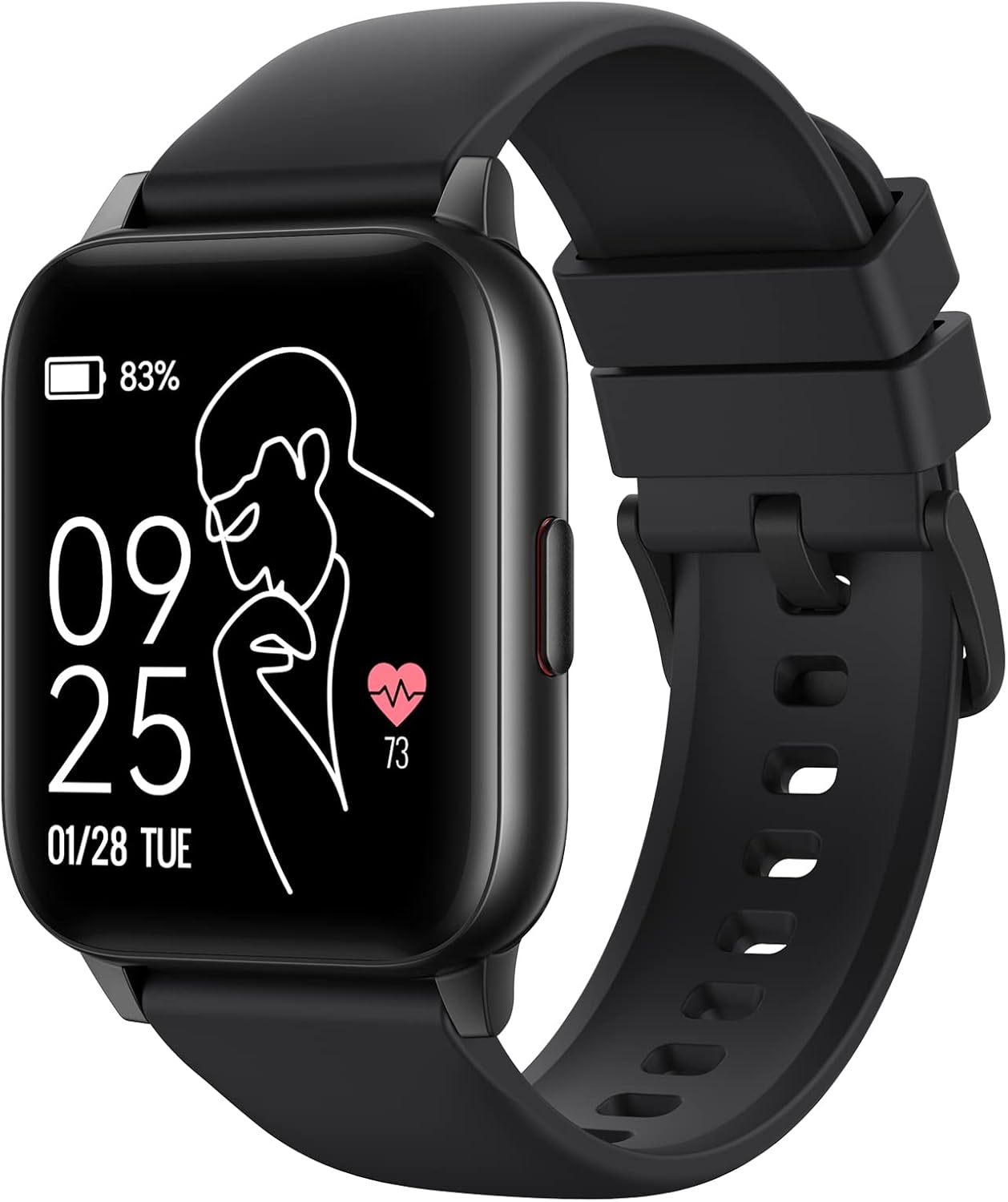
Image: The Parsonver LW45 Smart Watch, black model, displaying time and health metrics.
Водич за поставување
1. Полнење на уредот
Before initial use, fully charge the smart watch. Connect the charging cable to the charging port on the back of the watch and to a USB power source. The watch display will indicate charging status.
2. Инсталација на апликација и спарување
- Download the official Parsonver app from your smartphone's app store (compatible with iOS 10.0/Android 5.0 or above).
- Проверете дали Bluetooth е овозможен на вашиот паметен телефон.
- Отворете ја апликацијата и следете ги упатствата на екранот за да креирате сметка или да се најавите.
- Select "Add Device" or similar option within the app to search for your LW45 Smart Watch.
- Потврдете го барањето за спарување и на вашиот паметен телефон и на часовникот.
Забелешка: The watch connects via Bluetooth 5.0. Maintain proximity between the watch and your smartphone for a stable connection.

Image: A smartphone displaying the Parsonver app, illustrating the device connection process.
Упатства за работа
Основна навигација
- Екран на допир: Повлечете лево/десно, горе/долу за да се движите низ менијата и да пристапите до функциите. Допрете за да изберете.
- Странично копче: Притиснете за да се вратите на почетниот екран или да го разбудите уредот.
Спортски режими
The LW45 Smart Watch features 16 default sports modes. Over 100 additional sports modes can be customized and added via the companion app. These include activities such as walking, running, cycling, swimming, yoga, and strength training.
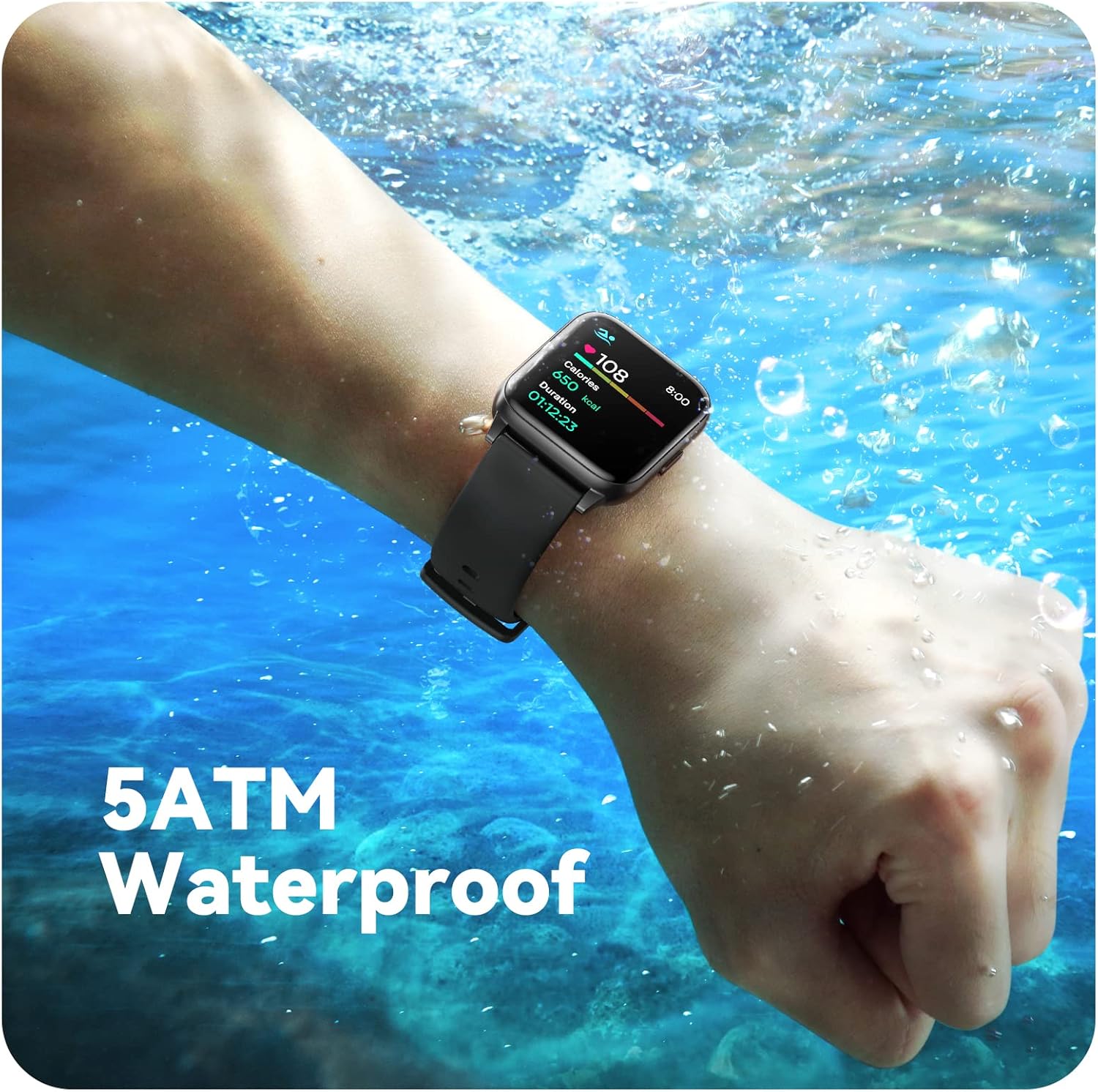
Image: A person engaged in soccer, wearing the smart watch, demonstrating its use during sports activities.

Image: A smartphone screen displaying a wide selection of sports modes within the Parsonver application.
Здравствен мониторинг
- Мониторинг на отчукувањата на срцето: Provides 24/7 real-time heart rate data.
- Мониторинг на кислород во крвта: Мери нивоа на кислород во крвта.
- Следење на спиење: Automatically monitors sleep patterns, including deep sleep, light sleep, and awake times (from 9:00 PM to 12:00 PM the next day).
- Hydration and Sedentary Alerts: The watch can provide reminders for hydration and prolonged inactivity.
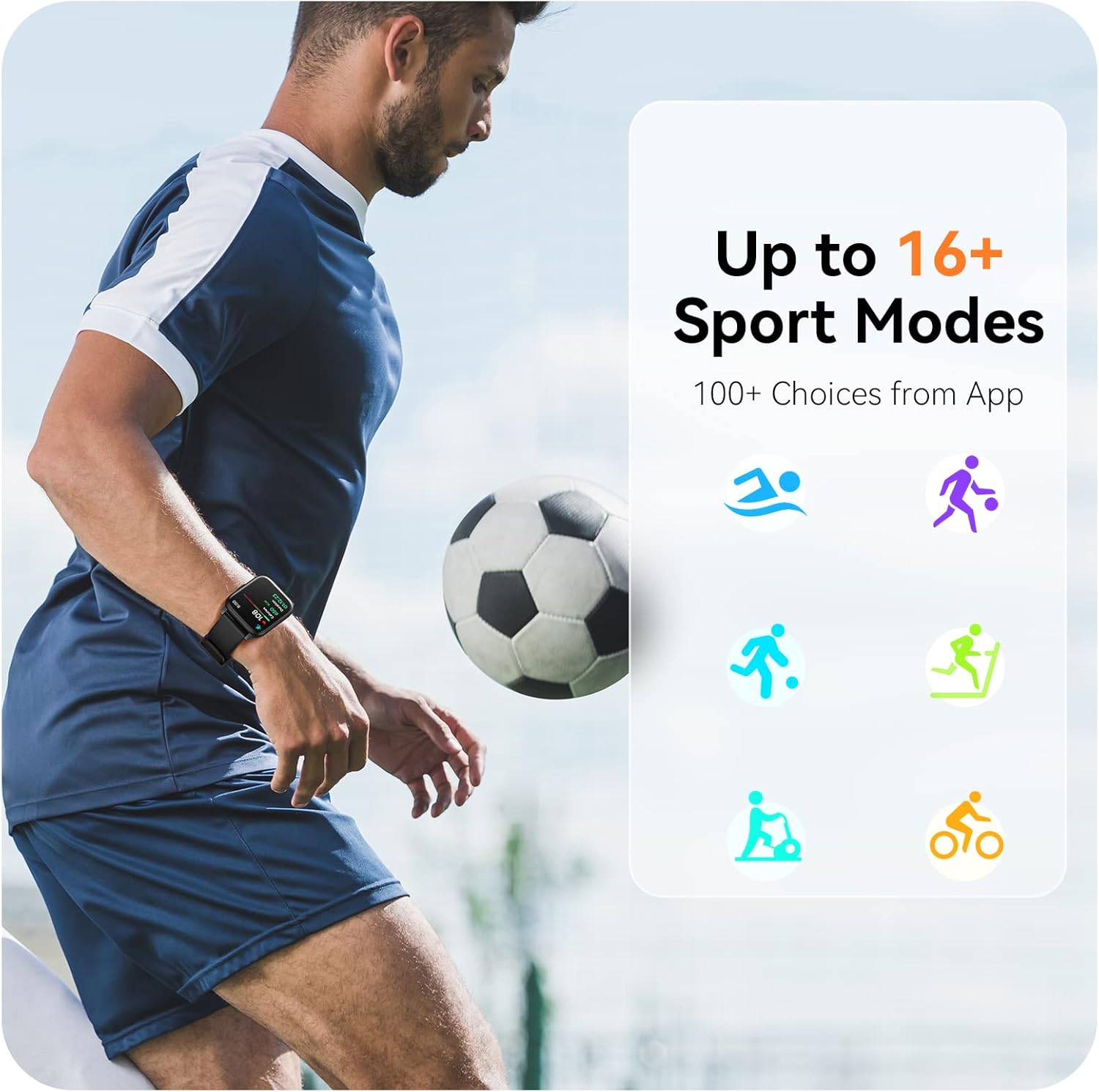
Image: A man running, with the smart watch on his wrist showing real-time fitness data.

Image: A person sleeping, with the smart watch tracking sleep and displaying data on a connected phone.
Известувања
Receive notifications for incoming calls, SMS messages, emails, and alerts from social media applications (WhatsApp, LinkedIn, Instagram, Twitter) when connected to your smartphone. You can reject calls directly from the watch, but cannot answer or reply to messages.
Image: The smart watch screen showing icons for different types of notifications.
Дополнителни функции
The 1.69-inch high-definition touch screen provides access to various features:
- Временски прогнози
- Будилник
- Тајмер и стоперка
- Далечинска контрола на камерата
- Контрола на репродукција на музика
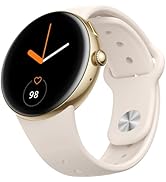
Image: The smart watch screen showing a weather forecast display.
Прилагодување
Personalize your watch experience:
- Лица на часовникот: Изберете од различни однапред инсталирани изгледи на часовникот или преземете повеќе преку апликацијата.
- Прилагодени позадини: Set your own photos as watch face backgrounds through the app.
- Time and Unit Formats: Adjust time display (12/24 hour) and measurement units (Metric/Imperial, Celsius/Fahrenheit) in the app settings.
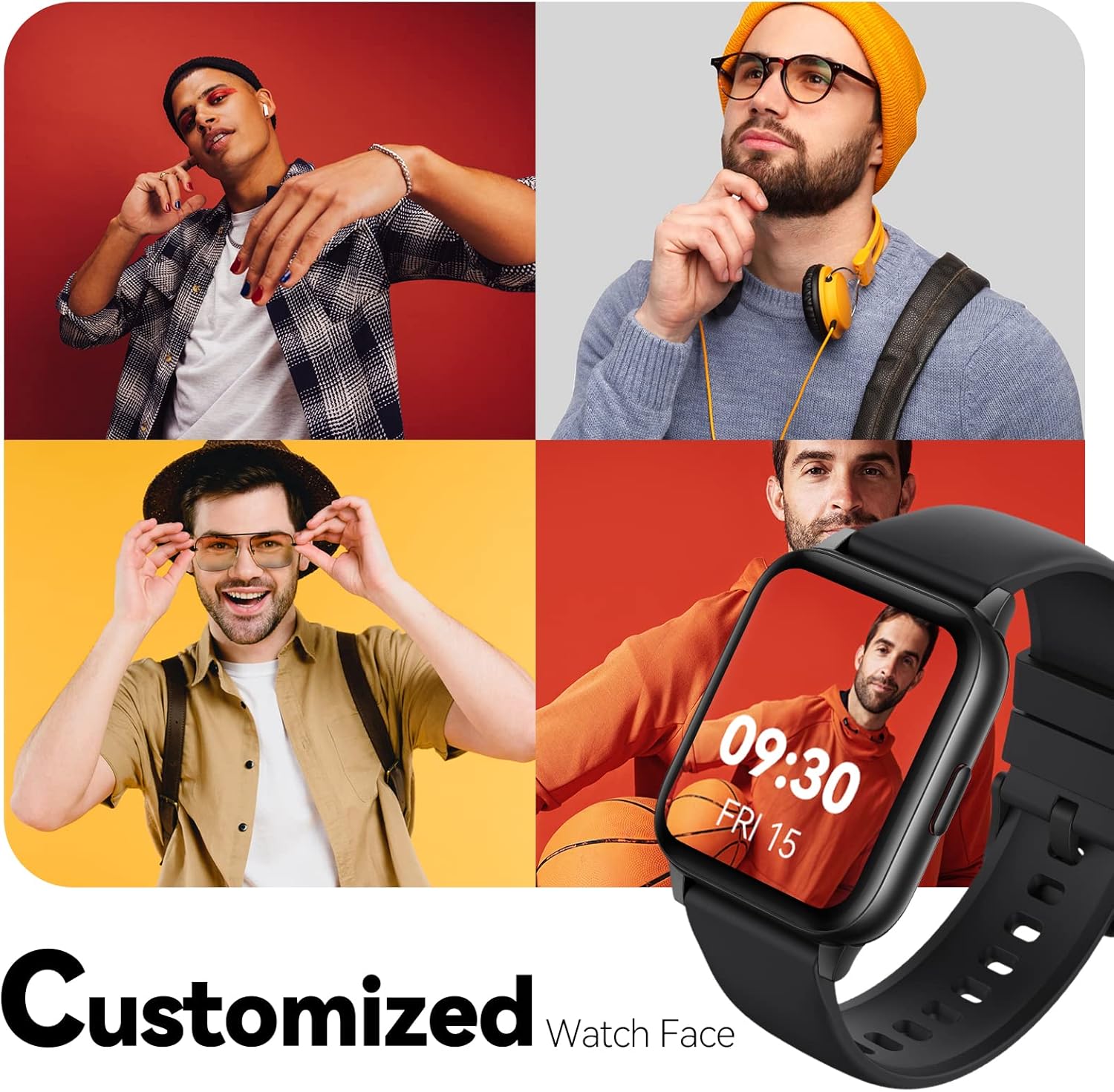
Image: Multiple watch face designs shown on the smart watch, highlighting customization.

Image: A visual guide demonstrating how to adjust time formats, units, and customize watch faces via the companion app.
Отпорност на вода
The Parsonver LW45 Smart Watch is rated 5ATM waterproof, meaning it is water-resistant up to 50 meters. This allows for use during swimming, showering, and in various weather conditions like rain or snow. Important: Do not press any buttons while the watch is submerged in water.

Image: The smart watch submerged in water, illustrating its 5ATM waterproof capability.
Одржување
- Чистење: Regularly clean the watch and strap with a soft, dry cloth. For stubborn dirt, use a slightly damp крпа и благ сапун, потоа исплакнете и темелно исушете.
- Полнење контакти: Одржувајте ги контактите за полнење на задната страна од часовникот чисти и без остатоци за да обезбедите правилно полнење.
- Складирање: Чувајте го часовникот на ладно и суво место кога не е во употреба.
- Избегнувајте хемикалии: Do not expose the watch to strong chemicals, solvents, or detergents, as these can damage the materials.
Решавање проблеми
| Прашање | Можно решение |
|---|---|
| Часовникот не се вклучува или не се полни | Ensure the charging cable is securely connected to both the watch and a working USB power source. Clean the charging contacts. Try a different USB port or adapter. |
| Не може да се спари со паметен телефон | Ensure Bluetooth is enabled on your phone. Restart both the watch and phone. Make sure the watch is within Bluetooth range. Check if other Bluetooth devices are interfering. Uninstall previous watch apps if present. |
| Известувањата не се примени | Verify that notification permissions are enabled for the Parsonver app in your phone's settings. Ensure the watch is connected via Bluetooth. Check app settings for specific notification toggles. |
| Inaccurate step count or sleep data | Ensure the watch is worn snugly on your wrist. Calibrate the watch through the app if available. Note that some activities (like driving) might register as steps. Sleep tracking is active from 9:00 PM to 12:00 PM the next day. |
Спецификации
| Карактеристика | Детал |
|---|---|
| Име на моделот | LW45 |
| Големина на екранот | 1.69 инчи |
| Отпорност на вода | 5 банкомати (до 50 метри) |
| Тежина | 40 грама |
| Компатибилност на оперативниот систем | iOS 10.0/Android 5.0 or above |
| Поврзување | Bluetooth 5.0 |
| Капацитет на батеријата | 300 милиониamp Часови |
| Капацитет за складирање на меморија | 128 MB |
| GPS | Преку паметен телефон |
| Вклучени компоненти | Паметен часовник |
Поддршка и гаранција
For technical assistance or warranty inquiries, please contact Parsonver customer service. Refer to the product packaging or the official Parsonver webстраница за најактуелните информации за контакт.
Е-пошта за услуги на клиентите: support@parsonver.com

Image: The official Parsonver brand logo.
Image: A graphic indicating 24/7 online customer support availability.
Важни безбедносни информации
- Не обидувајте се да го расклопите или измените часовникот.
- Keep the watch away from extreme temperatures.
- Consult a medical professional before starting any new exercise regimen, especially if you have pre-existing health conditions. The health monitoring features are for informational purposes and not for medical diagnosis.
- Отстранете го уредот и неговата батерија според локалните прописи.


