Вовед
This manual provides detailed instructions for the setup, operation, maintenance, and troubleshooting of your 3PLUS Vibe Pro Smart Watch. Please read this manual thoroughly to ensure proper use and to maximize the features of your device.

Image: The 3PLUS Vibe Pro Smart Watch, featuring a black watch body with a black silicone band, accompanied by an additional pink silicone band. The watch display shows time, date, activity metrics, and weather.
Поставување
1. Полнење на уредот
Before initial use, fully charge your 3PLUS Vibe Pro Smart Watch. Connect the magnetic charging cable to the charging contacts on the back of the watch and plug the USB end into a power adapter (not included) or a computer USB port. The watch display will indicate charging status.
2. Инсталација на апликација
To unlock the full potential of your smart watch, download the official 3Plus app on your smartphone. The app is compatible with both iPhone and Android devices.
- Пребарај за "3Plus" in the Apple App Store (for iOS) or Google Play Store (for Android).
- Преземете ја и инсталирајте ја апликацијата.
- Следете ги упатствата на екранот за да креирате сметка или да се најавите.
3. Спарување на вашиот паметен часовник
Проверете дали Bluetooth-от на вашиот паметен телефон е овозможен.
- Open the 3Plus app on your smartphone.
- Navigate to the device pairing section (usually found under 'Devices' or 'Profile').
- Select 'Add New Device' or similar option.
- The app will search for nearby 3PLUS Vibe Pro Smart Watches. Select your watch from the list.
- Потврдете го барањето за спарување и на вашиот часовник и на паметниот телефон.
Упатства за работа
Основна навигација
- Екран на допир: Swipe left/right, up/down to navigate through menus and screens. Tap to select an option.
- Странично копче: Притиснете за да се вратите на почетниот екран или да го разбудите уредот. Долго притиснете за опции за вклучување.
Клучни карактеристики
GPS Следење
The integrated GPS allows for accurate tracking of outdoor activities without needing your phone. Ensure GPS is enabled in the watch settings for outdoor workouts.
Следење на срцевиот ритам
Часовникот континуирано го следи вашиот пулс. View real-time data on the watch or detailed trends in the 3Plus app.
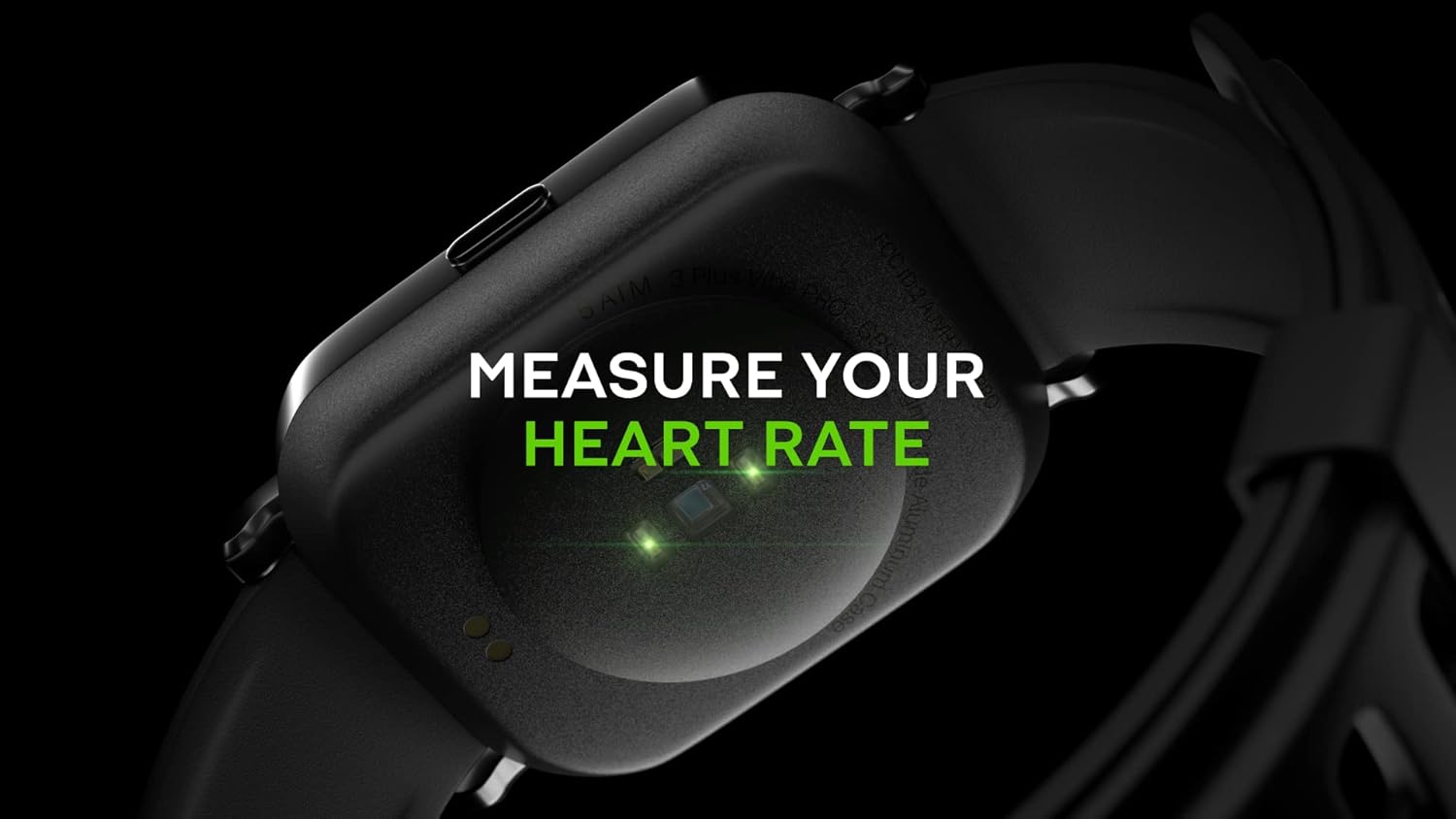
Image: Close-up of the back of the 3PLUS Vibe Pro Smart Watch, showing green LED lights indicating heart rate measurement in progress. Text overlay reads "MEASURE YOUR HEART RATE".
Следење на кислородот во крвта (SpO2).
Measure your blood oxygen saturation levels directly from your wrist. For accurate readings, remain still during measurement.

Image: The 3PLUS Vibe Pro Smart Watch display showing a blood oxygen measurement in progress, with a circular animation and text instructing the user to stay still. Text overlay reads "MEASURE YOUR BLOOD OXYGEN".
Следење на сонот
Часовникот автоматски ги следи вашите навики на спиење, вклучувајќи длабок сон, лесен сон и време на будење.view your sleep data in the 3Plus app to understand your sleep quality.

Image: A person sleeping with the 3PLUS Vibe Pro Smart Watch on their wrist, showing the watch display with sleep data (deep sleep, light sleep, awake time). Text overlay indicates "6 HOURS 52 MINUTES SLEPT".
Повеќе спортски режими
Select from various sports modes to track specific activities like running, cycling, basketball, and more. Each mode provides relevant metrics for your workout.

Image: The 3PLUS Vibe Pro Smart Watch display showing a list of workout modes, including Basketball and Soccer, with a basketball player in the background. Text overlay reads "MULTIPLE SPORTS MODES".
Паметни известувања
Receive notifications for calls, messages, and app alerts directly on your wrist when connected to your smartphone.

Image: The 3PLUS Vibe Pro Smart Watch display showing various notifications from messaging apps like Messenger, Instagram, and Facebook. Speech bubbles representing these apps are floating around the watch.
5ATM Отпорност на вода
The watch is rated 5ATM water resistant, meaning it can withstand pressures equivalent to a depth of 50 meters. It is suitable for swimming and showering but not for diving or high-pressure water activities.

Image: The 3PLUS Vibe Pro Smart Watch covered in water droplets, emphasizing its water resistance. Text overlay reads "5 ATM RATED WATER RESISTANT".
Одржување
Чистење на вашиот паметен часовник
- Regularly clean the watch body and bands with a soft, damp крпа.
- For the charging contacts and sensors on the back, use a dry cotton swab to gently remove any dirt or debris.
- Избегнувајте употреба на груби хемикалии или абразивни материјали, бидејќи тие можат да го оштетат уредот.
Грижа за лента
If your watch comes with silicone bands, clean them regularly with mild soap and water to prevent skin irritation, especially after workouts or prolonged wear. Ensure the band is completely dry before reattaching it to the watch.
Решавање проблеми
Часовникот не се вклучува
- Проверете дали часовникот е целосно наполнет. Поврзете го со полначот најмалку 30 минути.
- Try performing a soft reset by pressing and holding the side button for 10-15 seconds.
Не може да се спари со паметен телефон
- Проверете дали Bluetooth е овозможен на вашиот паметен телефон.
- Ensure the watch is within Bluetooth range (typically 10 meters or 33 feet).
- Рестартирајте го и часовникот и паметниот телефон.
- Check if the 3Plus app is updated to the latest version.
- Доколку претходно сте го спариле уредот, обидете се да го распарите од поставките за Bluetooth на вашиот телефон, а потоа повторно да го спарите преку апликацијата.
Inaccurate Readings (Heart Rate, SpO2, Sleep)
- Уверете се дека часовникот е цврсто носен на вашиот зглоб, на ширина од околу еден прст над коската на зглобот.
- Одржувајте го сензорот чист и без нечистотија или пот.
- For SpO2, remain still during the measurement.
Известувањата не се појавуваат
- Проверете дали часовникот е поврзан со вашиот паметен телефон преку Bluetooth.
- Check notification settings within the 3Plus app to ensure app notifications are enabled.
- Ensure your phone's notification settings allow the 3Plus app to send notifications.
Спецификации
| Карактеристика | Спецификација |
|---|---|
| Име на моделот | Паметен часовник Vibe Pro |
| Големина на приказ | 1.78 Inches AMOLED Color Touchscreen |
| Отпорност на вода | 5 банкомати (до 50 метри) |
| Поврзување | Bluetooth |
| GPS | Вграден GPS |
| Сензори | Монитор на отчукувањата на срцето, Монитор на кислород во крвта |
| Компатибилност | iPhone & Android |
| Тежина на ставката | 7.8 унци |
| Димензии на пакетот | 6.69 x 4.09 x 2.28 инчи |
| Прво достапно | 14 јануари 2022 година |
Гаранција и поддршка
For warranty information and customer support, please refer to the official 3Plus website or contact their customer service directly. Details can typically be found on the product packaging or within the 3Plus mobile application.
Official 3Plus Store: Visit the 3Plus Store on Amazon
Официјални видеа за производи
Не се пронајдени официјални видеа од продавачи за овој производ во дадените податоци.


