Производот завршиview
МУБVIEW PK320 is a versatile 2K indoor security camera designed for comprehensive home monitoring. It features 2K Super HD live streaming, 360° pan and tilt functionality, smart motion tracking, two-way audio, and enhanced night vision. This camera supports both 2.4GHz and 5GHz Wi-Fi networks, offering flexible connectivity options. It is ideal for monitoring pets, babies, or general home security, providing instant alerts and continuous recording capabilities.

Слика: MUBVIEW PK320 camera highlighting key features like two-way audio, 2K live view, motion tracking, instant alerts, dual storage, 2.4/5GHz WiFi, excellent night vision, and pan & tilt.
Што има во кутијата
- МУБVIEW PK320 2K Indoor Security Camera
- USB кабел за напојување
- Адаптер за напојување (полнач)
- Држач за монтирање
- Монтирачки завртки и ѕидни анкери
- Упатство за употреба
Водич за поставување
1. Преземете ја и инсталирајте ја апликацијата
МУБVIEW camera operates via a dedicated mobile application available for both Android and iOS devices. Scan the QR codes below or search for "Mubview" in your device's app store to download the app.

Image: Quick and Easy Setup guide showing app download steps and QR codes for iOS (App Store) and Android (Google Play).
2. Регистрација на сметка
Отворете го Mubview app and sign up with your email address. Choose your region and country code. If you already have an account, simply log in.
3. Вклучете го уредот
Connect the USB power cable to the camera and plug the power adapter into a wall outlet. The camera will automatically power on and begin its initialization sequence, which includes rotating its lens. Wait for the camera to complete its initialization.
Video: A step-by-step guide on how to set up and use the Mubview Smart PTZ Indoor Camera, including app installation and initial power-on sequence.
4. Device Pairing and Wi-Fi Setup
Follow the in-app instructions to pair your camera. This typically involves:
- Allowing the app to use Bluetooth for device discovery.
- Resetting the device by holding the reset button (if prompted) until the indicator light flashes red.
- Selecting your 2.4GHz Wi-Fi network (5GHz networks are not supported for direct connection) and entering the password.
- Scanning a QR code displayed on your phone with the camera lens. Keep your phone 5-8 inches from the lens for successful scanning.
- Confirming network connection and device addition.
Ensure your camera is placed near your Wi-Fi router for the best signal during setup.
Упатства за работа
2K Resolution & 360° Coverage
МУБVIEW PK320 provides a 2K Super HD live stream for clear monitoring. Use the app to control the camera's pan (355° horizontally) and tilt (80° vertically) to view every angle of your home.
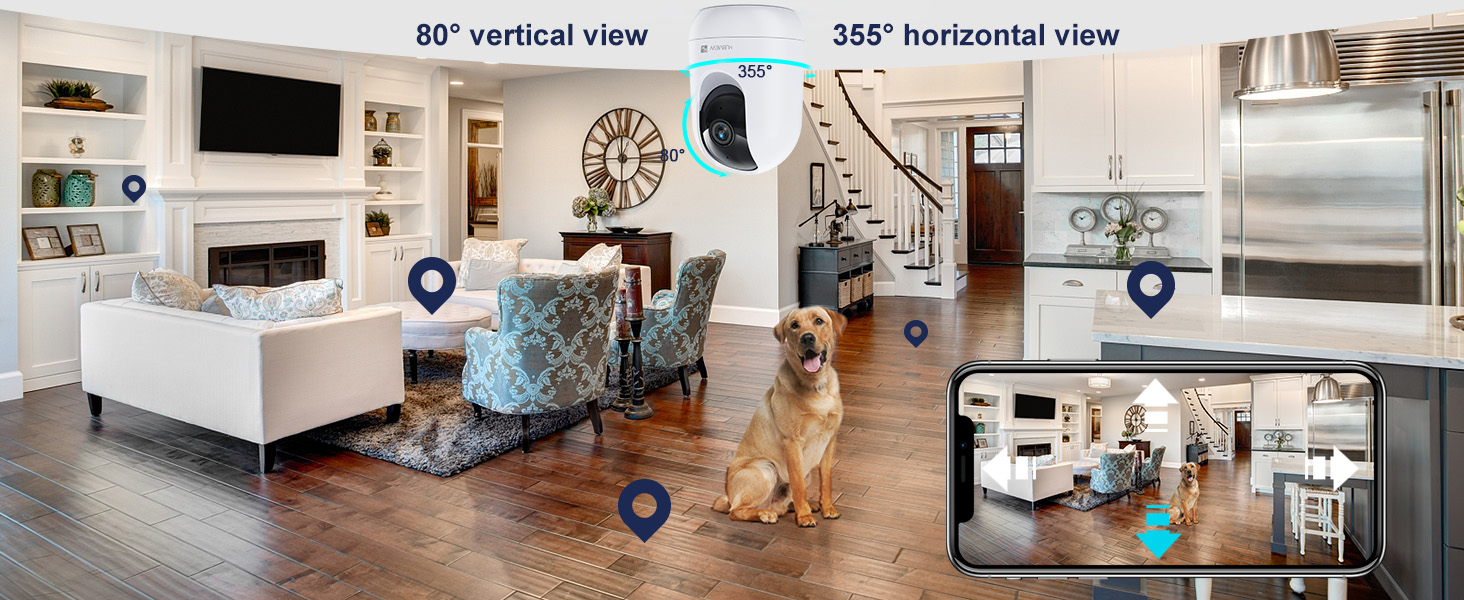
Image: A wide-angle view of a living space with the MUBVIEW camera, illustrating its 360° coverage with 355° horizontal and 80° vertical rotation.
Smart Tracking & Instant Message Alerts
Activate intelligent tracking in the app to have the camera automatically follow moving people or objects, recording the activity in real-time. With body detection enabled, the camera will send instant notifications to your phone when motion is detected, keeping you informed of events in your home, office, or store.

Image: The MUBVIEW PK320 camera tracking a child and a dog in a living room, demonstrating its advanced motion tracking capabilities.
24/7 Remote Monitoring & Two-Way Audio
Monitor your home remotely 24/7 through the app. The two-way audio feature allows you to not only hear sounds from your home but also speak through the camera to communicate with family members or comfort pets. This is particularly useful when you are away at work or traveling.
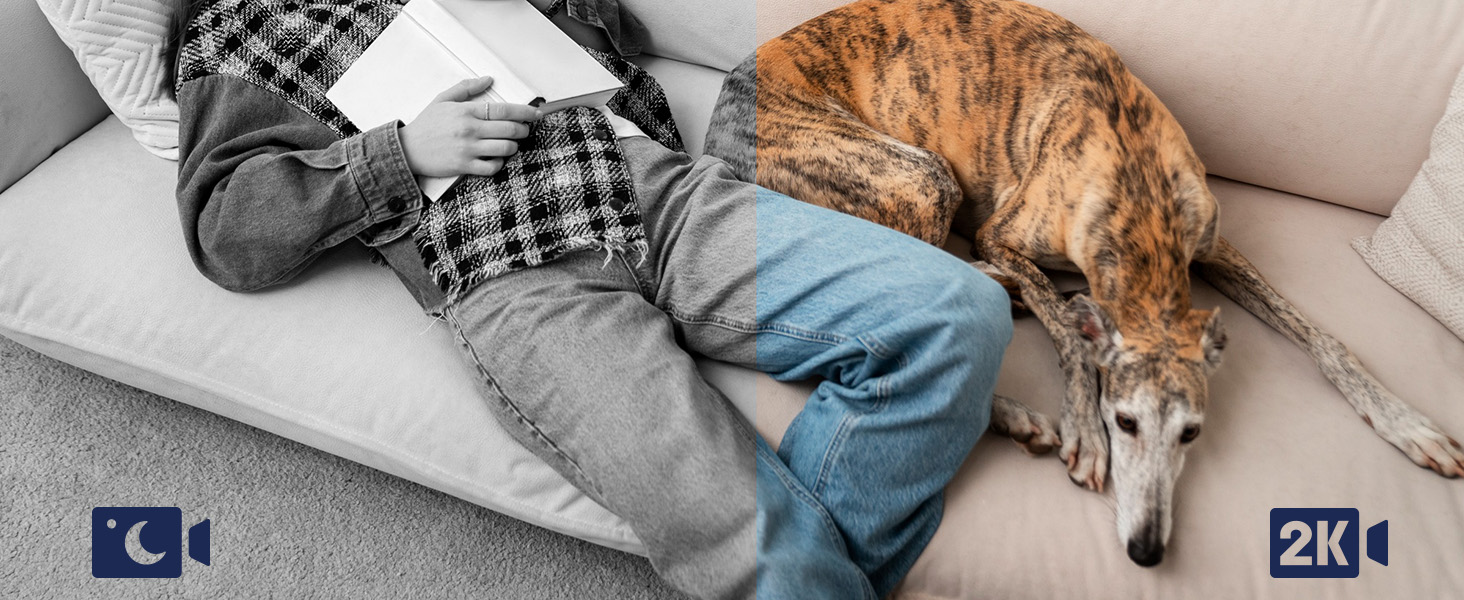
Image: A person using the Mubview app to speak through the camera to a dog on a kitchen counter, illustrating the two-way audio feature.
Ноќна визија
The camera is equipped with excellent night vision capabilities, providing clear 5MP clarity even in dark rooms. This ensures continuous monitoring day and night.
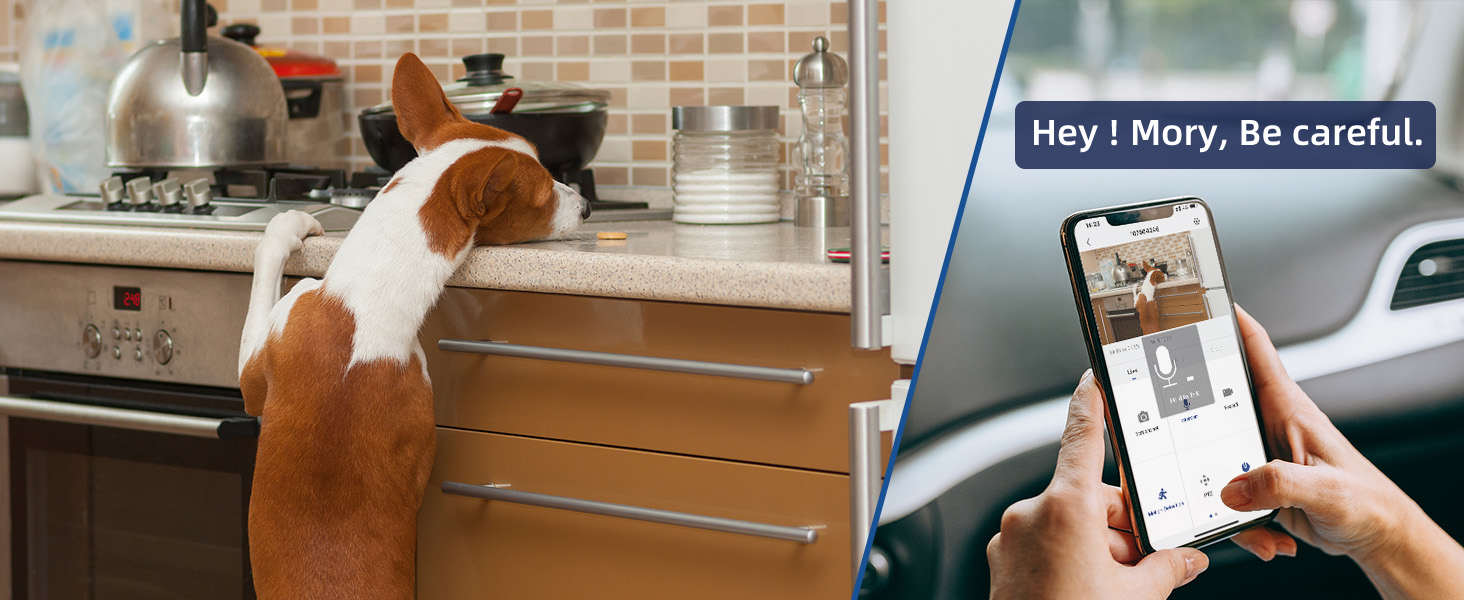
Image: A split image showing a person sleeping, with one side in color and the other in black and white, demonstrating the camera's clear night vision.
Мулти-уред Viewинг и споделување
The Mubview app supports adding multiple surveillance cameras and displaying up to four live video feeds simultaneously. You can also share access to the camera with up to 4 devices, allowing family members to view memorable moments.
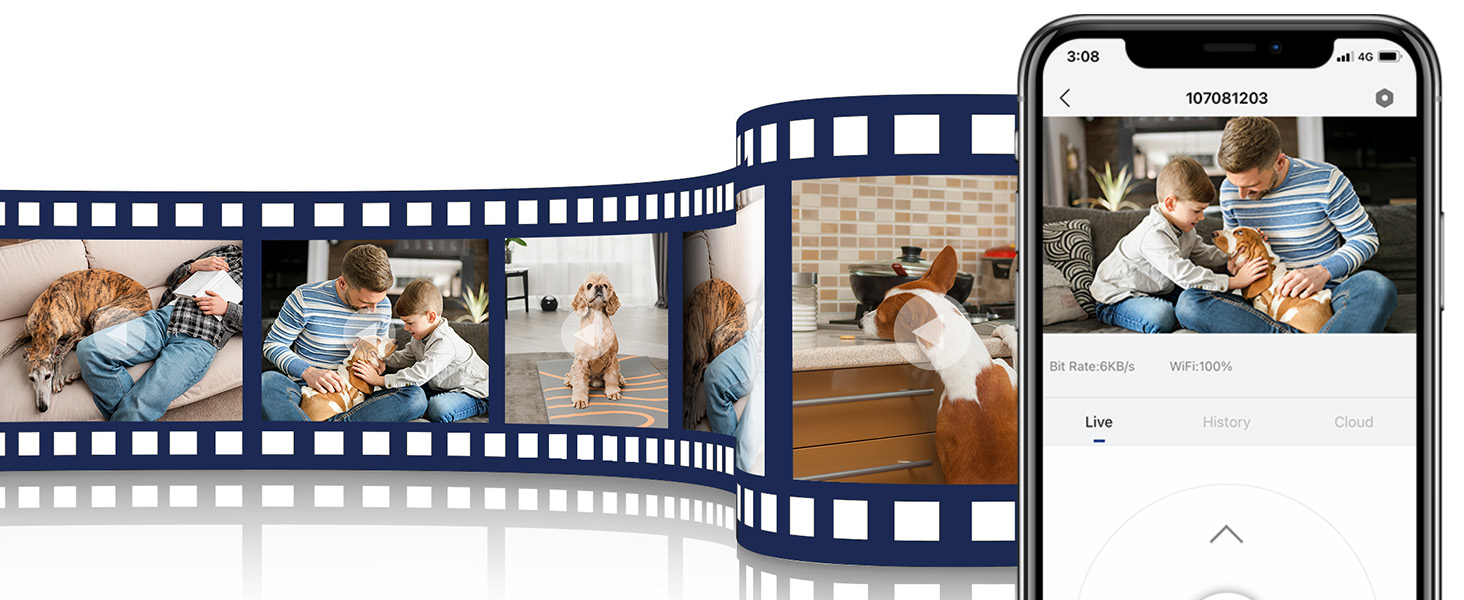
Image: A filmstrip of various home scenes with a family and pets, alongside a smartphone displaying a live feed from the Mubview camera, illustrating multi-device viewвнесување и споделување.
Опции за складирање
Сите фуtage from the camera is kept private and secure. You can save videos to a local TF (microSD) card (not included, up to 128GB) or opt for cloud storage services as needed.

Image: Icons representing cloud storage and TF card storage options for the Mubview камера.
Решавање проблеми
- Камерата не се вклучува: Ensure the power cable is securely connected to both the camera and the power adapter, and the adapter is plugged into a working wall outlet.
- Проблеми со поврзувањето со Wi-Fi: The camera supports 2.4GHz Wi-Fi. If you have a dual-band router, ensure your phone is connected to the 2.4GHz network during setup. Keep the camera close to the router during pairing.
- Unable to Find Reset Button: The reset button is typically located on the camera body, sometimes requiring the lens to be rotated to expose it. Refer to the user manual diagram for its exact location.
- SD-картичката не е откриена: Ensure the TF (microSD) card is inserted correctly into the designated slot. The camera supports up to 128GB.
- Не се примени известувања за движење: Check app notification settings on your phone and within the Mubview app to ensure alerts are enabled.
Спецификации
| Карактеристика | Детал |
|---|---|
| Име на моделот | PK320 |
| Резолуција за снимање видео | 3 мегапиксели (2 илјади) |
| Технологија за поврзување | Wi-Fi (2.4/5 GHz) |
| Внатрешна/надворешна употреба | Затворен |
| Извор на енергија | Електричен со кабел |
| Viewинголен агол | 355 Degrees (Horizontal) / 80 Degrees (Vertical) |
| Опсег на ноќни визии | 8 метри |
| Поддршка за складирање | TF картичка (до 128GB), складирање во облак |
| Посебни карактеристики | 2-Way Audio, Color Night Vision, Smart Tracking, Human Detection, Plugged In Wired, Share with Family |
| Димензии на ставката L x Ш x В | 2.95 x 2.95 x 4.33 инчи |
| Тежина на ставката | 1.3 фунти |
Гаранција и поддршка
МУБVIEW понуди LIFETIME SERVICE for the PK320 camera, ensuring a risk-free purchase. For any inquiries or technical assistance, please contact MUBVIEW поддршка на клиентите:
- Јавете се на услугата: 9:5-XNUMX:XNUMX EST
- Online Email: Refer to the app or product packaging for specific email address.

Слика: MUBVIEW customer support details, emphasizing customer-first approach and transparency.


