1. Вовед
The SABRENT DS-SD6P 6-Port USB-C Docking Station is designed to expand the connectivity of your Steam Deck, ROG Ally, tablets, phones, and USB-C laptops. This versatile hub offers essential ports for enhanced gaming, streaming, and productivity.
- Universal Gaming Dock: Connect your Steam Deck, ROG Ally, tablet, phone, or USB-C laptop with full support for DisplayPort Alt Mode and plug-and-play functionality — no drivers required.
- Power Up While You Play: Delivers up to 95W of PD3.0 charging via the USB-C input to keep your main device powered during heavy use — recommend pairing with a certified 100W adapter for best results.
- Crisp 4K Output: HDMI 2.0 port with HDCP 1.4 support provides up to 4K@60Hz resolution for compatible devices with DP Alt Mode — perfect for gaming, streaming, or extending your workspace.
- Multiple Peripheral Ports: Features 3 USB-A 5Gbps ports and an extra USB-C data port for external storage, controllers, keyboards, audio, and more. All ports offer fast, reliable connectivity without lag.
- Designed to Travel: Compact, non-slip form factor with integrated USB-C cable ensures simple setup anywhere. Note: This dock does not include Ethernet or M.2 SSD support — for power and connectivity only.

2. Производот завршиview и порти
The SABRENT DS-SD6P features a comprehensive set of ports designed to enhance your device's capabilities. Familiarize yourself with the port layout:
- USB-C Input (PD3.0): For power delivery up to 95W. Connect your device's power adapter here.
- Податочна порта USB-C: For connecting USB-C peripherals or data transfer.
- Приклучок за HDMI 2.0: Поддржува видео излез до 4K@60Hz.
- USB-A 5Gbps порти (x3): For connecting USB-A peripherals like controllers, keyboards, mice, or external storage.

3. Упатства за поставување
- Поставете го Докот: Position the docking station on a stable, flat surface. Its non-slip base will help keep it secure.
- Поврзете напојување: Connect your device's original power adapter (or a certified 100W USB-C PD adapter for optimal performance) to the USB-C PD input port on the dock.
- Поврзете се со екранот: Use an HDMI 2.0 cable to connect the dock's HDMI output port to your TV or monitor.
- Поврзете периферни уреди: Plug in any USB-A devices (e.g., controllers, keyboard, mouse, external storage) into the available USB-A ports. If you have a USB-C peripheral, use the dedicated USB-C data port.
- Поврзете го вашиот уред: Gently place your Steam Deck, ROG Ally, tablet, or USB-C laptop onto the dock, ensuring the integrated USB-C cable from the dock is securely connected to your device's USB-C port.
- Вклучување: Power on your device and your display. The dock supports plug-and-play functionality, so your display should automatically detect the input.

Поставување видео водич
4. Упатства за работа
4.1 Испорака на енергија и полнење
The dock supports PD3.0 charging, delivering up to 95W to your connected device. Ensure you use a power adapter capable of supplying sufficient wattage (100W recommended) to power both the dock and your device during use.
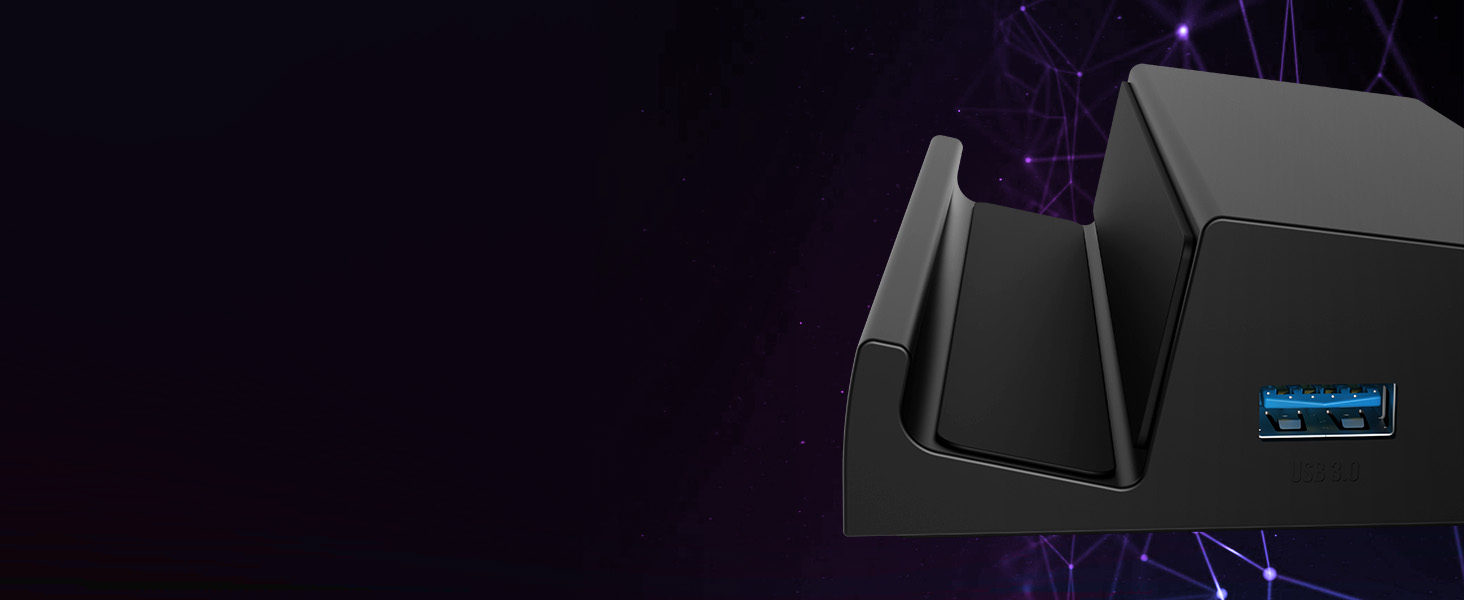
4.2 4K HDMI Output
Connect your device to an external display via the HDMI 2.0 port for resolutions up to 4K at 60Hz. This is ideal for an immersive gaming experience or extending your workspace.

4.3 Peripheral Connectivity
Utilize the 3 USB-A 5Gbps ports and the additional USB-C data port to connect a variety of peripherals. These ports offer fast and reliable connectivity without lag, enhancing your gaming or work setup.
5. Одржување
To ensure the longevity and optimal performance of your SABRENT DS-SD6P Docking Station, follow these simple maintenance guidelines:
- Чистење: Use a soft, dry cloth to wipe down the exterior of the docking station. Avoid using harsh chemicals or abrasive materials that could damage the finish.
- Вентилација: The dock is designed to allow proper airflow for your device. Ensure that the vents on your Steam Deck or ROG Ally are not obstructed when placed on the dock.
- Управување со кабли: Keep cables organized and untangled to prevent strain on the ports and connectors.
- Складирање: Кога не е во употреба, чувајте ја приклучната станица на ладно и суво место, подалеку од директна сончева светлина и екстремни температури.


6 Смена на проблеми
If you encounter any issues with your SABRENT DS-SD6P Docking Station, please refer to the following common troubleshooting tips:
- Нема излез за прикажување:
- Ensure the HDMI cable is securely connected to both the dock and your display.
- Verify your display is set to the correct HDMI input source.
- Confirm your device supports DisplayPort Alt Mode via its USB-C port.
- Try a different HDMI cable or display to rule out compatibility issues.
- Без полнење:
- Check that your power adapter is connected to the dock's USB-C PD input and is functioning correctly.
- Осигурајте се дека вашиот адаптер за напојување обезбедува доволно ватиtage (препорачано 100W).
- Verify the integrated USB-C cable from the dock is fully inserted into your device.
- Периферни уреди не се откриени:
- Ensure USB devices are properly inserted into the dock's USB-A or USB-C data ports.
- Try connecting the peripheral directly to your device to confirm it's working.
- Restart your device while connected to the dock.
For further assistance, please contact SABRENT customer support.
7. Спецификации
| Карактеристика | Детал |
|---|---|
| Димензии на производот | 4.84 x 3.07 x 1.17 инчи |
| Тежина на ставката | 5.2 унци |
| Број на модел на ставка | DS-SD6P |
| Бренд | САБРЕНТ |
| Боја | Црното |
| Хардверски интерфејс | USB тип C |
| Компатибилни уреди | Valve Steam Deck, ASUS ROG Ally |
| Вкупно USB порти | 5 (3x USB-A 5Gbps, 1x USB-C Data, 1x USB-C PD) |
| Вкупно HDMI порти | 1 (HDMI 2.0, 4K@60Hz) |
| Ватtage | 95W (PD3.0 Charging) |
8. Гаранција и поддршка
SABRENT products are designed for quality and reliability. For information regarding warranty coverage, product registration, or technical support, please visit the official SABRENT webлокација или директно контактирајте ја нивната служба за корисници. Зачувајте ја сметката за купување за гаранциски барања.
За дополнителна поддршка и ресурси, можете да ја посетите Продавница SABRENT на Amazon.


