This manual provides detailed instructions for the VETEK 8K Camcorder, a versatile digital video camera designed for enthusiasts and beginners. It supports high-resolution video recording up to 8K (7680x4320) at 15fps, 5K at 30fps, and 4K at 60fps, along with 48.0MP image capture. Key features include an 18X digital zoom, a 3.0-inch rotatable touch screen, IR night vision, WiFi connectivity, and webcam functionality. Please read this manual thoroughly to ensure proper operation and to maximize your recording experience.
Што има во кутијата
8K видео камера
32G SD картичка
Аспиратор за леќа
Стабилизатор
Надворешен микрофон
Two-color Fill Light
2 батерии
Далечински управувач
USB податочен кабел
Англиски прирачник
Двоен полнач
Полнач
Figure 1: All components included with the VETEK 8K Camcorder.
Поставување
Инсталација на батерија
Insert the included Lithium Polymer batteries into the battery compartment, ensuring correct polarity. The camera requires two batteries for operation.
Подготовка на SD-картичка
Insert the 32GB SD card (or your own Class 10 or higher SD card up to 256GB) into the designated slot. For first-time use, it is recommended to format the SD card directly through the camera's menu to ensure compatibility and optimal performance.
Прицврстување додатоци
The camcorder features a hot shoe mount for attaching the external microphone and the two-color fill light. The foldable handheld stabilizer can be attached to the bottom of the camera for improved stability during recording.
Figure 2: VETEK 8K Camcorder with microphone, fill light, and stabilizer attached.
Figure 3: The external fill light offers white, white glow, and warm light modes.
Figure 4: The foldable handheld stabilizer provides enhanced grip and stability.
Упатства за работа
Вклучување/исклучување
To power on the camcorder, open the LCD screen. To power off, close the LCD screen or press and hold the Power button.
Основни контроли
Navigate through the camera's functions using the Mode, Menu, Up, Down, and OK buttons located on the side of the camcorder. The 3.0-inch touch screen also allows for intuitive navigation.
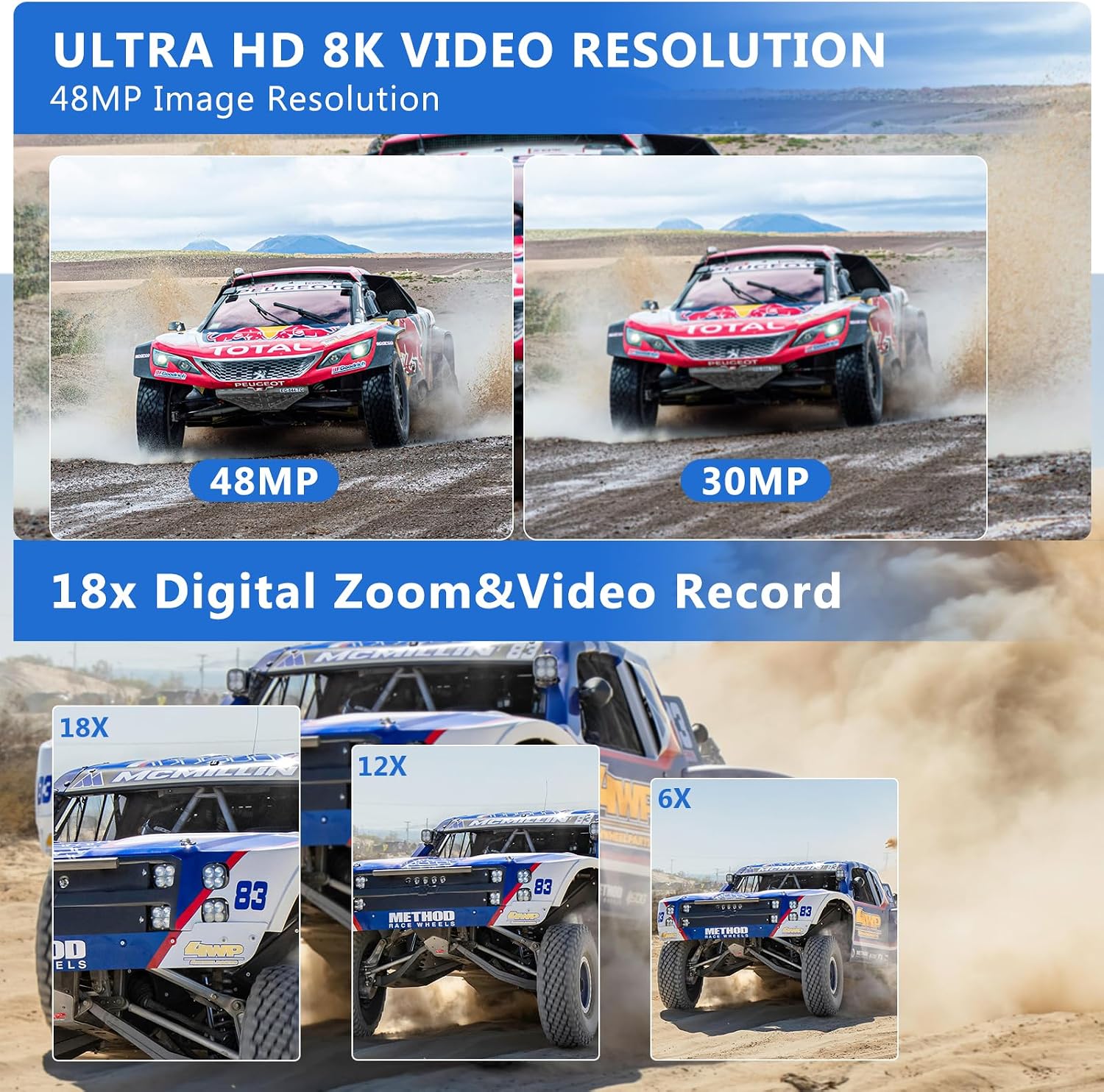
Figure 5: The VETEK 8K Camcorder supports 8K video and 48MP image resolution.
Снимање видео
Press the Record button to start and stop video recording. The camcorder supports 8K (15fps), 5K (30fps), and 4K (60fps) video resolutions. Adjust video quality and other settings via the menu.
Video 1: A basic function introduction to the VETEK 8K camcorder, demonstrating various settings and features.
Video 2: A demonstration of the VETEK Vlog Camera, highlighting its digital video capabilities.
Figure 6: Visual comparison illustrating the clarity of 8K and 5K video resolutions.
Фотографирање
Switch to Photo Mode using the Mode button. Press the Shutter button to capture 48.0MP still images. The camera offers various photo settings and filters.
Figure 7: Image quality comparison between 48MP and 30MP settings.
Дигитален зум
Utilize the 18X digital zoom to bring distant subjects closer. The zoom function can be controlled via the camera's buttons or the remote control.
Figure 8: Demonstration of the 18X digital zoom capability.
IR Ноќно гледање
Activate the IR Night Vision mode for clear black and white recordings in low-light or dark environments. This feature enhances visibility for capturing content where traditional lighting is insufficient.
Figure 9: The camcorder's IR Night Vision captures clear images in dark conditions.
Video 3: This video demonstrates the camcorder's night vision capabilities, showing how it captures clear footage во средини со слаба осветленост.
WiFi Connectivity & App Control
Connect the camcorder to your smartphone or tablet via WiFi using the 'HelloCam' app. This allows for remote viewing, image capture, video shooting, and easy transfer and sharing of media files. Scan the QR code in the manual or on the camera screen to download the app.
Figure 10: Remote control and file sharing are enabled through WiFi connectivity.
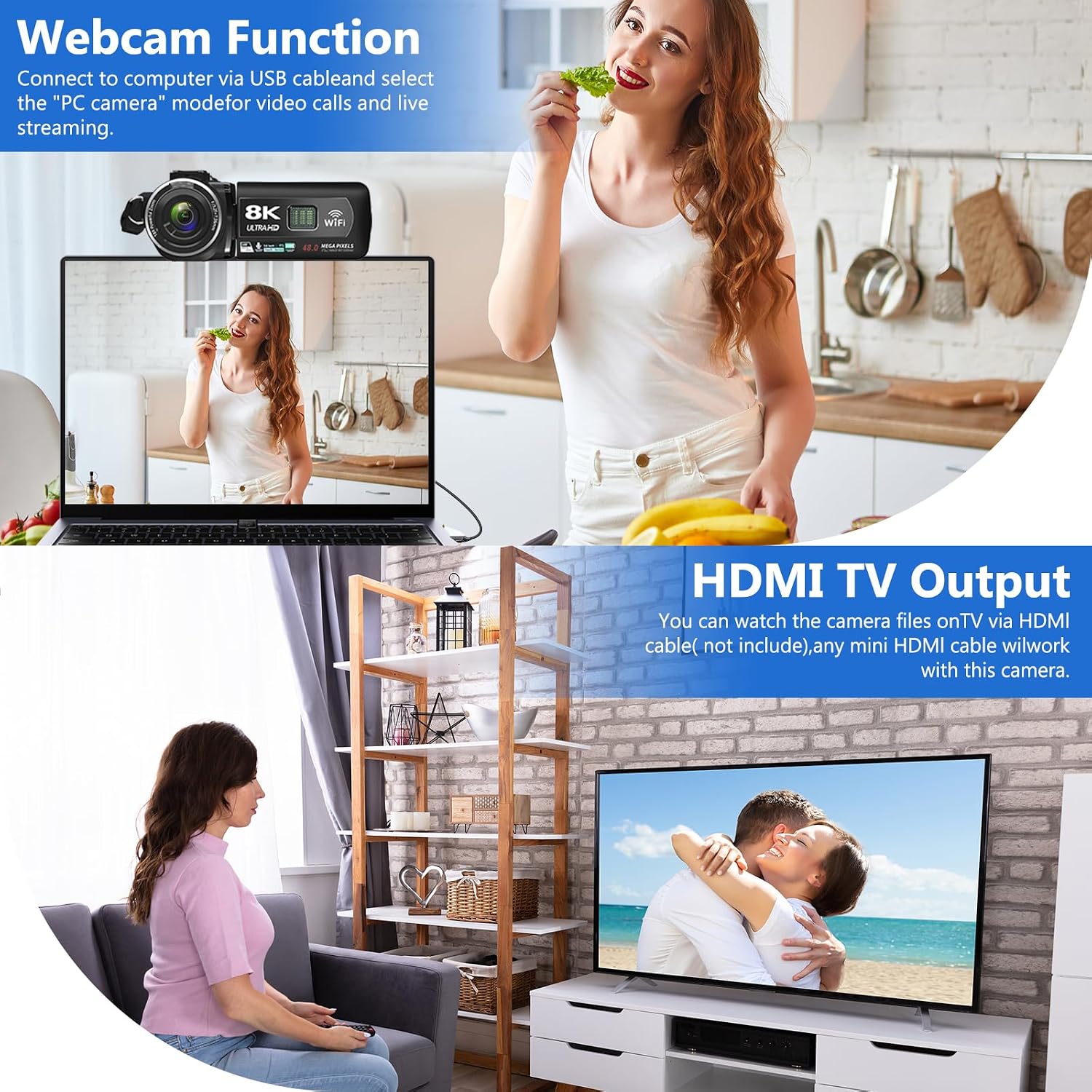
Connect the camcorder to your computer using the USB cable and select 'PC CAM' mode to use it as a webcam for video calls and live streaming.
HDMI TV Output
Connect the camcorder to a TV using an HDMI cable (not included) to view your recorded videos and photos on a larger screen.
Figure 11: The camcorder can function as a webcam or connect to a TV via HDMI.
File Префрли на компјутер
Connect the camera to your computer via the USB cable. Select 'Mass Storage Mode' on the camera to access and transfer your video and photo files directly to your computer.
Figure 12: Simple steps to transfer your recorded content to a computer.
Намалување на бучавата
The camcorder features a built-in noise reduction function. When recording video, activate this function to automatically minimize external noise, enhancing the clarity of your audio. The external microphone also aids in noise reduction.
Одржување
Одржувајте ја камерата чиста со бришење со мека, сува крпа.
Избегнувајте изложување на камерата на екстремни температури, влажност или прашина.
Store the camera and accessories in the provided camera bag when not in use.
Regularly format the SD card through the camera's menu to maintain optimal performance and prevent data corruption.
Ensure batteries are fully charged before use and stored properly when not in use.
Решавање проблеми
Важни совети
Please carefully read the user manual before using the video camera.
The camcorder is designed for amateurs, not professionals. Autofocus and optical zoom are not supported.
This camera has a fixed focus. The shooting distance should be more than 4 meters for clear pictures or videos.
After recording, check the video effect on a computer, as checking it on the camera reduces the resolution.
Format the memory card through this camera for the first time use. Supports 4-128GB SD card Class 10 or higher.
Figure 13: Key tips for optimal camcorder usage.
Спецификации
Карактеристика
Опис
Бренд
ВЕТЕК
Број на модел
HDV01-8K
Резолуција за снимање видео
8K (15fps), 5K (30fps), 4K (60fps)
Резолуција на слика
48.0 MP
Дигитален зум
18X
Големина на екранот
3.0-inch LCD Touch Screen (270-degree rotatable)
Технологија за поврзување
USB, WiFi, HDMI
Посебни карактеристики
Portable, IR Night Vision, Webcam Function, Noise Reduction, Pause Function, Time-lapse, Slow Motion, Continuous Shooting, Beauty Function, Image Stabilization
Тежина на ставката
9.9 унци
Димензии на производот
5.12 x 2.36 x 2.17 инчи
Батерии
2 литиум полимерни батерии (вклучени)
Тип на флеш меморија
SD (up to 256GB)
Гаранција и поддршка
VETEK is committed to providing cost-effective entry cameras and superior quality. All products are eligible for a free return within 30 days of purchase. For any concerns or assistance, please contact VETEK customer service via the email address provided in your product manual. We are dedicated to addressing your concerns and improving product quality based on customer feedback.
VETEK AN310 Panel Mount Indicator: Features, Specifications, and Applications Explore the VETEK AN310, a 3.46-inch color IPS touch screen panel mount indicator designed for industrial environments. Learn about its advanced features, technical specifications, diverse applications, part numbers, and dimensions.
Лесен водич за 8K дигитална видеокамера: Работа, карактеристики и решавање проблеми Comprehensive easy guide for the 8K Digital Camcorder (HDV01-8K) by SHENZHEN HAIJIXING TECHNOLOGY CO., LTD. Learn about setup, parts, controls, charging, power, interface, settings, memory card usage, playback, computer and Wi-Fi connectivity, maintenance, and troubleshooting.
Брз водич за дигитална видеокамера - Упатство за користење Краток водич за дигитална видеокамера, кој опфаќа поставување, работа, полнење, репродукција, поврзување, одржување и решавање проблеми. Вклучува безбедносни предупредувања и усогласеност со FCC.
Vivitar DVR 8K-KIT (v2) Digital Camcorder: Easy Guide and User Manual This comprehensive guide provides instructions for the Vivitar DVR 8K-KIT (v2) digital camcorder. Learn about setup, operation, features, connecting to devices, troubleshooting common issues, and warranty information.