1. Вовед
The E-YOOSO K-662 is a full-size 104-key wired mechanical gaming keyboard designed for PC users. It features OUTEMU Blue switches, customizable rainbow backlighting, RGB sidelights, and an integrated wrist rest for enhanced comfort and performance. This manual provides essential information for setting up, operating, and maintaining your keyboard.
Содржина на пакетот:
- E-YOOSO K-662 Mechanical Keyboard
- Integrated Wrist Rest
2. Клучни карактеристики
- Full Keys Anti-ghosting & 12 Multimedia Keys: Ensures all key presses are registered accurately, even during rapid, simultaneous inputs. Dedicated multimedia functions enhance control.
- OUTEMU Clicky Blue Switch: Guarantees 50 million keypresses with a 2.8 mm keystroke distance and 65g actuation force, providing a quick, springy response and a distinct click sound.
- Double Injection Keycaps & Wide Palm Rest: Durable double injection-molded keycaps offer clear, uniform backlighting. The wide palm rest provides ergonomic support for comfortable use.
- Rainbow Backlit & RGB Sidelight: Features 10 adjustable rainbow backlight modes and 5 RGB sidelight modes, with customizable brightness and speed settings.
- Широка компатибилност: Compatible with Windows 2000/XP/Vista/7/8/10/11 and Mac OS (note: some multimedia functions may not be available on Mac OS). Works with Desktops, Chromebooks, PCs, Laptops, and more.
3. Поставување
To set up your E-YOOSO K-662 keyboard:
- Распакувајте ја тастатурата од нејзиното пакување.
- Поврзете го USB-кабелот на тастатурата со еден од достапните USB-порти на вашиот компјутер.
- Тастатурата е „plug-and-play“ и не бара дополнителни драјвери за основна функционалност. Вашиот оперативен систем треба автоматски да ги детектира и инсталира потребните драјвери.
4. Упатства за работа
4.1 Мултимедијални функции
Access multimedia controls by holding the Fn key and pressing the corresponding F1-F12 функционални копчиња:
- Fn + F1-F12: Various multimedia shortcuts (e.g., media player, volume control, web прелистувач).

Image: E-YOOSO K-662 keyboard layout highlighting multimedia functions (Fn + F1-F12).
4.2 Backlight Modes and Customization
The keyboard features various backlight effects and customization options:
- Fn + Ins: Cycle through 10 different rainbow backlight operation modes.
- Fn + 9 / Fn + 0: Activate custom backlight modes.
- Fn + Up Arrow / Fn + Down Arrow: Прилагодете ја осветленоста на позадинското осветлување.
- Fn + Left Arrow / Fn + Right Arrow: Прилагодете ја брзината на задното осветлување.

Image: Instructions for customizing backlight modes and Win Lock function.
4.3 RGB Sidelight
The keyboard includes RGB sidelights with multiple effects:
- Fn + Pause: Cycle through 5 RGB sidelight modes.
- Fn + Minus (-) / Fn + Plus (=): Adjust sidelight color and speed.

Image: E-YOOSO K-662 keyboard with active RGB streamer sidelights.
4.4 Win Key Lock
To prevent accidental interruptions during gaming or other activities:
- Fn + Win: Lock the Windows key. Press again to unlock.
4.5 Анти-духови
The E-YOOSO K-662 features 104-key anti-ghosting. This ensures that every key press is registered accurately, even when multiple keys are pressed simultaneously, which is crucial for fast-paced gaming.
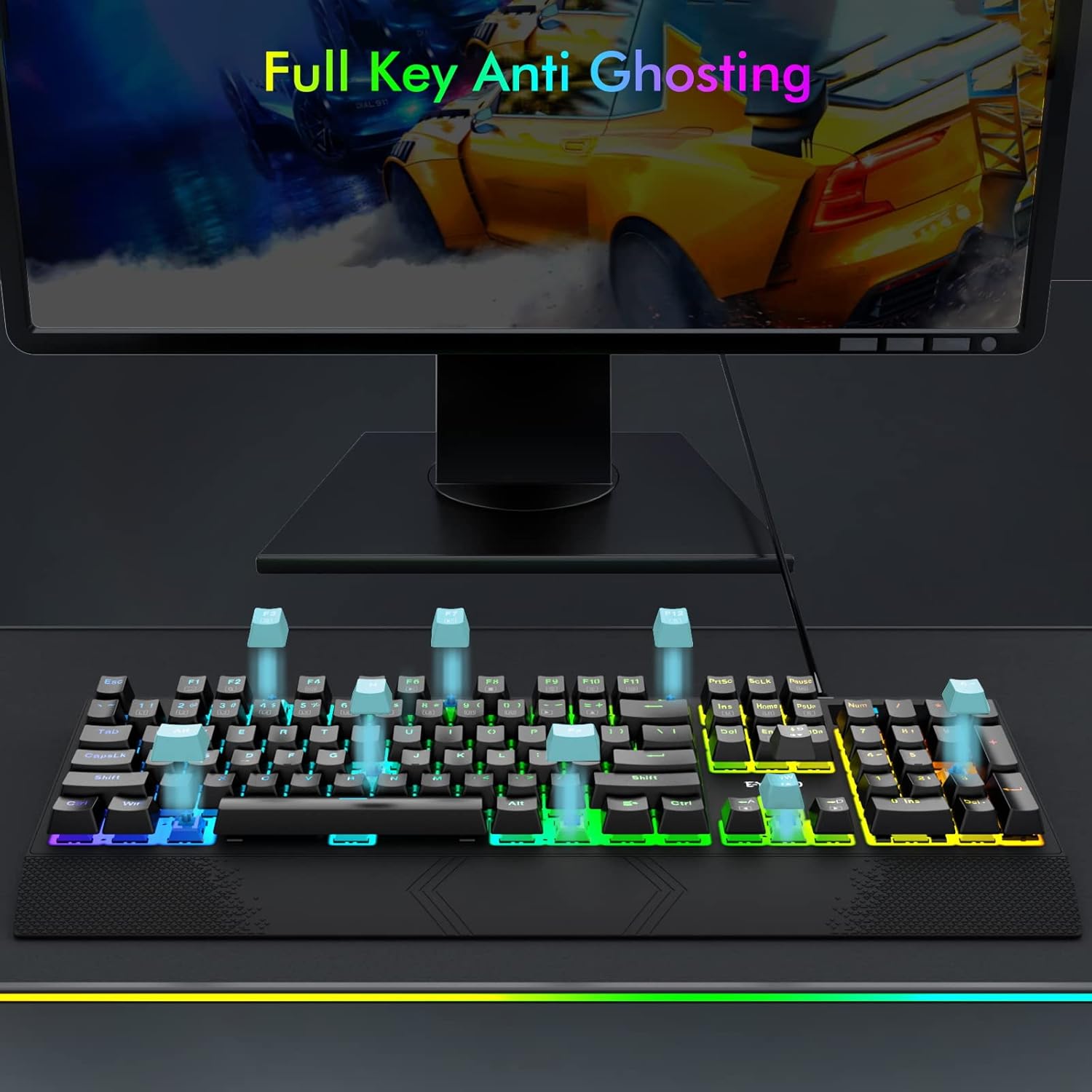
Image: Visual representation of full key anti-ghosting on the E-YOOSO K-662 keyboard.
5. Одржување
Proper maintenance helps prolong the life and performance of your keyboard:
- Чистење: Disconnect the keyboard from your computer before cleaning. Use a soft, dry cloth to wipe the surface. For removing debris between keycaps, use compressed air. Avoid using harsh chemicals, solvents, or abrasive materials.
- Складирање: Чувајте ја тастатурата на ладно и суво место, подалеку од директна сончева светлина и екстремни температури.
- Ракување: Avoid dropping the keyboard or exposing it to liquids. Do not attempt to disassemble the keyboard, as this may void the warranty.

Image: Double-shot ABS keycaps, designed for durability and clear backlighting.
6 Смена на проблеми
If you encounter issues with your E-YOOSO K-662 keyboard, refer to the following troubleshooting steps:
- Тастатурата не реагира:
- Осигурајте се дека USB кабелот е безбедно поврзан и со тастатурата и со компјутерот.
- Обидете се да ја поврзете тастатурата со друг USB порт на вашиот компјутер.
- Рестартирајте го компјутерот.
- Задното осветлување не работи или е неисправно:
- Check backlight mode settings using Fn + Ins to cycle through modes.
- Прилагодете ја осветленоста со Fn + Up Arrow / Fn + Down Arrow.
- If specific keys are not lighting up, ensure custom modes are not active unintentionally.
- Multimedia keys not working on Mac OS:
- Some multimedia functions may have limited or no compatibility with Mac OS due to operating system differences.
- Keys failing to register intermittently:
- Осигурајте се дека тастатурата е чиста и без остатоци што би можеле да ги попречат прекинувачите на копчињата.
- Ако проблемот продолжи по чистењето, контактирајте ја службата за корисничка поддршка за дополнителна помош.
7. Спецификации
| Карактеристика | Спецификација |
|---|---|
| Број на модел | К-662 |
| Производител | E-YOOSO |
| Технологија за поврзување | USB (жичен) |
| Опис на тастатурата | Игри, Механички |
| Тип на прекинувач | OUTEMU Blue Switches |
| Број на клучеви | 104 копчиња (целосна големина) |
| Задно осветлување | Rainbow Backlit, RGB Sidelight |
| Посебни карактеристики | Backlit, Ergonomic, Wrist Rest, Anti-ghosting |
| Компатибилни уреди | Gaming Console, PC, Laptop, Chromebook |
| Компатибилност на оперативниот систем | Windows 2000/XP/Vista/7/8/10/11, Mac OS |
| Материјал | Пластика |
| Тежина на ставката | 2.84 фунти (приближно 1.29 кг) |
| Димензии на пакетот | 17.75 x 8 x 1.75 инчи (приближно 45.09 x 20.32 x 4.45 см) |

Слика: Детална view of an OUTEMU Blue mechanical switch.
8. Гаранција и поддршка
The E-YOOSO K-662 Mechanical Keyboard typically comes with a 1-year limited warranty from the date of purchase. This warranty covers manufacturing defects under normal use.
For warranty claims, technical support, or any product-related inquiries, please refer to the contact information provided with your product packaging or visit the official E-YOOSO webстраница за најактуелните ресурси за поддршка.


