1. Вовед
The BuzzTV B5 is an advanced Android 11 TV Box designed to deliver a superior 4K UHD streaming experience. This device allows you to access a wide range of entertainment, including movies, TV shows, and applications, directly on your television. This manual provides essential information for the proper setup, operation, maintenance, and troubleshooting of your BuzzTV B5.
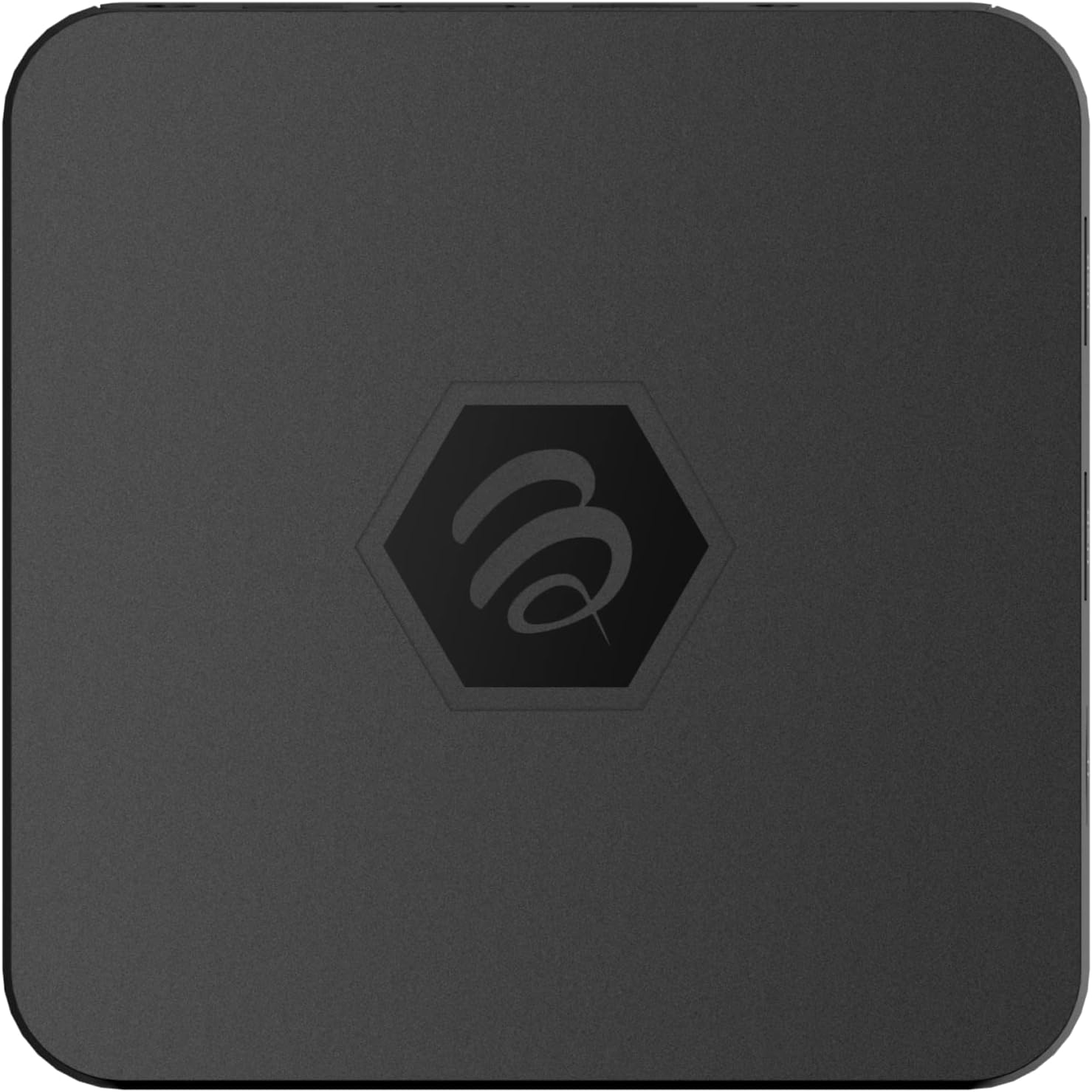
Слика 1.1: Горе view of the BuzzTV B5 Android 11 TV Box.
2. Содржина на пакетот
Please verify that all items listed below are included in your BuzzTV B5 package:
- BuzzTV B5 Set Top Box
- IR-100 Remote Control
- Адаптер за напојување
- 2x AAA батерии (за далечинско управување)
- HDMI кабел
- Упатство за употреба (овој документ)

Image 2.1: Contents included in the BuzzTV B5 retail package.
3. Водич за поставување
Follow these steps to set up your BuzzTV B5 TV Box:
- Поврзете се со телевизор: Connect one end of the provided HDMI cable to the HDMI port on the BuzzTV B5 and the other end to an available HDMI input on your television.
- Поврзете напојување: Plug the power supply adapter into the DC 5V port on the BuzzTV B5, then plug the adapter into a wall outlet. The device should power on automatically or can be powered on using the remote control.
- Вметнете ги батериите во далечинскиот управувач: Open the battery compartment on the back of the IR-100 Remote Control and insert the two AAA batteries, ensuring correct polarity (+/-).
- Мрежна конекција: Once the device boots up, follow the on-screen instructions to connect to your network. You can choose between Wi-Fi (wireless) or Ethernet (wired) connection. For a wired connection, connect an Ethernet cable from your router to the Ethernet port on the BuzzTV B5.
- Почетно поставување: Complete the initial Android setup process, which may include language selection, Google account login, and time zone settings.

Image 3.1: Rear ports of the BuzzTV B5 for connectivity.
4. Упатства за работа
The BuzzTV B5 operates on Android 11, providing a user-friendly interface for navigation and content access.
4.1 Функции на далечинскиот управувач
The IR-100 Remote Control is your primary interface for the BuzzTV B5. Key functions include:
- Копче за вклучување: Го вклучува или исклучува уредот.
- Навигациска подлога (горе/долу/лево/десно/во ред): Се користи за навигација низ менијата и избирање ставки.
- Копче за назад: Се враќа на претходниот екран или мени.
- Копче за почеток: Се враќа на главниот почетен екран на Android.
- Копчиња за јачина на звук: Ја прилагодува јачината на звукот.
- App/Menu Buttons: Accesses specific applications or context menus.

Image 4.1: Layout of the IR-100 Remote Control.
4.2 Пристап до апликации
From the home screen, you can access pre-installed applications like Netflix and YouTube, or download new applications from the Google Play Store. Use the navigation pad on your remote to select and launch applications.
4.3 4K UHD Streaming
The BuzzTV B5 supports 4K UHD resolution. Ensure your television is 4K compatible and that you are using a high-speed HDMI cable for optimal picture quality. Streaming quality will also depend on your internet connection speed and the content source.
5. Одржување
To ensure the longevity and optimal performance of your BuzzTV B5, consider the following maintenance tips:
- Чистење: Користете мека, сува крпа за чистење на надворешноста на уредот. Избегнувајте течни средства за чистење или абразивни материјали.
- Вентилација: Уверете се дека уредот е поставен во добро проветрено место за да спречите прегревање. Не ги покривајте отворите за вентилација.
- Ажурирања на софтверот: Periodically check for and install system updates to benefit from new features, performance improvements, and security patches. These can usually be found in the device's settings menu.
- Циклус на напојување: If the device becomes unresponsive, disconnect the power adapter, wait 10 seconds, and then reconnect it to perform a power cycle.
6 Смена на проблеми
If you encounter issues with your BuzzTV B5, refer to the following common problems and solutions:
| Проблем | Можна причина | Решение |
|---|---|---|
| Нема моќ | Power adapter not connected; outlet not working. | Ensure power adapter is securely connected to the device and a working power outlet. Try a different outlet. |
| No Signal on TV | Incorrect HDMI input selected; faulty HDMI cable. | Select the correct HDMI input on your TV. Check HDMI cable connections or try a different HDMI cable. |
| Далечинскиот управувач не реагира | Празни батерии; далечински управувач не е поврзан (доколку е применливо); пречка. | Replace AAA batteries. Ensure no obstructions between remote and device. |
| Проблеми со мрежно поврзување | Неточна лозинка за Wi-Fi; проблеми со рутерот; слаб сигнал. | Verify Wi-Fi password. Restart your router. Move the device closer to the router or use an Ethernet cable. |
| Applications Crashing/Freezing | Insufficient memory; outdated app; software glitch. | Close background apps. Update the app or the device's firmware. Clear app cache/data in settings. |
7. Спецификации
Detailed technical specifications for the BuzzTV B5 Android 11 TV Box:
- Оперативен систем: Android OS 11
- Процесор: Amlogic S905W2 Quad-Core A-35
- GPU: Mali-G31 MP2
- RAM меморија: 2 GB ДДР
- Складирање: 16 GB eMMC
- Wi-Fi: Dual Band AC
- LAN: 10/100 Mbps Етернет
- Bluetooth: 4.2
- USB порти: 2x USB 2.0
- Слот за MicroSD: 1
- Интерфејс за напојување: DC 5V
- HDMI излез: 1
- Оптички аудио излез: 1
- Излезна резолуција: 4K (32 FPS)
- Димензии: 9.06 x 5.63 x 2.32 инчи
- Тежина на ставката: 1.01 фунти

Image 7.1: BuzzTV B5 with a summary of its technical specifications.
8. Информации за гаранцијата
For detailed warranty information regarding your BuzzTV B5, please refer to the warranty card included in your product packaging or visit the official BuzzTV webлокација. Условите за гаранција може да се разликуваат во зависност од регионот и продавачот.
9. Поддршка
If you require further assistance or have questions not covered in this manual, please contact BuzzTV customer support or visit their official webстраница за најчесто поставувани прашања, преземање софтвер и дополнителни ресурси.
BuzzTV Official Webсајт: www.buzztv.com


