Вовед
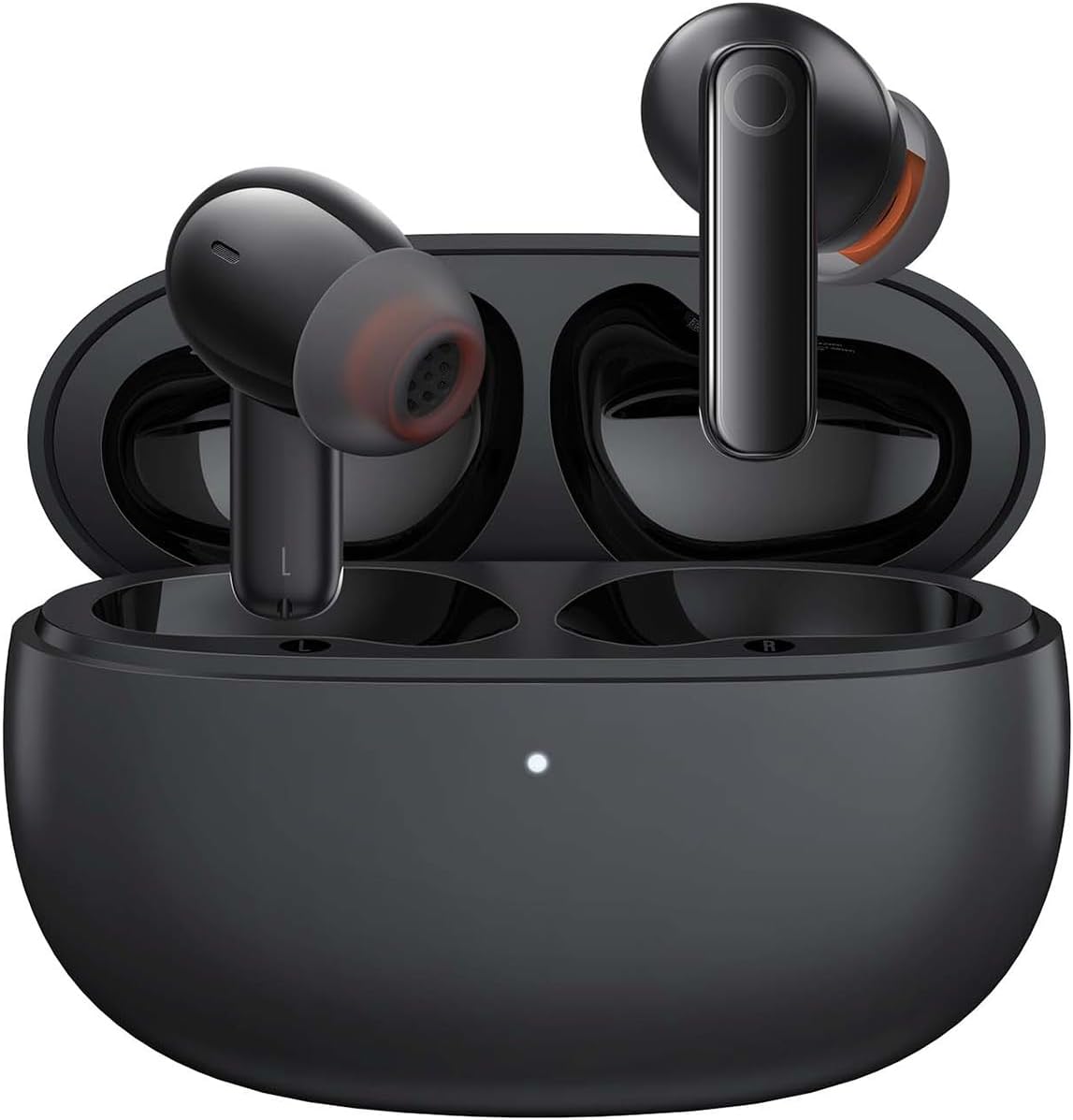
Image: The Baseus Bowie MZ10 True Wireless Stereo Earphones, shown in their open charging case, ready for use.
This manual provides detailed instructions for the operation, maintenance, and troubleshooting of your Baseus Bowie MZ10 TWS Earphones. Please read this manual thoroughly before using the product to ensure proper function and longevity.
Што има во кутијата
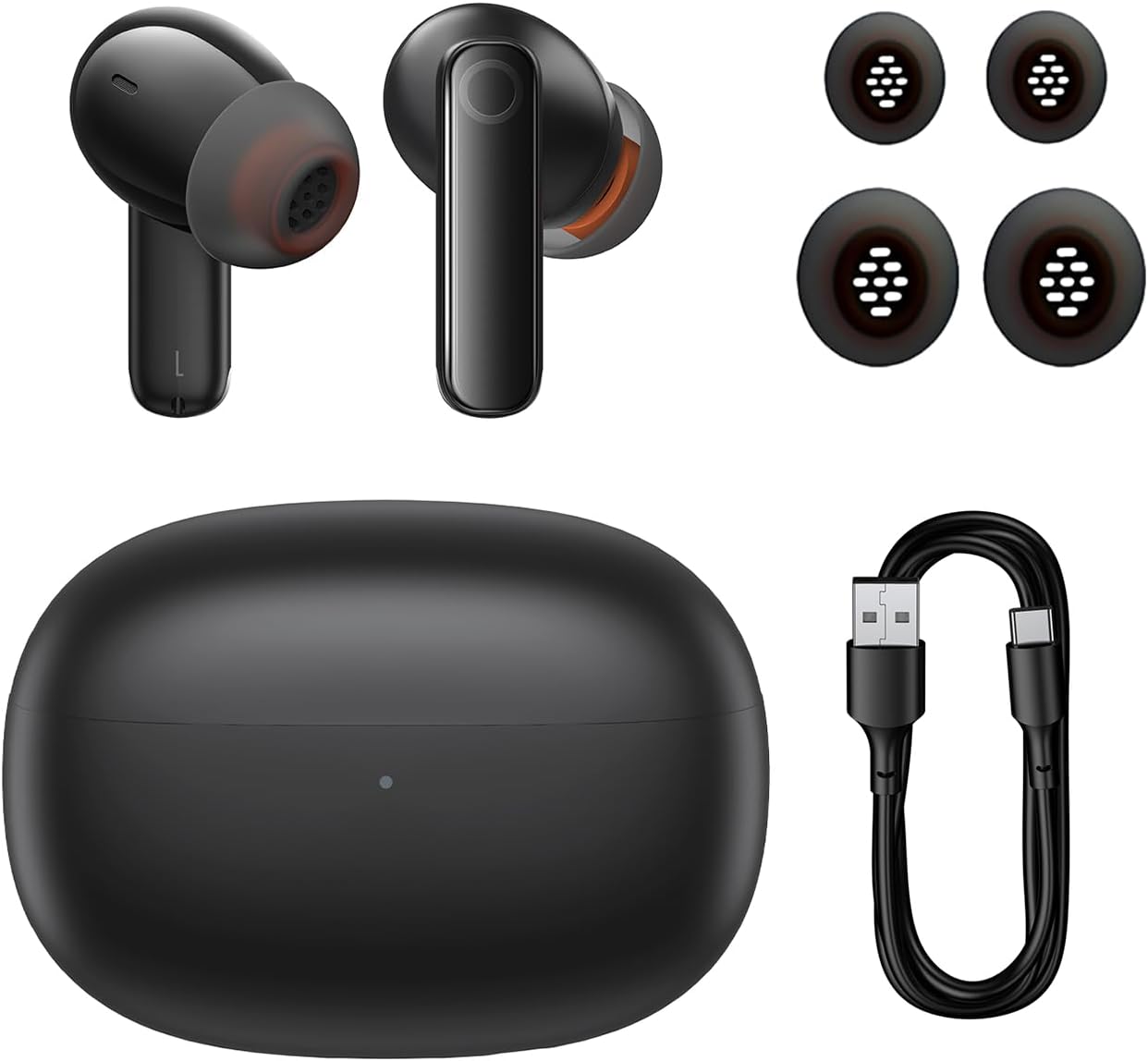
Image: The package contents of the Baseus Bowie MZ10 TWS Earphones, showing the two earbuds, the charging case, multiple sizes of ear tips, and a USB-C charging cable.
- Baseus Bowie MZ10 TWS Earbuds (Left and Right)
- Случај за полнење
- USB-C кабел за полнење
- Silicone Ear Tips (various sizes)
- Упатство за употреба (овој документ)
Поставување
1. Полнење на слушалките и футролата
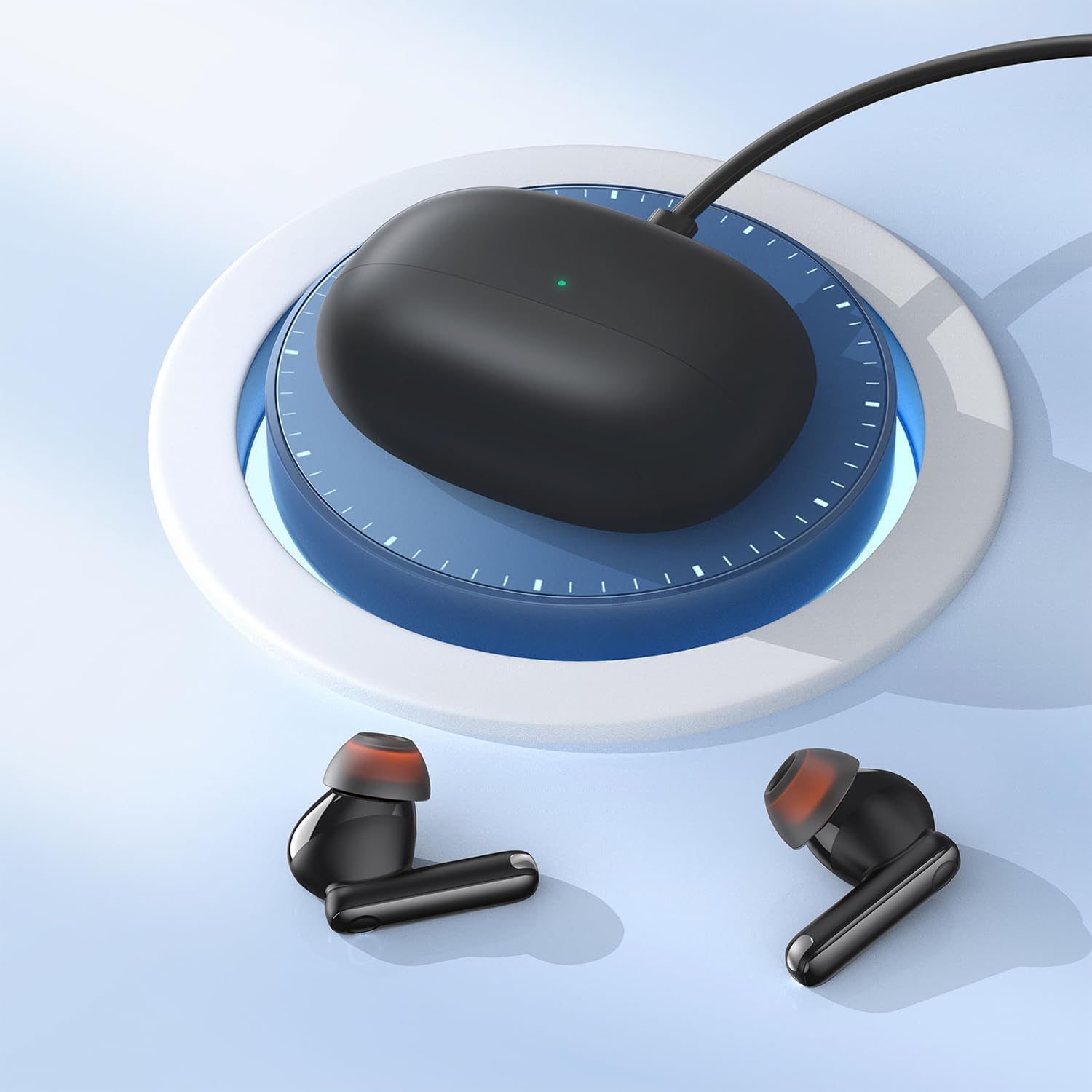
Image: The Baseus Bowie MZ10 charging case being charged via a USB-C cable, indicated by a green light on the case.
- Пред првата употреба, целосно наполнете ја кутијата за полнење и слушалките.
- Поврзете го USB-C кабелот за полнење со приклучокот за полнење на куќиштето и со извор на енергија.
- The indicator light on the case will show charging status. A full charge is indicated when the light remains solid.
- Place the earbuds into the charging case to charge them. The earbuds will automatically charge when placed correctly in the case.
2. Bluetooth спарување
- Open the charging case. The earbuds will automatically enter pairing mode, and the indicator light on the case will flash.
- На вашиот уред (паметен телефон, таблет итн.), овозможете Bluetooth.
- Пребарај за "Baseus Bowie MZ10" in the list of available Bluetooth devices.
- Select "Baseus Bowie MZ10" to connect. Once connected, the indicator light on the case will turn off or show a steady light.
- Ако спарувањето не успее, затворете ја кутијата, почекајте неколку секунди и повторете ги чекорите.
Упатства за работа
Допрете Контроли
The Baseus Bowie MZ10 earphones feature touch-sensitive controls on each earbud. The specific functions may vary slightly depending on your device and application.
| Акција | Функција |
|---|---|
| Еднократен допир (лево/десно) | Пушти/Паузирај музика, Одговори/Заврши повик |
| Двоен допир (десно) | Следна песна |
| Двоен допир (лево) | Претходна песна |
| Долго притискање (лево/десно) | Switch between ANC/Transparency Mode (if applicable) |
| Троен допир (лево/десно) | Активирајте го Гласовниот асистент |
Активно откажување на бучавата (ANC)
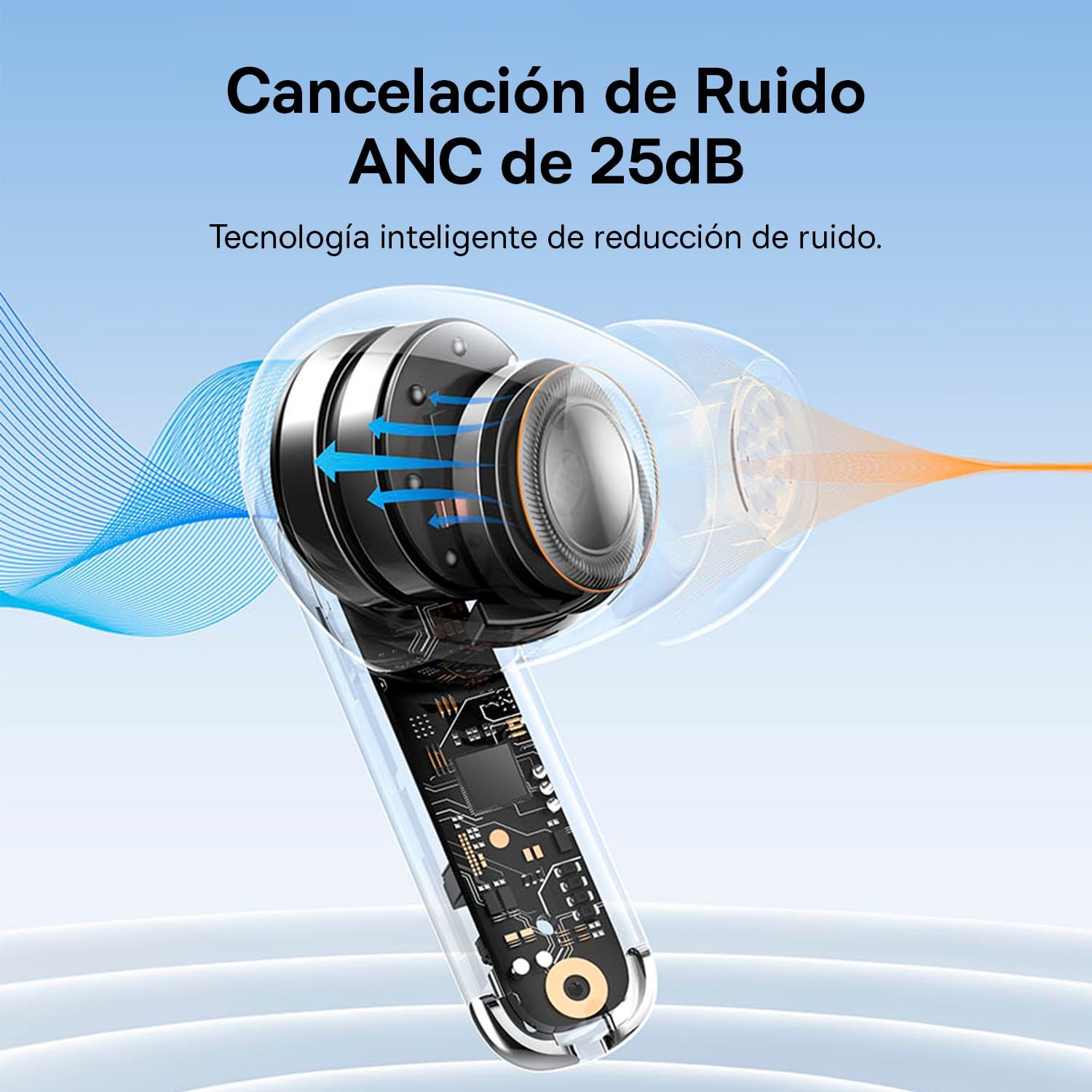
Image: A diagram showing how Active Noise Cancellation (ANC) works within the earbud, with sound waves being cancelled out.
The Baseus Bowie MZ10 earphones feature Active Noise Cancellation to reduce ambient noise. To activate or deactivate ANC, perform a long press on the touch area of either earbud. You may hear an audible prompt indicating the mode change.
Поништување на бучавата во животната средина (ENC) за повици
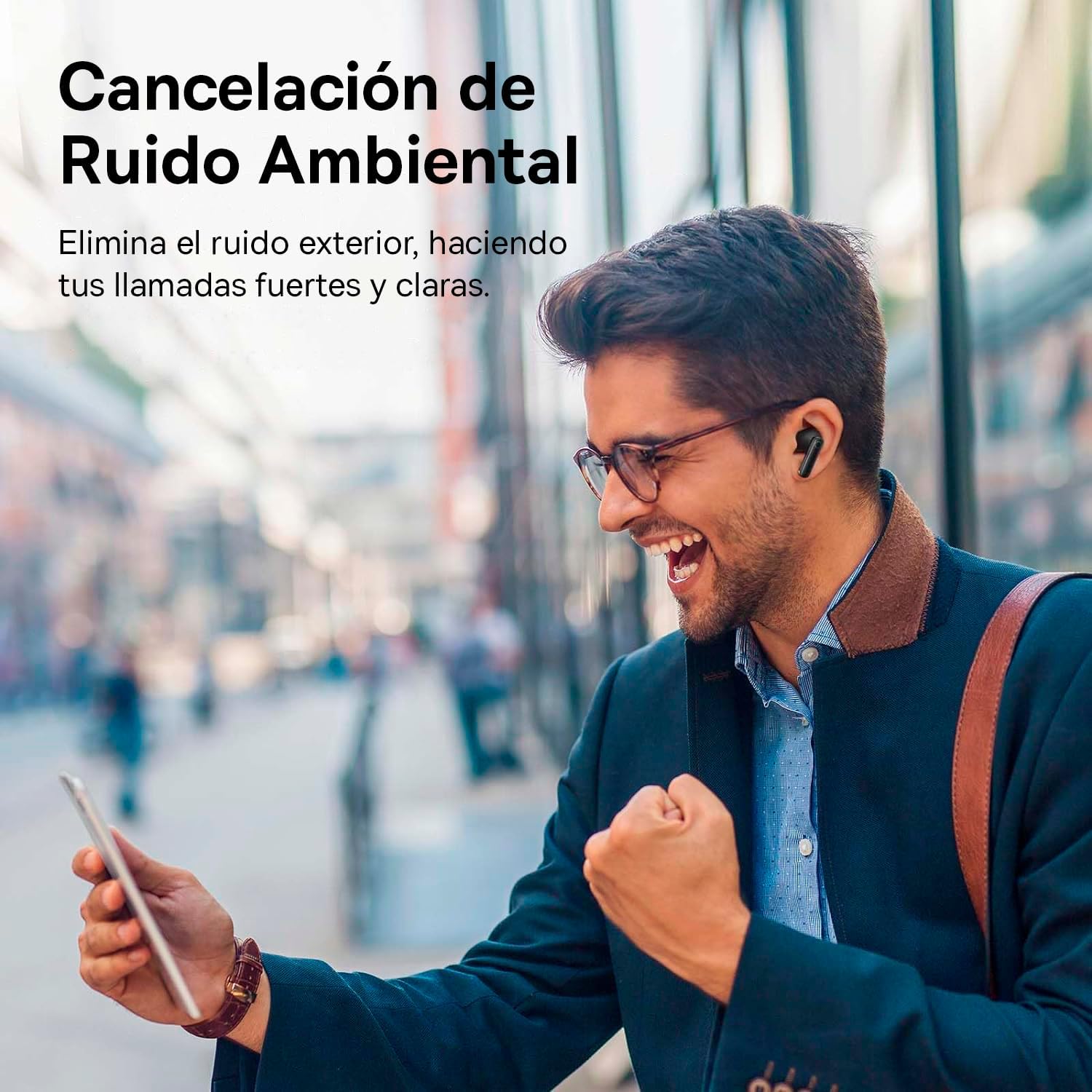
Image: A person smiling while using the Baseus Bowie MZ10 earphones in an outdoor setting, suggesting clear call quality despite ambient noise.
The earphones are equipped with Environmental Noise Cancellation (ENC) technology, which helps to suppress background noise during phone calls, ensuring your voice is transmitted clearly to the other party.
Режим со ниска латентност за игри
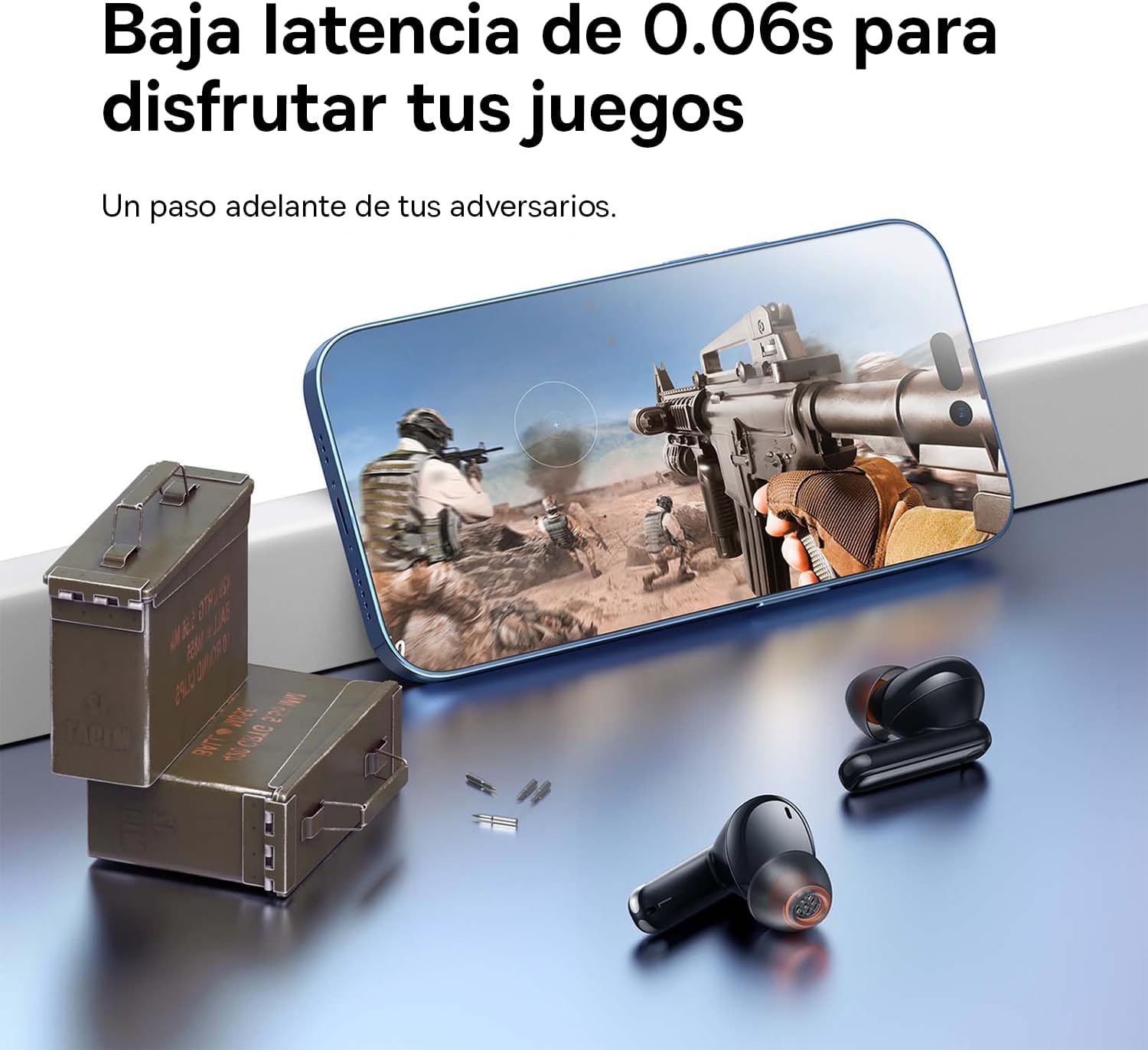
Image: The Baseus Bowie MZ10 earphones positioned near a smartphone displaying a video game, highlighting their low latency feature for an enhanced gaming experience.
For an optimized gaming experience, the Baseus Bowie MZ10 earphones offer a low latency mode. This mode reduces audio delay, ensuring that sound effects and dialogue are synchronized with on-screen actions. Refer to the Baseus app or specific earbud gestures (if available) to activate this mode.
Одржување
- Чистење: Regularly clean the earbuds and charging case with a soft, dry, lint-free cloth. Do not use abrasive cleaners or immerse the product in water.
- Совети за уши: Периодично отстранувајте ги врвовите на ушите и чистете ги со ад.amp крпа. Уверете се дека се целосно суви пред повторно да ги прикачите.
- Складирање: Кога не ги користите, чувајте ги слушалките во нивната кутија за полнење за да ги заштитите и да ги држите наполнети. Чувајте ги на ладно и суво место, подалеку од директна сончева светлина и екстремни температури.
- Нега на батеријата: За да го зачувате животниот век на батеријата, избегнувајте често целосно празнење на батеријата. Полнете ги слушалките редовно, дури и ако не ги користите постојано.
Решавање проблеми
| Проблем | Можно решение |
|---|---|
| Слушалките не се спаруваат со уредот |
|
| Само една слушалка свири звук |
|
| Ниска јачина на звук или лош квалитет на звук |
|
| Кутијата за полнење не се полни |
|
Спецификации
- Бренд: Басеус
- Број на модел: NGTW340001
- Тип на производ: True Wireless Stereo (TWS) Earphones
- Боја: Црното
- Батерија: Литиум-јон (се полни)
- Карактеристики: Active Noise Cancellation (ANC), Environmental Noise Cancellation (ENC), Low Latency Mode
- Поврзување: Bluetooth (version not specified, but typically 5.0 or higher for TWS)
- Интерфејс за полнење: USB-C
Гаранција и поддршка
Baseus products are designed and manufactured to the highest quality standards. For information regarding warranty coverage, technical support, or service, please refer to the warranty card included with your purchase or visit the official Baseus webстраница. Зачувајте го доказот за купување за гаранциски побарувања.
За дополнителна помош, можете да контактирате со корисничката поддршка на Baseus преку нивните официјални канали.


