1. Започнување (Поставување)
1.1 Што има во кутијата
- 1x EIGIIS Military Smart Watch for Men
- 1x Кабел за полнење
- 1x Упатство за употреба
1.2 Полнење на паметниот часовник
Before first use, fully charge your EIGIIS KE3 Smart Watch. Connect the magnetic charging cable to the charging contacts on the back of the watch and plug the USB end into a standard USB power adapter (not included). The watch will display a charging indicator. A full charge typically takes approximately 2 hours.

Image: The EIGIIS KE3 Smart Watch displaying its 300mAh battery capacity and charging status.
1.3 Installing the App (FitCloudPro)
To unlock the full potential of your smart watch, download the 'FitCloudPro' app on your smartphone. Пребарај за 'FitCloudPro' in the Apple App Store (for iOS devices) or Google Play Store (for Android devices) and install it.
1.4 Pairing with Your Phone
Follow these steps to pair your EIGIIS KE3 Smart Watch with your smartphone via the FitCloudPro app:
- Проверете дали вашиот часовник е наполнет и дали Bluetooth е овозможен на вашиот паметен телефон.
- Open the 'FitCloudPro' app on your phone.
- Navigate to the 'Device' section and select 'Add Device' or 'Search Now'.
- The app will search for nearby devices. Select 'KE3' from the list.
- Потврдете го барањето за спарување и на телефонот и на часовникот.
- Once paired, allow necessary permissions for notifications and call audio.
For a visual guide on connecting your watch, please refer to the video below:
Video: Instructions on how to connect the EIGIIS KE3 smartwatch to your phone.
2. Ракување со вашиот паметен часовник
2.1 Основна навигација
The EIGIIS KE3 Smart Watch features a 1.45-inch HD full touch screen and a rotating crown for intuitive navigation. Swipe across the screen to access different menus and functions. Use the rotating crown to scroll through options or adjust settings.
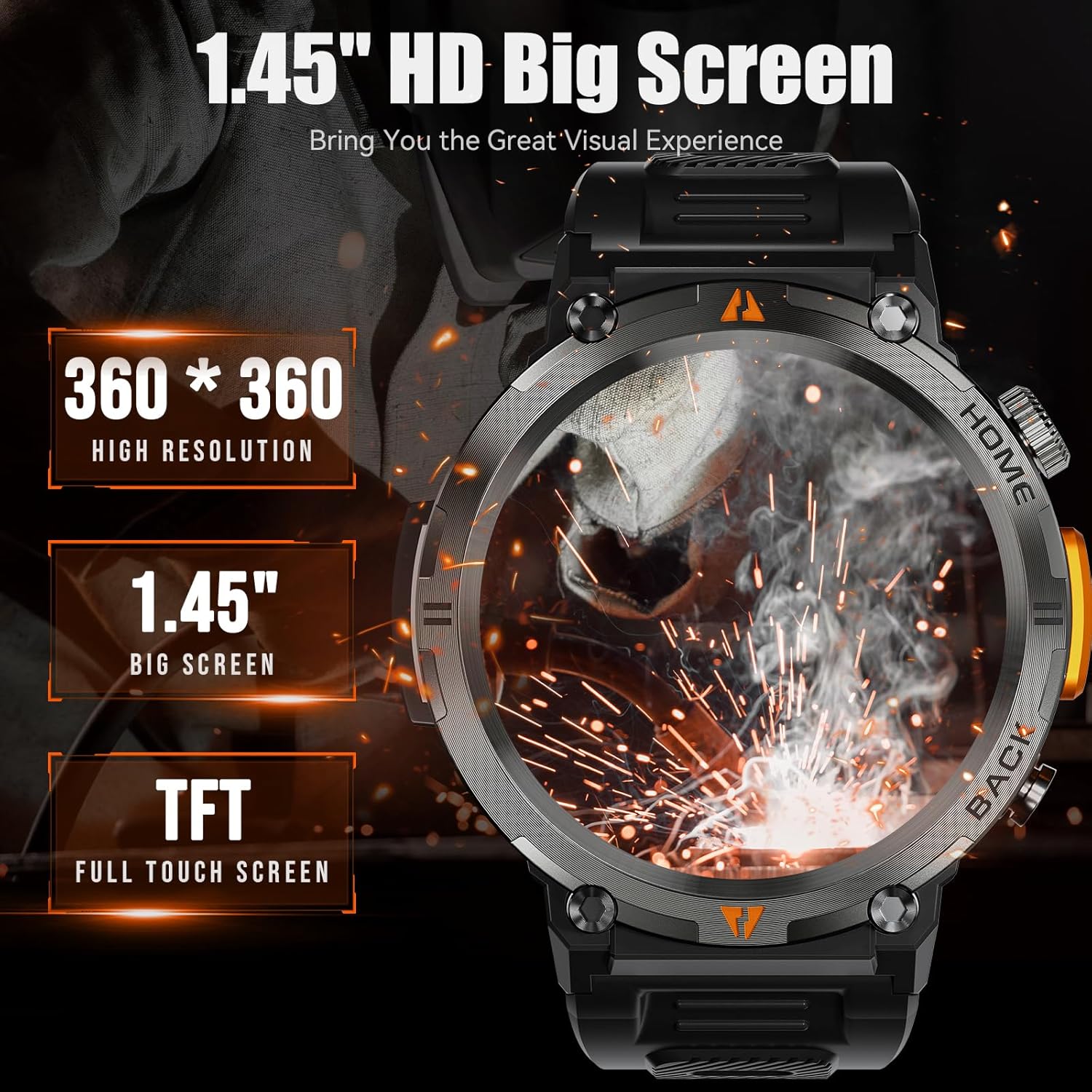
Image: The EIGIIS KE3 Smart Watch highlighting its 1.45-inch HD big screen with 360x360 resolution.
2.2 Остварување и примање повици
With its built-in speaker and 1-click connection technology, the EIGIIS KE3 allows you to make and answer calls directly from your wrist. Ensure the watch is paired correctly and the 'Call audio' setting is enabled in the FitCloudPro app.
Video: Demonstrating how to make and answer calls directly from the EIGIIS KE3 Smart Watch.
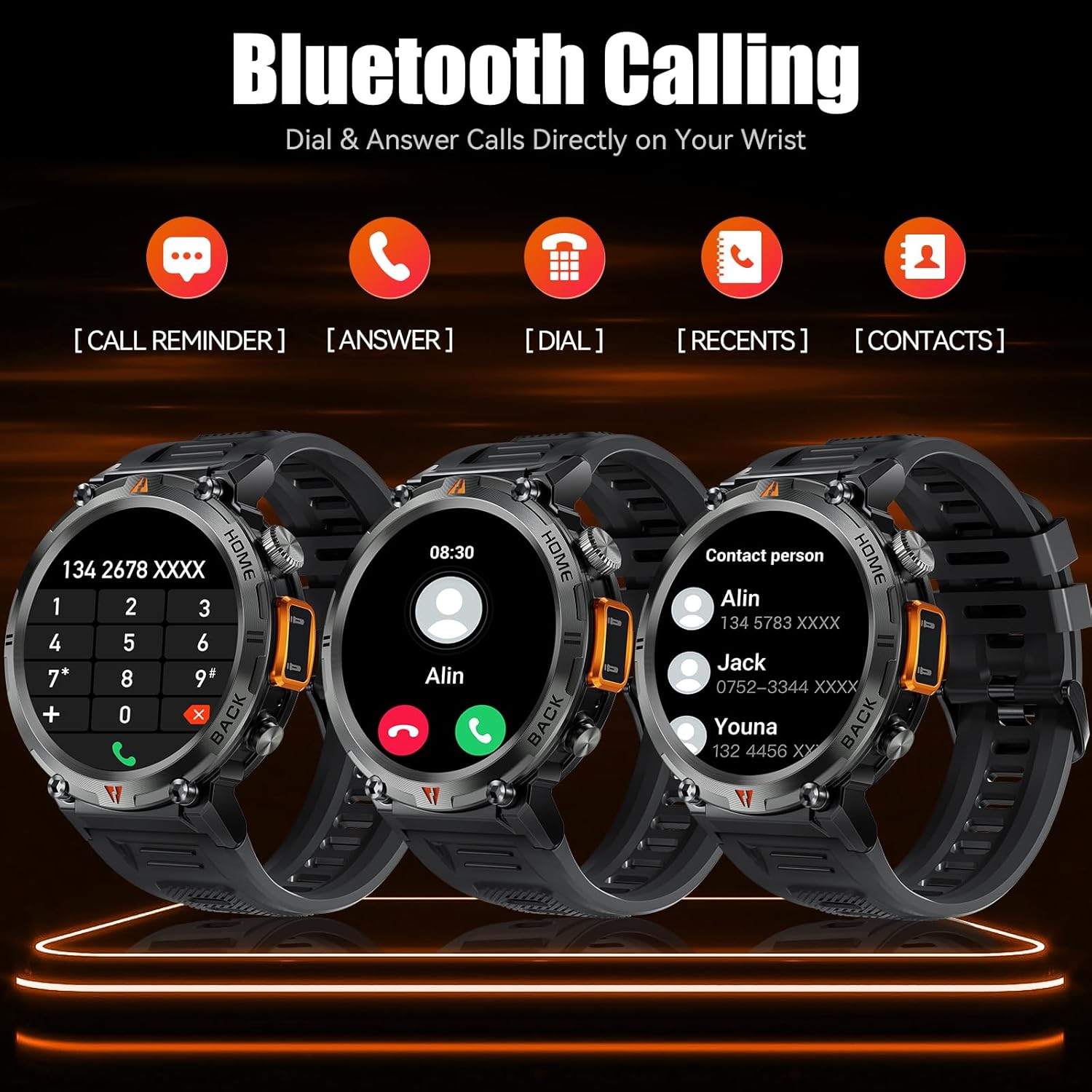
Image: The EIGIIS KE3 Smart Watch displaying its Bluetooth calling capabilities, including call reminders, answering, dialing, recent calls, and contacts.
2.3 Користење на фенерче
The EIGIIS KE3 Smart Watch includes a convenient flashlight function. Access it from the control panel by swiping down on the watch face. Tap the flashlight icon to turn it on. You can also press and hold the lower right button for 3 seconds to activate a continuous flashing mode for emergencies.
Video: Demonstrating the flashlight feature of the EIGIIS KE3 Smart Watch, useful for outdoor activities.

Image: The EIGIIS KE3 Smart Watch with its built-in flashlight activated, illuminating the surroundings.
2.4 Известувања
Stay connected by receiving calls, messages, and SNS notifications directly on your watch. Ensure the FitCloudPro app has the necessary permissions enabled on your phone to push notifications to the watch.
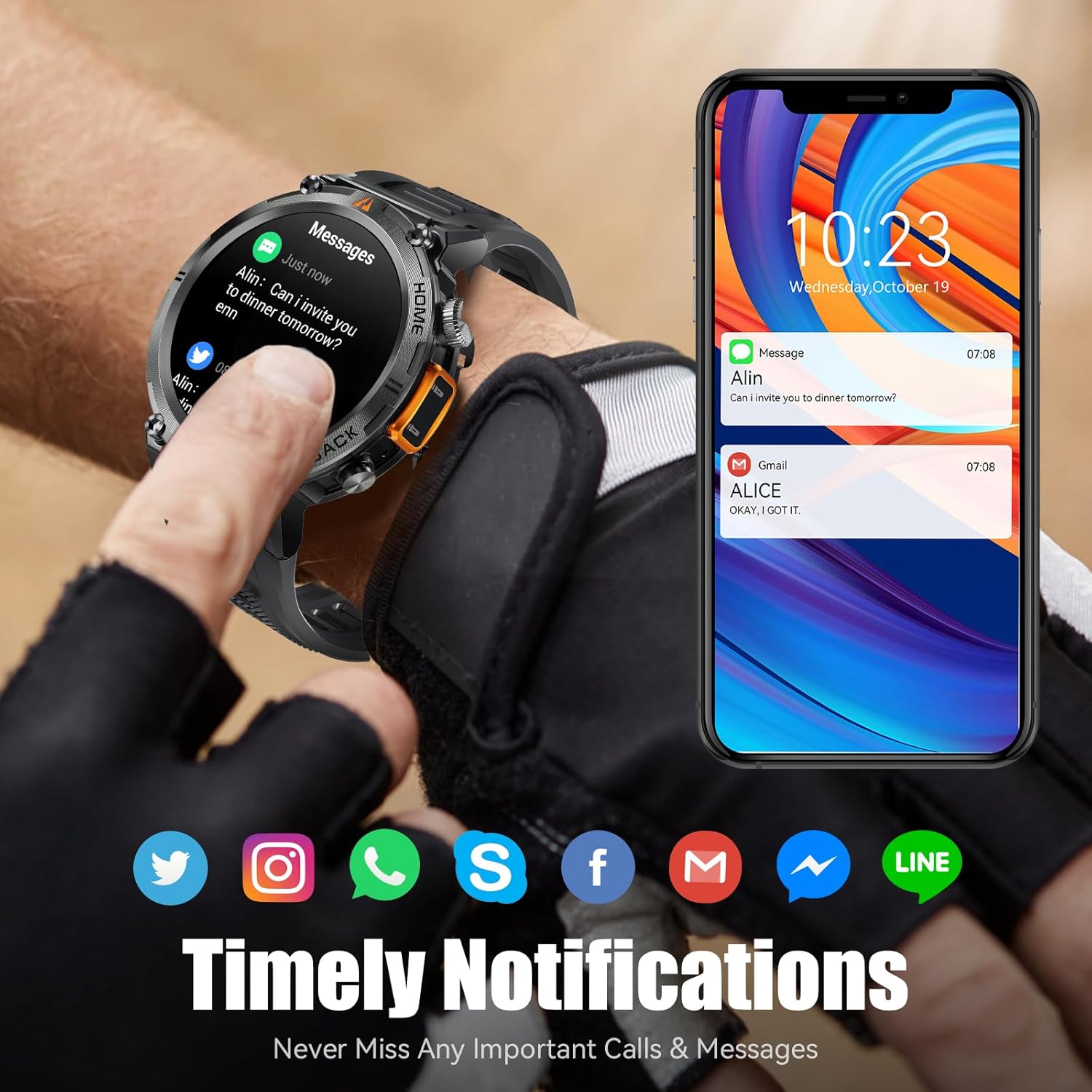
Image: The EIGIIS KE3 Smart Watch showing incoming messages and notifications from social media applications, mirrored on a smartphone.
2.5 спортски режими
The EIGIIS KE3 Smart Watch offers 9 built-in sports modes and over 100 additional sports modes available through the FitCloudPro app. You can download and sync these training modes to your watch to track various activities.
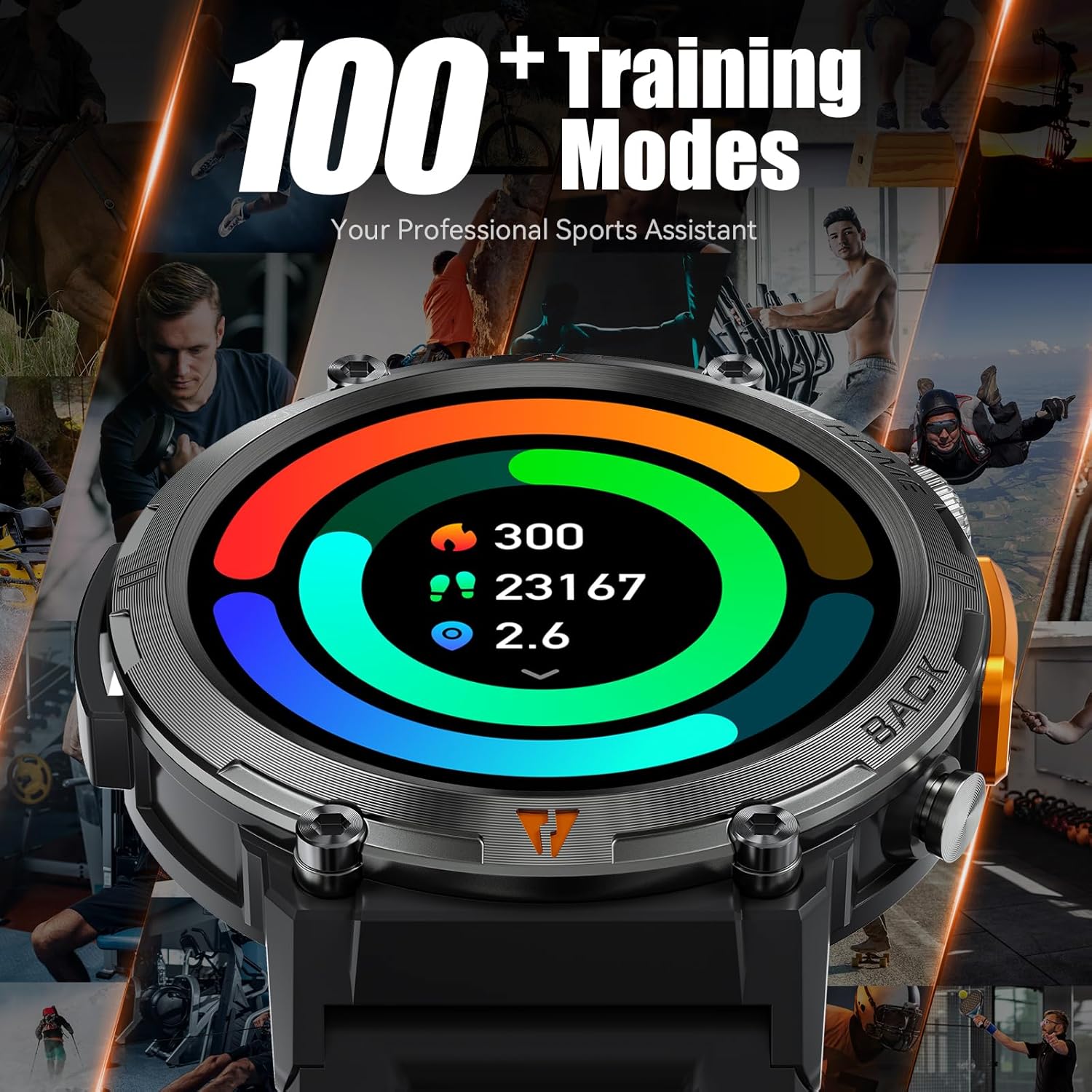
Image: The EIGIIS KE3 Smart Watch showing a colorful display of activity metrics, including steps, calories, and distance, against a collage of people engaged in different sports.
2.6 Мониторинг на здравјето
The watch supports continuous monitoring of heart rate, blood oxygen levels, and sleep patterns. This data helps you understand your physical condition and adjust your habits. Note: This device is a consumer electronic product and is not intended for medical use.

Image: The EIGIIS KE3 Smart Watch showing real-time heart rate data during an intense activity, with icons for heart rate, blood oxygen, and breath training.

Image: The EIGIIS KE3 Smart Watch showing a sleep tracking interface with data for deep sleep, light sleep, and awake periods, worn by a person sleeping.
2.7 Custom Dials
Personalize your watch face with over 100 dials available in the FitCloudPro app. You can also upload your favorite pictures to create unique custom dials.
2.8 Други функции
The EIGIIS KE3 Smart Watch offers a variety of additional features for daily convenience:
- Гласовен асистент: Control your watch and phone with voice commands.
- Време: Добивајте ажурирања за времето во реално време.
- Штоперица и тајмер: За прецизно мерење на времето за време на активностите.
- Аларм: Поставете аларми за потсетници.
- Календар: View датуми и распоред.
- Калкулатор: Извршете основни пресметки на вашиот зглоб.
- Најдете телефон: Пронајдете го вашиот изгубен паметен телефон.
- Далечинска камера: Контролирајте ја камерата на вашиот телефон од далечина.
- Контрола на музика: Управувајте со репродукцијата на музика на вашиот телефон.
Image: The EIGIIS KE3 Smart Watch showcasing a menu of its diverse functions, such as steps, breath training, voice assistant, and calculator.
3. Одржување и грижа
3.1 Водоотпорност
The EIGIIS KE3 Smart Watch is IP67 waterproof, meaning it is resistant to splashes, rain, and brief immersion in water. It is suitable for washing hands but not recommended for swimming, diving, or hot showers/saunas, as steam and hot water can damage the seals.
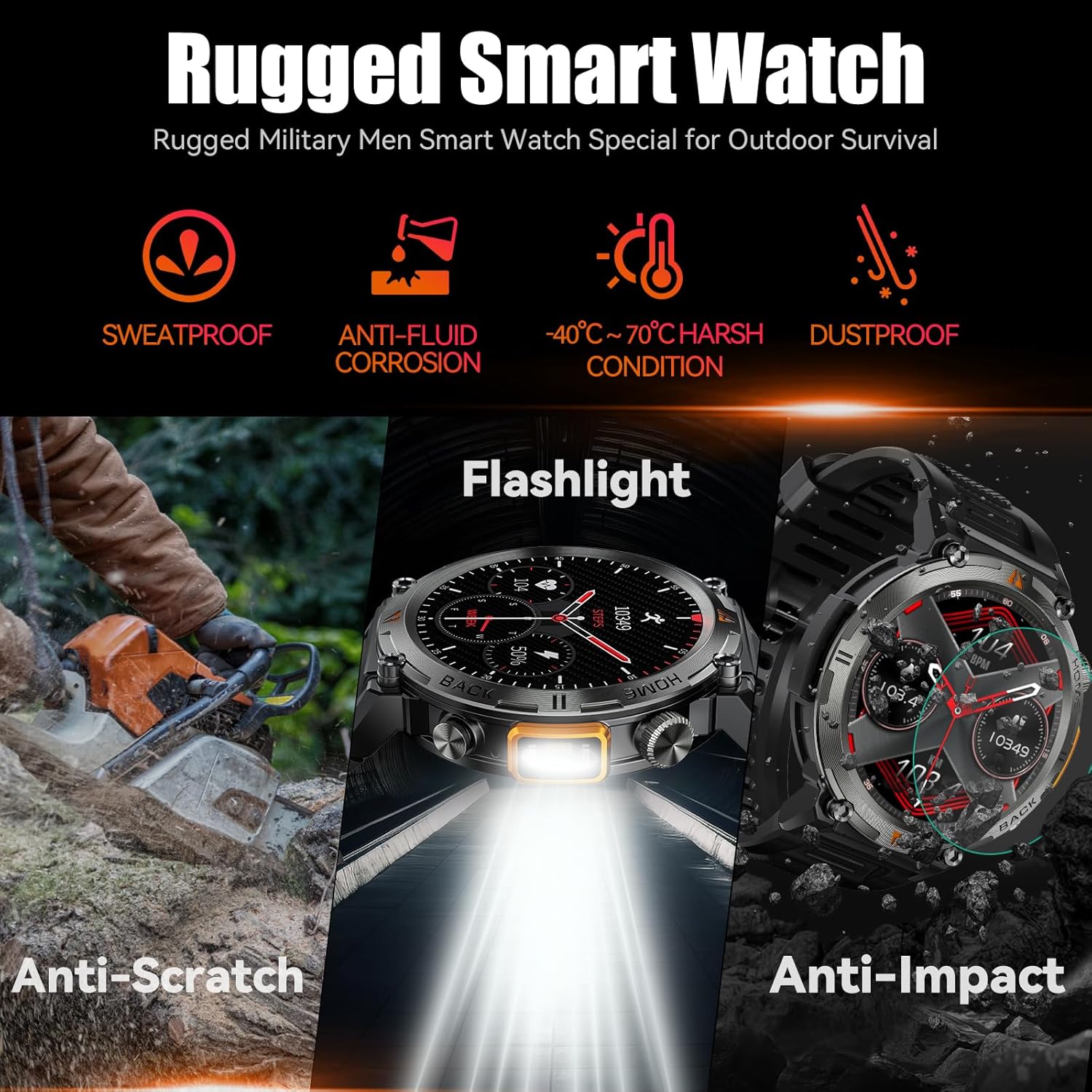
Image: The EIGIIS KE3 Smart Watch showcasing its rugged design and resistance to various environmental conditions, including sweat, corrosion, extreme temperatures, dust, scratches, and impacts.
3.2 Трајност
Constructed from zinc alloy and tempered glass, the EIGIIS KE3 is designed for durability. It offers resistance to heat, cold, humidity, and salt spray, making it suitable for outdoor enthusiasts.
3.3 Траење на батеријата
The 300mAh battery provides 3-5 days of typical usage and up to 25 days of standby time on a single charge. Charging takes approximately 2 hours.
3.4 Чистење
Wipe the watch regularly with a soft, dry cloth. If necessary, use a slightly damp крпа, а потоа темелно исушете. Избегнувајте употреба на груби хемикалии или абразивни материјали.
4 Смена на проблеми
4.1 Часовникот не се вклучува
- Проверете дали часовникот е целосно наполнет. Поврзете го со полначот најмалку 30 минути.
- Press and hold the power button (usually the top right button) for 5-10 seconds.
4.2 Проблеми со спарување
- Проверете дали Bluetooth е овозможен на вашиот телефон и на часовникот.
- Ensure the watch is within range of your phone (typically 10 meters).
- Рестартирајте ги и телефонот и часовникот.
- Исчистете го кешот на Bluetooth на вашиот телефон (доколку е применливо) и обидете се повторно да спарите.
- If previously paired, try unpairing and re-pairing the device in the FitCloudPro app and your phone's Bluetooth settings.
4.3 Call Function Not Working
- Verify that the watch is successfully paired for both data and call audio. Check the 'Call audio' setting in the FitCloudPro app.
- Ensure your phone's Bluetooth is connected to the watch for calls.
- Проверете ги поставките за јачина на звук на вашиот телефон.
4.4 Известувањата не се појавуваат
- Confirm that notification permissions are granted to the FitCloudPro app in your phone's settings.
- Осигурајте се дека апликацијата работи во позадина и дека не е затворена од поставките за оптимизација на батеријата.
- Check the notification settings within the FitCloudPro app to ensure specific app notifications are enabled.
4.5 Неточни здравствени податоци
- Осигурајте се дека часовникот е цврсто носен на вашиот зглоб, не е премногу тесен или премногу лабав.
- Редовно чистете ги сензорите на задната страна од часовникот.
- Remember that the watch is a consumer electronic device and not a professional medical instrument. Readings are for reference only.
5. Спецификации
| Карактеристика | Вредност |
|---|---|
| Бренд | EIGIIS |
| Број на модел | EIGIIS-KE3 |
| Големина на екранот | 1.45 инчи |
| Тип на екран | TFT Full Touch Screen |
| Облик | Тркалезна |
| Капацитет на батеријата | 300 милиониamp Часови (300mAh) |
| Технологија за поврзување | Bluetooth 5.0 |
| Компатибилност на оперативниот систем | Андроид 8.0 и погоре; iOS 10.0 и погоре |
| Отпорност на вода | IP67 (Splash, rain, and brief immersion resistant) |
| Посебни карактеристики | Flashlight, Bluetooth Call, Voice Assistant, Heart Rate, Blood Oxygen, Sleep Monitor, 100+ Sports Modes, Notifications, Weather, Stopwatch, Timer, Alarm Clock, Calendar, Calculator, Find Phone, Remote Camera |
| Тежина на ставката | 200 грама (7.1 унци) |
| Материјали | Zinc alloy, Tempered glass |
6. Гаранција и поддршка
6.1 Информации за гаранцијата
EIGIIS products are covered by a manufacturer's warranty. For specific details regarding your warranty period and coverage, please refer to the warranty card included with your product or visit the official EIGIIS webстраница. Чувајте ја сметката за купување како доказ за купување.
6.2 Поддршка за корисници
If you encounter any issues or have questions about your EIGIIS KE3 Smart Watch, please contact EIGIIS customer support through the following channels:
- Поддршка преку Интернет: Visit the EIGIIS official webстраница за најчесто поставувани прашања, упатства за решавање проблеми и формулари за контакт.
- Поддршка за е-пошта: Погледнете го пакувањето на вашиот производ или официјалниот webстраница за е-поштата за корисничка поддршка.
When contacting support, please provide your product model number (KE3) and a detailed description of the issue.


