1. Вовед
This manual provides detailed instructions for the setup, operation, maintenance, and troubleshooting of your STRONG 4GMIFI150D CAT4/4G LTE Mobile Hotspot. Please read this manual carefully before using the device to ensure optimal performance and safety.
The STRONG 4GMIFI150D is a portable 4G LTE mobile hotspot designed to provide high-speed internet access on the go. It allows you to share a 4G/3G connection with up to 32 Wi-Fi enabled devices, including tablets, mobile phones, laptops, and gaming consoles.
2. Содржина на пакетот
Проверете дали сите артикли се присутни во пакувањето:
- 1x STRONG 4G Portable Hotspot 150D
- 1x USB cable for power supply
- 1x Водич за брза инсталација
- 1x Safety instructions and warranty card

Image: Contents of the STRONG 4G Portable Hotspot 150D package, including the device, its retail box, a USB charging cable, a quick installation guide, and safety/warranty information.
3. Уредот завршиview
Familiarize yourself with the physical features and display indicators of your mobile hotspot.

Слика: напред view of the STRONG 4GMIFI150D Mobile Hotspot. It features a central display screen and a power button below it. The screen shows indicators for 4G signal, LTE Hotspot status, battery level, Wi-Fi signal, SMS reception, current time, and data usage.

Слика: Детална view of the STRONG 4GMIFI150D's screen display, illustrating icons for 4G signal strength, battery level, SMS reception information, Wi-Fi signal level, and a section for displaying time and downloaded data.

Слика: Разно views of the STRONG 4GMIFI150D Mobile Hotspot, showing its front with the display, side profiles, top, and bottom, highlighting its compact and sleek design.
4. Поставување
4.1. Вметнување на SIM картичката
The STRONG 4GMIFI150D requires a 4G SIM card to establish an internet connection. Ensure the device is powered off before inserting or removing the SIM card.
- Пронајдете го отворот за SIM картичка на уредот.
- Carefully insert your 4G SIM card into the slot until it clicks into place. Ensure the SIM card is oriented correctly according to the diagram on the device or in the quick installation guide.
- Затворете го капакот на слотот за SIM картичка доколку е применливо.
4.2. Полнење на уредот
Before first use, fully charge the device. The 2100 mAh battery provides up to 8 hours of intensive use.
- Connect the provided USB cable to the micro-USB port on the hotspot.
- Поврзете го другиот крај од USB кабелот со USB адаптер за напојување (не е вклучен) или со USB порт на компјутерот.
- The battery indicator on the display will show charging progress.
5. Упатства за работа
5.1. Вклучување/исклучување
- За вклучување: Притиснете и задржете го копчето за вклучување додека не се осветли екранот.
- За исклучување: Притиснете го и задржете го копчето за вклучување додека уредот не се исклучи.
5.2. Connecting Devices to the Hotspot
Once the hotspot is powered on and has established a 4G connection, you can connect your Wi-Fi enabled devices.
- On your Wi-Fi enabled device (e.g., smartphone, laptop), open the Wi-Fi settings.
- Скенирајте за достапни Wi-Fi мрежи.
- Select the network name (SSID) of your STRONG 4GMIFI150D hotspot. The SSID and default password (WPA/WPA2) are typically found on a sticker inside the battery compartment or on the device's screen.
- Внесете ја лозинката за Wi-Fi кога ќе биде побарано.
- Вашиот уред сега треба да биде поврзан на интернет преку точката за пристап.
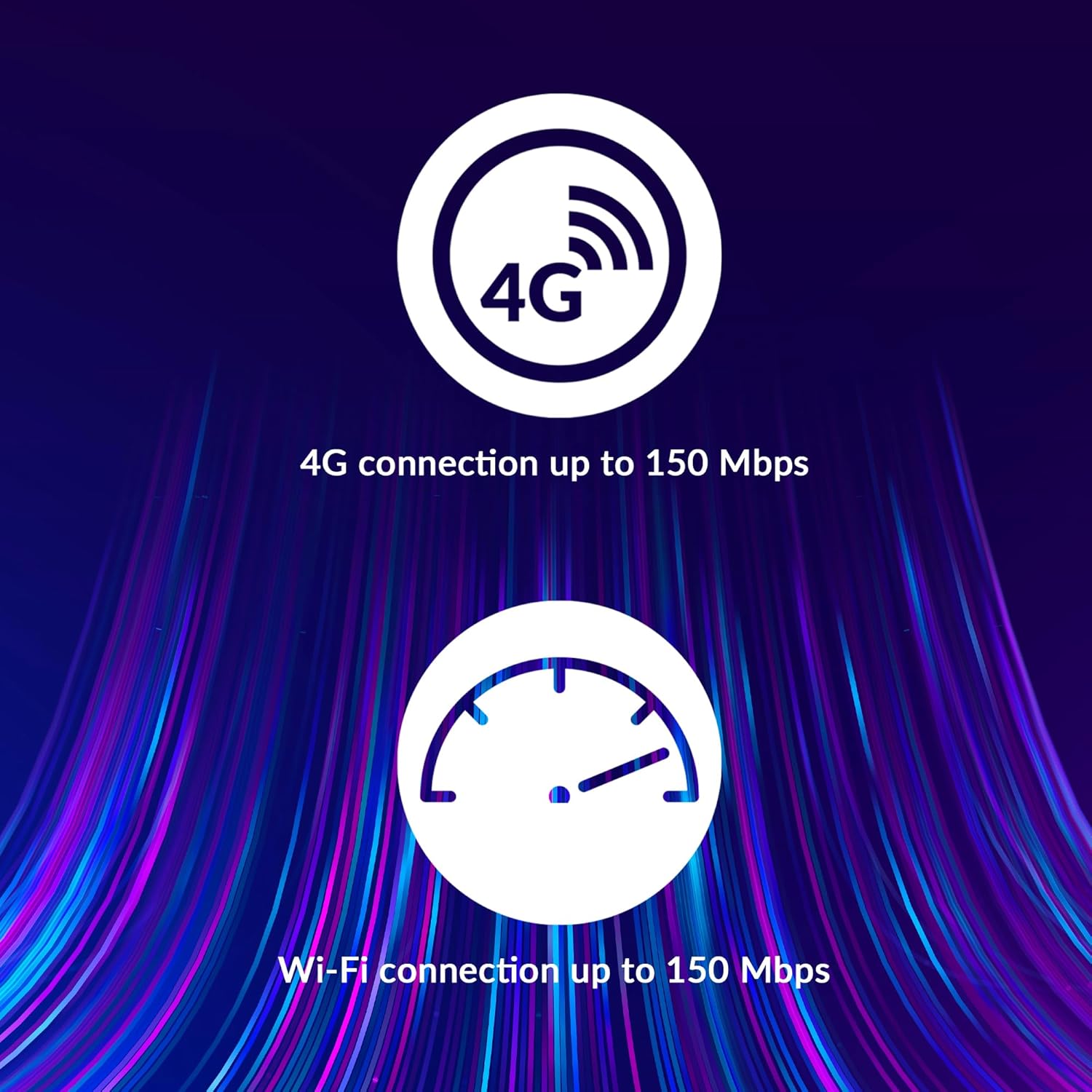
Image: A user holding the STRONG 4GMIFI150D Mobile Hotspot, demonstrating the QR code feature on its screen. This QR code can be scanned by compatible devices to quickly connect to the Wi-Fi network without manually entering the password.
For quick access, you can scan the QR code displayed on the hotspot's screen using a compatible device. This will automatically configure the Wi-Fi connection.
Example QR code content (for reference, actual values vary): WIFI:S:STRONG_XXXX_2.4GHz;T:WPA;P:XXXXXXXXXX;;
5.3. Web Интерфејс за управување
For advanced settings and monitoring, access the web интерфејс за управување:
- Поврзете го вашиот уред со Wi-Fi мрежата на точката за пристап.
- Отвори a web browser and enter the default IP address (usually 192.168.0.1 or 192.168.1.1) found in the Quick Installation Guide or on the device.
- Внесете го стандардното корисничко име и лозинка (на пр., admin/admin).
- From here, you can manage Wi-Fi settings, security protocols (WPA/WPA2), PIN code management, and view статус на врска.
6. Изведба
The STRONG 4GMIFI150D offers robust performance for various internet activities.
- 4G Connection Speed: Up to 150 Mbps download speed.
- Wi-Fi Connection Speed: Up to 150 Mbps.
- Поддршка на уредот: Поврзете до 32 Wi-Fi уреди истовремено.
- Траење на батеријата: Up to 8 hours of intensive use with the 2100 mAh battery.

Image: A graphic representation highlighting the performance capabilities of the hotspot, showing a 4G connection speed of up to 150 Mbps and a Wi-Fi connection speed of up to 150 Mbps.

Image: A person working on a laptop outdoors with the STRONG 4GMIFI150D Mobile Hotspot placed on the table next to them, illustrating the device's portability and suitability for remote work or travel.
7. Одржување
7.1. Чистење
Избришете го уредот со мека, сува крпа. Не користете течни средства за чистење или аеросоли.
7.2. Нега на батерии
- Избегнувајте изложување на батеријата на екстремни температури.
- Charge the battery regularly, even if the device is not in use, to maintain its lifespan.
- Доколку уредот нема да се користи подолг период, чувајте го со делумно полнење (околу 50%).
7.3. Ажурирања на фирмверот
Периодично проверувајте ги упатствата на производителот webлокацијата или уредот web интерфејс за управување со достапни ажурирања на фирмверот за да се обезбедат оптимални перформанси и безбедност.
8 Смена на проблеми
| Проблем | Можна причина | Решение |
|---|---|---|
| Нема интернет конекција | No SIM card inserted, incorrect APN settings, no 4G signal, data plan exhausted. | Ensure SIM card is correctly inserted. Check APN settings via web interface. Move to an area with better signal. Check data plan with your mobile operator. |
| Не може да се поврзе на Wi-Fi | Incorrect Wi-Fi password, hotspot is off, too many devices connected. | Verify Wi-Fi password. Ensure hotspot is powered on. Disconnect some devices if 32 devices are already connected. |
| Бавна брзина на интернет | Weak 4G signal, network congestion, distance from hotspot, too many connected devices. | Relocate the hotspot for better signal. Reduce the number of connected devices. Move closer to the hotspot. |
| Уредот не се вклучува | Battery drained, faulty battery/charger. | Полнете го уредот најмалку 30 минути. Обидете се со друг USB кабел или адаптер за напојување. |
9. Спецификации
| Карактеристика | Детал |
|---|---|
| Модел | 4GMIFI150D |
| Бренд | Силен |
| Тип на поврзување | Wi-Fi, 4G LTE |
| Безжичен стандард | 802.11б |
| Брзина на 4G | До 150 Mbps (Преземи) |
| Брзина на Wi-Fi | До 150 Mbps |
| Поддржани уреди | Up to 32 Wi-Fi devices |
| Капацитет на батеријата | Литиум јон од 2100 mAh |
| Траење на батеријата | Up to 8 hours (intensive use) |
| Димензии на производот | 19 x 5.7 x 14 cm |
| Тежина на ставката | 189 гр |
| Безбедност | WPA/WPA2, PIN code management |
| Оперативен систем | RouterOS (internal) |
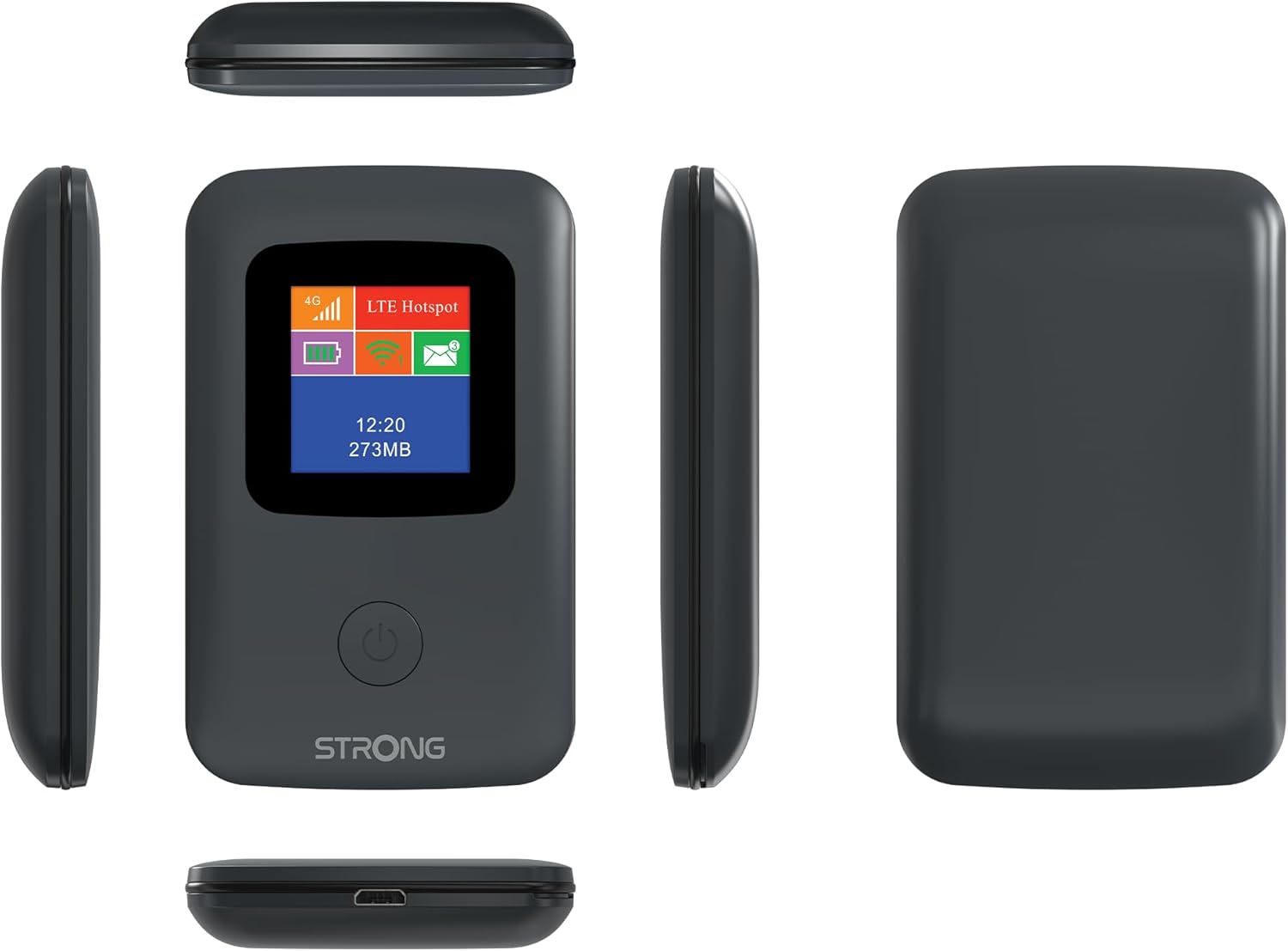
Image: A size comparison showing the STRONG 4GMIFI150D Mobile Hotspot next to a standard credit card, indicating its compact dimensions (92mm height, 58mm width) relative to a credit card (86mm height, 54mm width).
10. Гаранција и поддршка
This product comes with a warranty as detailed in the included warranty card. For technical support, troubleshooting assistance beyond this manual, or warranty claims, please refer to the contact information provided in your product packaging or visit the official Strong webсајт.
Ве молиме зачувајте го доказот за купување за целите на гаранцијата.
11. Информации за безбедност
- Не го изложувајте уредот на вода или прекумерна влажност.
- Избегнувајте паѓање или изложување на уредот на силни удари.
- Не обидувајте се сами да го расклопите или поправите уредот. Обратете се кај квалификуван сервисер.
- Use only the provided or recommended accessories.
- Отстранете го уредот и неговата батерија одговорно во согласност со локалните прописи.


