1. Вовед
Thank you for choosing the SETTY Wireless Rechargeable Mouse. This manual provides essential information for setting up, operating, and maintaining your new mouse. Please read these instructions carefully before use to ensure optimal performance and longevity of your device.
2. Содржина на пакетот
- 1 x SETTY Wireless Rechargeable Mouse
- 1 x 2.4 GHz USB Receiver
- 1 x USB Charging Cable (25 cm)

Image 1: SETTY Wireless Rechargeable Mouse and its retail packaging.
3. Производот завршиview
The SETTY Wireless Rechargeable Mouse is designed for comfort and efficiency in both office and home environments. It features a slim, ergonomic design, adjustable DPI settings, RGB lighting, and dual-mode connectivity (2.4 GHz and Bluetooth).
Клучни карактеристики:
- Двоен режим на поврзување: Supports 2.4 GHz wireless via USB receiver and Bluetooth 5.1.
- Прилагодлив DPI: Три нивоа на чувствителност (800, 1200, 1600 DPI) за прецизна контрола.
- Ергономски дизајн: Comfortable for extended use.
- Батерија на полнење: Built-in 500 mAh lithium battery.
- RGB осветлување: Dynamic LED lighting for enhanced aesthetics.
- 6 копчиња: Including left, right, scroll wheel, DPI switch, and two side buttons.
- One-Click Desktop Function: Quickly minimize all windows.
- Дизајн со тивок клик: Го намалува оперативниот шум.

Image 2: The ergonomic shape of the mouse designed for comfortable hand placement.
4. Поставување
4.1. Полнење на глувчето
Before first use, it is recommended to fully charge the mouse. Connect the provided USB charging cable to the charging port on the front of the mouse and the other end to a USB power source (e.g., computer USB port, USB wall adapter). The RGB lighting will indicate charging status and turn off when fully charged.
- Време на полнење: Приближно 2 часа.
- Работно време: До 150 часа со целосно полнење.

Image 3: The mouse being charged via its USB cable.
4.2. Поврзување на глувчето
The SETTY mouse offers two connection methods: 2.4 GHz wireless via USB receiver or Bluetooth 5.1.
4.2.1. Безжична конекција од 2.4 GHz
- Пронајдете го USB приемникот, кој обично се чува во преграда на долната страна од глувчето.
- Приклучете го USB-приемникот во достапна USB порта на вашиот компјутер.
- Вклучете го глувчето користејќи го прекинувачот за вклучување на неговата долна страна.
- Глувчето треба автоматски да се поврзе со компјутерот.
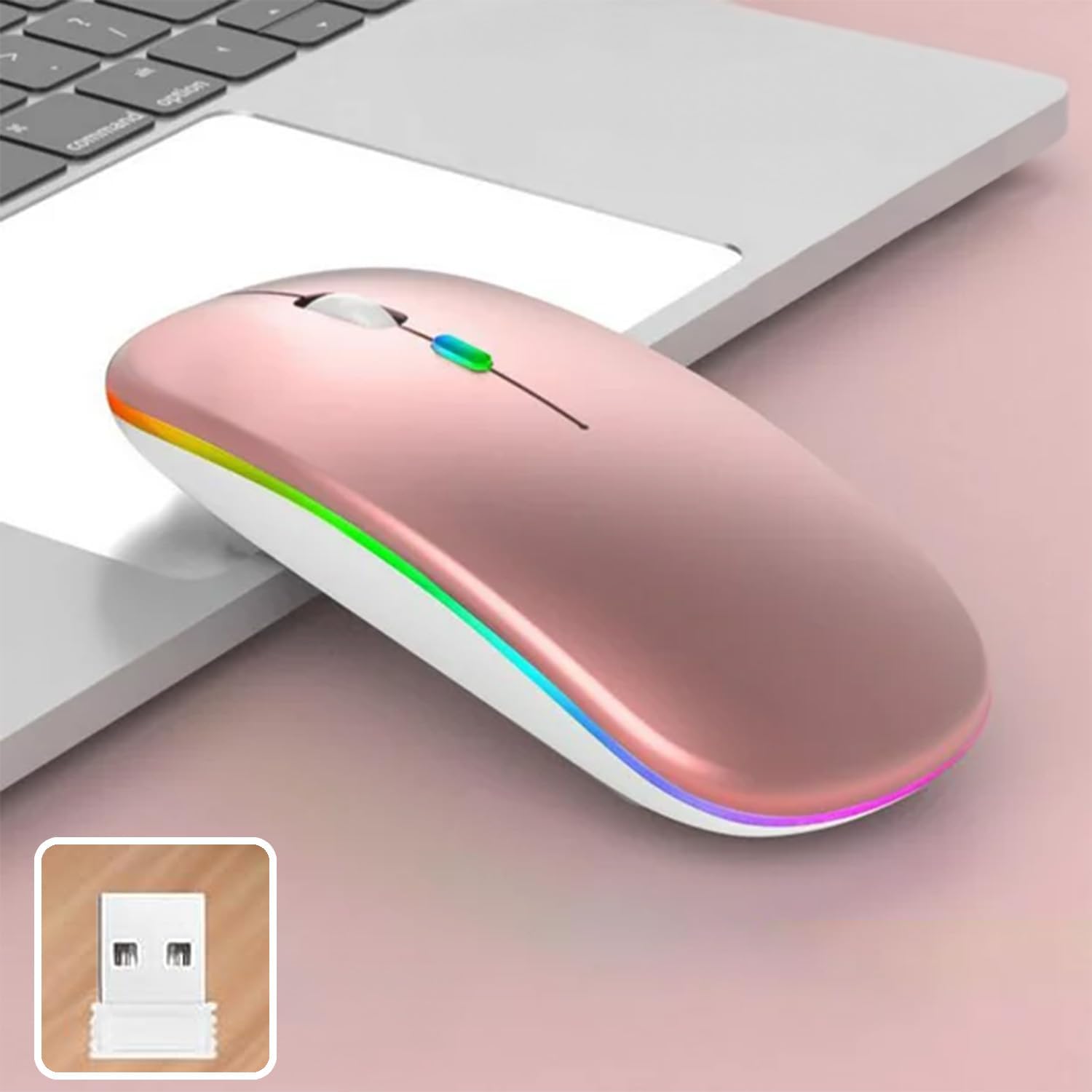
Image 4: The mouse and its 2.4 GHz USB receiver.
4.2.2. Bluetooth 5.1 конекција
- Вклучете го глувчето користејќи го прекинувачот за напојување.
- Press and hold the Bluetooth pairing button (often located on the underside or a dedicated button) until the indicator light starts flashing, indicating pairing mode.
- On your device (Windows, Mac OS, Android), go to Bluetooth settings and search for new devices.
- Select "SETTY Mouse" or a similar name from the list of available devices to pair.
- Откако ќе се спари, индикаторската ламба на глувчето ќе престане да трепка.
4.3. Компатибилност
The SETTY Wireless Rechargeable Mouse is compatible with a wide range of operating systems and devices:
- Windows оперативни системи
- Mac OS
- Андроид уреди
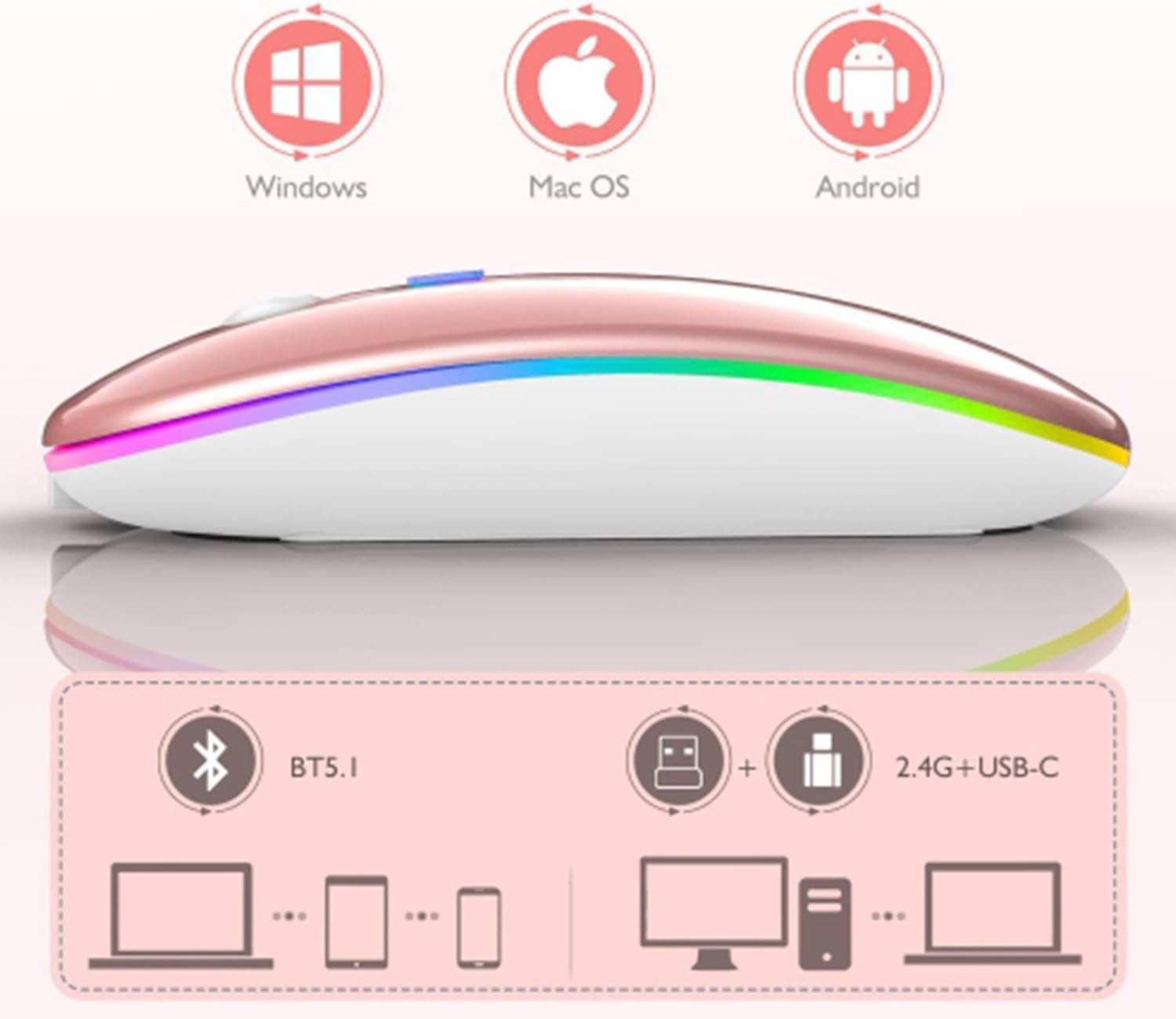
Image 5: Visual representation of the mouse's compatibility with various operating systems and connection types.
5. Упатства за работа
5.1. Прилагодување на DPI
The mouse features three adjustable DPI (Dots Per Inch) settings to suit your preference for cursor speed and precision. Press the DPI button (usually located behind the scroll wheel) to cycle through the settings:
- 800 DPI: Помала чувствителност за прецизни задачи.
- 1200 DPI: Standard sensitivity (default setting).
- 1600 DPI: Поголема чувствителност за побрзо движење на курсорот.
5.2. RGB осветлување
The mouse is equipped with dynamic RGB LED lighting. The lighting activates when the mouse is in use and enters power-saving modes when idle.
5.3. Power Saving Modes
To conserve battery life, the mouse implements a three-level power-saving system:
- Спиење на ниво 1: After 3 seconds of inactivity, the mouse enters a light sleep mode, indicated by a continuously flashing light.
- Спиење на ниво 2: After approximately 1 minute of inactivity, the mouse enters a deeper sleep mode, indicated by intermittently flashing lights.
- Спиење на ниво 3: After 8 minutes of inactivity, the mouse enters its deepest sleep mode, and the lights turn off completely. To wake the mouse, simply move it or click any button.
5.4. One-Click Desktop Function
The mouse includes a dedicated button (often a side button) that, when pressed, instantly minimizes all open windows, allowing you to quickly access your desktop.
6. Одржување
To ensure the longevity and optimal performance of your SETTY Wireless Rechargeable Mouse, follow these maintenance guidelines:
- Чистење: Користете мека, сува крпа за да ја избришете површината на глувчето. За тврдокорна нечистотија, малку дampИзмијте ја крпата со вода или благ раствор за чистење. Избегнувајте употреба на груби хемикалии или абразивни материјали.
- Складирање: Кога не го користите подолго време, чувајте го глувчето на ладно и суво место.
- Нега на батеријата: Avoid fully discharging the battery frequently. Charge the mouse when the low battery indicator appears.
- Избегнувајте екстремни услови: Не го изложувајте глувчето на екстремни температури, директна сончева светлина или прекумерна влага.
7 Смена на проблеми
If you encounter issues with your SETTY Wireless Rechargeable Mouse, please refer to the following common solutions:
- Глувчето не реагира:
- Проверете дали глувчето е вклучено.
- Проверете го нивото на батеријата и наполнете го глувчето доколку е потребно.
- За поврзување од 2.4 GHz, проверете дали USB приемникот е безбедно приклучен во функционален USB порт. Обидете се со друг USB порт.
- For Bluetooth connection, ensure Bluetooth is enabled on your device and the mouse is properly paired. Try re-pairing the mouse.
- Move the mouse closer to the receiver/device to ensure it's within the 15m wireless range.
- Движењето на курсорот е неправилно или бавно:
- Исчистете го оптичкиот сензор на долната страна од глувчето.
- Уверете се дека го користите глувчето на соодветна површина (нерефлектирачка, непроѕирна).
- Adjust the DPI setting to a higher value if the cursor is too slow.
- RGB осветлувањето не работи:
- The lighting may be off due to power-saving mode. Move or click the mouse to wake it up.
- Ensure the mouse is sufficiently charged.
8. Спецификации
| Карактеристика | Спецификација |
|---|---|
| Модел | GSM111404 |
| Технологија за поврзување | 2.4 GHz безжичен, Bluetooth 5.1 |
| Опсег | До 15 метри |
| Поставки за ДПИ | 800 / 1200 / 1600 DPI (Default: 1200 DPI) |
| Број на копчиња | 6 |
| Технологија за детекција на движење | Оптички |
| Тип на батерија | Built-in 500 mAh Lithium-ion Rechargeable Battery |
| Време на полнење | Прибл. 2 часа |
| Работно време | Прибл. 150 часа |
| Оценето волtage / Тековно | 3.7 V / 18 mA |
| Клучен живот | 5 милиони кликнувања |
| Материјал | ABS + Metal parts |
| Димензии на производот (Д x Ш x В) | 11.3 x 5.7 x 2.5 cm |
| Должина на кабелот за полнење | 25 см |
| Компатибилни оперативни системи | Windows, Mac OS, Android |
9. Гаранција и поддршка
For warranty information or technical support, please refer to the documentation provided at the point of purchase or contact SETTY customer service. Keep your proof of purchase for warranty claims.


