1. Вовед
МУБVIEW PK320-Y is an indoor security camera designed for monitoring various indoor environments, including nurseries, pet areas, and general home security. It features 2K resolution video, dual-band Wi-Fi connectivity (2.4GHz and 5GHz), two-way audio communication, advanced night vision, and motion detection with automatic tracking capabilities. This manual provides instructions for setting up, operating, and maintaining your camera.

Image 1.1: MUBVIEW PK320-Y Indoor Security Camera and its mobile application interface.
2. Содржина на пакетот
Проверете дали сите артикли се присутни во пакувањето:
- 1x MUBVIEW PK320-Y Indoor Camera (with 5.9ft USB Cable)
- 1x адаптер за напојување
- 1x Пакет завртки
- 1x прирачник за производи
- 1x држач за монтирање

Image 2.1: All components included in the MUBVIEW PK320-Y product package.
3. Производот завршиview
МУБVIEW PK320-Y camera features a compact dome design with a lens for video capture, integrated microphone and speaker for two-way audio, and indicators for status. It supports flexible placement options including surface, wall, and ceiling mounting.

Image 3.1: Key features and physical attributes of the MUBVIEW PK320-Y camera.

Image 3.2: Flexible placement options for the MUBVIEW PK320-Y camera.
4. Поставување
Follow these steps for initial setup of your MUBVIEW PK320-Y camera:
- Преземете го MUBVIEW Апликација: Пребарај за „МУБ“VIEW" in your smartphone's app store (compatible with Android phones) and install the application.
- Вклучување: Connect the camera to a power outlet using the provided USB cable and power adapter.
- Поврзете се на Wi-Fi: Отворете го MUBVIEW app and follow the on-screen instructions to connect the camera to your home Wi-Fi network. The camera supports both 2.4GHz and 5GHz Wi-Fi bands for a stable connection.
Ensure your Wi-Fi network is active and you have the correct password. The setup process is designed to be quick and straightforward.
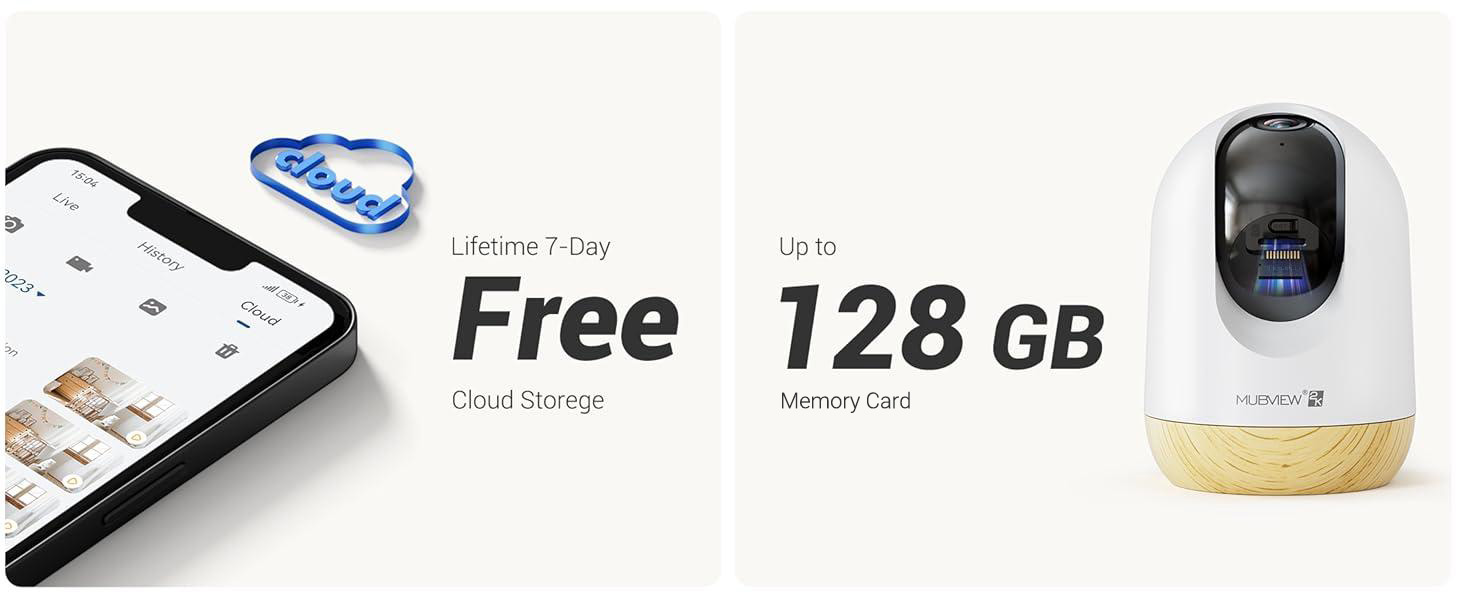
Image 4.1: Visual guide for the quick setup process.

Image 4.2: The camera supports both 2.4GHz and 5GHz dual-band Wi-Fi for enhanced connectivity.
5. Упатства за работа
5.1 Контрола на апликации
МУБVIEW camera is primarily controlled through its dedicated mobile application. The app allows you to view живеј фаоtage, access recorded events, adjust settings, and manage multiple cameras.

Image 5.1: Controlling camera functions via the mobile application.
5.2 Во живо View и Мониторинг
Access the live feed from your camera anytime, anywhere through the MUBVIEW app. The camera provides 24/7 monitoring with 2K Ultra HD resolution.

Image 5.2: Continuous monitoring of your environment.

Image 5.3: Remote monitoring allows for flexibility and peace of mind.
5.3 Двонасочно аудио
The integrated microphone and speaker enable two-way communication. You can listen to the camera's environment and speak through the camera from your phone.

Image 5.4: Utilizing the two-way audio feature for communication.
5.4 Контрола на панорамско навалување
The camera offers a 355-degree horizontal pan and an 80-degree vertical tilt, allowing you to adjust the viewing angle remotely via the app to cover a wide area.

Image 5.5: Adjusting the camera's view to cover different areas.
5.5 Детекција на движење и автоматско следење
The camera detects motion and can automatically track moving objects within its field of view. You will receive alerts on your phone when motion is detected.
- Предупредувања за движење: The camera audibly alerts you when motion is detected.
- Автоматско следење: Automatically follows moving subjects, ensuring they remain in the frame.
- Зони на активност: Configure specific areas for motion detection to reduce false alerts.
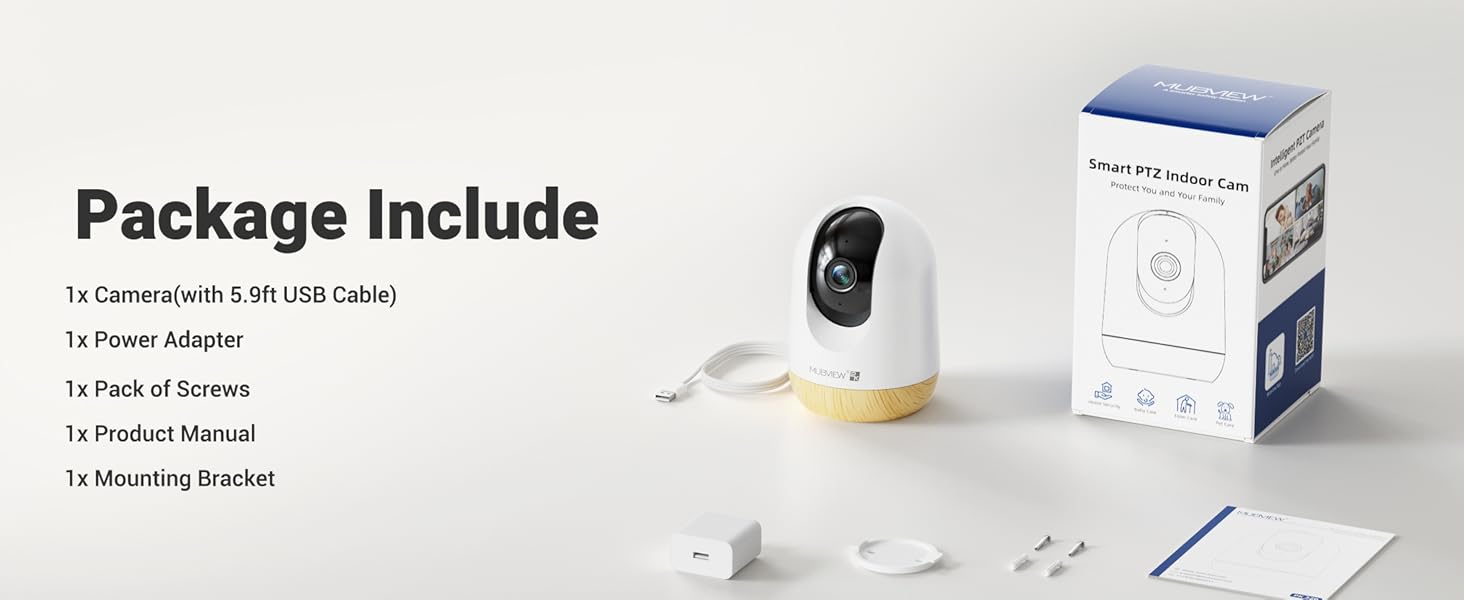
Image 5.6: Motion detection in action.
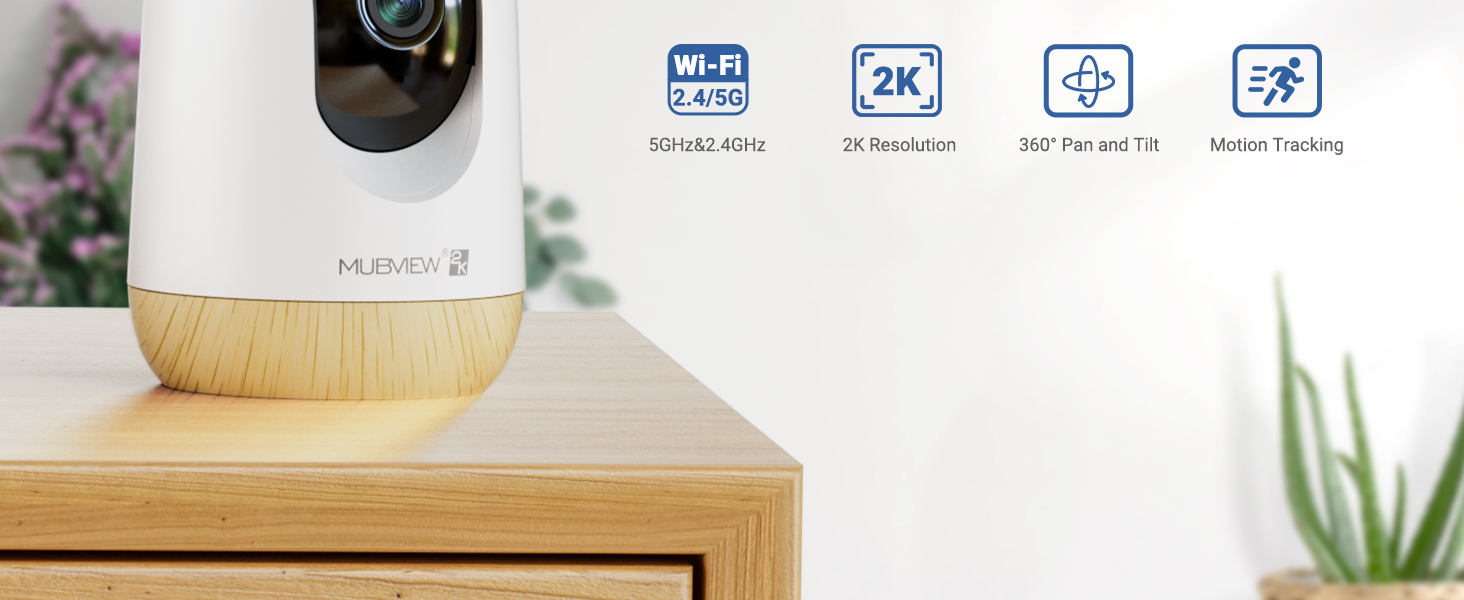
Image 5.7: The camera's auto-tracking feature following a moving subject.

Image 5.8: Configuring activity zones for targeted motion detection.
5.6 Ноќно гледање
The camera is equipped with advanced night vision technology, providing clear 2K clarity even in low-light or dark conditions up to 33 feet.

Image 5.9: Clear night vision capabilities in a dark environment.
5.7 Remote Access and Multi-Camera View
Access your camera's live feed from anywhere with an internet connection. The app also supports viewing multiple cameras simultaneously.

Image 5.10: Remote access to your camera feed.
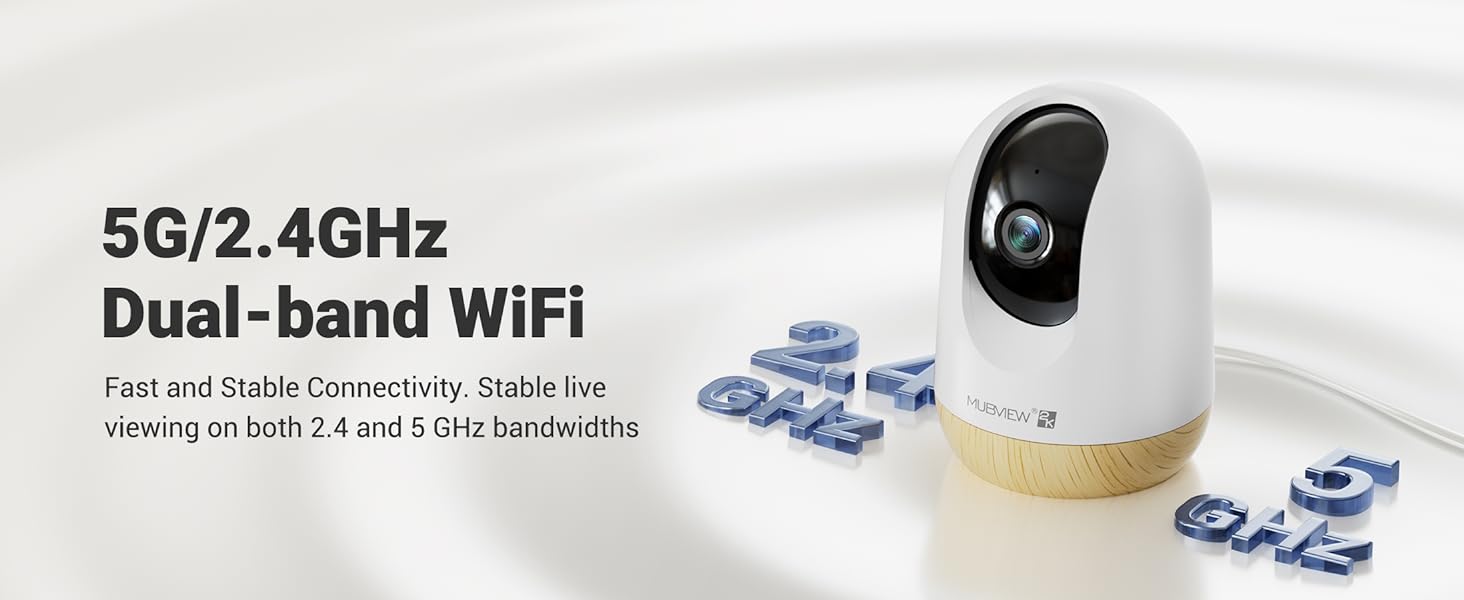
Image 5.11: Simultaneous viewing of multiple camera feeds.
5.8 Репродукција и споделување на видео
Review снимен footage through the app's playback feature. You can also share camera access with family members or other authorized users.
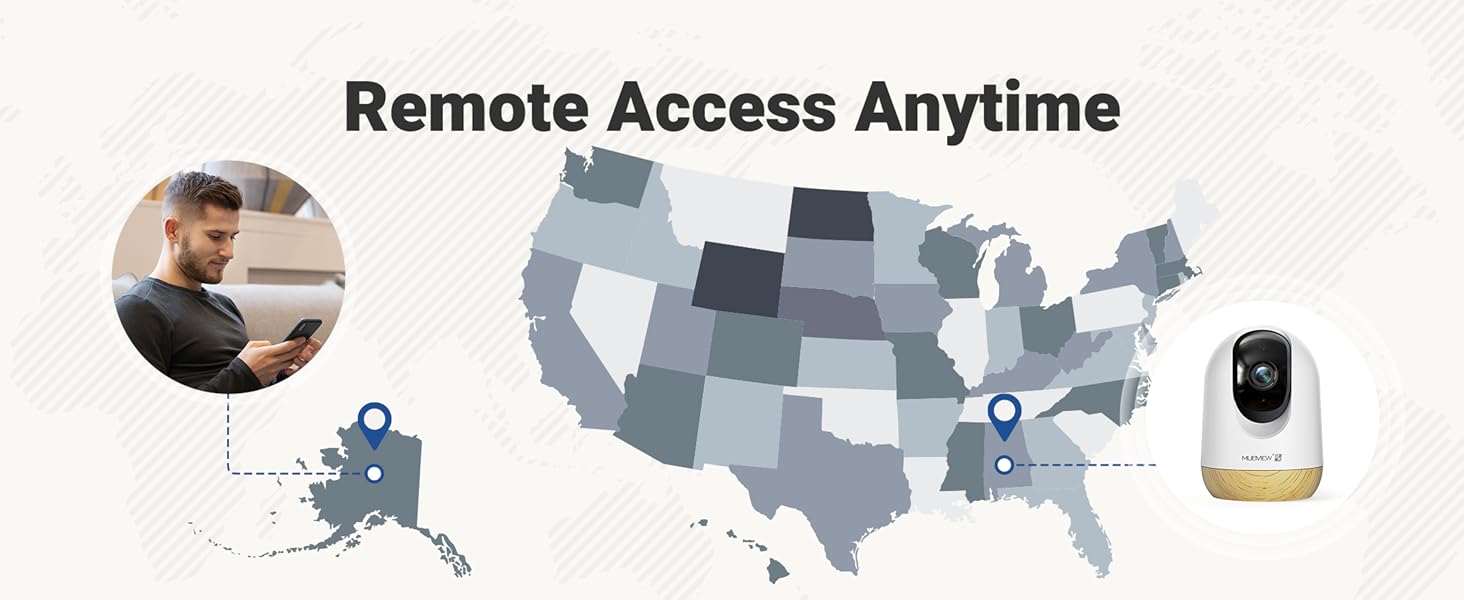
Image 5.12: Accessing and reviewing recorded video footage.

Image 5.13: Sharing camera access with multiple users.
6. Опции за складирање
МУБVIEW PK320-Y camera offers flexible storage solutions for your video recordings:
- Складирање на SD-картичка: Supports local storage via an SD card (not included) with a capacity of up to 128GB.
- Складирање во облак: Includes a lifetime 7-day loop recording cloud storage service without requiring a subscription.

Image 6.1: Available storage options for video recordings.
7. Одржување
За да се обезбедат оптимални перформанси и долготрајност на вашиот MUBVIEW PK320-Y camera, follow these maintenance guidelines:
- Чистење: Нежно избришете го објективот и телото на камерата со мека, сува крпа. Избегнувајте употреба на груби хемикалии или абразивни материјали.
- Поставување: Осигурајте се дека камерата е поставена на стабилно место, подалеку од директна сончева светлина, извори на топлина и прекумерна влага.
- Вентилација: Do not obstruct the camera's ventilation openings to prevent overheating.
- Ажурирања на фирмверот: Редовно проверувајте го MUBVIEW app for available firmware updates to ensure your camera has the latest features and security enhancements.
8 Смена на проблеми
Ако се соочите со проблеми со вашиот MUBVIEW PK320-Y camera, refer to the following common troubleshooting steps:
- Камерата не се поврзува со Wi-Fi:
- Ensure your Wi-Fi network is operational and you have entered the correct password.
- Verify that the camera is within range of your Wi-Fi router.
- Confirm your router supports both 2.4GHz and 5GHz bands, and try connecting to the other band if one fails.
- Рестартирајте го рутерот и камерата.
- Нема во живо View or Recording:
- Проверете ја вашата интернет конекција.
- Проверете дали камерата е вклучена.
- If using an SD card, ensure it is correctly inserted and formatted within the app.
- Двонасочни аудио проблеми:
- Проверете ги поставките за јачина на звук на вашиот телефон и во апликацијата.
- Уверете се дека нема пречки што го блокираат микрофонот или звучникот на камерата.
- Откривањето движење не работи:
- Проверете дали детекцијата на движење е овозможена во поставките на апликацијата.
- Прилагодете ги поставките за чувствителност доколку е потребно.
- Ensure activity zones are correctly configured.
- Камерата не реагира:
- Исклучете го фотоапаратот од изворот на напојување, почекајте 10 секунди и повторно вклучете го за да извршите рестартирање.
- Locate the reset button (usually a small pinhole) and press it for 5-10 seconds with a pin until you hear a prompt or see an indicator light change. This will restore factory settings.
For further assistance, please contact MUBVIEW поддршка на клиентите.
9. Спецификации
| Карактеристика | Детал |
|---|---|
| Име на моделот | PK320-Y |
| Резолуција за снимање видео | 3 мегапиксели (2 илјади) |
| Технологија за поврзување | Wi-Fi (двоен опсег од 2.4 GHz и 5 GHz) |
| Компатибилни уреди | Андроид телефони |
| Извор на енергија | Електричен кабел (220 волти, 5 вати) |
| Тип на монтирање | Surface Mount, Wall Mount, Ceiling Mount |
| Viewинголен агол | 355 степени (пан), 80 степени (навалување) |
| Опсег на ноќни визии | 33 стапки |
| Стапка на слики | 15-20 fps |
| Двонасочно аудио | Да |
| Детекција на движење | Yes, with Auto Tracking and Audio Alerts |
| Локално складирање | Supports up to 128GB SD card (not included) |
| Складирање во облак | Lifetime 7-day loop recording (no subscription required) |
| Материјал | Акрилонитрил бутадиен стирен (ABS) |
| Димензии (Д x Ш x В) | 3 x 3 x 4.33 инчи |
| Тежина на ставката | 10.9 унци |
10. Гаранција и поддршка
МУБVIEW is committed to providing reliable products and customer satisfaction. For any questions or assistance, please refer to the following:
- Поддршка за корисници: МУБVIEW offers US-based phone support for after-sales service. Contact information can be found within the MUBVIEW app or on the official MUBVIEW webсајт.
- Техничка поддршка: 24/7 professional technical support is available to assist with setup, operation, and troubleshooting.
- Складирање во облак: Enjoy lifetime 7-day loop recording cloud storage without a subscription.

Image 10.1: MUBVIEW's commitment to privacy and data security.
11. Информации за безбедност
Please read and follow these safety guidelines to prevent damage to the product or injury to yourself and others:
- Напојување: Use only the provided power adapter. Ensure the power source matches the camera's voltagбарања.
- Управување со кабли: Route power cables safely to prevent tripping hazards and keep them out of reach of children and pets.
- Животна средина: This camera is designed for indoor use only. Do not expose it to water, extreme temperatures, or high humidity.
- Поставување: Mount the camera securely according to the instructions. Avoid placing it in locations where it could fall or be easily knocked over.
- Чистење: Исклучете го напојувањето пред чистење.


