1. Вовед
The Lexar JumpDrive S80 USB 3.2 Gen 1 Flash Drive is designed for high-speed data transfer and secure storage. This manual provides instructions for setting up, operating, and maintaining your flash drive, along with important specifications and troubleshooting tips.
2. Карактеристики на производот
- Перформанси со голема брзина: Utilizes USB 3.2 Gen 1 technology for read speeds up to 150MB/s and write speeds up to 60MB/s, enabling quick transfer of large files.
- Напредна безбедност: Features 256-bit AES encryption software to protect your sensitive data from unauthorized access.
- Дизајн на повлекување: A protective, retractable cover safeguards the USB connector when not in use.
- Широка компатибилност: Backward-compatible with USB 3.0 and USB 2.0 devices, ensuring versatility across various systems.
- Multiple Capacities: Available in various storage capacities, including 512GB, to suit different user needs.
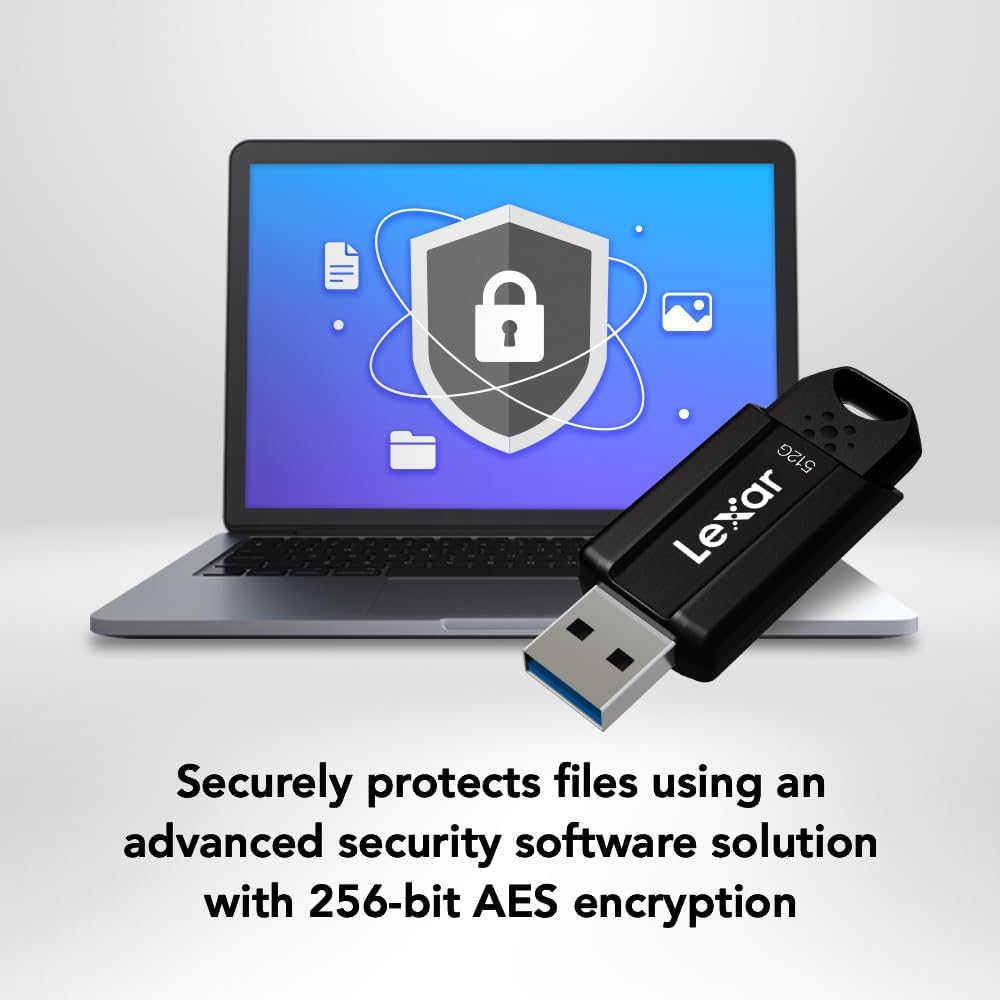
Image: The Lexar JumpDrive S80 connected to a laptop, highlighting its USB 3.2 Gen 1 performance for fast content transfer.
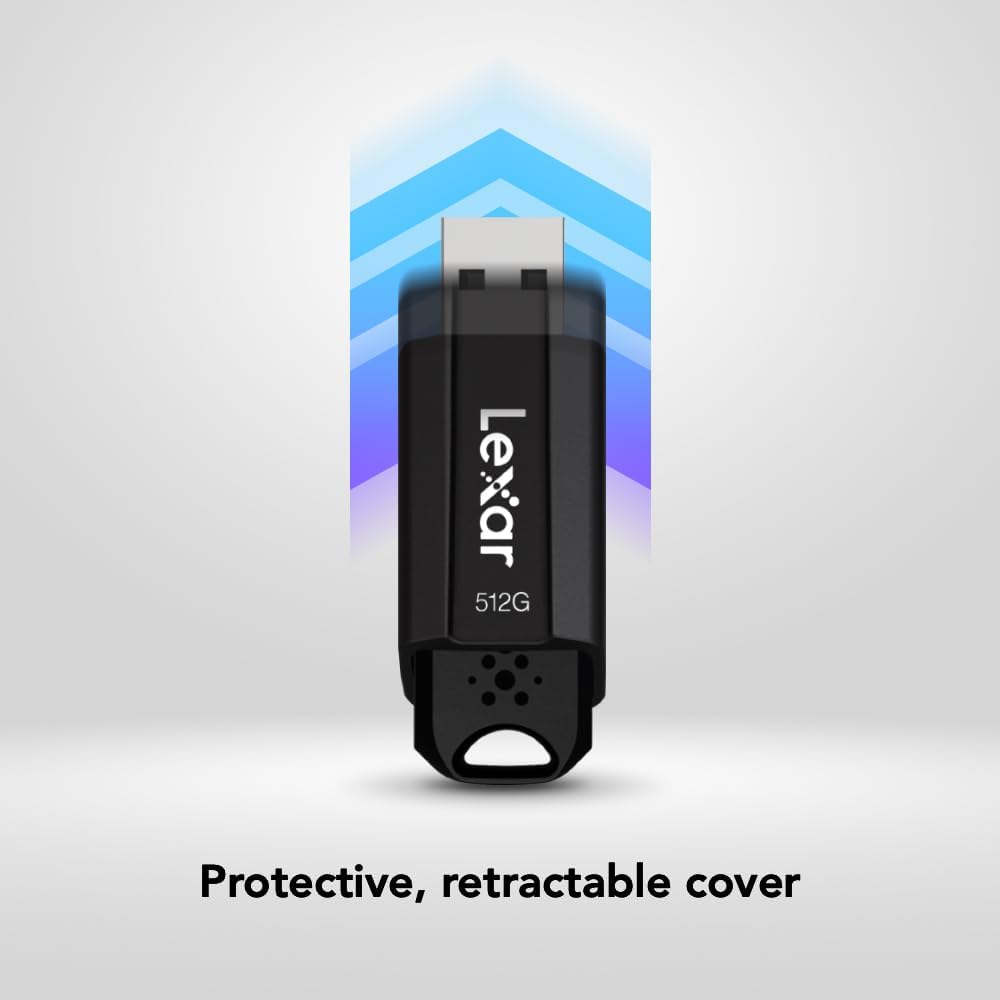
Image: The JumpDrive S80 with a laptop, emphasizing its advanced security software and 256-bit AES encryption.

Слика: Детална view of the JumpDrive S80's protective retractable cover.

Image: A display of Lexar JumpDrive S80 models showcasing the wide range of available storage capacities.

Image: The JumpDrive S80, highlighting that Lexar products undergo rigorous testing in Lexar Quality Labs for performance and reliability.
3. Поставување
- Распакувајте го дискот: Carefully remove the Lexar JumpDrive S80 from its packaging.
- Identify USB Port: Locate an available USB port on your computer (PC or Mac). For optimal performance, use a USB 3.2 Gen 1 (or USB 3.0) compatible port, often identified by a blue insert. The drive is also compatible with USB 2.0 ports.
- Поврзете го дискот: Extend the retractable USB connector by sliding the mechanism. Insert the flash drive firmly into the USB port. The drive should be automatically recognized by your operating system.
- Првично препознавање: Your computer may display a notification indicating that a new device has been detected and is ready for use. The drive will appear as a removable storage device in your file истражувач (Windows) или Пронаоѓач (Mac).
Видео: Оверview of the Lexar JumpDrive S80, demonstrating its connection to a laptop and highlighting key features like speed and security.
4. Упатства за работа
4.1. Пренесување Files
- Пристапете до дискот: Open "This PC" or "My Computer" (Windows) or "Finder" (Mac) and locate the Lexar JumpDrive S80. Double-click to open it.
- Копирај Files: Повлечете и пуштете files or folders from your computer to the JumpDrive S80, or copy and paste them into the drive's folder.
- Вметни Files: За пренос files from the JumpDrive S80 to your computer, drag and drop or copy and paste them from the drive's folder to your desired location on the computer.
- Следете го напредокот: A progress bar will indicate the transfer status. For large files, transfer times will vary based on file size and the USB port speed.
4.2. Безбедно отстранување на погонот
To prevent data corruption, always safely remove the flash drive before physically disconnecting it from your computer.
- Windows: Click the "Safely Remove Hardware and Eject Media" icon in the system tray (bottom-right corner), then select the Lexar JumpDrive S80. Wait for the "Safe to Remove Hardware" message before unplugging.
- Mac: Drag the JumpDrive S80 icon from your desktop or Finder sidebar to the Trash icon, or right-click (Control-click) the drive icon and select "Eject." Wait for the icon to disappear before unplugging.
5. Безбедносни карактеристики
The Lexar JumpDrive S80 includes advanced security software with 256-bit AES encryption to protect your confidential files. This software allows you to create a password-protected safe that automatically encrypts data. Files deleted from this safe are securely erased and cannot be recovered.
Refer to the pre-loaded security software documentation on the drive for detailed instructions on setting up and managing your encrypted safe.
6. Спецификации
| Карактеристика | Детал |
|---|---|
| Име на моделот | JumpDrive S80 USB 3.1 |
| Број на модел на ставка | LJDS080512G-BNBNU |
| Капацитет за складирање на меморија | 512 GB |
| Хардверски интерфејс | USB 3.2 Gen 1 |
| Брзина на читање | До 150 MB/s |
| Брзина на пишување | До 60 MB/s |
| Технологија за поврзување | USB |
| Боја | Црното |
| Специјална карактеристика | Protective, retractable cover |
| Тежина на ставката | 0.288 унци |
| Димензии на производот | 5.5 x 0.54 x 4 инчи |
| Производител | Lexar International |
| UPC | 843367130870 |
7. Одржување
- Физичка нега: Keep the flash drive clean and free from dust and debris. Use a soft, dry cloth for cleaning. Avoid exposing the drive to extreme temperatures, moisture, or direct sunlight.
- Заштитете го конекторот: Always retract the USB connector when the drive is not in use to prevent damage.
- Бекап на податоци: Regularly back up important data stored on the flash drive to another storage medium to prevent data loss.
- Ажурирања на софтверот: Periodically check the Lexar website for any available firmware or security software updates for your JumpDrive S80.
8 Смена на проблеми
- Дискот не е препознаен:
- Осигурајте се дека дискот е целосно вметнат во USB-портата.
- Обидете се со друга USB порта на вашиот компјутер.
- Тестирајте го дискот на друг компјутер за да исклучите проблем специфичен за компјутерот.
- Check Device Manager (Windows) or System Information (Mac) to see if the drive is listed, even if not assigned a drive letter.
- Рестартирајте го компјутерот.
- Бавни брзини на пренос:
- Ensure you are using a USB 3.2 Gen 1 (or USB 3.0) compatible port. USB 2.0 ports will result in significantly slower speeds.
- Избегнувајте префрлање на многу мали files истовремено; нивното компресирање во една архива понекогаш може да ја подобри брзината.
- Close other applications that might be using system resources or accessing the drive.
- Проверете дали USB драјверите на вашиот компјутер се ажурирани.
- Корупција на податоци или грешки:
- Always safely eject the drive before removing it.
- Run a disk check utility (e.g., Error Checking in Windows, Disk Utility in Mac) on the drive.
- If issues persist, consider reformatting the drive (this will erase all data).
9. Гаранција и поддршка
The Lexar JumpDrive S80 USB 3.2 Gen 1 Flash Drive comes with a тригодишна ограничена гаранцијаОваа гаранција ги покрива дефектите во материјалите и изработката при нормална употреба. Ве молиме задржете го доказот за купување за гаранциски барања.
For detailed warranty terms, technical support, or to register your product, please visit the official Lexar webсајт: www.lexar.com/support.


