Вовед
Thank you for choosing the Laser TWS Earbuds. These true wireless stereo earbuds are designed to provide a high-fidelity audio experience with convenient features such as an LED battery display, intuitive tap controls, and an ergonomic design for comfortable, extended use. The included rechargeable case ensures your earbuds are always ready for use. This manual will guide you through the setup, operation, and maintenance of your new earbuds.
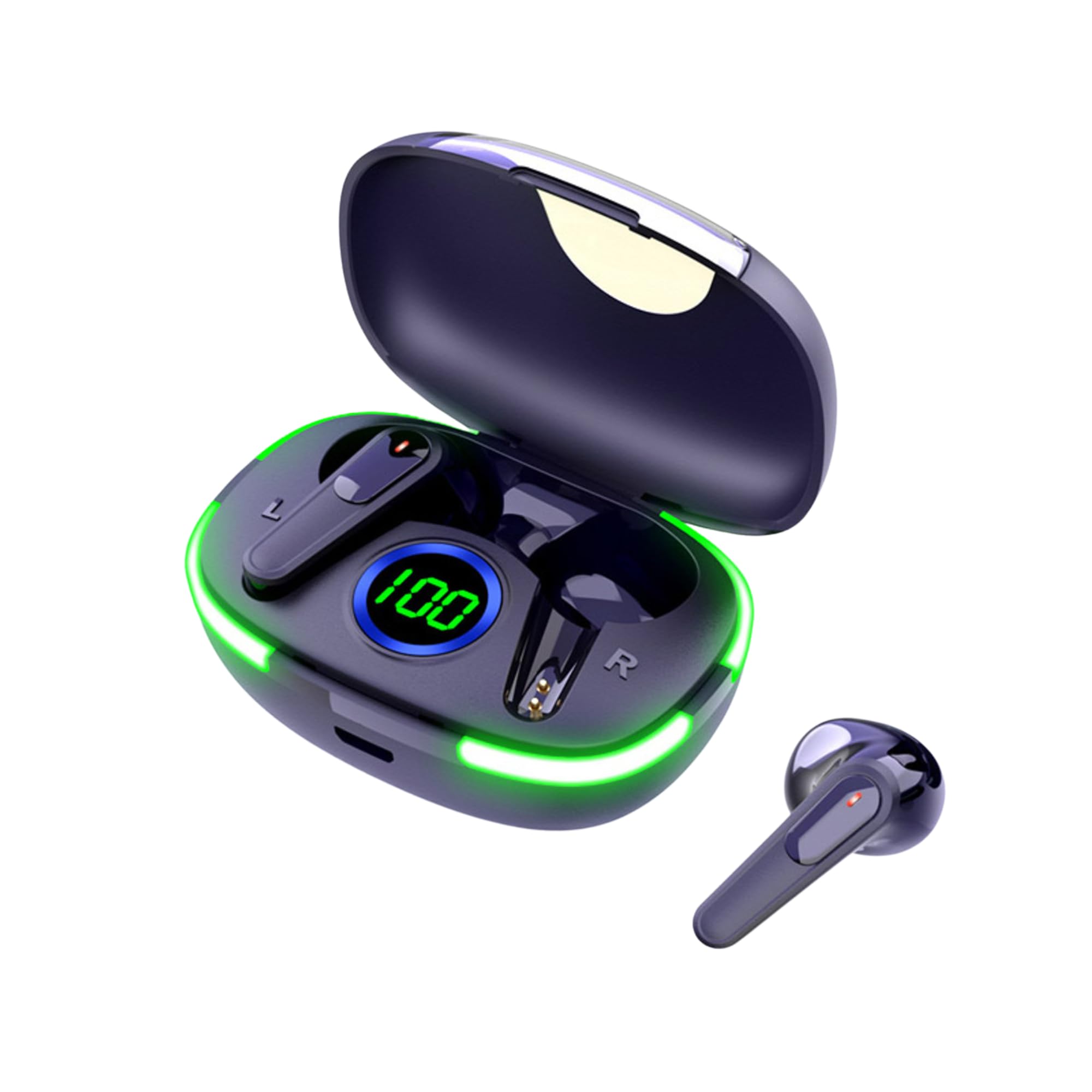
Image: The Laser TWS Earbuds, showcasing the charging case with its LED display and one earbud placed outside the case.
Содржина на пакетот
Проверете дали сите предмети се присутни во пакувањето:
- 1 x Pair of Laser TWS Earbuds
- 1 x Charging Case with Battery Display
- 1 x Кабел за полнење од тип C
- 1 x Упатство за употреба
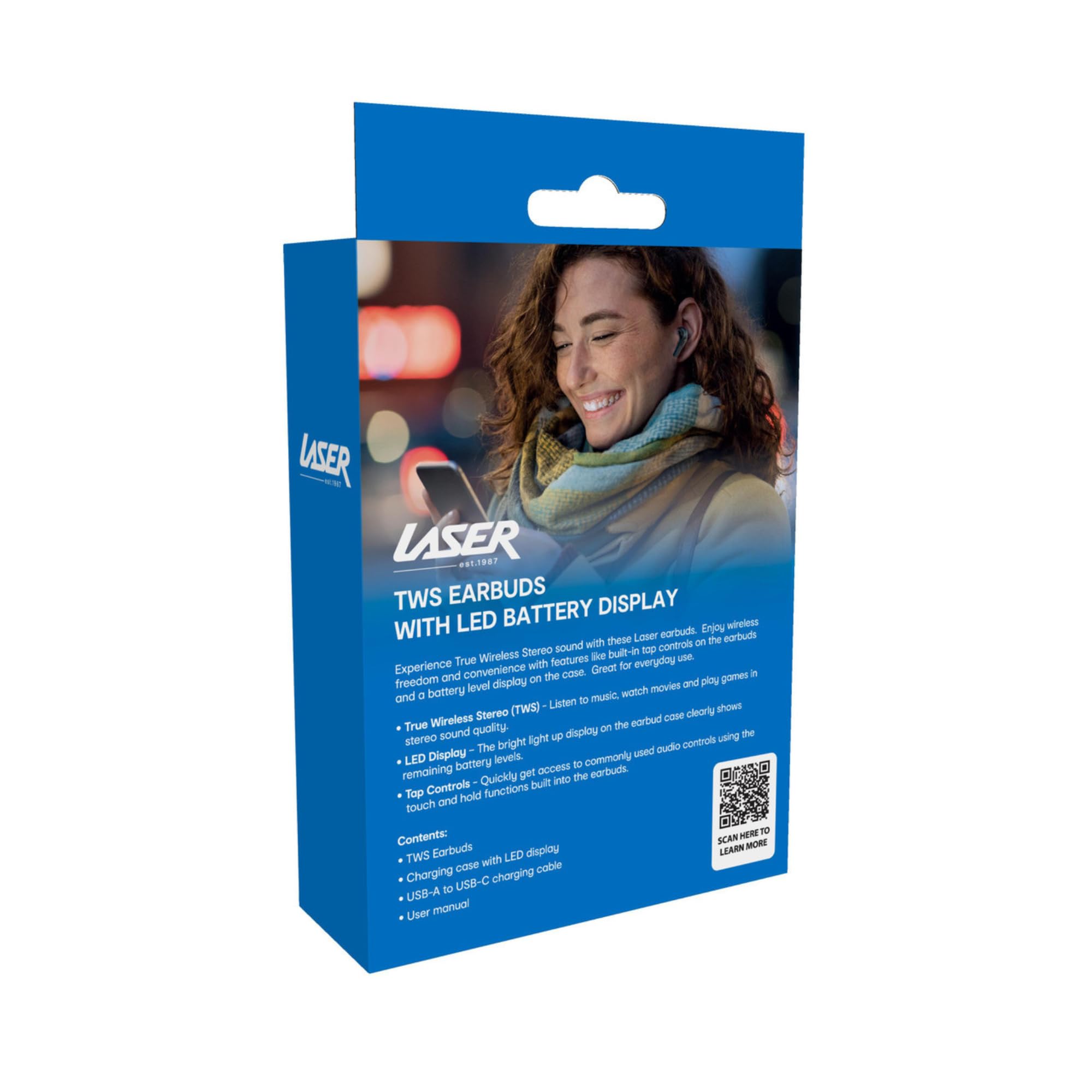
Image: The retail packaging for the Laser TWS Earbuds, indicating contents and features.
Поставување
1. Полнење на слушалките и футролата
Before first use, fully charge the earbuds and the charging case. The LED display on the case indicates the battery level.
- Поврзете го испорачаниот кабел за полнење Type-C со приклучокот за полнење на куќиштето и USB извор на напојување.
- The LED display will show the charging progress. A full charge takes approximately 1 hour.
- The earbuds charge automatically when placed inside the charging case. The case can recharge the earbuds up to 3 times on a single charge.
Слика: Крупен план view of the charging case's LED display, showing the battery percentage, indicating the charge level.
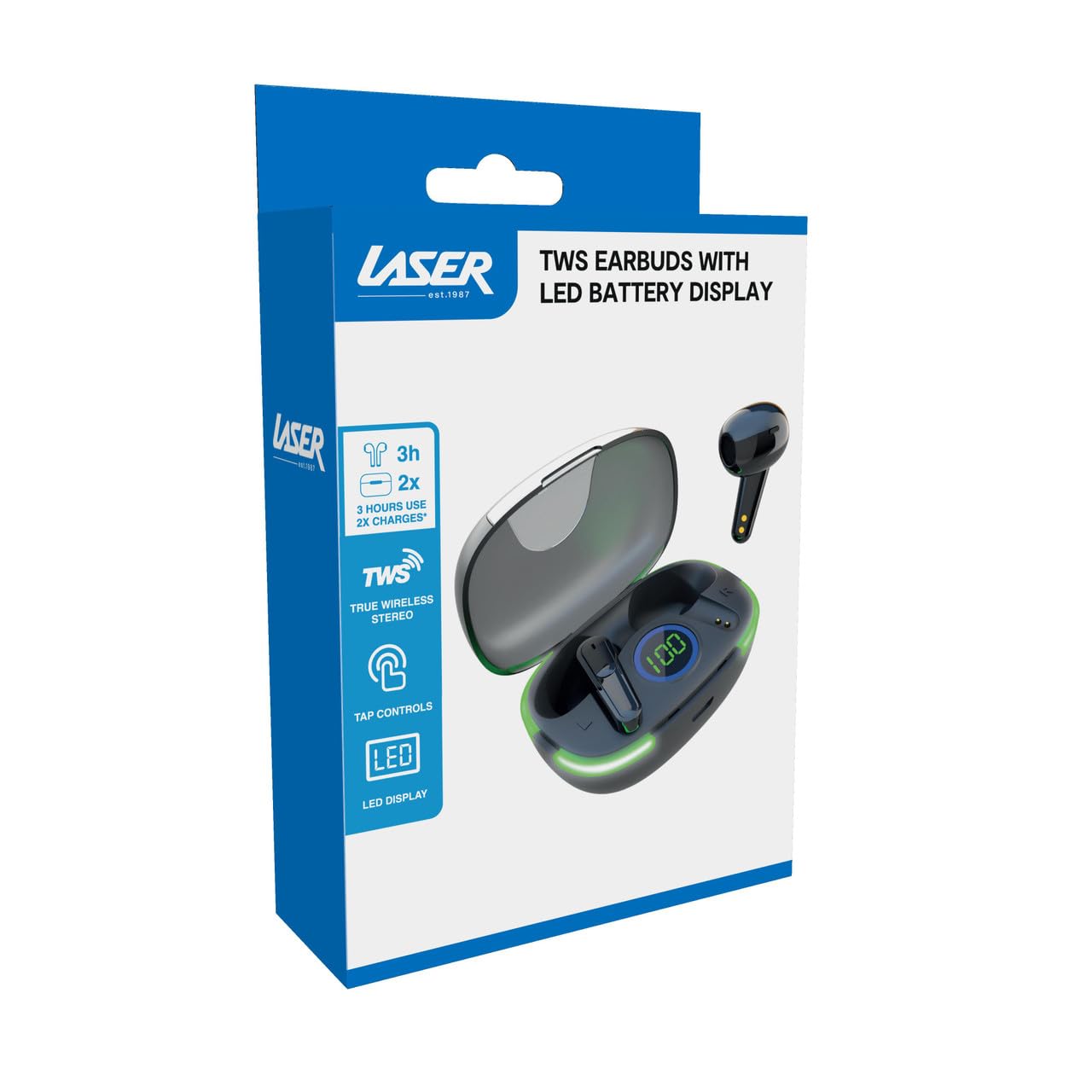
Image: Another close-up of the LED display on the charging case, highlighting the digital battery indicator.
2. Спарување со уред
The earbuds use Bluetooth for wireless connectivity.
- Отворете ја кутијата за полнење. Слушалките автоматски ќе влезат во режим на спарување.
- На вашиот уред (паметен телефон, таблет, лаптоп), овозможете Bluetooth и пребарувајте нови уреди.
- Select "Laser TWS Earbuds" or "EPS-LT10B-128" from the list of available devices.
- Откако ќе се поврзете, ќе слушнете тон за потврда и слушалките ќе бидат подготвени за употреба.
- The earbuds support multi-device compatibility, allowing pairing with various devices.
Упатства за работа
Носење на слушалките
The earbuds are designed for ergonomic comfort and a secure fit. Gently insert each earbud into your ear canal and twist slightly to ensure a snug and comfortable position. This helps optimize sound quality and stability.
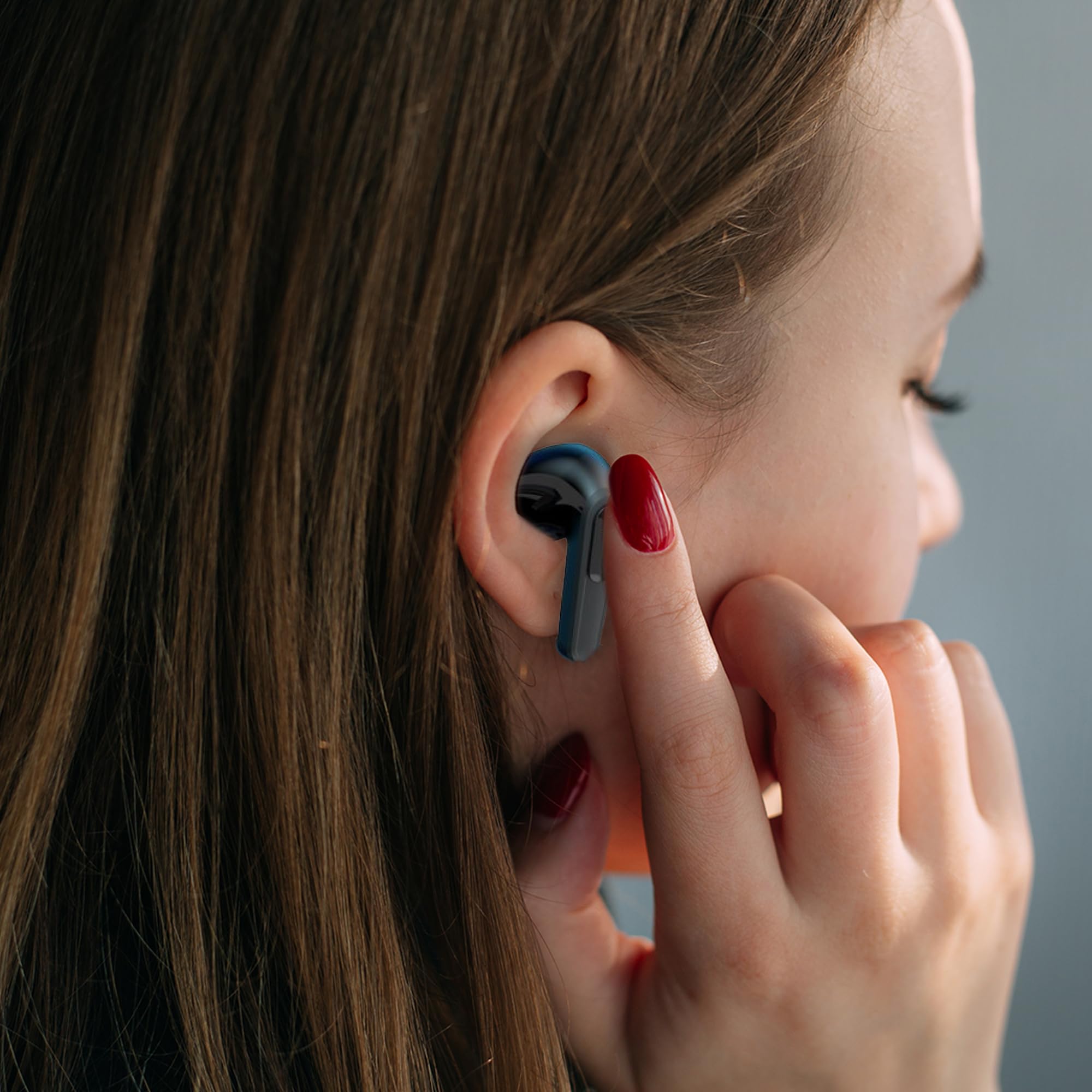
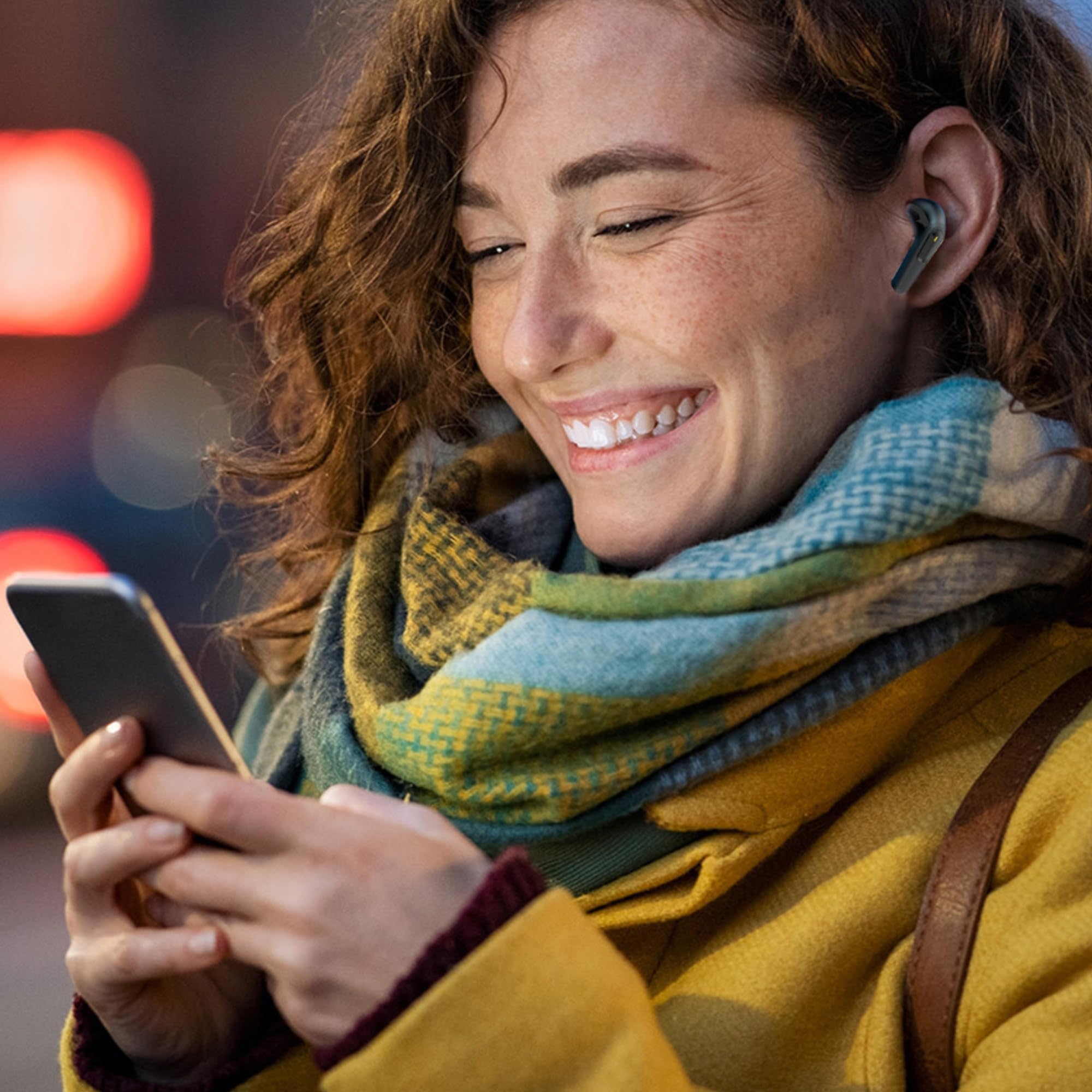
Image: A woman comfortably wearing one of the Laser TWS Earbuds while interacting with her smartphone.
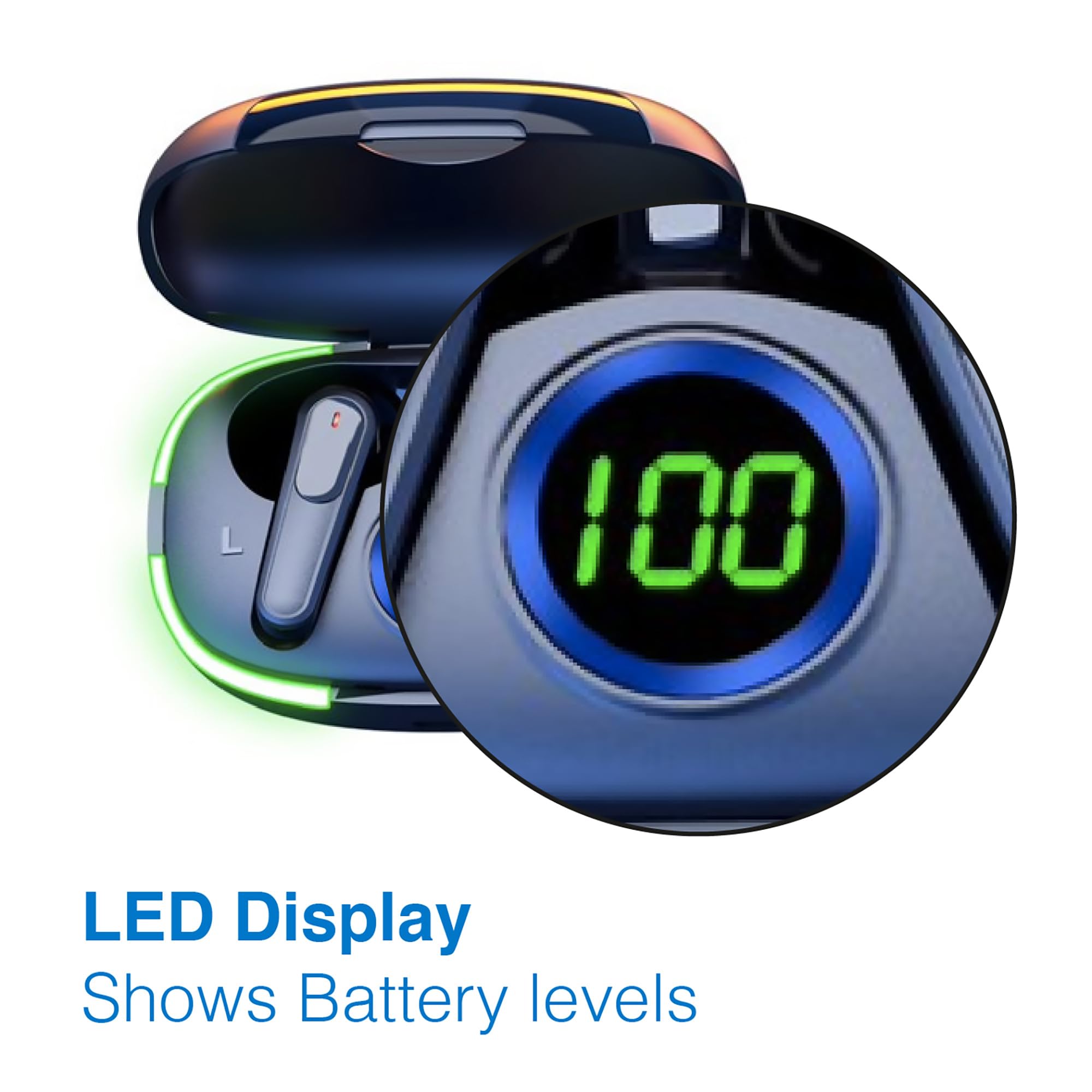
Image: A man walking outdoors, wearing a Laser TWS Earbud, demonstrating the ergonomic design for active use.
True Wireless Stereo Experience
These earbuds provide a true wireless stereo experience, delivering high-fidelity sound with clear channel separation for an immersive audio experience, whether for music, movies, or gaming.
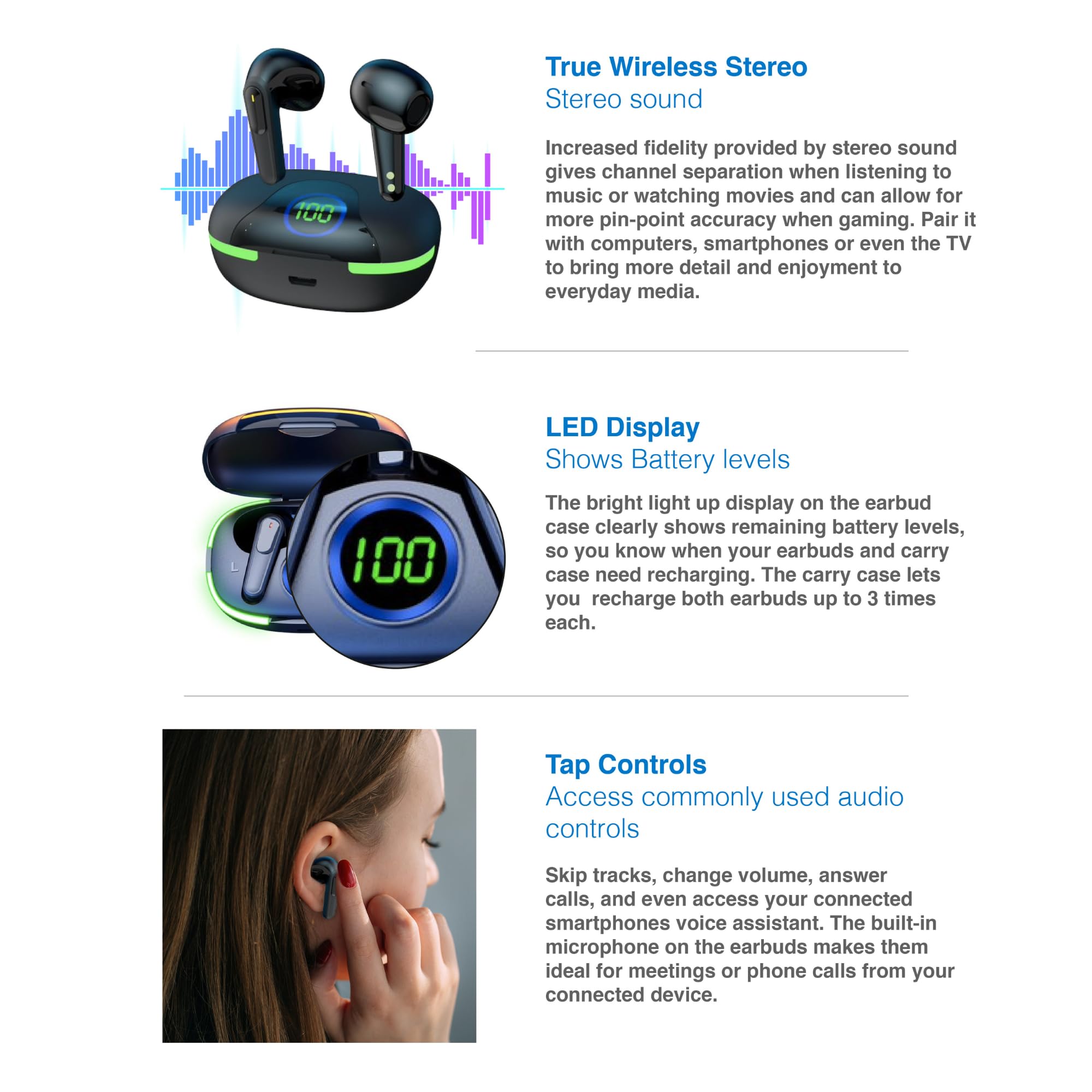
Image: A graphic representation of the True Wireless Stereo feature, showing the earbuds in their case with sound wave visualizations.
Допрете Контроли
The earbuds feature intuitive tap controls for easy management of audio playback and calls without needing to access your connected device.
| Акција | Контрола |
|---|---|
| Пушти/Паузирај музика | Еден допир на која било слушалка |
| Следна песна | Двоен допир на десната слушалка |
| Претходна песна | Двоен допир на левата слушалка |
| Одговори/заврши повик | Еден допир на која било слушалка |
| Одбијте го повикот | Долго притискајте на која било слушалка |
| Activate Voice Assistant (Siri, Google Assistant, Alexa) | Троен допир на која било слушалка |
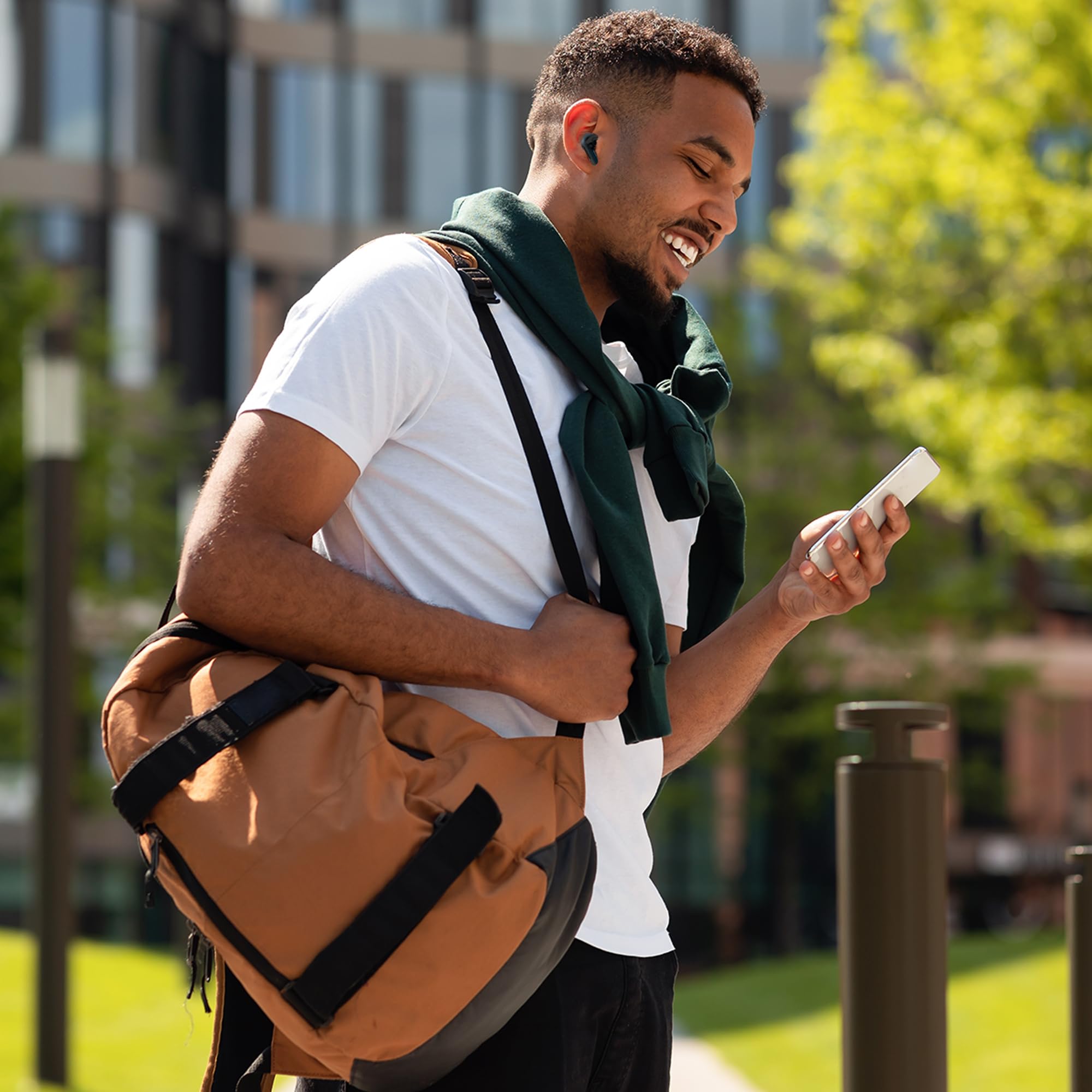
Image: A person's hand touching an earbud, illustrating the tap control functionality.
Вграден микрофон
Each earbud includes a built-in microphone, enabling hands-free calls and meetings without needing to switch to your device.
Одржување
- Чистење: Редовно чистете ги слушалките и кутијата за полнење со мека, сува крпа што не остава влакненца. Избегнувајте употреба на абразивни материјали или груби хемикалии.
- Складирање: Кога не ги користите, чувајте ги слушалките во нивната кутија за полнење за да ги заштитите и да ги држите наполнети.
- Нега на батеријата: За да го продолжите траењето на батеријата, избегнувајте често целосно празнење на слушалките и футролата. Полнете ги редовно, дури и ако не се во постојана употреба.
- Отпорност на вода: These earbuds are not water resistant. Avoid exposure to water, sweat, or high humidity.
Решавање проблеми
| Проблем | Решение |
|---|---|
| Ушни пупки не се спаруваат | Ensure earbuds are charged. Turn off and on Bluetooth on your device. Forget the device in Bluetooth settings and re-pair. Place earbuds back in case and take them out again. |
| Нема звук од една слушалка | Check battery level of both earbuds. Re-pair the earbuds. Try resetting the earbuds (refer to manufacturer's webстраница за специфични упатства за ресетирање доколку е потребно). |
| Кутијата за полнење не се полни | Ensure the charging cable is securely connected. Try a different USB power source or cable. |
| Tap controls not responding | Ensure earbuds are properly seated in your ears. Clean the touch sensitive area. Re-pair the earbuds. |
If you encounter persistent issues, please refer to the official Laser support webсајт за понатамошна помош.
Спецификации
| Карактеристика | Детал |
|---|---|
| Модел | EPS-LT10B-128 |
| Технологија за поврзување | Безжичен Bluetooth |
| Контрола на бучава | Звучна изолација |
| Траење на батеријата (слушалки) | Прибл. 3 часа |
| Време на полнење | Прибл. 1 час |
| Полнење на футроли за полнење | До 3 пати |
| Максимално оперативно растојание | 10 метри |
| Тип на контрола | Контрола на допир, Гласовна контрола |
| Материјал | Пластика |
| Тежина на ставката | 30 грама |
| Димензии | 62.2 x 42.5 x 32.6 см (Производ) |
| Ниво на отпорност на вода | Не е водоотпорен |
Гаранција и поддршка
The Laser TWS Earbuds come with a 1 година гаранција од датумот на купување. Ве молиме зачувајте го доказот за купување за гаранциски барања.
For further support, troubleshooting, or warranty information, please visit the official Laser webсајт:
You may also contact Laser customer service directly for assistance.


