1. Вовед
Thank you for choosing the Bisofice VTR-T58W 58mm Thermal Receipt Printer. This portable printer is designed for efficient receipt printing in various business environments, including retail, restaurants, and more. It supports both Bluetooth and USB connectivity, offering flexibility for use with mobile devices and computers. This manual provides essential information for setting up, operating, and maintaining your printer.

Image: The Bisofice VTR-T58W thermal receipt printer in a point-of-sale environment, demonstrating its use for printing customer receipts.
2. Информации за безбедност
- Не го изложувајте печатачот на вода или влага.
- Избегнувајте да го користите печатачот во екстремно топли или ладни средини.
- Користете го само адаптерот за напојување што е испорачан со печатачот.
- Држете го печатачот подалеку од директна сончева светлина и извори на топлина.
- Не обидувајте се сами да го расклопите или поправите печатачот. Контактирајте ја поддршката доколку се појават проблеми.
3. Содржина на пакетот
Проверете дали сите артикли се присутни во пакувањето:
- Bisofice VTR-T58W Thermal Receipt Printer
- Адаптер за напојување
- USB кабел
- Термичка ролна за хартија
- Упатство за употреба
4. Производот завршиview
The Bisofice VTR-T58W printer features a compact design with essential ports and indicators for easy operation.

Image: Diagram illustrating the dimensions of the Bisofice VTR-T58W printer (180mm x 130mm x 110mm) and a three-step visual guide for loading thermal paper.
Клучни карактеристики:
- Direct Thermal Printing: No ink cartridges required, reducing operational costs.
- Печатење со голема брзина: Up to 90mm/s for efficient transaction processing.
- Двојно поврзување: Supports both USB and Bluetooth for versatile connection options.
- Широка компатибилност: Works with Windows, Linux, Android, and iOS systems.
- ESC/POS Command Support: Standard command set for broad software compatibility.
5. Поставување
5.1 Вчитување на термичка хартија
- Open the top cover of the printer by pressing the release button.
- Insert a 58mm thermal paper roll into the compartment, ensuring the printing side faces upwards.
- Извлечете мала количина хартија покрај секачот.
- Цврсто затворете го горниот капак додека не кликне на своето место.

Image: A visual guide demonstrating the process of opening the printer cover, inserting the thermal paper roll, and closing the cover.
5.2 Поврзување на печатачот
The printer supports both USB and Bluetooth connections.

Image: The Bisofice VTR-T58W printer connected via USB to a laptop and wirelessly via Bluetooth to a smartphone, illustrating its dual connectivity.
USB Connection (for Computers - Windows/Linux)
- Поврзете го печатачот со вашиот компјутер користејќи го дадениот USB-кабел.
- For Windows systems, download the printer driver from the official Bisofice support website. The driver link is typically provided in the product documentation or can be found at https://www.oadlu.com/support/driver/thermal-printer (look for "T58W driver-2").
- Инсталирајте го драјверот следејќи ги упатствата на екранот.
- Once installed, select the printer within your application's print settings.
Bluetooth Connection (for Mobile Devices - Android/iOS)
Bluetooth connection is not supported for computers.
- Проверете дали Bluetooth е овозможен на вашиот мобилен уред.
- Вклучете го печатачот.
- Open the application you intend to use for printing (e.g., Loyverse, iREAP, CasierStock, Kyte).
- Within the application's settings, search for and connect to the printer via Bluetooth. You may need to enable location services on your mobile device for Bluetooth scanning.
6. Упатства за работа
After successful setup, you can begin printing receipts.
6.1 Основно печатење
- Ensure the printer is powered on and connected to your device (via USB or Bluetooth).
- Open your POS software or printing application.
- Initiate a print command from your application. The printer will automatically print the receipt.
- The printer supports ESC/POS commands for various printing functions, including text, images, and 1D barcodes.

Image: The Bisofice VTR-T58W printer actively printing a receipt, highlighting its 90mm/s high-speed capability for busy environments.
6.2 Препорачани апликации
The Bisofice VTR-T58W is compatible with several applications:
- Loyverse: For retail and clothing businesses.
- iREAP: For retail and inventory management.
- CasierStock: For shopping and inventory management.
- Kyte: For mobile sales.
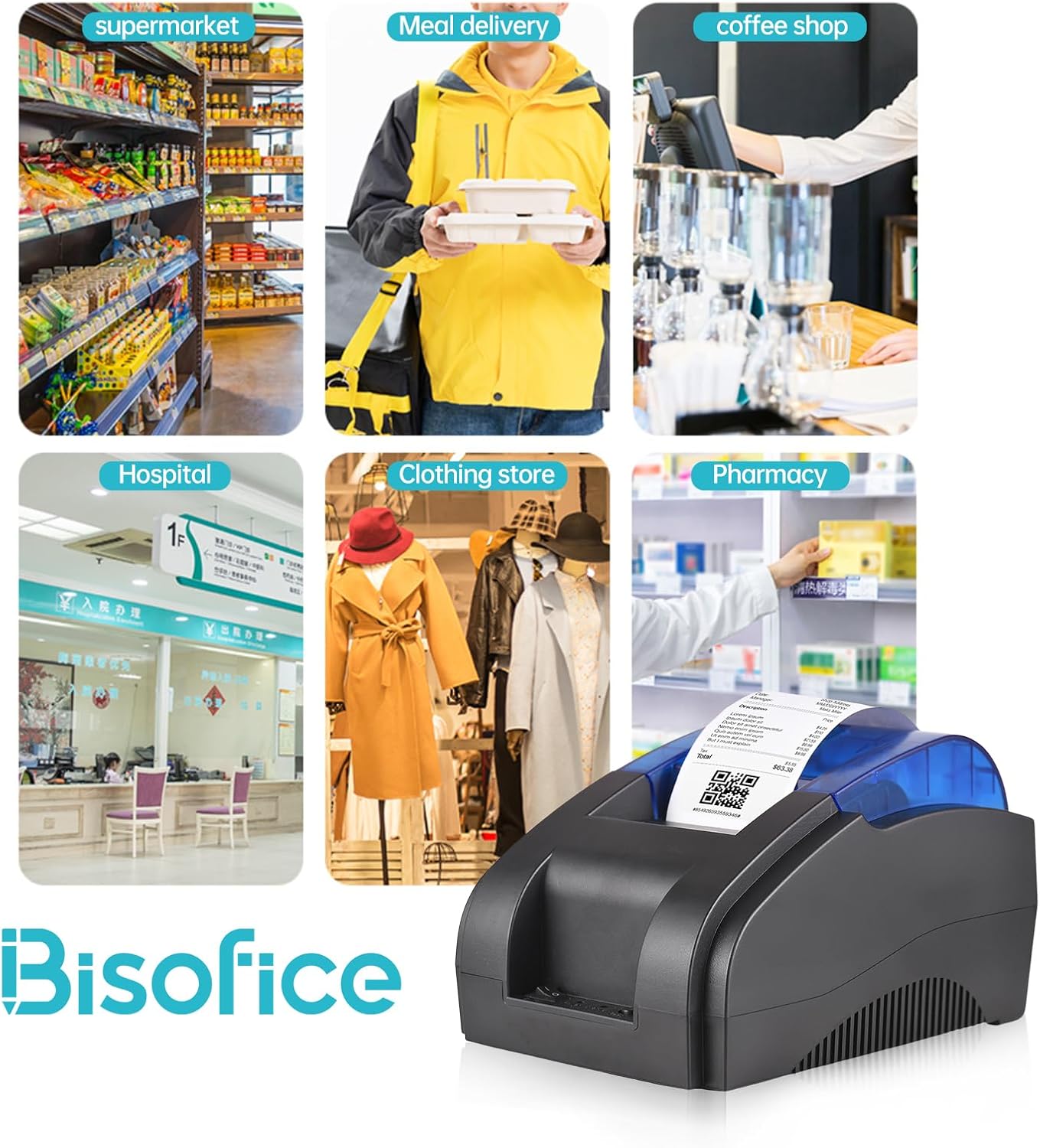
Image: A collage showing the Bisofice VTR-T58W printer being used in diverse settings such as a supermarket, meal delivery service, coffee shop, hospital, clothing store, and pharmacy.
7. Одржување
The Bisofice VTR-T58W printer uses thermal printing technology, which means it does not require ink cartridges or ribbons. This simplifies maintenance significantly.
7.1 Чистење на печатачот
- Пред чистење, проверете дали печатачот е исклучен и изваден од струја.
- Користете мека, сува крпа што не остава влакненца за да ја избришете надворешноста на печатачот.
- To clean the thermal print head, gently wipe it with an alcohol swab. Allow it to dry completely before use.
- Regularly remove any paper dust or debris from the paper compartment.
8 Смена на проблеми
Доколку наидете на проблеми со вашиот печатач, погледнете ги следните вообичаени проблеми и решенија:
8.1 Проблеми со печатење
- Нема излез за печатење: Check if the printer is powered on, connected correctly (USB or Bluetooth), and has thermal paper loaded. Ensure the paper is loaded with the correct side facing the print head.
- Faint or Blank Prints: This usually indicates the thermal paper is loaded upside down or the print head needs cleaning.
- Garbled Characters: Verify that the correct printer driver is installed on your computer or that the mobile application settings are configured for the Bisofice VTR-T58W.
8.2 Проблеми со поврзувањето
- Неуспех на Bluetooth поврзување: Ensure Bluetooth is enabled on your mobile device and the printer. Make sure no other device is currently paired with the printer. Try restarting both the printer and your mobile device. Remember, Bluetooth is not for computer connections.
- USB Connection Failure: Check the USB cable connection. Try a different USB port on your computer. Reinstall the printer driver if necessary.
8.3 Софтверска компатибилност
Please note that this printer is НЕ компатибилен with the following POS systems and applications:
- SumUp, Hello Cash, Zettle, Ubereats, Shopify, Grubhub, Doordash, Gloriafoods, Lightspeed, Postmates, Square, Clover, TabShop, O3POS, Credit Card Reader, Settle, FileMaker, MobiPOS Lite, Kasse Speedy, Open Table.
Always confirm compatibility with your specific POS application or system before purchase.
9. Спецификации
| Модел | VTR-T58W |
| Метод на печатење | Директно термичко |
| Ширина на хартија | 58 мм |
| Ширина на печатење | 48 мм |
| Брзина на печатење | 90 mm/s (макс) |
| Резолуција | 203 dpi |
| Интерфејс | USB, Bluetooth |
| Поддржан ОС | Windows, Linux, Android, iOS |
| Комплет на команди | ESC/POS compatible |
| Димензии (Д x Ш x В) | 20 x 13 x 14 cm |
| Тежина | 770 гр |
10. Гаранција и поддршка
10.1 Ограничена гаранција
The Bisofice VTR-T58W Thermal Receipt Printer comes with a limited warranty. Please refer to the warranty card included in your package or contact your retailer for specific terms and conditions regarding warranty coverage and duration.
10.2 Поддршка за корисници
For technical assistance, driver downloads, or further inquiries, please visit the official Bisofice support webвеб-страница или контактирајте ја нивната служба за корисници. Контакт информациите обично може да се најдат на пакувањето на производот или на упатството на производителот. webсајт.


