1. Вовед
This manual provides detailed instructions for the operation and maintenance of your CAPOXO CP-PBV-32G-New Digital Voice Recorder. Please read this manual thoroughly before using the device to ensure proper functionality and to maximize its lifespan.
The CAPOXO CP-PBV-32G-New is a 32GB digital voice recorder designed for capturing audio with clarity. It features a long-lasting battery, voice-activated recording, and MP3 playback capabilities. Its compact design allows for discreet use in various environments.
2. Содржина на пакетот
Проверете дали сите артикли се присутни во пакувањето:
- 1 x CAPOXO CP-PBV-32G-New Digital Voice Recorder
- 1 x USB кабел
- 1 x слушалки
- 1 x Упатство за употреба (овој документ)
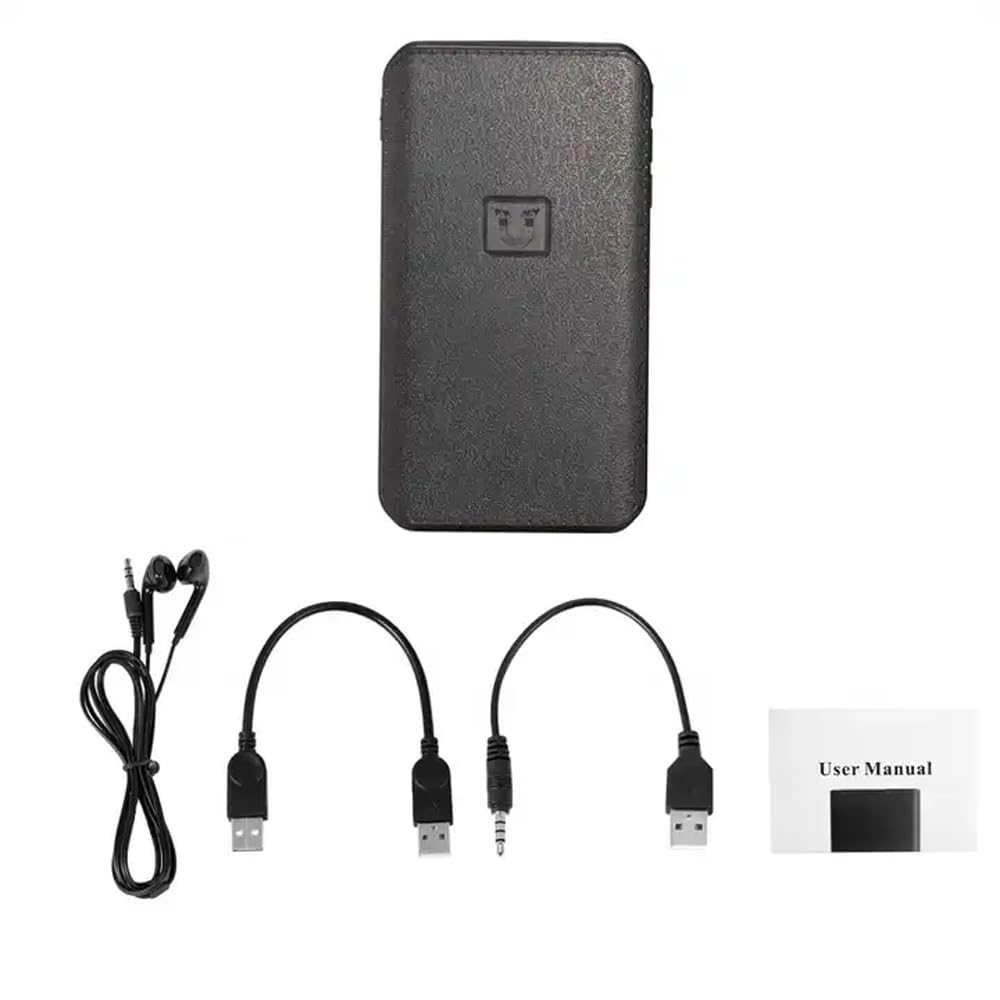
Image: Contents of the CAPOXO voice recorder package, including the recorder, USB cable, earphones, and user manual.
3. Производот завршиview
Запознајте се со компонентите и контролите на уредот.

Image: Diagram showing the CAPOXO voice recorder with labels for the headphone plug, USB/Charge input, USB/Charge output, Volume plus, Volume reduction, Menu button, and recording switch.
- Recording Switch: Slide to initiate or save recordings.
- Headphone Plug: For connecting earphones for audio playback.
- USB/Charge Input: За полнење на уредот и поврзување со компјутер.
- USB/Charge Output: (If applicable, for power bank function)
- Копчиња за јачина на звук: Прилагодете ја јачината на репродукцијата.
- Копче за мени: Access device settings and navigation.
4. Поставување
4.1 Полнење на уредот
Before first use, fully charge the voice recorder. Connect the device to a USB power adapter (not included) or a computer's USB port using the provided USB cable. The charging indicator will show the charging status.
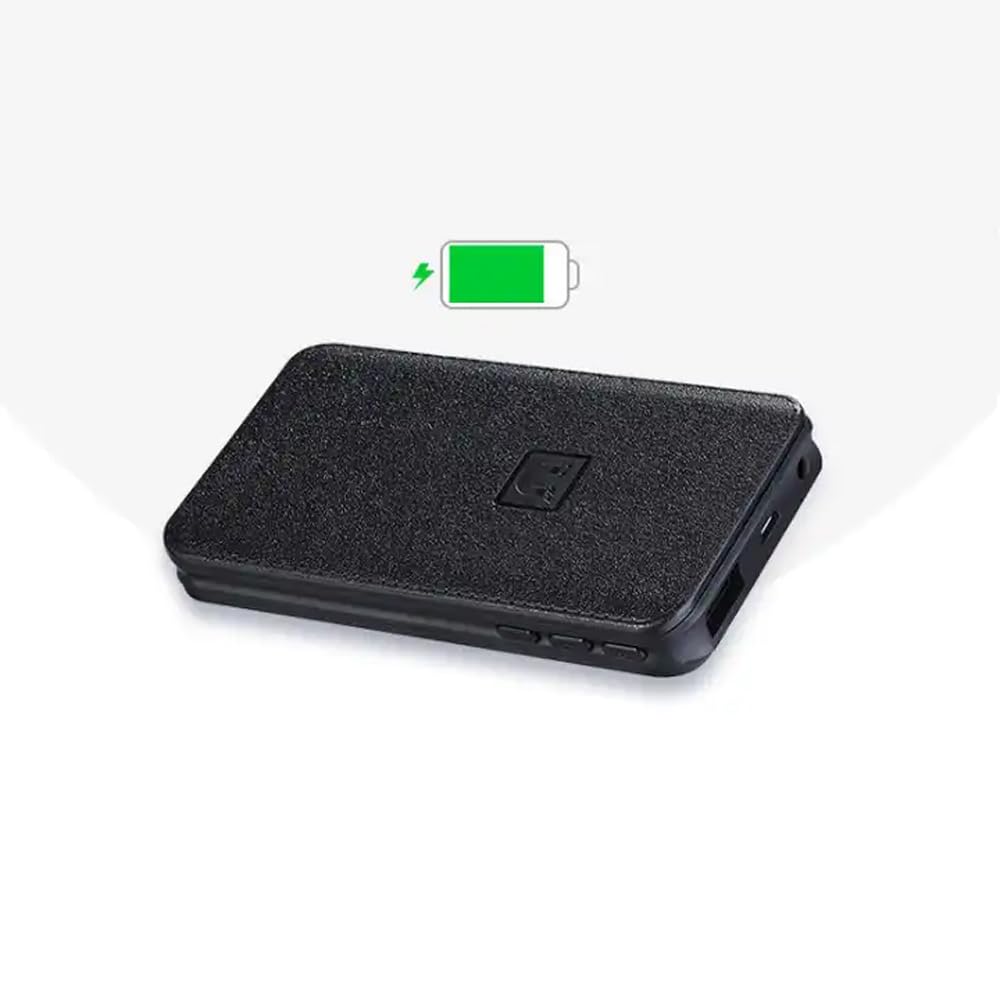
Image: The CAPOXO voice recorder with a green battery icon indicating a full or charging battery.
4.2 Поврзување со компјутер
За пренос files or set the device's time, connect the recorder to your computer using the USB cable. The device will appear as a removable disk drive.
5. Упатства за работа
5.1 Основно снимање
- To start recording, slide the recording switch to the "ON" position. The device will begin recording automatically.
- To save the recording and stop, slide the recording switch to the "OFF" position. The recording will be saved as an MP3 file.

Image: A hand interacting with the CAPOXO voice recorder, illustrating the "Push ON to start recording" and "Push OFF to save recording" actions. Icons for one-click recording, automatic save, segmented recording, magnetic adsorption, OTG, and AVR Mode are also visible.
5.2 Voice Activated Recording (AVR Mode)
The device supports Voice Activated Recording (AVR). Refer to the on-screen menu or specific instructions for activating and configuring this mode. In AVR mode, the recorder will automatically pause during silent periods to conserve storage space and battery life.
5.3 Репродукција
- Connect the provided earphones to the headphone jack.
- Use the menu button to navigate through saved recordings.
- Press the play button (if available, or use the menu) to start playback.
- Adjust volume using the volume buttons.
5.4 File Управување
Снимките се зачувуваат како MP3 files. When connected to a computer, you can access, copy, move, or delete these files like any other data on a USB drive. Files are typically organized by date for easy identification.
5.5 Магнетна адсорпција
The recorder features strong magnetic adsorption, allowing it to be easily attached to any metallic surface. This provides versatile placement options for recording.
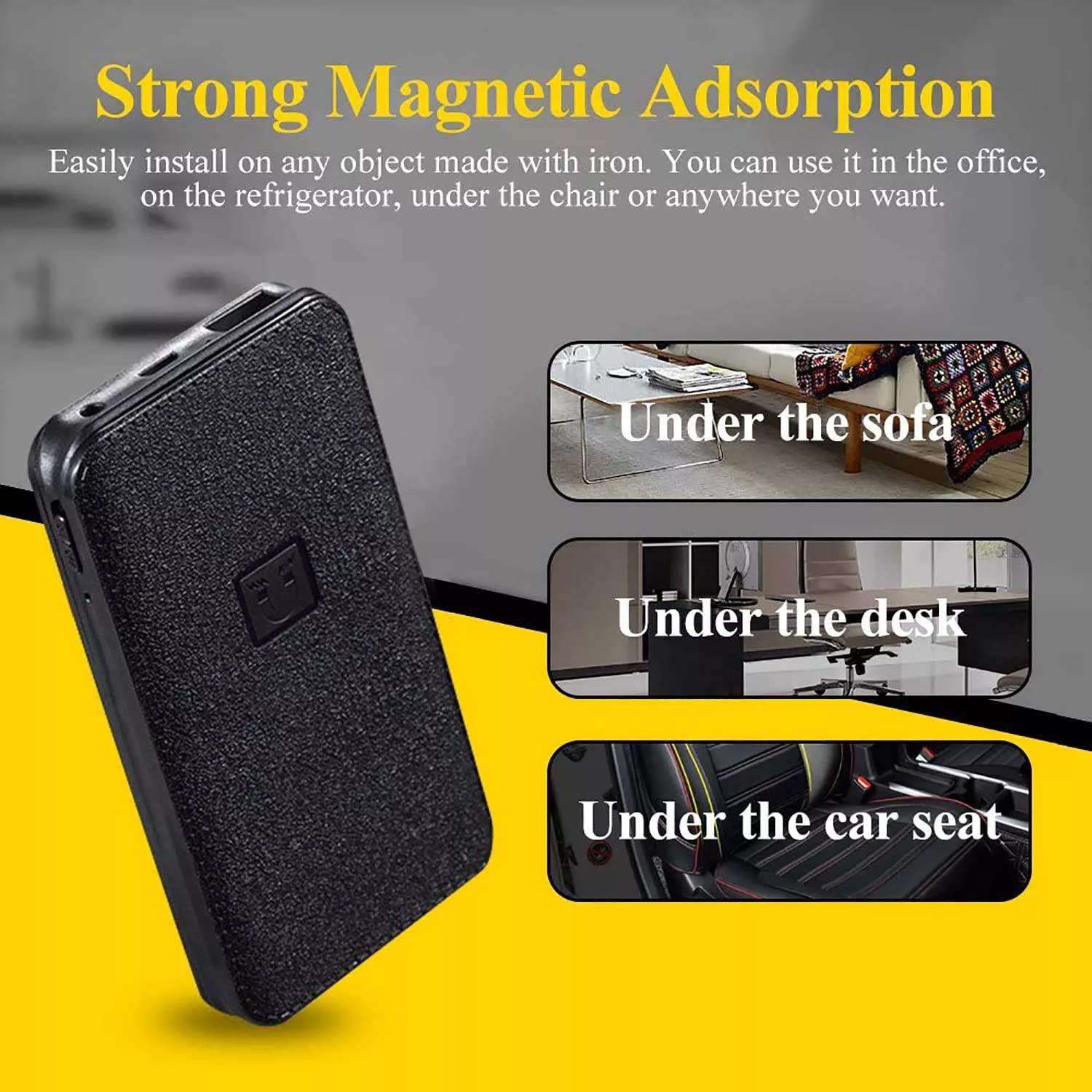
Image: The CAPOXO voice recorder shown with text indicating "Strong Magnetic Adsorption" and examples of placement such as "Under the sofa", "Under the desk", and "Under the car seat".
6. Одржување
- Чувајте го уредот сув и подалеку од екстремни температури.
- Чистете ја надворешноста со мека, сува крпа. Не користете течни средства за чистење.
- Избегнувајте да го испуштате уредот или да го изложувате на силни удари.
- Regularly back up important recordings to a computer.
7 Смена на проблеми
| Проблем | Можна причина | Решение |
|---|---|---|
| Уредот не се вклучува. | Слаба батерија. | Наполнете го уредот целосно. |
| Не може да се снима. | Memory full; Recording switch not in "ON" position. | Избриши старо files to free up space; Ensure switch is in "ON" position. |
| Лош аудио квалитет. | Device too far from sound source; High background noise. | Place the device closer to the sound source; Record in a quieter environment. |
| Уредот не е препознаен од компјутерот. | Faulty USB cable; Driver issue; Incorrect connection. | Try a different USB cable or USB port; Restart computer; Ensure proper connection. |
8. Спецификации
| Бренд | КАПОКСО |
| Модел | CP-PBV-32G-New |
| Капацитет за складирање на меморија | 32 GB |
| Димензии на производот | 12 x 4.5 x 1.5 cm |
| Тежина на ставката | 395 гр |
| Тип на батерија | Литиум полимер |
| Просечен век на траење на батеријата | Up to 15 Days (recording) |
| Поддржани аудио формати | MP3 |
| Формат на микрофон | Вграден |
| Хардверски интерфејс | USB 3.0 тип Б |
| Компатибилни уреди | MP3 плеер, персонален компјутер, паметен телефон, таблет |

Image: The CAPOXO voice recorder placed next to a ruler, illustrating its physical dimensions of approximately 12 cm in length and 4.5 cm in width.
9. Гаранција и поддршка
9.1 Информации за гаранцијата
This product is covered by a limited warranty against defects in materials and workmanship. Please refer to the warranty card included in your package or contact customer support for specific warranty terms and conditions. Keep your purchase receipt as proof of purchase.
9.2 Поддршка за корисници
For technical assistance, troubleshooting, or warranty claims, please contact CAPOXO customer support. Contact details may be found on the product packaging or the official CAPOXO webсајт.
Производител: Капоксо
Увозник: КАПОКСО
Земја на потекло: Индија


