1. Вовед
This manual provides detailed instructions for the proper use, setup, and maintenance of your Creative Aurvana Ace 2 True Wireless In-Ear Headphones. Please read this manual thoroughly before using the product to ensure optimal performance and longevity.

Image: Creative Aurvana Ace 2 earbuds shown in their open charging case, highlighting the black earbuds with copper accents and the translucent charging case.
2. Содржина на пакетот
Проверете дали сите артикли се присутни во пакувањето:
- Creative Aurvana Ace 2 True Wireless In-Ear Headphones (Left and Right earbuds)
- Случај за полнење
- USB-C кабел за полнење
- Silicone Ear Tips (Various Sizes: Small, Medium, Large)
- Водич за брз почеток (Овој прирачник служи како сеопфатен водич)
3. Поставување
3.1 Почетно полнење
Before first use, fully charge the earbuds and the charging case. Place the earbuds into the charging case. Connect the USB-C charging cable to the case and a power source. The charging indicator on the case will show charging status. A full charge provides up to 6 hours of playback for the earbuds and a total of 24 hours with the charging case (with ANC off).

Image: The Creative Aurvana Ace 2 charging case resting on a wireless charging pad, indicating its wireless charging capability.
3.2 Ear Tip Selection and Fit
Selecting the correct ear tip size is crucial for sound quality and noise isolation. Experiment with the provided silicone ear tips (Small, Medium, Large) to find the best fit for your ears. A good seal ensures optimal audio performance and comfort.

Image: Graphic illustrating different sizes of ear tips for a customized fit.
Важно: Before first use, ensure you remove any protective clear films covering the charging contacts on the earbuds. Failure to do so will prevent proper charging and pairing.
3.3 Спарување преку Bluetooth
- Уверете се дека слушалките се наполнети и ставени во кутијата за полнење.
- Отворете го капакот на кутијата за полнење. Слушалките автоматски ќе влезат во режим на спарување.
- На вашиот уред (паметен телефон, таблет, компјутер), одете до поставките за Bluetooth.
- Select "Creative Aurvana Ace 2" from the list of available devices.
- Откако ќе се поврзете, ќе се огласи звук за потврда и слушалките ќе бидат подготвени за употреба.
3.4 Creative App Download
For full functionality, including firmware updates, equalizer settings, and customizable controls, download the Creative app. The app is available for both iOS and Android devices.
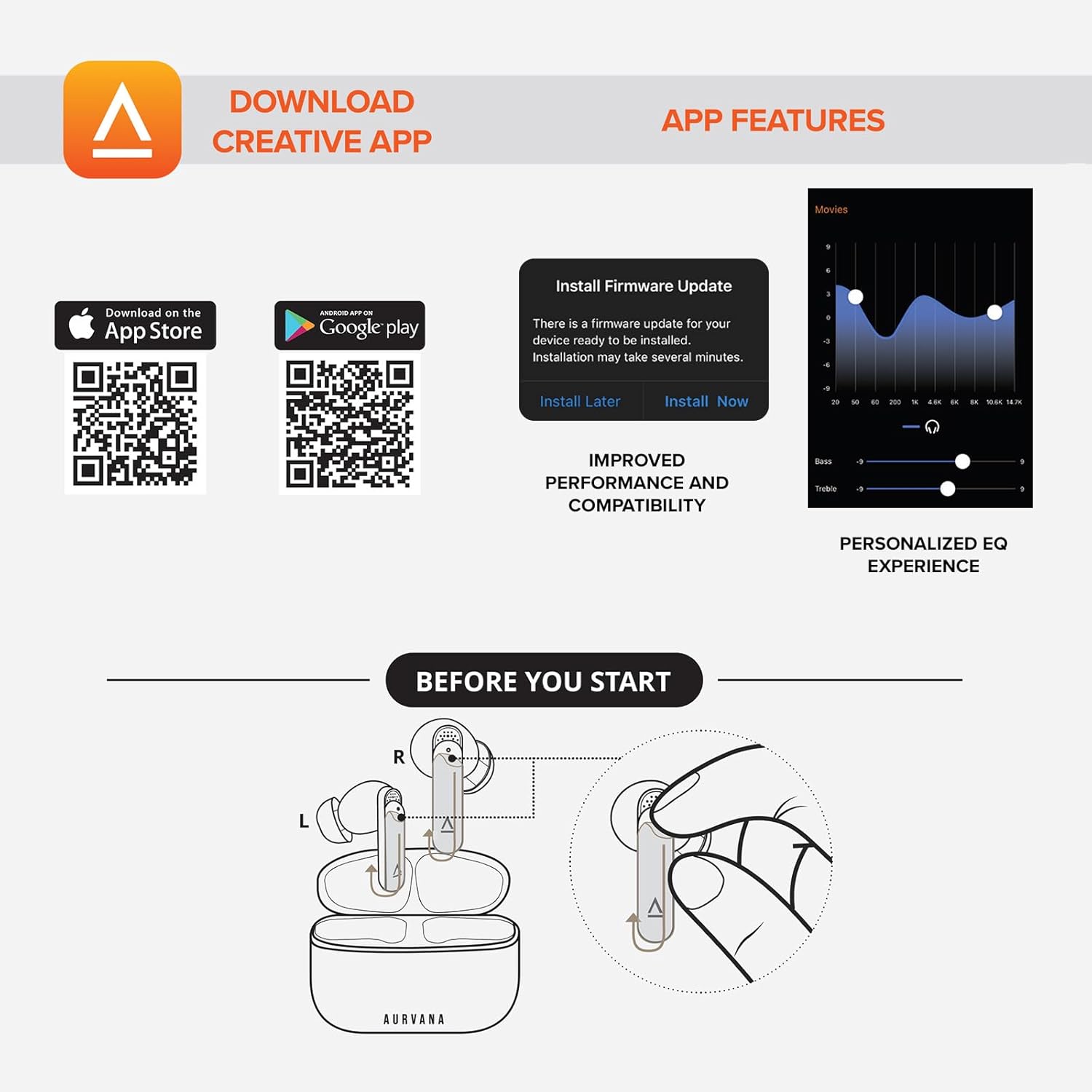
Image: Screenshot showing QR codes for downloading the Creative app from the Apple App Store and Google Play Store, alongside examples of app features such as firmware updates and personalized EQ settings.
Преземи за Андроид: Google Play Store
Преземете за iOS: Apple App Store
4. Упатства за работа
4.1 Допрете Контроли
The Creative Aurvana Ace 2 earbuds feature touch-sensitive controls on each earbud. Functions can be customized via the Creative app. Common controls include:
- Еднократно допрете: Пушти/Паузирај аудио, Одговори/Заврши повик.
- Двојно допрете: Next track, Activate voice assistant.
- Троен допир: Previous track, Toggle ANC/Ambient Mode.
- Долг печат: Volume control (customizable).

Image: Graphic depicting a finger tapping an earbud, symbolizing touch controls.
4.2 Noise Control (Adaptive ANC & Ambient Mode)
The earbuds feature Adaptive Active Noise Cancellation (ANC) and Ambient Mode. These modes can be toggled via the touch controls or the Creative app.
- Адаптивен ANC: Го намалува надворешниот шум за импресивно искуство со слушање.
- Амбиентален режим: Овозможува да се пропуштат звуците од околината, подобрувајќи ја свеста за ситуацијата.
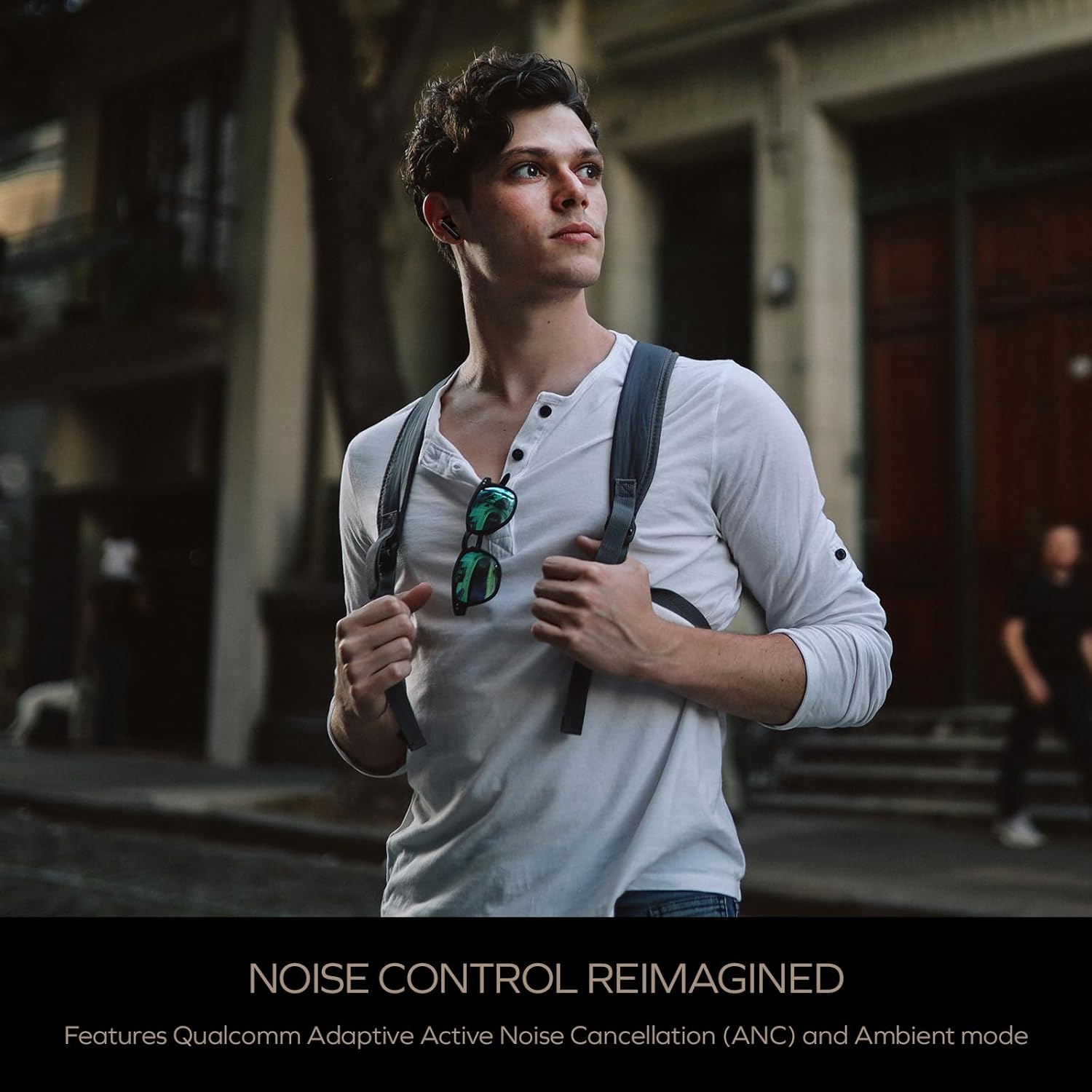
Image: A person wearing the Creative Aurvana Ace 2 earbuds while walking outdoors, illustrating the use of noise control features in various environments.
4.3 Audio Technologies (xMEMS, aptX Lossless, Bluetooth LE Audio)
The Aurvana Ace 2 incorporates advanced audio technologies for high-fidelity sound:
- xMEMS Technology: Provides precise and detailed audio reproduction.
- Qualcomm aptX Lossless: Delivers CD-quality audio over Bluetooth for compatible devices.
- Bluetooth LE Audio: Offers improved wireless audio quality with lower power consumption and Unicast mode for a more stable connection.

Слика: Детална view of the earbud's internal components, highlighting the xMEMS drivers and 10mm dynamic drivers responsible for audio output.

Image: The Qualcomm aptX Lossless logo, indicating support for high-fidelity audio streaming.

Image: A microchip labeled 'LE Audio', representing the Bluetooth LE Audio technology integrated into the earbuds.
4.4 Voice Assistant and Call Quality
The earbuds support voice assistant activation (e.g., Siri, Google Assistant) via touch controls. Equipped with Qualcomm cVc (clear voice capture) noise cancellation technology and six built-in microphones, the Aurvana Ace 2 ensures clear voice calls.

Image: Graphic showing an earbud with Google Assistant and Siri icons, accompanied by sound wave visualizations, indicating voice assistant support and clear audio transmission.
5. Одржување
5.1 Чистење
Regular cleaning helps maintain optimal performance and hygiene. Use a soft, dry, lint-free cloth to wipe the earbuds and charging case. For ear tips, remove them from the earbuds and clean with mild soap and water, then dry thoroughly before reattaching. If charging issues occur, gently clean the charging contacts on both the earbuds and inside the case with a cotton swab lightly dampобложени со триење на алкохол.
5.2 Складирање
Кога не ги користите, чувајте ги слушалките во нивната кутија за полнење за да ги заштитите и да ги држите наполнети. Чувајте ја кутијата на ладно и суво место, подалеку од директна сончева светлина и екстремни температури.
6 Смена на проблеми
If you encounter issues with your Creative Aurvana Ace 2 earbuds, refer to the following common solutions:
| Проблем | Можна причина | Решение |
|---|---|---|
| Слушалките не се спаруваат или не се поврзуваат | Protective film on contacts, low battery, out of range, incorrect pairing mode. |
|
| Слушалките не се полнат | Dirty charging contacts, improper placement, faulty cable/power source. |
|
| Frequent disconnections or audio dropouts | Interference, distance from device, low earbud battery. |
|
| Screeching sound in Ambient Mode | Pressure on earbuds, improper fit. |
|
| Audio glitching or shrill noises | Software issue, interference. |
|
| Контролите на допир не реагираат | Incorrect gesture, dirty sensor, temporary software glitch. |
|
7. Спецификации
| Карактеристика | Детал |
|---|---|
| Име на моделот | EF1160 |
| Технологија за поврзување | Wireless (Bluetooth 5.2, LE Audio) |
| Тип на драјвер за аудио | xMEMS Driver, 10 mm Dynamic Driver |
| Аудио кодеци | aptX Lossless, aptX Adaptive, AAC, SBC |
| Контрола на бучава | Adaptive Active Noise Cancellation (ANC), Ambient Mode |
| Микрофони | 6 built-in mics with Qualcomm cVc Noise Cancellation |
| Траење на батеријата (слушалки) | До 6 часа (ANC исклучено) |
| Вкупно време за играње со футрола | До 24 часа (ANC исклучено) |
| Време на полнење | Approximately 2 hours for earbuds and case |
| Интерфејс за полнење | USB-C, безжично полнење |
| Опсег на Bluetooth | До 10 метри (33 стапки) |
| Фреквентен одговор | 20 Hz - 20,000 Hz |
| Контролен метод | Допир, глас |
| Материјал | Пластика |
| Димензии на производот | 3.58 x 4.33 x 1.53 инчи |
| Тежина на ставката | 5.3 унци |
| UPC | 054651196032 |
8. Гаранција и поддршка
Creative products are covered by a limited warranty. For specific warranty terms and conditions applicable to your region, please refer to the warranty card included with your product or visit the official Creative webсајт.
For technical support, frequently asked questions, and driver/firmware downloads, please visit the Creative support page:
You can also contact Creative customer service directly for assistance.


