1. Производот завршиview
The Vandlion V15Pro is a compact and powerful digital voice recorder designed for high-quality audio capture in various settings, including meetings, classes, and interviews. Со издржлив метален casing and a large 128GB internal memory, it offers extended recording capabilities and ease of use.
Key features include one-touch recording, long battery life for up to 35 hours of continuous recording, and Voice Activated Recording (VOR) for efficient memory and battery usage. Its lightweight and portable design makes it an ideal tool for professionals and students alike.

Image: The Vandlion V15Pro Dictaphone, a small, black, rectangular device, held between a thumb and forefinger, highlighting its portability. A black lanyard is attached to the device.
2. Содржина на пакетот
Ве молиме означете го полето за следните ставки:
- Vandlion V15Pro Digital Dictaphone
- USB-A до USB-C кабел за полнење/податоци
- USB-A до USB-C адаптер
- Жичен далечински управувач
- Headphones (3.5mm jack)
- Ремен за зглоб
- Упатство за употреба (овој документ)
3. Device Layout and Dimensions
Familiarize yourself with the physical features of your Vandlion V15Pro dictaphone.

Image: A detailed diagram of the Vandlion V15Pro Dictaphone, illustrating its compact dimensions (approximately 5.33 cm length, 3.18 cm width, 0.58 cm thickness) and highlighting its metal body, noise reduction chip, Voice Activated Recording (VOR) capability, and lightweight design (21g).
The device features a simple ON/OFF slide switch for recording, a USB-C port for charging and data transfer, and a small indicator light. The microphone is integrated into the device's body.
4. Почетно поставување
4.1 Полнење на уредот
Before first use, fully charge the dictaphone. A full charge takes approximately 2 hours.
- Connect the provided USB-C cable to the dictaphone's USB-C port.
- Поврзете го другиот крај од кабелот со USB адаптер за напојување (не е вклучен) или со USB порт на компјутерот.
- During charging, the red indicator light will flash. Once fully charged, the blue light will illuminate.
- If recording while charging, the indicator light may not illuminate, which is normal.
4.2 Поставување датум и време
За да се обезбеди точно времеamps for your recordings, set the device's date and time:
- Connect the dictaphone to a computer using the USB-C cable.
- Locate the 'SetTime' application or a text file (e.g., 'time.txt') on the device's storage.
- Follow the instructions within the application or edit the text file to synchronize the device's time with your computer's system time.
- Важно: It is recommended to back up the original 'SetTime' file или текст file on your computer before making any changes.
5. Упатства за работа
5.1 Основно снимање
The Vandlion V15Pro features simple one-touch recording:
- To start recording, slide the ON/OFF switch to the ON position. The indicator light will briefly illuminate and then turn off, indicating that recording has begun discreetly.
- To save the recording and stop, slide the ON/OFF switch to the ИСКЛУЧЕНО position. The device will automatically save the current recording file.
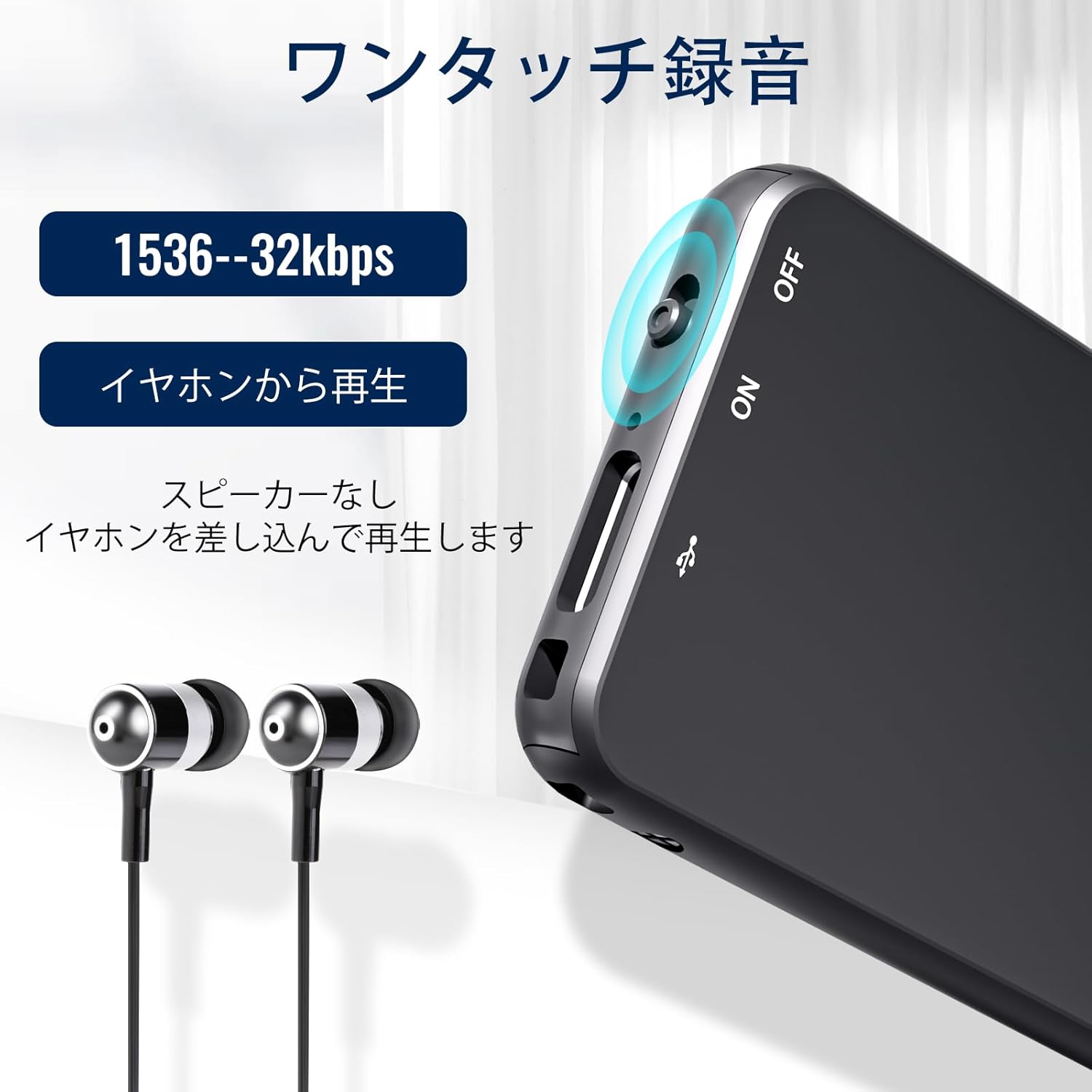
Слика: Крупен план view of the Vandlion V15Pro Dictaphone, highlighting the ON/OFF slide switch on the side and the USB-C port. This illustrates the one-touch recording functionality.
5.2 Репродукција
You can listen to your recordings directly from the device or by transferring them to a computer.
- Direct Playback: Connect the provided headphones to the device via the remote control. Use the remote control to navigate and play back recordings.
- Репродукција на компјутер: Connect the dictaphone to your computer. The device will appear as a removable drive. Navigate to the 'RECORD' folder to access and play your MP3 audio files.
5.3 Voice Activated Recording (VOR)
The V15Pro supports Voice Activated Recording, which automatically starts recording when sound is detected and pauses when there is silence. This feature helps conserve memory and battery life.
- The VOR function can be configured via the device's settings file when connected to a computer. Refer to the 'SetTime' or configuration text file for detailed instructions on adjusting VOR sensitivity.
- When VOR is active, the device will enter standby mode when no sound is detected, resuming recording automatically when sound returns.
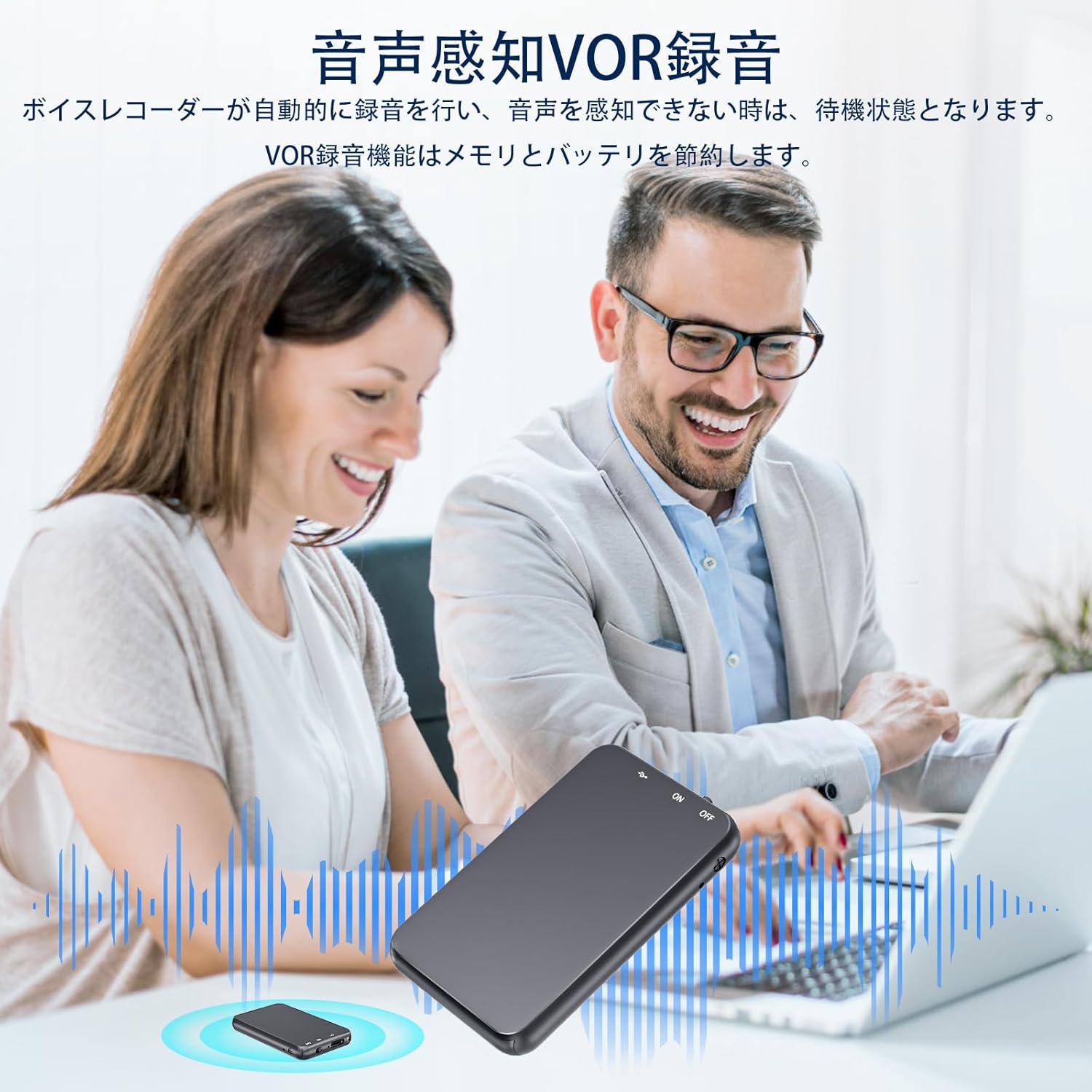
Image: An illustration depicting the Voice Activated Recording (VOR) feature, showing the dictaphone on a table during a meeting with two individuals. Sound waves emanate from the device, indicating active recording when voices are present, and silence when they are not, demonstrating how VOR saves memory and battery.
5.4 Поврзување со компјутер
За пренос files or configure settings, connect your dictaphone to a computer:
- Ensure the dictaphone is turned ИСКЛУЧЕНО пред да се поврзете.
- Connect the dictaphone to your computer using the provided USB-C cable.
- Wait 20-30 seconds for the computer to recognize the device, especially with large memory capacities.
- The dictaphone will appear as a removable disk drive. You can then drag and drop files до и од уредот.
- За корисници на Mac: You may need to use a USB-C adapter for proper connection.
- Проблеми со возачот: If the computer does not recognize the device, it may lack necessary drivers. Search online for "download computer drivers" or contact support.
5.5 Connecting to an Android Phone (with OTG)
You can connect the dictaphone to an Android phone that supports OTG (On-The-Go) functionality:
- Ensure the dictaphone is turned ИСКЛУЧЕНО пред да се поврзете.
- Verify that OTG function is enabled on your Android phone (usually found in Settings by searching for "OTG" or "USB").
- Use an appropriate OTG adapter or cable to connect the dictaphone to your phone.
- The phone should recognize the dictaphone as external storage, allowing you to manage files.
6. Одржување
Proper care will extend the life of your dictaphone:
- Чистење: Избришете го уредот со мека, сува крпа. Не користете течни средства за чистење или растворувачи.
- Складирање: Чувајте го уредот на ладно и суво место, подалеку од директна сончева светлина, екстремни температури и влажност.
- Нега на батеријата: За да ја одржите состојбата на батеријата, избегнувајте често целосно празнење на батеријата. Полнете го уредот редовно, дури и ако не го користите подолг период.
- Избегнувајте физичко оштетување: Металот casing provides durability, but avoid dropping the device or exposing it to strong impacts.
7 Смена на проблеми
If you encounter issues with your Vandlion V15Pro dictaphone, refer to the following common problems and solutions:
| Проблем | Решение |
|---|---|
| Cannot record or recording breaks. |
|
| SetTime software displays errors or viruses. |
|
| Индикаторското светло не свети за време на полнењето. |
|
| Digital dictaphone cannot connect to a computer or Android phone. |
|
| How to reduce recording noise. |
|
8. Технички спецификации
| Бренд | Вандлион |
| Број на модел | Vandlion-V15Pro |
| Капацитет за складирање на меморија | 128 GB |
| Формат за снимање | MP3 аудио |
| Тип на батерија | 1 Lithium-ion (included), Rechargeable |
| Континуирано време на снимање | Up to 35 hours (after 2-hour charge) |
| Интерфејс за полнење | USB тип C |
| Џек за слушалки | 3.5 мм |
| Форма фактор на микрофон | Интегриран |
| Тежина на ставката | 19 грама |
| Боја | Црното |
| Компатибилни уреди | Computers, Android Phones (with OTG) |
9. Гаранција и поддршка
Vandlion products are manufactured to high-quality standards. For warranty information or technical support, please refer to the contact details provided with your purchase documentation or visit the official Vandlion webстраница. Ве молиме задржете го доказот за купување за гаранциски барања.


