1. Вовед
This manual provides detailed instructions for the installation, operation, and maintenance of your Alpine INE-W970HD Audio/Video/Navigation System and Alpine PXE-C80-88 OPTIM8 8-Channel Hi-Res DSP Amplifier. Please read this manual thoroughly before using the product to ensure proper and safe operation.
The Alpine INE-W970HD is an advanced in-dash unit compatible with Apple CarPlay and Android Auto, offering comprehensive audio, video, and navigation functionalities. The Alpine PXE-C80-88 OPTIM8 is a high-resolution digital sound processor amplifier designed to enhance your vehicle's audio system with precise sound tuning capabilities.
2. Информации за безбедност
Секогаш почитувајте ги следниве безбедносни мерки за да спречите повреда или оштетување на уредот:
- Do not operate the system in a way that distracts you from driving.
- Ensure proper wiring and connections to avoid electrical shorts or fire hazards.
- Консултирајте се со професионалец за инсталација ако не сте сигурни за некои чекори.
- Чувајте го уредот подалеку од влага и екстремни температури.
3. Содржина на пакетот
Проверете дали сите артикли се присутни во вашиот пакет:
- Alpine INE-W970HD Audio/Video/Nav System
- Alpine PXE-C80-88 OPTIM8 8-Channel Hi-Res DSP Ampживописен
- Опрема за ожичување
- Хардвер за монтирање
- GPS Antenna (for INE-W970HD)
- USB кабел за продолжување
- Упатства за употреба (овој документ)

Image: The Alpine INE-W970HD head unit and the Alpine PXE-C80-88 DSP amplifier, showing both main components of the bundle.
4. Поставување и инсталација
Professional installation is highly recommended for these components. Incorrect wiring can cause damage to the units or your vehicle's electrical system.
4.1. INE-W970HD Installation
The INE-W970HD is designed for in-dash mounting. Ensure adequate space and proper ventilation.
- Подготовка: Исклучете го негативниот терминал на батеријата на возилото пред да започнете со какви било електрични работи.
- Монтирање: Securely mount the INE-W970HD into the vehicle's double-DIN opening using the provided mounting brackets.
- Жици: Connect the main power harness, speaker wires, and other input/output cables (RCA, USB, HDMI, GPS antenna) as per the wiring diagram provided in the separate installation guide.
- Антенска врска: Connect the GPS antenna and radio antenna. Position the GPS antenna in a location with a clear view на небото.

Image: The Alpine INE-W970HD head unit displaying the Apple CarPlay interface, showing various app icons.
4.2. PXE-C80-88 OPTIM8 Installation
The PXE-C80-88 OPTIM8 should be mounted in a dry, well-ventilated area, such as under a seat or in the trunk.
- Локација за монтирање: Choose a location that is protected from moisture and excessive heat, and allows for proper cable routing.
- Поврзување за напојување: Connect the power and ground wires directly to the vehicle's battery, ensuring proper fusing.
- Влезни врски: Connect the audio input signals from the INE-W970HD (or other source) to the PXE-C80-88. This can be done via RCA or speaker-level inputs.
- Излезни врски: Connect the speaker outputs from the PXE-C80-88 to your vehicle's speakers.

Слика: Детална view of the Alpine PXE-C80-88 OPTIM8 DSP amplifier, highlighting its compact design and connection ports.
5. Упатства за работа
5.1. INE-W970HD Basic Operation
- Вклучување/исклучување: Притиснете и држете го копчето за вклучување (обично се наоѓа на предната плоча) за да го вклучите или исклучите уредот.
- Контрола на јачината на звукот: Use the rotary encoder or on-screen controls to adjust the volume.
- Избор на извор: Tap the "Source" icon on the touchscreen or use the physical buttons to select between Radio, USB, Bluetooth Audio, HDMI, Apple CarPlay, Android Auto, and other inputs.
- Навигација: Access the built-in navigation system by tapping the "NAV" button. Enter destinations, view maps, and follow turn-by-turn directions.
- Apple CarPlay / Android Auto: Connect your compatible smartphone via USB. The system will automatically launch the respective interface, allowing access to phone functions, messaging, music, and navigation apps.

Image: The Alpine INE-W970HD head unit displaying the Android Auto interface, showing various app icons like Maps, Spotify, and YouTube Music.
5.2. PXE-C80-88 OPTIM8 Sound Tuning
The OPTIM8 offers advanced sound tuning capabilities. It can be configured via a PC application or an iOS app.
- Поврзување на апликацијата: Connect your PC or iOS device to the PXE-C80-88 via USB or Bluetooth (if applicable).
- Автоматско подесување: Utilize the "5 Minute Self-Tuning" feature for quick and optimized sound calibration. This process uses a microphone (sold separately) to analyze your vehicle's acoustics.
- Рачно подесување: For advanced users, the PC App provides comprehensive control over equalization, crossovers, time correction, and level adjustments for each of the 8 channels.
- Управување со претходно поставени: Save and recall custom sound presets for different music genres or listening preferences.

Слика: Од горе надолу view of the Alpine PXE-C80-88 OPTIM8 DSP ampлифирач, шоуasing its sleek design and central branding.
6. Одржување
Regular maintenance ensures the longevity and optimal performance of your Alpine system.
- Чистење на екранот: Користете мека, сува крпа за да го избришете екранот на допир. За тврдокорни дамки, малку омекнетеampen the cloth with water or a screen cleaner designed for electronics. Do not use abrasive cleaners.
- Ажурирања на софтверот: Периодично проверувајте го Алпскиот website for firmware updates for both the INE-W970HD and PXE-C80-88. Updates can improve performance, add features, and fix bugs.
- Кабелски врски: Повремено проверувајте ги сите кабли за да се осигурате дека се безбедни и без корозија.
- Вентилација: Ensure that the PXE-C80-88's ventilation fins are not obstructed to prevent overheating.
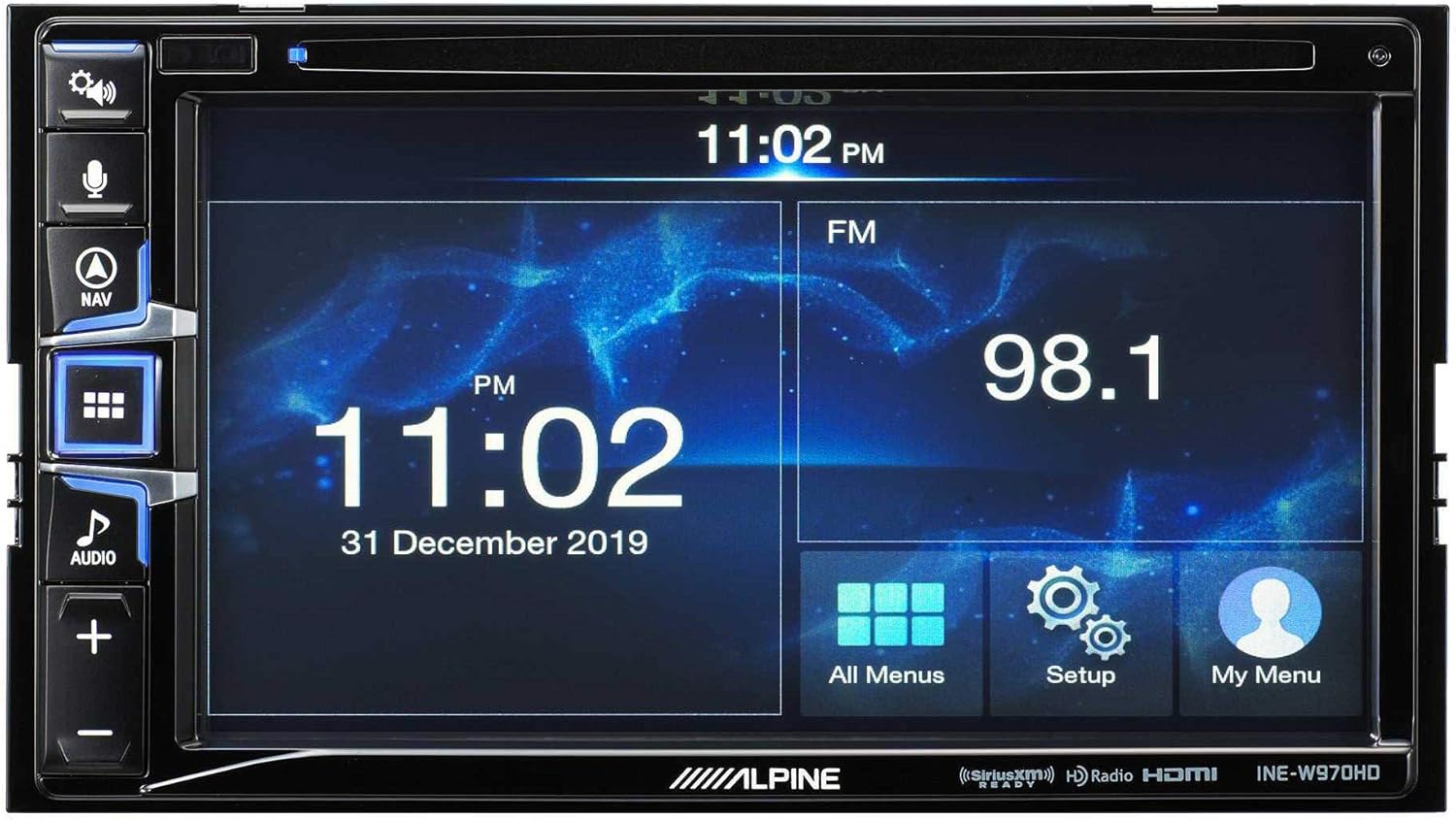
Image: The Alpine INE-W970HD head unit displaying the radio interface, showing frequency and time information.
7 Смена на проблеми
Доколку наидете на проблеми, погледнете ги следните вообичаени проблеми и решенија:
| Проблем | Можна причина | Решение |
|---|---|---|
| Нема моќ | Blown fuse, loose power connection. | Check vehicle fuses and unit's inline fuse. Verify power and ground connections. |
| Нема звук | Muted, incorrect source, loose speaker wires, DSP not configured. | Check mute function. Select correct audio source. Verify speaker connections. Ensure PXE-C80-88 is properly configured via its app. |
| Navigation Not Working | GPS antenna not connected or obstructed. | Осигурајте се дека GPS антената е безбедно поврзана и има јасна view на небото. |
| CarPlay/Android Auto не се поврзува | Неисправен USB кабел, телефонот не е компатибилен, софтверски проблем. | Try a different USB cable. Ensure your phone's OS is up to date. Restart both phone and head unit. |

Image: The Alpine INE-W970HD head unit displaying a navigation map with route information.
8. Спецификации
8.1. Alpine INE-W970HD
- Прикажи: Екран на допир
- Поврзување: USB, HDMI, Ethernet, optical audio, component video, RCA
- Компатибилност: Apple CarPlay, Android Auto
- Режим за излез на звук: Стерео, Опкружувачки звук
- Конфигурација на каналот за сараунд звук: 7.1
- Кодирање на видео: H.264, H.265/HEVC
8.2. Alpine PXE-C80-88 OPTIM8
- Ampканали за заштитници: 8-Канал
- Излезна моќност: 50W x 6 @ 2Ω + 300W x 2 @ 2Ω
- Обработка: Hi-Res Digital Sound Processor (96kHz/24Bit)
- подесување: Automatic (5-minute self-tuning) & Manual via PC/iOS App

Слика: Страна view of the Alpine PXE-C80-88 OPTIM8 DSP amplifier, showing its compact profile и точки за поврзување.
9. Информации за гаранцијата
Alpine products are covered by a limited warranty. Please refer to the warranty card included with your product or visit the official Alpine website for detailed terms and conditions. Typically, the warranty covers defects in materials and workmanship for a specified period from the date of purchase.
Зачувајте го доказот за купување (сметка) бидејќи ќе биде потребен за какви било гаранциски побарувања.
10. Поддршка за корисници
За техничка помош, решавање проблеми надвор од ова упатство или прашања поврзани со гаранцијата, ве молиме контактирајте ја службата за корисници на Alpine:
- Webсајт: Посетете www.alpine-usa.com/support за најчесто поставувани прашања, преземања на софтвер и информации за контакт.
- Телефон: Погледнете го Алпскиот webстраница за најактуелните телефонски броеви за корисничка поддршка.
- Овластени дилери: Your authorized Alpine dealer can also provide support and service.
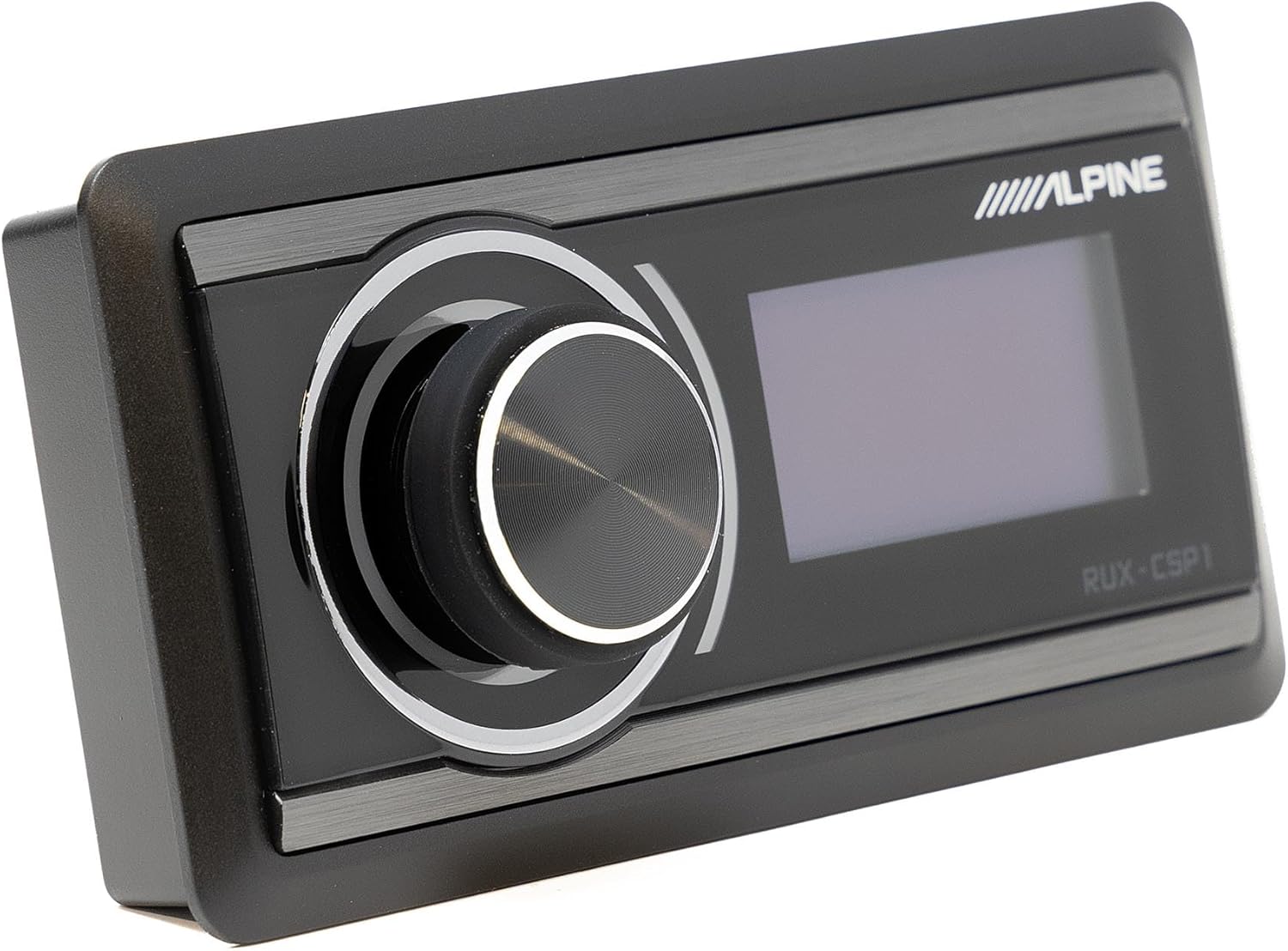
Image: The Alpine RUX-CSP1 remote control, an optional accessory for the DSP, featuring a rotary knob and display.


