1. Вовед
Thank you for choosing the Vandlion V22-64GB Voice Recorder. This manual provides detailed instructions on how to set up, operate, and maintain your device to ensure optimal performance. Please read this manual thoroughly before using the product.
The Vandlion V22-64GB is a compact and powerful digital voice recorder designed for clear audio capture in various environments. Key features include:
- Капацитет на складирање: 64GB of internal storage for extended recording sessions.
- 7-Level Noise Reduction: Enhances audio clarity by minimizing background noise.
- Снимање активирано со глас (VAR): Automatically starts recording when sound is detected, conserving memory and battery.
- Операција со еден клуч: Simple and quick recording activation.
- Навременamped Recordings: Easy organization and retrieval of audio files.
2. Содржина на пакетот
Ве молиме проверете го пакувањето за следните ставки:
- Vandlion V22-64GB Voice Recorder
- Кабел за податоци
- Слушалки
- OTG adapters
- Упатство за употреба (овој документ)
3. Производот завршиview
The Vandlion V22-64GB Voice Recorder is designed for portability and ease of use. Its compact metal casing ensures durability while providing a sleek appearance.

Image 3.1: Vandlion V22-64GB Voice Recorder in use. This image shows the compact size of the recorder, suitable for various recording environments like meetings or lectures.
The device features a simple ON/OFF/SAVE toggle switch for intuitive operation and a built-in microphone for 360-degree panoramic sound capture.

Image 3.2: The ON/REC and OFF/SAVE switch on the Vandlion V22-64GB Voice Recorder. This switch allows for quick initiation and saving of recordings.
4. Поставување
4.1 Полнење на уредот
Before first use, fully charge the voice recorder. Connect the device to a computer's USB port or a USB wall adapter (not included) using the provided data cable. The indicator light will show charging status and turn off when fully charged.
- Connect the small end of the data cable to the recorder's charging port.
- Connect the standard USB end to a power source.
- Полнењето обично трае околу 2-3 часа.
4.2 Почетно вклучување
To power on the device, slide the ON/REC switch to the 'ON' position. The device will vibrate briefly or an indicator light will illuminate, indicating it is ready for operation.
5. Упатства за работа
5.1 Основно снимање
The Vandlion V22-64GB features a simple one-key recording function:
- To start recording, slide the switch to the 'ON/REC' position. The device will begin recording within approximately 5 seconds.
- За да го прекинете снимањето и да го зачувате file, slide the switch to the 'OFF/SAVE' position. The recording will be saved automatically.
Секое аудио file is automatically timestamped for easy organization and retrieval when connected to a computer.
5.2 Снимање активирано со глас (VAR)
The voice-activated recording feature helps conserve battery life and memory by only recording when sound is detected. To enable and adjust VAR:
- Connect the recorder to a computer.
- Access the device's settings file (usually a configuration file or through dedicated software, refer to device's internal documentation if available).
- Adjust the sensitivity level for voice activation (typically 7 levels available). A higher sensitivity will trigger recording with softer sounds, while lower sensitivity requires louder sounds.
- Save the settings and disconnect the device. The VAR function will now be active.
5.3 Намалување на бучавата
The recorder features 7-level noise reduction to improve audio clarity. This function is typically automatic, but its effectiveness can be influenced by recording environment and microphone placement.

Image 5.1: Illustration of the noise reduction capability of the Vandlion V22-64GB Voice Recorder. The image depicts how unwanted noise (red waves) is reduced, resulting in clearer audio (blue waves).
5.4 Репродукција
You can play back recordings directly from the device using the included headphones:
- Проверете дали уредот е вклучен.
- Connect the included headphones to the recorder's headphone jack.
- Use the controls on the headphone cable (if available) or the device's internal controls (if applicable, refer to specific model's internal documentation) to navigate and play audio files.

Image 5.2: The Vandlion V22-64GB Voice Recorder connected to earphones for direct audio playback. This feature allows listening to recordings without needing a computer.
Alternatively, connect the recorder to a computer to play back files using your computer's media player.
5.5 File Управување
To manage your recorded files:
- Connect the voice recorder to your computer using the provided data cable.
- Уредот ќе се појави како отстранлив диск.
- Open the drive to access your recorded audio files (typically in a folder like 'RECORD' or 'VOICE').
- You can copy, move, delete, or rename files as you would with any other files на вашиот компјутер.
- Always safely eject the device from your computer before disconnecting.
The included OTG adapters allow you to connect the recorder to compatible Android smartphones for file управување.
6. Одржување
- Чистење: Користете мека, сува крпа за чистење на уредот. Не користете течни средства за чистење или растворувачи.
- Складирање: Store the recorder in a cool, dry place away from direct sunlight, extreme temperatures, and humidity.
- Нега на батеријата: За да го продолжите животниот век на батеријата, избегнувајте често целосно празнење на батеријата. Полнете го уредот редовно, дури и ако не е во употреба подолг период.
- Бекап на податоци: Редовно правете резервна копија од важните снимки на вашиот компјутер за да спречите губење на податоци.
7 Смена на проблеми
| Проблем | Можна причина | Решение |
|---|---|---|
| Уредот не се вклучува. | Батеријата е слаба или уредот е исклучен. | Charge the device fully. Ensure the ON/REC switch is in the 'ON' position. |
| Не може да се снима. | Insufficient storage space or device not in recording mode. | Check available memory and delete unnecessary files. Ensure the switch is in the 'ON/REC' position. |
| Poor sound quality during recording. | Microphone obstructed, noisy environment, or incorrect VAR sensitivity. | Ensure the microphone is clear. Record in a quieter environment. Adjust VAR sensitivity if enabled. |
| Уредот не е препознаен од компјутерот. | Неисправен USB кабел, неправилен порт или проблем со драјверот. | Try a different USB cable or port. Restart your computer. Ensure the device is powered on when connecting. |
| Cannot hear playback through headphones. | Headphones not properly connected, volume too low, or corrupted file. | Ensure headphones are fully plugged in. Adjust volume. Try playing the file на компјутер. |
8. Спецификации
| Бренд | Вандлион |
| Модел | V22-64GB |
| Капацитет за складирање на меморија | 64 GB |
| Димензии на производот | 0.76 x 2.21 x 7.37 cm; 150 g (or 8 x 22 x 74 Millimeters) |
| Хардверски интерфејс | USB 2.0 |
| Компатибилни уреди | Слушалки |
| Форма фактор на микрофон | Вграден |
| Џек за слушалки | 3.5 милиметри |
| Вклучени батерии | Yes (Lithium Polymer) |
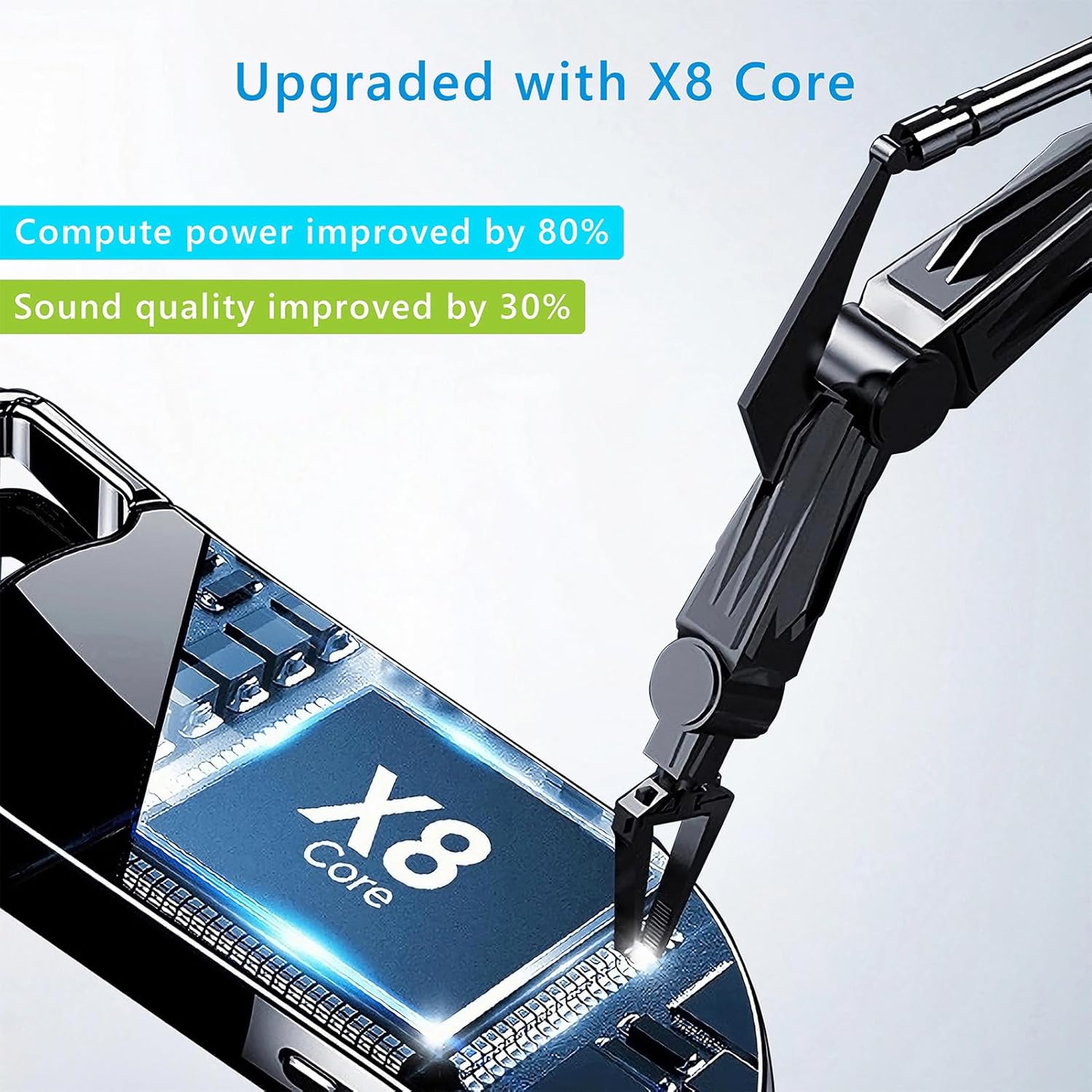
Image 8.1: Internal component view of the Vandlion V22-64GB Voice Recorder, showcasing the X8 Core. This illustrates the advanced processing unit within the device.
9. Гаранција и поддршка
For warranty information and technical support, please refer to the documentation provided with your purchase or contact Vandlion customer service through their official webлокацијата или продавачот на мало каде што сте го купиле производот.
Зачувајте ја сметката како доказ за купување за гаранциски побарувања.


