Вовед
Ви благодарам за купувањетоasing the ZEBRONICS Zeb-Escape 10 Wireless BT Earphone. This manual provides essential information for setting up, operating, and maintaining your device. Please read it carefully before use to ensure optimal performance and longevity of your earphones.
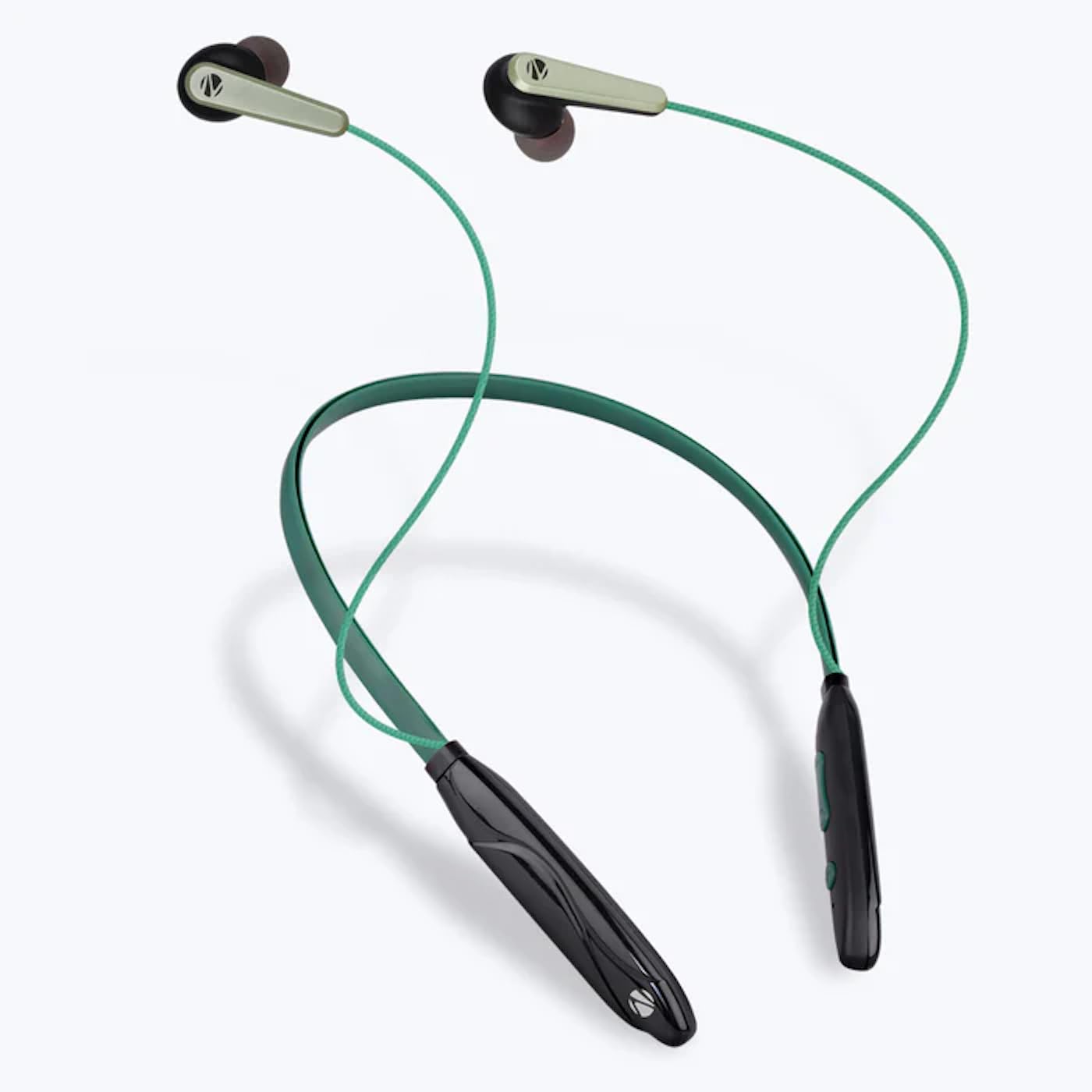
Image: The ZEBRONICS Zeb-Escape 10 Wireless BT Earphone, featuring a green and black neckband design with in-ear earbuds.
Содржина на пакетот
Следните артикли се вклучени во вашиот пакет на производи:
- 1 U Neckband Earphone
- 1 U Charging Cable (Type-C)
- 1 U QR Code Guide
Поставување
1. Charging the Earphone
Before first use, fully charge the earphone. Use the provided Type-C charging cable to connect the earphone to a USB power source (e.g., computer USB port, wall adapter). The LED indicator will show the charging status.
- Време на полнење: Приближно 1.5 часа.

Image: The earphone's control module with a Type-C charging port, showing a charging cable connected.
2. Bluetooth спарување
To connect your earphone to a Bluetooth-enabled device:
- Ensure the earphone is charged and powered off.
- Press and hold the multi-function button on the earphone until the LED indicator flashes red and blue, indicating it is in pairing mode.
- На вашиот уред (паметен телефон, таблет итн.), овозможете Bluetooth и пребарајте достапни уреди.
- Select "ZEB-ESCAPE 10" from the list of found devices.
- Откако ќе се поврзе, LED индикаторот ќе трепка сино бавно или ќе се исклучи, во зависност од моделот.

Image: A smartphone display illustrating the Bluetooth pairing process, showing the earphone model 'ZEB-ESCAPE 10' as connected.
Упатства за работа
Вклучување/исклучување
- Вклучување: Притиснете го и држете го повеќефункционалното копче додека не светне LED индикаторот.
- Исклучено: Притиснете го и држете го повеќефункционалното копче додека LED индикаторот не се исклучи.
Volume and Media Control
The earphone features integrated controls for managing audio playback and volume.
- Јачина на звук нагоре: Притиснете го копчето '+'.
- Намалување на јачината на звукот: Притиснете го копчето '-'.
- Пушти/Пауза: Притиснете го копчето за повеќе функции еднаш.
- Следна песна: Притиснете и задржете го копчето „+“.
- Претходна песна: Притиснете и задржете го копчето '-'.
Функција за повик
Manage calls directly from your earphone.
- Одговори на повикот: Притиснете го копчето за повеќе функции еднаш.
- Крај на повикот: Притиснете го повеќефункционалното копче еднаш за време на повик.
- Одбијте го повикот: Притиснете и задржете го копчето за повеќе функции.
- Повторно бирајте последен број: Двоен притисок на копчето за повеќе функции.
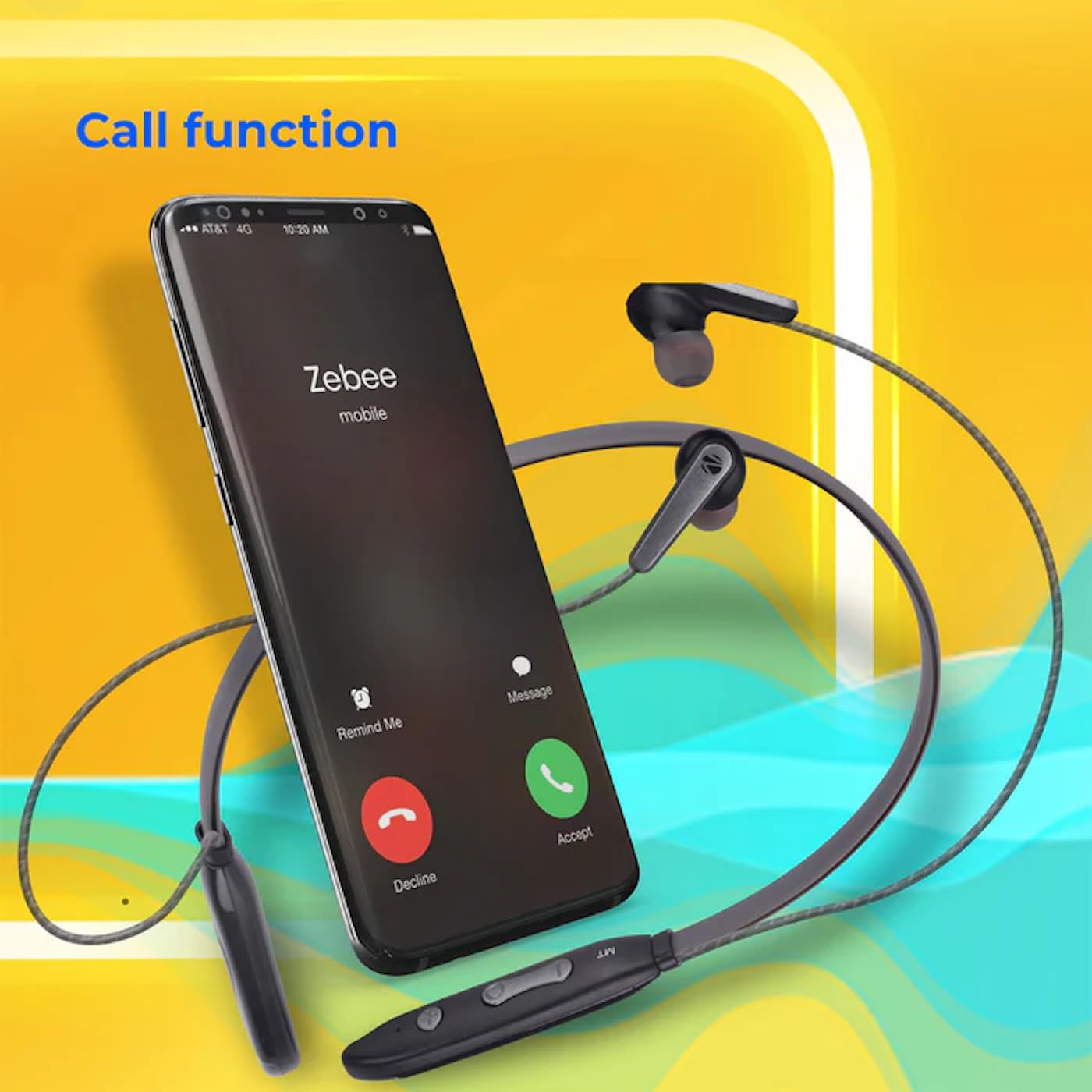
Image: A smartphone showing an incoming call interface, indicating the earphone's call handling capability.
Поддршка за гласовен асистент
Activate your device's voice assistant (e.g., Google Assistant, Siri) by triple-pressing the multi-function button.
Магнетна слушалка
The earpieces are magnetic, allowing them to securely attach to each other when not in use, preventing tangling and ensuring they stay in place around your neck.

Слика: Детална view of an earbud, illustrating its design for a stable and comfortable fit.
Одржување
To ensure the longevity and optimal performance of your ZEBRONICS Zeb-Escape 10 earphones, follow these maintenance guidelines:
- Чистење: Користете мека, сува крпа за чистење на слушалките. Не користете груби хемикалии или абразивни материјали.
- Складирање: Слушалките чувајте ги на ладно и суво место, подалеку од директна сончева светлина и екстремни температури.
- Отпорност на вода: The earphones are water resistant. Avoid submerging them in water or exposing them to heavy rain.
- Полнење: Only use the provided charging cable or a certified Type-C cable. Avoid overcharging.
Решавање проблеми
If you encounter issues with your earphone, refer to the following common problems and solutions:
| Проблем | Можно решение |
|---|---|
| Earphone does not power on. | Ensure the earphone is fully charged. |
| Не може да се спари со уредот. | Ensure the earphone is in pairing mode (flashing red/blue). Turn off and on Bluetooth on your device. Move closer to the earphone. |
| Нема звук или има ниска јачина на звук. | Check volume levels on both the earphone and your connected device. Ensure the earphone is properly paired. |
| Проблеми со квалитетот на повикот. | Ensure you are within Bluetooth range. Check for obstructions between the earphone and your device. |
Спецификации
Technical specifications for the ZEBRONICS Zeb-Escape 10 Wireless BT Earphone:
| Карактеристика | Детал |
|---|---|
| Име на моделот | ZEB-NBI 5 |
| Bluetooth верзија | v5.3 |
| Поддржан BT Profiles | HSP / HFP / A2DP / AVRCP |
| Големина на возачот | 10 мм |
| Импеданса на звучник | 16 Ω |
| Време на репродукција | До 20 часа (со 50% волумен) |
| Време за разговор | До 20 часа |
| Време на полнење | 1.5 часа |
| Време на мирување | 200 часа |
| Нето Тежина | 26 гр |
| Тип на контрола | Контрола на медиуми, допир |
| Ниво на отпорност на вода | Водоотпорен |
| Посебни карактеристики | Fast Charging, Foldable, Microphone Included, Sweatproof |

Image: Visual representation of the earphone's 20-hour playback capability.
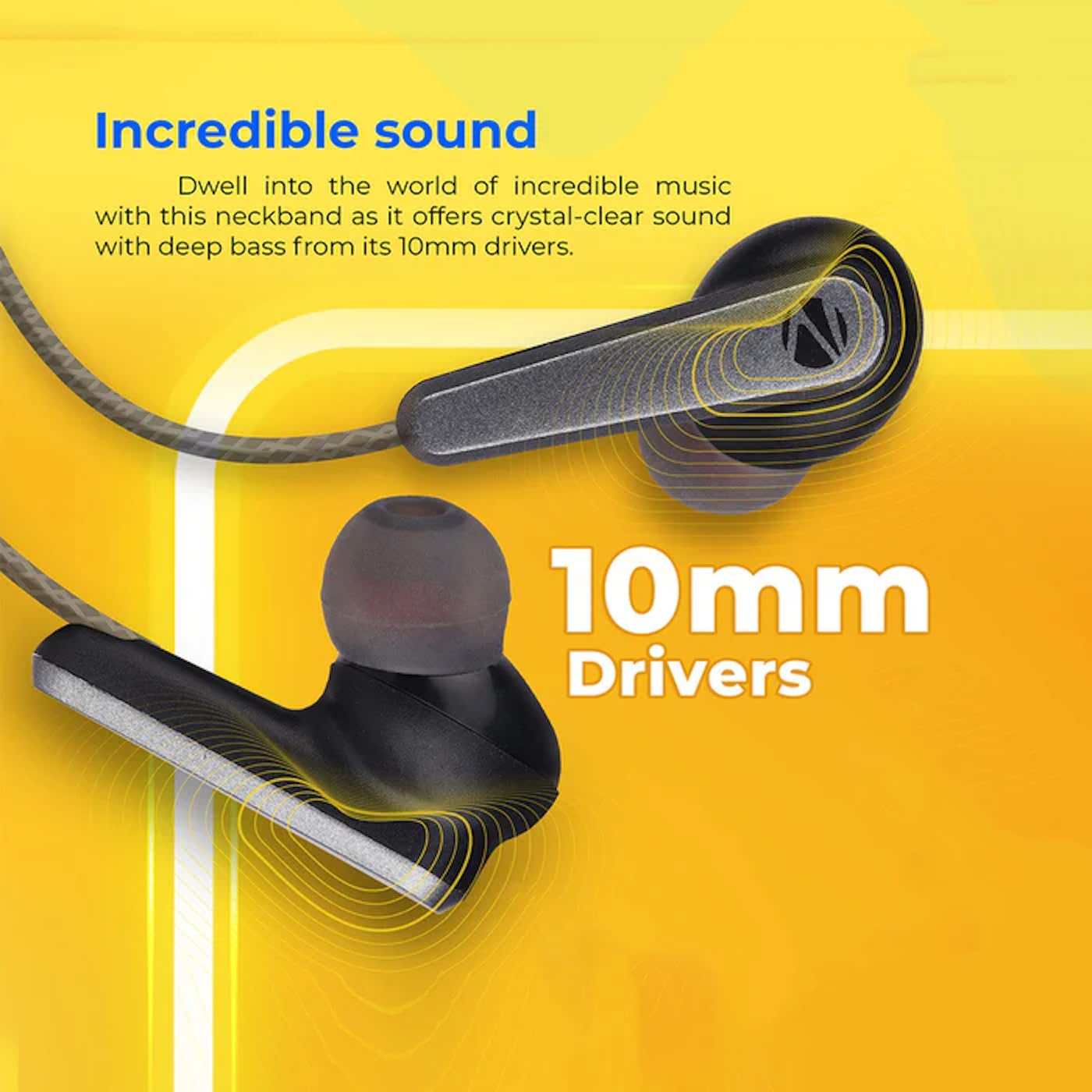
Image: A close-up of an earbud, highlighting the 10mm audio drivers responsible for sound output.
Информации за гаранцијата
The ZEBRONICS Zeb-Escape 10 Wireless BT Earphone comes with a 6-месечна гаранција from the date of purchase. This warranty covers manufacturing defects. Please retain your purchase receipt as proof of purchase for warranty claims. The warranty does not cover damage caused by misuse, accidents, unauthorized modifications, or normal wear and tear.
Поддршка за корисници
For further assistance, technical support, or warranty claims, please contact ZEBRONICS customer service. Refer to the QR code guide included in your package or visit the official ZEBRONICS webсајт за детали за контакт.


