1. Вовед
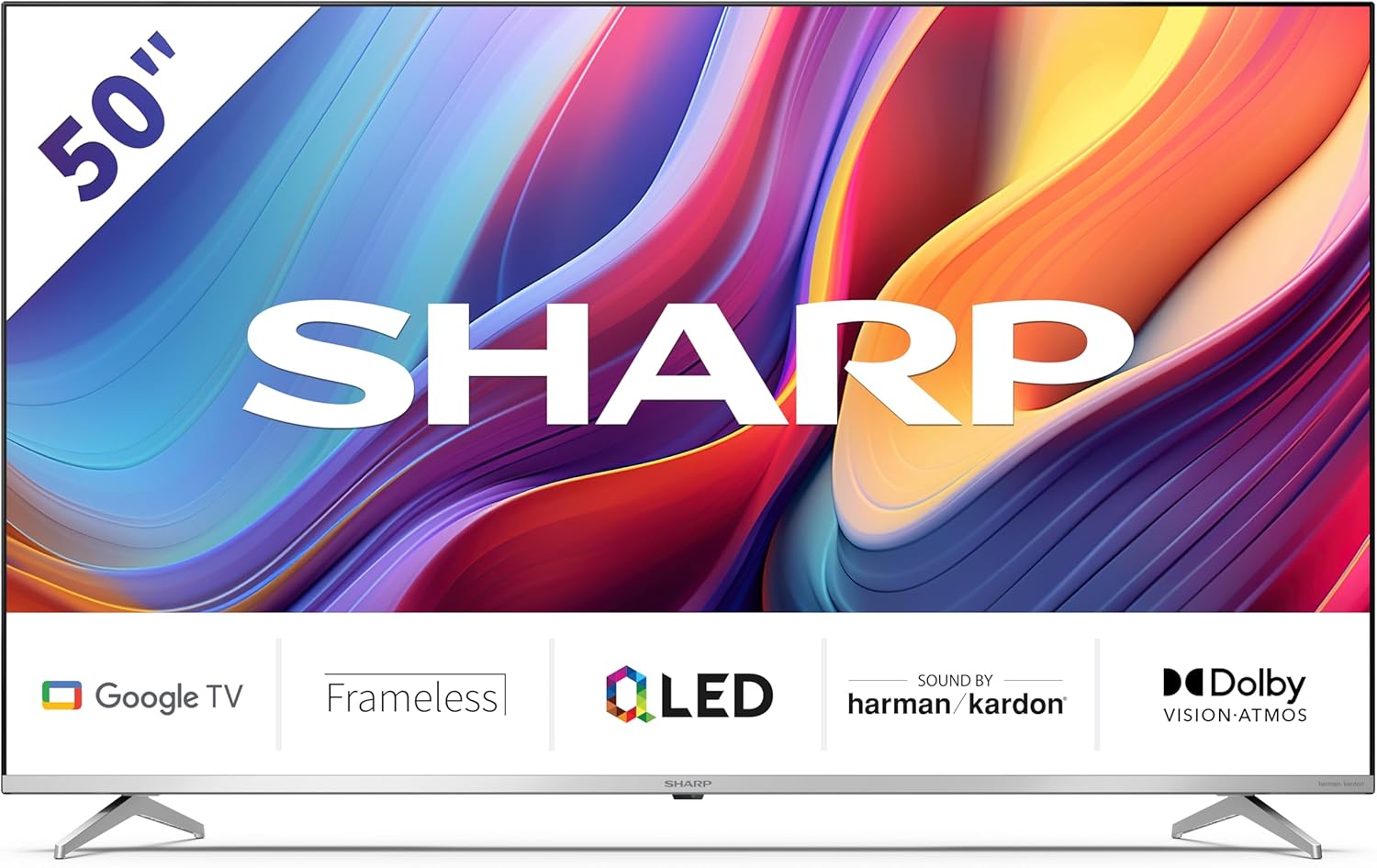
Welcome to the user manual for your new Sharp 50GP6265E 50-inch QLED 4K Ultra HD Google TV. This manual provides essential information for the safe and efficient use of your television. Please read it thoroughly before operating the device and retain it for future reference.
Важни безбедносни информации
- Погрижете се телевизорот да биде поставен на стабилна површина за да спречите паѓање.
- Не ги блокирајте отворите за вентилација. Соодветниот проток на воздух е клучен за да се спречи прегревање.
- Заштитете го кабелот за напојување од одење или штипкање.
- Do not expose the TV to rain or moisture to reduce the risk of fire or electric shock.
- Целото сервисирање упатете го на квалификуван сервисен персонал.
2. Што има во кутијата
По распакувањето, проверете дали се вклучени сите следни компоненти:
- Sharp 50GP6265E 50-inch QLED 4K Ultra HD Google TV
- Далечински управувач
- 2 x AAA batteries (for remote control)
- Водич за брз почеток
- TV stands (if not wall-mounted)
- Кабел за напојување
3. Поставување
3.1 Отпакување
Carefully remove the television from its packaging. It is recommended to keep the original packaging for potential future transport or servicing.
3.2 Поставување на штандот
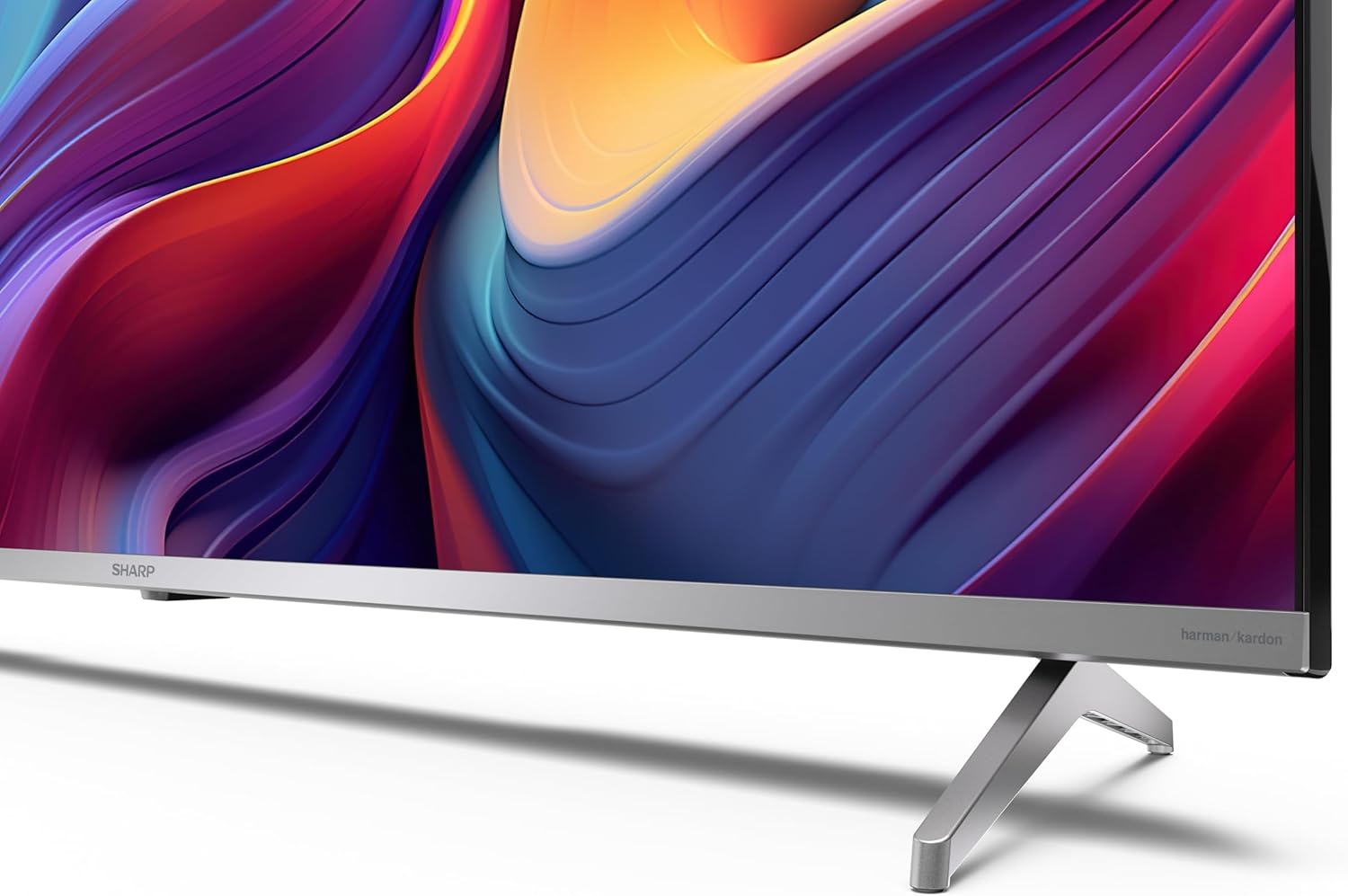
If you are not wall-mounting the television, attach the included stands to the bottom of the TV. Ensure the screws are securely fastened. Refer to the quick start guide for detailed diagrams.
3.3 Монтирање на ѕид
For wall mounting, the VESA dimensions required are 400 x 300 mm. Use a compatible wall mount bracket (sold separately) and follow the instructions provided with the bracket. Ensure the wall can support the weight of the television (9.7 kg net weight).

3.4 Поврзување на периферни уреди
Your Sharp TV offers various connectivity options:
- HDMI: Connect external devices such as Blu-ray players, gaming consoles, or set-top boxes using the 4 HDMI 2.1 ports. One port supports eARC for enhanced audio return channel functionality.
- USB: Use the 2 USB ports for connecting external storage devices to play media or for service updates.
- Етернет: За стабилна жична интернет конекција.
- Wi-Fi: За безжична интернет конекција.
- Bluetooth: Поврзете безжични слушалки, саундбари или друга дополнителна опрема овозможена со Bluetooth.

3.5 Првично поставување
After connecting the power cable and turning on the TV, follow the on-screen instructions to complete the initial setup. This typically includes language selection, network connection, and Google account sign-in for Google TV features.
4. Ракување со вашиот телевизор
Далечински управувач 4.1
The included remote control allows you to navigate the TV's interface, adjust volume, change channels, and access smart features. Insert the 2 AAA batteries into the remote control, ensuring correct polarity.
4.2 Интерфејс на Google TV
Your Sharp TV runs on Google TV, which organizes movies, shows, and live TV from all your apps and subscriptions. The home screen provides personalized recommendations and quick access to your favorite content.

Supported internet services include Netflix, Amazon Prime Video, HBO, Disney+, Movistar+, DAZN, Atresmedia, KODI, IPTV, Steamlink, Twitch, VLC, YouTube, Puffin TV Browser, Spotify, Deezer, TuneIn Radio, and many more available on Google Play for Google TV.
4.3 Поставки за слика
Experience stunning visuals with 4K Ultra HD resolution and Quantum Dot technology for vibrant colors. The TV supports Dolby Vision and HDR10 for enhanced contrast and brightness. Access picture settings through the TV menu to customize brightness, contrast, color, and sharpness to your preference. AQUOS Smooth Motion technology provides image interpolation for smoother motion.
4.4 Поставки за звук
The integrated Harman/Kardon speaker system (2 x 12 W) delivers immersive audio. With Dolby Atmos support, you can enjoy a rich, multi-dimensional sound experience. Adjust sound modes and equalizer settings in the audio menu.
4.5 Паметни карактеристики
- Google Assistant: Користете гласовни команди за пребарување содржина, контролирање паметни домашни уреди и добивање информации.
- Вграден Chromecast: Емитувајте содржина од вашиот паметен телефон, таблет или компјутер директно на екранот на вашиот телевизор.
5. Одржување
5.1 Чистење на телевизорот
- Секогаш исклучувајте го телевизорот од струја пред чистење.
- Користете мека, сува крпа за да го избришете екранот и куќиштето. За тврдокорни дамки, лесно избришете гоampИзмијте ја крпата со вода или со специјализирано средство за чистење екрани.
- Избегнувајте користење абразивни средства за чистење, восоци или растворувачи.
5.2 Ажурирања на софтверот
Вашиот телевизор може да добива ажурирања на софтверот за да ги подобри перформансите и да додаде нови функции. Осигурете се дека вашиот телевизор е поврзан на интернет за автоматски да ги добива овие ажурирања или проверете ги рачно во менито за поставки.
6 Смена на проблеми
Доколку наидете на проблеми со вашиот телевизор, погледнете ги следните вообичаени проблеми и решенија:
| Проблем | Можно решение |
|---|---|
| Нема моќ | Проверете дали кабелот за напојување е безбедно поврзан со телевизорот и штекерот. Проверете дали штекерот е функционален. |
| Нема слика, но звукот е присутен | Проверете дали е избран точниот влезен извор. Проверете ги конекциите на надворешните уреди. |
| Нема звук, но сликата е присутна | Check the volume level and mute status. Ensure audio cables are correctly connected for external devices. |
| Далечинскиот управувач не работи | Заменете ги AAA батериите. Уверете се дека нема пречки помеѓу далечинскиот управувач и IR сензорот на телевизорот. |
| Проблеми со Wi-Fi конекцијата | Restart your router and the TV. Re-enter the Wi-Fi password. Ensure the TV is within range of your Wi-Fi network. |
7. Спецификации
| Карактеристика | Детал |
|---|---|
| Бренд | Остро |
| Број на модел | 50GP6265E |
| Големина на екранот | 50 инчи |
| Технологија на прикажување | QLED, Quantum Dot |
| Резолуција | 4K Ultra HD (3840 x 2160 пиксели) |
| Стапка на освежување | 60 Hz |
| Оперативен систем | Google TV |
| Поддршка за HDR | Dolby Vision, HDR10 |
| Аудио систем | Harman/Kardon (2 x 12 W), Dolby Atmos |
| Поврзување | 4x HDMI 2.1 (with eARC), 2x USB, Wi-Fi, Bluetooth, Ethernet |
| Посебни карактеристики | Google Assistant, Chromecast built-in, AQUOS Smooth Motion |
| VESA ѕиден носач | 400 x 300 mm |
| Димензии (со држач) | 111.6P x 26.5l x 69.3H cm (1116.4 x 692.9 x 264.7 mm) |
| Димензии (без држач) | 111.6P x 9.2l x 65.1H cm (1116.4 x 651.3 x 91.5 mm) |
| Нето Тежина | 9.7 кг |
| Класа на енергетска ефикасност (SDR) | G (69 kWh/1000h) |
| Класа на енергетска ефикасност (HDR) | G (98 kWh/1000h) |

За детални информации за производот и податоци за енергетска ефикасност, ве молиме погледнете ја базата на податоци EPREL: https://eprel.ec.europa.eu/qr/1942440
8. Гаранција и поддршка
Information regarding spare parts availability and software updates is not explicitly provided for a guaranteed period. Please refer to the manufacturer's official website for the most up-to-date warranty terms and support information.
Производител: SHARP
Службен Webсајт: www.sharpconsumer.com
For customer service inquiries, please visit the Sharp consumer website or contact their support channels as listed on their official site.


