1. Вовед
Thank you for choosing the Delton Wireless Ergonomic Keyboard. This full-size keyboard is designed to provide a comfortable and efficient typing experience with its ergonomic split design, integrated wrist rest, and quiet, responsive keys. It connects wirelessly via a 2.4G USB dongle, offering broad compatibility with various devices.

Image 1: Delton Wireless Ergonomic Keyboard with its 2.4G USB dongle.
2. Содржина на пакетот
Ве молиме проверете дали сите артикли се присутни во вашиот пакет:
- Delton Wireless Ergonomic Keyboard
- 2.4G USB Dongle
- Упатство за употреба (овој документ)
3. Поставување
3.1. Инсталација на батерија
- Пронајдете го делот за батерии на долната страна од тастатурата.
- Отворете го капакот на преградата за батерии.
- Вметнете две (2) AA батерии, внимавајќи на правилниот поларитет (+/-). Батериите не се вклучени.
- Добро затворете го капакот на преградата за батерии.

Image 2: Illustration of battery installation in the keyboard's underside compartment.
3.2. Connecting the USB Dongle
The keyboard utilizes 2.4GHz wireless technology for a stable connection.
- Locate the 2.4G USB dongle, typically found in the battery compartment or packaged separately.
- Plug the USB dongle into an available USB port on your computer, laptop, or compatible smart device.
- The keyboard should automatically connect to your device within a few seconds. No additional drivers or software installation is required.

Image 3: The 2.4G USB dongle being inserted into a laptop's USB port for automatic pairing.
3.3. Компатибилност
This keyboard is widely compatible with:
- PCs (Windows operating systems)
- Лаптопи
- Mac devices (macOS)
- Tablet PCs (iOS and other compatible systems)
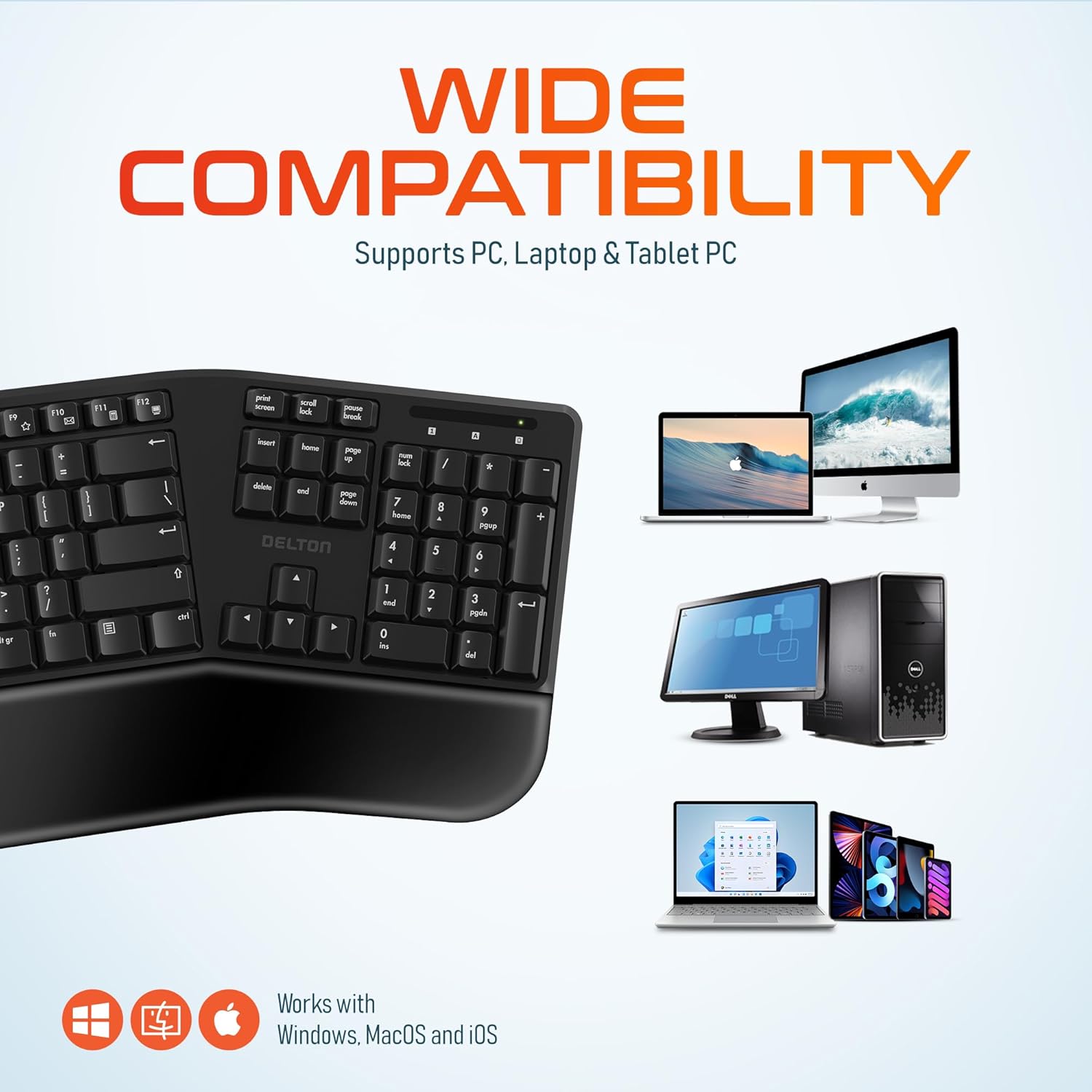
Image 4: Visual representation of the keyboard's wide compatibility with different operating systems and device types.
4. Упатства за работа
4.1. Основно пишување
Once connected, the keyboard functions like a standard full-size keyboard. The keys are designed for quiet and precise typing, with a smooth feel and ergonomic curvature for comfort.
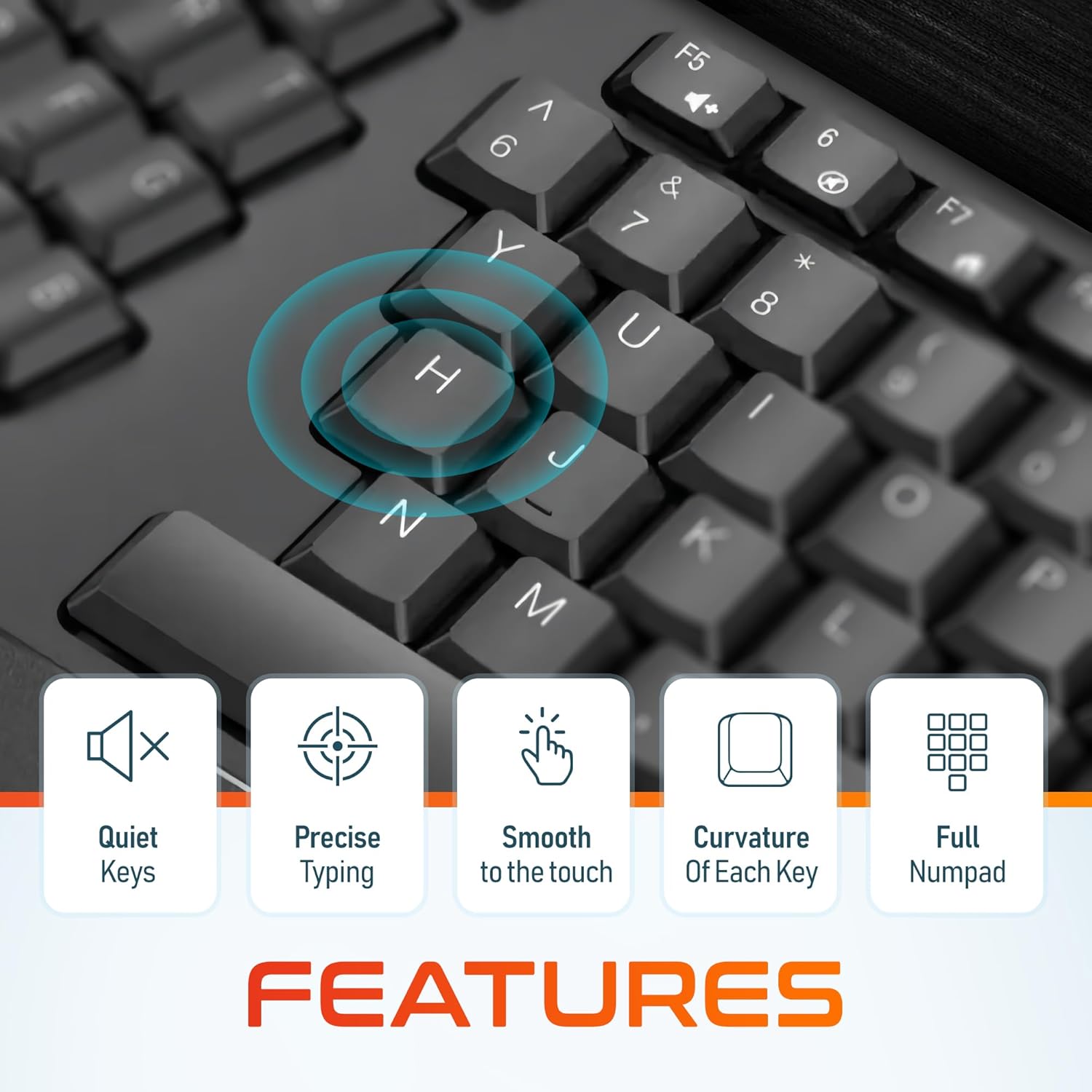
Слика 5: Крупен план view of the keyboard keys, illustrating their quiet operation, precise response, smooth texture, and ergonomic curvature.
4.2. Function Keys and Hotkeys
The keyboard includes a full set of 105 keys, including a dedicated numpad and various function keys (F1-F12) and media hotkeys. These hotkeys provide quick access to functions such as volume control, media playback, and more. Refer to your device's operating system documentation for specific hotkey functionalities.
4.3. Режим на заштеда на енергија
To conserve battery life, the keyboard features an automatic power saver mode. If inactive for 10 minutes, the keyboard will enter a sleep state. To wake it up, simply press any key. The keyboard will instantly reconnect to your device.
5. Карактеристики
- Ергономски дизајн: Features a split keyset design and a comfortable, pillowed wrist rest to reduce strain and promote a natural typing posture. This design is intended to improve comfort during extended use.
- Безжична конекција од 2.4 GHz: Provides a reliable wireless connection with an impressive maximum range of 8 meters (approximately 26 feet).
- Quiet and Responsive Keys: Engineered for a quiet typing experience with precise and smooth key presses.
- Распоред со целосна големина: Includes 105 keys with a full numpad for comprehensive functionality.
- Продолжен век на батеријата: With the auto power saver mode, two AA batteries can last up to 15 months.
- Издржлива конструкција: Built with quality materials to withstand daily use.

Image 6: Comparison illustrating the ergonomic benefits of the split keyboard design over a traditional flat keyboard, showing reduced wrist strain.

Image 7: Diagram illustrating the 2.4GHz wireless connectivity with an 8-meter maximum range for stable operation.
6. Одржување
6.1. Чистење
За да го одржите изгледот и функционалноста на тастатурата:
- Користете мека, сува крпа што не остава влакненца за да ја избришете површината на тастатурата.
- За тврдокорна нечистотија, малку дampИзмијте ја крпата со вода или со благ, неабразивен чистач. Избегнувајте прекумерна влага.
- Не прскајте раствори за чистење директно врз тастатурата.
- Користете компримиран воздух за отстранување на остатоците меѓу копчињата.
6.2. Замена на батеријата
When the keyboard's performance diminishes or it fails to connect, it may be time to replace the batteries. Follow the steps in Section 3.1 to replace the two AA batteries.
7 Смена на проблеми
If you encounter issues with your Delton Wireless Ergonomic Keyboard, please refer to the following common solutions:
| Проблем | Можна причина | Решение |
|---|---|---|
| Тастатурата не реагира | Ниски или испразнети батерии | Заменете ги двете AA батерии. |
| Тастатурата не реагира | USB dongle not connected or loose | Проверете дали USB-адаптерот е безбедно приклучен во функционален USB-порт. Обидете се со друг USB-порт. |
| Тастатурата не реагира | Пречки или надвор од опсегот | Move the keyboard closer to the USB dongle (within 8 meters). Remove any objects that might be causing interference. |
| Копчињата се лепливи или не реагираат | Нечистотија или остатоци под клучевите | Clean the keyboard using compressed air or a soft brush. |
| Тастатурата често се исклучува | Weak signal or battery | Replace batteries. Ensure the dongle is in line of sight and close to the keyboard. |
8. Спецификации

Image 8: Diagram illustrating the physical dimensions of the Delton Wireless Ergonomic Keyboard.
| Карактеристика | Детал |
|---|---|
| Број на модел | KB200 |
| Технологија за поврзување | 2.4 GHz безжичен (USB Dongle) |
| Опсег | До 8 метри |
| Распоред на тастатура | Full-Size, 105 Keys with Numpad |
| Посебни карактеристики | Ergonomic Split Keyset Design, Wrist Rest, Hotkeys, Media Keys, Stain Resistant |
| Компатибилни уреди | Desktop, Laptop, Mac, PC |
| Извор на енергија | 2 x AA батерии (не се вклучени) |
| Траење на батеријата | Up to 15 months (with auto power saver) |
| Димензии на производот | 19.7 x 8.3 x 1.6 инчи (50.04 x 21.08 x 4.06 см) |
| Тежина на ставката | 2.4 фунти (1.09 кг) |
| Материјал | Пластика |
| Боја | Црното |
| Производител | Делтон |
9. Гаранција и поддршка
For warranty information and customer support, please refer to the warranty card included with your product or visit the official Delton website. You may also contact Delton customer service directly for assistance with product inquiries or technical support.
Delton Customer Support: Please refer to the contact information provided on the product packaging or the official Delton webсајт.


