Вовед
Ви благодариме што го избравте Црнотоview AirBuds 7 Wireless Earbuds. This manual provides essential information for setting up, operating, and maintaining your earbuds. Please read it carefully before use to ensure optimal performance and longevity of your device.
Содржина на пакетот
Проверете дали сите артикли наведени подолу се вклучени во вашиот пакет:
- Црнотоview AirBuds 7 слушалки (лева и десна)
- Случај за полнење
- USB кабел за полнење
- Упатство за употреба
Видео: Распакување и повеќеview на Црнотоview AirBuds 7, showing the package contents including the earbuds, charging case, USB cable, and user manual.
Производот завршиview
Црнотоview AirBuds 7 feature a compact design with a charging case that includes an LED display for battery status. The earbuds are designed for comfortable in-ear fit and deliver clear audio.
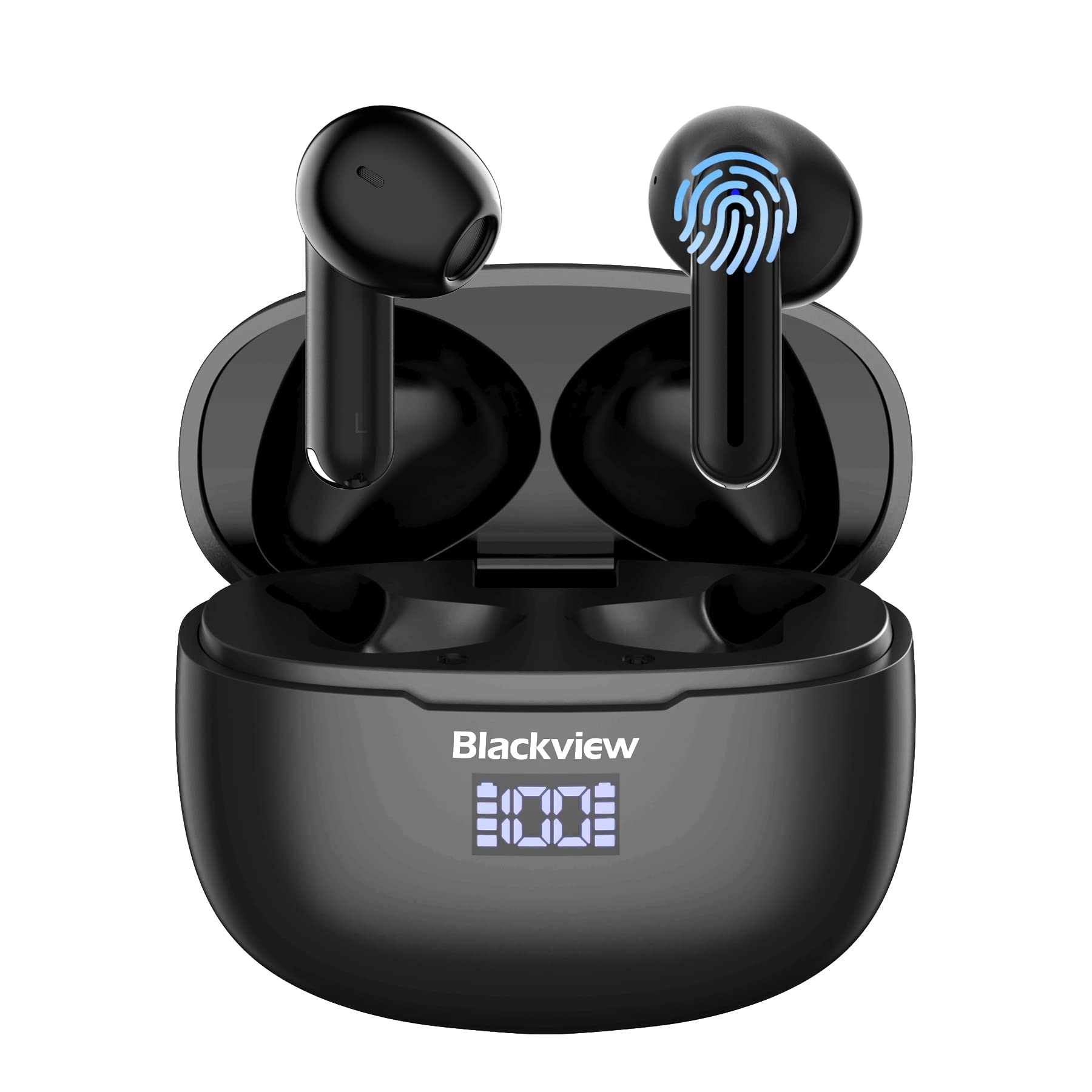
Слика: Црнотоview AirBuds 7 wireless earbuds and their charging case, showcasing the digital power display.

Слика: Close-up of the Blackview AirBuds 7 charging case, highlighting the digital LED power display for both the case and individual earbuds.
Поставување и спарување
Follow these steps to connect your AirBuds 7 to your device:
- Слушалки за полнење: Осигурете се дека слушалките и футролата за полнење се целосно наполнети пред првата употреба.
- Активирајте го режимот за спарување: Отворете ја кутијата за полнење и извадете ги обете слушалки. Тие автоматски ќе влезат во режим на спарување.
- Овозможи Bluetooth: На вашиот паметен телефон или друг уред со Bluetooth, одете во поставките за Bluetooth.
- Пребарувајте и поврзете се: Пребарај за available devices and select "AirBuds 7" from the list.
- Потврда: Откако ќе се поврзете, ќе слушнете звучен сигнал и слушалките ќе бидат подготвени за употреба.
After the initial pairing, the earbuds will automatically connect to your device when removed from the charging case, provided Bluetooth is enabled on your device.

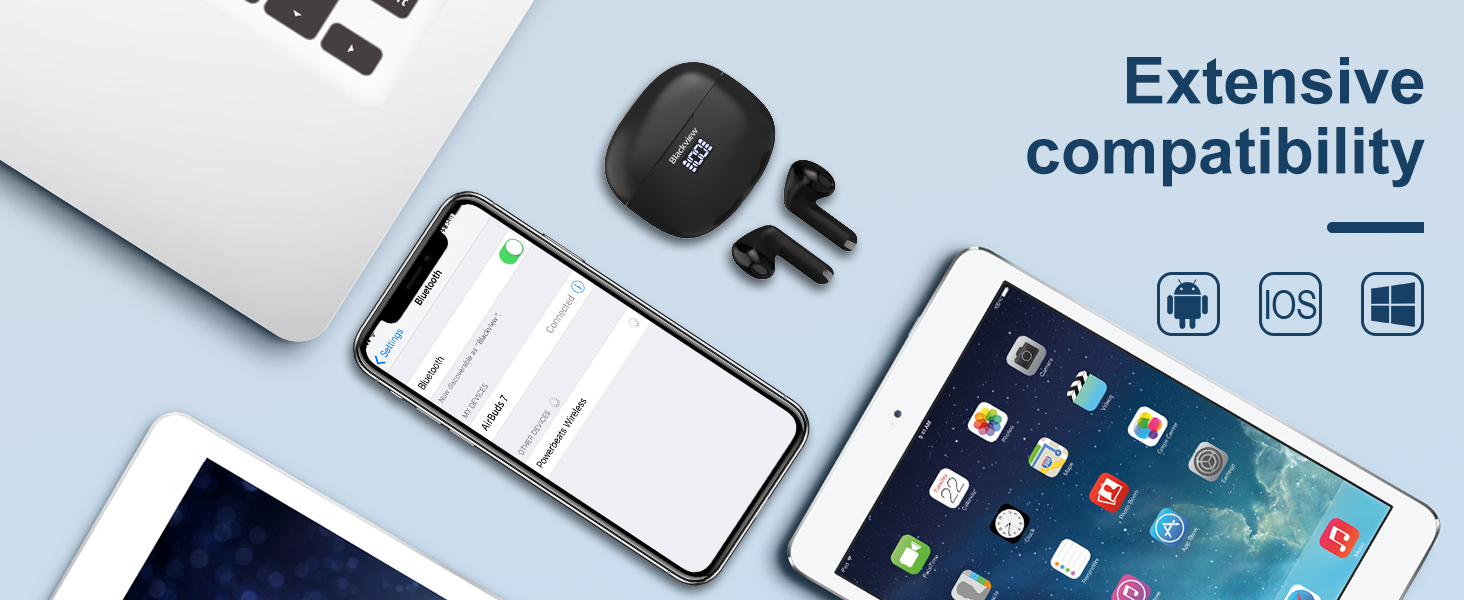
Слика: A smartphone displaying its Bluetooth settings, showing a successful connection to 'AirBuds 7', with the charging case and earbuds nearby.
Полнење
The AirBuds 7 charging case features both USB-C and wireless charging capabilities. The LED display on the case indicates the battery level of both the case and the earbuds.
- Полнење на слушалки: Place the earbuds back into the charging case. They will automatically begin charging.
- Полнење на футрола (USB-C): Connect the provided USB charging cable to the USB-C port on the charging case and to a power source.
- Полнење на куќиштето (безжично): Поставете ја кутијата за полнење на компатибилна подлога за безжично полнење.
A full charge for the earbuds provides up to 6 hours of music playback. The charging case provides an additional 4-5 charges, extending total playtime to approximately 30 hours. The charging time for the case is approximately 75 minutes.

Слика: Црнотоview AirBuds 7 charging case being charged wirelessly on a pad, also showing the option for USB-C cable charging.
Упатства за работа
Паметни контроли на допир
The AirBuds 7 feature intuitive touch controls on each earbud. Refer to the diagram below for specific functions:

Слика: A visual guide to the touch controls on the Blackview AirBuds 7, detailing actions for music playback, calls, and volume.
- Пушти/Пауза: Double tap Left (L) or Right (R) earbud.
- Одговори/прекини повик: Double tap Left (L) or Right (R) earbud.
- Претходна песна: Triple tap Left (L) earbud.
- Следна песна: Triple tap Right (R) earbud.
- Зголемете ја јачината на звукот: Single tap Right (R) earbud.
- Намалување на јачината на звукот: Single tap Left (L) earbud.
Отпорност на вода (IPX7)
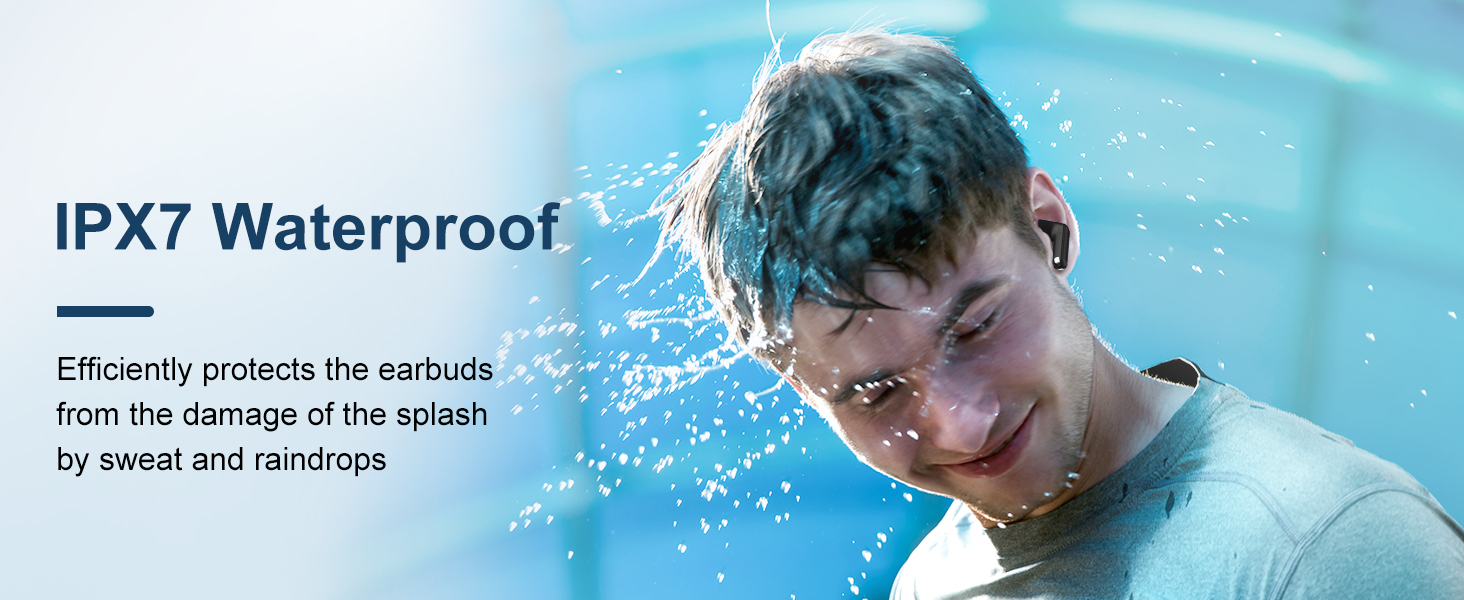
Црнотоview AirBuds 7 are rated IPX7 waterproof, meaning they can withstand immersion in water up to 1 meter for 30 minutes. This protection makes them suitable for use during workouts or in light rain. However, the charging case is not waterproof. Avoid exposing the charging case to water.
Слика: A person being splashed with water, demonstrating the IPX7 waterproof capability of the AirBuds 7 earbuds, protecting them from sweat and raindrops.
Откажување бучава од околината (ENC)
The AirBuds 7 incorporate Dual-Mic Environmental Noise Cancellation (ENC) technology and a Dialogue Noise Cancellation (DNS) algorithm. This system automatically activates during calls to reduce background noise, ensuring clearer conversations even in noisy environments like public transport or busy streets.
Слика: A graph illustrating the effectiveness of environmental noise cancellation, showing how noise is suppressed while vocal clarity is maintained.
Одржување
- Чистење: Редовно чистете ги слушалките и кутијата за полнење со мека, сува крпа што не остава влакненца. Не користете груби хемикалии или абразивни материјали.
- Совети за уши: Ensure ear tips are clean and free of earwax buildup for optimal sound quality and hygiene.
- Складирање: Кога не ги користите, чувајте ги слушалките во нивната кутија за полнење за да ги заштитите и да ги држите наполнети.
- Избегнувајте екстремни услови: Не ги изложувајте слушалките или футролата на екстремни температури, влажност или директна сончева светлина подолг временски период.
Решавање проблеми
| Проблем | Решение |
|---|---|
| Ушни пупки не се спаруваат | Ensure earbuds are charged. Turn off and on Bluetooth on your device. Forget "AirBuds 7" in Bluetooth settings and re-pair. |
| Работи само една слушалка | Place both earbuds back in the case, close it, then open and remove them again. Check battery levels for both earbuds. |
| Ниска јачина на звук или лош квалитет на звук | Clean earbud tips and speaker mesh. Adjust volume on your device. Ensure earbuds are properly seated in your ears. |
| Кутијата за полнење не се полни | Check USB cable connection and power source. Ensure wireless charging pad is active and case is correctly placed. |
Спецификации
| Карактеристика | Детал |
|---|---|
| Име на моделот | Airbuds 7 |
| Бренд | Црнотоview |
| Технологија за поврзување | Безжичен (Bluetooth 5.3) |
| Тип на драјвер за аудио | Динамичен драјвер |
| Големина на драјвер за аудио | 13 милиметри |
| Траење на батеријата (слушалки) | До 6 часа |
| Вкупно време за играње (со футрола) | До 30 часа |
| Време на полнење (случај) | 75 минути |
| Ниво на отпорност на вода | IPX7 (само слушалки) |
| Контрола на бучава | Адаптивно поништување на шумот (ENC) |
| Микрофон | Вклучено |
| Интерфејс за полнење | USB-C, безжично полнење |
| Материјал | Пластика, полиуретан (PU) |
| Тежина на ставката | 5.3 унци |
| UPC | 810175522289 |
Информации за безбедност
- Не расклопувајте или модифицирајте ги слушалките или кутијата за полнење.
- Да се чува подалеку од дофат на деца и домашни миленици.
- Избегнувајте долго слушање со голема јачина за да спречите оштетување на слухот.
- Do not use the earbuds in situations where you need to hear your surroundings, such as driving or cycling.
- Отстранете го производот одговорно во согласност со локалните прописи.
Гаранција и поддршка
Црнотоview products come with a standard manufacturer's warranty. For detailed warranty information, technical support, or service inquiries, please refer to the warranty card included in your package or visit the official Blackview webстраница. Ве молиме задржете го доказот за купување за гаранциски барања.
Official Blackview Webсајт: www.црноview.hk


