1. Вовед
This manual provides essential instructions for the safe and effective use of your Nova NHT 1102 Trimmer. Please read it thoroughly before first use and retain it for future reference. This cordless trimmer is designed for personal grooming, offering precision trimming with multiple length settings and a long-lasting rechargeable battery.
2. Важни безбедносни инструкции
- Do not immerse the trimmer in water or use it near water (e.g., bathtub, shower, sink).
- Чувајте го апаратот подалеку од деца.
- Always check the trimmer for damage before use. Do not use if the blades or housing are damaged.
- Користете го само кабелот за полнење што е испорачан со тримерот.
- Do not attempt to disassemble or repair the trimmer yourself. Contact qualified service personnel for assistance.
- Ensure your hands are dry when plugging or unplugging the charging cable.
- Чувајте го тримерот на суво место кога не го користите.
3. Содржина на пакетот
Проверете дали сите артикли се присутни во пакувањето:
- Nova NHT 1102 Trimmer
- 3 чешли-водичи (1мм, 2мм, 3мм)
- Кабел за полнење USB Type-C
- Четка за чистење
- Lubricating Oil (may be included)

Image 3.1: Nova NHT 1102 Trimmer with included accessories and packaging.
4. Производот завршиview
Familiarize yourself with the components of your Nova NHT 1102 Trimmer:
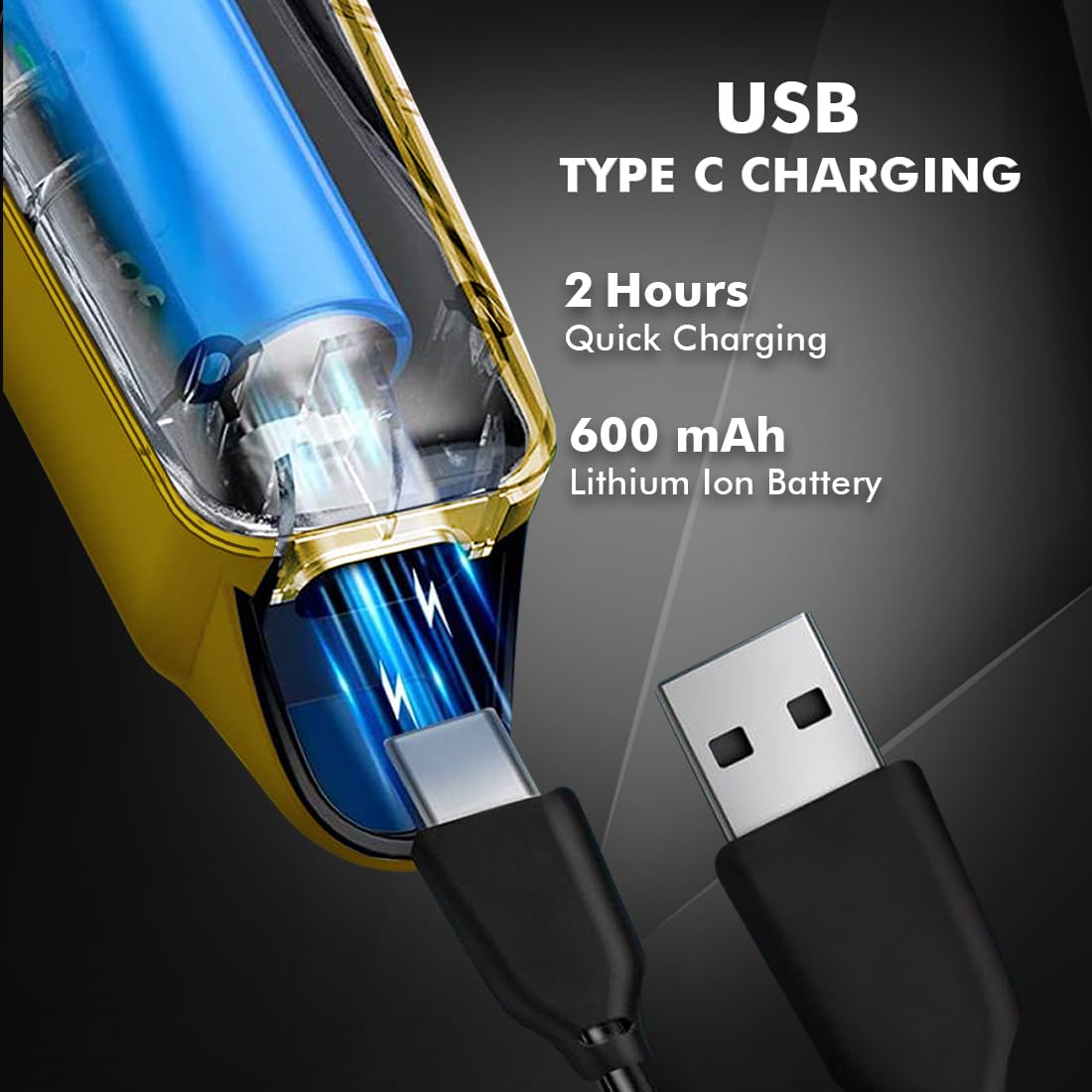
Image 4.1: Key features and components of the Nova NHT 1102 Trimmer.
- Сечила од не'рѓосувачки челик: Durable and self-sharpening blades for precise cutting.
- Копче за вклучување: Ги контролира поставките за вклучување/исклучување и брзина.
- Индикаторско светло: Displays charging status and operational mode.
- USB порта за полнење: For convenient charging via USB Type-C cable.
- Кука за висење: За лесно складирање.
- Водички чешли: Detachable combs for various trimming lengths (1mm, 2mm, 3mm).
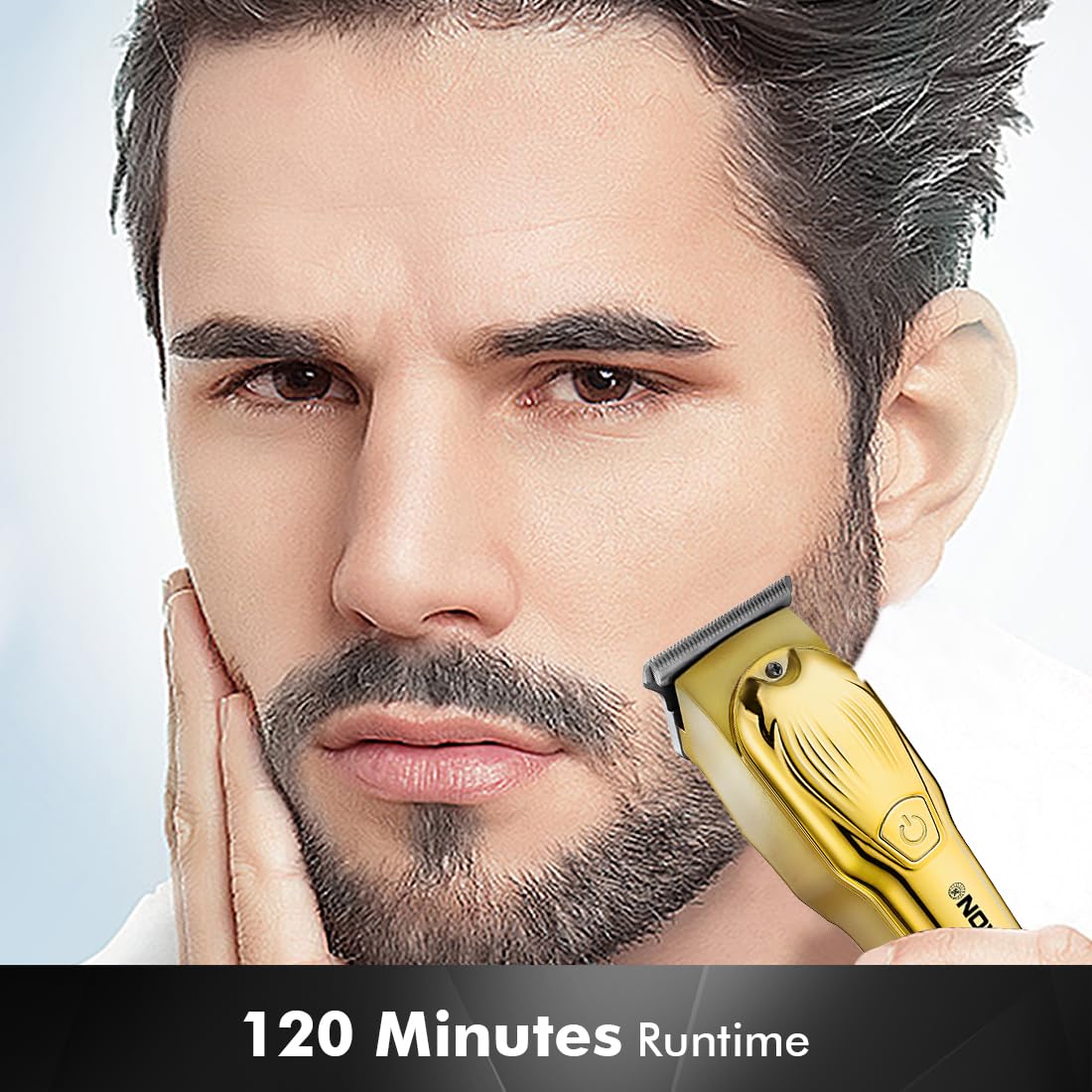
Image 4.2: Detail of the self-sharpening stainless steel blades.
5. Поставување
5.1 Почетно полнење
Before first use, fully charge the trimmer. The Nova NHT 1102 Trimmer features a 600 mAh Lithium-Ion battery.
- Поврзете го USB Type-C кабелот за полнење со приклучокот за полнење на тримерот.
- Вклучете го другиот крај од USB кабелот во компатибилен USB адаптер за напојување (не е вклучен) или во USB порт на компјутер.
- The indicator light will illuminate to show charging is in progress.
- A full charge takes approximately 2 hours, providing up to 120 minutes of cordless runtime.
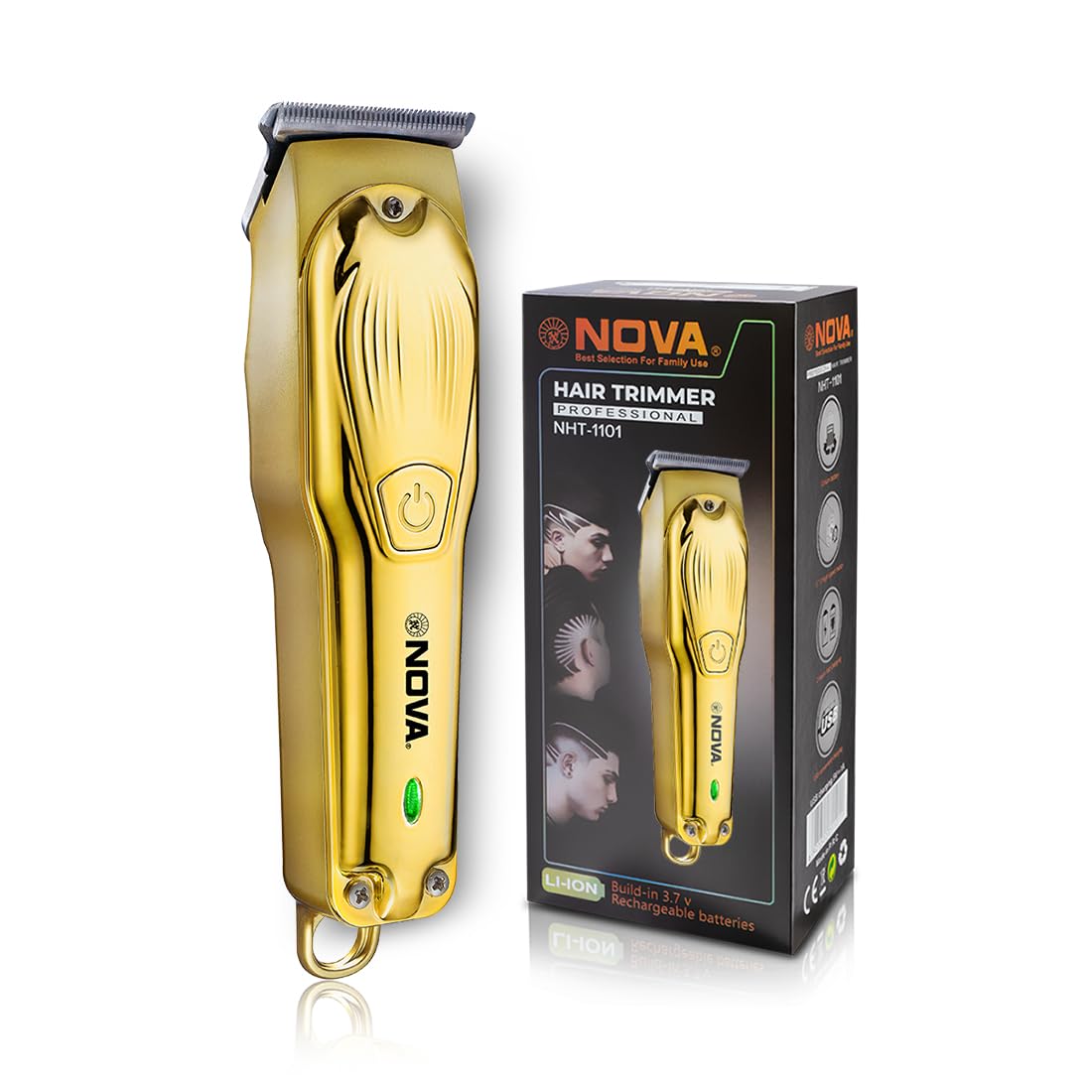
Image 5.1: USB Type-C charging mechanism.
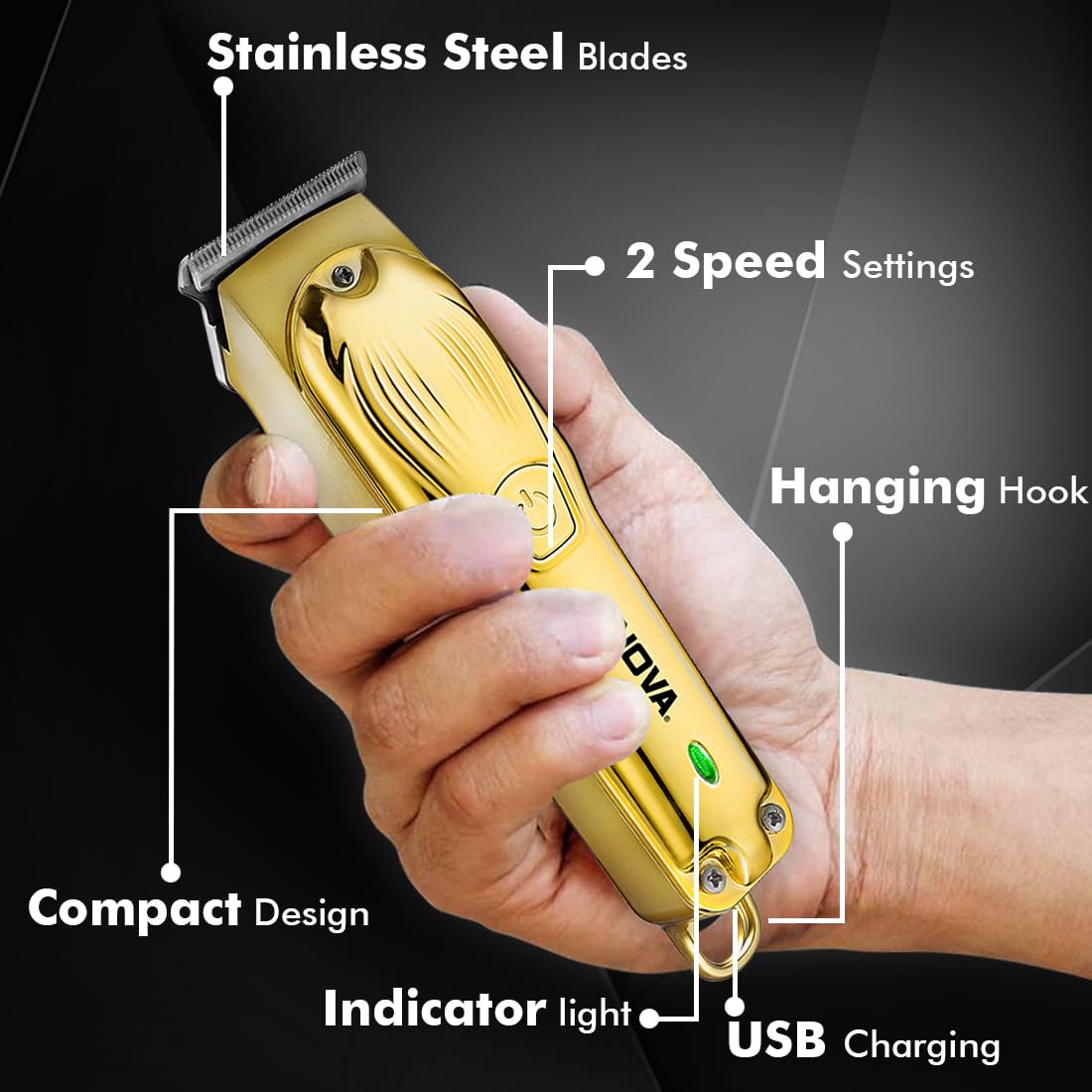
Image 5.2: Trimmer charging via USB Type-C.
5.2 Прикачување на чешли-водичи
The trimmer comes with 3 guide combs for different hair lengths:
- 1mm comb
- 2mm comb
- 3mm comb
To attach a guide comb, align the comb with the trimmer head and push it firmly until it clicks into place. To remove, gently pull the comb away from the trimmer head.
6. Упатства за работа
6.1 Turning On/Off and Speed Settings
- To turn the trimmer on, press the power button once. The trimmer will start at the default speed setting.
- To switch between the 2 available speed settings, press the power button again while the trimmer is running.
- To turn the trimmer off, press the power button until it stops.
6.2 Турбо функција
For increased power, activate the Turbo Function:
- While the trimmer is running, double-press the power button to engage the turbo mode.
- Double-press again to return to normal speed.
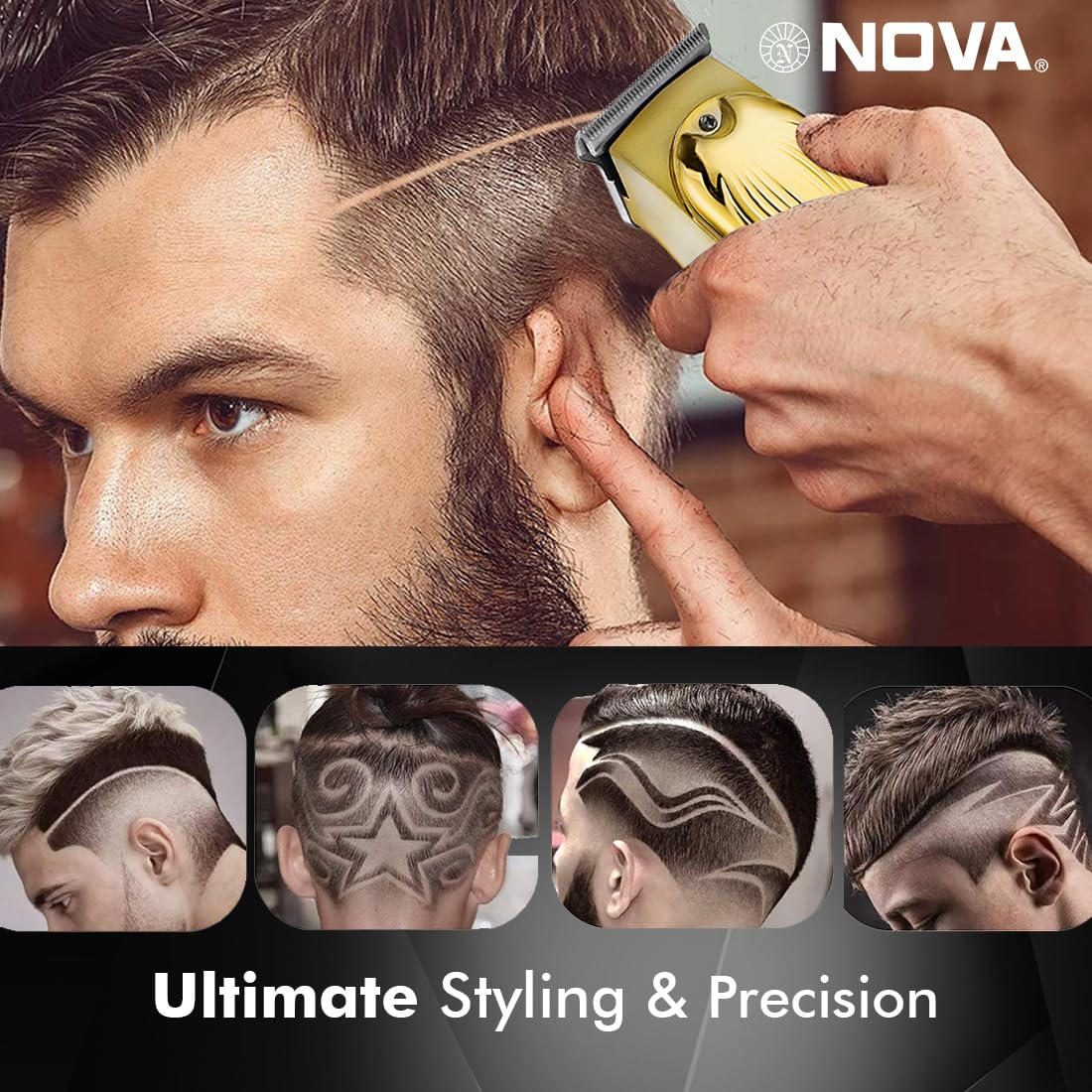
Image 6.1: Illustration of the Turbo Function.
6.3 Сечење
Ensure hair is clean and dry before trimming for optimal results.
- Without Guide Comb: For precision trimming and close cuts (0.5mm), use the trimmer without any guide comb attached.
- With Guide Comb: Select the desired guide comb (1mm, 2mm, or 3mm) and attach it securely.
- Држете го тримерот со сечилата рамно на кожата и движете го полека спротивно од правецот на раст на влакната.
- За најдобри резултати, истегнете ја кожата затегнато со слободната рака.
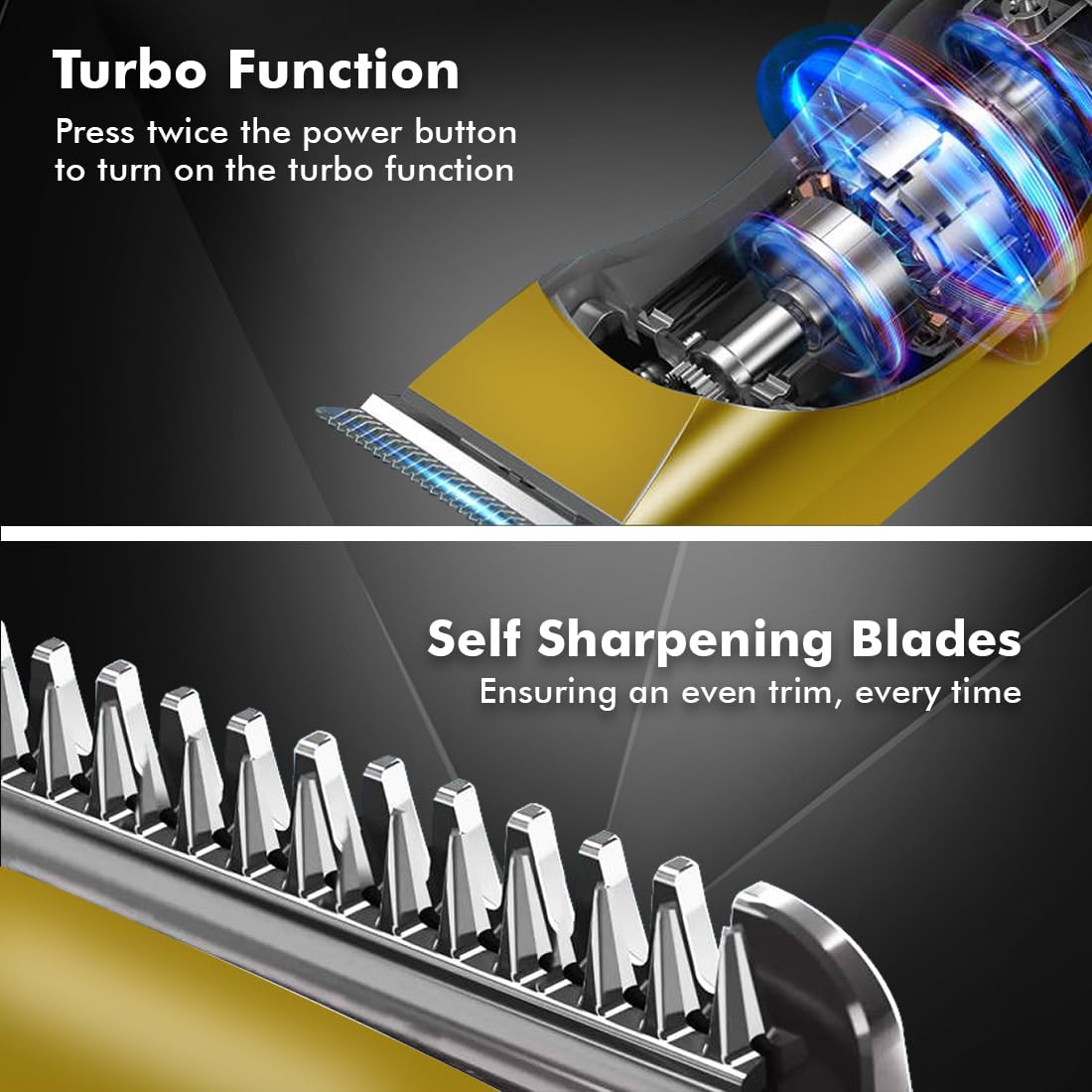
Image 6.2: Demonstrating hair trimming with the device.
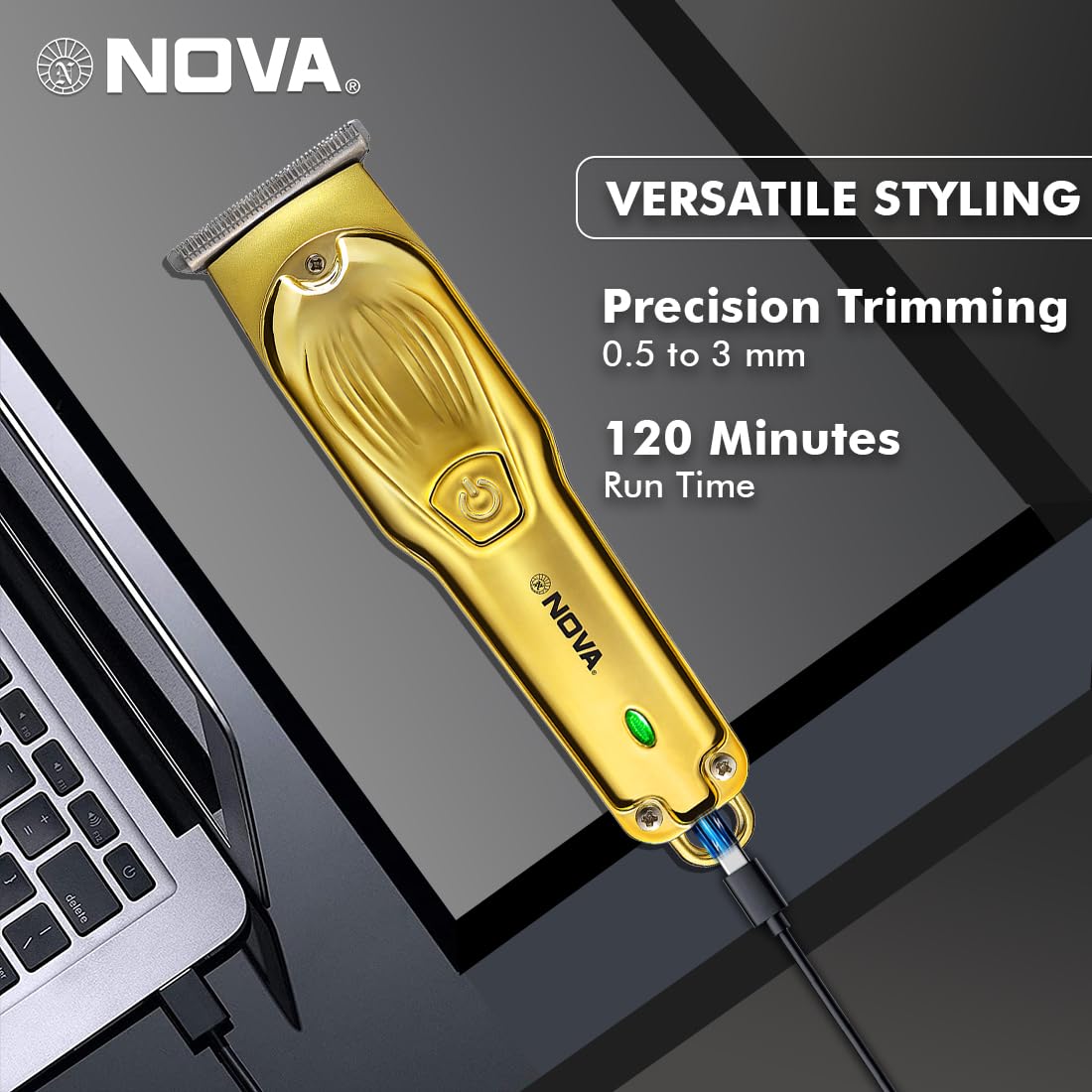
Image 6.3: Demonstrating beard trimming with the device.
7. Одржување
7.1 Чистење на сечилата
Редовното чистење обезбедува оптимални перформанси и хигиена.
- Исклучете го тримерот и исклучете го од изворот на енергија.
- Carefully remove any attached guide comb.
- Use the provided cleaning brush to remove hair clippings from the blades and the trimmer head.
- The blades are self-sharpening, reducing the need for manual sharpening.
7.2 Подмачкување
To maintain blade performance, apply a small drop of lubricating oil (if included) to the blades after every few uses. Turn the trimmer on for a few seconds to distribute the oil evenly.
7.3 Складирање
Store the trimmer in a cool, dry place, away from direct sunlight and moisture. Ensure the trimmer is clean and dry before storage.
8 Смена на проблеми
| Проблем | Можна причина | Решение |
|---|---|---|
| Тример не се вклучува. | Батеријата е испразнета. | Полнете го тримерот најмалку 2 часа. |
| Копчето за вклучување не е правилно притиснато. | Ensure a firm press on the power button. | |
| Слаби перформанси на отсекување. | Сечилата се затнати со влакна. | Исчистете ги сечилата со четката за чистење. |
| Сечилата бараат подмачкување. | Нанесете капка масло за подмачкување на сечилата. | |
| Батеријата не се полни. | Кабелот за полнење или адаптерот се неисправни. | Пробајте друг USB Type-C кабел или адаптер за напојување. |
| Charging port is damaged. | Контактирајте ја поддршката за корисници. |
9. Спецификации
| Карактеристика | Детал |
|---|---|
| Модел | NHT 1102 |
| Материјал за сечилото | Нерѓосувачки челик |
| Должини на сечење | 0.5mm (without comb), 1mm, 2mm, 3mm (with guide combs) |
| Тип на батерија | Lithium-Ion (600 mAh) |
| Време на полнење | Прибл. 2 часа |
| Време на траење | До 120 минути |
| Интерфејс за полнење | USB тип-C |
| Поставки за брзина | 2 |
| Посебни карактеристики | Turbo Function, Self-Sharpening Blades, Cordless Operation, Hanging Hook |
| Димензии (Д x Ш x В) | 9 x 11 x 14 cm |
| Тежина на ставката | 480 гр |
| Производител | Nova Manufacturing Hong Kong |
| Земја на потекло | Кина |
10. Гаранција и поддршка
For detailed warranty information, please refer to the warranty card included with your product or the official Nova website. For technical support, service, or replacement parts, please contact Nova customer service through the contact information provided on your product packaging or the official brand channels.


