1. Важни безбедносни информации
Please read all safety instructions carefully before using your Xiaomi TV S Mini LED 75" 2025. Keep this manual for future reference.
- Извор на енергија: Connect the TV only to an AC power source as indicated on the label.
- Вентилација: Обезбедете соодветна вентилација околу телевизорот. Не ги блокирајте отворите за вентилација.
- Вода и влага: Не го изложувајте телевизорот на дожд или влага. Не ставајте предмети полни со течности врз телевизорот.
- Чистење: Исклучете го телевизорот од струја пред чистење. Користете мека, сува крпа. Избегнувајте течни средства за чистење.
- Сервисирање: Не обидувајте се сами да го сервисирате овој производ. Пренесете ги сите сервиси на квалификуван сервисен персонал.
- Поставување: Place the TV on a stable, level surface or mount it securely to a wall using a compatible VESA mount.
2. Содржина на пакетот
Проверете дали сите артикли се присутни во пакувањето:
- Xiaomi TV S Mini LED 75" 2025
- Далечински управувач
- Кабел за напојување
- Компоненти за ТВ држач (доколку се вклучени)
- Упатство за употреба (овој документ)
3. Водич за поставување
3.1 Распакување на телевизорот
Carefully remove the TV from its packaging. It is recommended to have two people for this process due to the size and weight of the 75-inch model.
3.2 Installing the TV Stand (Optional)
If you are not wall-mounting the TV, attach the included stand components according to the separate stand installation guide. Ensure all screws are tightened securely.
3.3 Монтирање на ѕид (опционално)
The Xiaomi TV S Mini LED 75" 2025 supports VESA wall mounts with a pattern of 400 x 300 mm. Use appropriate wall-mounting hardware and consult a professional for installation to prevent injury or damage.
3.4 Поврзување на периферни уреди
Connect your devices to the TV's input ports. Refer to the back panel image for port locations.
Слика: Заден дел view of the TV displaying available connection ports.
- Моќност: Поврзете го кабелот за напојување со телевизорот, а потоа со штекер.
- HDMI: Connect Blu-ray players, game consoles, or other HDMI devices.
- USB: Поврзете USB уреди за складирање за репродукција на медиуми.
- Етернет: За жична интернет конекција.
- Антена/кабел: Поврзете ја вашата антена или влезот за кабелска телевизија.
3.5 Првично вклучување и прво поставување
After connecting all cables, plug in the TV and press the power button on the remote control. Follow the on-screen instructions to complete the initial setup, including network connection, Google account login, and channel scanning.

Слика: напред view of the Xiaomi TV S Mini LED 75" 2025.
4. Упатства за работа
4.1 Преку далечински управувачview
Вклучениот далечински управувач овозможува пристап до сите функции на телевизорот. За лесна навигација, запознајте се со распоредот на копчињата.
4.2 Основни функции
- Моќност: Притиснете за да го вклучите или исклучите телевизорот.
- Волумен: Use the +/- buttons to adjust the sound level.
- Канал: Користете ги копчињата CH +/- за да менувате канали.
- Влез: Select the desired input source (HDMI, AV, etc.).
- Дома: Access the Google TV home screen.
4.3 Функции на Smart TV (Google TV)
Your Xiaomi TV runs on Google TV, offering a personalized entertainment experience.

Image: Google TV interface with app icons and content suggestions.
- Апликации: Преземајте и инсталирајте апликации од Google Play Store.
- Гласовен асистент: Use the built-in Google Assistant for voice commands.
- Препораки за содржина: Google TV provides personalized recommendations based on your viewнавики.

Image: Using the Hey Google voice assistant to search for content.
4.4 Поставки на екранот
Adjust picture settings to optimize your viewискуство.
Слика: Надview of the TV's advanced display technologies.
- Режими на слика: Select from various preset modes (e.g., Standard, Vivid, Movie, Game) or customize your own.
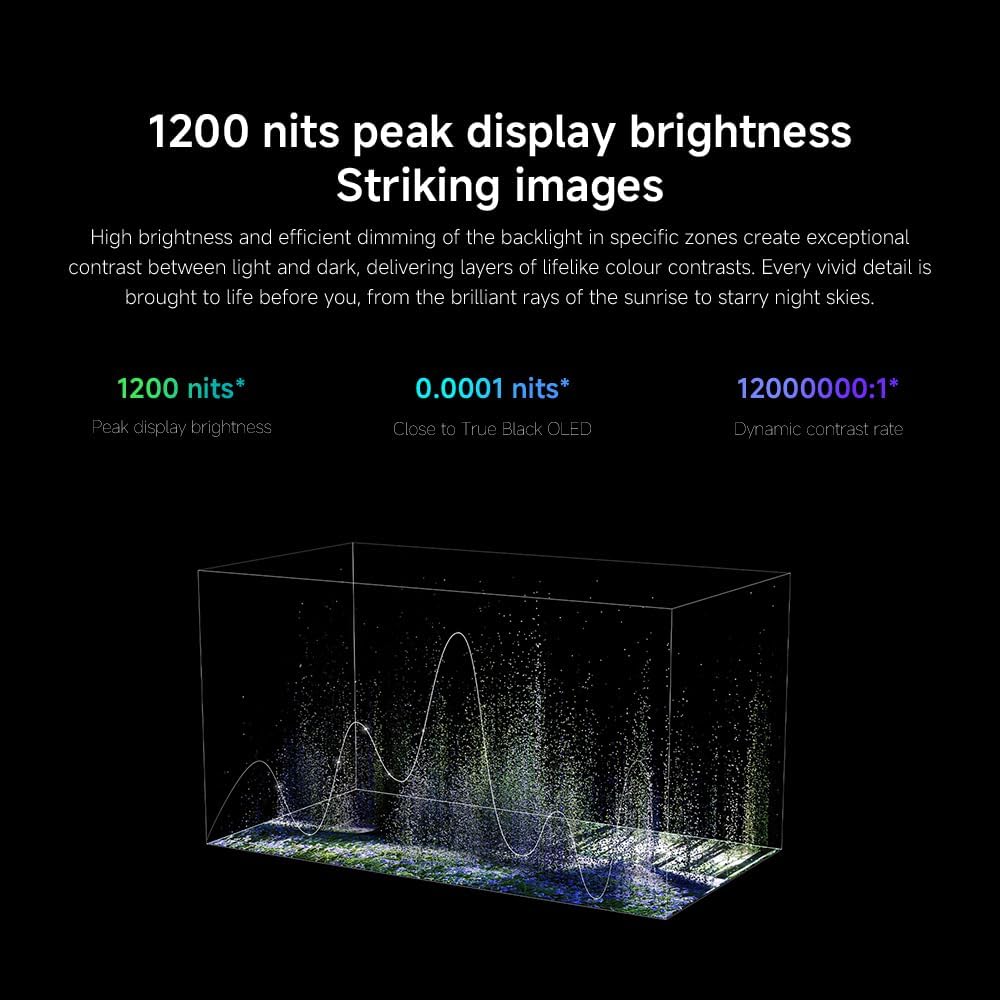
- Осветленост/Контраст: Fine-tune these settings for optimal visual clarity. The TV features 1200 nits peak brightness for stunning visuals.
- Боја: Adjust color saturation and tint. The QD-MiniLED display offers accurate color reproduction.
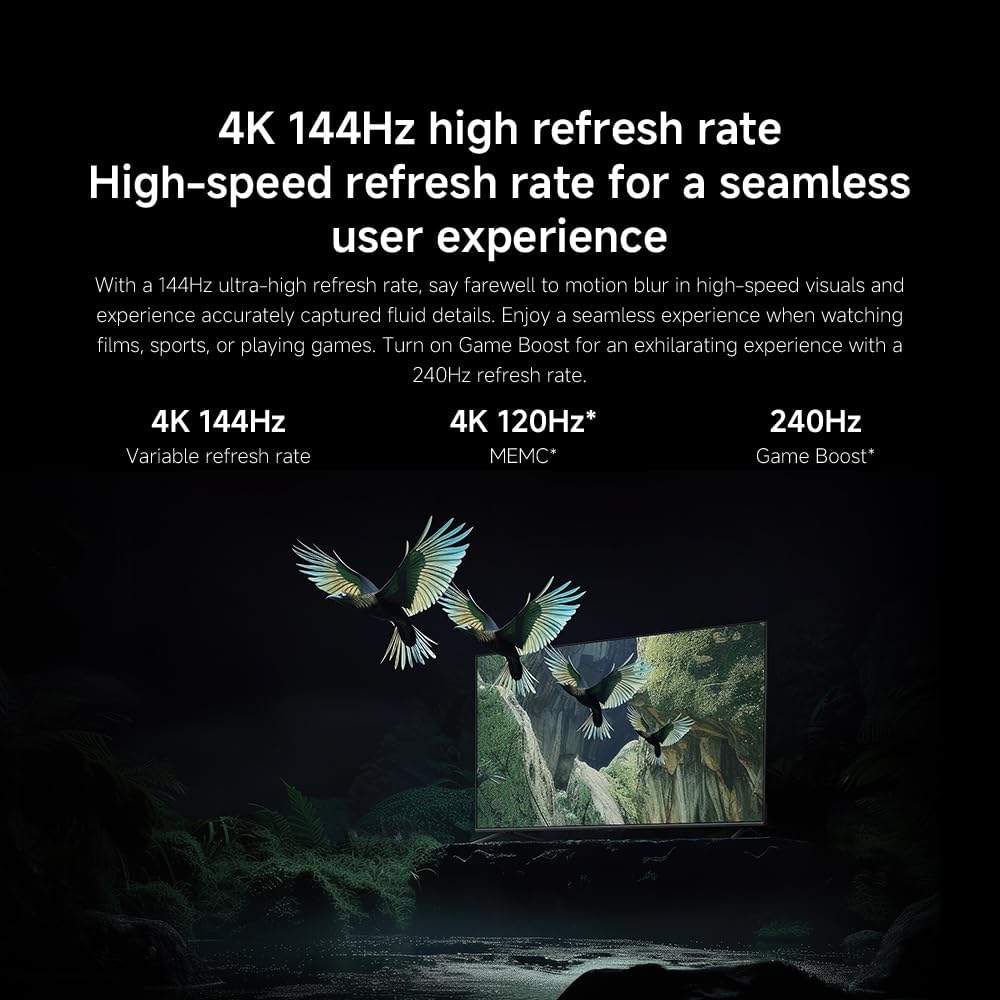
- Стапка на освежување: The TV supports a 144Hz refresh rate for ultra-smooth motion.
- Мотор со вештачка интелигенција: The powerful AI engine enhances image quality automatically.

Image: Visual representation of the 144Hz refresh rate for seamless motion.
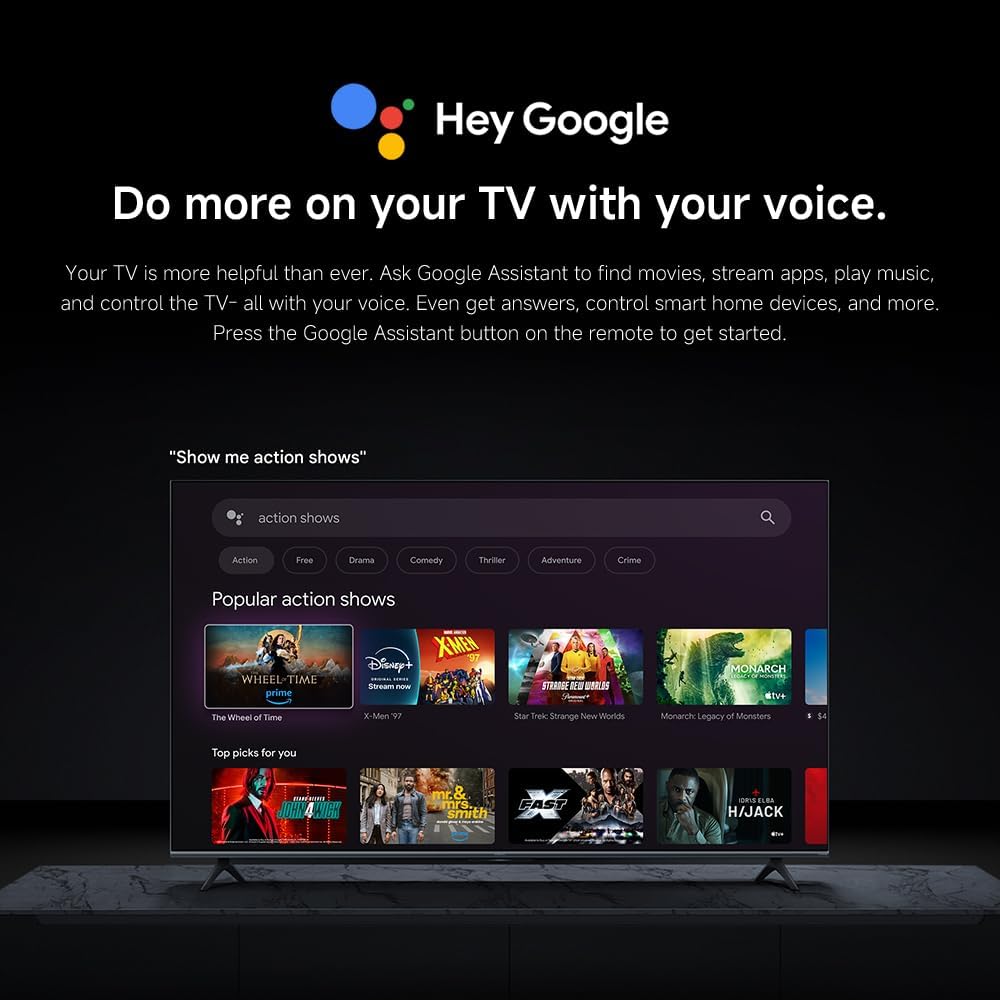
Image: The Quad cortex A73 processor, responsible for AI image enhancement and performance.
4.5 Аудио поставки
Configure audio output and sound enhancements.

Image: Depiction of the TV's quality audio-visual experience.
- Звук на владата: Choose from preset sound modes (e.g., Standard, Movie, Music) or customize.
- Dolby Atmos: Enable Dolby Atmos for an immersive audio experience.
4.6 Поврзување
The TV offers various connectivity options.
- Bluetooth: Поврзете уреди со Bluetooth, како што се слушалки или звучници.
- Wi-Fi: Поврзете се со вашата домашна безжична мрежа за пристап до интернет.
- Apple AirPlay: Стримувајте содржина директно од вашите Apple уреди.
Image: Apple AirPlay functionality for streaming from Apple devices.
5. Одржување
5.1 Чистење на екранот
To clean the screen, first unplug the TV. Gently wipe the screen with a soft, lint-free cloth. For stubborn marks, slightly dampen the cloth with water or a specialized screen cleaner, then wipe dry immediately. Do not spray liquid directly onto the screen.
5.2 Ажурирања на софтверот
The TV may receive software updates periodically to improve performance and add new features. Ensure your TV is connected to the internet to receive these updates. You can check for updates manually in the TV's settings menu.
6 Смена на проблеми
Доколку наидете на проблеми со вашиот телевизор, погледнете ги следниве вообичаени решенија:
| Проблем | Можно решение |
|---|---|
| Нема моќ | Проверете дали кабелот за напојување е безбедно поврзан со телевизорот и штекерот. Проверете дали штекерот е функционален. |
| Нема слика, но звукот е присутен | Проверете дали е избран точниот влезен извор. Проверете ги кабелските врски со надворешните уреди. |
| Нема звук, но сликата е присутна | Проверете го нивото на јачина на звук и статусот на исклучување на звукот. Проверете дали аудио каблите се правилно поврзани. |
| Далечинскиот управувач не работи | Заменете ги батериите. Уверете се дека нема пречки помеѓу далечинскиот управувач и телевизорот. |
| Слаб квалитет на слика | Adjust picture settings (brightness, contrast, sharpness). Check antenna or cable connection. Ensure content source is high quality. |
| Smart TV features unresponsive | Check internet connection. Restart the TV by unplugging it for a few minutes and plugging it back in. |
If the issue persists after trying these steps, contact customer support.
7. Спецификации
Key technical specifications for the Xiaomi TV S Mini LED 75" 2025:
| Карактеристика | Спецификација |
|---|---|
| Бренд | XIAOMI |
| Број на модел | 59292 |
| Големина на екранот | 75 инчи |
| Технологија на прикажување | 4K UHD, LED, QD-MiniLED |
| Резолуција | 4K (3840 x 2160) |
| Стапка на освежување | 144 Hz |
| Врвна осветленост | 1200 нити |
| Оперативен систем | Google TV |
| Процесор | Quad Cortex A73 |
| RAM меморија | 3 GB |
| Складирање | 32 GB |
| Аудио технологија | Dolby Atmos |
| Поврзување | Bluetooth, Wi-Fi, Apple AirPlay |
| Димензии на производот (со држач) | 42.5 Д x 166.8 Ш x 102.8 В см |
| Тежина на производот (со држач) | 31 кг |
| VESA ѕиден носач | 400 x 300 mm |
| Вклучени компоненти | TV, remote control, power cable |
8. Гаранција и поддршка
Your Xiaomi TV S Mini LED 75" 2025 is covered by a manufacturer's warranty. Please refer to the warranty card included in your package for specific terms and conditions. For technical support, service inquiries, or to purchase accessories, please visit the official Xiaomi webлокација или контактирајте ги нивните овластени сервисни центри.
Онлајн ресурси: For additional information, FAQs, and software downloads, visit the official Xiaomi support page.