Вовед
Thank you for choosing the E-YOOSO A68 Red Axis Low Profile Mechanical Keyboard. This manual provides detailed instructions to help you set up, operate, and maintain your new keyboard. Please read this manual thoroughly before use to ensure optimal performance and longevity of your device.
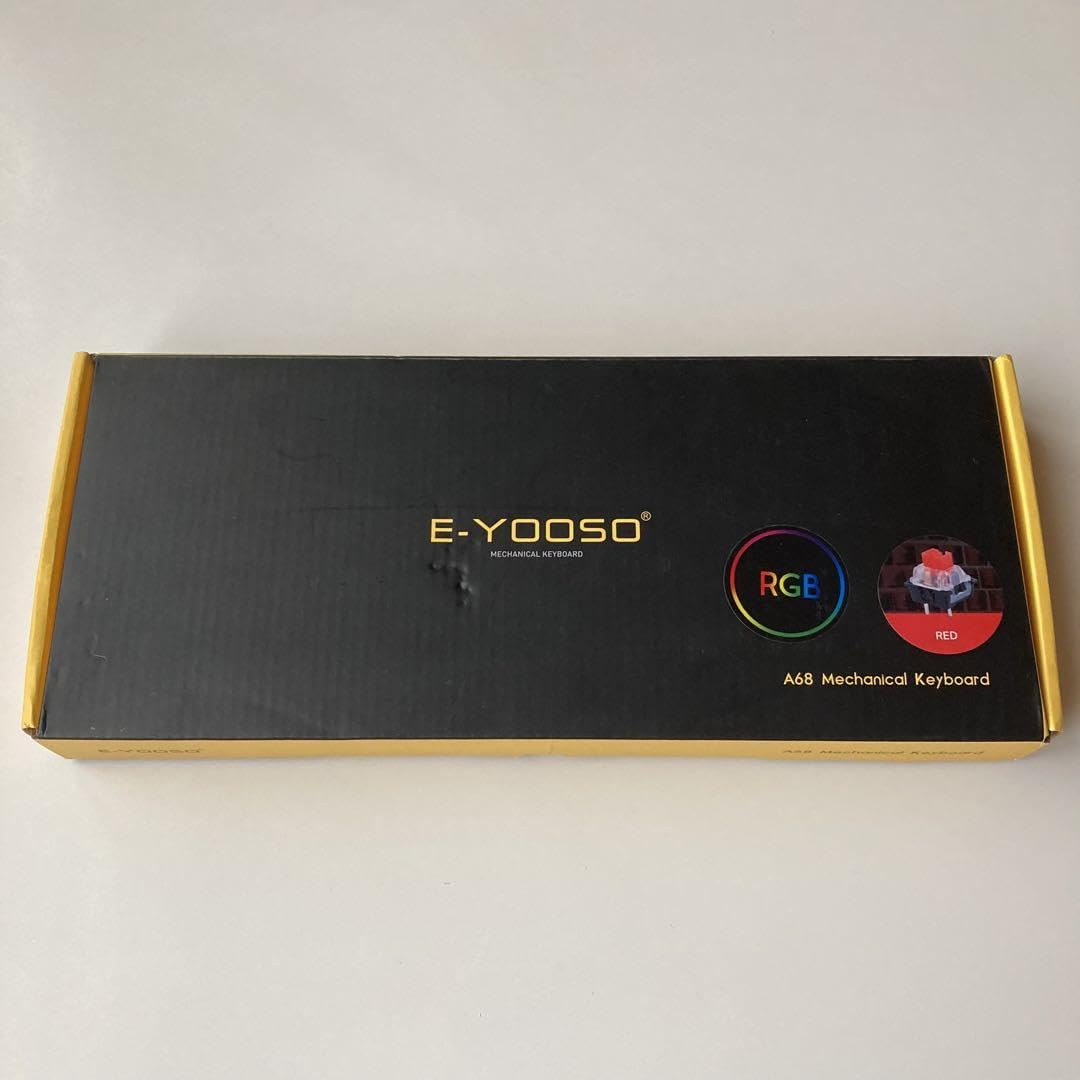
Image: The E-YOOSO A68 Red Axis Low Profile Mechanical Keyboard, a compact and ergonomic design.
Содржина на пакетот
Ве молиме проверете го пакувањето за следните ставки:
- E-YOOSO A68 Mechanical Keyboard
- USB-C кабел
- Капаче за клучеви и извлекувач на прекинувач
- Spare Switches (Red Axis)
- 2.4G безжичен ресивер
- Упатство за употреба
Note: Contents may vary slightly based on region or specific product bundle.
Поставување
Физичко поставување
Place the keyboard on a stable, flat surface. The E-YOOSO A68 features 2-level adjustable kickstands on the underside, allowing you to customize the typing angle for ergonomic comfort. Simply flip out the desired kickstand level to adjust.
Video: Demonstrates the 2-level kickstand adjustment and the detachable USB-C cable connection on an E-YOOSO 82-key keyboard, which is similar in design to the A68 model.
Поврзување
The E-YOOSO A68 supports multiple connection modes:
- Wичен режим: Connect the keyboard to your computer using the provided USB-C cable. The keyboard will be automatically recognized.
- 2.4G безжичен режим: Locate the 2.4G wireless receiver (dongle) in the package. Plug the receiver into an available USB port on your computer. Switch the keyboard's connectivity toggle to "2.4G" mode. The keyboard should connect automatically.
- Режим на Bluetooth: Switch the keyboard's connectivity toggle to "BT" mode. On your device (computer, tablet, smartphone), search for Bluetooth devices and select "E-YOOSO A68" to pair.
The keyboard features a convenient switch on the back to easily toggle between 2.4G wireless, OFF, and Bluetooth modes.
Упатства за работа
RGB режими на осветлување
The E-YOOSO A68 keyboard offers a vibrant RGB backlight with multiple preset lighting modes and effects. You can customize your typing experience with 16.8 million RGB colors and various dynamic lighting effects.
- Change RGB Backlight: Press the dedicated knob on the top right of the keyboard to cycle through different RGB lighting modes.
- Adjust Backlight Effects: Use the combination of FN + INS to change the RGB backlight color and FN + DEL to cycle through 16 different backlight effects.
Video: Showcases the E-YOOSO mechanical keyboard's RGB lighting modes, including various preset patterns and color changes. It also demonstrates the anti-ghosting and N-key rollover features, hot-swappable switches, and water resistance.
Клучни функции и карактеристики
- Anti-ghosting & N-Key Rollover: The keyboard supports anti-ghosting for all 81 keys and N-key rollover, ensuring every keystroke is registered accurately, even during intense gaming sessions.
- Копче за контрола на јачината на звукот: The multi-function knob on the top right can be used for volume control. Long press the knob for 3 seconds to switch between RGB backlight control and volume control functions.
- Ergonomic Keycaps: The ergonomically stepped keycaps are designed to fit your hands easily, reducing fatigue during prolonged use.
Прекинувачи со жешка замена
The E-YOOSO A68 features hot-swappable Outemu switches, allowing you to easily change switches without soldering. This provides flexibility to customize your typing feel. The PCB supports both 3-pin and 5-pin switches.
За да замените прекинувач:
- Користете го извлекувачот на капачето на копчето за нежно да го отстраните капачето на копчето.
- Користете го извлекувачот на прекинувачот за внимателно да го отстраните прекинувачот од печатената плочка.
- Порамнете ги игличките на новиот прекинувач со дупките на печатената плочка и цврсто притиснете додека не кликне на своето место.
- Повторно прицврстете го капачето на клучот.
Отпорност на вода
The keyboard is designed to be water-resistant, meaning accidental spills do not necessarily end your game or work session. However, it is always recommended to clean up spills immediately and avoid submerging the keyboard in water.
Тест за звук
The E-YOOSO A68 is engineered for a satisfying typing sound, featuring 4 layers of sound-absorbing foams to enhance acoustics and provide a pleasant typing experience. The Red Axis switches offer a smooth and linear keystroke.
Одржување
Чистење
To keep your keyboard in optimal condition:
- Regularly dust the keyboard using compressed air or a soft brush.
- For deeper cleaning, remove keycaps using the provided keycap puller and wipe them with a damp крпа.
- Clean the keyboard plate with a slightly damp cloth, ensuring no moisture enters the switches or electronics.
- Ensure the keyboard is completely dry before reattaching keycaps and using it.
Замена на прекинувач
As detailed in the "Hot-Swappable Switches" section, you can replace individual switches if they become faulty or if you wish to change the typing feel. Use the provided switch puller for safe removal and installation.
Решавање проблеми
If you encounter any issues with your E-YOOSO A68 keyboard, please refer to the following common solutions:
- Тастатурата не реагира:
- Ensure the USB cable is securely connected or the wireless receiver is properly plugged in.
- Check the connectivity switch on the back of the keyboard to ensure it's in the correct mode (Wired, 2.4G, or BT).
- За безжични режими, проверете дали батеријата на тастатурата е наполнета.
- Обидете се да се поврзете со друг USB порт или уред.
- RGB позадинското осветлување не работи/неправилно:
- Press the knob or use FN+INS/FN+DEL combinations to cycle through lighting modes and effects.
- Ensure the keyboard is not in a low-power mode if using wireless connectivity.
- Клучевите не се регистрираат:
- Check if the keycap or switch is properly seated. If not, remove and re-install.
- If a specific switch is faulty, replace it with a spare switch.
If the issue persists, please contact E-YOOSO customer support for further assistance.
Спецификации
| Модел | A68 |
| Тип на прекинувач | Red Axis (Low Profile, Hot-Swappable Outemu) |
| Клучни клучеви | Double-shot Injection Molded PBT Keycaps |
| Распоред | 81-Key (Compact) |
| Поврзување | Жичен (USB-C), 2.4G безжичен, Bluetooth |
| Задно осветлување | RGB (16.8 Million Colors, 16 Effects) |
| Градежништво | Top Grade Metal and ABS |
| Карактеристики | Anti-ghosting, N-Key Rollover, Water Resistant, Adjustable Kickstands, Volume/RGB Knob, Sound-absorbing Foams |
Гаранција и поддршка
E-YOOSO products come with a standard manufacturer's warranty. Please refer to the warranty card included in your package or visit the official E-YOOSO webстраница за детални услови за гаранција.
For technical support, product inquiries, or warranty claims, please contact E-YOOSO customer service through their official webстраницата или информациите за контакт наведени во документацијата за вашиот производ.


