1. Вовед
The UGREEN USB C SD 4.0 Card Reader (Model 65024) is a versatile 2-in-1 device designed for high-speed data transfer between various memory cards and your computer or mobile devices. It features both USB-A and USB-C connectors, offering broad compatibility and ease of use. This manual provides essential information for setting up, operating, maintaining, and troubleshooting your card reader.
2. Производот завршиview
The UGREEN USB C SD 4.0 Card Reader is engineered for efficiency and portability. It supports a wide range of SD and MicroSD card formats and offers fast data transfer speeds.
2.1 Клучни карактеристики
- Дизајн 2-во-1: Equipped with both USB-A and USB-C connectors for universal compatibility.
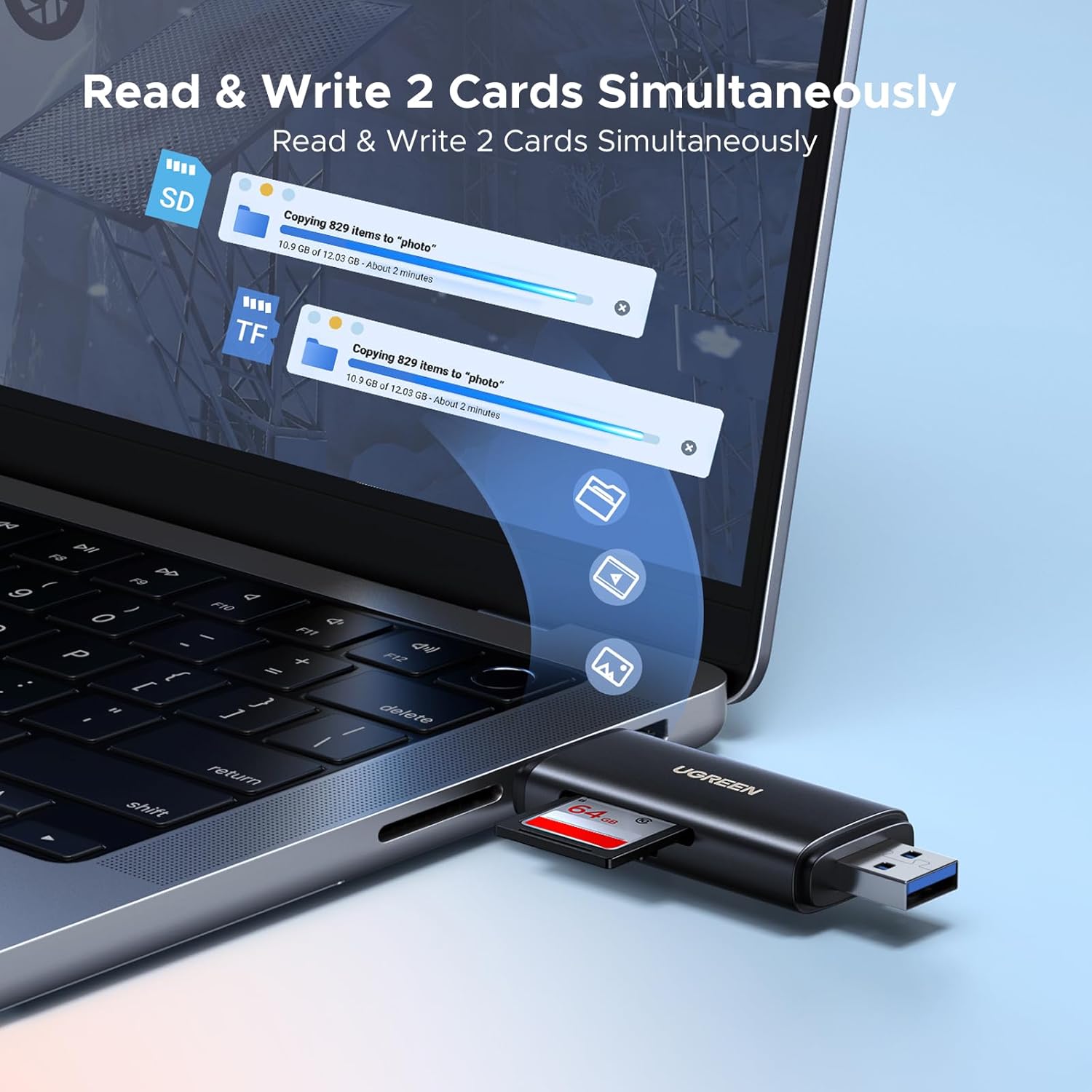
- Слотови за двојни картички: Supports simultaneous reading and writing for SD and MicroSD cards.
- Пренос на податоци со голема брзина: Achieves speeds up to 312 MB/s with UHS-II cards and up to 5 Gbps (USB 3.0/3.1 Gen 1) via its powerful chipset.
- Wide Card Compatibility: Supports SDXC, SDHC, MicroSD, MMC, RS-MMC, Micro SDXC, Micro SDHC, UHS-II, and UHS-I cards up to 2TB.
- Plug and Play: Не се потребни драјвери за повеќето оперативни системи.
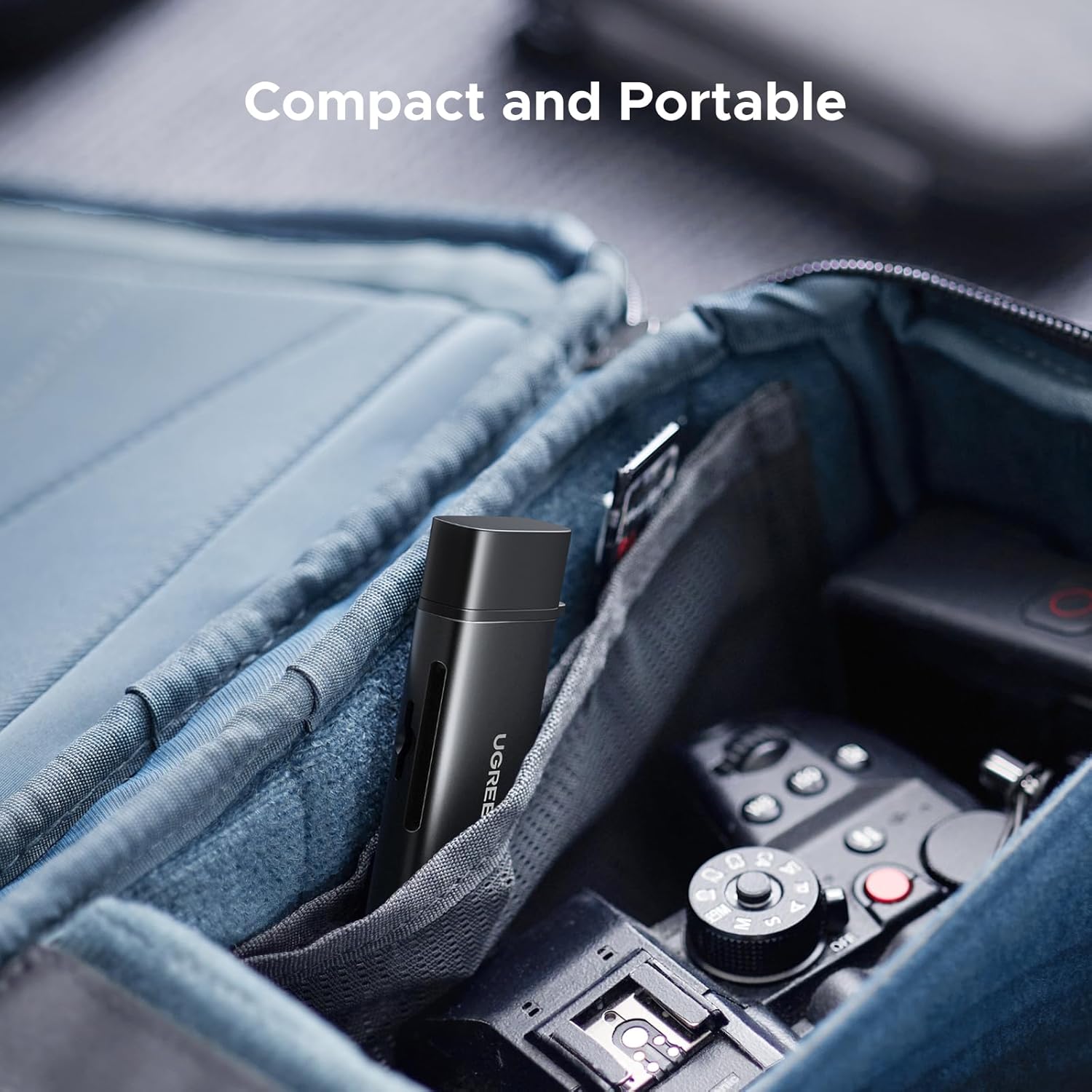
- Компактен и пренослив: Lightweight design for easy transport.
2.2 Компоненти
The card reader consists of a main body with two integrated connectors (USB-A and USB-C) and two card slots. Protective caps are included for both connectors.


3. Поставување
The UGREEN USB C SD 4.0 Card Reader is designed for simple plug-and-play operation.
3.1 Вметнување мемориска картичка
- Identify the correct slot for your memory card: the larger slot for standard SD cards (SD, SDHC, SDXC) and the smaller slot for MicroSD cards (MicroSD, Micro SDHC, Micro SDXC).
- Gently insert the memory card into the appropriate slot until it clicks into place. Ensure the card is oriented correctly to avoid damage. The eject mechanism design secures the card firmly.
3.2 Поврзување со уред
- Remove the protective cap from the desired connector (USB-A or USB-C).
- Plug the card reader into an available USB-A or USB-C port on your computer, laptop, tablet, or smartphone.
- Your device's operating system should automatically detect the card reader and the inserted memory card. A new drive letter or icon will appear, indicating successful connection.
4. Упатства за работа
Once connected, the card reader functions like any external storage device.
4.1 Пренос на податоци
- Open the detected drive on your computer or device.
- Повлечете и пуштете files to and from the memory card, or use copy/paste functions.
- The card reader supports simultaneous reading and writing from both SD and MicroSD slots, allowing for efficient multi-card operations.
4.2 OTG Functionality (for Mobile Devices)
For compatible smartphones and tablets with OTG (On-The-Go) functionality, the card reader allows direct access to memory card content without a computer.
- Ensure your mobile device supports OTG.
- Connect the card reader (with an inserted memory card) to your mobile device's USB-C port.
- Пристап files through your device's file апликација за менаџер.

4.3 Безбедно отстранување
Always safely eject the card reader from your operating system before physically disconnecting it to prevent data corruption.
- Windows: Кликнете со десното копче на иконата на дискот во „Овој компјутер“ или на иконата на лентата со задачи, потоа изберете „Извади“.
- MacOS: Повлечете ја иконата на дискот во ѓубрето или кликнете на копчето Извади веднаш до дискот во Finder.
- Android/iOS: Use the 'Eject' or 'Unmount' option in your device's file manager or settings, if available.
5. Одржување
Proper care ensures the longevity and optimal performance of your UGREEN USB C SD 4.0 Card Reader.
- Одржувајте чисто: Use a soft, dry cloth to clean the exterior of the card reader. Avoid liquid cleaners.
- Заштитете ги конектори: Always use the provided protective caps when the card reader is not in use to prevent dust and debris from entering the USB-A and USB-C ports.
- Ракувајте со внимание: Избегнувајте да го испуштате уредот или да го изложувате на силни удари.
- Складирање: Store the card reader in a cool, dry place away from direct sunlight and extreme temperatures. Its compact size makes it easy to store in a bag or pocket.

6 Смена на проблеми
If you encounter issues with your card reader, refer to the following common solutions:
- Уредот не е препознаен:
- Осигурајте се дека читачот на картички е целосно вметнат во USB-портата.
- Обидете се со друг USB порт на вашиот уред.
- Test the card reader on another computer or compatible device to rule out a port issue.
- Рестартирајте го вашиот компјутер или мобилен уред.
- Мемориската картичка не е откриена:
- Ensure the memory card is correctly and fully inserted into its slot.
- Try a different memory card to check if the issue is with the card itself.
- Verify the memory card is not damaged or corrupted.
- Бавна брзина на пренос на податоци:
- Ensure your computer's USB port supports USB 3.0/3.1 Gen 1 (often indicated by a blue port or SS symbol). Connecting to a USB 2.0 port will result in slower speeds.
- Confirm your memory card is a high-speed card (e.g., UHS-II for 312 MB/s). Lower class cards will have slower transfer rates.
- Избегнувајте извршување на повеќе апликации со големи барања за време на големи file трансфери.
- Наизменична врска:
- Ensure the connection is stable and the card reader is not being jostled.
- Check for any physical damage to the connectors or the card reader itself.
7. Спецификации
| Карактеристика | Детал |
|---|---|
| Бренд | ЗЕЛЕНА |
| Број на модел | 65024 |
| Технологија за поврзување | USB тип А, USB тип C |
| Поддржан тип на медиум | SD Card, SDHC, SDXC, MicroSD, MicroSDHC, MicroSDXC, MMC, RS-MMC, UHS-I, UHS-II |
| Поддржан максимален капацитет | До 2 ТБ |
| Максимална брзина на пренос на податоци | Up to 312 MB/s (with UHS-II cards), Up to 5 Gbps (USB 3.0/3.1 Gen 1) |
| Компатибилност на оперативниот систем | iOS, Android, Windows, macOS |
| Димензии на производот (ДxШxВ) | 3.23 x 1.06 x 0.47 инчи |
| Тежина на ставката | 2.16 унци |
| Боја | Црното |

8. Гаранција и поддршка
За информации за гаранцијата и техничка поддршка, ве молиме погледнете го официјалниот UGREEN webлокација или директно контактирајте ја службата за корисници на UGREEN. Зачувајте ја сметката за гаранциски барања.
Официјален претставник на UGREEN Webсајт: www.ugreen.com


