1. Вовед
This manual provides essential information for setting up, operating, maintaining, and troubleshooting your LG gram 17 inch laptop. Please read this manual thoroughly before using your device to ensure proper functionality and longevity.
2. Поставување
2.1 Почетно вклучување
- Распакувајте го лаптопот: Carefully remove the LG gram 17 laptop and all accessories from its packaging.
- Поврзете напојување: Plug the AC adapter into the laptop's power port (USB Type-C Thunderbolt 4 port) and then into a wall outlet.
- Вклучување: Open the laptop lid and press the power button, typically located on the top right of the keyboard.
- Првично поставување на Windows 11 Pro: Следете ги упатствата на екранот за да го завршите поставувањето на Windows 11 Pro, вклучувајќи го изборот на јазик, мрежната врска и креирањето на корисничка сметка.
2.2 Поврзување на периферни уреди
The LG gram 17 offers various ports for connecting external devices:
- USB-уреди: Use the 2x USB 3.2 Gen 2 Type-A ports for mice, keyboards, or external storage.
- USB-C / Thunderbolt Devices: Use the 2x Thunderbolt 4 USB 4.0 Gen 3 Type-C ports for high-speed data transfer, external displays, or charging.
- Надворешен приказ: Connect an external monitor via the HDMI port or a Thunderbolt 4 port (with appropriate adapter, if needed).
- Аудио: Use the 3.5mm headphone-out jack for headphones or external speakers.
- Микро SD картичка: Insert a Micro SD card into the dedicated slot for additional storage or data transfer.

Слика: Надview of the LG gram 17 laptop's connectivity ports, including USB Type-A, USB Type-C Thunderbolt 4, HDMI, headphone-out, and Micro SD slot.
3. Карактеристики
3.1 Екран
The LG gram 17 features a large 17-inch WQXGA (2560 x 1600) IPS touchscreen display with DCI-P3 99% color gamut support, providing vibrant colors and sharp details.

Image: The LG gram 17's 17-inch WQXGA IPS display, highlighting its 16:10 aspect ratio and DCI-P3 99% color accuracy.
3.2 Перформанси
Powered by the Intel Core Ultra 7 processor with 47 NPU TOPS, 32GB DDR5 RAM, and a 2TB PCIe SSD, the laptop delivers responsive performance for multitasking, productivity, and demanding applications.

Image: The LG gram 17 laptop, emphasizing its Intel Core Ultra processor and AI capabilities with up to 47 TOPS NPU.
3.3 Design and Input
The LG gram 17 is designed to be ultra-thin and lightweight, making it highly portable. It features a backlit keyboard for comfortable typing in various lighting conditions and a precision touchpad with scroll and gesture functions.

Слика: Детална view of the LG gram's backlit keyboard, illustrating the illumination of the keys for use in low-light environments.
3.4 Траење на батеријата
Equipped with a 77WHr Lithium Ion battery, the laptop offers up to 23.5 hours of video playback, ensuring extended usage on a single charge.

Image: The LG gram laptop screen showing "23.5 hrs" to represent its long battery life, with a visual of the laptop in use.
3.5 Operating System and AI Features
The LG gram 17 comes with Windows 11 Pro pre-installed, featuring AI-driven tools for enhanced productivity, creativity, and accessibility, including Copilot+PC functionalities.
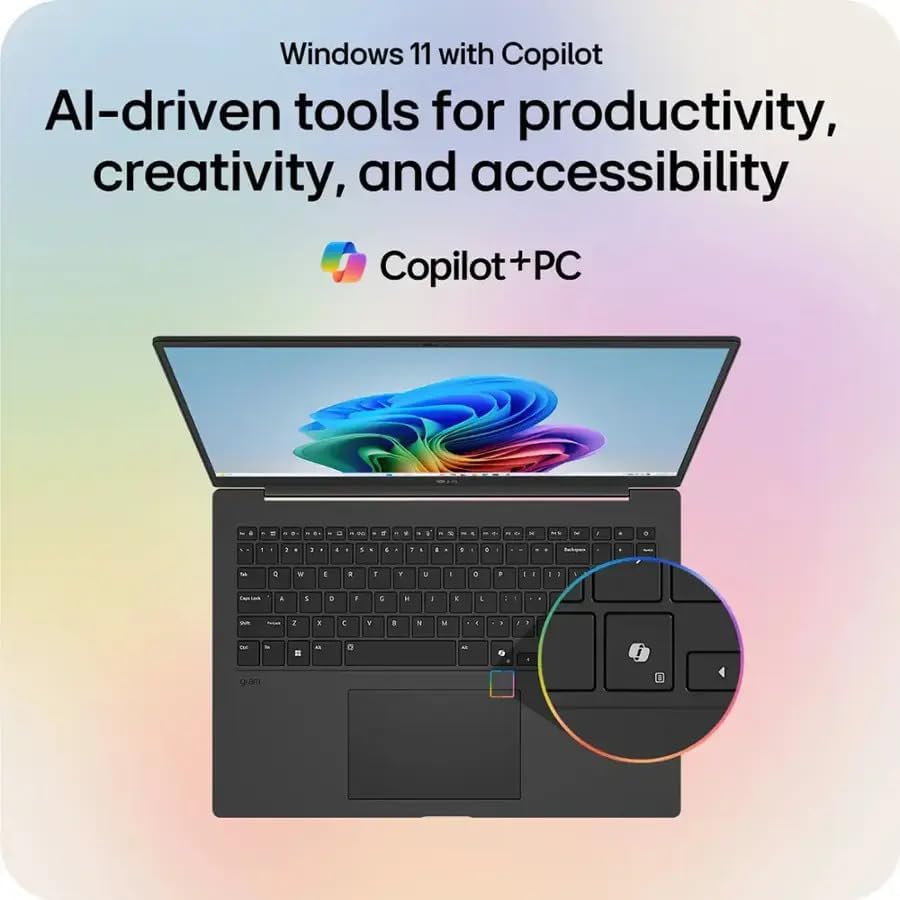
Слика: Презентацијата на лаптопот LG Gramasing the Windows 11 interface with Copilot, emphasizing its AI-driven tools for productivity and creativity.
3.6 Функционалност на екран на допир
The 17-inch WQXGA display is a touchscreen, allowing for intuitive interaction using your fingers or a compatible stylus.
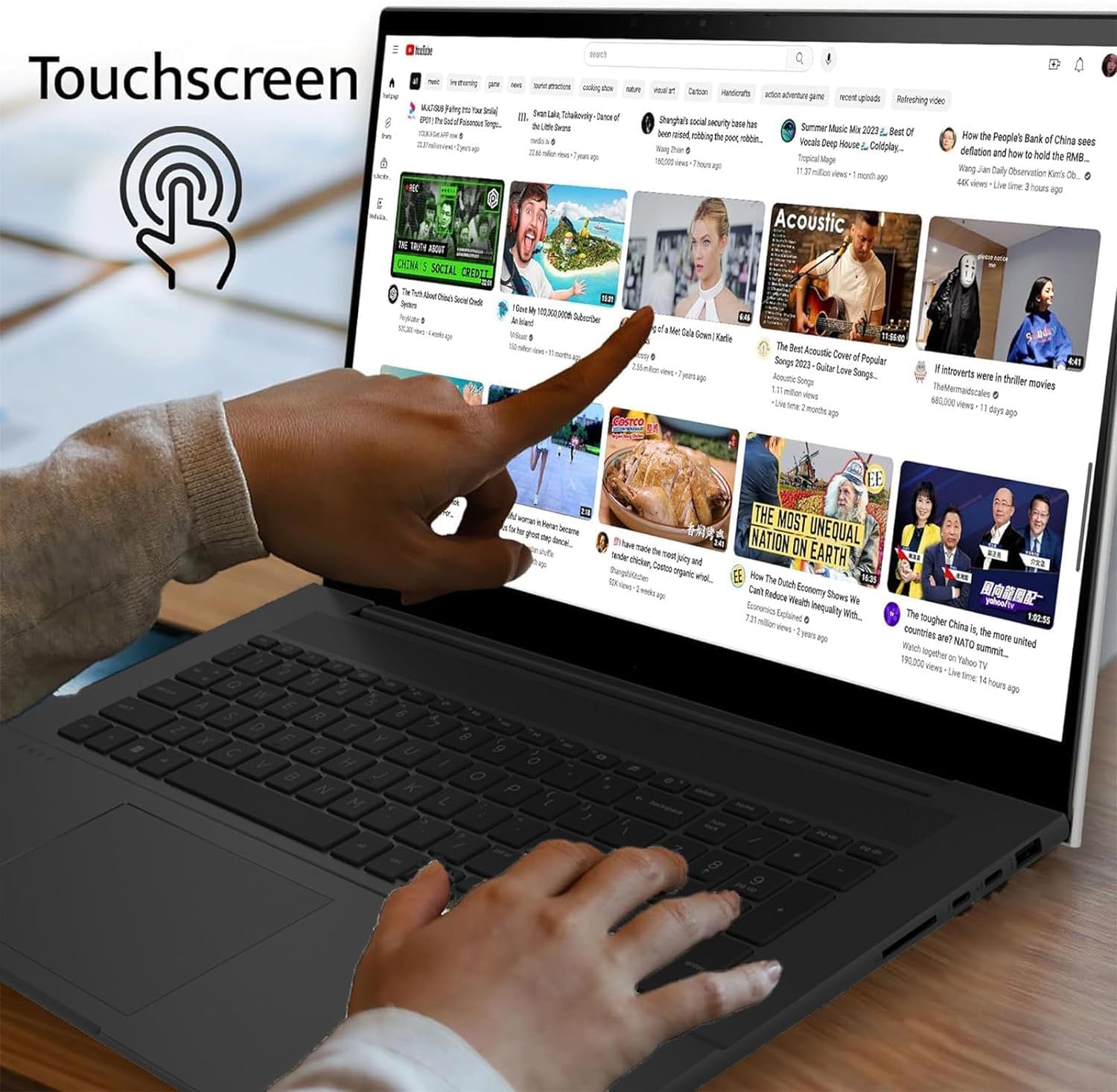
Image: A user's hand touching the screen of the LG gram laptop, illustrating its touchscreen capability.
4. Упатства за работа
4.1 Основна употреба
- Тастатура: Use the full-size backlit keyboard for typing. Function keys (F1-F12) often have secondary actions (e.g., volume, brightness) accessible by pressing the Fn key.
- Подлога за допир: Прецизниот тачпед поддржува гестови со повеќекратен допир за навигација, скролување и зумирање.
- Екран на допир: Interact directly with the display using touch gestures. Swipe, tap, pinch-to-zoom, and other gestures are supported.
4.2 Управување со енергија
- Полнење: Connect the AC adapter to any Thunderbolt 4 (USB-C) port for charging. The battery indicator light will show charging status.
- Режим на спиење: Затворете го капакот или притиснете го кратко копчето за вклучување за да го ставите лаптопот во режим на мирување.
- Исклучи: To turn off the laptop, go to Start > Power > Shut down.
4.3 Мрежна поврзаност
- Wi-Fi: The laptop supports Intel Wi-Fi 7. To connect, click the Wi-Fi icon in the taskbar, select your network, and enter the password.
- Bluetooth: Enable Bluetooth in Windows settings to pair with wireless accessories like headphones or mice.
5. Одржување
5.1 Чистење
- Екран: Користете мека крпа без влакненца малку гampсо вода или средство за чистење екрани. Избегнувајте груби хемикалии.
- Тастатура и шасија: Користете мека, сува крпа. За тврдокорна нечистотија, малкуamp може да се користи крпа, осигурувајќи се дека течноста нема да влезе во отворите.
5.2 Грижа за батерии
- Избегнувајте екстремни температури.
- Не ја празнијте батеријата целосно често.
- За долгорочно складирање, наполнете ја батеријата на околу 50-60%.
5.3 Ажурирања на софтверот
Regularly check for and install Windows updates and LG driver updates to ensure optimal performance and security. Go to Start > Settings > Windows Update.
6 Смена на проблеми
- Лаптопот не се вклучува:
- Ensure the AC adapter is securely connected and the outlet is functional.
- Обидете се со друг штекер.
- If the battery is completely drained, it may take a few minutes of charging before it can power on.
- Прикажи проблеми:
- If the screen is blank, try pressing Fn + F10 (or the appropriate function key for display output) to cycle through display modes.
- Ensure display drivers are up to date.
- Нема Wi-Fi конекција:
- Проверете дали Wi-Fi е овозможен во поставките на Windows.
- Рестартирајте го вашиот рутер и модем.
- Стартувајте го алатката за решавање проблеми со мрежата на Windows.
- Бавни перформанси:
- Затворете ги непотребните апликации.
- Проверете за процеси во позадина што трошат многу ресурси (Управувач со задачи).
- Обезбедете доволно слободен простор на SSD-то.
- Извршете скенирање за вируси.
7. Спецификации
| Карактеристика | Детал |
|---|---|
| Име на моделот | LG грам 17 |
| Оперативен систем | Windows 11 Pro |
| Процесор | Intel Core Ultra 7 258V (3.7 GHz) |
| Графика | Intel Arc Graphics (Integrated) |
| RAM меморија | 32 GB DDR5 RAM меморија |
| Складирање | 2 TB PCIe SSD |
| Приказ | 17.3-inch WQXGA (2560 x 1600) IPS Touchscreen, DCI-P3 99% |
| Безжична технологија | Intel Wi-Fi 7 + Bluetooth |
| Пристаништа | 2x Thunderbolt 4 USB 4.0 Gen 3 Type-C, 2x USB 3.2 Gen 2 Type-A, 1x HDMI, 1x Headphone-out, 1x Micro SD Slot |
| Тастатура | Тастатура со позадинско осветлување |
| Батерија | 77WHr Lithium Ion, up to 23.5 hours (video playback) |
| Димензии (ДxШxВ) | 14 x 11 x 0.7 инчи |
| Тежина | 3.19 фунти |
8. Гаранција и поддршка
The LG gram 17 laptop comes with a standard warranty. Specifically, a 1-year standard warranty is provided on the upgraded SSD. For detailed warranty terms and conditions, please refer to the documentation included with your product or visit the official LG support webсајт.
For technical assistance, troubleshooting, or service inquiries, please contact LG customer support.