1. Вовед
Thank you for choosing the ZEBRONICS Groot Wireless Mouse. This manual provides detailed instructions for setting up, operating, and maintaining your new wireless mouse. The Zeb-Groot offers versatile connectivity with both 2.4GHz and Bluetooth modes, silent operation, and an ergonomic design for comfortable use.

Image: The ZEBRONICS Groot Wireless Mouse in blue, shown alongside its compact USB nano receiver.
2. Што има во кутијата
Ве молиме проверете ја содржината на пакувањето:
- Mouse - 1 unit
- Nano Receiver - 1 unit
- Quick User Guide - 1 unit
3. Производот завршиview
Familiarize yourself with the components of your ZEBRONICS Groot Wireless Mouse.

Слика: Горе view of the mouse highlighting the Left Button, Right Button, and Scroll Wheel.

Image: Underside of the mouse, indicating the AA battery slot, On/Off switch, Bluetooth receiver indicator, Nano receiver indicator, and the storage slot for the USB nano receiver.
- Лево копче: Стандардна функција за кликнување со левото копче.
- Десно копче: Стандардна функција за кликнување со десното копче.
- Тркало за лизгање: За скролување и функција за среден клик.
- Прекинувач за вклучување/исклучување: Located on the bottom of the mouse to conserve battery.
- Копче за префрлување режим: This button, often integrated with the power switch or a separate button on the underside, allows switching between 2.4GHz and Bluetooth modes.
- AA Battery Compartment: For inserting the required AA battery.
- Складирање на USB нано приемник: Slot for storing the 2.4GHz USB receiver when not in use.
4. Упатства за поставување
4.1. Инсталирање на батеријата
- Отворете го капакот на преградата за батерии на долната страна од глувчето.
- Вметнете една AA батерија, внимавајќи на точниот поларитет (+/-).
- Затворете го капакот на преградата за батерии.
4.2. Connecting via 2.4GHz Wireless (USB Nano Receiver)
- Извадете го USB нано приемникот од неговиот слот за складирање на дното од глувчето.
- Вклучете го USB нано приемникот во слободен USB порт на вашиот компјутер.
- Turn on the mouse using the On/Off switch on the bottom.
- The mouse should automatically connect. If not, ensure the mouse is in 2.4GHz mode (check indicator light if available).

Image: A user inserting the USB nano receiver into a laptop's USB port for 2.4GHz wireless connection.
4.3. Поврзување преку Bluetooth
- Вклучете го глувчето користејќи го прекинувачот за вклучување/исклучување.
- Switch the mouse to Bluetooth mode. This is typically done by pressing and holding a button on the mouse (often the mode switch button on the bottom or a dedicated button) until the Bluetooth indicator light starts blinking.
- На вашиот компјутер или уред, одете во поставките за Bluetooth.
- Пребарај за new devices and select "ZEB-Groot" (or similar) from the list.
- Следете ги сите упатства на екранот за да го завршите процесот на спарување. Индикаторското светло ќе свети постојано откако ќе се поврзете.
Tip: If you experience issues, ensure your device's Bluetooth is enabled and the mouse is in pairing mode (blinking indicator).
5. Упатства за работа
5.1. Функционалност во двоен режим
The ZEBRONICS Groot mouse supports both 2.4GHz wireless and Bluetooth connectivity, allowing you to switch between two devices seamlessly.
- Режим 2.4 GHz: Use with the USB nano receiver for a stable, plug-and-play connection.
- Режим на Bluetooth: Connect wirelessly to Bluetooth-enabled devices without needing a USB port.
To switch between modes, locate the mode switch button (often on the bottom of the mouse) and press it. An indicator light will typically show the active mode.

Image: The ZEBRONICS Groot mouse positioned next to a laptop, emphasizing its dual mode capability for uninterrupted work via 2.4GHz and Bluetooth connections.
5.2. DPI Adjustment (1600 DPI)
The mouse operates at 1600 DPI (Dots Per Inch), providing smooth and precise cursor movements. This fixed DPI setting is optimized for general use, offering a balance between speed and accuracy.
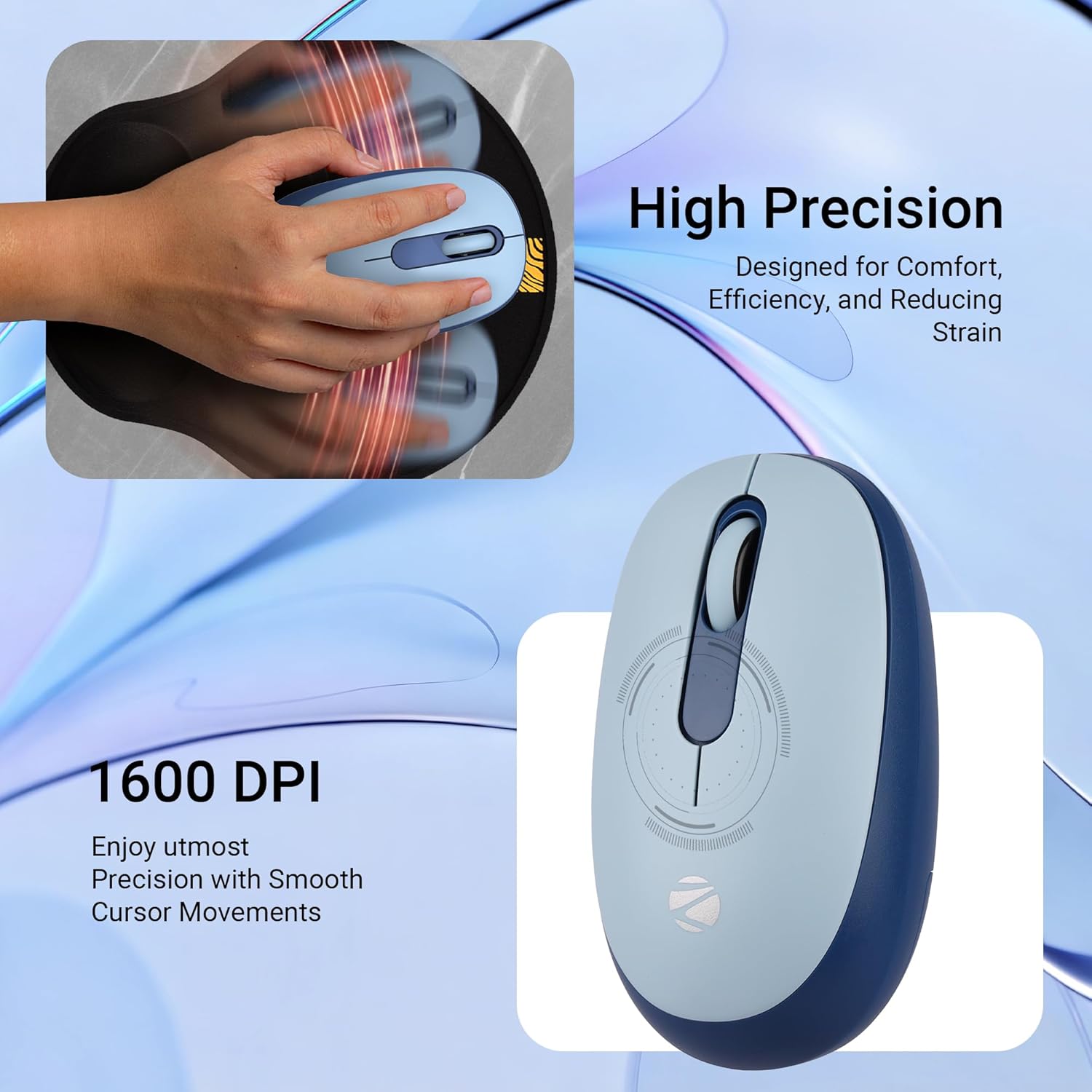
Слика: Детална view of the mouse highlighting its 1600 DPI capability for high precision and smooth cursor movements.
5.3. Тивко работење
The ZEBRONICS Groot mouse features silent click buttons, reducing noise during use. This is ideal for quiet environments such as libraries, offices, or late-night work sessions.
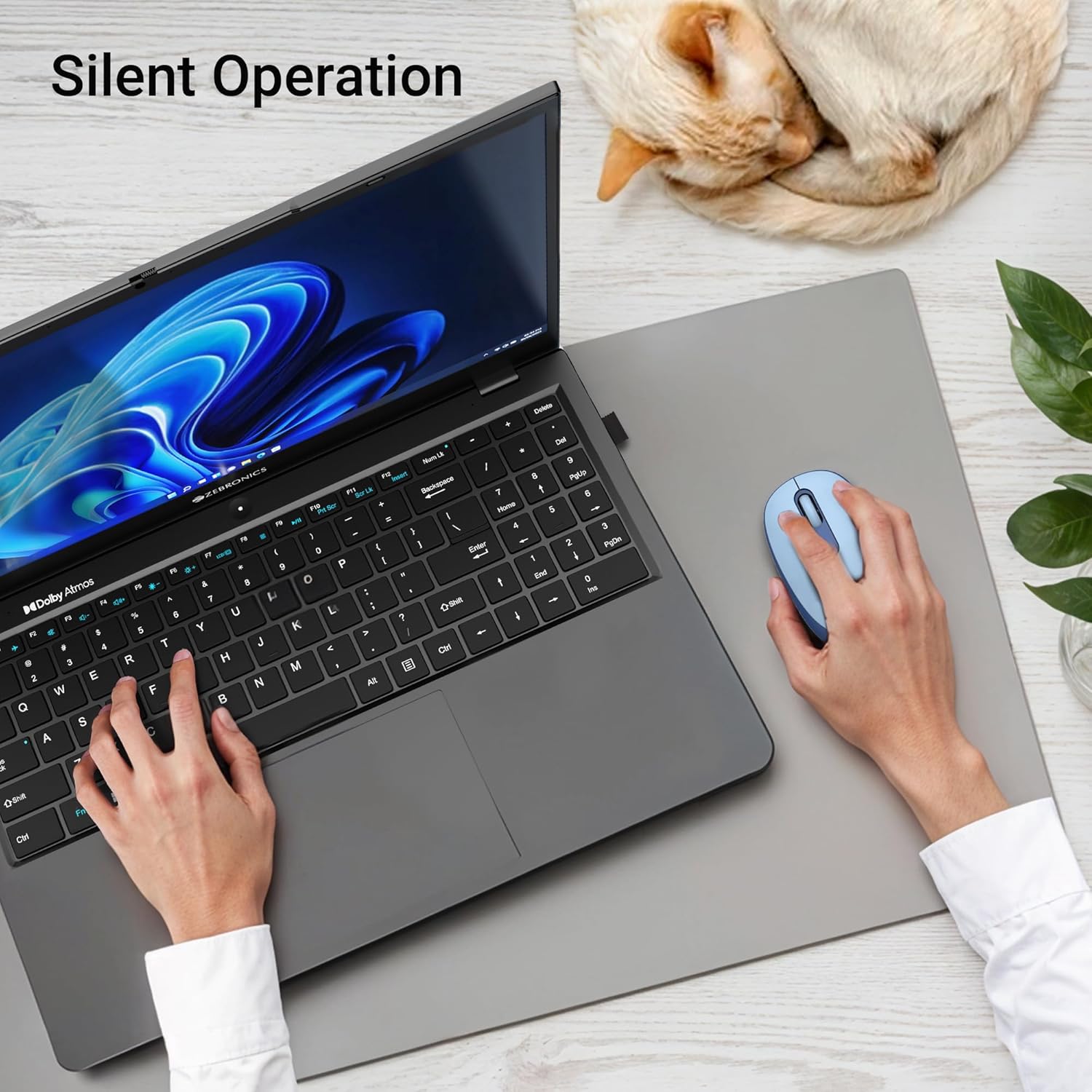
Image: A user operating the mouse silently next to a laptop, with a cat sleeping peacefully in the background, demonstrating the silent click feature.
5.4. Управување со енергија
Use the On/Off switch on the bottom of the mouse to conserve battery life when not in use. The mouse also features an automatic sleep mode to save power during periods of inactivity.
6. Одржување
- Чистење: Користете мека, сува крпа за чистење на глувчето. Избегнувајте употреба на груби хемикалии или абразивни материјали.
- Замена на батерија: Replace the AA battery when the mouse performance degrades or the indicator light (if present) signals low battery.
- Складирање: When transporting or storing the mouse, ensure the USB nano receiver is securely placed in its storage slot to prevent loss. Turn off the mouse to save battery.
7 Смена на проблеми
| Проблем | Решение |
|---|---|
| Глувчето не реагира (2.4 GHz) |
|
| Mouse not connecting (Bluetooth) |
|
| Движењето на курсорот е неправилно или бавно |
|
| Mouse goes to sleep too quickly |
|
8. Спецификации
| Карактеристика | Детал |
|---|---|
| Бренд | ЗЕБРОНИКА |
| Модел | Zeb-Groot |
| Технологија за поврзување | Bluetooth, 2.4GHz USB |
| Детекција на движење | Оптички |
| DPI | 1600 DPI |
| Копчиња | 3 (лево, десно, тркало за лизгање) |
| Посебни карактеристики | Silent Operation, Ergonomic Design |
| Извор на енергија | Напојувана со батерии (1x AA) |
| Компатибилност на оперативниот систем | Mac OS (and generally Windows, Linux) |
| Димензии на производот | 6.1 x 10.1 x 0.1 см (приближно) |
| Тежина на ставката | 56.6 грама (приближно) |
| Земја на потекло | Кина |
9. Гаранција и поддршка
9.1. Информации за гаранцијата
The ZEBRONICS Groot Wireless Mouse comes with a 2 година гаранција from the date of purchase. This warranty covers manufacturing defects and ensures efficient working of the product. Please retain your purchase receipt for warranty claims.
9.2. Поддршка за корисници
For any technical assistance, troubleshooting, or warranty-related queries, please contact ZEBRONICS customer support:
- Производител: Zebronics India Private Limited
- Адреса: No.13/7, Smith Road, Royapettah, Chennai - 600 002
- Webсајт: www.zebronics.com (Ве молиме посетете ја официјалната website for the latest contact information and support resources.)
When contacting support, please have your product model (Zeb-Groot) and proof of purchase ready.


