1. Вовед
The NEDIS SmartLife Outdoor Pan-Tilt Spotlight Camera (WIFICO22CWT) is designed to enhance your home security with advanced features and seamless integration. This manual provides essential information for the proper installation, operation, and maintenance of your camera.
Key features include a 3MP (1296p) sensor for clear images, remote pan and tilt control, automatic tracking, color and infrared night vision, two-way audio, motion and sound detection with instant notifications, and an IP65 weatherproof rating for outdoor reliability.
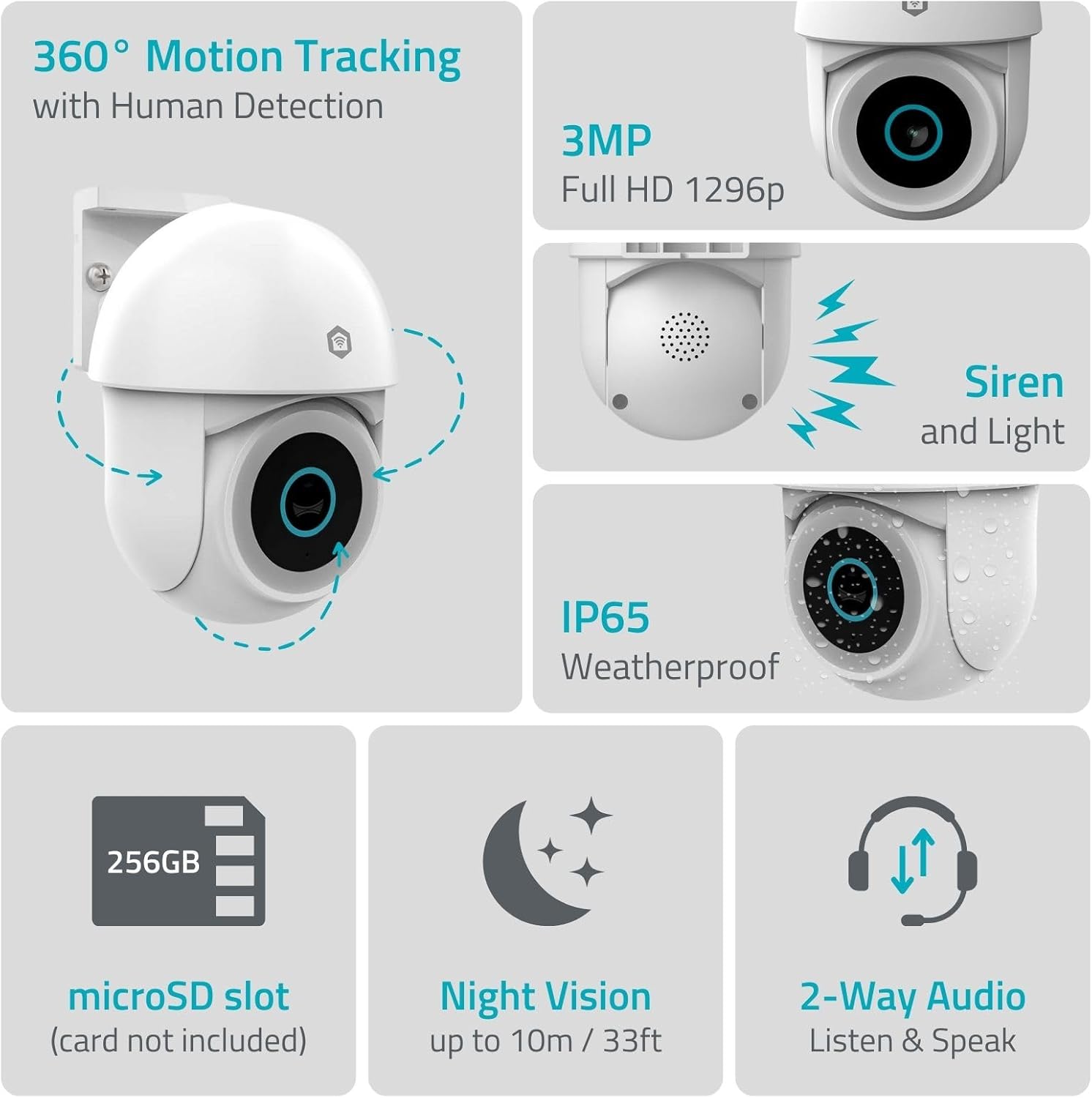
Слика 1.1: Готовоview of NEDIS SmartLife Outdoor Camera features, including 360-degree motion tracking, 3MP resolution, siren and light, IP65 weatherproofing, microSD slot, night vision, and two-way audio.
2. Содржина на пакетот
Ве молиме проверете го пакувањето за следните ставки:
- NEDIS SmartLife Outdoor Pan-Tilt Spotlight Camera (WIFICO22CWT)
- Адаптер за напојување (5V DC)
- Држач за монтирање и завртки
- Водич за брз почеток (овој прирачник)
3. Поставување
3.1. Инсталација на апликација
- Преземете го Недис SmartLife апликација од App Store (iOS) или Google Play Store (Android).
- Регистрирајте се за нова сметка или најавете се ако веќе имате.
3.2. Вклучување и почетно поврзување
- Поврзете ја камерата со адаптерот за напојување и приклучете ја во штекер.
- Почекајте индикаторската ламбичка на камерата да трепка, што укажува дека е подготвена за спарување.
- Open the Nedis SmartLife app, tap '+' to add a new device, and follow the on-screen instructions to connect the camera to your 2.4 GHz Wi-Fi network.
3.3. Инсталација на MicroSD картичка (опционално)
For local storage of recordings, install a microSD card (up to 256GB, not included).
- Locate the microSD card slot on the camera (refer to the camera diagram in the quick start guide).
- Carefully insert the microSD card into the slot until it clicks into place.
- Format the microSD card via the camera settings in the Nedis SmartLife app.
3.4. Монтирање на камерата
The camera comes with a wall/ceiling mount. Choose a suitable location with a clear view and within Wi-Fi range.

Image 3.1: Camera dimensions for mounting reference.
- Mark the drilling positions using the mounting bracket as a template.
- Дупчете дупки и вметнете ѕидни приклучоци доколку е потребно.
- Secure the mounting bracket to the wall or ceiling with screws.
- Attach the camera to the mounting bracket and adjust its initial angle.
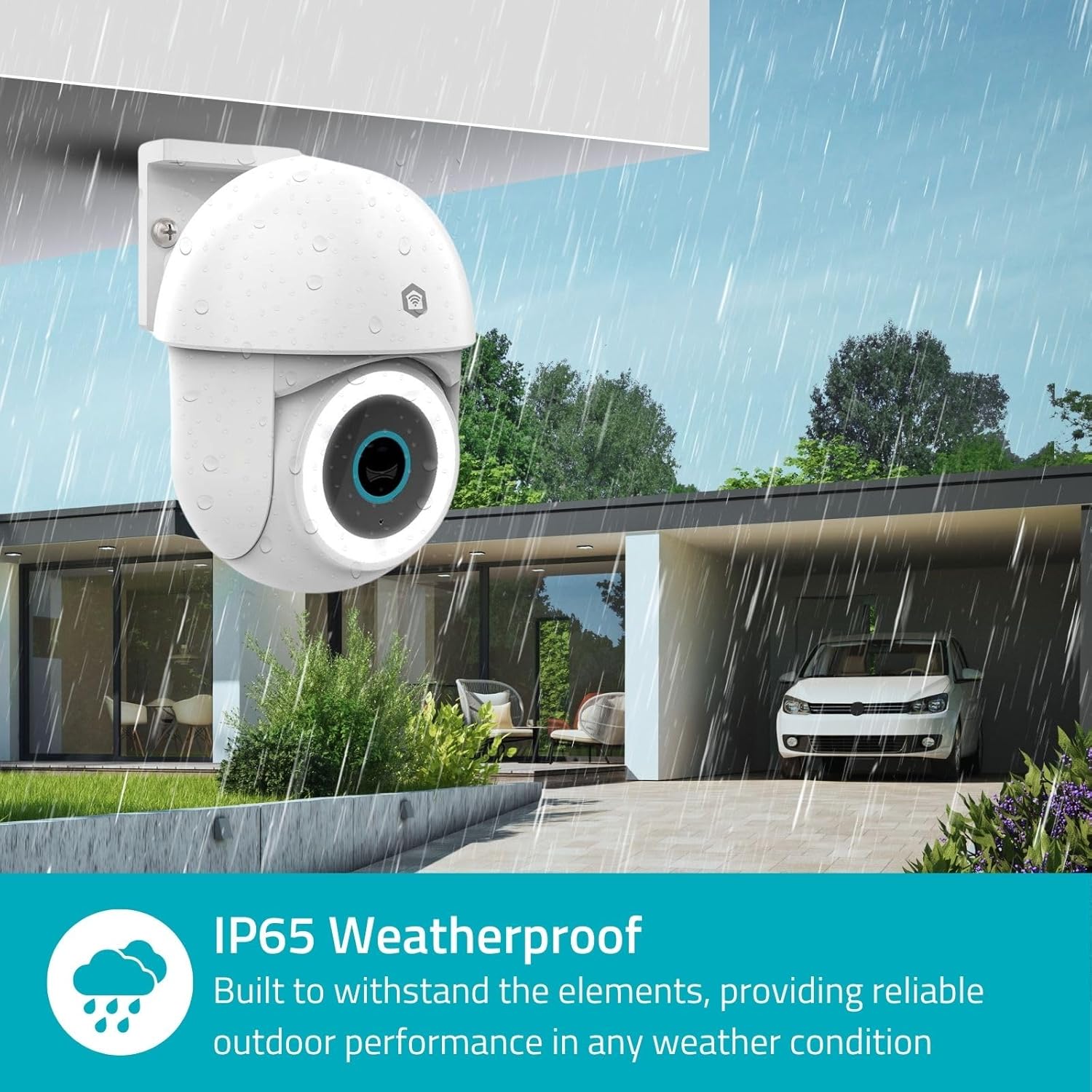
Image 3.2: The IP65 weatherproof design ensures reliable outdoor performance in various weather conditions.
4. Упатства за работа
4.1. Во живо View и контрола на панорамирање/навалување
Access the live feed from your camera through the Nedis SmartLife app. Use the on-screen controls to remotely pan (horizontal) and tilt (vertical) the camera to monitor a wide area.
4.2. Детекција и следење на движење
The camera features advanced motion detection, including human detection, to minimize false alarms. You can customize detection zones within the app.
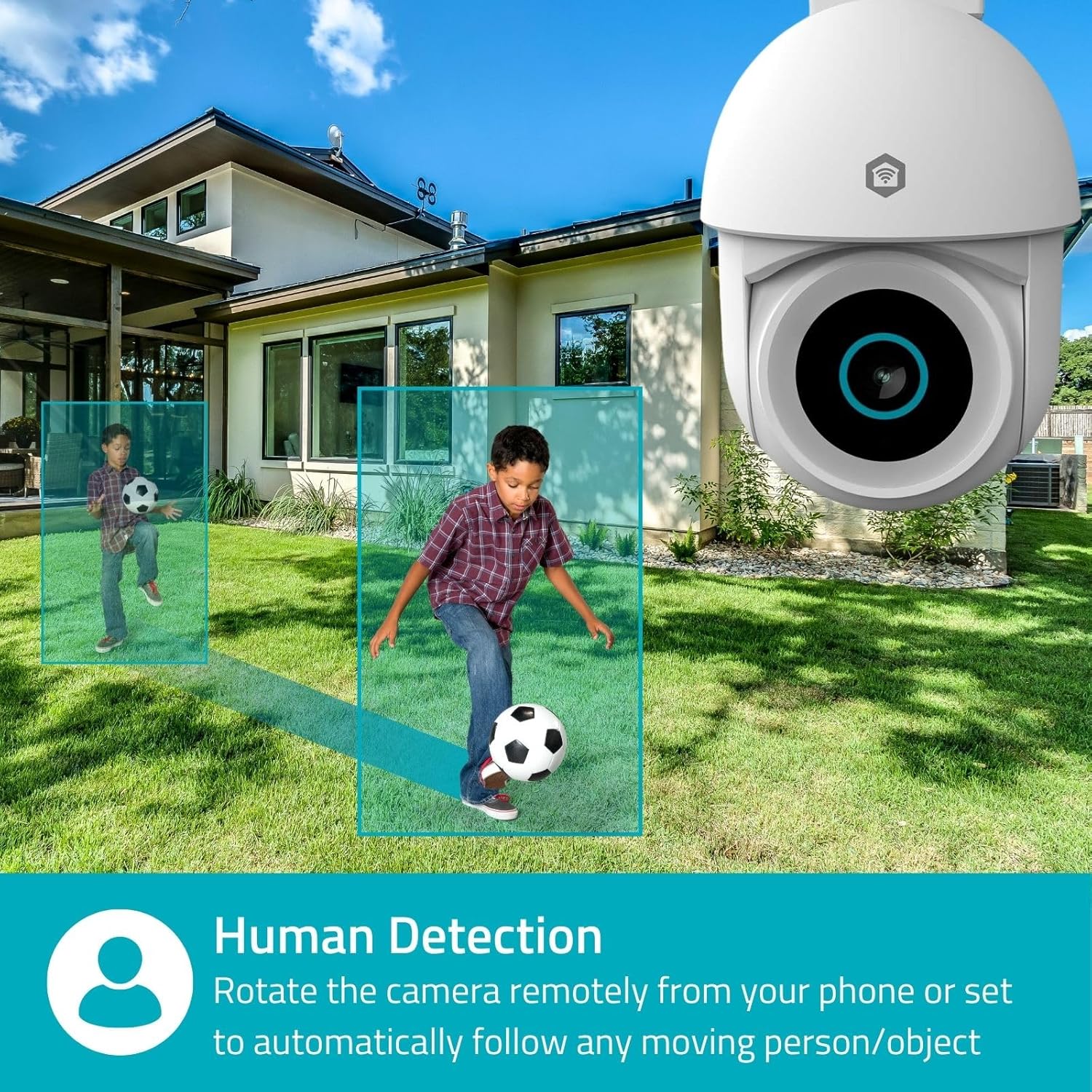
Image 4.1: Human Detection allows the camera to automatically follow moving persons or objects.
Овозможи Автоматско следење in the app settings to have the camera automatically follow detected movement.
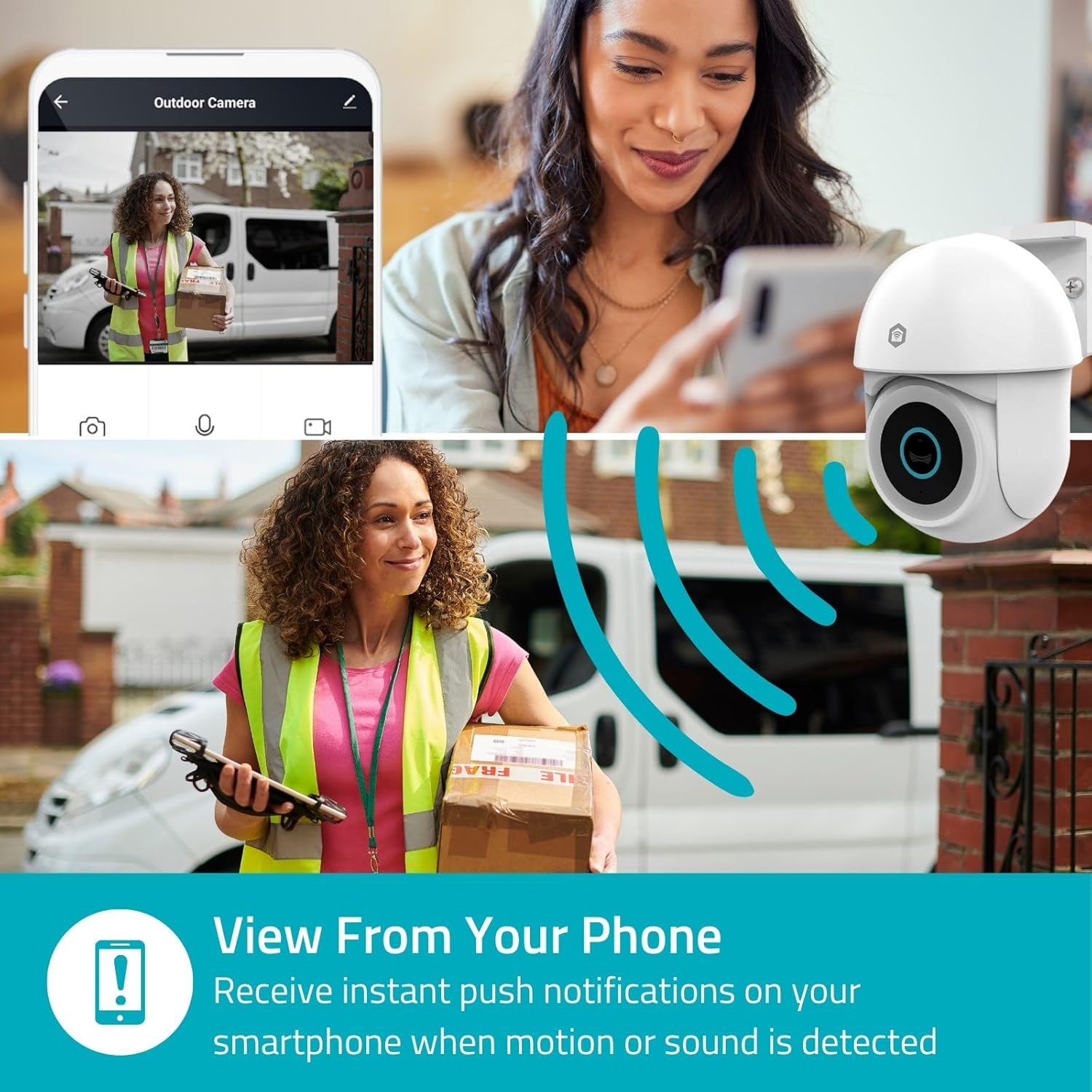
Image 4.2: Receive instant push notifications on your smartphone when motion or sound is detected.
4.3. Двонасочно аудио
Utilize the built-in microphone and speaker for two-way communication. You can listen to the environment and speak through the camera via the app.
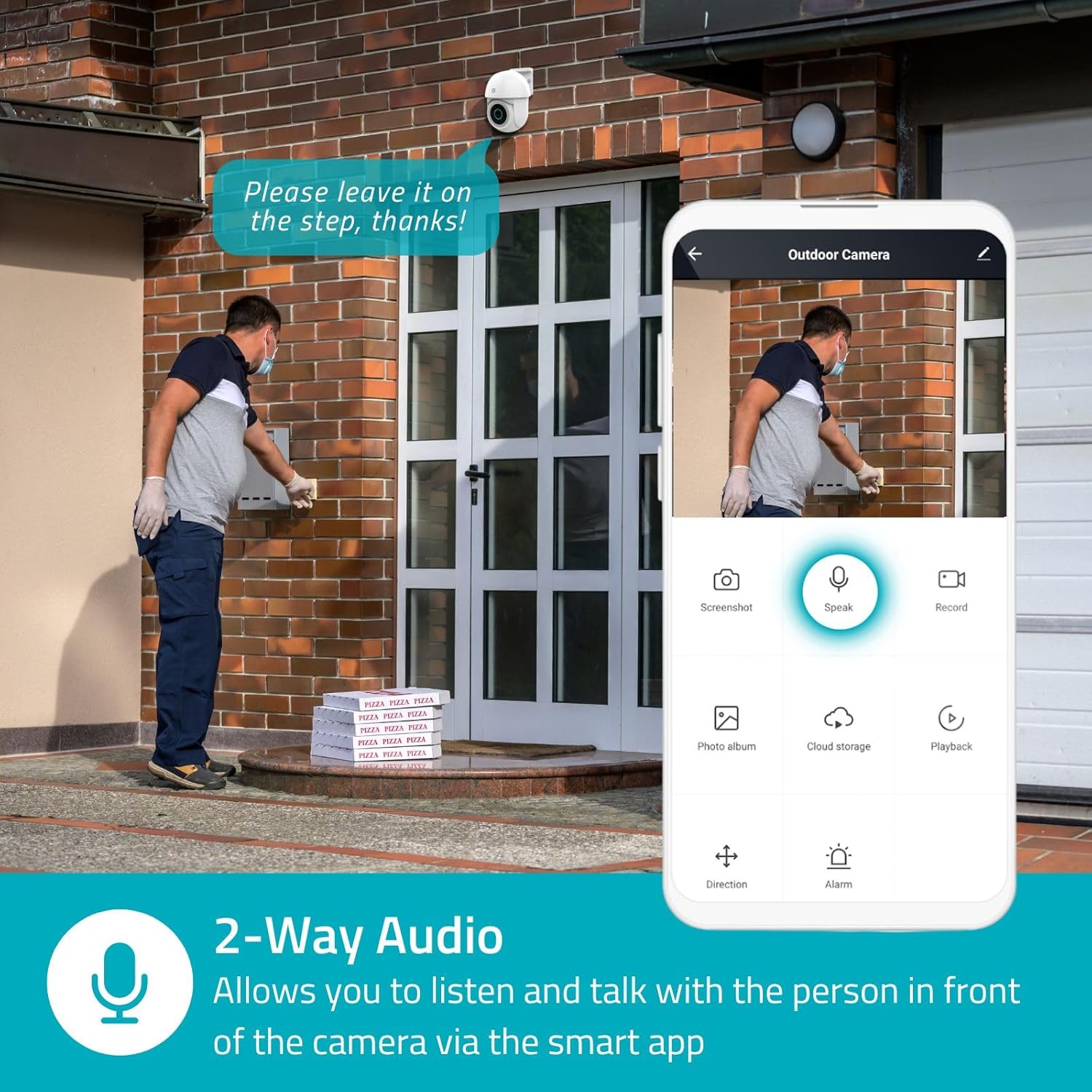
Image 4.3: Two-Way Audio allows you to listen and talk with individuals in front of the camera.
4.4. Ноќно гледање
The camera supports two night vision modes:
- Ноќно гледање во боја: Achieved using dimmable white LEDs, providing full-color images in low light.
- Инфрацрвено ноќно гледање: Standard black and white night vision using infrared LEDs, effective up to 10 meters (33 feet).

Image 4.4: Comparison of Day Mode and Night Mode, illustrating the camera's 3MP resolution and 10m night vision capability.
4.5. Spotlight and Siren
When motion is detected, you can configure the camera to activate its white LEDs (spotlight) and/or a siren. This can deter intruders or provide illumination.

Image 4.5: The camera's light and siren can be activated upon motion detection to deter unwanted visitors.
4.6. Снимање и репродукција
Recordings can be stored on a microSD card (up to 256GB) or via optional cloud storage. Access and playback recorded footage through the Nedis SmartLife app.
4.7. Режим на приватност
Activate Privacy Mode in the app to temporarily disable recording and live view when you are home, ensuring your privacy.
4.8. Интеграција со паметен дом
The camera is compatible with Google Home and Amazon Alexa, allowing for voice control and integration into your smart home ecosystem.
5. Одржување
- Чистење: Нежно избришете го објективот и телото на фотоапаратот со мека, дamp крпа. Не користете груби хемикалии или абразивни средства за чистење.
- Ажурирања на фирмверот: Regularly check the Nedis SmartLife app for available firmware updates to ensure optimal performance and security.
- Напојување: Осигурајте се дека адаптерот за напојување и кабелот не се оштетени.
6 Смена на проблеми
6.1. Camera Not Connecting to Wi-Fi
- Проверете дали вашата Wi-Fi мрежа е 2.4 GHz. Камерата не поддржува Wi-Fi од 5 GHz.
- Проверете дали лозинката за Wi-Fi е правилно внесена.
- Поставете ја камерата поблиску до вашиот Wi-Fi рутер за време на поставувањето.
- Рестартирајте го рутерот и камерата.
6.2. Лош квалитет на видеото
- Проверете ја јачината на сигналот на Wi-Fi. Слабиот сигнал може да влијае на квалитетот на видеото.
- Осигурајте се дека објективот на камерата е чист и без пречки.
- Adjust the video resolution settings in the app if your network bandwidth is limited.
6.3. Детекцијата на движење не работи
- Проверете дали детекцијата на движење е овозможена во поставките на апликацијата.
- Check the sensitivity settings and detection zones.
- Уверете се дека нема физички пречки што го блокираат фотоапаратот view.
6.4. No Audio or Two-Way Audio Issues
- Check the microphone and speaker volume settings in the app.
- Ensure your smartphone's microphone is not muted when speaking through the app.
- Verify network connectivity for real-time audio transmission.
7. Спецификации
| Карактеристика | Спецификација |
|---|---|
| Број на модел | WIFICO22CWT |
| Резолуција | 3 MP (1296p) |
| Поврзување | Wi-Fi (2.4 GHz) |
| Pan/Tilt Function | Да |
| Оценка за отпорност на атмосферски влијанија | IP65 |
| Ноќна визија | Color (white LEDs) & IR (up to 10m) |
| Двонасочно аудио | Да |
| Опции за складирање | MicroSD (up to 256GB, not included), Cloud Storage (optional) |
| Влез на енергија | 5V DC |
| Димензии (Д x Ш x В) | 10 x 8.3 x 11 cm |
| Тежина | 292 грама |
| Посебни карактеристики | Human Detection, Auto-Tracking, Spotlight, Siren, Privacy Mode, Onvif support |
| Компатибилност | Google Home, Amazon Alexa |
8. Гаранција и поддршка
This product comes with a standard manufacturer's warranty. For detailed warranty information, please refer to the warranty card included in your package or visit the official NEDIS webсајт.
For technical support, troubleshooting assistance, or further inquiries, please contact NEDIS customer service through their official webстраницата или информациите за контакт наведени во пакувањето на производот.
Онлајн ресурси:
- Посетете го НЕДИС webсајт for product updates and support.
- Check the Nedis SmartLife app for FAQs and in-app support options.