Производот завршиview
The Xtreme LED Bluetooth Speaker is a portable audio device designed to deliver clear sound and dynamic LED light shows. It features multiple connectivity options and a rechargeable battery for extended use.

Image: The Xtreme LED Bluetooth Speaker shown alongside its retail packaging, highlighting its design and branding.
Клучни карактеристики:
- Извонредно аудио: Delivers rich, full-range sound with clear highs and deep bass.
- Динамичко LED светлосно шоу: Multiple light modes that sync with music, creating a visual atmosphere.
- Extended Bluetooth Range: Connects wirelessly up to 33 feet (10 meters) from your device.
- Разновидно поврзување: Supports Bluetooth, Aux-in, USB, and Micro-SD card playback.
- Преносен дизајн: Lightweight with a convenient carrying loop and rechargeable USB-C battery.
Што има во кутијата
- Xtreme LED Bluetooth Speaker
- USB-C кабел за полнење
- Упатство за употреба
Контроли и пристаништа

Слика: Детална view of the speaker's front panel, illustrating the control buttons and highlighting features like multi-color LEDs, loud audio, quality sound, and the portable carrying loop.
- Копче за вклучување: Притиснете и задржете за да го ВКЛУЧИТЕ/ИСКЛУЧИТЕ звучникот.
- Зголемување на јачината на звукот / следната песна: Кратко притискање за зголемување на јачината на звукот, долго притискање за следната песна.
- Намалување на јачината на звукот / претходна песна: Кратко притискање за намалување на јачината на звукот, долго притискање за претходна песна.
- Play/Pause / Bluetooth Pairing: Short press to play/pause, long press to enter Bluetooth pairing mode.
- Копче за режим на светло: Press to cycle through different LED light show modes.
- Копче за режим (М): Press to switch between Bluetooth, Aux, USB, and Micro-SD card modes.
- Порта за полнење (USB-C): За поврзување на кабелот за полнење.
- Aux-in Порт: За жична аудио врска.
- USB порта: За репродукција на аудио од USB-уред.
- Слот за микро-SD картичка: For playing audio from a Micro-SD card.
Поставување
1. Полнење на звучникот
Before first use, fully charge the speaker. Connect the provided USB-C charging cable to the speaker's charging port and the other end to a USB power adapter (not included) or a computer's USB port. The LED indicator will show charging status and turn off when fully charged.
2. Вклучување/исклучување
Притиснете и задржете го Копче за напојување for approximately 3 seconds to turn the speaker ON or OFF. A sound prompt will indicate the power status.
Упатства за работа
Bluetooth режим
- Вклучете го звучникот. Тој автоматски ќе влезе во режим на спарување преку Bluetooth, што ќе се покаже со трепкачка LED светилка.
- На вашиот уред (паметен телефон, таблет итн.), овозможете Bluetooth и пребарајте достапни уреди.
- Select "Xtreme Speaker" from the list of devices.
- Once paired, the LED indicator will stop flashing, and a confirmation sound will play.
- Сега можете да репродуцирате аудио од вашиот уред преку звучникот.
- To disconnect or pair with a new device, long press the Play/Pause / Bluetooth Pairing Button.
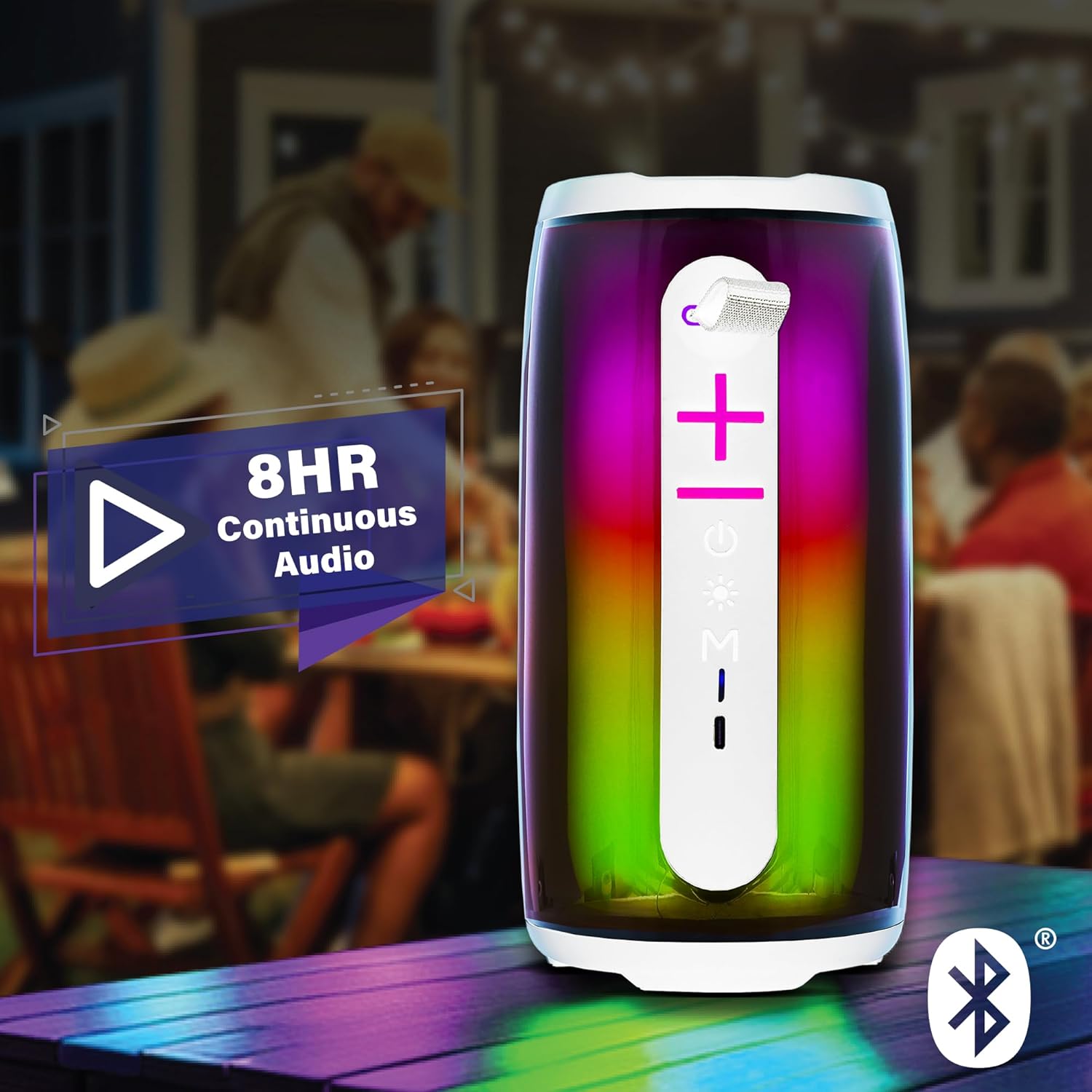
Image: The Xtreme LED Bluetooth Speaker providing music at an outdoor social event, demonstrating its portability and highlighting its 8-hour continuous audio playback capability.
Помошен режим
- Connect one end of a 3.5mm audio cable (not included) to the speaker's Aux-in port.
- Поврзете го другиот крај со аудио излезот на вашиот уред.
- Притиснете го Копче за режим (М) за да се префрлите на Aux-in режим.
- Аудио сега ќе се репродуцира преку жичната врска.
USB and Micro-SD Card Playback
- Insert a USB drive into the USB port or a Micro-SD card into the Micro-SD card slot.
- Притиснете го Копче за режим (М) to switch to USB or Micro-SD card mode. The speaker will automatically detect and play audio files.
Контрола на репродукција на аудио
- Пушти/Пауза: Кратко притиснете го Копче за репродукција/пауза.
- Јачина на звук нагоре: Кратко притиснете го Копче за јачина на звук (+)..
- Намалување на јачината на звукот: Кратко притиснете го Копче за намалување на јачината на звукот (-).
- Следна песна: Долго притиснете го Копче за јачина на звук (+)..
- Претходна песна: Долго притиснете го Копче за намалување на јачината на звукот (-).
LED Light Show Modes
Притиснете го Копче за режим на светлина to cycle through various LED light show patterns. The lights will pulse and change color, syncing with the music.
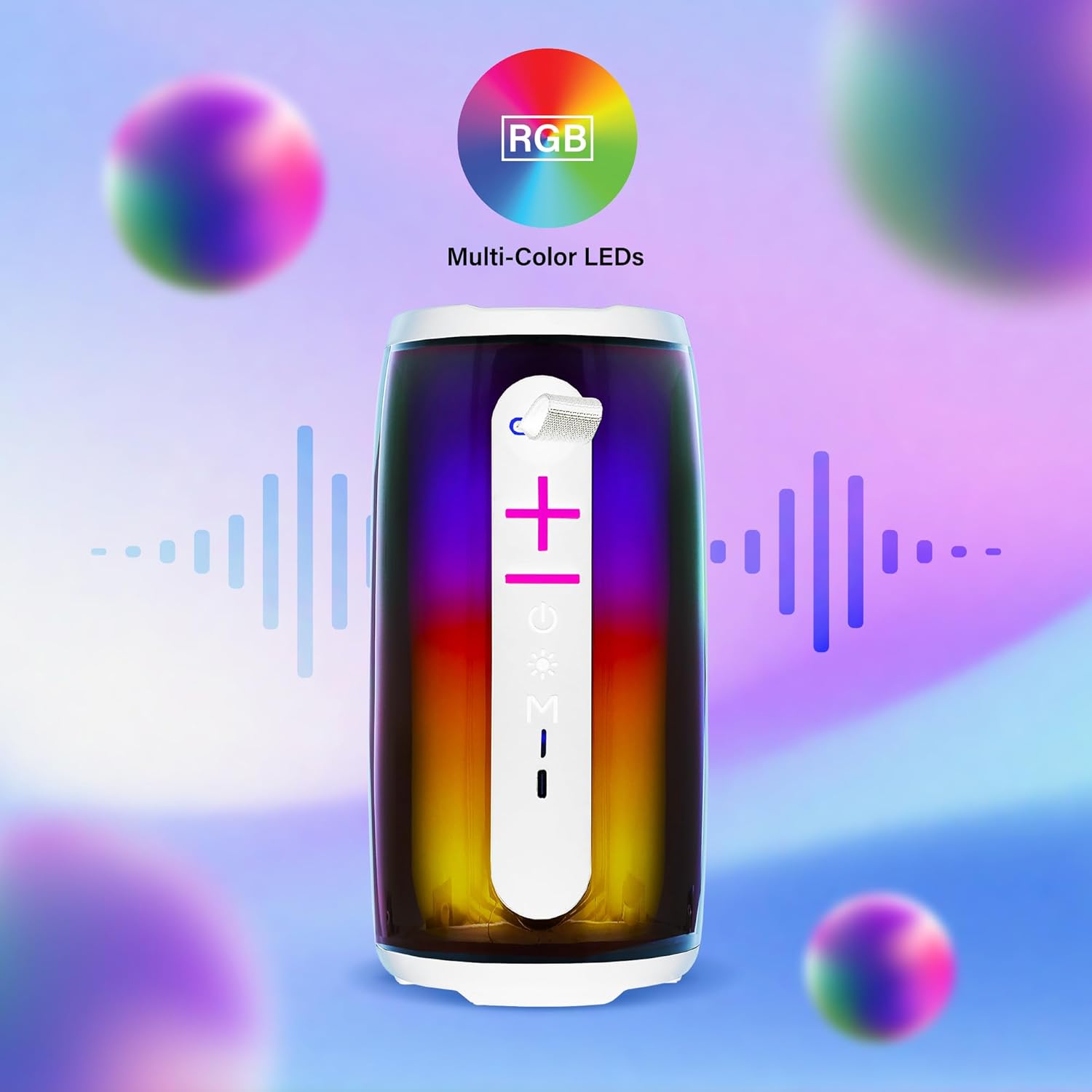
Image: The Xtreme LED Bluetooth Speaker showcasing its vibrant RGB multi-color LED lights, with visual representations of sound waves indicating its audio synchronization feature.
Одржување
- Чистење: Користете мека, сува крпа за чистење на надворешноста на звучникот. Не користете абразивни средства за чистење или растворувачи.
- Складирање: Чувајте го звучникот на ладно и суво место, подалеку од директна сончева светлина и екстремни температури.
- Нега на батеријата: To prolong battery life, charge the speaker regularly, even if not in frequent use. Avoid fully depleting the battery for extended periods.
- Изложеност на вода: Овој звучник не е водоотпорен. Избегнувајте изложување на вода или прекумерна влага.
Решавање проблеми
| Проблем | Решение |
|---|---|
| Звучникот не се вклучува. | Проверете дали звучникот е наполнет. Поврзете го со извор на енергија користејќи го USB-C кабелот. |
| Не може да се спари преку Bluetooth. |
|
| Нема звук. |
|
| LED светлата не работат. | Press the Light Mode Button to cycle through the light show modes. Ensure the speaker is powered on. |
Спецификации
- Модел: XBS9-1078
- Бренд: XTREME DIGITAL LIFESTYLE ACCESSORIES
- Поврзување: Bluetooth, Aux-in, USB, Micro-SD
- Опсег на Bluetooth: До 33 стапки (10 метри)
- Излезна моќност на звучникот: 10 Watts (based on product image)
- Батерија: USB-C на полнење
- Траење на батеријата: Up to 8 hours (continuous audio, varies with usage)
- Димензии: 7" (Висина) x 3" (Ширина) x 3" (Длабочина)
- Тежина: Приближно 0.9 фунти (14.4 унци)
- Боја: Бело
Гаранција и поддршка
For warranty information or technical support, please refer to the contact details provided on the product packaging or visit the official XTREME DIGITAL LIFESTYLE ACCESSORIES webлокација. Чувајте ја сметката како доказ за купување за гаранциски побарувања.
Производител: XTREME DIGITAL LIFESTYLE ACCESSORIES
UPC: 805106238797


