1. Вовед
The ATTACK SHARK X1 is an ultralight wireless gaming mouse designed for high-performance use. It features a magnetic RGB charging dock, a PixArt PAW3395 Pro sensor, and offers tri-mode connectivity (Wired, 2.4GHz Wireless, Bluetooth). This manual provides detailed instructions for setting up, operating, and maintaining your X1 gaming mouse.

Image 1.1: ATTACK SHARK X1 Gaming Mouse with its Magnetic RGB Charging Dock.
2. Содржина на пакетот
Проверете дали сите артикли се присутни во вашиот пакет:
- ATTACK SHARK X1 Ultralight Wireless Gaming Mouse
- Magnetic RGB Charging Dock
- Кабел за полнење USB Type-C
- USB приемник од 2.4 GHz
- Лента за фаќање против лизгање
- Упатство за употреба (овој документ)
3. Производот завршиview
Familiarize yourself with the components of your ATTACK SHARK X1 mouse and charging dock.
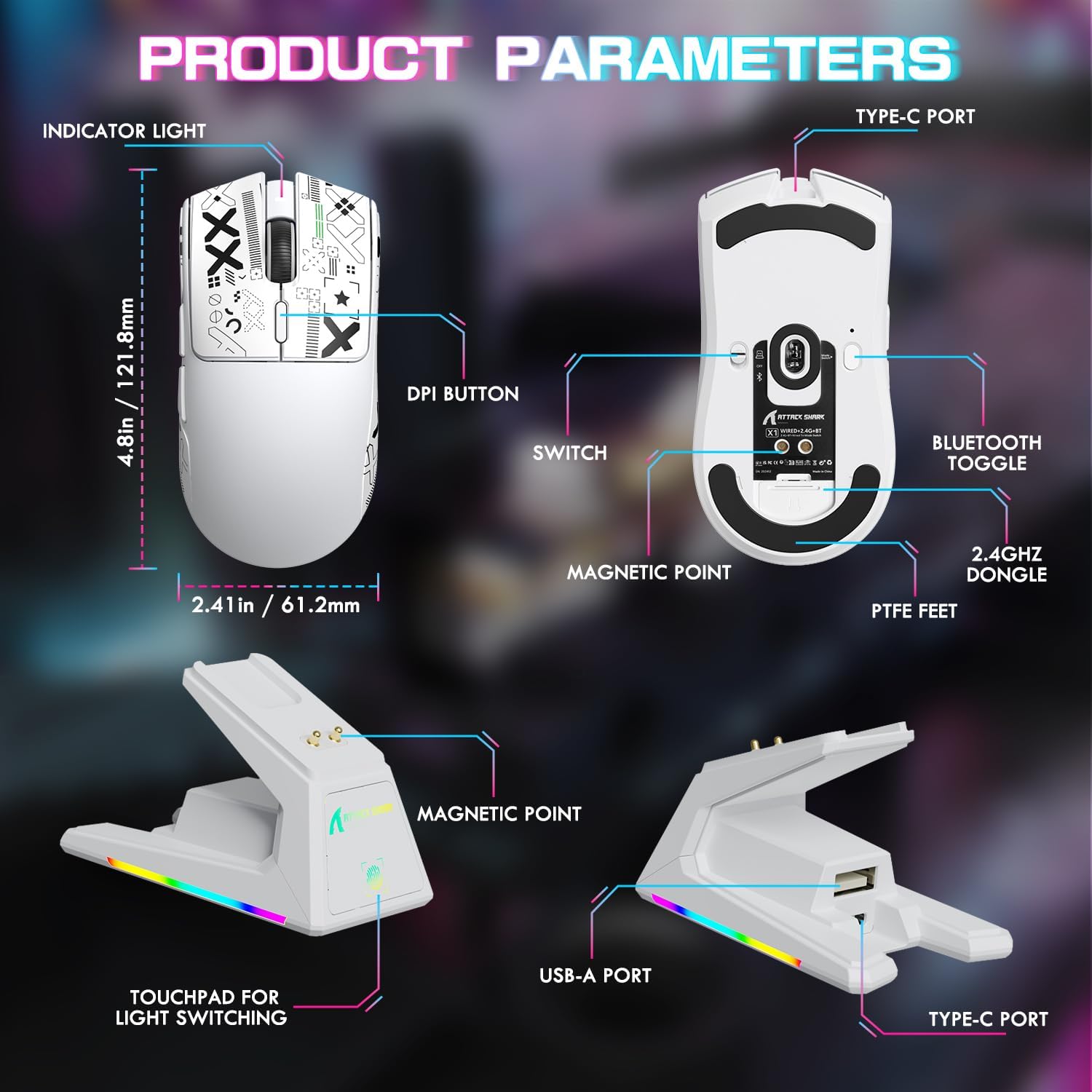
Image 3.1: Detailed diagram of the mouse and charging dock components.
Компоненти на глувчето:
- Индикаторско светло: Displays battery status and connection mode.
- Копче DPI: Циклично ги менува претходно поставените нивоа на DPI.
- Префрли: Power and connection mode selector (OFF, 2.4G, BT).
- Magnetic Point: For secure attachment to the charging dock.
- Тефлонски стапала: Low-friction glides for smooth movement.
- Type-C порта: За жично поврзување и полнење.
- Bluetooth Toggle: Activates Bluetooth pairing.
- 2.4GHz Dongle Storage: Преграда за USB приемникот.
Charging Dock Components:
- Magnetic Point: Connects with the mouse for charging.
- USB-A порта: For connecting the 2.4GHz USB receiver.
- Type-C порта: For connecting the dock to a power source.
- Touchpad for Light Switching: Controls the RGB lighting effects on the dock.
4. Поставување
4.1 Полнење на глувчето
Before first use, it is recommended to fully charge the mouse. The mouse can be charged via the magnetic charging dock or directly via the Type-C cable.
- Connect the magnetic RGB charging dock to a power source using the provided Type-C cable.
- Place the mouse onto the charging dock. The magnetic points will align, and the mouse will begin charging. The dock's RGB lighting will indicate charging status.
- Alternatively, connect the Type-C cable directly to the mouse's Type-C port and a power source.
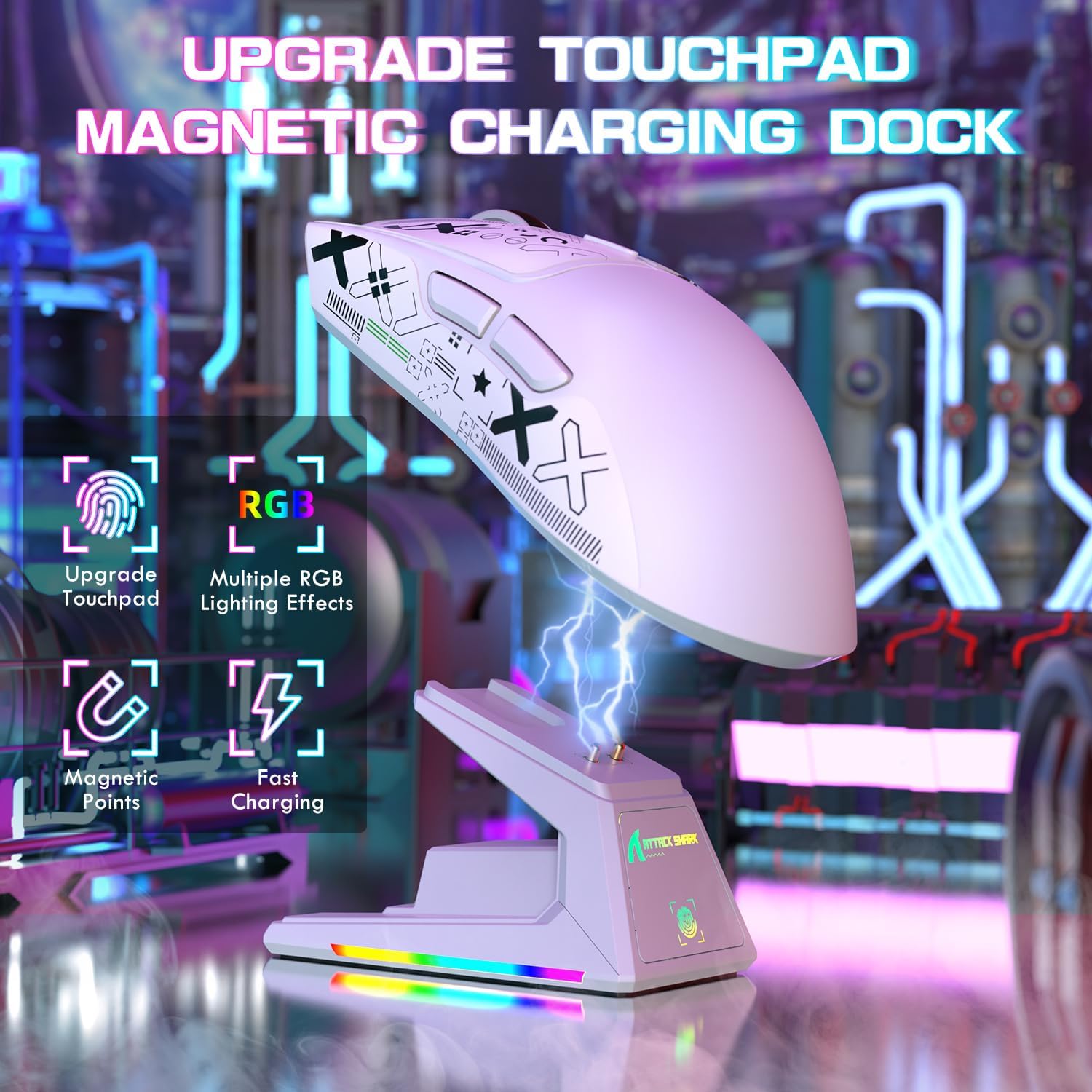
Image 4.1: Charging the X1 mouse using the magnetic dock.
4.2 Applying Anti-Slip Grip Tape
The included anti-slip grip tape can be applied to the mouse for enhanced grip and comfort. Carefully peel the backing and adhere the tape to the desired areas on the mouse body.
4.3 Поврзување на глувчето
The ATTACK SHARK X1 supports three connection modes: Wired, 2.4GHz Wireless, and Bluetooth.
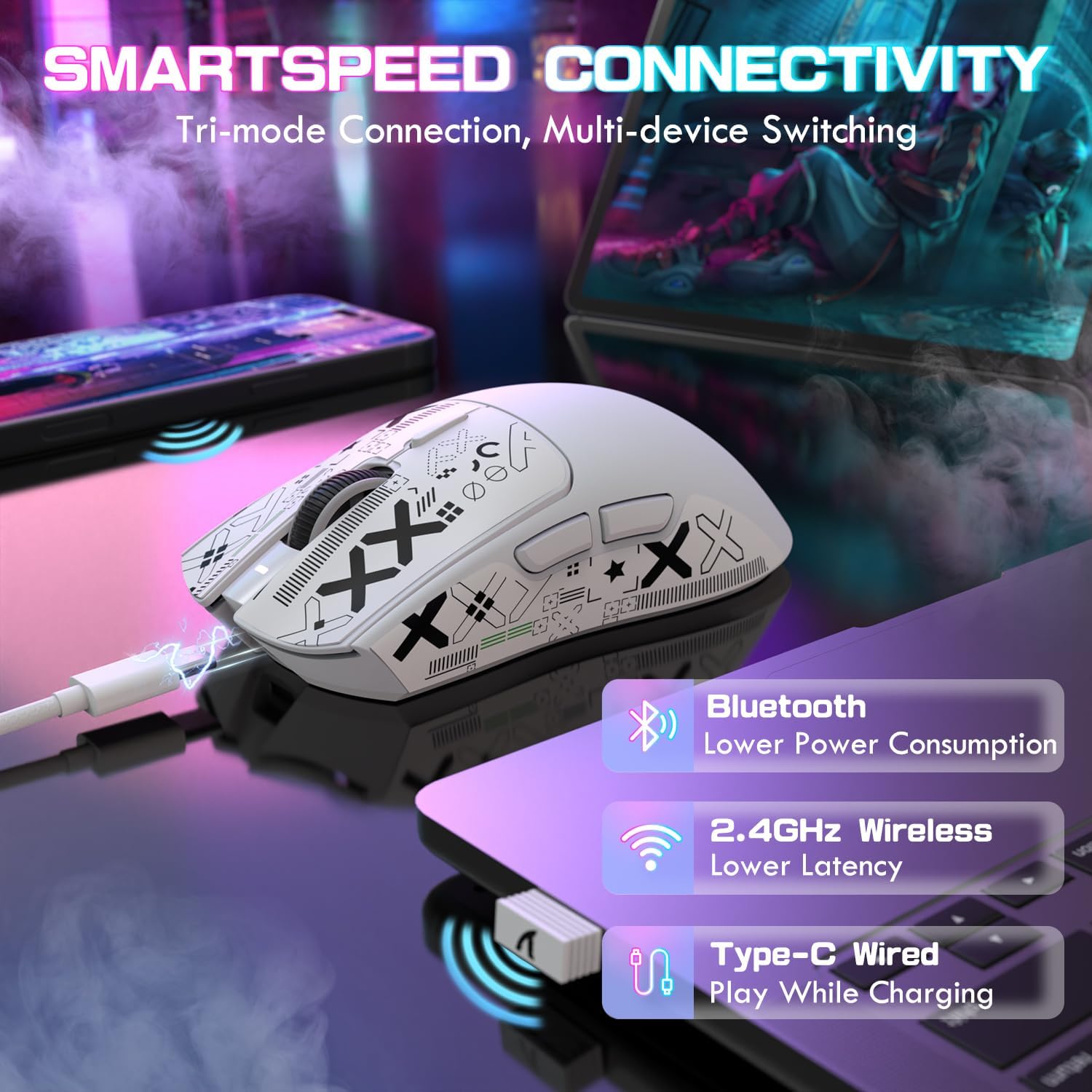
Слика 4.2: Готовоview of the tri-mode connectivity options.
Жична врска:
- Ensure the mouse power switch (located on the bottom) is set to the 'OFF' position.
- Connect the Type-C cable directly from the mouse to your computer's USB port. The mouse will function immediately and charge simultaneously.
Безжична врска од 2.4 GHz:
- Remove the 2.4GHz USB receiver from its storage compartment on the bottom of the mouse.
- Plug the USB receiver into an available USB-A port on your computer or into the USB-A port on the charging dock.
- Set the mouse power switch to the '2.4G' position. The mouse will automatically connect to the receiver.
Bluetooth конекција:
- Set the mouse power switch to the 'BT' position.
- Press and hold the Bluetooth toggle button (located on the bottom of the mouse) for 3 seconds until the indicator light flashes rapidly, indicating pairing mode.
- На вашиот компјутер или уред, одете до поставките за Bluetooth и пребарајте нови уреди.
- Select 'ATTACK SHARK X1' from the list of available devices to pair. The indicator light will become solid once connected.
- The mouse can connect to up to three Bluetooth devices (BT1, BT2, BT3). Switch between them by briefly pressing the Bluetooth toggle button.
5. Упатства за работа
5.1 Прилагодување на DPI
The mouse features a dedicated DPI button on its top surface. Press this button to cycle through preset DPI levels. For fine-tuning and custom DPI settings (50-unit increments up to 40000 DPI), use the programmable web софтвер за драјвери.
5.2 RGB контрола на осветлувањето
The magnetic charging dock features dynamic RGB lighting effects. These can be adjusted by tapping the touchpad control located on the front of the dock.
5.3 Web Софтвер за драјвери
The ATTACK SHARK X1 gaming mouse supports full customization through its web-based driver software. This software allows you to:
- Креирајте и доделувајте макроа.
- Re-assign mouse keys.
- Fine-tune DPI settings.
- Adjust polling rate (up to 1000Hz).
- Configure other performance parameters.
Пристапете до web driver software at: bit.ly/4mqcdwo
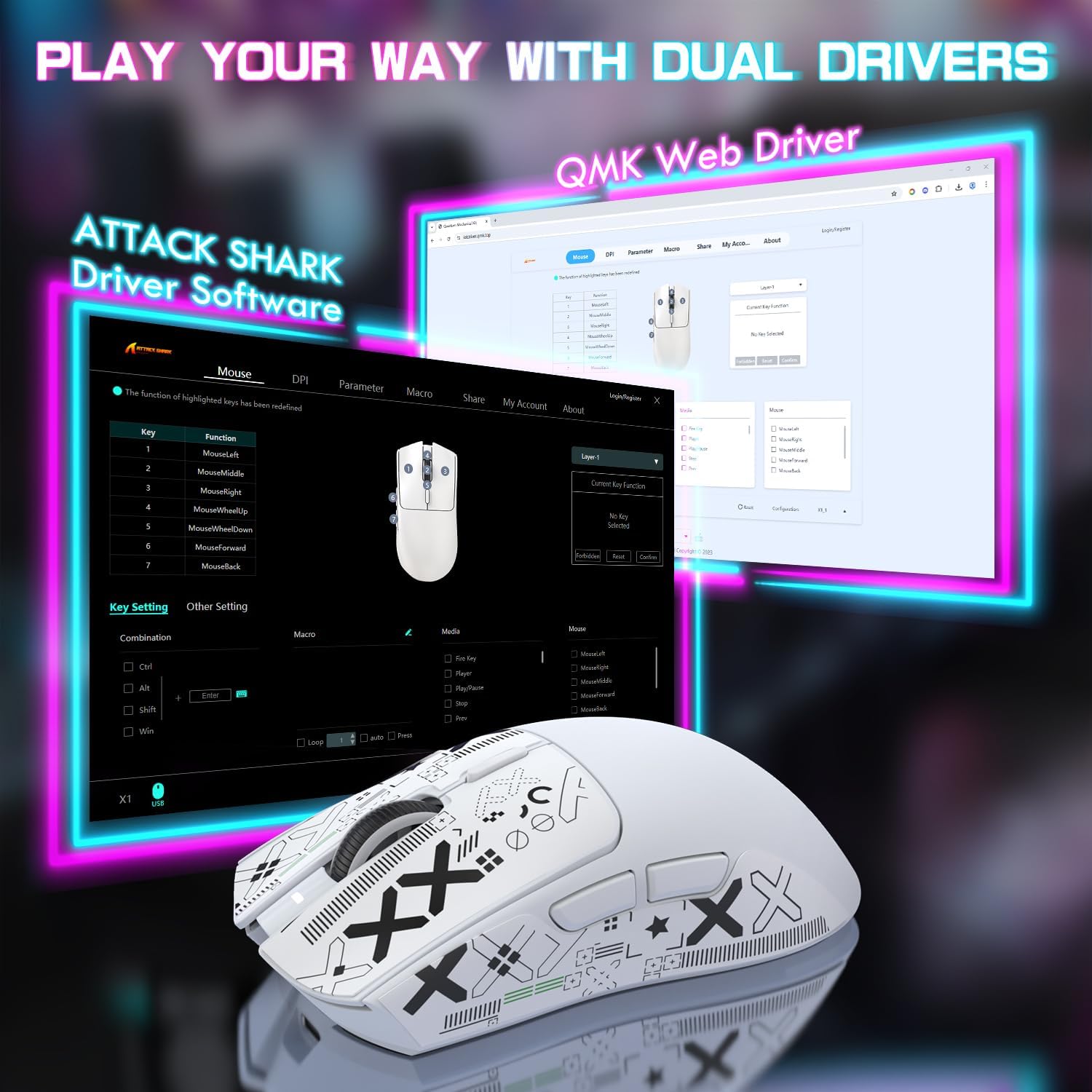
Image 5.1: The ATTACK SHARK X1 web driver software interface.
5.4 Префрлување на режими на поврзување
To switch between wired, 2.4GHz wireless, and Bluetooth modes, use the physical switch located on the bottom of the mouse. For Bluetooth, briefly press the Bluetooth toggle button to cycle between paired devices (BT1, BT2, BT3).
6. Одржување
6.1 Чистење
Regularly clean your mouse to ensure optimal performance and longevity.
- Користете мека, сува крпа за да ја избришете површината на глувчето и полначот.
- За тврдокорна нечистотија, малку дampИзбришете ја крпата со вода или благ раствор за чистење. Избегнувајте груби хемикалии.
- Use a soft brush or compressed air to clean dust from crevices, buttons, and the optical sensor.
6.2 Грижа за батерии
За да го максимизирате траењето на батеријата:
- Избегнувајте често целосно празнење на батеријата.
- Чувајте го глувчето на ладно и суво место кога не го користите подолг период.
- The mouse features a smart sleep mode to conserve power during inactivity.
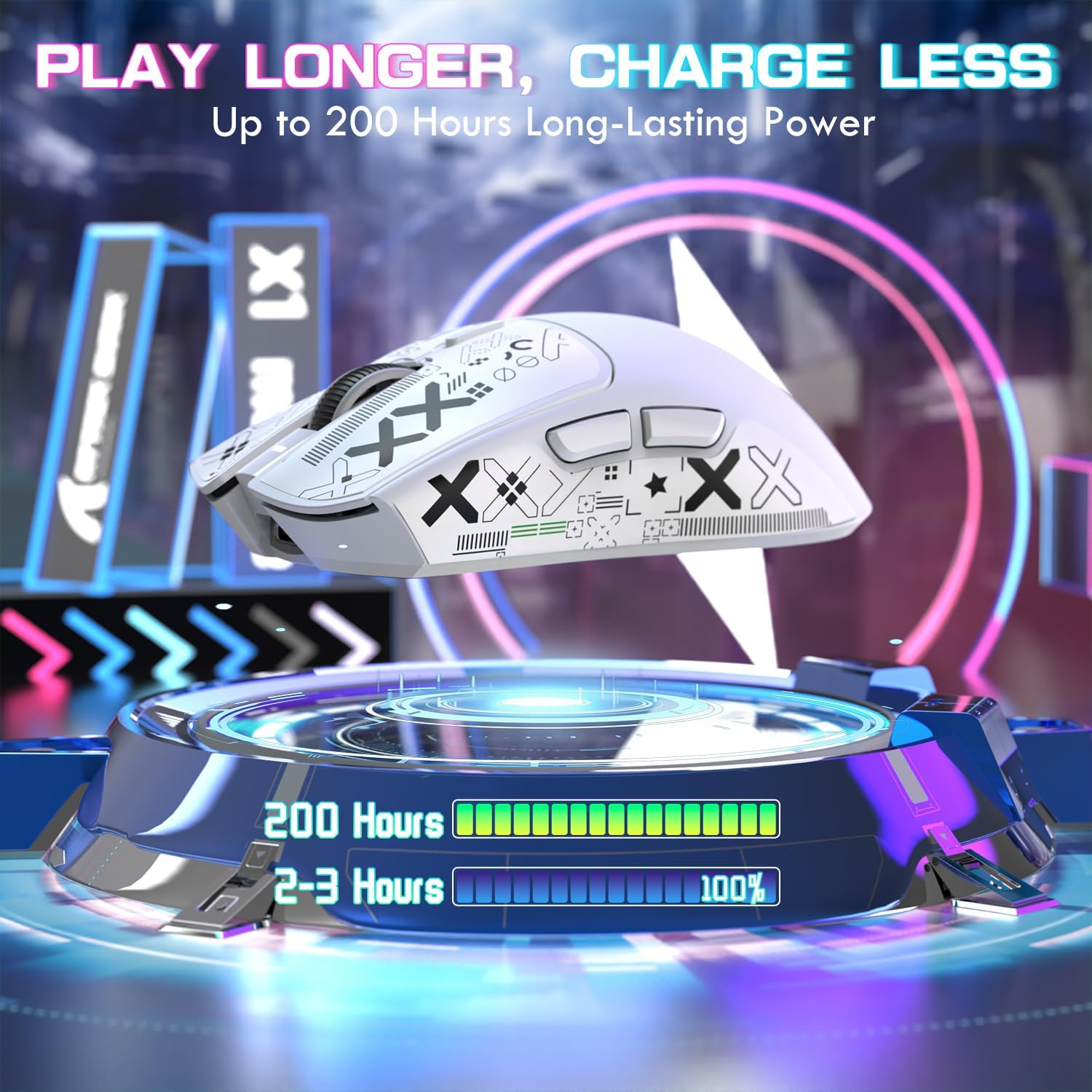
Image 6.1: The X1 mouse offers extended battery life and efficient charging.
7 Смена на проблеми
If you encounter issues with your ATTACK SHARK X1 mouse, refer to the following common problems and solutions:
| Проблем | Можна причина | Решение |
|---|---|---|
| Глувчето не реагира (Безжично) | Low battery; Incorrect connection mode; USB receiver not connected; Driver issue. | Charge the mouse; Ensure switch is on '2.4G' or 'BT'; Plug in USB receiver; Reinstall/update drivers via web софтвер. |
| Глувчето не се полни | Cable not connected properly; Dock not powered; Magnetic points misaligned. | Check Type-C cable connection to dock/mouse and power source; Ensure mouse is correctly seated on the magnetic dock. |
| RGB lighting not working on dock | Dock not powered; Lighting turned off. | Ensure dock is connected to power; Tap the touchpad on the dock to cycle through lighting modes. |
| DPI не се менува | Дефект на копчето DPI; Конфликт на софтвер. | Ensure DPI button is pressed firmly; Check web driver software for custom profiles or conflicts. |
| Lag or disconnections | Пречки; Растојание од приемникот; Слаба батерија. | Reduce distance to receiver; Remove sources of interference; Charge the mouse. |
8. Спецификации
Key technical specifications for the ATTACK SHARK X1 Ultralight Wireless Gaming Mouse:
| Карактеристика | Детал |
|---|---|
| Модел | X1 |
| Сензор | PixArt PAW3395 Pro Optical Sensor |
| Опсег на DPI | 50 - 40,000 DPI (adjustable in 50-unit increments via web возач) |
| Стапка на анкети | До 1000 Hz |
| Забрзување | 50 гр |
| Брзина на следење | 650 FPS |
| Прекинувачи | OMRON Optical Micro Switches (100 million click lifespan) |
| Кодер | F-Switch Encoder |
| Поврзување | Tri-Mode: USB Type-C Wired, 2.4GHz Wireless, Bluetooth (BT1/BT2/BT3) |
| Тежина | 53 g (приближно) |
| Полнење | Magnetic RGB Charging Dock or USB Type-C |
| Траење на батеријата | До 200 часа (во зависност од употребата) |
| Димензии | Approximately 121.8mm (L) x 61.2mm (W) |

Image 8.1: The PixArt PAW3395 Pro Sensor provides high-performance tracking.
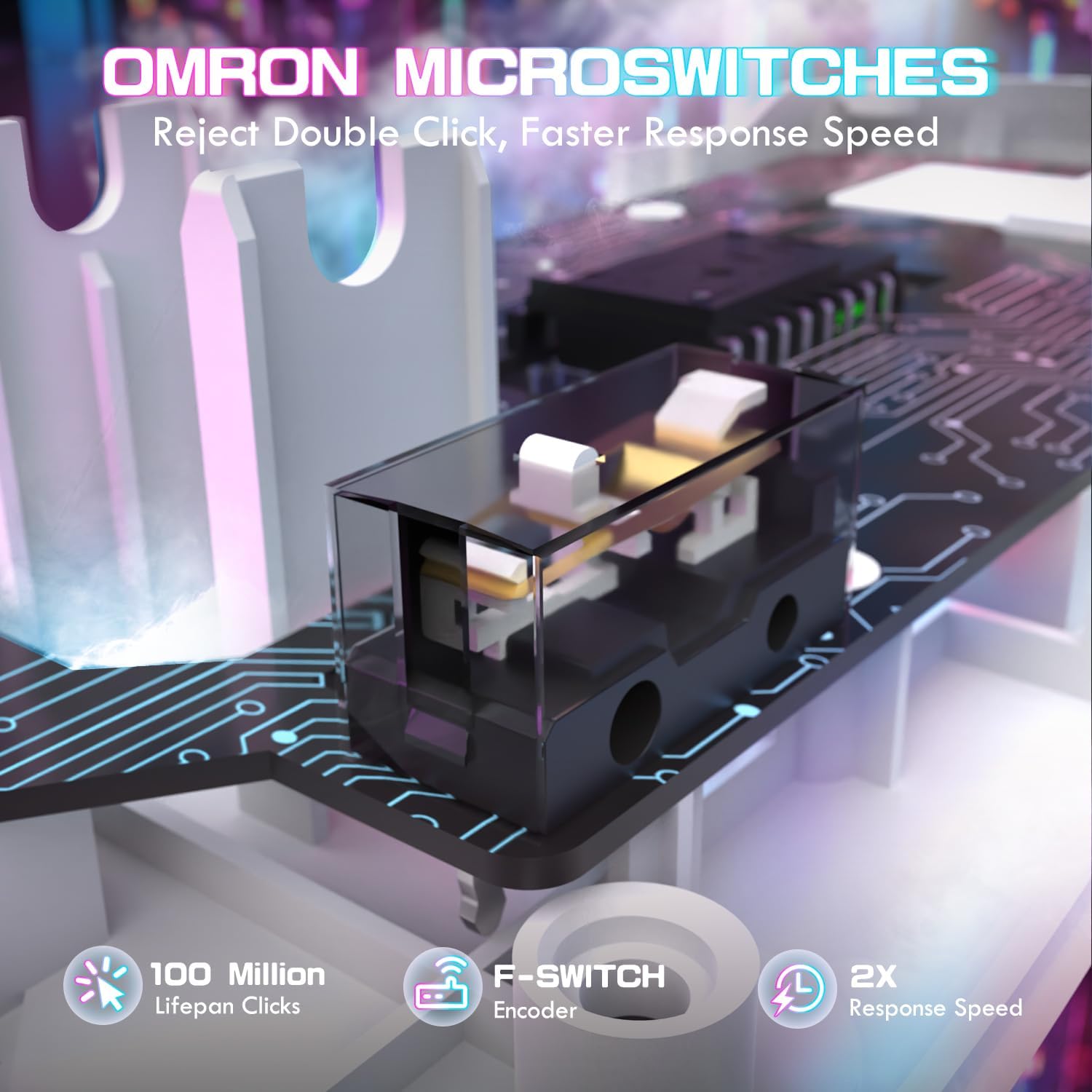
Image 8.2: OMRON optical micro switches ensure durability and responsive clicks.
9. Гаранција и поддршка
ATTACK SHARK products are manufactured to high quality standards. For warranty information and technical support, please refer to the official ATTACK SHARK webлокација или контактирајте го вашиот продавач. Зачувајте го доказот за купување за гаранциски барања.
10. Видео за производот
Watch the official product video for a visual guide on the ATTACK SHARK X1 mouse features and usage.
Video 10.1: ATTACK SHARK X1 Tri Mode Ultra Light Gaming Mouse overview. This video demonstrates the magnetic charging dock, connectivity options, and key features of the mouse.