Вовед
Welcome to the user manual for your new DIALN X65 Unlocked Smartphone. This guide provides essential information to help you set up, operate, maintain, and troubleshoot your device. Please read this manual carefully to ensure optimal performance and longevity of your smartphone.
The DIALN X65 features a 6.5-inch display, runs on Android 13, and offers 32GB of internal storage, expandable via microSD. It is equipped with a 13MP camera and a 4500mAh battery.
Што има во кутијата
Upon unboxing your DIALN X65, verify that all items are present:
- Смартфон DIALN X65
- Кабел за полнење
- Упатство за употреба (овој документ)
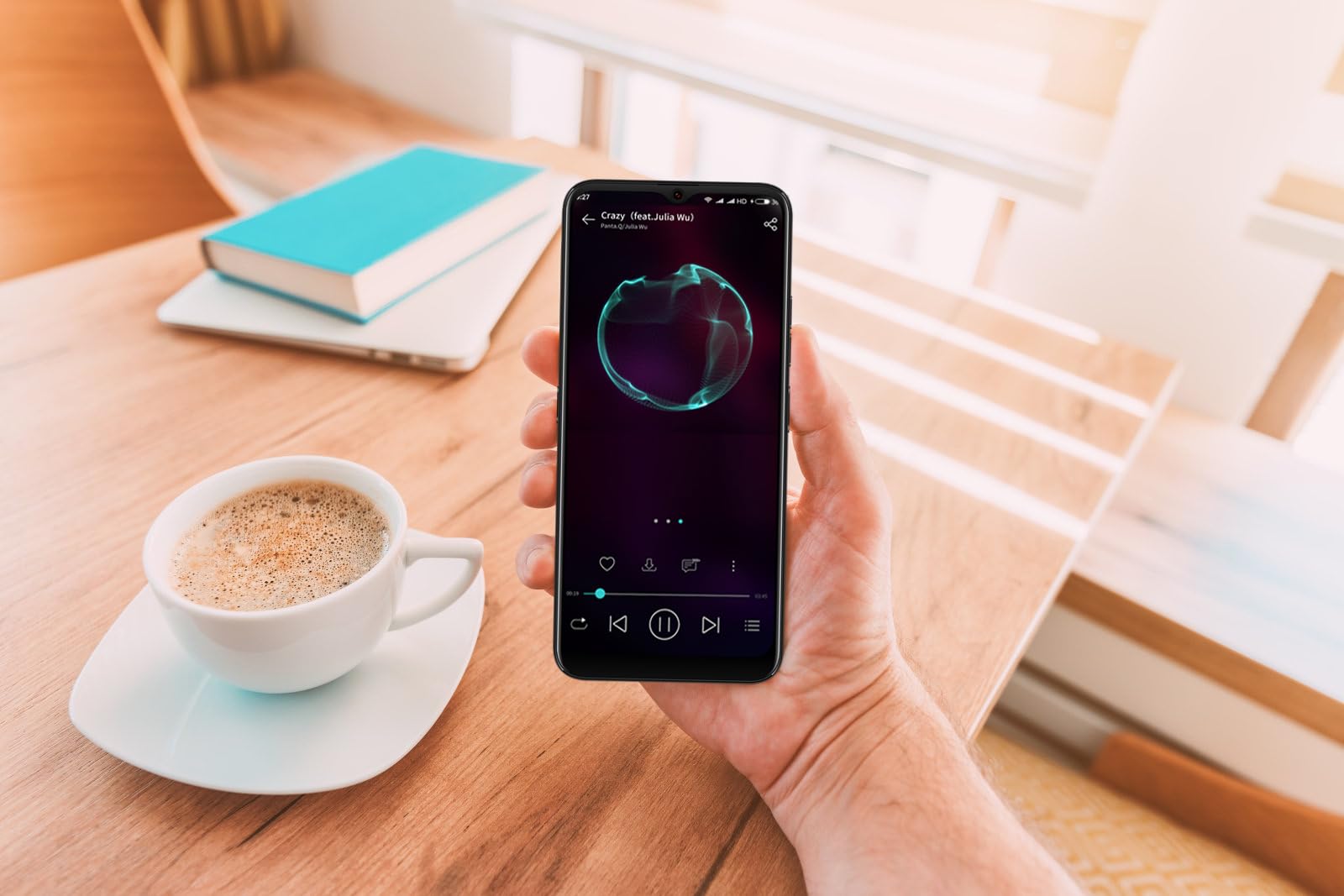
Image: The DIALN X65 smartphone displayed with its charging cable and user manual, as typically found in the product packaging.
Поставување
1. Insert SIM Card and MicroSD Card (Optional)
- Пронајдете го држачот за SIM-картичка од страната на телефонот.
- Insert the SIM ejector tool (not included, a paperclip can be used) into the small hole on the tray to open it.
- Ставете ја/ги вашата/ги Nano-SIM картичка/и и/или microSD картичка во лежиштето со златните контакти свртени надолу, осигурувајќи се дека се правилно ориентирани.
- Нежно турнете го држачот назад во телефонот додека не кликне на своето место.
2. Почетно полнење
Before first use, it is recommended to fully charge your DIALN X65. Connect the charging cable to the phone's charging port and plug the other end into a power adapter (not included) or a USB port. The battery indicator on the screen will show charging progress. A full charge typically takes approximately 2 hours.
3. Вклучување/исклучување
- За вклучување: Press and hold the Power button (located on the right side) until the DIALN logo appears on the screen.
- За исклучување: Притиснете го и задржете го копчето за вклучување додека не се појави менито со опции за вклучување. Допрете „Исклучи“ и потврдете.
- За рестартирање: Press and hold the Power button until the power options menu appears. Tap 'Restart' and confirm.
4. Волшебник за почетно поставување
The first time you power on your phone, you will be guided through an initial setup process. Follow the on-screen prompts to:
- Изберете го вашиот јазик.
- Поврзете се на Wi-Fi мрежа.
- Најавете се со вашата сметка на Google или креирајте нова.
- Поставете заклучување на екранот (PIN, шема, лозинка или отклучување со лице).
- Review и прифатете ги условите и одредбите.
Operating Your DIALN X65
1. Основна навигација
- Допрете: Допрете икона за да отворите апликација или да изберете ставка.
- Повлечете: Повлечете го прстот преку екранот за да скролувате или да се движите помеѓу екраните.
- Штипење: Користете два прста за зумирање или одзумирање на фотографиите и web страници.
- Почетен екран: Централниот центар за вашите апликации и виџети. Повлечете налево или надесно за пристап до дополнителни почетни екрани.
- Панел за известување: Повлечете надолу од горниот дел на екранот за да пристапите до известувања и брзи поставки.
2. Повици и контакти
- Упатување повик: Отворете ја апликацијата „Телефон“, внесете го бројот и допрете ја иконата за повик.
- Одговарање на повик: Повлечете нагоре на иконата за зелен телефон кога ќе добиете повик.
- Управување со контакти: Open the 'Contacts' app to add, edit, or delete contacts.
3. Пораки
Open the 'Messages' app to send and receive SMS/MMS messages. Tap the '+' icon to compose a new message, enter the recipient's number or select from contacts, and type your message.
4. Интернет и поврзување
- Wi-Fi: Go to Settings > Network & internet > Wi-Fi. Turn Wi-Fi on and select your desired network.
- Bluetooth: Одете во Поставки > Поврзани уреди > Преференции за поврзување > Bluetooth. Вклучете го Bluetooth за да се спарите со други уреди.
- Мобилни податоци: Go to Settings > Network & internet > Mobile network. Ensure mobile data is enabled for internet access via your SIM card.
5. Камера
Open the 'Camera' app to capture photos and videos. Tap the shutter button to take a photo. Swipe left or right to switch between photo, video, and other modes. Use the front camera for selfies.
6. Отклучување со лице
To set up Face Unlock, go to Settings > Security & privacy > Device unlock > Face unlock. Follow the on-screen instructions to register your face. Once set up, you can unlock your phone by looking at the front camera.
7. Управување со складирање
Your DIALN X65 comes with 32GB of internal storage. You can expand this up to 256GB using a microSD card. To check storage usage, go to Settings > Storage. Regularly clear unnecessary files и апликации за одржување на оптимални перформанси.
Одржување
1. Чистење на вашиот уред
Use a soft, lint-free cloth to clean the screen and body of your phone. Avoid using harsh chemicals or abrasive materials, as these can damage the display and finish. Do not expose the phone to excessive moisture.
2. Софтверски ажурирања
Regularly check for and install software updates to ensure your phone has the latest features, security patches, and performance improvements. Go to Settings > System > System update to check for available updates.
3. Нега на батерии
- Избегнувајте екстремни температури, бидејќи тие можат да го намалат животниот век на батеријата.
- Не дозволувајте батеријата често целосно да се празни.
- Use the provided charging cable or a compatible, certified charger.
- Unplug the charger once the battery is full to prevent overcharging.
4. Оптимизација на складирање
To keep your phone running smoothly, regularly review and delete unused apps, old photos, videos, and downloaded fileс. Размислете за преместување на големи медиуми files на microSD картичка или складирање во облак.
Решавање проблеми
Заеднички прашања и решенија:
- Телефонот не се вклучува: Проверете дали батеријата е наполнета. Поврзете ја на полнач најмалку 15 минути, а потоа обидете се повторно да ја вклучите.
- Poor Signal/No Network: Check if your SIM card is properly inserted. Ensure mobile data is enabled in settings. Try restarting the phone. If issues persist, contact your network provider.
- Паѓање/замрзнување на апликации: Close and reopen the app. Clear the app's cache (Settings > Apps > [App Name] > Storage & cache > Clear cache). If the problem continues, uninstall and reinstall the app.
- Батеријата брзо се троши: Reduce screen brightness, disable unused features like Bluetooth or GPS, close background apps, and check for apps consuming excessive power in battery settings.
- Екранот на допир не реагира: Restart the phone. If the issue persists, a factory reset might be necessary (see below).
Factory Reset (Data Erase)
Ресетирањето на фабричките поставки ќе ги избрише сите податоци од вашиот телефон и ќе го врати на оригиналните фабрички поставки. Направете резервна копија од сите важни податоци пред да продолжите.
- Одете во Поставки > Систем > Ресетирај опции.
- Допрете „Избриши ги сите податоци (ресетирање на фабрички поставки)“.
- Потврдете ја вашата одлука и внесете го вашиот ПИН/шаблон/лозинка доколку ви биде побарано.
- Телефонот ќе се рестартира и ќе започне процесот на ресетирање.
Спецификации
| Карактеристика | Спецификација |
|---|---|
| Име на моделот | X65 |
| Оперативен систем | Андроид 13.0 |
| Големина на приказ | 6.5 инчи |
| Резолуција | 1280 x 720 |
| Процесор | Quad Core 2.26GHz (MediaTek) |
| RAM меморија | 3 GB |
| Внатрешно складирање | 32 GB (може да се прошири до 256 GB преку microSD) |
| Главна камера | 13 MP |
| Капацитет на батеријата | 4500 mAh |
| Поврзување | 4G LTE, Wi-Fi, Bluetooth |
| Посебни карактеристики | Expandable Storage, Face Unlock, Built-in GPS |
| Димензии | 6.5 x 3 x 6.5 инчи |
| Тежина | 6.5 унци |
Гаранција и поддршка
Your DIALN X65 Smartphone is covered by a limited manufacturer's warranty. Please refer to the warranty card included with your product for specific terms and conditions, including warranty period and coverage details. For technical support, service, or further inquiries, please visit the official DIALN website or contact customer service through the contact information provided on the product packaging or official webсајт.


