Вовед
Thank you for choosing the Spigen Active Noise Cancelling Headphones SA-HP P10. These headphones are designed to provide an immersive audio experience with advanced noise cancellation, powerful sound, and convenient features for various uses including commuting, gaming, and music listening. Please read this manual carefully to ensure proper use and optimal performance of your new headphones.
Содржина на пакетот
Проверете дали сите предмети се присутни во пакувањето:
- Spigen Active Noise Cancelling Headphones SA-HP P10
- USB-C Charging Cable (50cm)
- AUX Audio Cable (1.2m)
- Торбичка за носење
- Упатство за употреба (овој документ)

Image: The Spigen SA-HP P10 headphones, a 50cm USB-C charging cable, and a 1.2m AUX audio cable, representing the complete package contents.
Производот завршиview
Запознајте се со компонентите и контролите на слушалките.
Контроли и пристаништа:
- Копче за вклучување: Притиснете и задржете за вклучување/исклучување. Кратко притиснете за репродукција/пауза или одговарање/завршување на повици.
- Копчиња за јачина на звук (+/-): Short press to adjust volume. Long press to skip tracks.
- Прекинувач за ANC/режим на транспарентност: Toggle to activate Active Noise Cancellation (ANC) or Transparency Mode.
- USB-C порта: За полнење на слушалките.
- Аудио приклучок од 3.5 мм: За жично поврзување со помош на AUX кабел.
- Микрофони: Integrated 5-MIC system for clear calls and ANC.
Поставување
1. Полнење на слушалките:
- Connect the USB-C charging cable to the headphone's USB-C port and a power source.
- LED индикаторот ќе го покаже статусот на полнење. Целосното полнење трае приближно 2 часа.
- Уверете се дека слушалките се целосно наполнети пред првата употреба.
2. Вклучување/исклучување:
- За да го вклучите, притиснете и држете го копчето за вклучување додека не светне LED индикаторот.
- За да го исклучите, притиснете и задржете го копчето за вклучување додека LED индикаторот не се исклучи.
3. Спарување преку Bluetooth:
- With the headphones powered off, press and hold the Power Button for 5 seconds until the LED indicator flashes blue and red, indicating pairing mode.
- On your device (smartphone, tablet, computer), enable Bluetooth and search for "Spigen SA-HP P10".
- Изберете ги слушалките што сакате да ги поврзете. LED индикаторот ќе свети постојано сино откако ќе се спарат успешно.
- The headphones support Bluetooth 5.4 for seamless pairing and multi-device connectivity.
4. Spigen Audio App:
- Download the "Spigen Audio" app from your device's app store.
- Connect your headphones to the app for customizable sound profiles, поставки за еквилајзер и ажурирања на фирмверот.
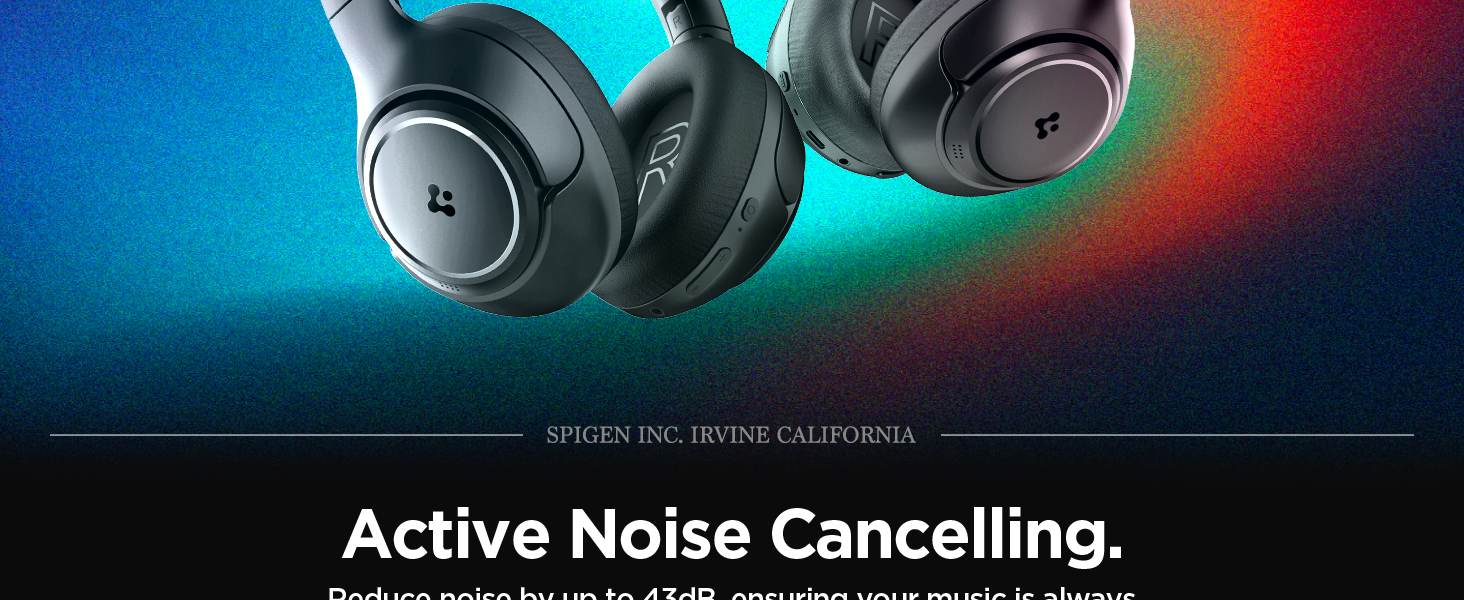
Image: The Spigen Audio App interface, displaying options for sound profiles (Default, Pop, Bass, Rock) and noise control modes (Multi-Mode ANC, Transparency, Normal, Indoor, Commuting, Noisy).
Упатства за работа
1. Active Noise Cancellation (ANC) & Transparency Mode:
- Use the dedicated ANC/Transparency Mode switch on the headphones to toggle between modes.
- ANC режим: Reduces external noise by up to 43dB, ideal for focused listening.
- Режим на транспарентност: Овозможува пропуштање на амбиенталните звуци, одржувајќи ве свесни за околината.
- Customize ANC levels and modes (Indoor, Commuting, Noisy) via the Spigen Audio App.
Image: The Spigen SA-HP P10 headphones with visual cues indicating 43dB Active Noise Cancelling, 5-Mode Hybrid Adaptive ANC, Transparency Mode, and Clear Calls with 5 MICs.
2. Режим на играње:
- Activate Gaming Mode via the Spigen Audio App for crystal-clear, low-latency audio transmission.
- This mode is optimized for an uninterrupted gaming experience.
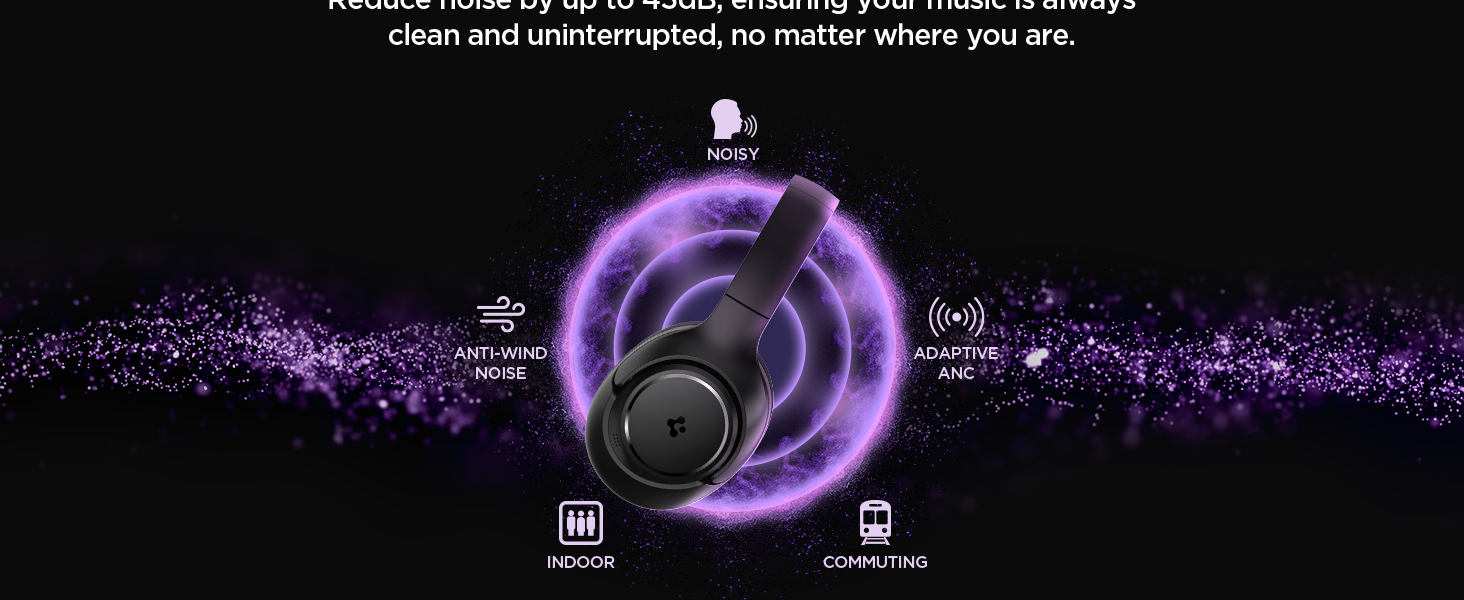
Image: Spigen SA-HP P10 headphones positioned next to a smartphone and a game controller, emphasizing the low-latency feature for an enhanced gaming experience.
3. Остварување повици:
- Одговори/заврши повик: Кратко притиснете го копчето за вклучување.
- Одбијте го повикот: Долго притиснете го копчето за вклучување.
- The 5-MIC system ensures clear voice pickup and ambient noise reduction during calls.
Одржување
Cleaning EarPads:
- The ear pads are detachable for easy cleaning.
- Gently remove the ear pads from the headphones.
- Исчистете со мека, гamp крпа и благ сапун. Оставете целосно да се исуши на воздух пред повторно да го прикачите.
- Не користете груби хемикалии или абразивни материјали.

Image: Hands gently cleaning a detachable earpad of the Spigen SA-HP P10 headphones with a white cloth, demonstrating the ease of maintenance.
Решавање проблеми
- Без моќност: Осигурајте се дека слушалките се целосно наполнети.
- Не може да се спари: Make sure headphones are in pairing mode (flashing blue/red LED). Turn off and on your device's Bluetooth.
- Проблеми со звукот: Check volume levels on both headphones and your device. Ensure headphones are within Bluetooth range. Try re-pairing.
- ANC не работи: Ensure ANC mode is activated via the switch or app.
Спецификации
| Име на моделот | SA-HP P10 |
| Bluetooth верзија | 5.4 |
| Траење на батеријата | До 60 часа |
| Активно поништување на шум | До 43 dB |
| Големина на возачот | Динамички драјвери од 40 мм |
| Микрофони | 5-MIC System |
| Контролен метод | App / On-device Buttons |
| Тежина на ставката | 273 грама (9.6 унци) |
| Димензии на производот | 3.22 x 6.31 x 7.75 инчи |
Гаранција и поддршка
For warranty information or technical support, please visit the official Spigen website or contact Spigen customer service directly. Keep your purchase receipt for warranty claims.


