Вовед
This manual provides detailed instructions for the setup, operation, and maintenance of your SOLAKAKA KI99 Pro 96% Wireless Mechanical Keyboard. Please read this manual thoroughly before using the product to ensure proper functionality and to maximize your user experience.
Карактеристики на производот
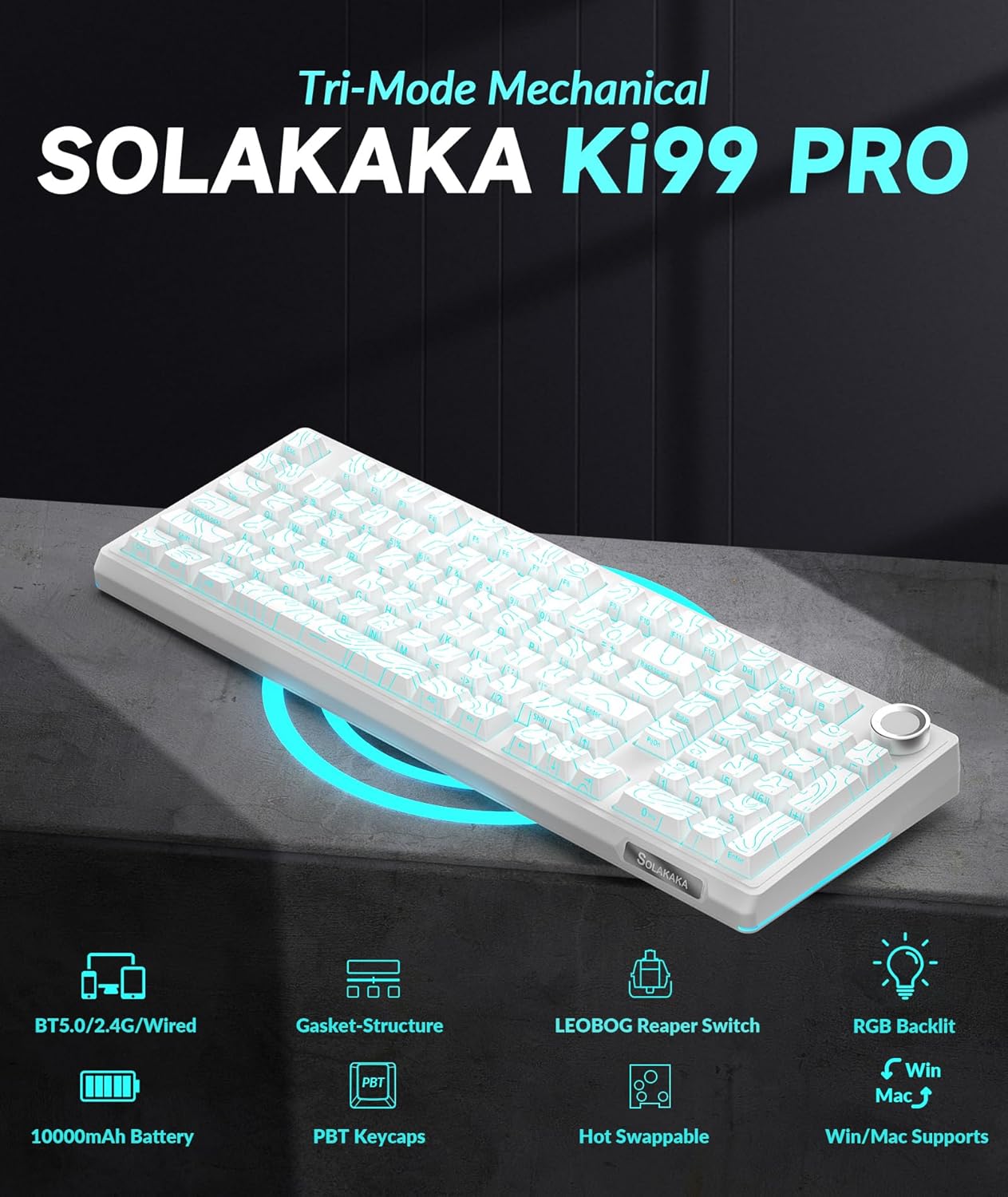
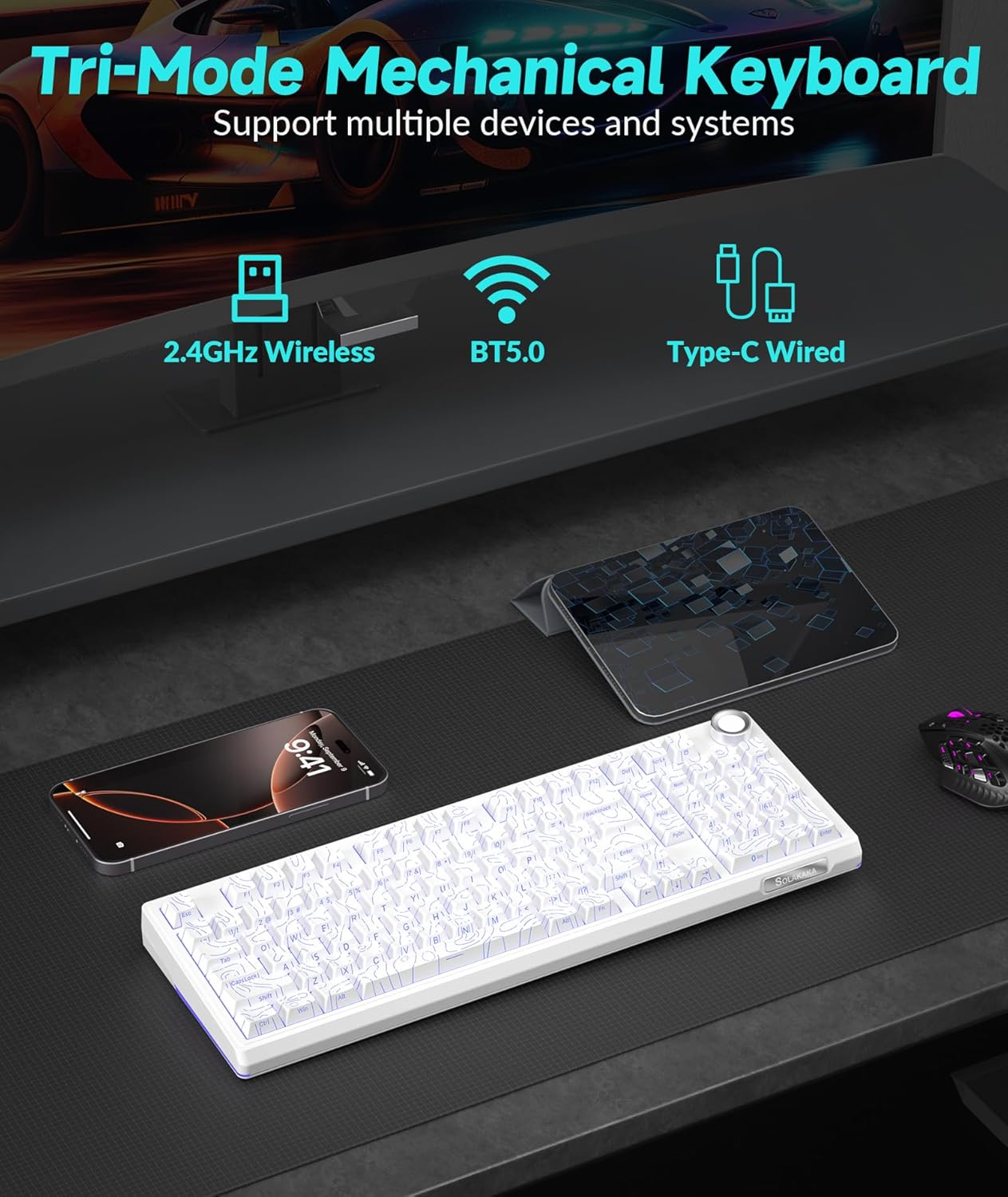
- Triple-mode Connectivity: Supports Bluetooth 5.0, 2.4GHz wireless, and Type-C wired connections for versatile use across various devices and operating systems (Windows, macOS).
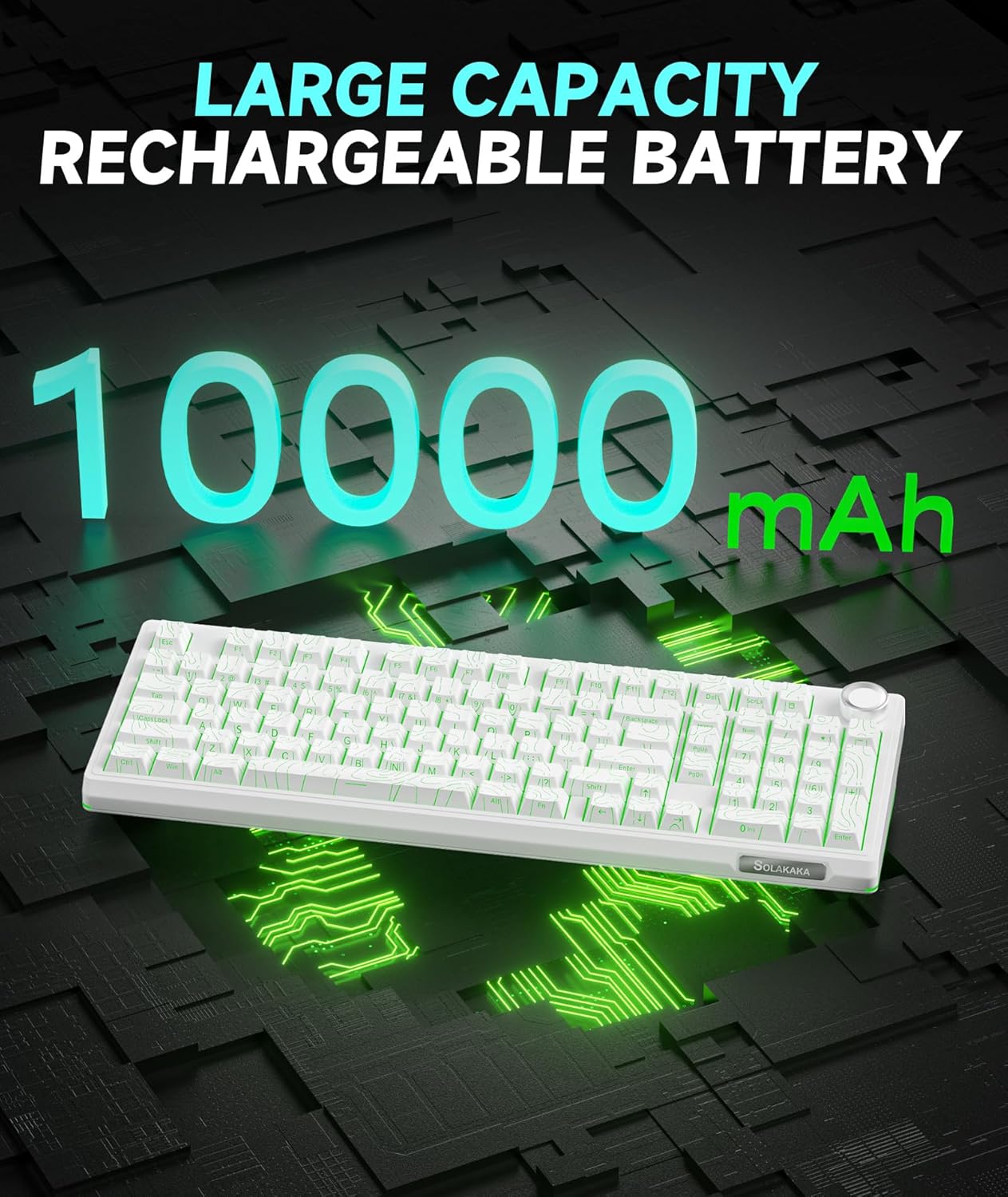
- Долготрајна батерија: Equipped with a 10,000mAh high-capacity battery for extended use.
- 96% Распоред: Integrates most functional keys of a full-size keyboard in a compact form factor, including a dedicated numeric keypad.
- Мултифункционално копче: Allows for easy adjustment of volume, media playback, and RGB lighting brightness.
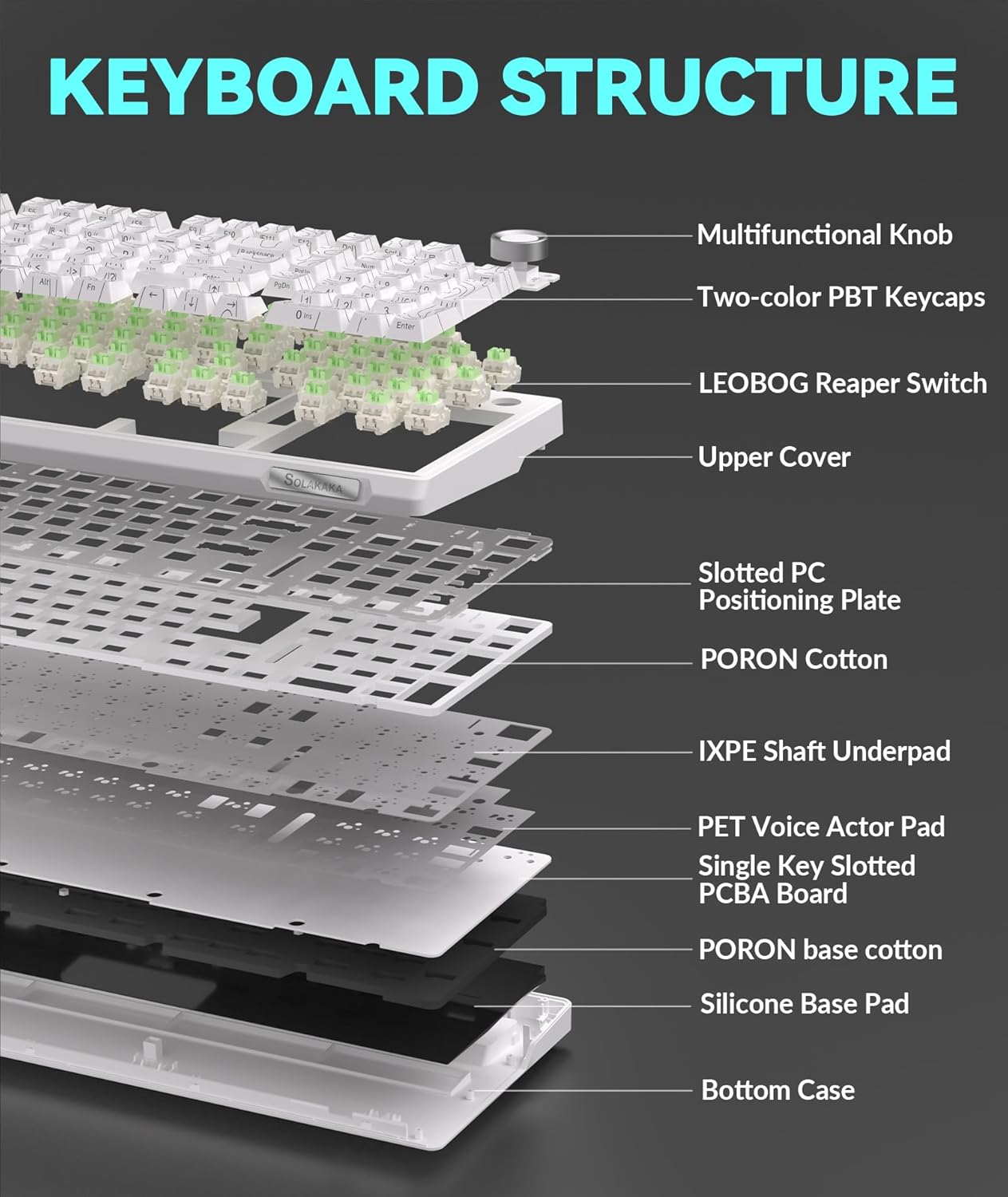
- Gasket Structure & Five-layer Noise Reduction: Designed to reduce key vibration and noise, providing a smooth and quiet typing experience.
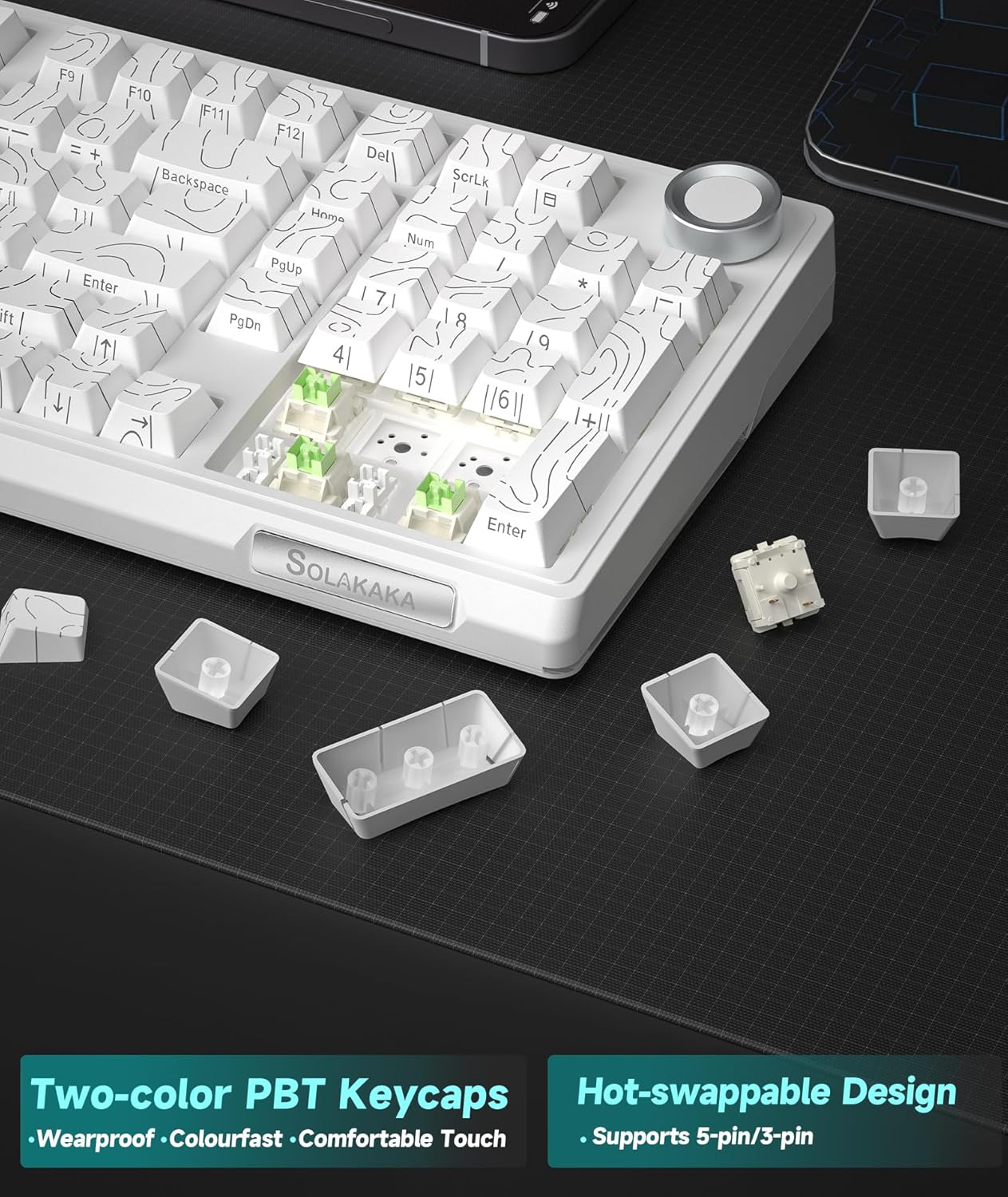
- Прекинувачи што може да се заменат со топла вода: Features a 1.2mm flex-cut hot-swappable PCB and PC board, compatible with 3-pin and 5-pin switches for personalized tactile customization without soldering.
- High-quality PBT Keycaps: Dual-color injection molded PBT keycaps offer wear and fade resistance, maintaining clear characters and vibrant colors.
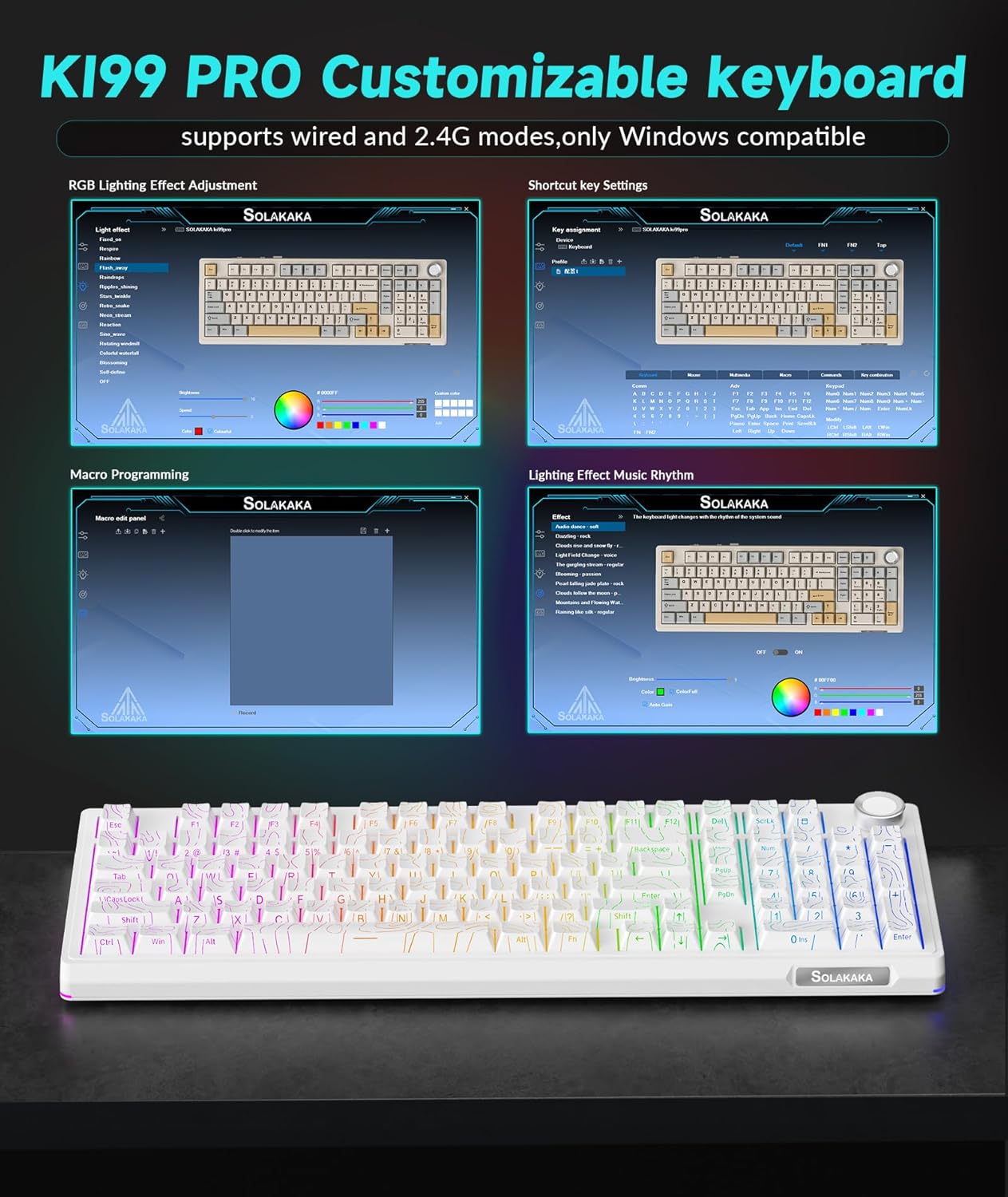
- Customizable Driver Software: Allows reprogramming key functions, adjusting RGB lighting effects, and customizing macro programming (Windows compatible for 2.4G and wired modes).
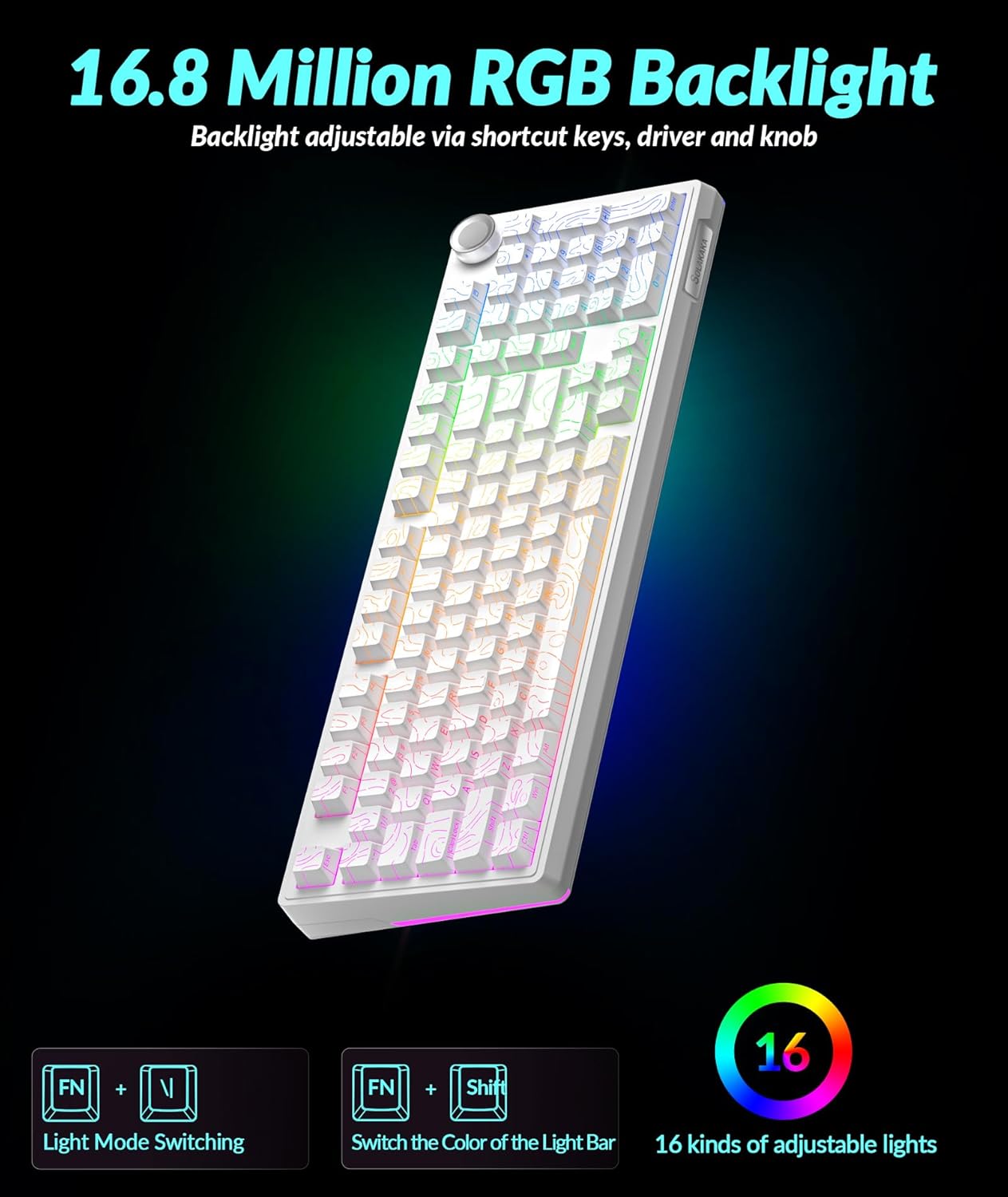
- Живописно RGB осветлување: Full-key RGB lighting and side RGB light bars with 16.8 million color options, adjustable via driver software or shortcut keys.
Инструкции за поставување
Режими на поврзување
The KI99 Pro keyboard supports three connection modes: Wired (USB-C), 2.4GHz Wireless, and Bluetooth 5.0. A switch on the keyboard allows selection between these modes.
1. Жичен режим (USB-C)
- Toggle the mode switch on the keyboard to the wired position.
- Connect the provided USB-C cable from the keyboard to your computer's USB port.
- Тастатурата ќе биде автоматски препознаена од вашиот оперативен систем.
2. Безжичен режим од 2.4 GHz
- Toggle the mode switch on the keyboard to the 2.4GHz wireless position.
- Locate the 2.4GHz USB receiver, typically stored in a compartment on the keyboard.
- Приклучете го USB-приемникот од 2.4 GHz во достапна USB порта на вашиот компјутер.
- Тастатурата треба да се поврзе автоматски.
3. Режим Bluetooth 5.0
- Toggle the mode switch on the keyboard to the Bluetooth position.
- Притиснете и задржете fn+1, fn+2, или fn+3 to enter pairing mode for one of the three available Bluetooth channels. The corresponding key will flash blue, indicating it is ready for pairing.
- On your device (PC, laptop, smartphone), enable Bluetooth and search for "KI99pro 5.0".
- Select the keyboard to connect. The blue light will become solid once connected.
- За префрлање помеѓу спарени Bluetooth уреди, кратко притиснете Fn + 1/2/3.
Полнење на тастатурата
The keyboard is equipped with a 10,000mAh battery. To charge, connect the USB-C cable to the keyboard and a power source (e.g., computer USB port, USB wall adapter). The charging indicator will show the charging status.
Упатства за работа
Мултифункционално копче
The knob located on the top right of the keyboard provides quick access to several functions:
- Ротирај: Ја прилагодува јачината на звукот на системот (во насока на стрелките на часовникот за зголемување, спротивно од стрелките на часовникот за намалување).
- Притиснете: Plays/pauses media.
- Притиснете и задржете: May cycle through lighting brightness levels or modes (refer to specific lighting controls).
RGB контрола на осветлување
The keyboard features full-key RGB backlighting and side RGB light bars. Lighting effects can be adjusted using shortcut keys or the customization software.
- Fn + \|: Switches RGB backlight effects.
- Fn + ← / →: Adjusts lighting effects speed.
- Fn + ↑ / ↓: Ја прилагодува осветленоста на задното осветлување.
- Fn + Shift: Switches side light mode.
- Fn + Alt: Switches side light brightness.
- Fn + ?: Switches side light color.
- Fn + Esc: Restores factory lighting settings.
Софтвер за приспособување
The KI99 Pro supports driver software for advanced customization. This software is compatible with Windows operating systems when the keyboard is connected via wired or 2.4GHz wireless mode. It allows users to:
- Reprogram key functions.
- Adjust RGB lighting effects in detail.
- Create and customize macro programming.
Please visit the official SOLAKAKA webстраница за да ја преземете најновата верзија на софтверот за прилагодување.
Одржување
Чистење на тастатурата
- Исклучете ја тастатурата од сите извори на енергија и уреди пред чистење.
- Користете мека крпа без влакненца малку гampизмијте со вода или благ раствор за чистење за да ги избришете капачињата на копчињата и куќиштето.
- Избегнувајте прекумерна влага и не прскајте раствори за чистење директно врз тастатурата.
- Користете компримиран воздух за отстранување на прашина и остатоци од меѓу копчињата на копчињата.
Прекинувачи за топла замена
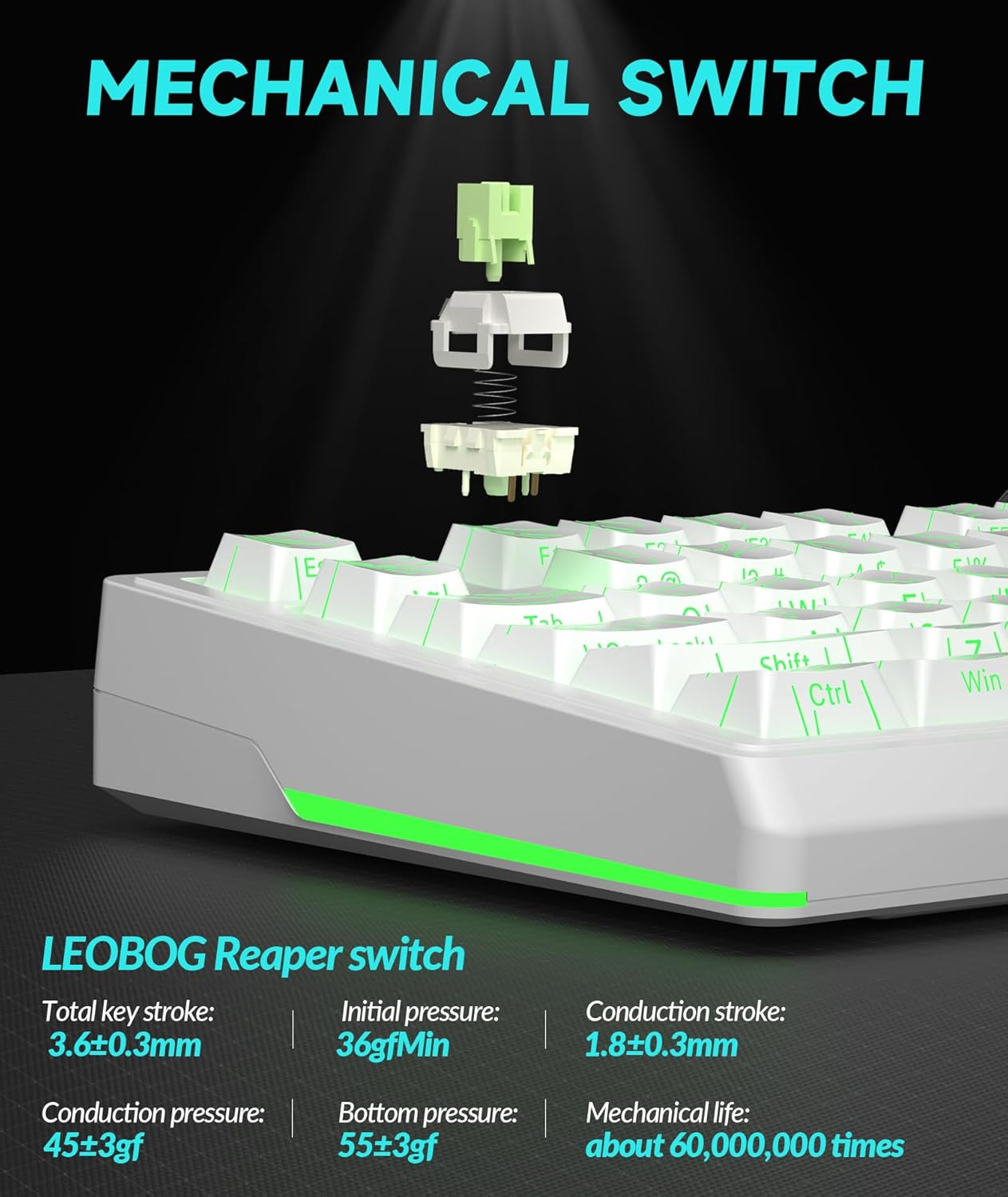
The KI99 Pro features hot-swappable switches, allowing for easy replacement without soldering. This enables customization of typing feel and sound.
- Нежно отстранете го капачето на копчето користејќи извлекувач на капачето на копчето.
- Use a switch puller to carefully extract the switch from the PCB. Ensure the switch is pulled straight up to avoid bending the pins.
- Align the pins of the new 3-pin or 5-pin switch with the holes on the PCB.
- Цврсто притиснете го новиот прекинувач на своето место додека не кликне. Проверете дали е правилно поставен и дали работи правилно пред да го вратите капачето на копчето.
Решавање проблеми
| Проблем | Можна причина | Решение |
|---|---|---|
| Тастатурата не реагира во безжичен режим. | Low battery, incorrect mode selected, receiver not plugged in (2.4GHz), not paired (Bluetooth), out of range. |
|
| Клучевите не се регистрираат или се пишуваат двојно. | Dust/debris under keycap/switch, faulty switch, software issue. |
|
| RGB осветлувањето не работи или е неправилно. | Lighting settings incorrect, software glitch. |
|
| Тастатурата не се полни. | Faulty cable, power source, or keyboard port. |
|
Спецификации
| Бренд | СОЛАКАКА |
| Број на модел | KI99PRO |
| Опис на тастатурата | Механички |
| Технологија за поврзување | 2.4 GHz безжичен, Bluetooth 5.0, USB-C кабелски |
| Компатибилни уреди | Laptop, PC, Smartphone (Windows, macOS) |
| Посебни карактеристики | Customizable, Hot-Swappable, Multifunctional Knob, Programmable, RGB Backlighting |
| Материјал за клуч | PBT (Dual-color injection molded) |
| Капацитет на батеријата | 10,000mAh (2 Lithium Ion batteries included) |
| Тежина на ставката | 3.27 фунти |
| Димензии на пакетот | 17.13 x 6.73 x 2.13 инчи |
| Производител | СОЛАКАКА |
Гаранција и поддршка
For warranty information, technical support, or further assistance, please refer to the official SOLAKAKA webвеб-страницата или директно контактирајте ја нивната служба за корисници. Детали во врска со регистрацијата на производот и барањата за гаранција обично може да се најдат на страниците за поддршка на производителот.
Manufacturer: SOLAKAKA
Посетете го SOLAKAKA Store за повеќе производи и информации за поддршка.


