Вовед
This user manual provides comprehensive instructions for the operation, maintenance, and troubleshooting of your DigiLand 10.1-inch Android 14 Tablet. Please read this manual thoroughly before using your device to ensure proper functionality and to maximize your user experience. This tablet is designed for versatile use, offering high performance for various applications, from entertainment to productivity.
Што има во кутијата
По отварањето на пакувањето, проверете дали сите наведени артикли се присутни и се во добра состојба:
- (1) Leather case *1
- (2) USB cable *1
- (3) 5V/2A Adaptor *1; US standard
- (4) Manual *1 (This document)
- (5) Warranty card *1

For a visual guide to unboxing your tablet, please refer to the official unboxing video below.
Video 1: Android 14 Tablet Unboxing Video. This video demonstrates the unboxing process and shows the tablet and its included components.
Производот завршиview
The DigiLand 10.1-inch Android 14 Tablet is engineered for high performance and user convenience. Key features include:
- Оперативен систем: Android 14 with upgraded personal privacy protection and security.
- Меморија и складирање: 12GB RAM + 128GB ROM, with support for TF card expansion for additional storage.
- Процесор: New generation Octa-Core CPU (Max 2.0 GHz) for faster and more stable performance.
- Прикажи: 10.1-inch 1280x800 HD IPS screen with Widevine L1 support for high-fidelity streaming on platforms like Netflix, YouTube, and Disney+.
- Поврзување: Ultra-fast WiFi 6 and energy-efficient Bluetooth 5.0.
- Камери: 8-megapixel front camera and 13-megapixel rear camera.
- Дизајн: Lightweight (485g) and slim (9mm thin body) for portability.
- Батерија: Батерија од 6000 mAh за продолжена употреба.
- Мултифункционалност: Supports split-screen function for enhanced multitasking.
Компоненти и карактеристики

The tablet features a headset jack, power button, volume up/down buttons, front camera, reset pinhole, memory card slot, and a Type-C charging port. The rear of the tablet houses the main camera module.

This image provides a visual summary of the tablet's core specifications, including its operating system, display size, memory, processor, battery capacity, camera resolution, and physical dimensions.
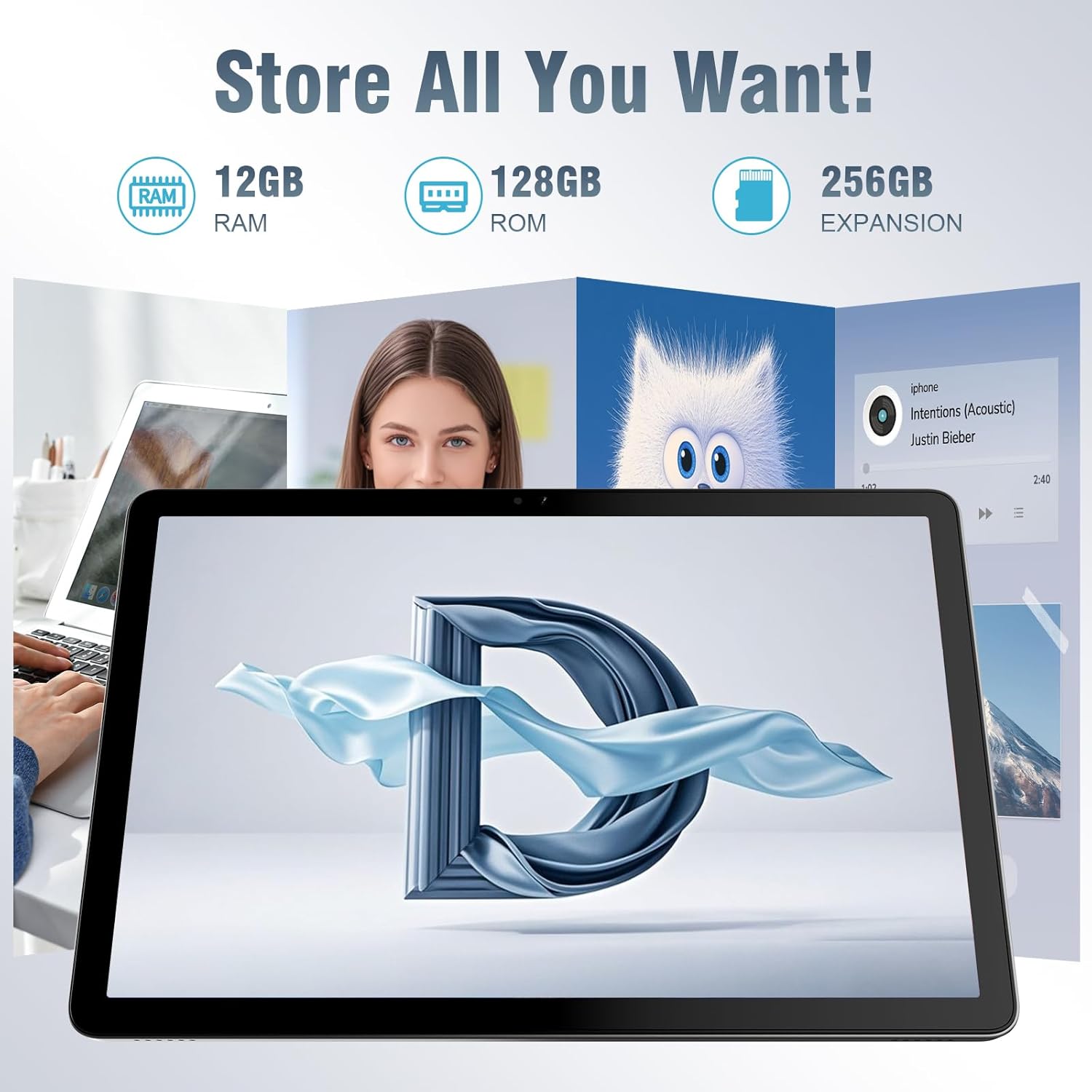
Таблетот нуди ample storage for your applications, photos, videos, and documents, with expandable memory options.
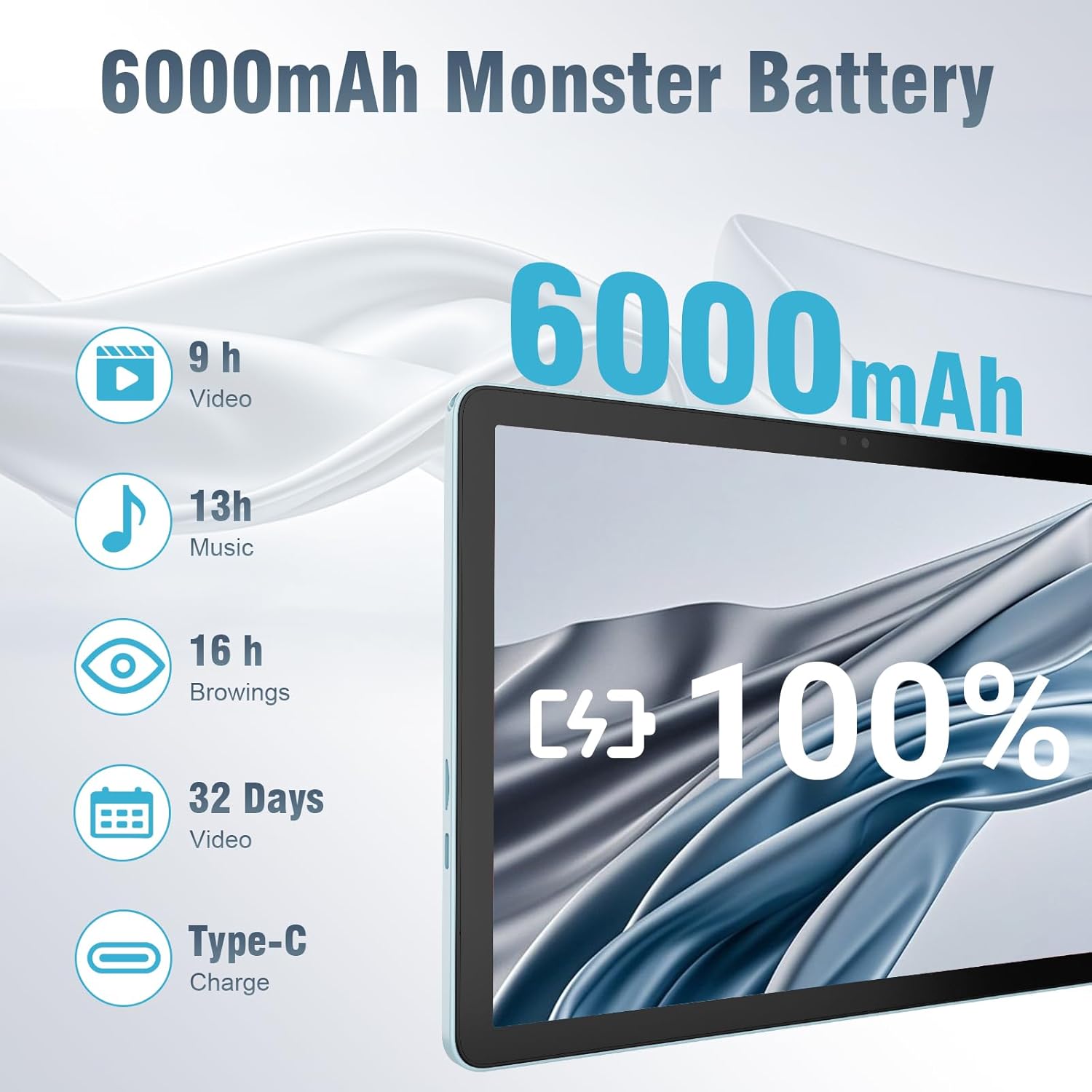
The 6000mAh battery provides extended usage times for various activities, and it supports convenient Type-C charging.
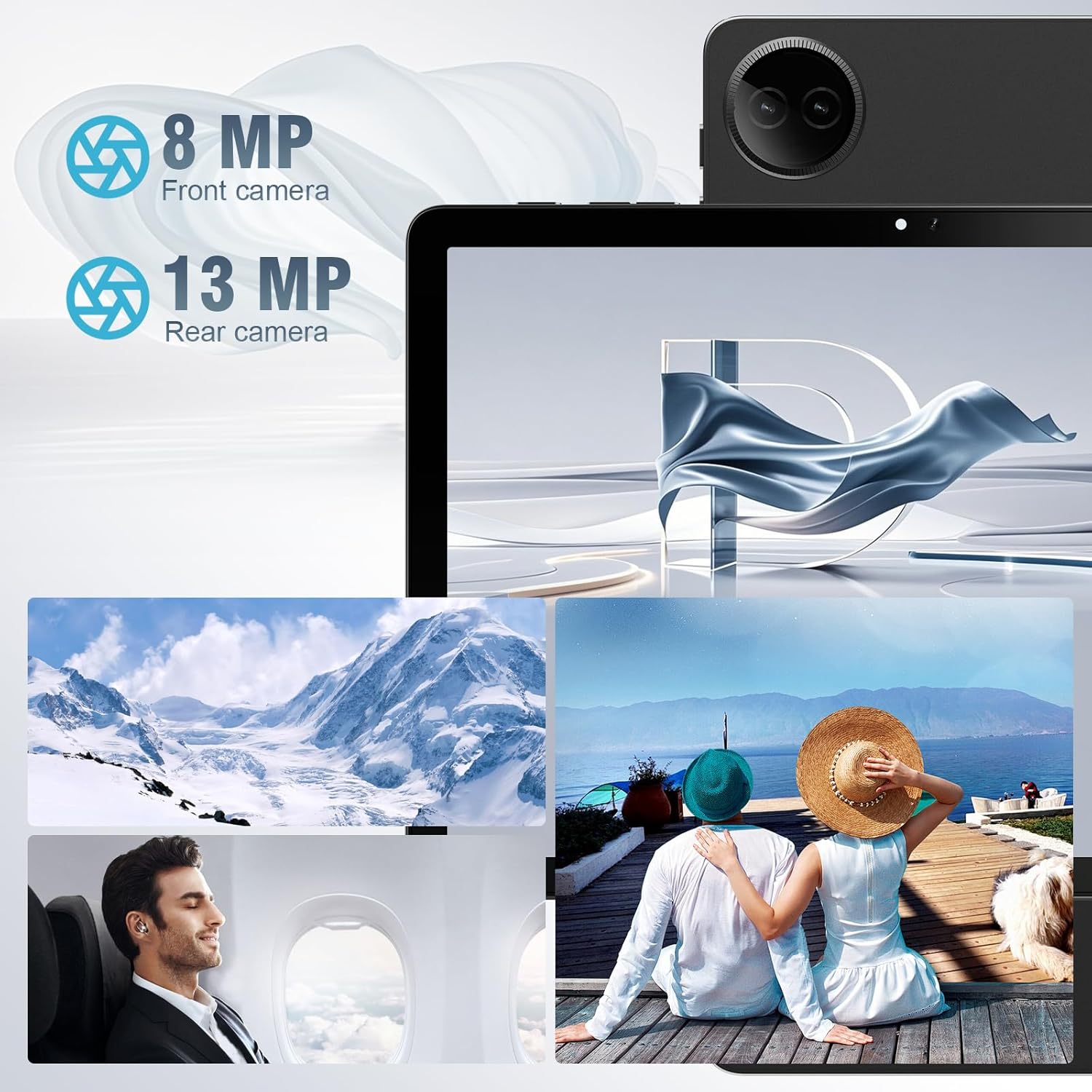
Equipped with both front and rear cameras, the tablet is suitable for capturing moments and engaging in video communication.

The 10.1-inch HD display provides a clear and immersive visual experience with wide viewинг агли.

The split-screen function allows for efficient multitasking, enabling you to use two applications simultaneously.
Поставување
Првично вклучување и поставување
- Наполнете го таблетот: Before first use, fully charge the tablet using the provided USB cable and power adapter. Connect the Type-C end of the cable to the tablet's charging port and the USB end to the power adapter, then plug the adapter into a wall outlet.
- Вклучување: Press and hold the Power button located on the side of the tablet until the DigiLand logo appears on the screen.
- Почетна конфигурација: Follow the on-screen prompts to complete the initial setup. This typically includes selecting your language, connecting to a Wi-Fi network, setting up your Google account, and configuring basic security settings.
- Вметнете TF картичка (опционално): If you wish to expand storage, carefully insert a TF (microSD) card into the designated memory card slot. Ensure the tablet is powered off before inserting or removing the card.
For a visual demonstration of the power-on sequence and initial interaction, refer to the unboxing video in the "What's in the Box" section.
Упатства за работа
Основна навигација
- Гестови на екран на допир: Navigate the tablet using standard Android gestures: tap to select, swipe to scroll, pinch to zoom, and long-press for contextual menus.
- Почетен екран: Главниот интерфејс каде што можете да пристапите до апликации, виџети и известувања.
- Панел за известување: Повлечете надолу од горниот дел на екранот за да пристапите до брзи поставки и известувања.
- Фиока за апликации: Повлечете нагоре од долниот дел на екранот кон view сите инсталирани апликации.
Поврзување на Wi-Fi и Bluetooth
- Wi-Fi: Одете на Поставки > Мрежа и интернет > Wi-Fi. Turn on Wi-Fi, select your desired network, and enter the password if required. The tablet supports ultra-fast WiFi 6.
- Bluetooth: Одете на Поставки > Поврзани уреди > Поставки за конекција > Bluetooth. Turn on Bluetooth, then select "Pair new device" to connect to Bluetooth headphones, speakers, or other compatible devices. The tablet features energy-efficient Bluetooth 5.0.
Користење на камери
Access the Camera app from your home screen or app drawer. You can switch between the 8MP front camera and the 13MP rear camera within the app. Tap the screen to focus and press the shutter button to capture photos or start/stop video recording.
Мултитаскинг со поделен екран
To use the split-screen feature, open an application, then swipe up from the bottom of the screen and hold to reveal the recent apps overview. Tap the app icon at the top of the app's card and select "Split screen." Choose a second app from the recent apps or app drawer to open it alongside the first. Adjust the size of each app by dragging the divider in the middle of the screen.
Одржување
- Чистење: Use a soft, lint-free cloth to clean the screen and body of the tablet. Avoid using abrasive cleaners or solvents.
- Нега на батеријата: To prolong battery life, avoid exposing the tablet to extreme temperatures. It is recommended to keep the battery charge between 20% and 80% for optimal longevity.
- Ажурирања на софтверот: Редовно проверувајте и инсталирајте системски ажурирања за да се осигурате дека вашиот таблет ги има најновите безбедносни закрпи и подобрувања во перформансите. Одете на Поставки > Систем > Ажурирање на системот.
- Управување со складирање: Периодично бришете непотребно files и деинсталирајте ги неискористените апликации за да ослободите простор за складирање и да одржите оптимални перформанси.
- Заштита: Use the provided leather case to protect your tablet from scratches and minor impacts.
Решавање проблеми
This section addresses common issues you might encounter with your tablet. If you experience problems not covered here, please contact customer support.
| Проблем | Можна причина | Решение |
|---|---|---|
| Таблетот не се вклучува. | Слаба батерија; пад на системот. | Charge the tablet for at least 30 minutes. If still unresponsive, press and hold the power button for 10-15 seconds to force a restart. |
| Проблеми со Wi-Fi конекција. | Неточна лозинка; надвор од опсег; проблем со рутерот. | Verify Wi-Fi password. Move closer to the router. Restart your Wi-Fi router. Forget the network and reconnect. |
| Апликациите се бавни или се уриваат. | Премногу апликации работат; мал простор за складирање; застарена апликација. | Затворете ги апликациите во позадина. Исчистете го кешот на апликацијата (Поставки > Апликации > [Име на апликација] > Складирање и кеш > Избриши кеш). Free up storage space. Update the app from Google Play Store. |
| Екранот не реагира. | Привремен софтверски дефект. | Присилно рестартирајте го таблетот со држење на копчето за вклучување. |
| Таблетот не се полни. | Неисправен кабел/адаптер; валкан порт за полнење. | Ensure cable and adapter are securely connected. Try a different compatible cable and adapter. Clean the charging port gently with a dry, soft brush. |
Спецификации
| Карактеристика | Детал |
|---|---|
| Бренд | DigiLand |
| Име на моделот | 10.1-inch Tablet PC |
| Оперативен систем | Андроид 14 |
| Големина на екранот | 10.1 инчи |
| Максимална резолуција на екранот | 800x1280 |
| Бренд на процесор | MK G80 (Octa-core) |
| Капацитет за складирање на меморија | 128 GB (expandable via TF card) |
| RAM меморија | 12 GB |
| Предна камера | 8 MP |
| Задна камера | 13 MP |
| Поврзување | WiFi 6, Bluetooth 5.0 |
| Капацитет на батеријата | 6000 mAh |
| Тежина на ставката | 2.82 фунти (приближно 485 г) |
| Димензии на производот (ДxШxВ) | 9.53 x 6.34 x 0.3 инчи (тенки приближно 9 мм) |
| Боја | Сино |
Гаранција и поддршка
DigiLand is committed to product quality and customer satisfaction.
- Гаранција: This Android 14 tablet comes with a one-year warranty from the date of purchase.
- Поддршка за корисници: If you encounter any quality problems or require assistance, please contact us via your Amazon Purchase Record. Our team will endeavor to provide the best service and ensure your satisfaction.
- Планови за заштита: Additional protection plans may be available for purchase, such as a 2-Year Protection Plan or Complete Protect, which covers eligible past and future purchases. Please refer to your purchase details for more information on these options.


