Вовед
This manual provides essential instructions for the safe and effective use of your BTFO DSL Charger, Model G27074. Please read this manual thoroughly before using the product and retain it for future reference. This charger is specifically designed for use with the Nintendo DS Lite console.
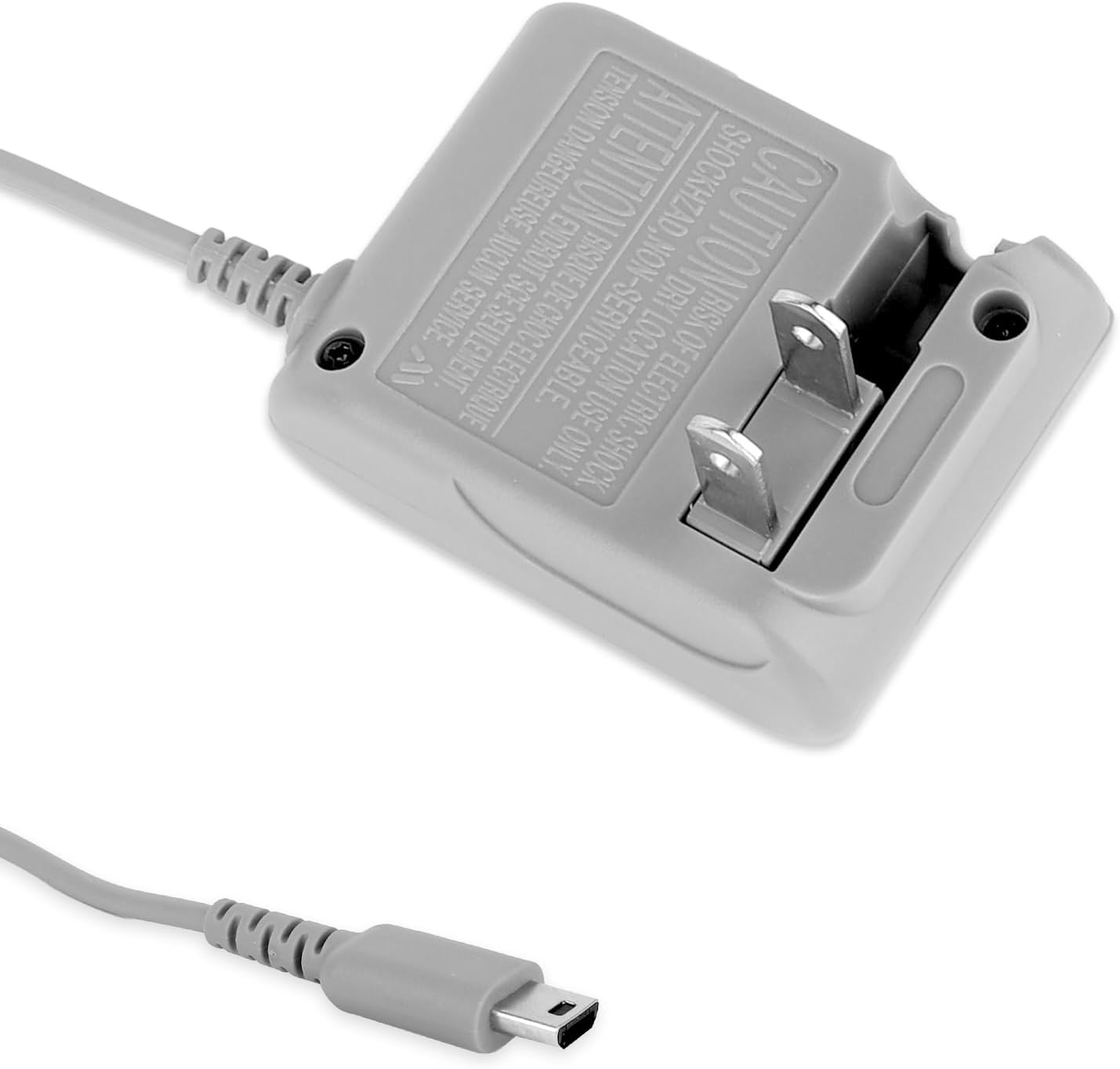
Image: The BTFO DSL Charger, showing the wall plug and the connector for the DS Lite console.
Информации за безбедност
За безбедно работење и спречување на оштетување, почитувајте ги следниве мерки на претпазливост:
- This charger features a built-in chip designed to protect your devices from short circuits, overheating, overcharging, overvoltage, overcurrent, and static electricity.
- Не го изложувајте полначот на вода или прекумерна влага.
- Избегнувајте испуштање или изложување на полначот на силни удари.
- Do not attempt to disassemble or modify the charger. Servicing should only be performed by qualified personnel.
- Ensure the charger is used within the specified voltage опсег (AC 100-240V).
- Исклучете го полначот од штекер кога не го користите или за време на електрични бури.
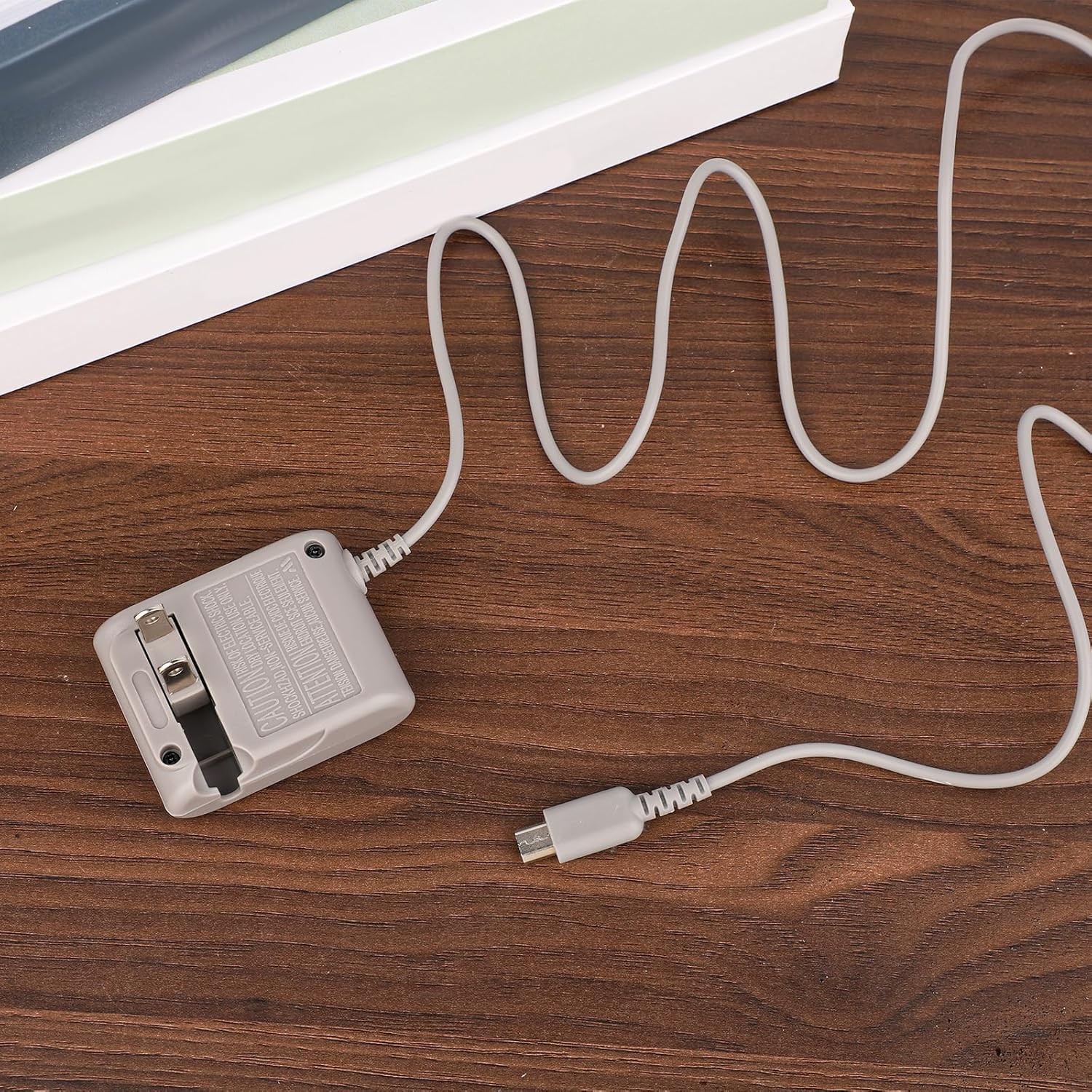
Image: Visual representation of the charger's integrated safety protections, such as overheat and overcharge prevention.
Содржина на пакетот
Пакетот вклучува:
- 1 x BTFO DSL Charger (Model G27074)
Спецификации
| Карактеристика | Детал |
|---|---|
| Број на модел | G27074 |
| Влез волуменtage | AC 100-240V, 50/60Hz |
| Излез Voltage | DC 5.2V, 4.50mA |
| Должина на кабелот | 120.3 см (3.95 стапки) |
| Компатибилни уреди | Nintendo DS Lite |
| Тежина на ставката | 1.76 унци |
| Тип на струја | Type A - 2 pin (North American) |
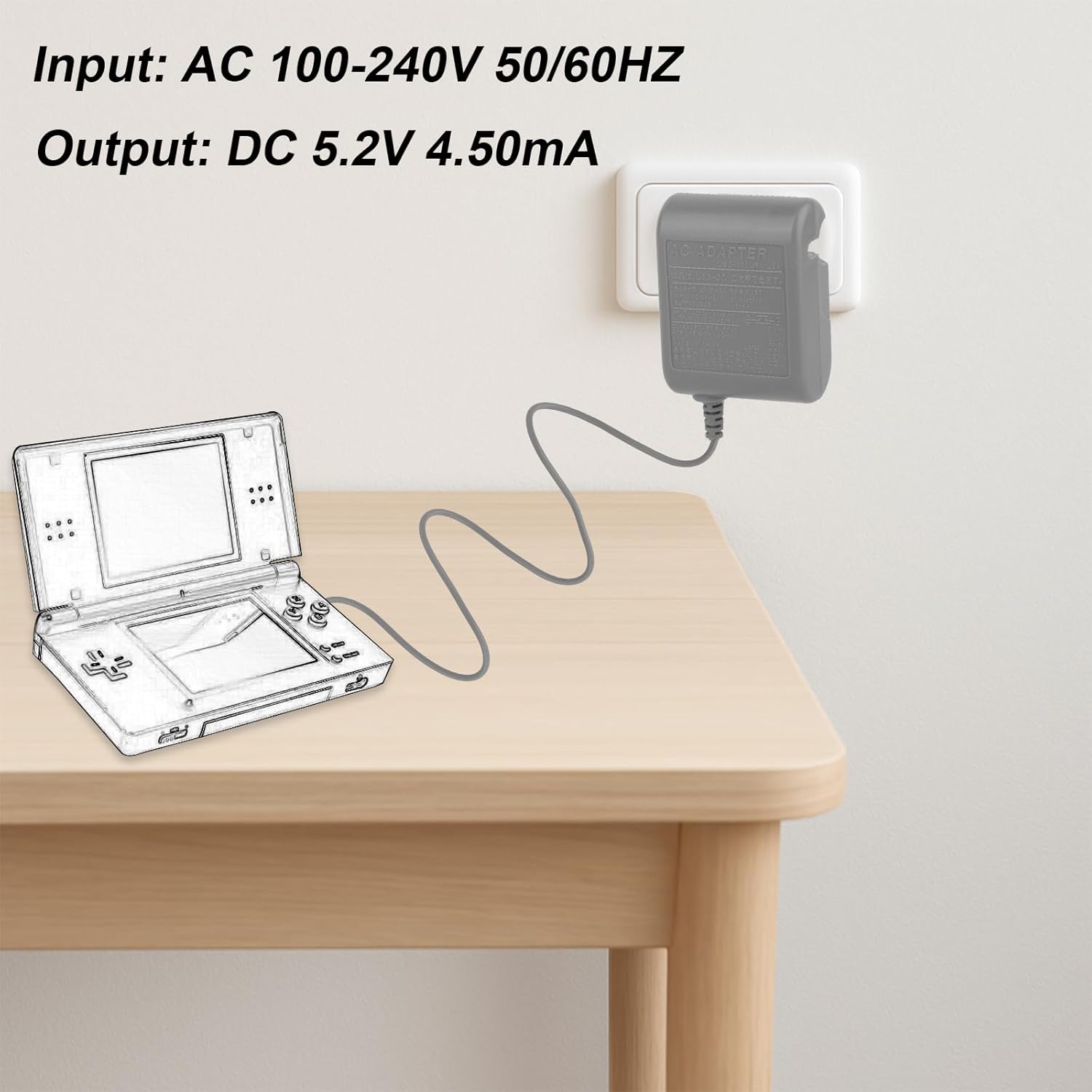
Image: Technical specifications of the charger, detailing input and output voltage и струја.
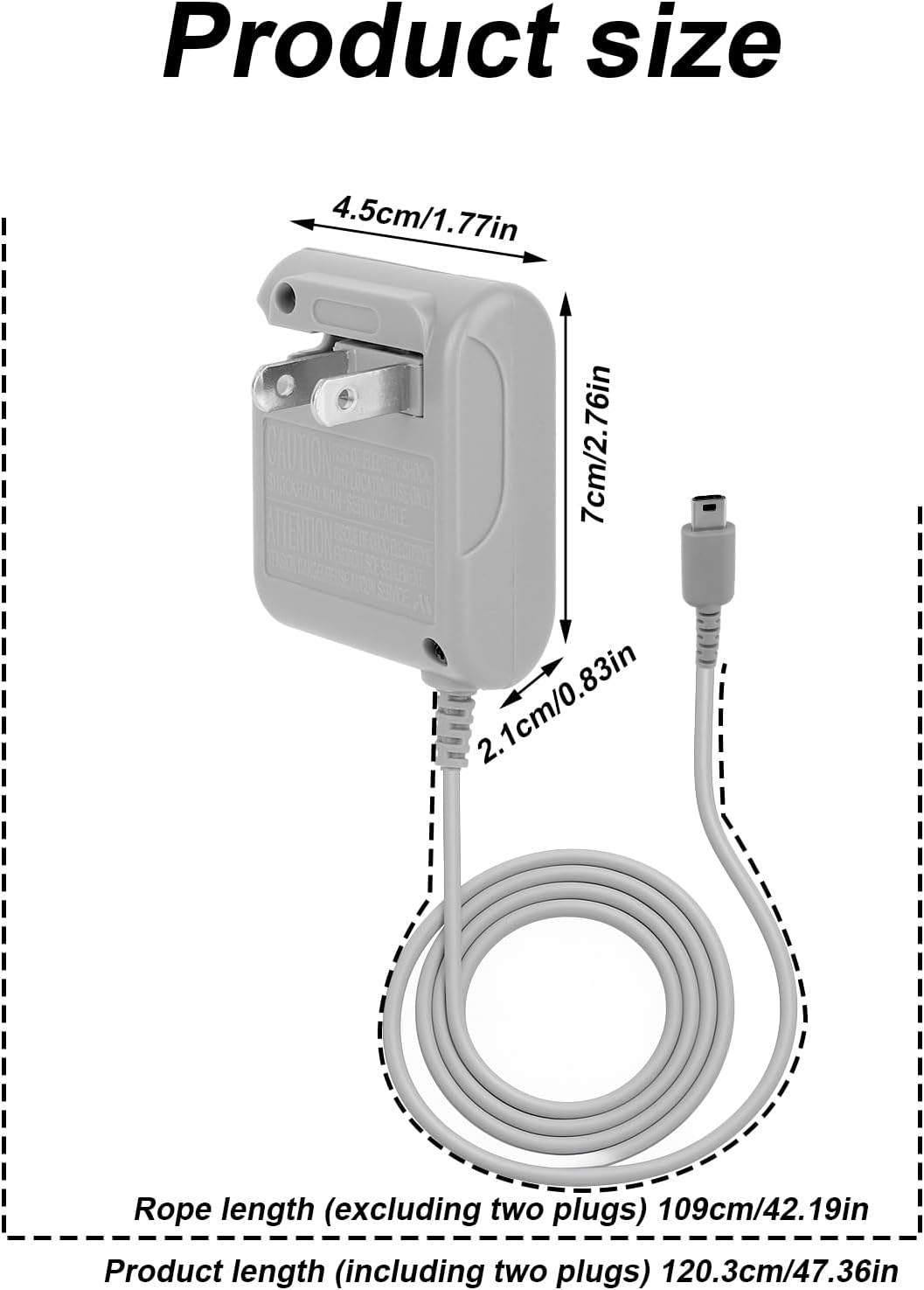
Image: Physical dimensions of the charger unit and the total length of the cable.
Поставување
Follow these steps to set up your BTFO DSL Charger:
- Locate a standard AC wall outlet (100-240V).
- Plug the charger's wall adapter into the AC outlet.
- Insert the small connector end of the charger cable into the charging port of your Nintendo DS Lite console.
- Проверете дали двете врски се безбедни.

Image: The charger connected to a Nintendo DS Lite console and a wall power outlet, demonstrating proper setup.
Упатства за работа
Once the charger is set up, your Nintendo DS Lite will begin charging. The console's charging indicator light (usually orange or red) will illuminate to confirm it is receiving power. The light will typically turn off or change color when the battery is fully charged.
- Allow the console to charge until the charging indicator light signals a full charge.
- You may use your DS Lite while it is charging, but charging time may be extended.
- Once charging is complete, disconnect the charger from the DS Lite console and then from the wall outlet.
Одржување
Proper care and maintenance will extend the life of your charger:
- Keep the charger clean and dry. Avoid contact with liquids.
- Чувајте го полначот на ладно и суво место подалеку од директна сончева светлина и екстремни температури.
- When storing or traveling, utilize the foldable plug feature to protect the prongs and make it more compact.
- Do not wrap the cable too tightly around the charger to prevent damage to the internal wires.

Image: The charger's foldable plug mechanism, highlighting its compact design for portability and storage.
Решавање проблеми
Доколку наидете на проблеми со вашиот полнач, погледнете ги следниве вообичаени решенија:
- Полначот не работи: Ensure the charger is securely plugged into both the wall outlet and the DS Lite console. Try plugging another device into the same wall outlet to confirm the outlet is functional.
- Бавно полнење: Verify that the charger is connected directly to a wall outlet and not through a power strip or USB hub, which may reduce power delivery.
- Проблеми со компатибилност: This charger is exclusively compatible with the Nintendo DS Lite. It is not designed for use with other Nintendo DS models such as the 3DS, 2DS, or DSi. Using it with incompatible devices may cause damage.
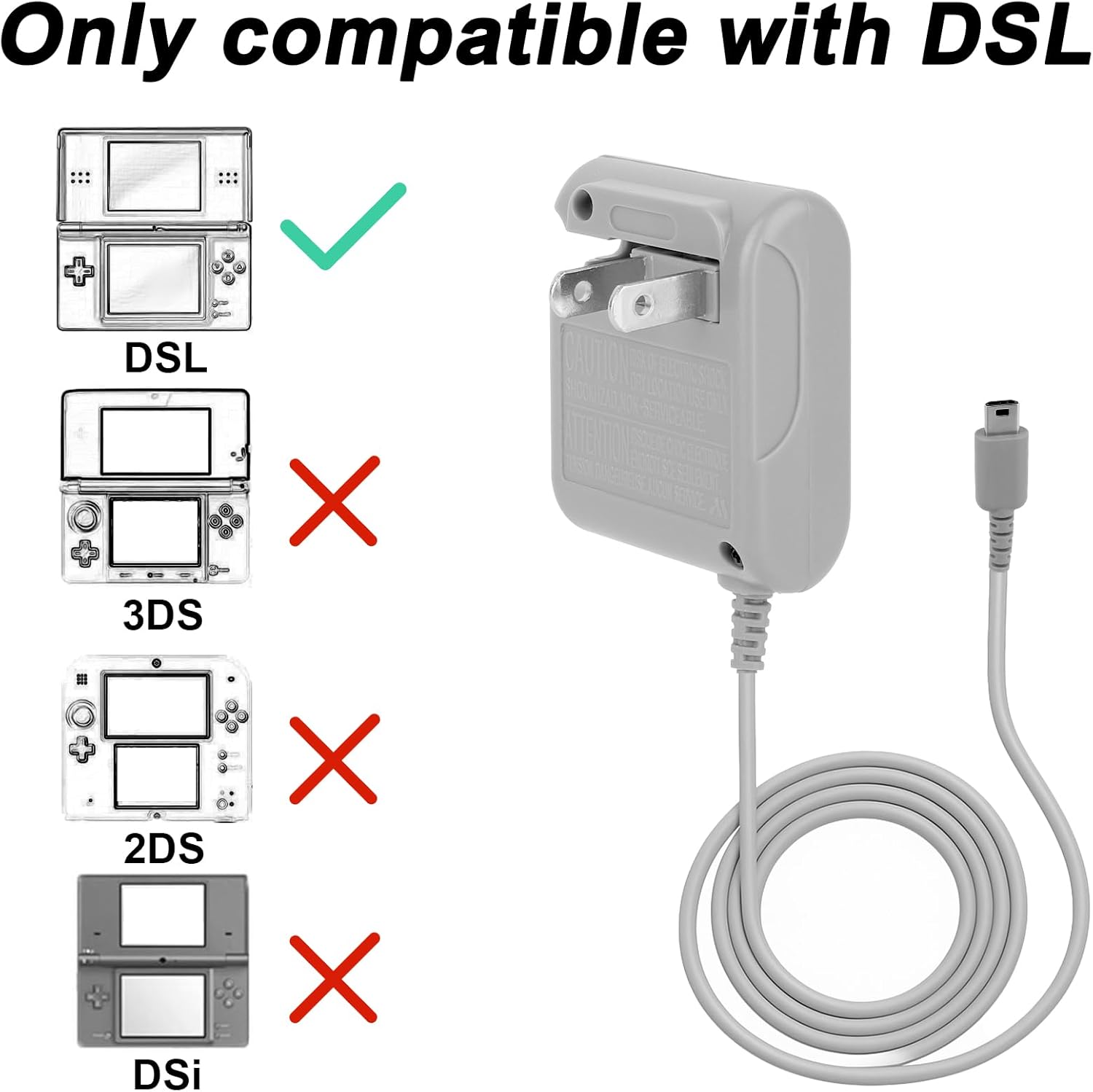
Image: A visual guide confirming compatibility solely with the Nintendo DS Lite console.
Гаранција и поддршка
For warranty information or technical support, please contact BTFO customer service through the retailer where the product was purchased. Keep your purchase receipt as proof of purchase.