Вовед
This user manual provides detailed instructions for the C idea CM817 Pro Max 8-inch Tablet. Please read this manual thoroughly before using your device to ensure proper operation and to maximize its features. Keep this manual for future reference.
Содржина на пакетот
Проверете дали сите артикли се присутни во пакувањето:
- C idea CM817 Pro Max 8-inch Tablet
- Адаптер за полнење
- USB-C кабел
- Упатство за употреба (овој документ)
- Stylus Pen (if included in your specific package)
- Keyboard (if included in your specific package)
- Mouse (if included in your specific package)

Image: The C idea CM817 Pro Max tablet shown with its common accessories, which may include a keyboard, mouse, charging adapter, USB-C cable, and stylus pen.
Производот завршиview
Familiarize yourself with the physical components of your C idea CM817 Pro Max tablet.

Image: A diagram illustrating the various ports and buttons on the C idea CM817 Pro Max tablet, including the front camera, rear camera, power button, volume controls, speakers, TF/SIM card slot, USB-C port, and headphone jack.
- Предна камера: За видео повици и селфиња.
- Задна камера: За снимање фотографии и видеа.
- Копче за вклучување / исклучување: Press and hold to power on/off or restart. Press briefly to wake/sleep the screen.
- Копчиња за јачина на звук: Adjust the tablet's audio volume.
- Говорници: Output audio.
- TF/SIM Slot: Insert a TF (MicroSD) card for expandable storage or a SIM card for cellular connectivity.
- USB-C порта: For charging the tablet and connecting to a computer for data transfer.
- Jackек за слушалки: Поврзете слушалки од 3.5 мм.
Поставување
1. Полнење на таблетот
Before first use, fully charge the tablet. Connect the USB-C cable to the tablet's USB-C port and the other end to the charging adapter. Plug the adapter into a power outlet. The battery indicator on the screen will show charging status.
2. Вклучување/исклучување
- Вклучување: Press and hold the Power On/Off button until the C idea logo appears.
- Исклучено: Press and hold the Power On/Off button until the power options menu appears, then select "Power off".
- Рестартирајте: Од менито со опции за напојување, изберете „Рестартирај“.
3. Почетно поставување
При првото вклучување, следете ги упатствата на екранот за да го конфигурирате таблетот:
- Изберете го претпочитаниот јазик.
- Поврзете се на Wi-Fi мрежа.
- Најавете се со вашата сметка на Google или креирајте нова. Ова е потребно за преземање апликации од Google Play Store.
- Поставете заклучување на екранот (PIN, шема или лозинка).
- Review и прифатете ги условите и одредбите.
4. Вметнување SIM и MicroSD картички
Locate the TF/SIM slot on the side of the tablet. Use the provided SIM ejector tool (if applicable) to open the tray. Carefully place your SIM card and/or MicroSD card into the designated slots, ensuring correct orientation. Close the tray securely.
Упатства за работа
1. Основна навигација
- Допрете: Допрете икона за да отворите апликација или да изберете ставка.
- Повлечете: Повлечете го прстот преку екранот за да скролувате низ страниците или содржината.
- Штипење: Користете два прста за зумирање или одзумирање на сликите и web страници.
- Почетен екран: Главниот екран каде што можете да пристапите до апликации и виџети.
- Панел за известување: Повлечете надолу од горниот дел на екранот за да пристапите до известувања и брзи поставки.

Image: The C idea CM817 Pro Max tablet showcasing its Android home screen, featuring various application icons and a clean user interface.
2. Wi-Fi and Cellular Connectivity
За да се поврзете на Wi-Fi, одете на Поставки > Мрежа и интернет > Wi-Fi. Turn Wi-Fi on and select your desired network. Enter the password if prompted. For cellular data, ensure a SIM card is inserted and go to Поставки > Мрежа и интернет > Мобилна мрежа to configure data settings.
3. Користење на камерата
Open the Camera app from the home screen or app drawer. Tap the shutter button to take a photo. Switch between the 5MP front camera and 8MP rear camera using the camera switch icon. You can also record videos.
4. Управување со складирање
Your tablet comes with 512GB of internal storage and supports up to 512GB expandable storage via a MicroSD card. To view користење на просторот за складирање, одете на Поставки > Складирање. Regularly clear unnecessary files and uninstall unused apps to maintain performance.

Image: Multiple C idea tablets demonstrating the ample storage capacity, highlighting 8GB RAM, 512GB internal ROM, and support for an additional 512GB via TF (MicroSD) card.
5. Траење на батеријата
The 8000mAh battery provides extended usage. To optimize battery life, reduce screen brightness, disable Wi-Fi/Bluetooth when not in use, and close background apps. You can monitor battery usage in Поставки > Батерија.
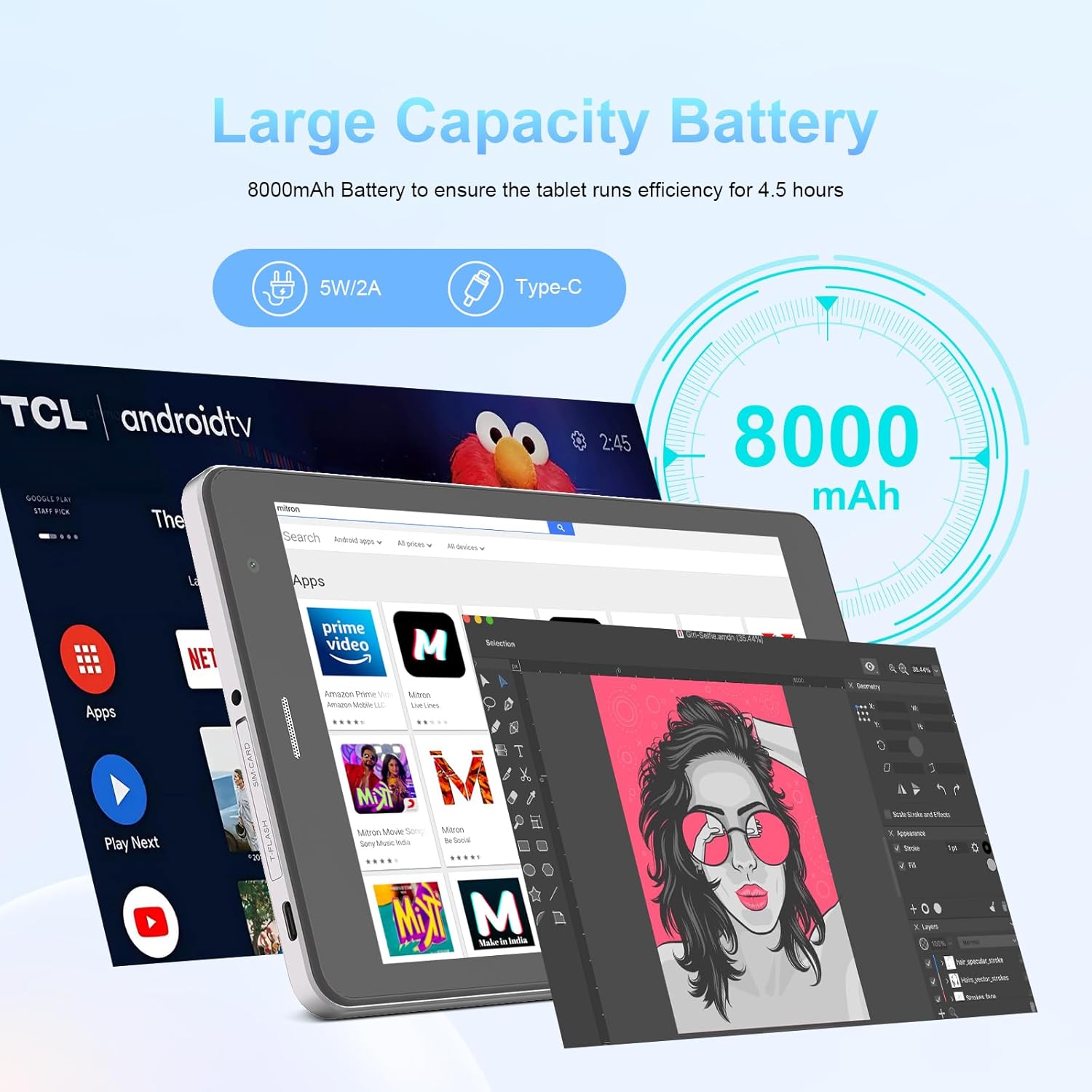
Image: The C idea CM817 Pro Max tablet, emphasizing its 8000mAh large capacity battery, designed for extended operational hours.
6. Поставки за приказ
The tablet features an 8-inch 1280x800 IPS HD display. Adjust brightness, font size, and display timeout in Поставки > Екран за удобно viewискуство.

Image: The C idea CM817 Pro Max tablet showcasing its 8-inch IPS HD screen with a resolution of 800x1280 pixels, providing clear visuals.
Одржување
1. Чистење
Use a soft, lint-free cloth to clean the screen and body of the tablet. Do not use abrasive cleaners or solvents, as they may damage the surface. Avoid getting moisture into ports.
2. Софтверски ажурирања
Редовно проверувајте за системски ажурирања за да се осигурате дека вашиот таблет ги има најновите функции и безбедносни закрпи. Одете на Поставки > Систем > Ажурирање на системот за проверка и инсталирање на ажурирања.
3. Нега на батерии
To prolong battery lifespan, avoid exposing the tablet to extreme temperatures. Do not let the battery completely drain frequently. Use the original charger or a certified compatible charger.
Решавање проблеми
- Таблетот не се вклучува: Ensure the tablet is charged. Press and hold the Power On/Off button for at least 10-15 seconds to force a restart.
- Проблеми со Wi-Fi конекцијата: Restart your Wi-Fi router and the tablet. Forget the network in Wi-Fi settings and reconnect.
- Бавни перформанси: Close unused apps, clear cache (Settings > Storage), and restart the tablet. Consider uninstalling large or unnecessary applications.
- Камерата не работи: Ensure the Camera app has necessary permissions (Settings > Apps > Camera > Permissions). Restart the tablet.
- Просторот е полн: Delete old photos/videos, uninstall unused apps, or move files to an inserted MicroSD card.
- Паѓање на апликации: Исчистете го кешот и податоците на апликацијата (Поставки > Апликации > [Име на апликација] > Складирање > Исчисти кеш/Избриши податоци). Ако проблемот продолжи, деинсталирајте ја и повторно инсталирајте ја апликацијата.
Спецификации
| Карактеристика | Детал |
|---|---|
| Бренд | C идеја |
| Име на моделот | CM817 Pro Max |
| Оперативен систем | Андроид 15 |
| Процесор | Octa-core (MediaTek) |
| RAM меморија | 8 GB |
| Внатрешна меморија (ROM) | 512 GB |
| Складирање што може да се прошири | Up to 512GB (via TF/MicroSD card) |
| Големина на екранот | 8 инчи |
| Резолуција на екранот | 1280 x 800 пиксели (IPS HD) |
| Предна камера | 5 MP |
| Задна камера | 8 MP |
| Капацитет на батеријата | 8000mAh (литиум полимер) |
| Поврзување | Wi-Fi, 5G SIM, Bluetooth |
| Пристаништа | USB-C, 3.5 мм приклучок за слушалки |
| Тежина на ставката | 1 кг 80 г |
| Димензии на пакетот | 29.8 x 18 x 6.4 cm |
Гаранција и поддршка
For warranty information and technical support, please refer to the warranty card included in your package or contact C idea customer service. Keep your purchase receipt as proof of purchase.


