1. Вовед
The LAFAER Wireless Human Presence Sensor LWR01 is an advanced mmWave radar-based sensor designed for smart home automation. It accurately detects human presence, including subtle movements and stillness, and integrates seamlessly with various Matter over Thread compatible smart home ecosystems. This manual provides detailed instructions for setting up, operating, and maintaining your LWR01 sensor.
2. Што има во кутијата
Upon unboxing your LAFAER LWR01 sensor, please ensure all the following items are present:
- 1 x LWR01 Wireless Human Presence Sensor
- 1 x USB кабел (2M)
- 2 x Adhesive Wall Hooks
- 2 x AA батерии (вклучени)
- 1 x Упатство за употреба

За визуелен водич за отпакување, погледнете го видеото подолу:
3. Карактеристики на производот
The LAFAER LWR01 sensor is equipped with several key features to enhance your smart home experience:
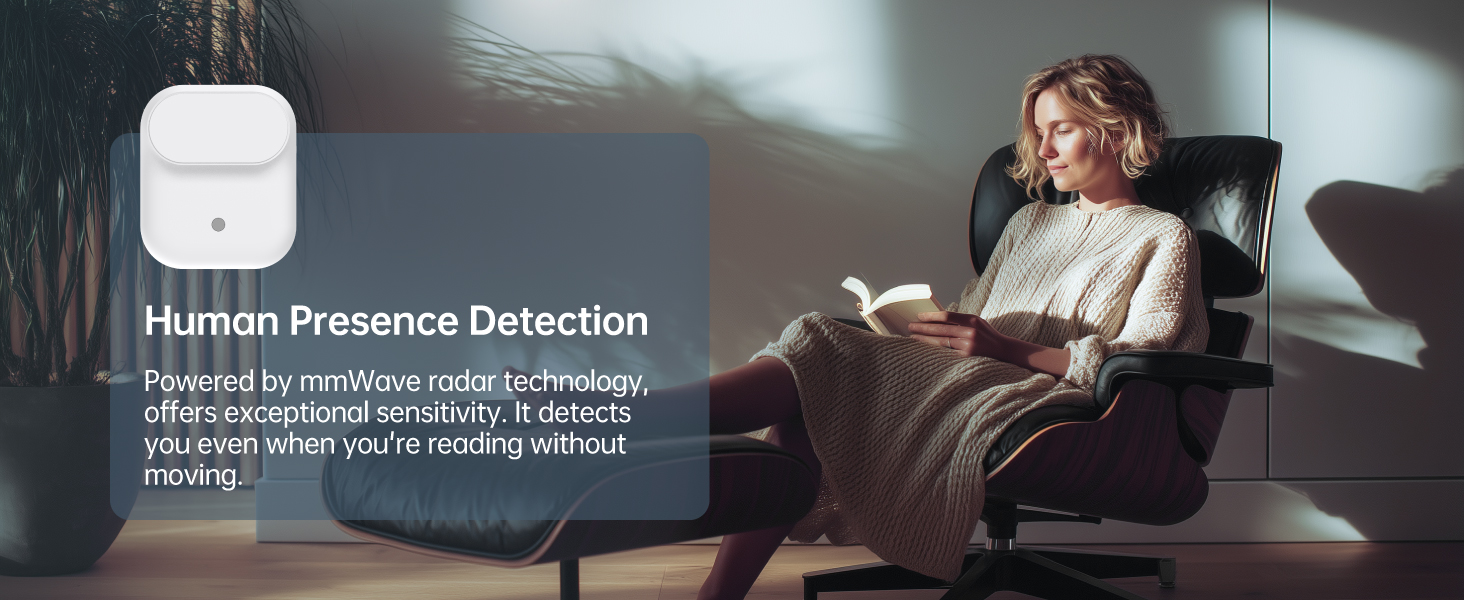
- Human Presence Detection: Utilizes mmWave Radar Technology to detect subtle movements and stillness up to 3.5m (11.48ft) for standstill and 6m (19.68ft) for movement.
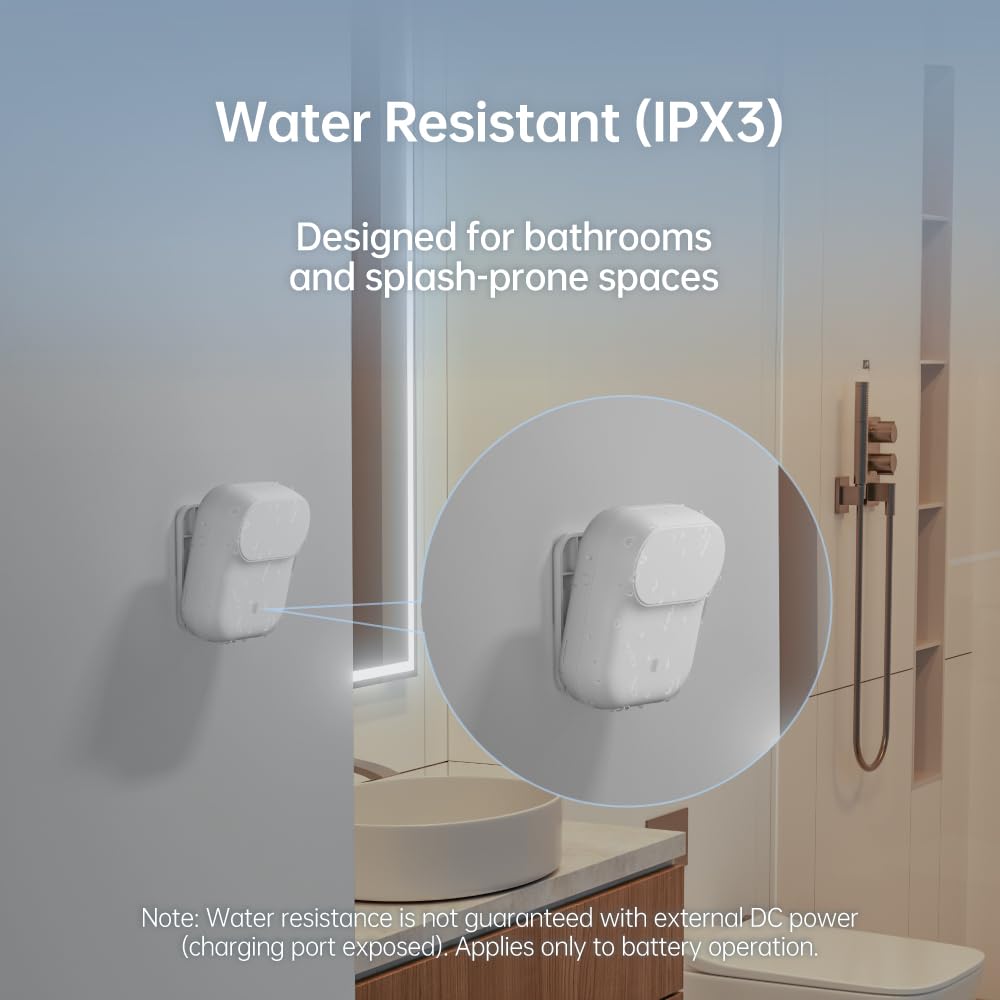
- IPX3 Водоотпорен: Designed for daily life, including splash-prone environments like bathrooms.
- Battery Powered with Optional Wired Support: Offers over 1 year of battery life or continuous power via a Type-C DC connection.
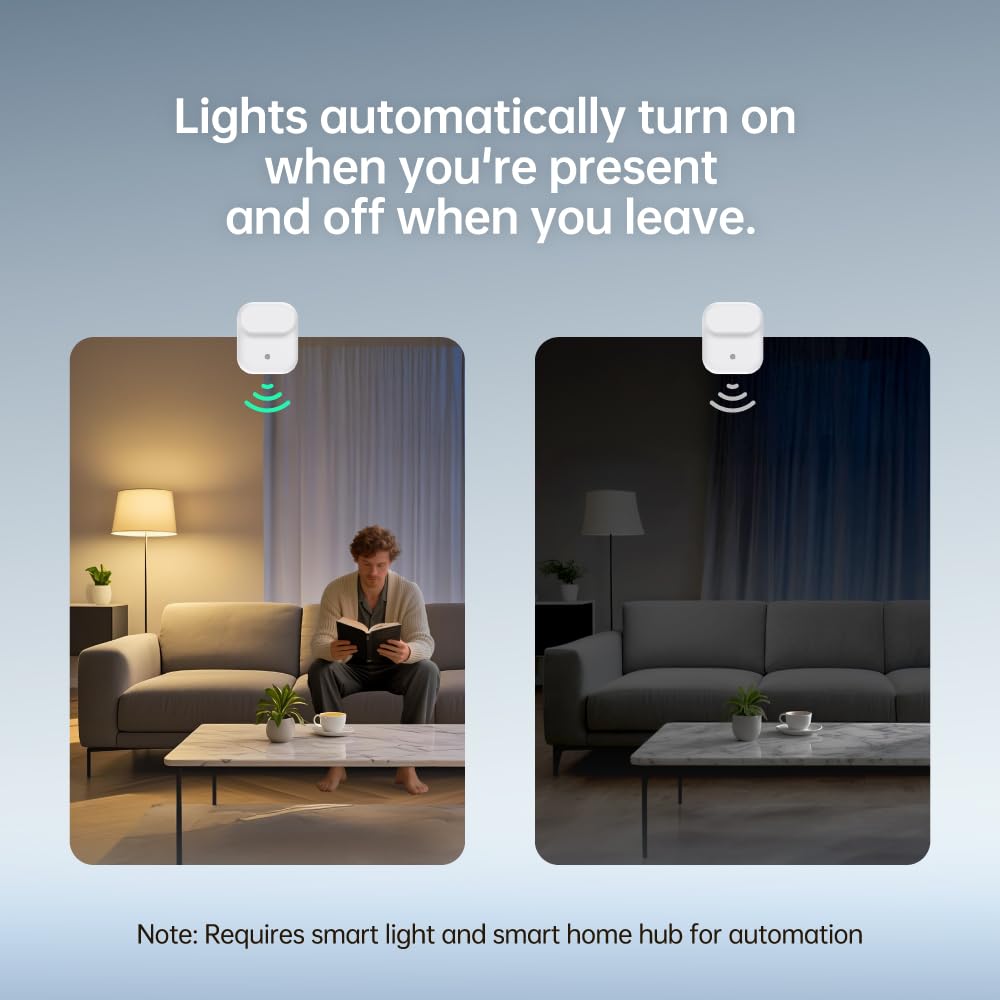
- Light-Aware Automation: Built-in ambient light sensor prevents lights from turning on when natural light is sufficient, saving energy.
- Multi-Ecosystem Support: Operates on Matter over Thread protocol, ensuring compatibility with Apple HomeKit, Amazon Alexa, Google Home, Samsung SmartThings, HomeAssistant, and more.

4. Водич за поставување
To set up your LAFAER LWR01 sensor, you will need a compatible Thread-enabled smart home hub or border router. Ensure your iOS/iPadOS is 16.4 or later, or Android is 8.1 or later.
4.1 Powering On the Sensor
- Open the battery compartment on the back of the sensor.
- Insert the two included AA batteries, ensuring correct polarity. Alternatively, connect the sensor via the USB Type-C port for continuous power.
- Press and hold the pairing/reset button on the side of the sensor until the indicator light flashes orange, indicating Matter Network Setup Mode.

4.2 Pairing with a Smart Home Hub
The LWR01 uses Matter over Thread for broad compatibility. You will need one of the following compatible hubs:
- Apple Home: Apple TV 4K (2nd gen / 3rd gen 128 GB), HomePod (2nd gen), HomePod mini
- Амазон Алекса: Echo (4th gen), Echo Hub, Echo Plus (2nd gen), Echo Show 8 (3rd gen), Echo Show 10 (3rd gen), Echo Studio, eero Pro 6E/Pro 6/6+/6/PoE 6/PoE gateway/Max 7
- Google Home: Nest Hub (2nd gen), Nest Hub Max, Nest Wifi Pro (Wi-Fi 6E), Google TV Streamer (4K)
- Домашен: Homey Pro (Early 2023)/Pro Mini
- Samsung SmartThings: SmartThings Hub v3/Station
Follow the on-screen instructions within your chosen smart home app to scan the Matter QR Code located on the back of the LWR01 sensor and complete the pairing process.
Google Home Setup Guide:
Amazon Alexa Setup Guide:
Samsung SmartThings Setup Guide:
Apple Home Setup Guide:
5. Упатства за работа
Once paired, the LAFAER LWR01 sensor provides intelligent presence detection and automation capabilities:
5.1 Детекција на присуство
The mmWave radar technology allows the sensor to detect human presence even when there is no visible movement. This is ideal for spaces where occupants might be still, such as reading in a living room or working at a desk.

5.2 Light-Aware Automation
The integrated ambient light sensor enables smart automation. Lights will only activate when both human presence is detected AND the ambient light level is below a set threshold, preventing unnecessary lighting during daylight hours.
5.3 Installation and Placement
The compact design and battery power allow for flexible installation in various locations without wired power supply. The IPX3 water resistance makes it suitable for splash-prone areas like bathrooms.
6. Одржување
The LAFAER LWR01 sensor is designed for low maintenance:
- Замена на батерија: The sensor operates on 2 AA batteries, providing over 1 year of battery life. Replace batteries when the low battery indicator appears in your smart home app.
- Чистење: Wipe the sensor gently with a soft, dry cloth. Avoid using harsh chemicals or abrasive materials.
- Ажурирања на фирмверот: Periodically check your smart home app for available firmware updates to ensure optimal performance and security.
7 Смена на проблеми
If you encounter issues with your LAFAER LWR01 sensor, try the following steps:
- Сензорот не реагира: Check battery level or ensure the USB-C power cable is securely connected.
- Проблеми со спарување: Ensure your smart home hub is Matter over Thread compatible and within range. Try resetting the sensor by holding the pairing/reset button until the indicator light flashes.
- Inaccurate Detection: Adjust the sensor's placement to ensure an unobstructed view of the detection area. Check sensitivity settings within the LAFAER app or your smart home app.
- Lights Not Automating: Verify that your smart light and smart home hub are properly configured for automation rules based on the sensor's input. Check ambient light conditions if light-aware automation is enabled.
- Мрежно поврзување: Ensure your Thread network is stable and your hub is functioning correctly.
8. Спецификации
| Бренд | LAFAER |
| Број на модел | EC-LWR01 |
| Димензии на ставката (Д x Ш x В) | 3.35 x 2.83 x 1.46 инчи |
| Тежина на ставката | 3.2 унци (0.2 фунти) |
| Материјал | Пластика |
| Тип на монтирање | Монтирање на ѕид |
| Чувство на растојание | 6 Meters (for movement) |
| Оценка за горната температура | 40 степени Целзиусови |
| Батерии | Потребни се 2 AA батерии (вклучени) |
| Отпорност на вода | IPX3 (отпорен на прскање) |
9. Гаранција и поддршка
For warranty information, technical support, or further assistance, please refer to the official LAFAER website or contact customer service through your purchase platform. Keep your proof of purchase for warranty claims.


