1. Вовед
This manual provides detailed instructions for the installation, operation, and maintenance of your Jennov 5MP Wireless Security Camera System P48. This system includes an 8-channel NVR with a built-in monitor and four 5MP wireless cameras, designed for both indoor and outdoor surveillance. Please read this manual thoroughly before using the product to ensure proper setup and functionality.
2. Содржина на пакетот
Проверете дали сите артикли наведени подолу се вклучени во вашиот пакет. Доколку некои артикли недостасуваат или се оштетени, ве молиме контактирајте ја службата за корисници на Jennov.
- 4 x Security Cameras (Outdoor Wireless)
- 1 x NVR Monitor
- 1 x P48 Security System (Integrated NVR with Monitor)
- 1 x 1TB Hard Disk (Pre-installed)
- 1 x Етернет кабел
- 1 x глушец
- 4 x Hole Stickers (for camera mounting)
- 4 x Camera Bases
- 1 x NVR напојување
- 4 x Camera Power Supplies
- 1 x HDMI кабел
- 1 налепница за предупредување
- 1 x Упатство за употреба (овој документ)
- 1 x Screws Pack (for mounting)
3. Производот завршиview
The Jennov P48 system is a comprehensive wireless security solution designed for ease of use and reliable performance. Key features include:
- 5MP HD резолуција: Cameras capture clear, detailed video.
- Безжична поврзаност: Cameras connect to the NVR wirelessly, simplifying installation.
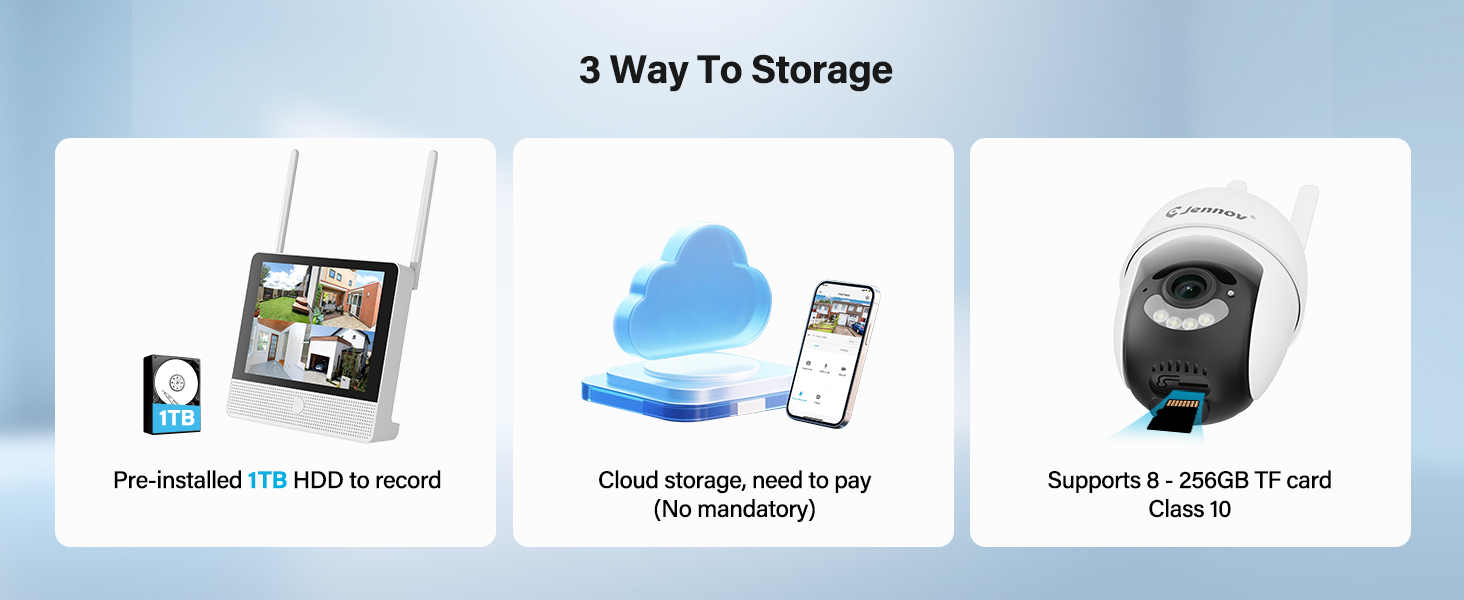
- 1TB HDD Storage: Pre-installed hard drive for local recording without subscription fees.
- Ноќно гледање: Enhanced visibility in low-light conditions up to 15 meters.
- Откривање на движење: Активира снимање и известувања при откривање на движење.
- IP66 Водоотпорност: Cameras are designed to withstand various outdoor weather conditions.
- Plug-and-play: Simple setup with cameras pre-paired to the NVR.
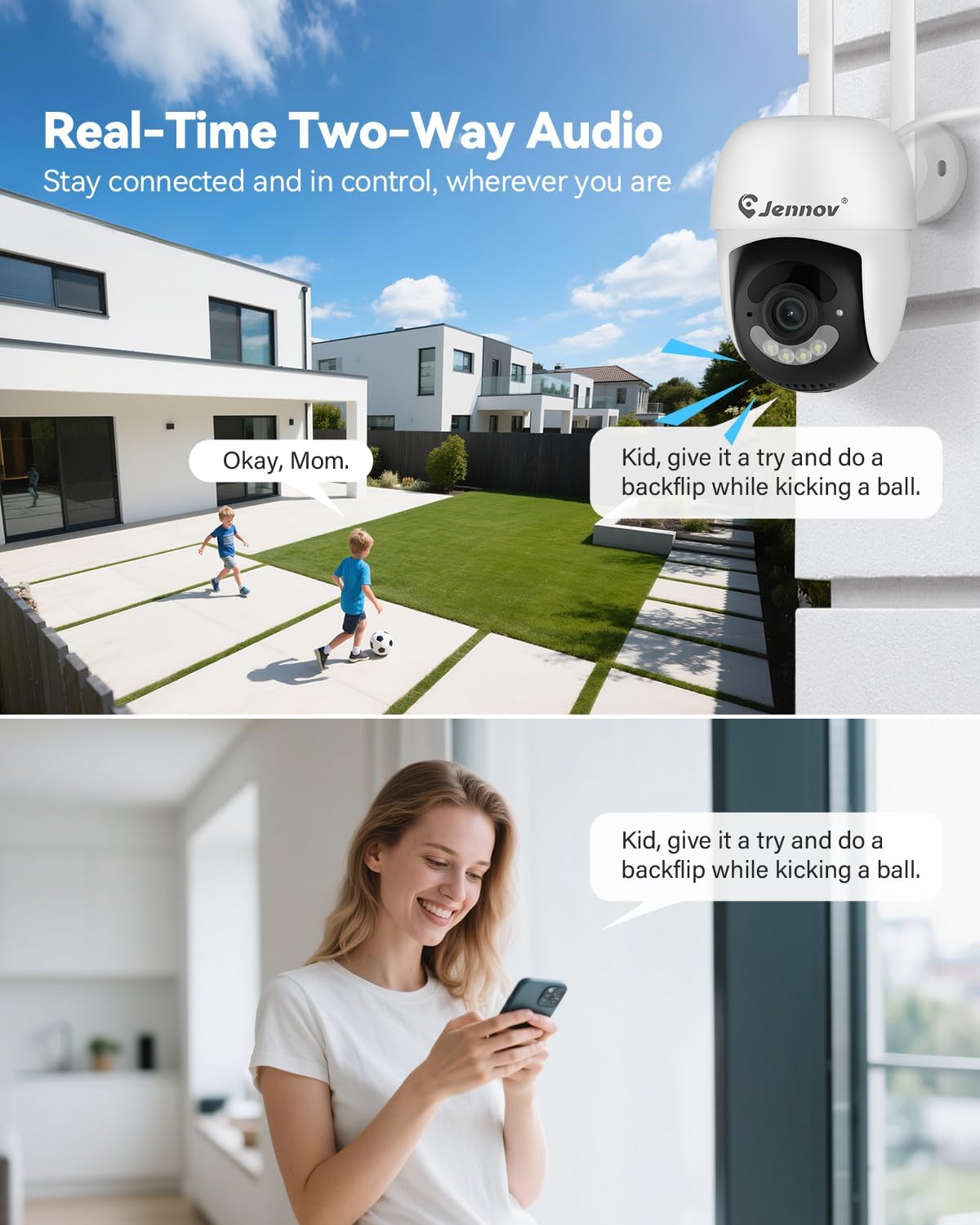
- Двонасочно аудио: Communicate through the cameras using the mobile app.
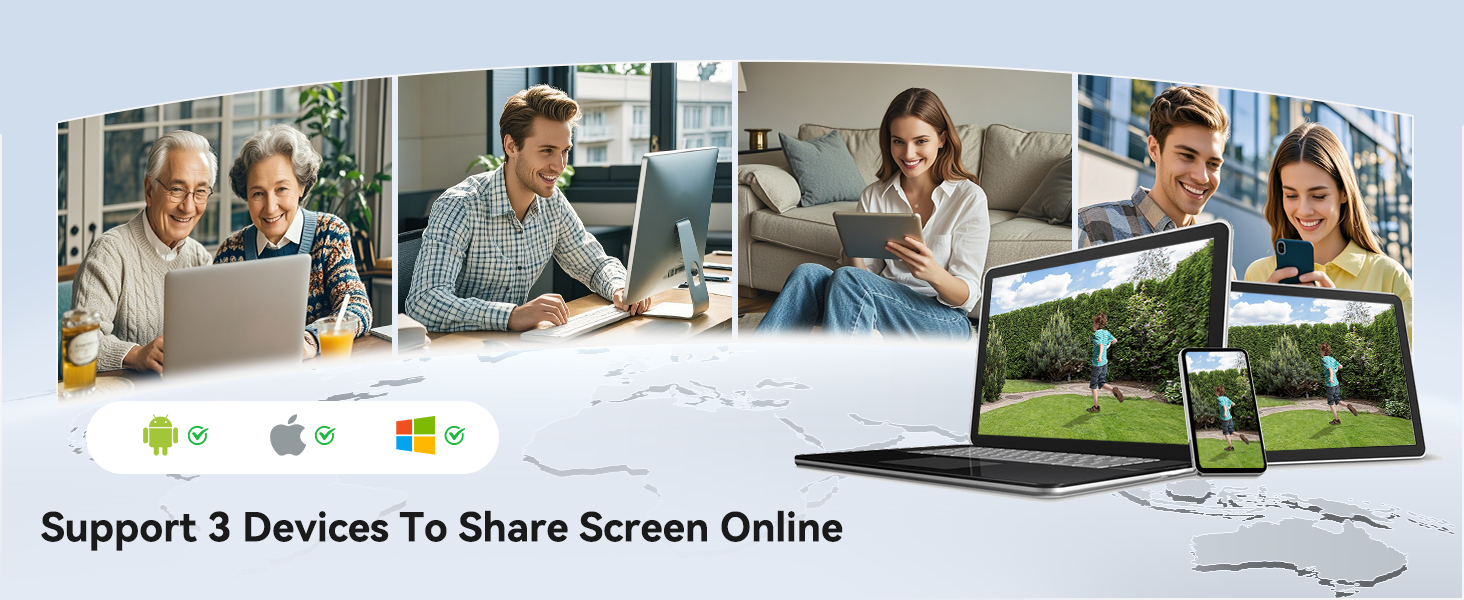
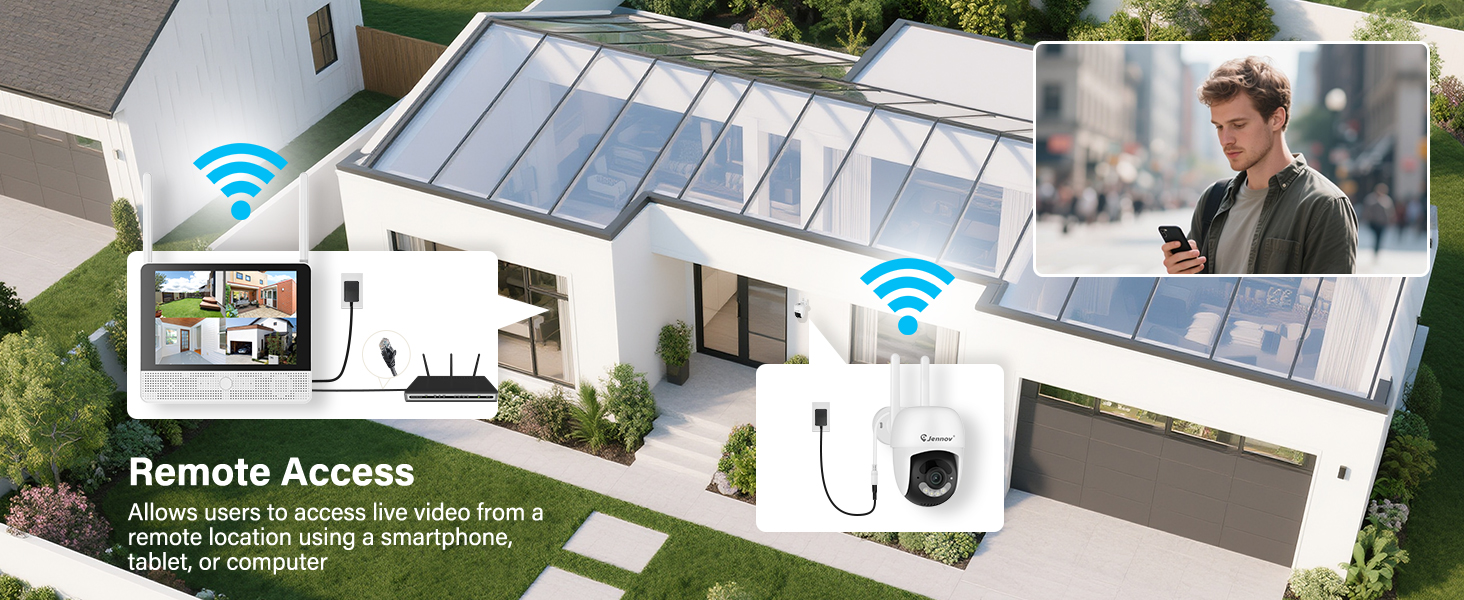
- Далечински пристап: View live feeds and recordings from anywhere via the Jennov app.
3.1 Системски компоненти

The system consists of a Network Video Recorder (NVR) with an integrated monitor and four wireless IP cameras. The NVR manages video recording, storage, and provides a local viewing interface. The cameras capture video and transmit it wirelessly to the NVR.
3.2 NVR Ports and Connections
- Приклучок за напојување: Connect the NVR power adapter.
- USB порта: For connecting the included mouse or a USB drive for backup.
- HDMI порта: Connect to an external monitor for larger display (optional).
- LAN порта: Connect to your router for internet access and remote viewинг.
- Копче за ресетирање: Used to reset the NVR to factory settings.
- Слот за SD-картичка: For additional local storage (supports up to 256GB TF card, Class 10).
4. Водич за поставување
4.1 Почетно поставување на NVR
- Поврзете напојување: Connect the NVR power adapter to the Power Port and plug it into an electrical outlet. The NVR will power on automatically.
- Поврзете го глувчето: Plug the included USB mouse into the USB Port on the NVR.
- Првично стартување: The NVR will boot up and display the live view from the pre-paired cameras on its integrated monitor.
- Мрежна конекција (опционално за далечински пристап): За далечински viewing via the mobile app, connect the NVR's LAN Port to your internet router using the provided Ethernet cable.
4.2 Инсталација на камера
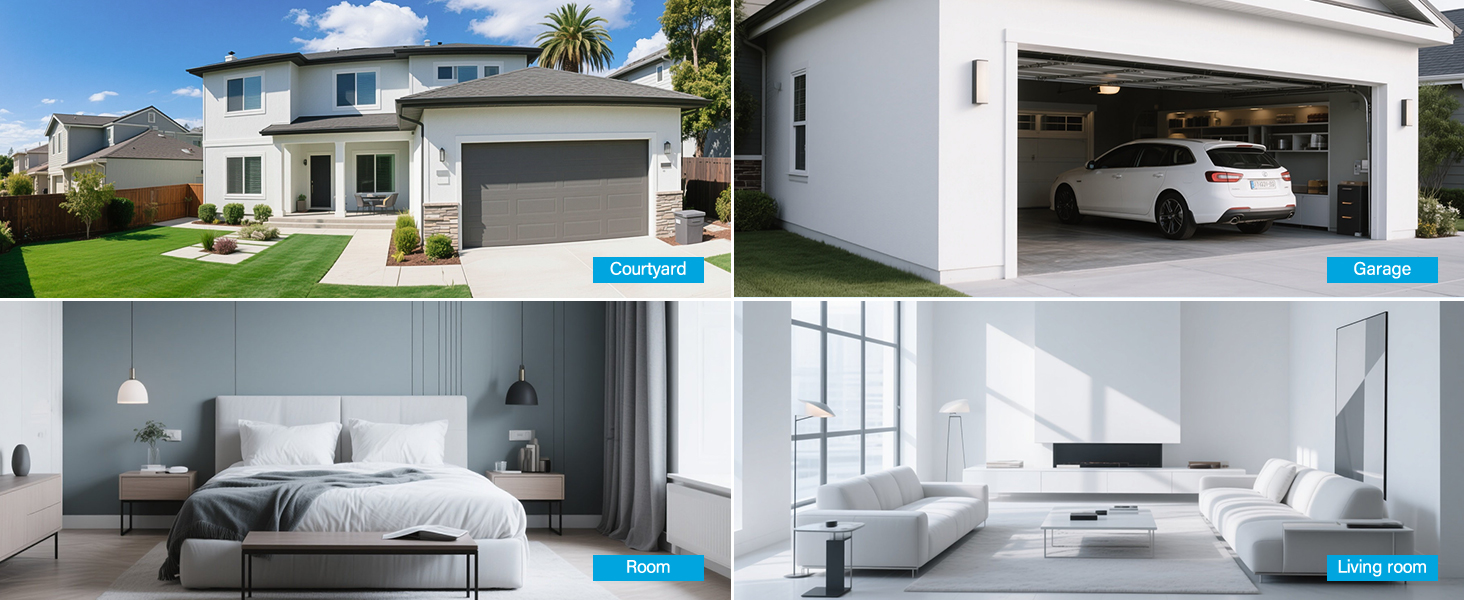
The cameras are designed for both indoor and outdoor use (IP66 rated). Choose mounting locations that provide optimal coverage and are within range of a power outlet.
- Изберете локација: Identify suitable locations for each camera. Consider areas like entryways, driveways, garages, and backyards. Ensure the camera has a clear line of sight to the area you wish to monitor.
- Монтирање:
- Use the included hole stickers to mark drilling points on the wall or ceiling.
- Дупчете пилотски дупки и вметнете ги ѕидните типли доколку е потребно.
- Прицврстете ја основата на камерата со помош на приложените завртки.
- Attach the camera to the base and adjust its angle.
- Поврзете напојување: Connect each camera to its individual power adapter and plug it into an electrical outlet. The cameras will power on and automatically connect to the NVR.
Забелешка: The cameras are pre-paired to the NVR. If a camera does not display a live feed, ensure it is powered on and within wireless range of the NVR. You may need to re-pair it if issues persist (refer to Troubleshooting section).
5. Упатства за работа
5.1 Во живо View и Навигација
Once the system is powered on, the NVR's integrated monitor will display the live feeds from all connected cameras. Use the included mouse to navigate the NVR interface.
- Главно мени: Десен-клик каде било во живо view екранот за пристап до главното мени.
- Префрлување канал: Click on a specific camera feed to view it in full screen, or use the layout options to change the multi-camera display.
5.2 Снимање и репродукција
The system records continuously to the pre-installed 1TB HDD. Recording settings can be adjusted via the NVR's menu.
- Континуирано снимање: The system is configured for 24/7 continuous recording by default.
- Снимање активирано со движење: You can configure cameras to record only when motion is detected, saving storage space.
- Репродукција: From the main menu, select "Playback" to review снимен footage. Можете да пребарувате по датум, време и тип на настан (на пр., детекција на движење).
5.3 Детекција на движење и известувања
The cameras feature smart motion detection to alert you to activity.
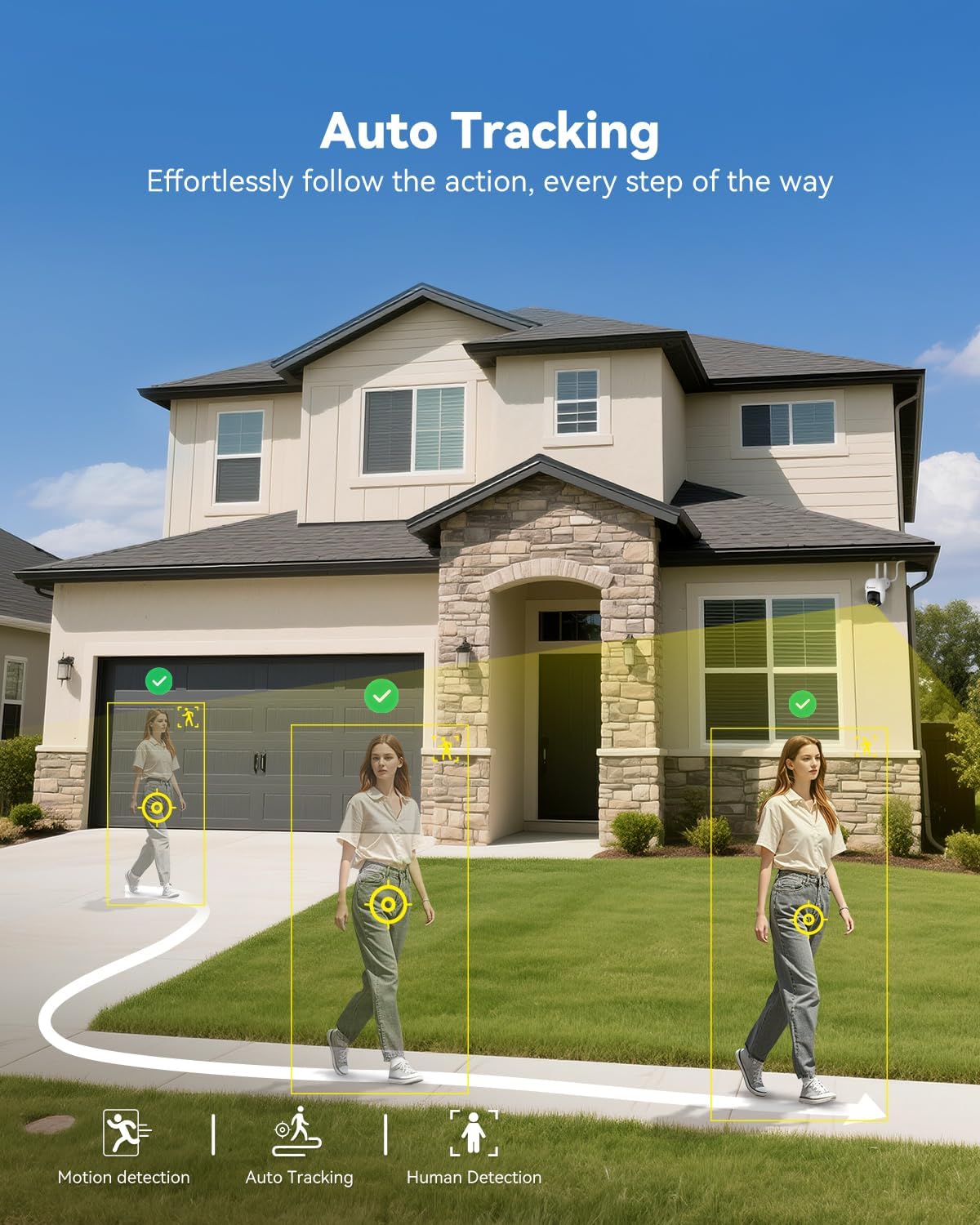
- Конфигурација: Access motion detection settings from the NVR's main menu. You can define detection zones and sensitivity levels for each camera.
- Известувања: When motion is detected, the system can trigger recordings, send push notifications to your mobile app (if configured), and activate audible alarms or spotlights on the camera (if supported and enabled).

5.4 Далечински пристап (апликација Jennov)
На view your cameras remotely, download the Jennov app on your smartphone or tablet.
- Преземи апликација: Пребарај за "Jennov" in your device's app store (iOS or Android).
- Регистрирајте сметка: Create a new user account within the app.
- Додај уред: Follow the in-app instructions to add your NVR system. This typically involves scanning a QR code displayed on the NVR's monitor or entering the device ID manually.
- Во живо View & Репродукција: Откако ќе се додаде, можете view live feeds, play back recordings, and receive alerts directly on your mobile device.
5.5 Двонасочно аудио
Each camera is equipped with a microphone and speaker, enabling two-way communication through the Jennov app.
- Активирај: Во живо view of a specific camera on the app, locate the microphone icon. Tap it to speak, and your voice will be transmitted through the camera's speaker.
- Слушајте: The camera's microphone will pick up audio from its surroundings, which you can hear through the app.
5.6 Ноќно гледање
The cameras automatically switch to night vision mode in low-light conditions, providing clear surveillance even in darkness.

- Автоматско активирање: Infrared (IR) LEDs enable black-and-white night vision. Some models may also offer color night vision under certain conditions (e.g., with ambient light or activated spotlight).
- Опсег: Night vision is effective up to 15 meters (50 feet).
6. Одржување
6.1 Управување со хард диск
The 1TB HDD will automatically overwrite the oldest footage when full. No manual intervention is typically required for continuous recording.
- Бекап Footage: If you need to save specific recordings, use the NVR's backup function (via USB port) or download from the mobile app.
- Проверка на здравјето на хард дискот: Periodically check the HDD status in the NVR's system settings to ensure proper functioning.
6.2 Чистење
- Камери: Нежно избришете ги леќите на фотоапаратот со мека, дamp cloth to remove dust or smudges. Do not use harsh chemicals.
- NVR: Keep the NVR monitor and unit free from dust. Use a dry, soft cloth for cleaning.
6.3 Ажурирања на фирмверот
Periodically check the Jennov website or contact customer support for available firmware updates. Updates can improve system performance, add new features, or address security vulnerabilities. Follow the provided instructions carefully when performing updates.
7 Смена на проблеми
| Проблем | Можна причина | Решение |
|---|---|---|
| Нема слика на NVR мониторот | NVR not powered on; Power adapter faulty; Monitor cable loose. | Ensure NVR power adapter is securely connected and plugged in. Check power outlet. If using external monitor, ensure HDMI cable is connected properly. |
| Camera not displaying live feed | Camera not powered; Out of wireless range; Not paired with NVR. | Ensure camera power adapter is connected and plugged in. Move camera closer to NVR. If still no feed, re-pair the camera: access NVR menu, go to "Camera Management" and follow instructions to add/re-pair cameras. |
| Cannot access system via mobile app | NVR not connected to internet; Incorrect app settings; Firewall issues. | Ensure NVR is connected to your router via Ethernet cable. Verify your phone has internet access. Double-check device ID/QR code in the app. Ensure router firewall is not blocking NVR access. |
| Лош квалитет на видео или доцнење | Weak wireless signal; Obstructions; Interference. | Relocate camera or NVR to improve signal strength. Minimize obstructions (thick walls, metal objects). Avoid placing near other wireless devices that may cause interference. |
| Откривањето на движење не работи | Settings incorrect; Sensitivity too low; Detection zone not set. | Access NVR menu, go to "Motion Detection" settings. Adjust sensitivity, define detection zones, and ensure motion recording/alerts are enabled. |
8. Спецификации
| Карактеристика | Детал |
|---|---|
| Бренд | Џенов |
| Број на модел | K4-P48HC55AS-V2108-1F2 (P48 System) |
| Технологија за поврзување | Безжичен |
| Резолуција за снимање видео | 5MP (Ultra-HD) |
| Број на канали | 8 (System includes 4 cameras, expandable) |
| Капацитет за складирање на меморија | 1 TB HDD (pre-installed), supports up to 256GB TF card |
| Извор на енергија | Corded Electric (Outlet-Powered Cameras) |
| Димензии на ставката (Д x Ш x В) | 13.39 x 7.48 x 11.42 инчи |
| Препорачана употреба | Indoor, Outdoor Surveillance |
| Опсег на ноќни визии | 10-15 Meters (approx. 33-50 feet) |
| Водоотпорност | Оцена со IP66 |
| Работна температура | -20°C до 60°C (-4°F до 140°F) |
9. Гаранција и поддршка
For warranty information, technical support, or any questions regarding your Jennov P48 Wireless Security Camera System, please refer to the warranty card included in your package or visit the official Jennov website. You can also contact Jennov customer service directly for assistance.
Официјален Џенов Webсајт: Visit Jennov Store on Amazon


