1. Вовед
This manual provides essential information for the safe and efficient use of your Doro Leva E20 4G Flip Phone. Designed with seniors in mind, this phone features a large 2.8-inch display, contrasting keys, loud and clear sound, HD voice, a camera, and a dedicated assistance button. Please read these instructions carefully before using your new phone.

Image 1: Doro Leva E20 highlighting key features such as 4G connectivity, large display, clear sound, and hearing aid compatibility.
2. Поставување
2.1. Вметнување на SIM картичката и батеријата
Before using your phone, you must insert a SIM card (provided by your mobile network operator) and the battery.
- Open the phone: Gently open the flip phone to access the battery compartment.
- Отстранете го капакот на батеријата: Locate the notch on the back cover and carefully lift it off.
- Вметнете SIM картичка: Slide the SIM card into the designated slot with the gold contacts facing down and the cut corner aligned as shown in the diagram (refer to your quick start guide for a visual).
- Вметнете ја батеријата: Place the battery into its compartment, ensuring the contacts align with those in the phone.
- Заменете го капакот: Snap the battery cover back into place until it clicks.
2.2. Полнење на телефонот
Your phone's battery may not be fully charged upon purchase. It is recommended to fully charge the battery before first use.
- Поврзете го полначот: Plug the USB Type-C cable into the charging port on the phone.
- Поврзете се на струја: Вклучете го другиот крај на полначот во ѕиден штекер.
- Индикатор за полнење: The charging indicator on the screen will show the charging status. The phone is fully charged when the indicator shows a full battery icon.
2.3. Вклучување/исклучување
- За вклучување: Притиснете и задржете го црвеното Заврши повик/Вклучи button until the Doro logo appears.
- За исклучување: Притиснете и задржете го црвеното Заврши повик/Вклучи button, then select 'Power off' from the options on the screen.
3. Упатства за работа
3.1. Основни функции
- Упатување повик:
- Внесете го телефонскиот број користејќи ја тастатурата.
- Притиснете го зеленото Јавете се копче за да го започнете повикот.
- Одговарање на повик: Simply open the flip phone to answer an incoming call. Alternatively, press the green Јавете се копче.
- Завршување на повик: Close the flip phone or press the red Заврши повик копче.
- Прилагодување на јачината на звукот: Use the volume buttons located on the side of the phone during a call or when playing media.
3.2. Испраќање и примање пораки (СМС)
- From the main menu, navigate to Пораки.
- Изберете Нова порака.
- Внесете го телефонскиот број на примателот или изберете од вашите контакти.
- Напишете ја вашата порака користејќи ја тастатурата.
- Притиснете Испрати.
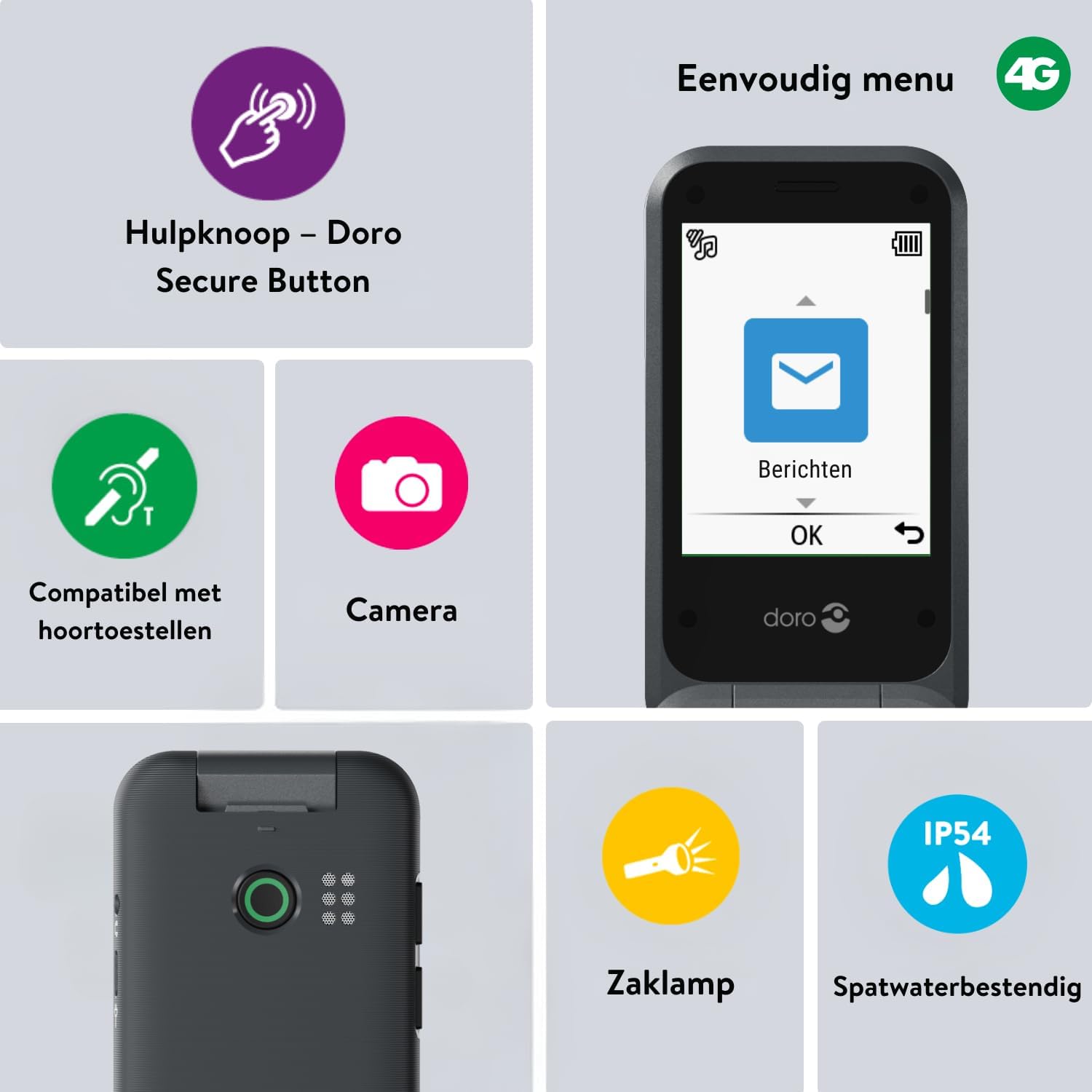
Image 2: The Doro Leva E20's simple menu interface, showing the 'Messages' icon, along with other features like the assistance button, camera, flashlight, and IP54 splash resistance.
3.3. Камера
The Doro Leva E20 includes a basic camera for capturing photos.
- Од главното мени, изберете Камера.
- Кадрирај ја снимката користејќи го екранот како viewпронаоѓач
- Притиснете го OK копче за фотографирање.
3.4. Assistance Button (Doro Secure Button)
The dedicated assistance button is a key safety feature, allowing you to quickly contact pre-set emergency numbers.
- Поставување: Refer to the phone's settings menu under 'Assistance' to program emergency contacts.
- Активирање: Press and hold the assistance button (located on the back of the phone) for a few seconds. The phone will automatically call and send an SMS to your pre-programmed emergency contacts.

Image 3: The Doro Leva E20's Doro Secure Button, designed for quick access to emergency contacts.
3.5. Фенерче
To activate the built-in flashlight:
- Locate the flashlight icon or dedicated button (if available) on the phone or in the quick settings menu.
- Press the corresponding key or navigate to the option to turn the flashlight on/off.
3.6. Quick Access Buttons
The Doro Leva E20 features quick access buttons for frequently used functions.
- Омилени контакти: Assign frequently called numbers to speed dial keys.
- Камера: A dedicated button or menu option for quick camera access.
- Пораки: A dedicated button or menu option for quick message access.

Image 4: The Doro Leva E20 in hand, showcasing the keypad with quick access buttons for favorite contacts, camera, and messages.
4. Одржување
4.1. Чистење на уредот
За да го одржите телефонот во оптимална состојба:
- Use a soft, dry, lint-free cloth to clean the screen and body of the phone.
- Избегнувајте употреба на груби хемикалии, растворувачи за чистење или силни детергенти.
- Не го изложувајте телефонот на прекумерна влага.
4.2. Нега на батерии
The Doro Leva E20 is powered by a rechargeable battery. To maximize battery life and performance:
- Charge the phone regularly. Avoid letting the battery drain completely before recharging.
- Не ја изложувајте батеријата на екстремни температури.
- Доколку телефонот нема да се користи подолг период, наполнете го до околу 50% пред да го складирате.
4.3. Водоотпорност
The Doro Leva E20 has an IP54 rating, meaning it is protected against dust ingress and splashing water from any direction. It is not designed to be submerged in water.
5 Смена на проблеми
Доколку наидете на проблеми со вашиот Doro Leva E20, обидете се со следниве решенија:
| Проблем | Можно решение |
|---|---|
| Телефонот не се вклучува | Ensure the battery is charged. Connect the charger and try again. Check if the battery is correctly inserted. |
| Не може да се остваруваат или примаат повици | Check if the SIM card is correctly inserted. Ensure you have network coverage. Contact your service provider if the issue persists. |
| Лош квалитет на звукот | Adjust the volume. Ensure the speaker/microphone is not blocked. If using a hearing aid, ensure compatibility settings are correct. |
| Батеријата брзо се троши | Reduce screen brightness. Close unused applications. Limit background data usage. Ensure the phone is not in an area with poor network signal, which can increase battery consumption. |
If these steps do not resolve the issue, please contact Doro customer support.
6. Спецификации
- Име на модел: Лева Е20
- Оперативен систем: Mocor OS
- Модел на процесорот: Кортекс А7
- Големина на екранот: 2.8 инчи
- Резолуција: 320 x 240
- Мобилна технологија: 4G
- Поврзување: USB тип C
- Капацитет за складирање на меморија: 17 GB
- Боја: Црното
- Отпорност на вода: IP54 (отпорен на прскање)
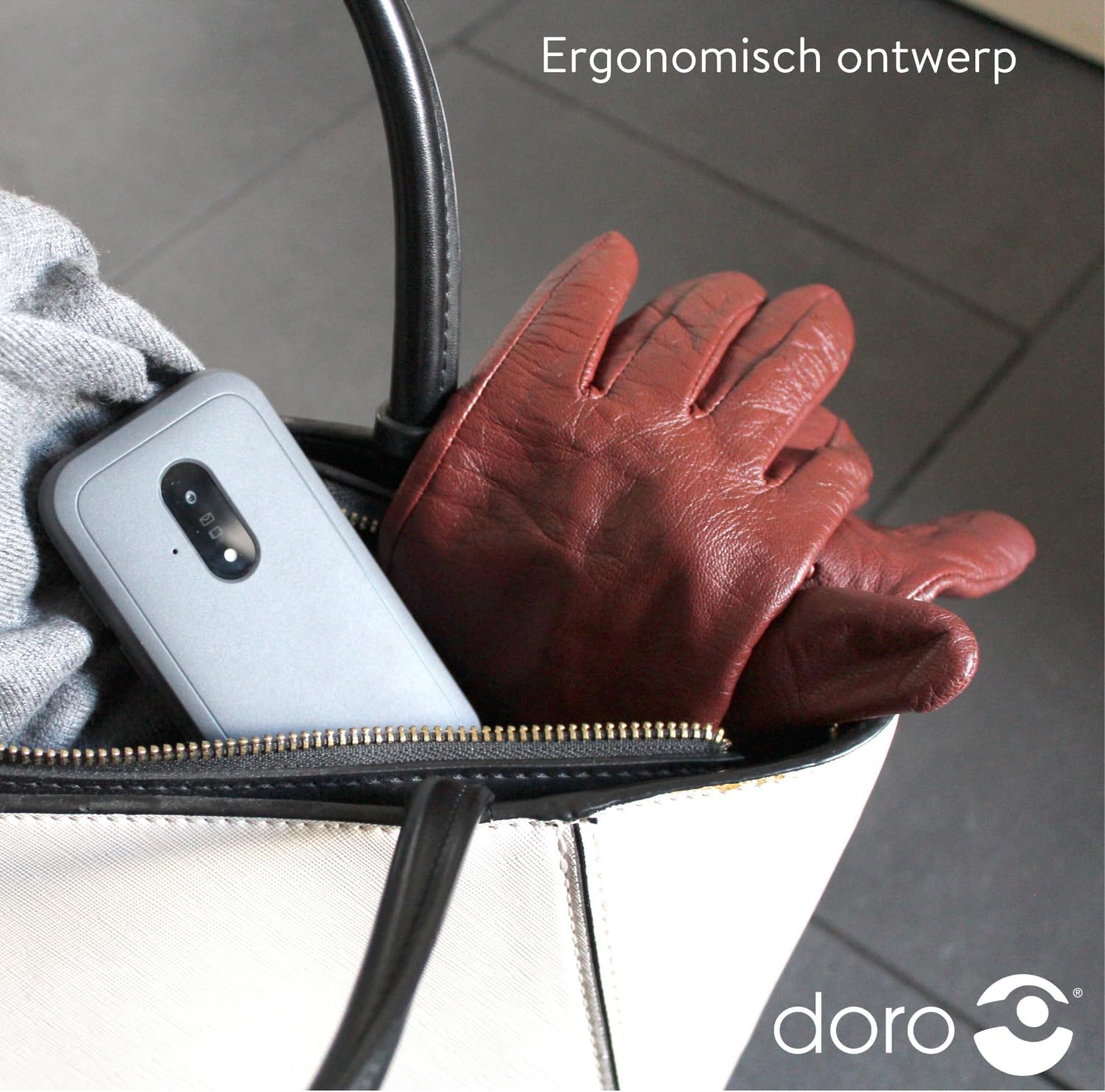
Image 5: The Doro Leva E20's ergonomic design allows for easy portability, fitting comfortably in a bag.
7. Гаранција и поддршка
Your Doro Leva E20 is manufactured by Doro. For specific warranty information, including terms and conditions, please refer to the warranty card included with your product or visit the official Doro website. For technical support, troubleshooting assistance beyond this manual, or service inquiries, please contact Doro customer support directly.
Производител: Доро
Webсајт: www.doro.com (Please check your regional Doro website for local support contact details.)


