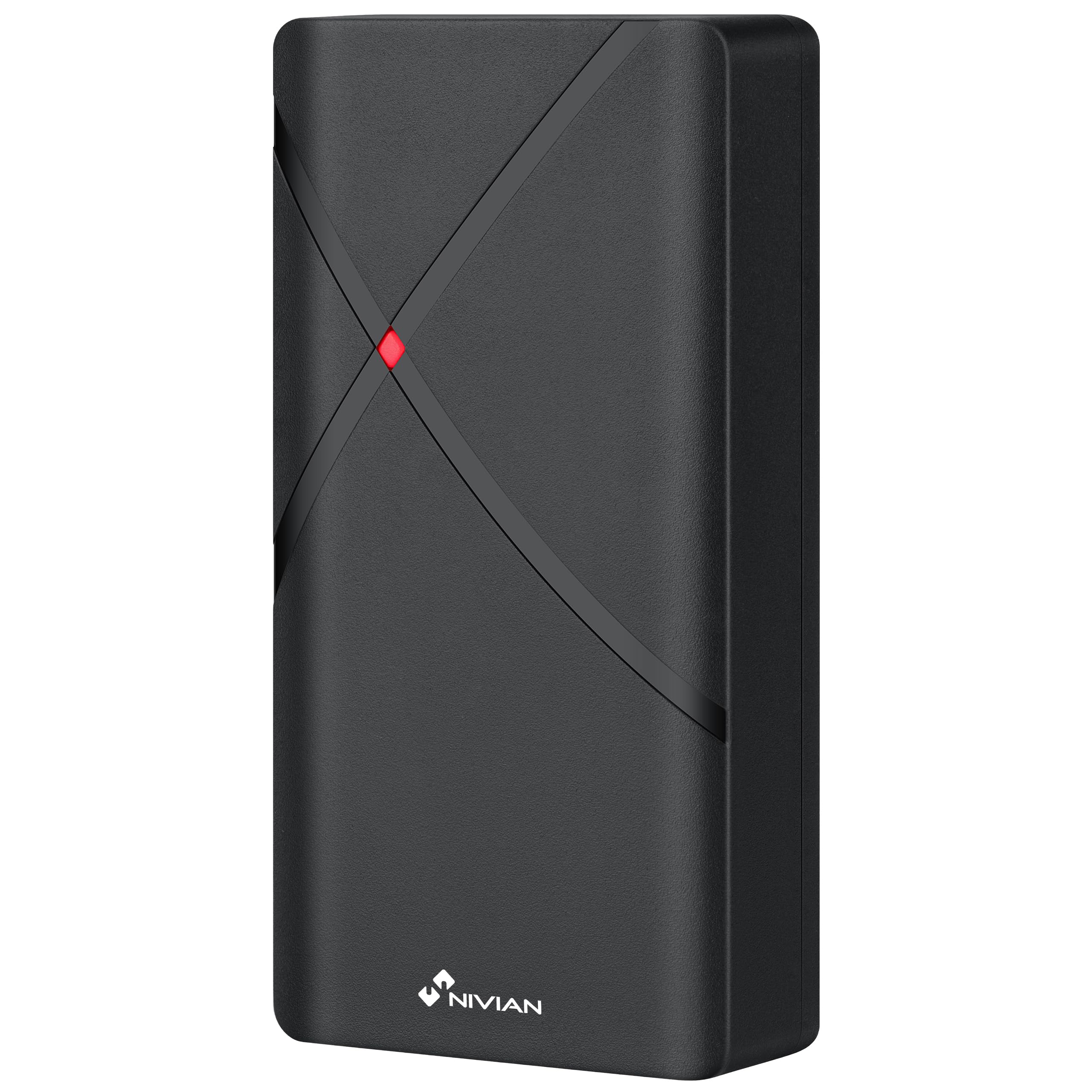
NIVIAN NV-ACCESS-RFID

NIVIAN NV-ACCESS-RFID IP68 RFID Access Control System Instruction Manual

Model: NV-ACCESS-RFID

1. Производот завршиview

The NIVIAN NV-ACCESS-RFID is an IP68-rated outdoor RFID access control system designed for secure door access. It supports up to 2,000 users and offers convenient configuration via a remote control. This system provides a robust and reliable solution for managing access in various environments.

Клучни карактеристики:

  • RFID Card and Key Fob Access: Securely opens doors using EM 125kHz proximity cards and key fobs for quick, contactless entry.
  • High User Capacity: Supports up to 2,000 users, making it suitable for communities, businesses, or facilities with high personnel turnover.
  • Конфигурација на далечински управувач: Manage users, cards, and functions easily with the included remote control, eliminating the need for internet connection or additional software.
  • IP68 Outdoor Rating: Features a robust, water-resistant, and dustproof design, ideal for outdoor installations. Constructed from durable ABS material.
  • Wiegand System Compatibility: Easily integrates into existing security systems through its 26-bit Wiegand input/output and configurable NO/NC relay output.

Содржина на пакетот:

  • NIVIAN Access Control Unit (NV-ACCESS-RFID)
  • Remote Control for configuration
  • Додатоци за инсталација (шрафови, ѕидни приклучоци)
  • Упатство за употреба

Производ View:

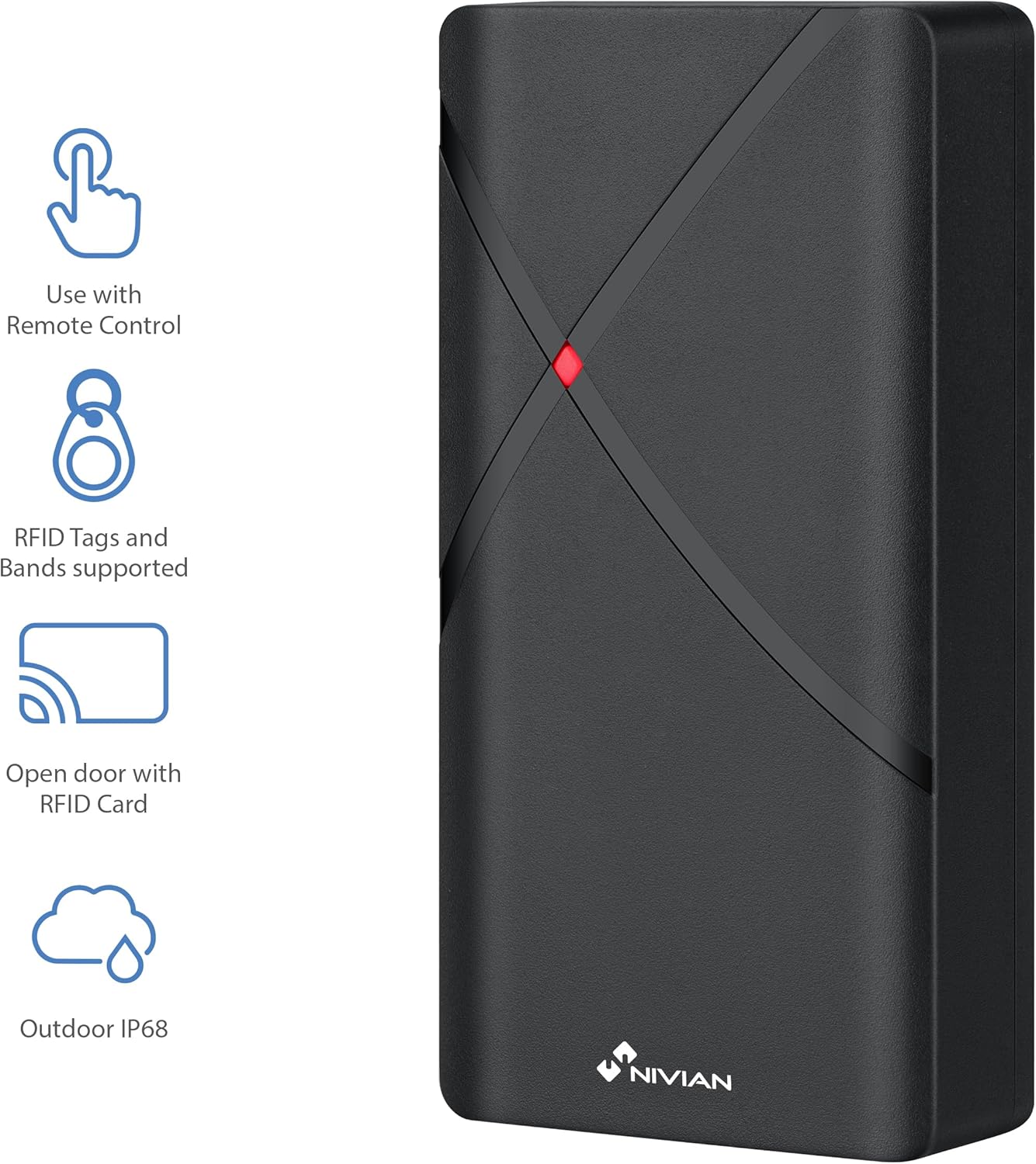
NIVIAN NV-ACCESS-RFID Access Control Unit with feature icons
Слика 1: Предна страна view of the NIVIAN NV-ACCESS-RFID Access Control Unit, highlighting its remote control compatibility, RFID tag support, RFID card opening, and IP68 outdoor rating.
NIVIAN NV-ACCESS-RFID Access Control Unit in a weatherproof and anti-vandalism metal alloy casing
Figure 2: The NIVIAN NV-ACCESS-RFID unit demonstrating its weatherproof and anti-vandalism metal alloy construction, suitable for outdoor use.

2. Водич за инсталација

Proper installation is crucial for the optimal performance and security of your NIVIAN NV-ACCESS-RFID system. Please follow these steps carefully.

2.1 Монтирање на единицата

  • Choose a suitable mounting location, ensuring it is within reach of necessary wiring and provides clear access for users. The IP68 rating allows for outdoor placement.
  • Use the provided mounting template (if included) to mark drilling points on the wall or door frame.
  • Drill holes and insert wall plugs. Secure the unit to the surface using the provided screws.
  • Осигурајте се дека единицата е цврсто прицврстена и стабилна.
NIVIAN NV-ACCESS-RFID Access Control Unit mounted on a narrow door frame
Figure 3: The access control unit designed for installation on narrow door frames, demonstrating its compact form factor.
NIVIAN NV-ACCESS-RFID Access Control Unit mounted on a glass door
Figure 4: The access control unit mounted on a glass door, showcasing its versatility in installation environments.

2.2 Дијаграм за поврзување

Connect the access control unit to your power supply, electric lock, and optional exit button or doorbell according to the following diagram. Always ensure power is disconnected before performing any wiring.

Diagram showing wiring options for the NIVIAN NV-ACCESS-RFID system, including power supply, electric lock, remote control, and optional exit button
Figure 5: Wiring diagram illustrating the connections for power supply, electric lock, remote control, and optional exit button for the access control system.

Video 1: This video demonstrates the installation scheme for the access control system, detailing how to connect the various components such as the door access control unit, lock, power supply, exit button, proximity card reader, and doorbell.

3. Упатства за работа

The NIVIAN NV-ACCESS-RFID system is designed for user-friendly operation. This section covers basic access methods and user management.

3.1 Granting Access with RFID Cards/Key Fobs

  • To grant access, simply present a pre-programmed RFID card or key fob to the reader area on the unit.
  • The unit will emit an audible signal and/or visual indicator (e.g., green light) to confirm successful access.
A hand presenting an RFID card to the NIVIAN NV-ACCESS-RFID unit for door access
Figure 6: A user presenting an RFID card to the access control unit to gain entry, illustrating the contactless operation.

3.2 User Management (via Remote Control)

The remote control allows for easy management of users without complex software. Refer to the remote control's specific instructions for detailed programming steps.

  • Додавање на корисници: Use the remote control to enter programming mode, then follow the prompts to add new RFID cards or key fobs.
  • Бришење на корисници: Access programming mode via the remote control and select the option to delete specific user cards or all users.
  • Промена на главниот код: The remote control can also be used to change the system's master programming code for enhanced security.

4. Технички спецификации

КарактеристикаСпецификација
Број на моделNV-ACCESS-RFID
БрендНИВИЈАНСКИ
Димензии (ДxШxВ)12 x 7 x 2 cm
Тежина300 грама
Оценка за заштита од навлегување (IP).IP68 (отпорен на вода и прашина)
Кориснички капацитетДо 2,000 корисници
Метод на пристапRFID (EM 125kHz cards/key fobs)
КонфигурацијаДалечински управувач
МатеријалИздржлив ABS
КомпатибилностWiegand systems (26-bit input/output)
Извор на енергијаЖичен електричен

5. Одржување

  • Чистење: Редовно бришете го уредот со мека,amp крпа. Избегнувајте абразивни средства за чистење или растворувачи.
  • Инспекција: Periodically check for any signs of damage, loose connections, or wear and tear.
  • Ажурирања на фирмверот: Проверете го производителот webстраница за сите достапни ажурирања на фирмверот за да се обезбедат оптимални перформанси и безбедност.

6 Смена на проблеми

ПроблемМожна причинаРешение
Уредот не се вклучуваНема напојување или неисправни жици.Check power connections and ensure the power supply is active. Verify wiring according to the installation diagram.
RFID card/fob not recognizedCard/fob not programmed or damaged. Incorrect card type.Ensure the card/fob is correctly programmed into the system using the remote control. Try a different card/fob. Verify it's an EM 125kHz type.
Door does not unlock after successful scanElectric lock malfunction or incorrect wiring.Check the electric lock's functionality independently. Verify the wiring between the access control unit and the lock. Ensure relay output is correctly configured (NO/NC).
Далечинскиот управувач не работиBattery low or out of range.Replace the remote control battery. Ensure you are within the effective range of the unit.

7. Поддршка и гаранција

For technical support, warranty information, or additional resources, please visit the official NIVIAN webсајт или контактирајте со службата за корисници.

NIVIAN branding with links to NIVIANHOME WEB, Инсtagram, and YouTube for support and tutorials
Figure 7: NIVIAN support information, including links to their webсајт, Инсtagram, and YouTube channel for technical assistance and tutorials.

Поврзани документи - NV-ACCESS-RFID

Предview Nivian NV-ACCESS-PIN-RFID-W: Упатство за користење на контрола на пристап до WiFi за паметен дом
Ова упатство за користење дава детални упатства за системот за контрола на пристап до WiFi за паметен дом Nivian NV-ACCESS-PIN-RFID-W, опфаќајќи инсталација, поставување, ракување, споделување и програмирање.
Предview Упатство за користење на NIVIAN 4G соларна камера: Поставување, инсталација и поставки
Откријте како да ја поставите, инсталирате и конфигурирате вашата NIVIAN 4G соларна камера со ова сеопфатно упатство за користење. Дознајте повеќе за интеграцијата на мобилната апликација, карактеристиките на уредот, советите за инсталација и напредните поставки за моделите NV-CAM01-SOLAR 4G и NV-CAM02S-SOLAR 4G.
Предview NIVIAN NV-VIDEOINTERCOM-2-BASIC: Водич за брз почеток и инсталација
Сеопфатно упатство за брз почеток и упатства за инсталација на NIVIAN NV-VIDEOINTERCOM-2-BASIC 2-жичен видео интерфонски систем. Научете како да го инсталирате, поврзете и управувате со вашиот уред.
Предview Nivian NV-VIDEOINTERCOM-2BASIC: Упатство за инсталација на 2-жичен видео интерфон
Сеопфатно упатство за инсталација и користење на двожичниот видео интерфонски систем Nivian NV-VIDEOINTERCOM-2BASIC. Опфаќа поставување, дијаграми за поврзување, функции на копчињата и системски поставки.
Предview Упатство за користење на контролер за гаражна врата Nivian NVS-GARAGEMINISWITCH-W за паметен дом со WiFi
Упатство за корисникот за контролерот за гаражна врата Nivian NVS-GARAGEMINISWITCH-W Smart Home WiFi, со детали за инсталацијата, поставувањето на апликацијата, употребата и безбедносните информации.
Предview Упатство за користење на Nivian Smart Home Video Intercom
Сеопфатен водич за инсталирање, конфигурирање и ракување со системот за видео интерфон Nivian Smart Home. Научете како да ги поврзете внатрешните и надворешните единици, да поставите интеграција со мобилна апликација и да користите разни функции како што се мониторинг со IP камера и режим „Не вознемирувај“.