1. Вовед
Thank you for choosing the TECKNET TK-MS024 Wireless Bluetooth Mouse. This manual provides detailed instructions for setting up, operating, and maintaining your new mouse. Please read this guide thoroughly to ensure optimal performance and longevity of your device.
2. Производот завршиview
The TECKNET TK-MS024 is a versatile wireless mouse designed for comfort and efficiency. It features multiple connectivity options, adjustable DPI, and an ergonomic design suitable for various computing tasks.
Клучни карактеристики:
- Three-Mode Wireless Connection: Supports Bluetooth 5.0, Bluetooth 3.0, and 2.4 GHz wireless via USB-A receiver.
- 4-Way Scroll Wheel: Enables both vertical and horizontal scrolling for enhanced navigation.
- Прилагодлив DPI: Six sensitivity levels (800/1200/1600/2400/3200/4800 DPI) with an indicator light.
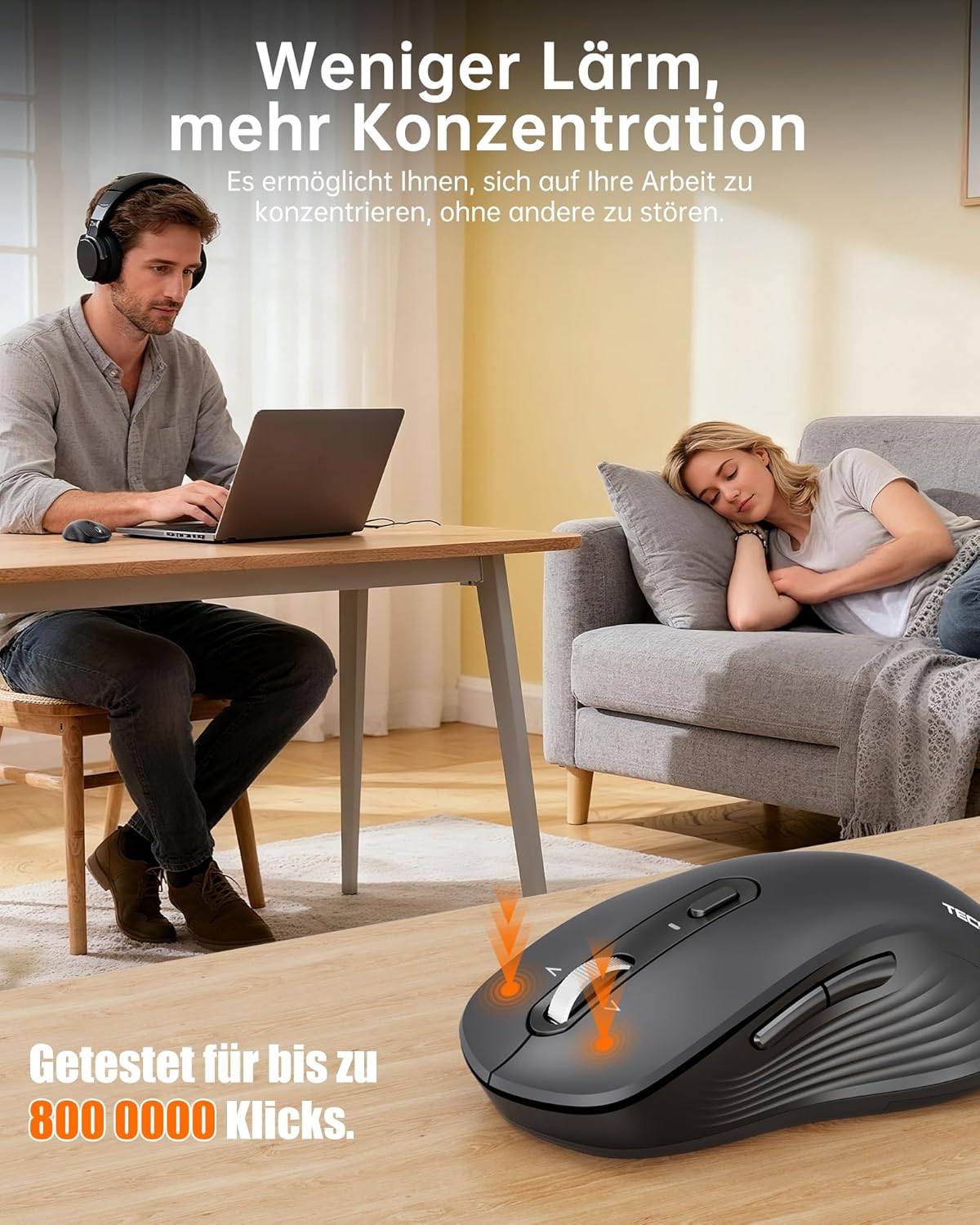
- Тивко работење: Up to 90% quieter clicks compared to conventional mice.
- Ергономски дизајн: Full-size shape with natural curvature for reduced wrist strain and comfort.
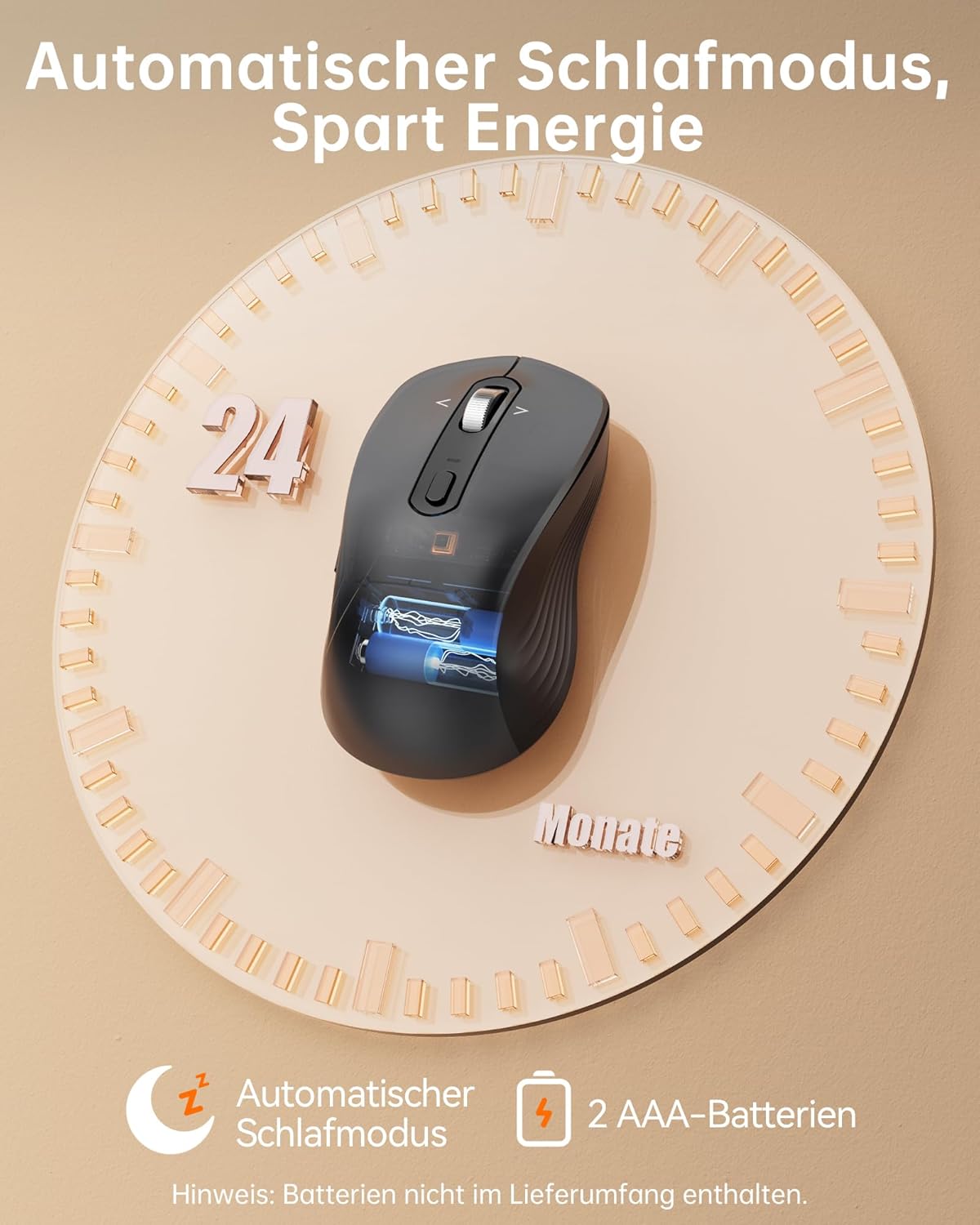
- Долг век на батеријата: Up to 24 months with intelligent auto-sleep mode.
The mouse features an ergonomic, full-size design with a natural curvature and integrated wrist rest, suitable for both left and right-handed users, ensuring comfort during long work sessions.

Designed for quiet operation, the mouse's silent clicks reduce noise by up to 90%, promoting better concentration in various environments.
3. Поставување
3.1 Инсталација на батерија
- Open the battery compartment cover located on the underside of the mouse.
- Insert two AAA batteries (not included) according to the polarity indicators (+/-).
- Добро затворете го капакот на преградата за батерии.

This image shows the mouse's automatic sleep mode feature, which conserves battery life, and indicates that it requires 2 AAA batteries (not included).
3.2 Режими на поврзување
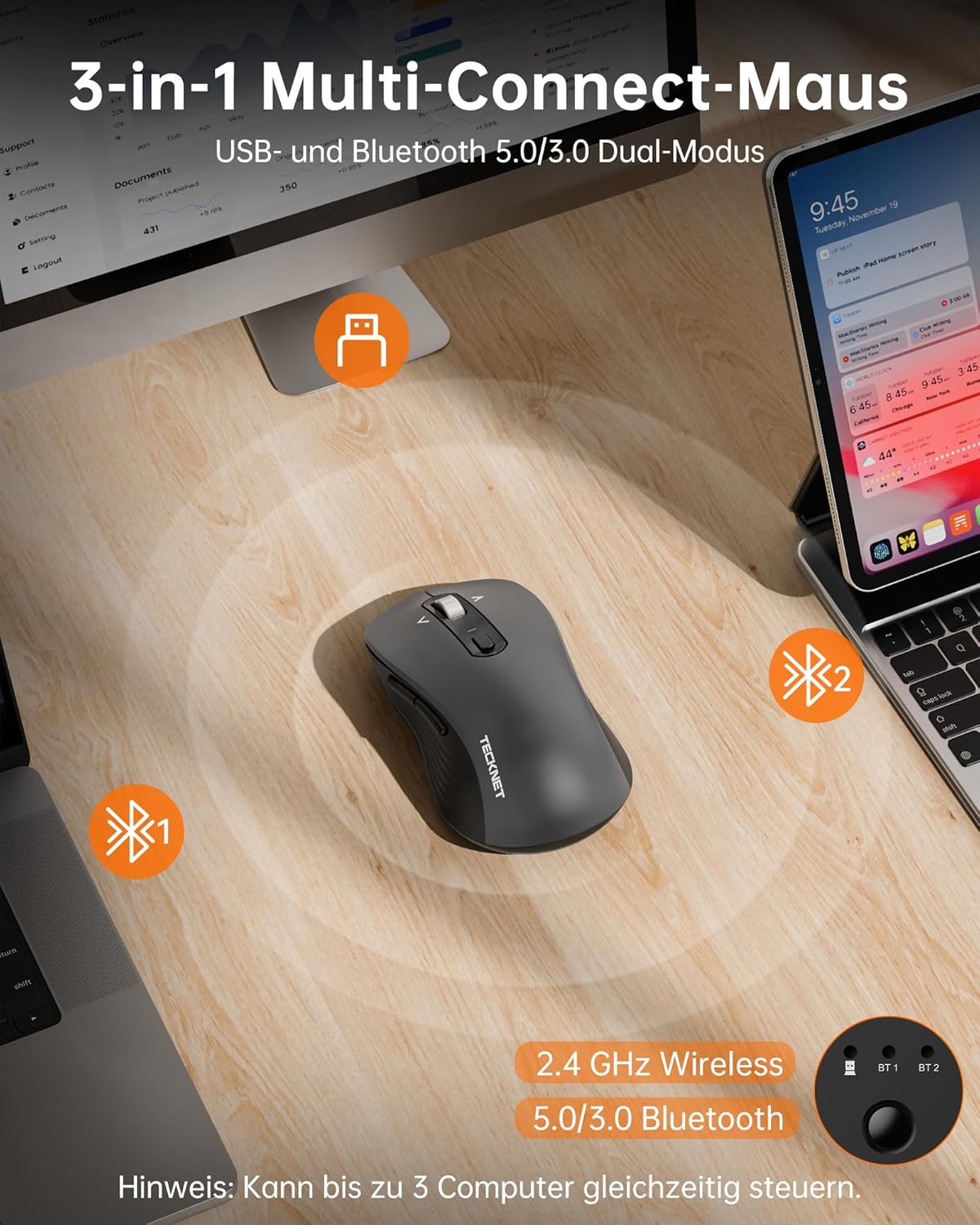
The mouse supports three connection modes: 2.4 GHz wireless (via USB receiver), Bluetooth 5.0, and Bluetooth 3.0. You can connect to up to three devices simultaneously and switch between them.
Безжична конекција од 2.4 GHz:
- Locate the USB-A receiver stored in the battery compartment of the mouse.
- Приклучете го USB-A приемникот во слободен USB порт на вашиот компјутер.
- Turn on the mouse. The mouse should automatically connect.
Bluetooth Connection (BT 5.0 / BT 3.0):
- Вклучете го глувчето.
- Press the mode switch button on the underside of the mouse to select either BT1 or BT2 mode. The corresponding indicator light will flash.
- On your device (laptop, PC, Mac, tablet), go to Bluetooth settings and search for new devices.
- Select "TECKNET Mouse" from the list of available devices to pair.
- Once paired, the indicator light will stop flashing and remain solid for a few seconds.
The mouse offers versatile connectivity with 2.4 GHz wireless, Bluetooth 5.0, and Bluetooth 3.0 modes, allowing connection to up to three devices simultaneously.
4. Упатства за работа
4.1 Прилагодување на DPI
The mouse features 6 adjustable DPI levels to suit various tasks and preferences. Press the DPI button, located behind the scroll wheel, to cycle through the settings:
- 800 DPI
- 1200 DPI
- 1600 DPI
- 2400 DPI
- 3200 DPI
- 4800 DPI
An indicator light will signal the current DPI level. The mouse includes a memory function that saves your last DPI setting.
This image illustrates the mouse's intelligent sensitivity with 6 adjustable DPI levels (800, 1200, 1600, 2400, 3200, 4800) for precise control, indicated by an LED.
4.2 4-Way Scrolling
The intelligent metal scroll wheel allows for both vertical and horizontal scrolling. Tilt the scroll wheel left or right to perform horizontal scrolling, which is particularly useful for navigating wide spreadsheets or large artboards.

The mouse features an intelligent metal scroll wheel that supports both vertical and horizontal scrolling, enhancing navigation in wide documents and spreadsheets.
4.3 Префрлување на повеќе уреди
To switch between connected devices (2.4G, BT1, BT2), simply press the mode switch button on the underside of the mouse. The corresponding indicator light will illuminate to show the active connection.
5. Одржување
- Чистење: Користете мека, сува крпа за чистење на глувчето. За тврдокорна нечистотија, малкуamp Може да се користи крпа, но осигурајте се дека влагата не влегува во уредот.
- Замена на батерија: Replace AAA batteries when the mouse's performance degrades or the low battery indicator (if present) illuminates.
- Складирање: When not in use for extended periods, remove the batteries to prevent leakage. Store the mouse in a cool, dry place.
6 Смена на проблеми
Глувчето не реагира:
- Проверете дали глувчето е вклучено.
- Проверете ги нивоата на батеријата и заменете ја доколку е потребно.
- За поврзување од 2.4 GHz, проверете дали USB приемникот е безбедно приклучен во функционален USB порт. Обидете се со друг USB порт.
- For Bluetooth connection, ensure Bluetooth is enabled on your device and the mouse is correctly paired. Try re-pairing the mouse.
- Ensure the mouse is within the effective operating range (up to 15 meters).
Наизменична врска:
- Move the mouse closer to your device.
- Избегнувајте користење на глувчето на метални површини, бидејќи тие можат да пречат на безжичните сигнали.
- Minimize interference from other wireless devices operating on the same frequency.
Движењето на курсорот е неправилно:
- Исчистете го оптичкиот сензор на долната страна од глувчето.
- Користете го глувчето на чиста, нерефлектирачка површина или на подлога за глушец.
- Прилагодете ја поставката DPI на пониско ниво ако курсорот е премногу чувствителен.
7. Спецификации
| Бренд | ТЕКНЕТ |
| Број на модел | TK-MS024 |
| Технологија за поврзување | Bluetooth 5.0, Bluetooth 3.0, 2.4 GHz Wireless (USB-A) |
| Нивоа на DPI | 800, 1200, 1600, 2400, 3200, 4800 |
| Број на копчиња | 6 |
| Технологија за откривање на движење | Оптички |
| Посебни карактеристики | 4-Way Scrolling, Ergonomic Design, LED Lights, Soundless Clicks, Wireless |
| Компатибилни уреди | Desktop, Laptop, Mac, Tablet |
| Компатибилност на оперативниот систем | Windows XP/7/8/10/11, macOS 10.4+, Linux, Android, Chrome OS |
| Извор на енергија | 2 x AAA батерии (не се вклучени) |
| Просечен век на траење на батеријата | До 24 месеци |
| Димензии на производот | 11.8 x 6.6 x 0.1 cm |
| Тежина на ставката | 100 гр |
8. Гаранција и поддршка
TECKNET offers a 36-месечна гаранција for registered users of this product. If you encounter any issues or have questions regarding your TECKNET TK-MS024 Wireless Bluetooth Mouse, please contact TECKNET customer service for assistance. Please refer to the official TECKNET website or your purchase documentation for specific contact details and warranty registration information.


